














🖥️ Curved monitors in 2026: is it worth switching from a flat screen to a curved one
Choosing a monitor and can't decide between flat and curved? You're not alone. Salespeople in stores compete to praise the "immersion effect," but when it comes down to it, you put 400 dollars on the table and want to understand what exactly you're paying for.
https://techno.bigmir.net/technology/10215070-izognutye-monitory-glazami-ekspertov-allo-kogda-ploskij-ekran-uzhe-ne-variant, one of the first articles where experts substantively analyzed whether it makes sense to switch from a flat screen to a curved one. Technology has advanced significantly since then: panels have become faster, curvature radii tighter, and prices more accessible. But the key question remains the same.
In this article: an honest comparison of curved and flat monitors across six key parameters, relevant models from mid-2026, and a simple algorithm: to buy or not to buy.
💡 Quick overview:
- Understand the curvature radius (1000R, 1500R, 1800R): it determines how much the screen "hugs" your field of view.
- Compare curved and flat monitors across six parameters: from viewing angles to power consumption.
- Define your use case (gaming, graphics work, or office): each has its own diagonal, radius, and panel type.
- Check out relevant models from mid-2026: from budget to flagship.
- Make a decision: whether overpaying for the curve is worth it in your specific case.
What is curvature radius and why it matters
Curvature radius is the key number in curved monitor specs. It's denoted as 1000R, 1500R, 1800R, and so on. The number before R is the radius in millimeters: if you were to form a circle from several identical monitors, its radius would equal this value.
The SMALLER the number, the STRONGER the curve. 1000R (1 meter): the screen is noticeably concave, the edges literally enter your peripheral vision. 1800R (1.8 meters): a moderate curve, noticeable but not aggressive. 3800R: almost flat, the eye barely detects the difference.
In practice, the rule is simple: the optimal viewing distance equals the curvature radius. If you sit one meter from the monitor, get 1000R. One and a half meters: 1500R. If your desk is deep and you sit further back, a strong curve loses its purpose: the screen edges simply fall outside your comfortable viewing zone.
Manufacturers like Samsung, LG, Dell, MSI, ASUS have been experimenting with radii for the past five years. The 2025-2026 trend: flagship gaming models are moving toward 800R-1000R, while professional and office models stay in the 1500R-2000R range to avoid distorting straight lines in interfaces and spreadsheets.
Curved vs flat: comparison by key parameters
What exactly does the curve deliver in numbers? We compiled test data from RTINGS.com and DisplayNinja into one table:
Parameter | Curved monitor | Flat monitor |
|---|---|---|
Viewing angle (horiz.) | up to 178° (VA/IPS) | up to 178° (IPS), up to 170° (TN) |
Contrast ratio (static) | 3000:1 (VA), infinite (OLED) | 1000:1 (IPS), 3000:1 (VA) |
Edge distortion | minimal (equal distance to eyes) | noticeable on wide diagonals |
Immersion effect | high (periphery covered) | low |
Geometry accuracy | slight distortions on desktop | perfect |
Average price (27-34 inches) | $250-$1200 | $200-$800 |
The main takeaway: the curve does NOT improve the panel's basic characteristics. Contrast ratio, color gamut, and response time depend on the panel TYPE (VA, IPS, OLED) and model, not on the screen shape. The gain is in ergonomics: equal distance from your eyes to every point on the display reduces strain during prolonged work.
According to the Curved Office Monitor Global Market Report 2026, the curved office monitor market grew from $2.56 billion in 2025 to $2.78 billion in 2026. This isn't hype; it's a stable trend backed by real demand.
Who should definitely get a curved monitor
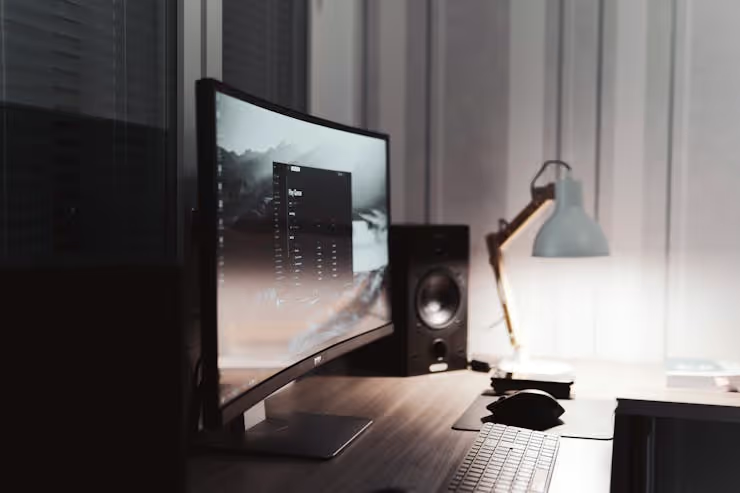
Gamers
This is where the curve fully reveals itself. 1000R at 32-49 inches plus a 144-240 Hz refresh rate and G-Sync or FreeSync support, and you stop looking at the screen: you're inside it. This is especially true for racing games, simulators, and open-world RPGs: the edges of the image work like peripheral vision in real life.
A concrete example: Samsung Odyssey OLED G9 (G95SD, 2025), 49 inches, 32:9, 1000R, QD-OLED, 240 Hz. Price around $1200. According to a review by Gaming Gear Labs, this is the best gaming curved monitor of 2026 by overall parameters.
Designers and photographers
The picture here is more complex. On one hand, OLED with DCI-P3 coverage up to 98-99% and sRGB 100% delivers color that flat IPS panels simply can't match; such figures are confirmed by RTINGS lab tests for 2025-2026 for flagship 2025-2026 models. On the other hand, professional tasks demand perfect geometry: a straight line in a layout must be straight, not slightly bowed.
The solution: a moderate 1800R-2000R radius on an IPS or OLED panel. Such a curve doesn't distort geometry but eliminates edge glare and makes color uniform across the entire area. Dell UltraSharp U3423WE (34 inches, 1900R, IPS Black, USB-C 90 W) is an example of a balanced workhorse.
Office workers and programmers
The most debatable use case. A curved 27-inch monitor with 1500R or 1800R provides a slight, comfortable wrap, but you won't notice a fundamental difference from a flat one. On a 34-inch ultrawide 21:9 format, the curve is justified: a code editor window in the center, terminal and browser on the sides, all at an equal distance from your eyes.
However, 1000R for working with spreadsheets and code is a bad idea. Text at the edges visually "drifts," lines appear concave, and after a couple of hours, your eyes tire more than with a flat screen.
Best models of mid-2026
The market doesn't stand still. Models mentioned in reviews two years ago have already been replaced by new revisions. Here's the current picture as of July 2026:
Model | Panel type | Diagonal | Radius | Refresh rate | Price (USD) |
|---|---|---|---|---|---|
Samsung Odyssey OLED G9 (G95SD) | QD-OLED | 49 inches | 1000R | 240 Hz | ~$1200 |
Dell Alienware AW3426DW | OLED | 34 inches | 1800R | 280 Hz | ~$1100 |
LG 39GS95QE | OLED | 39 inches | 800R | 240 Hz | ~$1300 |
KTC H32S25E | VA | 32 inches | 1000R | 240 Hz | ~$380 |
AOC C24G42E | VA | 24 inches | 1500R | 180 Hz | ~$150 |
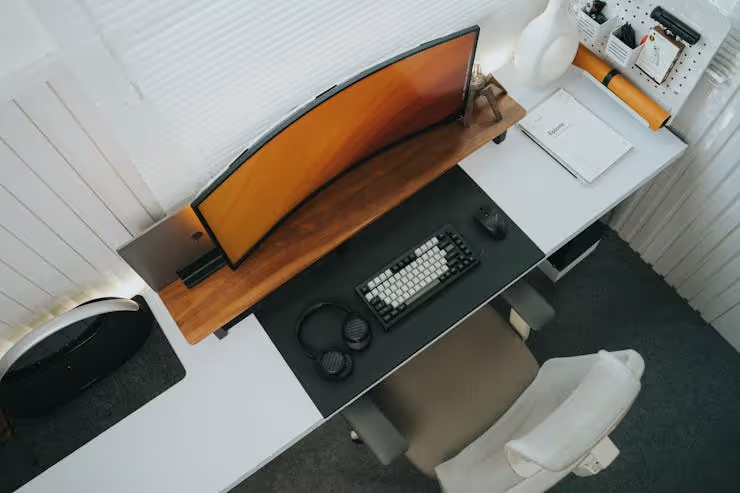
Note: KTC H32S25E at $380 with 1000R and 240 Hz, according to DisplayNinja, is one of the best budget curved monitors of mid-2026. Three years ago, such specs would have cost $700+. The budget AOC C24G42E at $150 is the minimum entry threshold into the world of curved displays.
What to know before buying: drawbacks and limitations
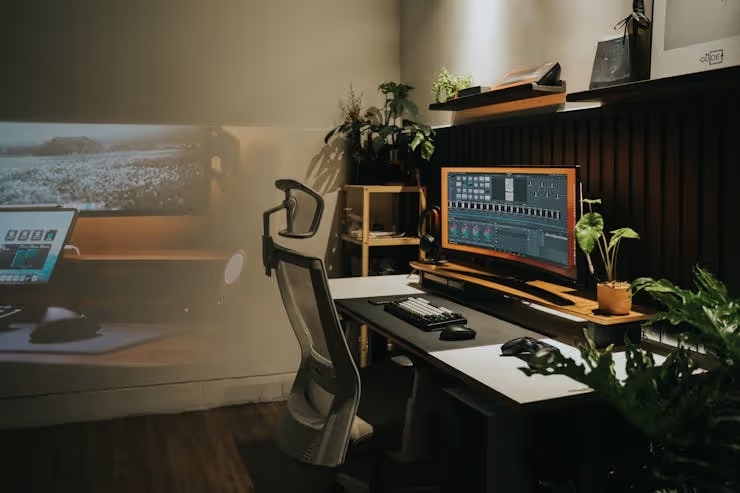
A curved monitor is not a silver bullet. Here's what can go wrong:
Viewing angles. The picture is perfect only if you sit directly opposite the screen center. Move to the side, and contrast drops, especially on VA panels. If you watch movies from a couch positioned to the side of the desk, quality will suffer.
Desktop geometry. Straight interface lines (toolbars, spreadsheets, guides in Figma) visually warp on a strong 1000R curve. This is critical for layout design and CAD.
Price. Yes, the gap is narrowing. But curved OLED models at retail are still more expensive than flat counterparts with the same panel; according to the DisplayNinja catalog for July 2026, the difference is $200-$400 for models of the same diagonal. You're paying for the shape, not for pixel quality.
Minimum size. At 24 inches, the curve is practically imperceptible. A 24-inch 1500R looks flat until you view it from the side. The real benefit starts at 32 inches for 16:9 format and at 34 inches for ultrawide 21:9.
⁉️🤔 Frequent questions
Which curvature radius is best for gaming?
For simulators, racing, and RPGs, definitely 1000R: maximum immersion, screen edges work as peripheral vision. For esports (CS2, Valorant), 1500R-1800R or a flat screen is preferable: at competitive frame rates, minimal latency matters more than peripheral coverage.
Is it worth overpaying for OLED in a curved monitor?
If your budget allows, yes. OLED contrast (perfect blacks) paired with the curve delivers an image impossible to achieve on a flat IPS. This is especially noticeable in dark game scenes and when viewing HDR content. But for office work with documents, the difference is minimal.
Can you build a multi-monitor setup from curved screens?
Yes, and it's one of the best use cases. Two 27-inch 1800R monitors placed in a semicircle create an almost seamless panorama. Choose models with thin bezels; the seam will be less noticeable. Note that for comfort, both monitors should have the same radius and height.
Is a curved screen suitable for programming?
For working with code in narrow columns, a moderate 1800R-2000R on a 34-inch ultrawide format works. Three vertical panels: editor, terminal, browser, all at an equal distance from your eyes. Don't get 1000R for code: lines visually bow into an arc, and your eyes tire faster.
Does a curved monitor reduce eye strain?
Yes, but not through magic. The mechanism is simple: equal distance from the pupil to any point on the screen reduces the need for the eye to constantly refocus when shifting gaze from the center to the edges. On a flat monitor, the edges are farther from the eyes than the center, so the lens muscles have to work harder. With 6-8 hours in front of the screen, the difference becomes noticeable within a week.
Do curved monitors support VESA mounting?
Most modern models do. The VESA standard for displays up to 32 inches is typically 100×100 mm (specification VESA FDMI), and virtually all manufacturers support it. But before buying, check the specific model's specs: VESA compatibility doesn't guarantee convenient positioning for your curvature radius and desk depth.
So is it worth switching to a curved screen?
The answer is "it depends on what for." A curved monitor doesn't make the picture magical. It makes it ergonomic, and that either solves your specific problem or it doesn't.
A short algorithm:
- You're a gamer getting 32+ inches: yes, get 1000R. The difference from flat is like between a cinema and a TV.
- You're a designer or photographer: yes, but a moderate curve (1800R-2000R) on IPS or OLED. Geometry won't suffer, and color will become more uniform.
- You work with documents, spreadsheets, code: only if you're getting an ultrawide 34+ inches. For standard 27 inches, the premium for the curve doesn't pay off.
- Your budget is tight: get a quality flat IPS instead of a cheap curved VA. A good panel on a flat screen will give you more than a mediocre one on a curved screen.
The market is moving toward curved panels: according to research by Evolvance Market Research, the global curved display market will grow from $11.42 billion in 2025 to $45.21 billion by 2035. But that doesn't mean the flat monitor is "obsolete"; it has simply occupied its niche: budget, professional geometry, multi-monitor trading rigs.
The conclusion is simple: the curve is a tool, not a religion. If it solves your task (immersion in gaming, comfort on an ultrawide format), get it without hesitation. If not, feel free to stick with flat. There is no technological necessity to switch right now.

A professional team of writers and editors specializing in creating quality content.