



🌐 Free DNS hosting: 8 services for managing domain records in 2026
Bought a domain but have nowhere to host your DNS records? Your hosting provider is gouging you for managed DNS, and the free plan only gives you an A record and a redirect to a "coming soon" placeholder. Sound familiar.
DNS hosting is not a luxury. It is basic infrastructure that affects load speed, email deliverability, and DDoS protection. And you do not have to pay for it: eight services in this review provide full zone management, an Anycast network, and support for all record types, free of charge.
Let us look at what matters in free DNS hosting and which platforms deliver without "extra cost" caveats.
What to look for when choosing free DNS hosting
💡 Quick overview:
- Check the list of supported record types: A, AAAA, MX, CNAME, TXT, and PTR should be included in the free plan
- Find out whether an Anycast network is available: it reduces DNS query latency for visitors from different regions
- DDoS protection is not a bonus, it is a necessity for any public domain
- Evaluate the limits: number of zones, queries per month, domains per account, the free plan is always capped
- Look at the control panel: if changing an MX record requires three hours of reading documentation, the service is not for day-to-day work
We put together a comparison table at the end of the article so you can easily compare limits and capabilities side by side.
8 Free DNS hosting services
1. Cloudflare DNS
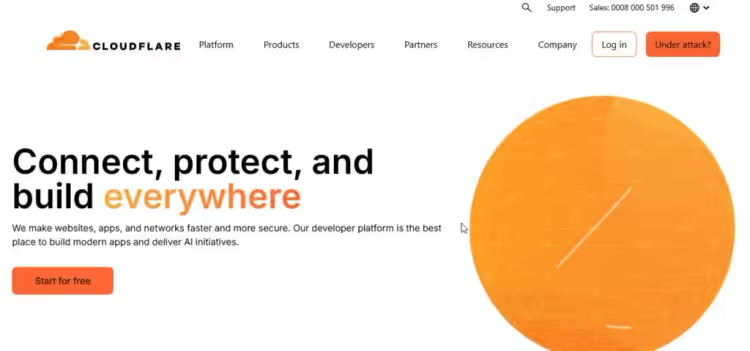
Cloudflare is probably the most obvious candidate on the list. The free plan includes authoritative DNS on a global Anycast network of 330+ points of presence, DDoS protection with no attack volume limit, and DNS over HTTPS and TLS for query privacy.
All major record types are supported: A, AAAA, CNAME, MX, TXT, SRV, NS. The control panel is localized into Russian, and adding or editing records takes seconds. A separate plus is the API: if you have many domains, bulk changes are done via script rather than by hand.
As a bonus you get free SSL certificates, a CDN for static assets, and bot protection. For a WordPress site this is practically a must-have, even if DNS hosting is not the main reason to create an account.
- Official site: cloudflare.com
- Limits: no zone or query limits on the free plan
- Difficulty: low, the panel is beginner-friendly
2. Google Cloud DNS
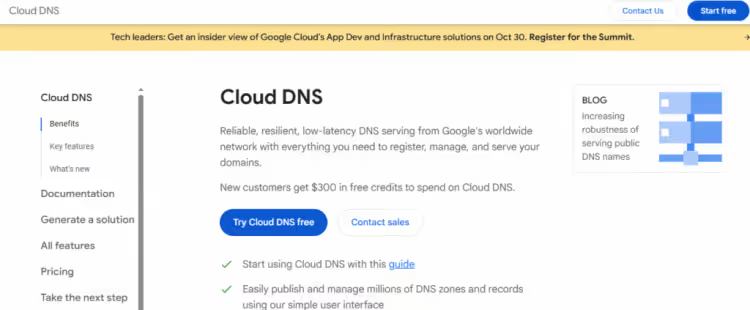
Google Cloud DNS is managed DNS on Google’s infrastructure. A global Anycast network, 100% SLA on paid plans, and integration with the Google Cloud ecosystem.
The nuance is that the service has no full-fledged perpetual free tier. New users get $300 in trial credits for 90 days, which is enough for testing or a one-off project. After that it is pay-as-you-go: $0.20 per zone per month plus query charges. For a small site the bill will be a couple of dollars, but calling the service "free" is a stretch.
If you already use Google Cloud (Compute Engine, Cloud Run, Firebase), Cloud DNS is the natural choice: unified billing, end-to-end monitoring, and predictable latency. For everyone else there are options above and below on this list, without the "first 90 days" asterisk.
- Official site: cloud.google.com/dns
- Limits: $300 credits for new users, then paid
- Difficulty: medium, the GCP interface takes getting used to
3. Hurricane Electric Free DNS
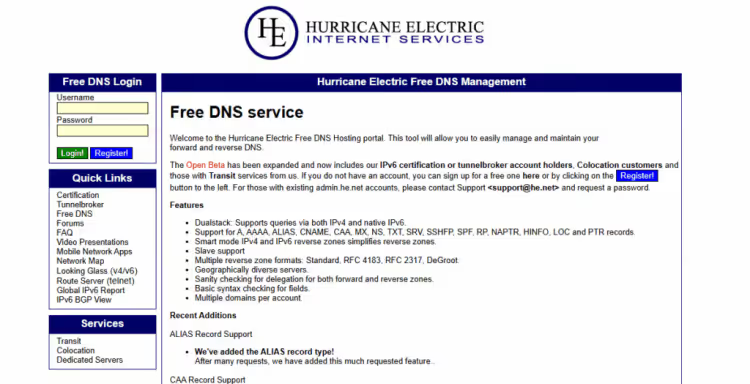
Hurricane Electric is a completely free DNS hosting service with no paid plans and no hidden restrictions. The service has been running since the 1990s and serves millions of zones. It supports A, AAAA, MX, CNAME, TXT, PTR, SRV, as well as reverse DNS for IPv4 and IPv6.
HE’s strong suit is secondary DNS: you can set up a backup server that will take over the zone if the primary goes down. For projects where domain downtime is critical, this is a serious argument. Dynamic DNS is supported, which is handy for home servers and IoT devices with a dynamic IP.
The control panel is ascetic, with no frills. The barrier to entry is slightly higher than Cloudflare: a beginner will need to figure out how AAAA differs from PTR, but for anyone who has already worked with DNS zones the interface is intuitive.
- Official site: dns.he.net
- Limits: no restrictions on zones, queries, or domains
- Difficulty: medium, the interface requires a basic understanding of DNS
4. Namecheap FreeDNS
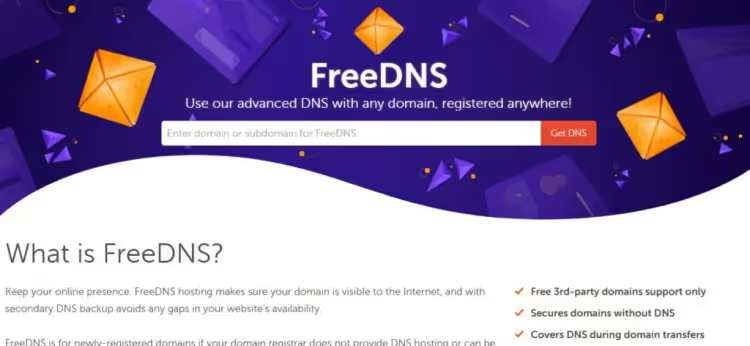
Namecheap’s FreeDNS lives separately from the registrar: you can set up DNS hosting for any domain, no matter where it was purchased. It supports A, AAAA, CNAME, MX, TXT, SRV, NS, the standard gentleman’s set.
A nice touch: URL redirects and email forwarding work right from the DNS panel, without jury-rigging additional services. Dynamic DNS is also available, useful for a site on a home server or a staging environment behind a changing IP.
Namecheap’s record propagation speed does not break any records, but for small projects and personal sites a delay of a couple of minutes is not critical. The interface is minimalist and available in Russian, with a near-zero barrier to entry.
- Official site: namecheap.com/domains/freedns
- Limits: no restrictions on zones or queries
- Difficulty: low, panel in Russian, minimal settings
5. ClouDNS
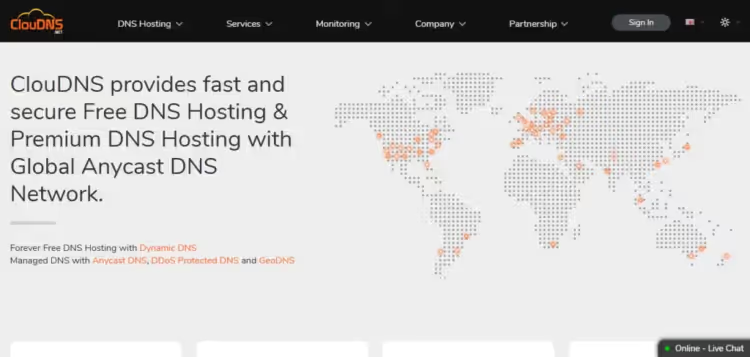
ClouDNS has been operating since 2010 and offers a free plan with one DNS zone, 50 records, and 500,000 queries per month. That is more than enough for a personal blog or a business card site. The Anycast network includes 30+ points of presence, and query latency is consistently low.
It supports A, AAAA, MX, CNAME, TXT, SRV, PTR, CAA, all the types you need for email authentication, SSL validation, and VoIP. Secondary DNS and Dynamic DNS are available. When you exceed the free limit, the service does not disable the zone but offers an upgrade, with pricing starting at $2.95 per month.
The control panel is logical: a list of zones on the left, and on the right, the records of the selected zone with an add form. There is no Russian interface language, but basic technical English is enough.
- Official site: cloudns.net
- Limits: 1 zone, 50 records, 500K queries/month
- Difficulty: low, logical panel, quick start
6. BuddyNS
BuddyNS positions itself as "the fastest secondary DNS," and it really does sync changes between nodes in seconds. The service offers a free plan with support for A, AAAA, MX, CNAME, TXT, SRV, and built-in secondary DNS.
The main emphasis is on fault tolerance: DNS queries are served by a distributed network of servers, and the failure of one node does not interrupt domain resolution. Query statistics and response time are available in the control panel, which is handy for debugging.
On the downside: community support (forum), no direct support on the free plan. The interface is simple, but the documentation is in English and outdated in places, so be prepared to figure out the nuances on your own.
- Official site: buddyns.com
- Limits: free plan with core features, exact limits on the site
- Difficulty: medium, simple interface, but documentation is not for beginners
7. 1984 Hosting Free DNS
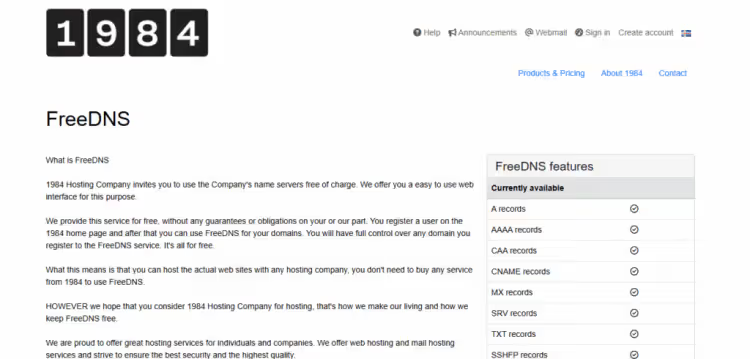
1984 Hosting is an Icelandic hosting provider with a focus on privacy and free speech. The FreeDNS service is free, ad-free, and has no zone restrictions. It supports A, AAAA, MX, CNAME, TXT, PTR, SRV, as well as reverse DNS and secondary DNS.
Iceland's jurisdiction provides strong legal data protection, a useful advantage for privacy-sensitive projects. The servers are located in data centers in Reykjavik, and DNS latency is minimal for a European audience. For Asia and the Americas, it is slightly higher, but the Anycast network smooths out the difference.
The control panel is in English, basic, with no frills. Support responds via email; free users get a lower-priority response, but they do respond.
- Official site: 1984.hosting/product/freedns
- Limits: no restrictions on zones or queries
- Difficulty: low, basic panel, minimal settings
8. FreeDNS (Afraid.org)
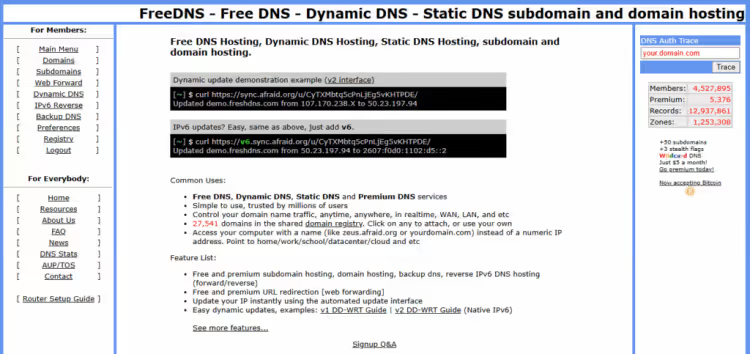
FreeDNS at afraid.org, a veteran among free DNS services, has been running since the early 2000s. It supports A, AAAA, MX, CNAME, TXT, PTR, SRV, dynamic DNS, and reverse DNS. Zones can be made public, allowing other users to connect your domain as a shared resource.
Dynamic DNS is one of its strong points: IP changes are tracked by a client, and the record updates automatically. For a home server, surveillance camera, or a test lab behind NAT, this is an ideal option.
The afraid.org interface is stuck in 2005: small fonts, table-based layout, no responsive design. It works fast, but the aesthetics are an acquired taste. On the other hand, the functionality is complete: zone import/export, TTL configuration, shared zones, and an API for automation.
- Official site: freedns.afraid.org
- Limits: no restrictions on zones or queries
- Difficulty: medium, the interface is spartan, but the workflow logic is clear
Comparison table
Service | Zones | Queries | Anycast | Secondary DNS | Dynamic DNS | Russian language |
|---|---|---|---|---|---|---|
Cloudflare DNS | ∞ | ∞ | ✅ | ❌ (free) | ❌ (free) | ✅ |
Google Cloud DNS | paid | paid | ✅ | ❌ | ❌ | ❌ |
Hurricane Electric | ∞ | ∞ | ❌ (Unicast) | ✅ | ✅ | ❌ |
Namecheap FreeDNS | ∞ | ∞ | ❌ | ❌ | ✅ | ✅ |
ClouDNS | 1 | 500K/month | ✅ | ✅ | ✅ | ❌ |
BuddyNS | ∞ | ∞ | ✅ | ✅ | ❌ | ❌ |
1984 Hosting | ∞ | ∞ | ✅ | ✅ | ✅ | ❌ |
FreeDNS (afraid.org) | ∞ | ∞ | ❌ | ✅ | ✅ | ❌ |
⁉️🤔 FAQ
Is free DNS hosting reliable?
For small sites, blogs, and personal projects, yes. Services like Cloudflare DNS or Hurricane Electric serve millions of zones and maintain uptime on par with leading paid providers. The risk is not the DNS server going down, but the limitations of the free tier: some features may be cut, and support is slower than on paid plans.
Can I use free DNS hosting with a domain purchased from a different registrar?
Yes, DNS hosting is not tied to the domain registrar. You change the NS records at your registrar to the addresses provided by the DNS provider, and all zone management moves to them. Namecheap FreeDNS is actually designed specifically for "outside" domains.
What record types are supported on free tiers?
The minimum set: A, AAAA, CNAME, MX, TXT. Most providers on the list also include SRV, PTR, CAA, NS. If you need specific types like ALIAS or ANAME, check the service documentation before migrating the zone.
Are there hidden limits in free DNS hosting?
Yes, and they vary. Cloudflare does not limit zones or queries, but cuts some advanced features. ClouDNS gives 500,000 queries per month, which is enough for a site with up to 10,000 visitors, but not for a high-load project. Google Cloud DNS is free only for the first 90 days. Read the plan terms before migrating the zone.
What happens to the DNS zone if the service shuts down?
The domain won't disappear. You change the NS records at your registrar to another provider's servers, and resolution recovers within 24-48 hours. That's why it's useful to keep a zone export (BIND format) as a local file; most services let you download it with one click.
Summary
DNS hosting for zero cost is a reality, not a marketing gimmick. Six out of the eight services in this roundup are free with no asterisks: Cloudflare DNS, Hurricane Electric, Namecheap FreeDNS, BuddyNS, 1984 Hosting, and FreeDNS (afraid.org).
If your site runs on WordPress and you want minimal hassle, go with Cloudflare DNS. Free SSL, CDN, and DDoS protection are included, and the Russian-language panel removes the language barrier.
If fault tolerance is critical, choose Hurricane Electric with secondary DNS. Zones replicate to a backup server automatically, and a primary node failure won't take the domain down.
If your domain wasn't purchased from Namecheap but you want a Russian-language panel and zero limits, Namecheap FreeDNS is built exactly for that scenario.
Choose based on your task, not a loud brand. Free tiers cover the needs of the vast majority of sites, and they'll cover yours too.

A professional team of writers and editors specializing in creating quality content.