



🚫 Fake orders in WooCommerce: 7 plugins and 4 techniques for complete spam protection
Woke up in the morning, opened the admin panel, and there are 47 new orders with zero totals and bogus addresses. Sound familiar?
Spam orders in WooCommerce are not just junk in the database. Every fake order clogs reports, messes up inventory counts, and eats hosting resources. And if a bot is testing stolen cards through your store, chargeback risk joins the party: according to Stripe data, chargebacks are growing roughly 20% year over year, and every disputed payment means a bank fee and frozen revenue.
Today we are breaking down the full WooCommerce spam protection chain: from built-in settings you can turn on in a minute, to specialized plugins and less obvious tricks like honeypot traps. By the end of the article you will have assembled a defense that blocks the vast majority of bots without hurting real customers.
Why WooCommerce stores become targets for spam attacks
💡 Quick overview:
- Disable guest checkout without a password, the fastest way to cut off mass bot runs
- Add an invisible honeypot trap to the registration form, bots fill the hidden field, humans do not
- Install CleanTalk or Akismet, cloud-based spam pattern databases update in real time
- Set a login attempt limit and IP block, brute force will choke around the second dozen attempts
- Enable email verification and order confirmation by phone for amounts above a threshold
Bots attack WooCommerce for three reasons. First, it is the most popular eCommerce platform in the world, according to BuiltWith data for 2026, it holds first place by a wide margin in number of live stores. Second, the standard WooCommerce checkout form is predictable: the bot knows the field names and URL endpoints. Third, every fake order costs the attacker almost nothing, a script churns them out by the thousands while the store owner deals with the aftermath.
The most dangerous scenario is card testing. Attackers run stolen cards through your store with tiny amounts ($1-5), checking which ones are live. Live cards go on to big purchases elsewhere, and you are left with chargebacks and the risk of landing in a payment system monitoring program.
Basic WordPress and WooCommerce settings: the first line of defense
Start with what is already in the engine. Three settings screens will close the most obvious holes.
In Settings → General, uncheck "Anyone can register", it opens the standard wp-login.php?action=register form, which bots find by URL signature. For customer registrations WooCommerce uses its own forms, so this will not affect buyers.
In Settings → Discussion, disable "Allow link notifications from other blogs (pingbacks and trackbacks)". Pingbacks are a classic spam vector: a bot sends a notification about a link to your post, and in the body, a casino ad or a phishing URL.
In WooCommerce → Settings → Accounts & Privacy, disable the "Allow customers to place orders without an account" option. Yes, guest checkout is convenient for conversion. But if the store is already getting buried in fakes, a mandatory account with a verified email cuts off most simple bots right away.

These three settings take less than five minutes. Do them right now, even if you put everything else off for later. Basic hygiene shuts down the dumbest attacks, and those are the majority.
Anti-spam plugins for WooCommerce: what to install in 2026
Default settings are enough against primitive scripts. For bots with heuristics and AI-generated data you need specialized tools. Here are seven plugins that stop spam at different levels: from comments to fake orders.
Plugin | Protection type | Price | Key feature |
|---|---|---|---|
Akismet | Comments, registrations | Free / from $10/mo | Global spam pattern database |
CleanTalk | Orders, forms, registrations | From $12/yr | Cloud-based checking without CAPTCHA |
Blocker | Orders | Freemium | Blocking by IP, state, ZIP code |
Titan Anti-Spam | Comprehensive | Free | Firewall + scanner + anti-spam |
Limit Attempts | Login, brute force | Freemium | IP blocking after N attempts |
Fake Customer Blocker | Orders | $9 | Email/domain filtering with custom messages |
Honeypot CF7 | Contact forms | Free | Invisible trap for bots |
Akismet, bulk filtering of comments and registrations
Akismet checks every registration and comment against a global database of spam patterns collected from millions of sites. Over 5 million active installs: that is not marketing, it is a fact from the plugin page on WordPress.org.
The plugin catches 99.9% of spam according to the developers. In practice, the flood of comments with phishing and porn links disappears completely. False positives are rare: over a month of operation on an average store, 2-3 legitimate comments get blocked, and they are easy to restore from the moderation queue.
- ✅ Global database updates continuously
- ✅ Works with no visible elements on the frontend
- ❌ Free version is for personal blogs only; stores need a paid plan
- 💰 Free for personal blogs, Pro from $9.95/mo
CleanTalk, cloud protection without CAPTCHA
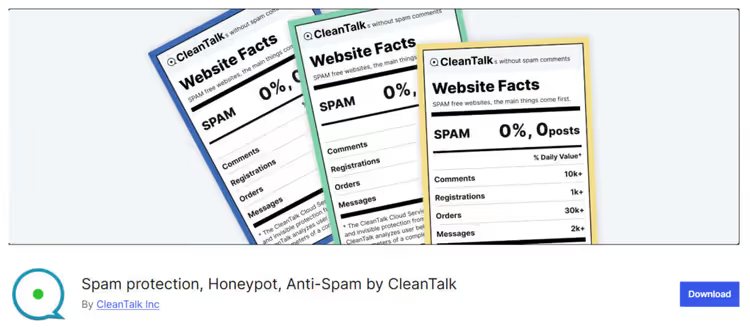
CleanTalk is the Swiss Army knife against spam in WooCommerce. It blocks spam orders, fake registrations, spam comments, mass mailings through contact forms, and review stuffing. Everything goes through a cloud API: your server bears no analysis load, and the decision arrives in 1-3 seconds.
The main advantage: no CAPTCHA. Nobody has to pick traffic lights or type distorted letters. The plugin analyzes behavioral patterns and checks IP/email against a cloud database, remaining completely invisible to the user.
On WordPress.org the plugin was updated in July 2026 (v6.84), with over 200,000 active installs. A separate plus: built-in card testing protection through analysis of small transaction patterns.
- ✅ Invisible to users, does not hurt conversion
- ✅ Covers orders, registrations, reviews, contact forms
- ❌ Cloud dependency: if the API is down, there is no protection
- 💰 7-day trial, then from $12/yr
Blocker, targeted blocking of suspicious orders
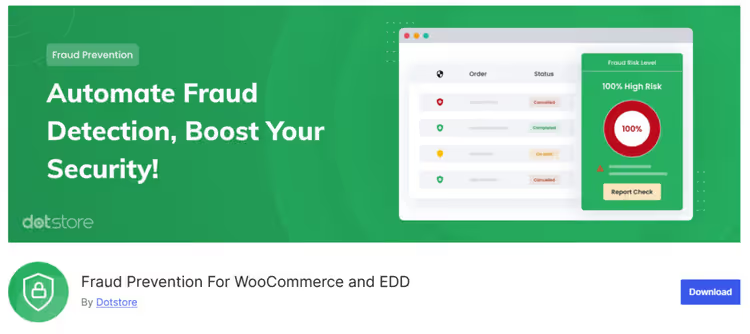
Blocker solves a narrow task: it keeps customers from reaching checkout based on set criteria: IP address, state, ZIP code, country. When a bot or unwanted buyer matches a rule, the plugin cuts off the order process and shows a customizable notice.
The tool is not for bulk filtering but for surgical blocking: for example, all orders from Nigeria with COD payment, or a specific IP that has been running card testing for the fourth time in a week.
- ✅ Flexible blocking rules
- ❌ Only WooCommerce orders (does not touch registrations or comments)
- 💰 Freemium, currently distributed as Fraud Prevention For WooCommerce and EDD
Titan Anti-Spam, all-in-one: firewall + anti-spam + audit
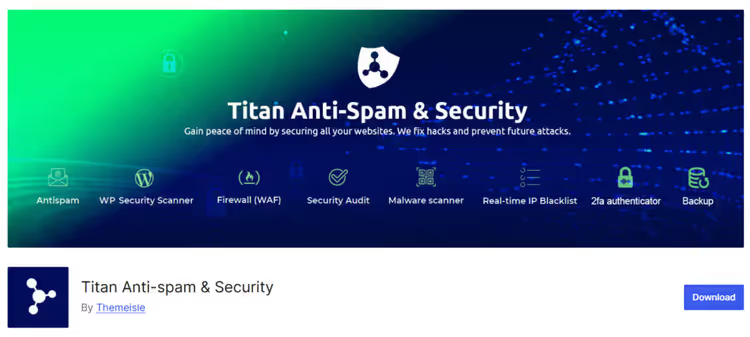
Titan combines an anti-spam filter, firewall, malware scanner, and site availability audit in a single free package. The algorithm is built on an "invisible JS-CAPTCHA" and an "invisible input trap" (honeypot): bots don't execute JavaScript and fill in the hidden field, while real visitors pass through unnoticed.
The plugin filters comments without CAPTCHA and lets you convert spam comments to regular ones with a single click. GDPR-compliant: it doesn't store unnecessary visitor data.
- ✅ Free all-in-one: anti-spam + firewall + scanner
- ✅ Invisible check without CAPTCHA
- ❌ Not compatible with Disqus, Jetpack Comments, AJAX Comment Form, bbPress
- 💰 Free, page on WordPress.org
Limit Attempts, brute-force and password guessing protection
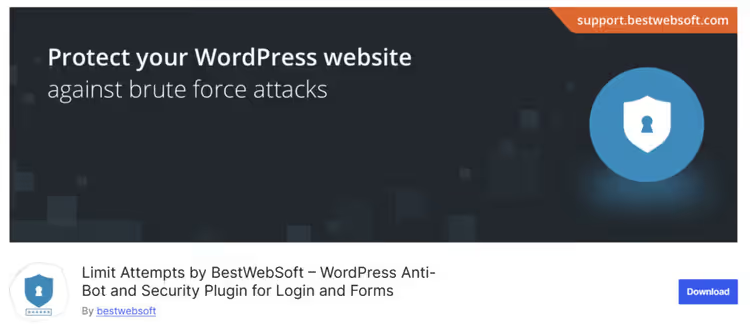
Brute force is when a bot tries hundreds of passwords per minute, attempting to guess the admin login. Limit Attempts blocks the IP address after a set number of failed attempts and can hide the login, registration, and password reset forms from blocked IPs.
On WordPress.org the plugin was updated in May 2026 (v2.6.5). Compatible with Gravity Forms, ReCaptcha, and Captcha Pro.
- ✅ Simple setup: attempt threshold, block duration, IP whitelist
- ✅ Hides forms from banned addresses
- ❌ Login protection only, doesn't touch spam orders
- 💰 Freemium: the free version is sufficient for most stores
Fake Customer Blocker, fake customer filter
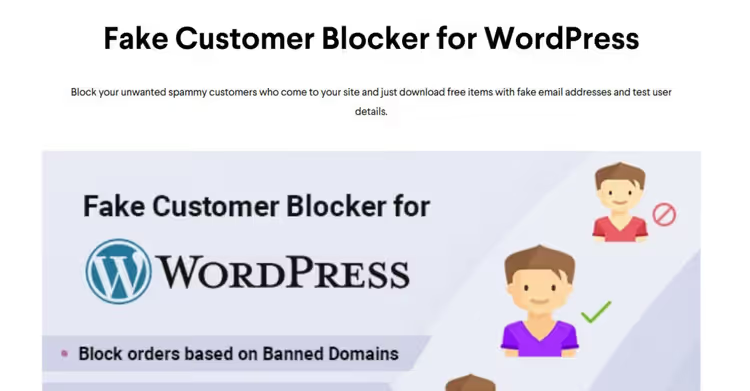
A narrowly focused plugin for WooCommerce: blocks orders by email, domain, field errors, and custom rules. Each block comes with a customizable message, so the user sees the reason for rejection rather than a silent checkout break.
- ✅ Custom notifications for each rule
- ❌ Covers orders only
- 💰 $9, sold on the Techeshta developer site
Honeypot for Contact Form 7, invisible bot trap
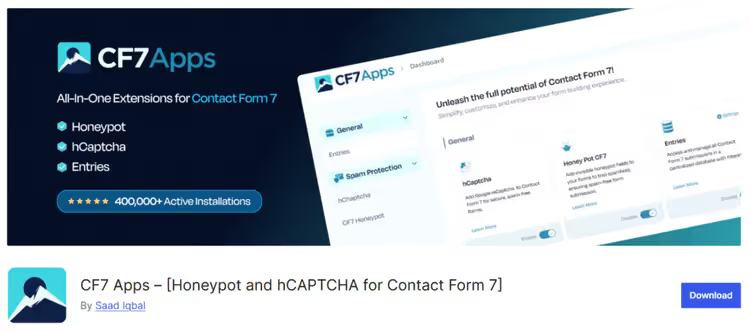
A free add-on for Contact Form 7 that inserts a hidden field into the form. Bots automatically fill every form field, including the invisible one, and fall into the honeypot. A real visitor never sees or touches the field.
The advantage is that the user does not have to prove anything at all: no CAPTCHA, no "I am not a robot" checkbox. The form stays clean, and spam is filtered on the server side.
- ✅ Completely invisible to users
- ❌ Contact Form 7 only, does not support other form plugins
- 💰 Free, page on WordPress.org (the plugin is now developed under the name CF7 Apps)
Additional protection methods: from CAPTCHA to manual verification
Plugins block most spam. The remaining cases are targeted attacks and non-standard scenarios. Use additional methods for those.
CAPTCHA and reCAPTCHA, a classic that still works
Google reCAPTCHA v3 works invisibly: it assigns each visitor a score from 0.0 (bot) to 1.0 (human) based on on-page behavior. No traffic lights or distorted letters. If the score falls below the threshold, the form does not submit.
A free integration plugin, CAPTCHA 4WP, formerly Advanced noCaptcha & invisible Captcha. Installs on checkout, registration, and comment forms in a couple of clicks.
Keep in mind: reCAPTCHA v2 with image selection annoys buyers and hurts conversion. If you deploy CAPTCHA, use only invisible v3 or Cloudflare Turnstile.
Email verification, a double barrier for registrations
Plugins like New User Approve add manual registration approval by the admin or send an activation link to the user's email. Until the email is confirmed, the account stays in "pending" status and cannot create orders.
The method is simple but effective: spam bots rarely reach the step of clicking a link in an email.
IP and country blocking, when you know the enemy by sight
If the spam flood comes from the same IP addresses or countries, block them at the hosting level (cPanel → IP Blocker) or through a security plugin like Wordfence.
Important: do not block entire countries without analysis. You risk cutting off real buyers. Review your order logs for a month: if, say, Vietnam had zero genuine purchases but hundreds of spam attempts, the block is justified.
Order confirmation by phone, for high-ticket goods and services
A method from the arsenal of edtech platforms like Open English: a manager contacts the client before order activation. For digital goods, online courses, and high-ticket services, this filters out all bots and also builds trust.
For product eCommerce, the method is too labor-intensive. Use it selectively: orders with a suspiciously high value or COD payment to regions with high fraud rates.
WooCommerce protection checklist: what works and what doesn't
Build your defense in layers. No single tool gives a complete guarantee, but a combination of three or four levels blocks almost everything.
What works:
- Combine plugins: CleanTalk for orders + Akismet for comments + Limit Attempts for login
- Set up reCAPTCHA v3 on checkout, invisible verification does not hurt conversion
- Enable email verification: bots almost never confirm an email
- Regularly update WordPress, WooCommerce, and plugins, every outdated version is a potential hole
- Check logs once a week: a sudden spike in registrations or zero-amount orders is a signal of an attack
What doesn't work / causes harm:
- One plugin for everything, each tool has its own coverage zone
- Disabling guest checkout entirely without analysis, you can lose a noticeable share of impulse-purchase conversion
- Blocking entire countries without checking statistics, you cut off real customers
- Too much CAPTCHA at every step, buyers leave for competitors
- Ignoring security plugin updates, bots exploit known vulnerabilities, not zero-days
⁉️🤔 Frequent questions
Can spam orders be completely blocked without plugins?
Completely, no. Default WordPress and WooCommerce settings filter out primitive bots, but modern spam scripts bypass them in minutes. A minimal set without plugins: disabling guest checkout + custom registration (WPS Hide Login) + invisible reCAPTCHA v3. But one dedicated plugin like CleanTalk will save hours of manual moderation.
Does CAPTCHA slow down the site?
reCAPTCHA v3 adds a negligible delay to page load, unnoticeable to the user. Heavy graphical CAPTCHAs (v2) can add up to a second and are noticeably annoying. An alternative, Cloudflare Turnstile: lighter than reCAPTCHA and not tied to the Google ecosystem.
How to tell a fake order from a real one?
Signs of a fake: minimum-amount order, COD payment, email like
ur.liam@321aaaaa, address with non-existent streets, IP from a country you don't operate in. Mass fakes come in batches of 10-50 within a short period with the same data pattern.
What to do with spam orders already received?
Don't delete them right away, first analyze the pattern (IP, time, geo, payment type). This will show where the attack is coming from and which hole to close. After analysis, bulk delete via WooCommerce → Orders → filter by status. CleanTalk can clean spam comments and registrations automatically.
Does WooCommerce Anti-Fraud help against regular spam?
WooCommerce Anti-Fraud is geared toward payment fraud (card testing, stolen cards) and assigns orders a risk score. It does not protect against mass bot registrations and spam comments. Use it as a third layer after basic anti-spam protection.
Results: building protection for your store
There is no one-size-fits-all recipe; the level of protection depends on what exactly is being attacked in your store. Here are three proven options:
You are getting flooded with spam registrations: disable guest registration through the standard WordPress form, install CleanTalk, and add email verification via New User Approve. Three actions, and the stream of fake accounts disappears.
Fake COD orders: disable COD for high-fraud countries, connect Blocker or Fake Customer Blocker with rules for problem regions, add CleanTalk on checkout.
Card testing with small amounts: WooCommerce Anti-Fraud + CleanTalk with transaction monitoring enabled + mandatory CVV verification. If the attack continues, temporarily enable order confirmation by phone for suspiciously small amounts.
Start small: today, disable guest registration and pingbacks in WordPress settings. Tomorrow, install CleanTalk or Akismet. Each layer of protection makes attacking your store more expensive for the bad actor, and at some point the bots move on to where it is easier.

A professional team of writers and editors specializing in creating quality content.