














🚀 10 best free WordPress hosting providers for 2026
Free hosting for WordPress sounds like a trap. And most of the time it really is a trap: ad banners on your site, server shutdowns at night, 50 MB of disk space and no support.
But there are projects that work differently. They give you a decent amount of SSD, don't hang their ads, run PHP 8 and MySQL 8, without a credit card and without an expiration date. We checked dozens of free WordPress hosts and picked 10 that actually work in 2026.
💡 Quick overview:
- Sign up for one of the 10 free hosts from the list below
- Install WordPress through the auto-installer, takes a couple of minutes
- Set up SSL, upload a theme and start publishing content
Comparison table: 10 free hosts
Host | Disk | Traffic | PHP/MySQL | SSL | cPanel | Limitations |
|---|---|---|---|---|---|---|
WordPress.com | 1 GB | Unlimited | Yes | Yes | No | Subdomain, no custom plugins |
InfinityFree | 5 GB | Unlimited | 8.3/8.0 | Yes | VistaPanel | 50,000 hits/day |
AccuWeb Hosting | 2 GB SSD | 30 GB | Yes | Yes | cPanel | Application, 1-7 day wait |
x10hosting | 500 MB | Unlimited | Yes | Yes | DirectAdmin | Community support |
Freehostia | 250 MB | 6 GB | Yes | Yes | cPanel | Very little space |
Google Cloud | 30 GB* | Depends | Yes | Yes | No | $300 credit for 90 days |
FreeHosting | 1 GB | Unlimited | Yes | Yes | cPanel | 1 MySQL database |
ByetHost | 5 GB NVMe | Unlimited | 8.3/8.0 | Yes | VistaPanel | byethost subdomain |
FreeWebHostingArea | 1.5 GB | Unlimited | Yes | Yes | Custom CP | 1 visitor/month minimum |
AwardSpace | Unlimited | Unlimited | Yes | Yes | Custom CP | Basic functionality |
1. WordPress.com
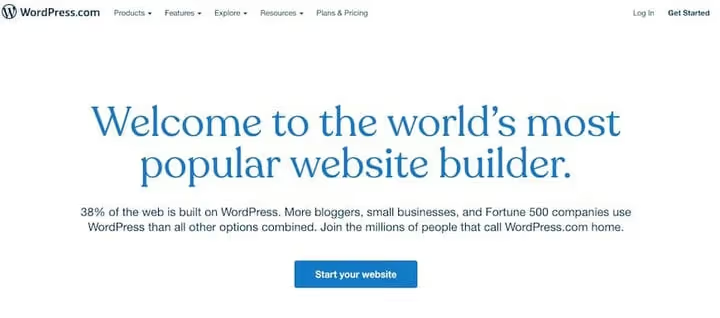
The most obvious option, hosting from the creators of WordPress. Unlike WordPress.org, where you download the engine and look for a server, here everything is in one package: engine, hosting, SSL and a third-level domain.
In practice, WordPress.com is a sandbox without headaches. You register, choose a subdomain yoursite.wordpress.com, get a ready-made site in a couple of minutes. Themes are responsive, basic SEO optimization is included right away.
But the free tier is severely limited: you can't install your own plugins, themes only from the WordPress.com catalog, and the site displays modest platform advertising.
Pros:
- Instant launch without server setup
- Automatic updates and backups
- SSL out of the box
- 1 GB of disk space for content
Cons:
- Can't install third-party plugins
- Subdomain, custom domain is paid
- WordPress.com ads on the free tier
Price: Free forever. Paid plans with extended features.
2. InfinityFree
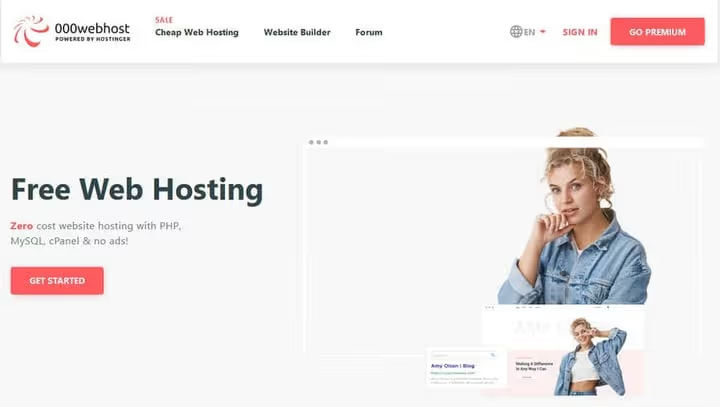
InfinityFree came to replace the closed 000Webhost and has actually surpassed it in all parameters. 5 GB disk space, unlimited traffic, PHP 8.3, MySQL 8.0, free SSL certificates, and not a single ad on your site.
The project has been running since 2011. Under the hood, Softaculous with 400+ scripts, including one-click WordPress auto-installation. Custom domain connects without problems, no email boxes, but for a test or personal site this isn't critical.
Limitation: 50,000 hits per day. For a startup project, plenty of room, for a growing site, a signal to move to paid hosting.
Pros:
- 5 GB disk space and unlimited traffic
- Modern stack: PHP 8.3, MySQL 8.0
- Free SSL and 400+ auto-installations
- No ads on the site
Cons:
- No email boxes
- 50,000 hits per day limit
- Support via community forum
Price: Free forever.
3. AccuWeb Hosting
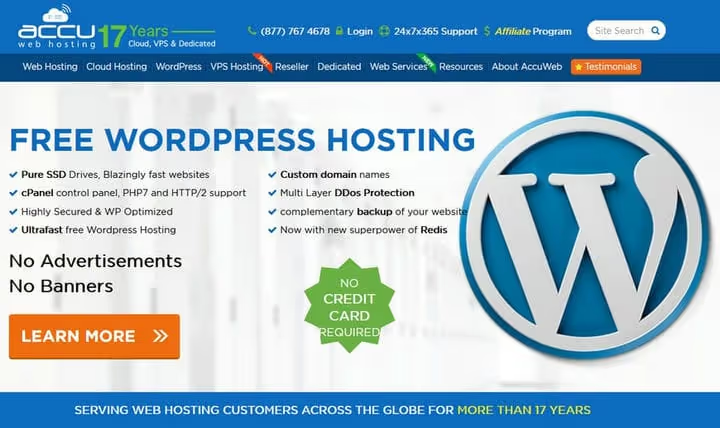
AccuWeb is a rare case when free hosting gives you full cPanel and 2 GB SSD. Plus 30 GB monthly traffic, 25 email boxes and 10 MySQL databases. The host doesn't place any banners on the site.
The catch is in the registration process. Applications are reviewed manually, from one day to a week. This is a filter against spammers, but for those who need "here and now," it won't work. Servers, according to AccuWeb, are 10 times faster than typical shared hosting due to SSD and HTTP/3.
In practice, this is a good choice for a small business site or blog expecting around 5,000 visitors per month. Custom domain is supported.
Pros:
- Full cPanel
- 2 GB SSD, 30 GB traffic
- 25 email addresses and 10 MySQL databases
- No ads on the site
Cons:
- Manual application approval, up to 7 days
- 768 MB RAM, not enough for heavy plugins
- 30 GB traffic may not be enough for a site with images
Price: Free. Premium from a few dollars per month.
🔗 AccuWeb Free WordPress Hosting
4. x10hosting
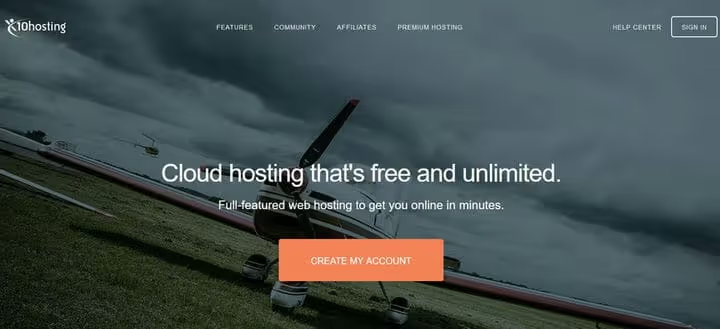
x10hosting has been on the market for over 10 years. The free Basic tier gives you cloud SSD, unlimited bandwidth and DirectAdmin instead of cPanel. 500 MB disk space, modest, but enough for a lightweight WordPress site.
Unlike many competitors, x10hosting doesn't shut down the server at night and doesn't forcibly cut speed. Support is through the community forum, don't expect quick responses from support.
For a test environment, student project or landing page, it's a working tool. For a commercial site, not enough resources.
Pros:
- Stable cloud SSD
- Unlimited traffic
- 10+ years on the market
- DirectAdmin with basic capabilities
Cons:
- 500 MB disk space, tight for WordPress with media
- Support via community, not ticket system
- 2 MySQL databases, 3 email boxes
Price: Free. Premium from a few dollars per month.
5. Freehostia
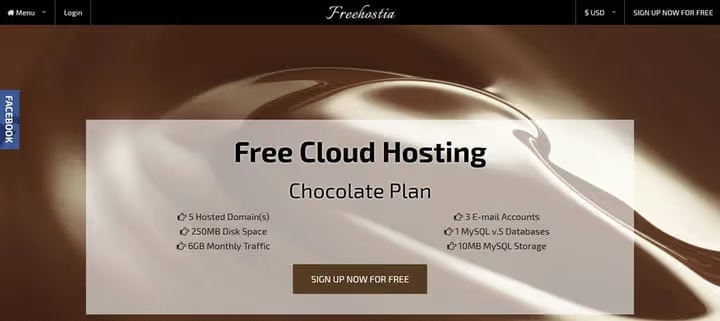
Freehostia uses clusters with load balancing, a rarity for free hosting. The "Chocolate" plan gives 250 MB disk space, 6 GB monthly traffic, 5 domains and 3 email boxes. The auto-installer puts WordPress, Joomla, Drupal and a dozen other CMS in one click.
Disk space is frankly low. 250 MB is WordPress with one theme and no media library. Images will have to be served through external CDN or optimized to the limit.
Upgrade to paid plans is done smoothly, same panel, site moves without migration. For those starting from scratch and planning to grow, this is a plus.
Pros:
- Cluster architecture with balancing
- 5 domains on one account
- Auto-installer for a dozen CMS
- Easy upgrade to premium
Cons:
- 250 MB disk space, critically low
- 6 GB traffic, only for text sites
- Paid email boxes beyond 3
Price: Free. Premium from a few dollars per month.
6. Google Cloud Hosting

Google Cloud is a conditionally free option, but powerful. New users get $300 credit for 90 days. During this time you can deploy a Compute Engine virtual machine, install WordPress and use it at full speed.
After the credit runs out, there's an Always Free tier: an e2-micro instance with 30 GB disk space and 1 GB RAM. This is enough for the site to work, but not for high loads. The downside is you need a bank card for registration.
Important nuance: Google Cloud is not managed WordPress. Server setup, LAMP stack installation, security and backups are entirely on you. A tool for those who know how to work with console and Linux.
Pros:
- $300 credit for new users
- Always Free tier after trial
- Google infrastructure, speed and reliability
- Full control over the server
Cons:
- Need a bank card
- Requires administration skills
- No managed WordPress: everything manual
Price: Free Always Free tier + trial credit for new users. Paid resources are charged by actual usage.
7. FreeHosting
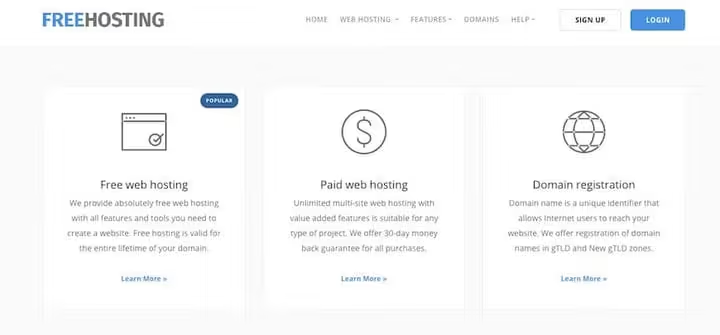
FreeHosting.com gives you full cPanel on the free tier. 1 GB disk space, unlimited traffic, one MySQL database and one email box. Ticket support system is included even in the free version.
Site builder and auto-installer are included, WordPress installs in a couple of minutes. Custom domain is supported, you can transfer one already registered with another registrar.
Modest disk space is compensated by the absence of ads and stable uptime. Additional services are paid separately: SSL certificate, email boxes beyond one.
Pros:
- cPanel on free tier
- Unlimited traffic
- Ticket support included
- Auto-installer and site builder
Cons:
- 1 GB disk space
- 1 MySQL database, only one site
- SSL is an additional paid option
Price: Free. Premium from a few dollars per month.
8. ByetHost
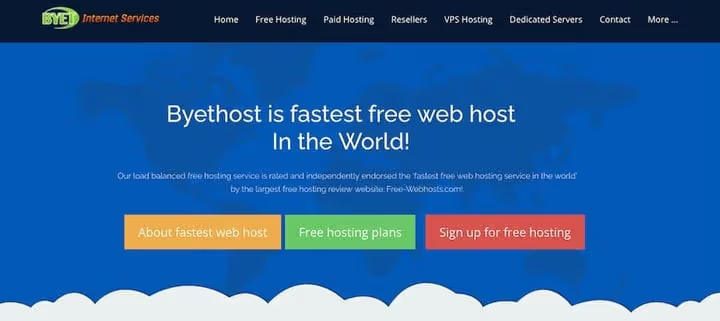
ByetHost is perhaps the most feature-packed free host in this selection. 5 GB NVMe, unlimited traffic, PHP 8.3, MySQL 8, LiteSpeed, free SSL and Softaculous with 400+ applications. The project has been running since 2005, with over a million sites.
The custom VistaPanel shows statistics on disk, traffic and databases. There are video tutorials and documentation for self-setup. Custom domain is free, byethost subdomains too.
Servers on 56-core Xeon Platinum with NVMe drives, specs that cost a lot on paid hosting, but here available for zero. Support via ticket system and forum.
Pros:
- 5 GB NVMe, not just SSD but NVMe
- LiteSpeed and PHP 8.3
- Free SSL, Softaculous, 400+ applications
- Running since 2005, 1M+ sites
Cons:
- VistaPanel instead of cPanel
- byethost subdomain by default
- Support mainly through knowledge base
Price: Free forever. Super Premium from a few dozen dollars per year.
9. FreeWebHostingArea
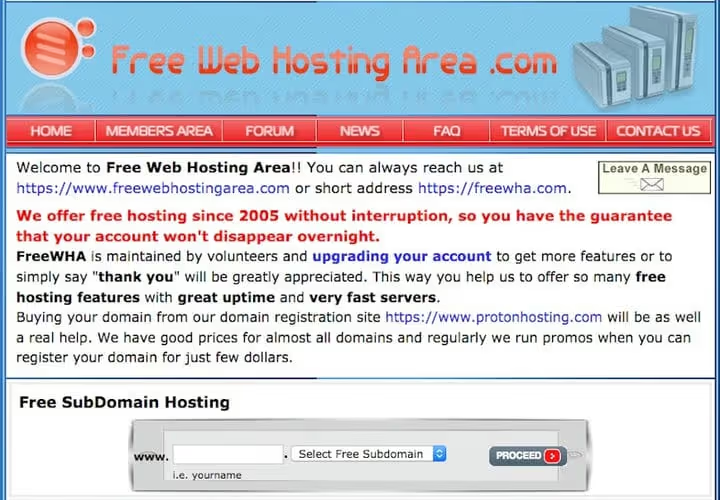
A volunteer project that's been running since 2005. 1.5 GB disk space, unlimited traffic, MariaDB 10.4 and PHP 7.1-7.3 to choose from. No ads, but there's an unusual rule: the site must get at least one visitor per month. Zero visits, account gets deleted.
The control panel is custom, not cPanel. Fewer settings than commercial hosts, but enough functionality for a basic WordPress site. Backups are made automatically, but the authors recommend keeping your own backup copy.
APIs and password-protected sites are prohibited. The project is suitable for an open personal blog or business card page.
Pros:
- 1.5 GB disk space and unlimited traffic
- Running ad-free since 2005
- Choice of PHP version
- Automatic backups
Cons:
- PHP 7.1-7.3, outdated versions
- Minimum 1 visitor per month
- APIs and private projects prohibited
Price: Free forever. Donations welcome.
10. AwardSpace
AwardSpace is another veteran since 2003. The free tier gives unlimited disk and traffic, PHP and MySQL support, a free subdomain and the Zacky Installer auto-installer for WordPress and other CMS.
No ads on the user's site. Limitations are more in the details: no email boxes, 24/7 support is available on paid plans, and on the free one, through the knowledge base and forum. For a first site, educational project or test environment, a decent option.
Upgrade to paid plans costs symbolic money, one of the lowest entry barriers among all hosts in the list.
Pros:
- Unlimited disk and traffic
- Running since 2003
- Zacky Installer auto-installer
- No ads on the site
Cons:
- No free email boxes
- Support only via knowledge base
- Basic functionality, no advanced features
Price: Free forever. Paid plans from a symbolic amount per month.
⁉️🤔 Frequently asked questions
Can you run a full-fledged site on free hosting?
Yes, if you choose the right provider. ByetHost and InfinityFree give enough resources for a blog, portfolio or test WordPress project with 5 GB NVMe, modern PHP and SSL. A commercial project with high traffic won't fit into a free tier, by that point you'll have earned enough for paid hosting.
How does free hosting fundamentally differ from paid?
Three things: support, resources and guarantees. Free hosts rarely promise SLA on uptime, support is community or ticket system with low priority, and peak loads can be throttled. But for starting out, the absence of monthly payments often outweighs these limitations.
Is it mandatory to register your own domain?
No, all providers from the list give a free subdomain. But for a public project, your own domain is strongly recommended:
mysite.cominspires more trust thanmysite.byethost7.com. A domain can be purchased from any registrar.
What happens if the site exceeds traffic limits?
Depends on the host. InfinityFree when reaching 50,000 hits per day simply doesn't let through over-limit traffic. Freehostia when exceeding 6 GB per month suspends the site until the next billing period. FreeWebHostingArea deletes accounts with zero traffic, not high traffic.
On which host is it best to install WordPress?
The easiest path is WordPress.com: registration in a minute, without server hassle. The most powerful free option is ByetHost: 5 GB NVMe, LiteSpeed, PHP 8.3. The most reliable with cPanel is AccuWeb Hosting. Choose for your specific task, not someone else's top list.
Which free host to choose in 2026
Quick breakdown by scenarios. Need a sandbox for tests, take InfinityFree, plenty of space and minimal limitations. Want cPanel and email, apply to AccuWeb, 2 GB SSD and 25 boxes are worth the wait. Ready to administer a server, Google Cloud with Always Free tier will give you a VM permanently. And if you need maximum performance without a penny, ByetHost with NVMe and LiteSpeed is unmatched.
Try any option from the list. 15 minutes for registration and WordPress installation, and you have a working site. No budget, no ads, no trap.

A professional team of writers and editors specializing in creating quality content.