














📊 4 best WordPress plugins for the Forex market 2026
A trader visits a site to check the EUR/USD rate and sees yesterday's static data. One second later, they've left for a competitor where charts update themselves.
A financial site without live quotes loses trust instantly. A bad plugin loads third-party scripts, conflicts with the theme, and slows down the admin panel. A good one caches data, delivers it asynchronously, and doesn't touch the main rendering. We've selected 4 tools for WordPress that handle the task of displaying market data for different scenarios: from a simple chart to a full trading panel with heat maps.
Three plugins are premium solutions from CodeCanyon with a one-time license. The fourth is a free all-in-one from WordPress.org that we added to replace a tool that left the market. Each has been tested for compatibility with the current version of WordPress.
💡 Quick overview:
- Choose a plugin for the task:
Real-Time Forex Chartsfor currency charts,Vunelixfor heat maps and screeners,Premium Stock & Forex Market Widgetsfor full exchange coverage - Install the plugin from the CodeCanyon catalog or WordPress.org and activate it
- Configure data sources, currency pairs, and appearance through the WordPress admin panel
- Place the shortcode or widget on the desired page and check loading speed
Comparison table
Plugin | Price | Output type | Market coverage | Heat map | Caching |
|---|---|---|---|---|---|
| $50 | Tables, widgets | NYSE, TSX, LSE, Forex | No | Yes |
| $20 | 5 chart types | 30 currency pairs | No | No |
| $25 | 5 chart types | Stocks, indices, ETF, Forex | No | Yes |
| Free | Heatmaps, screeners, tickers | Stocks, Forex, Crypto, ETFs | Yes | No (WebSocket) |
1. Premium Stock & Forex Market Widgets
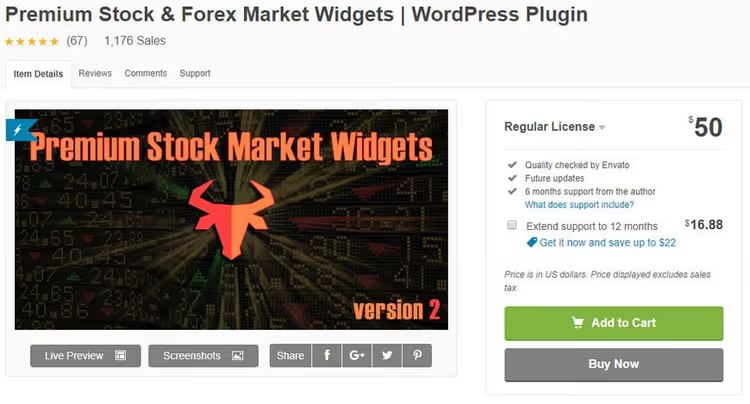
The most powerful plugin in the collection. Displays quotes for stocks, currencies, ETFs, and commodities on any WordPress page or post. Supports major global exchanges: New York, Toronto, London, and the Forex market.
Data is pulled in real time, plus historical quotes are available. Visitors can analyze trends, not just look at a number. Widgets are customizable by color to match site design without editing CSS. Numbers and dates are displayed in the format accepted in the target country. All static text is translatable to any language. In practice, the plugin requires no programming skills, everything is done in the WordPress admin panel.
Pros:
- Coverage of the maximum number of exchanges and asset types
- Historical data plus real time
- Flexible widget customization for site design
- Multilingual out of the box
Cons:
- $50 for a single-site license, more expensive than competitors on CodeCanyon
- Extended support is paid separately: another $16.88 for 12 months there
Price: $50 (one-time license for 1 site) price on CodeCanyon
🔗 Premium Stock & Forex Market Widgets on CodeCanyon
2. Real-Time Forex Charts
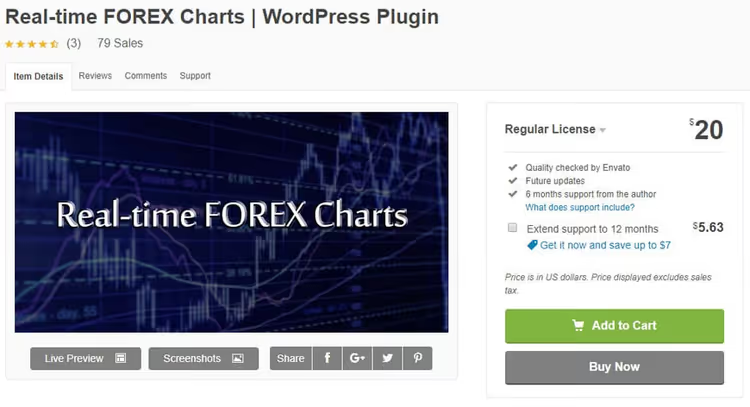
A specialized tool specifically for Forex. Adds an interactive chart with 30 currency pairs to the site. Rates update automatically, without page reload.
Visitors choose the currency pair and chart type themselves: line, smoothed line, area, step, or candlestick. Five display options cover the needs of both technical analysts and ordinary readers who want to see the trend. Setup is in the WordPress admin panel, no code. In our experience, the plugin is compatible with all major browsers and doesn't conflict with popular themes.
Pros:
- Lightweight and specialized, Forex only
- 5 chart types for user selection
- Auto-update without page reload
Cons:
- Only 30 currency pairs, not enough for exotic ones
- No heat maps or stock indices
Price: $20 (one-time license) on CodeCanyon
🔗 Real-Time Forex Charts on CodeCanyon
3. Stock Market Charts
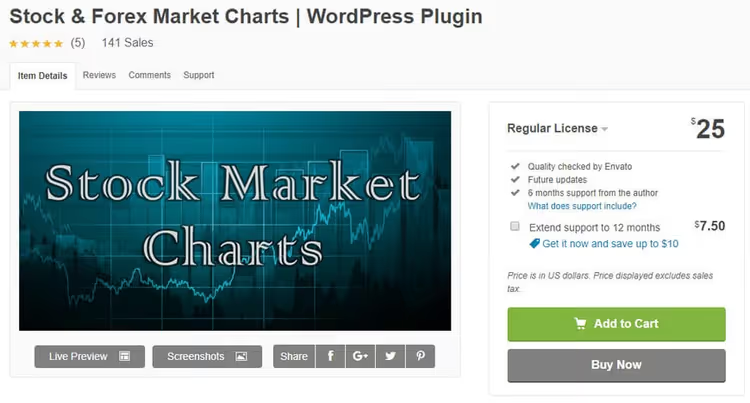
A hybrid plugin: works with both the stock market and Forex. Supports stocks, indices, ETFs, currencies, and commodity futures. Five chart types: line, smoothed line, column, step, and candlestick.
Charts are fully customizable. Interface translation to the desired language is available. An unlimited number of independent charts can be placed on one page, each with its own settings and set of tools. Programming skills are not required. The plugin is compatible with the latest version of WordPress and major browsers.
Pros:
- Wide coverage of asset classes: stocks, indices, Forex, ETFs, futures
- Unlimited number of charts per page
- Interface translation ready
Cons:
- $25 for a single domain license on CodeCanyon
- No heat map, only charts
Price: $25 (one-time license for 1 site) price on CodeCanyon
🔗 Stock Market Charts on CodeCanyon
4. Vunelix Financial Widgets

A free all-in-one financial widget from WordPress.org. We included it in the collection instead of the discontinued plugin Stock & Forex Markets Heat Maps. Vunelix handles the same task, market heat maps, but offers noticeably more: 20+ widget types, from stock screeners to technical analysis.
Key for a financial site: stock heatmap (heat map of stocks by sector), currency heatmap (color matrix of currency strength), and crypto heatmap (crypto market treemap). Plus tickers, market screeners for 50+ exchanges, currency converter with historical chart, and technical analysis module with oscillators and moving averages. Data comes via WebSocket, prices update without reload. The plugin uses Shadow DOM: widget CSS is isolated from the theme, no style conflicts.
Pros:
- Completely free, all 20+ widgets without time restrictions
- Heat maps, screeners, and technical analysis in one plugin
- WebSocket, prices update in real time
- Shadow DOM: no conflicts with theme
Cons:
- Requires domain registration on developer's site (free, but an extra step)
- No historical exchange data, only live mode
Price: Free
🔗 Vunelix Financial Widgets on WordPress.org
See how it works: video overview
Understanding Forex widget setup for WordPress is faster with video. The author of the Holden Digital channel shows how to add currency quotes to a WordPress site, from plugin installation to publishing the first chart, without a line of code.
⁉️🤔 Frequently asked questions
Do these plugins require an API key?
It depends on the plugin.
Premium Stock & Forex Market WidgetsandReal-Time Forex Chartssupply data through their own connectors to exchange providers, no API key required.Stock Market Chartsalso works without a key.Vunelixuses domain authorization: register the domain in the developer panel (free, 2 minutes), and the widgets activate automatically. No keys to enter. This eliminates headaches with request limits and token updates.
Which plugin loads the site the least?
Real-Time Forex Charts. It's tailored for one task and pulls minimal resources. But if you need speed plus broader asset coverage,Stock Market Chartscan cache data, and on repeat visits the page is delivered faster.Vunelixuses lazy loading: the widget JavaScript runs only when the visitor has scrolled to it. In practice, the speed difference between these four plugins is not critical with competent hosting. They all load data asynchronously and don't block page rendering.
Can the plugin be used on multiple sites?
For the three CodeCanyon plugins, no. All are sold under the "one license, one domain" model. Each additional site requires a separate purchase. This is standard CodeCanyon practice. Extended support (12 months of updates) is paid separately and also per site.
Vunelixis free and has no site quantity limits, register each domain in the panel and use it.
How does a Forex plugin differ from a general stock plugin?
The Forex plugin (
Real-Time Forex Charts) specializes in currency pairs and shows only them. General stock plugins (Premium Stock & Forex Market Widgets,Stock Market Charts) cover stocks, indices, ETFs plus currencies, but with less depth specifically for Forex. Choose based on site content. If the main traffic comes for currency rates, takeReal-Time Forex Charts. If you write about everything: from the S&P 500 index to oil prices and EUR/USD rate,Premium Stock & Forex Market Widgetswill cover it with one installation.Vunelixstands apart: it's free and provides heat maps that the others don't have.
What if the plugin conflicts with the theme?
Open a ticket with the developer. For CodeCanyon plugins, through the form on the product page (developers usually respond within 1-2 business days). For
Vunelix, the CSS conflict problem is practically excluded: widgets are rendered in Shadow DOM and completely isolated from the theme. Before purchasing a premium plugin, test it on a staging copy of the site. If the conflict is not resolved, CodeCanyon has a refund policy.
What to install on a financial site: final breakdown
If the site is purely about Forex and nothing else, Real-Time Forex Charts. Lightweight, tailored for currency pairs, requires no extra setup. The most affordable paid option in the collection for $20.
Need stocks, indices, and currencies in one tool, Stock Market Charts. Five chart types, caching, unlimited charts per page for $25. Optimal compromise of price and coverage.
Want maximum capabilities, Premium Stock & Forex Market Widgets. Historical data, multilingual support, widget customization. The choice for those building a full-fledged financial portal.
Budget is limited or heat maps are needed, Vunelix Financial Widgets. Free, 20+ widgets in one plugin, from stock screener to technical analysis. The only one in the collection with market heat maps and WebSocket updates. The downside, no historical data, only live.
Choose for your task. For most financial sites, the combination of Stock Market Charts (charts) plus Vunelix (heat maps and screeners) will cover all needs for $25 one-time.

A professional team of writers and editors specializing in creating quality content.