













 AIIllustrative image: AI-generated
🖥 40+ PSD mockups and tools for website presentation 2026
You have a perfect website design ready. The grid is refined, typography selected, color scheme approved. But when you show a flat JPG export to the client, they frown and ask to "make it prettier." Sound familiar?
The problem isn't the design. The problem is the presentation. A flat screenshot doesn't convey volume, hierarchy, or the feeling of a living product. The client needs to see the site in a "real" environment, on a monitor, laptop, tablet, in perspective. This is where PSD mockups enter the game.
We've collected 40+ best PSD mockup templates for presenting websites and 5 tools for creating your own layouts. Each template comes with smart objects: insert your design with one click, and it already looks like a living product.
💡 Quick overview:
- First, choose a wireframing tool for your task
- Create a conceptual layout and think through page structure
- Select a PSD mockup template matching your project style
- Insert the finished design via smart object in Photoshop
- Export the result and present the client a realistic 3D mockup
What is a website mockup and why you need it
In web design there are two types of mockups, and they're often confused. The first is a conceptual layout: you design page structure, block placement, user scenarios. Wireframing and prototyping tools are used for this, discussed below.
The second type is a presentation mockup. It's a beautiful "frame" into which you place the finished design for showing to the client. Imagine: an artist brings a painting not rolled in a tube, but in a frame, under good lighting. A PSD mockup is the same frame for web design.
A good presentation mockup solves three tasks. First, it shows the design in a realistic environment, on an iMac screen, MacBook, tablet, with shadows and highlights. Second, it saves hours of manual work: smart objects in Photoshop let you insert your layout with one click. Third, proper presentation increases chances of design approval on the first try, and that's saving time and nerves.
All templates from this collection are in PSD format with smart objects. Open, double-click the smart layer, insert your design, save, done.
5 tools for creating wireframes and mockups
Before packaging the design into a beautiful PSD template, it needs to be designed. Here are five tools web designers use to create wireframes and interactive prototypes.
Tool | Type | Price (from) | Suitable for |
|---|---|---|---|
Framer | Interactive editor + site builder | Free / $10/mo | Designers who need both layout and live site |
Balsamiq | Low-fidelity wireframes | $16/mo per editor | Those who want to sketch "by hand" without detail distraction |
Wireframe.cc | Minimalist online tool | Free / Premium | Beginners and those who value simplicity |
Moqups | Wireframes + prototypes + diagrams | Free / $13/mo | Teams needing everything in one tool |
Mockplus | Prototyping with ready-made UI components | Free / $99.5/year | Those who want to quickly assemble interactive prototype |
Framer
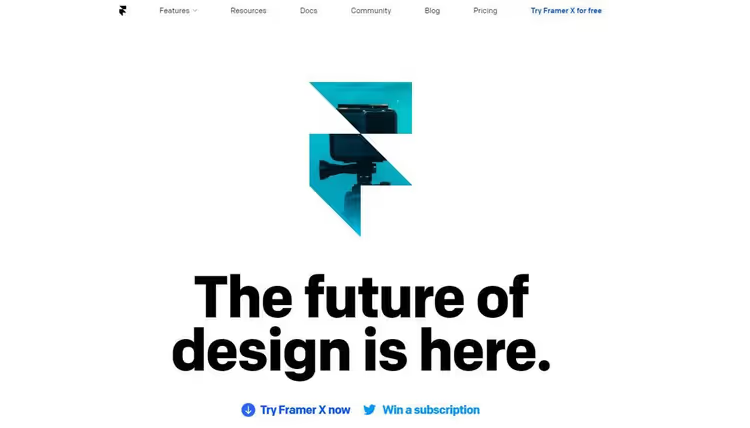
Framer has evolved from a mockup tool to a full-fledged visual site builder. Today it's a platform where you design the layout and immediately publish it as a live site with hosting and domain. The editor responds to every change automatically, and built-in AI tools help with composition and text.
- Pros: visual no-code editor, interactive prototypes, built-in hosting and CMS, AI assistant.
- Cons: page limitation on cheaper plans (30 pages on Basic), no built-in e-commerce.
- Price: free plan for hobby projects; Basic, $10/mo per site; Pro, $30/mo.
Balsamiq
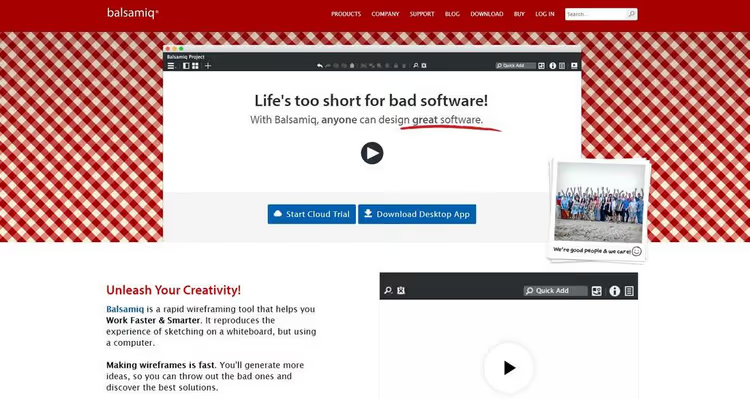
Balsamiq is a tool for quick low-fidelity wireframes. Its feature is a deliberately rough, "sketched" style: the client immediately understands this is a sketch, not finished design, and focuses on structure. Works in the cloud and as a desktop application. Supports AI prototyping, custom UI components, PDF export.
- Pros: intuitive drag-and-drop, two styles (sketchy and clean), unlimited reviewers free.
- Cons: project limitation on Starter (10), not suitable for high-fidelity layouts.
- Price: Starter, $16/mo per editor; Teams, $24/mo; Enterprise, $35/mo.
Wireframe.cc
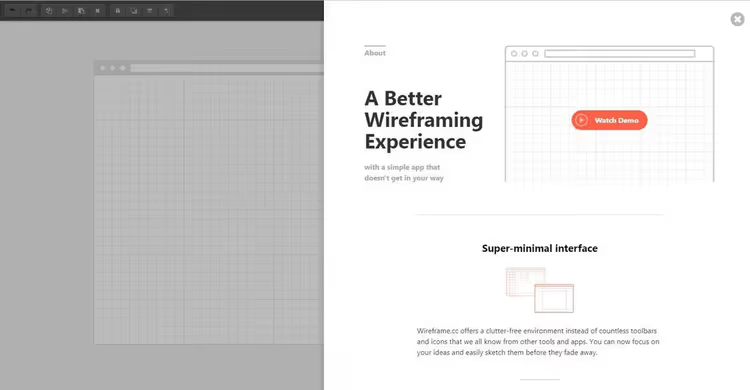
Wireframe.cc is a minimalist tool for creating wireframes right in the browser. No distracting panels, toolbars, and windows: you just draw. Supports layouts for desktop, tablet, and mobile phones. You can add annotations and share a link with colleagues.
- Pros: ultimate simplicity, instant start without registration, free version.
- Cons: few possibilities for complex interactive prototypes, no team collaboration in free version.
- Price: free (basic features); Premium, from $16/mo.
Moqups
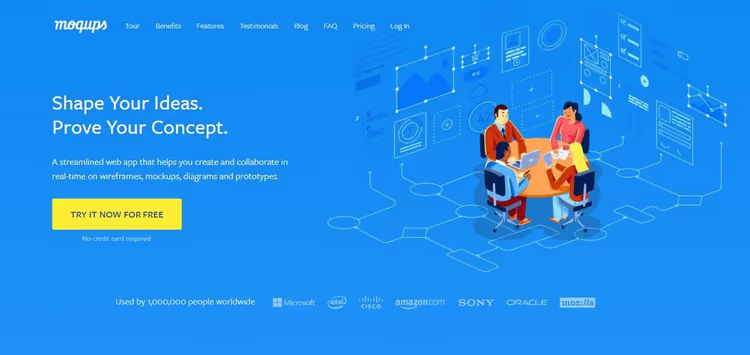
Moqups is an online application combining wireframes, prototypes, diagrams, and boards for teamwork. You can create a layout, assemble an interactive prototype, and immediately show the client how the interface will work. Supports component and style libraries for design consistency.
- Pros: everything in one tool, convenient teamwork, component libraries, free plan.
- Cons: less customization compared to Figma, limited offline mode.
- Price: free (1 project); Pro, $13/mo; Unlimited, $17/mo.
Mockplus
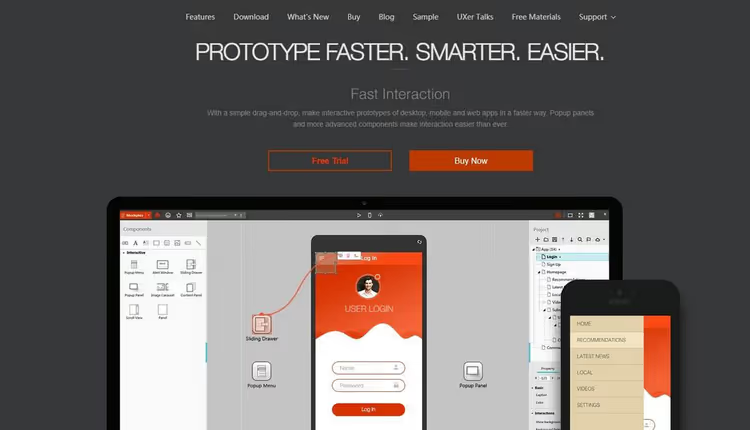
Mockplus is a platform for rapid prototyping with a collection of 200+ ready-made UI components. Simply drag elements onto the canvas and link them with interactive transitions. The finished prototype can be tested on a real device via QR code. Suitable for beginners: entry barrier is lower than Figma.
- Pros: ready-made UI components, device testing via QR code, low entry barrier.
- Cons: fewer possibilities for custom design, annual licensing.
- Price: free (basic); annual license, from $99.5/year.
Comparative table of PSD mockups by perspective type
Mockup type | Examples | When to use | Editing complexity |
|---|---|---|---|
Isometric | Sets of 3-6 screens | Show all pages at once | Low - ready smart objects |
Perspective (single screen) | Chrome browser mockup, iMac | Focus on main page | Low - drag-and-drop design |
Perspective (multiple screens) | Sets of 8-18 views | Portfolio, client presentation | Medium - more layers |
Device + screen | Mockup with MacBook / iPhone | Show responsiveness | Low - ready scenes |
Minimalist | Free PSD for 1-3 screens | Landing or personal site | Minimal |
40+ PSD mockup templates for website presentations
When the layout is ready, choose a suitable PSD template from this collection. All files come with smart objects: open, double-click the layer, insert your design, save, and the three-dimensional presentation is ready.
1. Website Screens isometric set
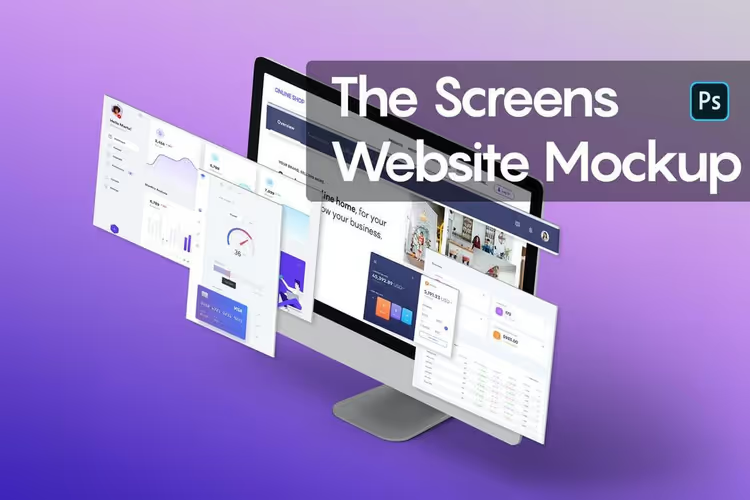
Classic set of 6 isometric projections. Suitable for landing pages, portfolios, and commercial proposals. Realistic shadows and highlights make the design dimensional without additional processing.
2. 3D Website Mockup Bundle
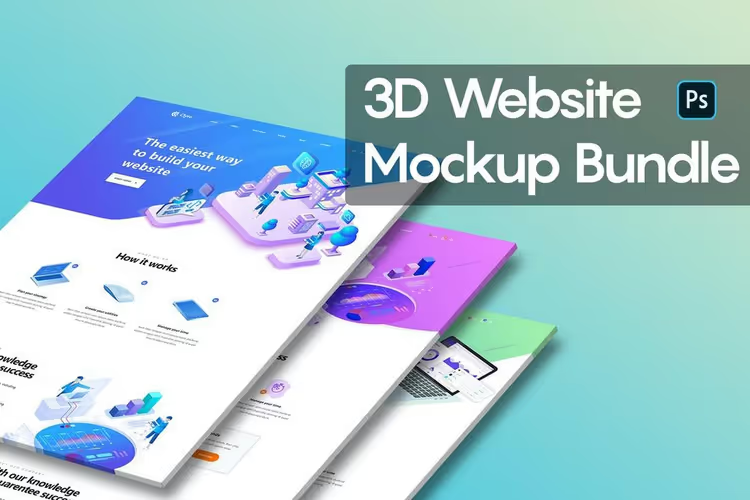
Six PSD mockups with pronounced three-dimensional perspective. Screens seem to float in space, this technique works great for design studios and agencies where "wow presentation" matters.
3. Perspective Website Screen Mockup
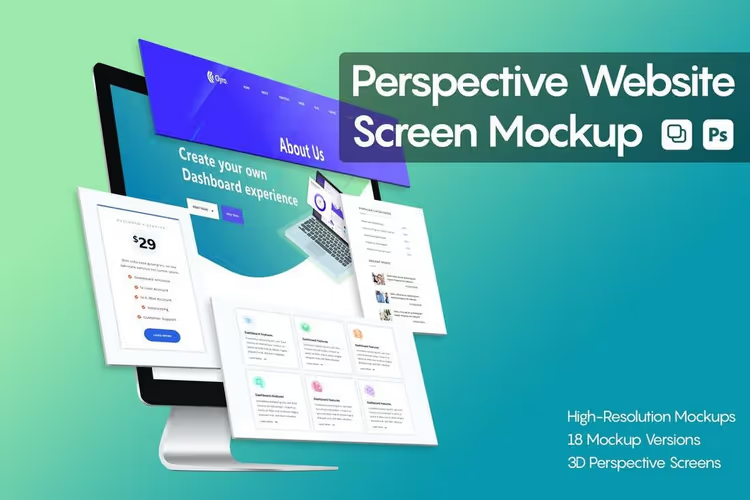
18 different angles in one set. You can show the site from front, side, at an angle, assemble a presentation from several views like slides. Smart objects on each layer.
4. Browser Mockup Template
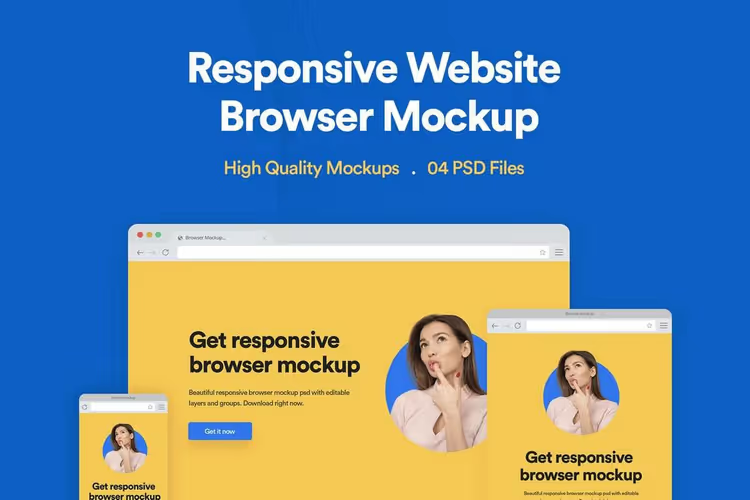
Multi-purpose browser mockup in four resolutions: desktop, tablet, mobile. Convenient for demonstrating responsive design in one image. Requires Photoshop CS4 or newer.
5. Free 3D Desktop Website Mockup
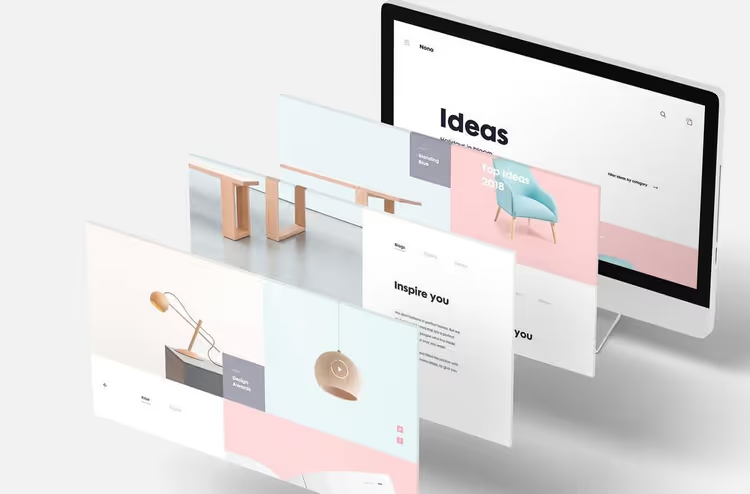
Free mockup with monitor perspective. Suitable for personal and commercial projects. Simple, clean, no extra details, design speaks for itself.
6. Isometric Website Mockup Templates
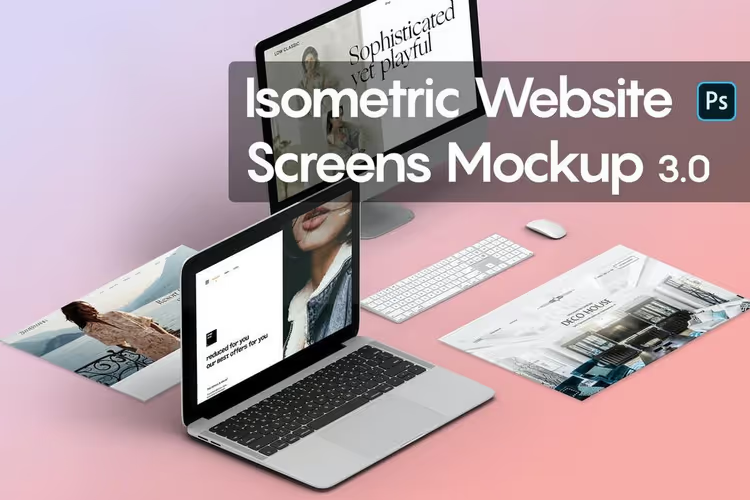
Isometric set with laptop mockup. Four angles to choose from: site can be shown frontally, at an angle, or with focus on screen. Looks good in portfolio.
7. 15 Perspective Website Mockups
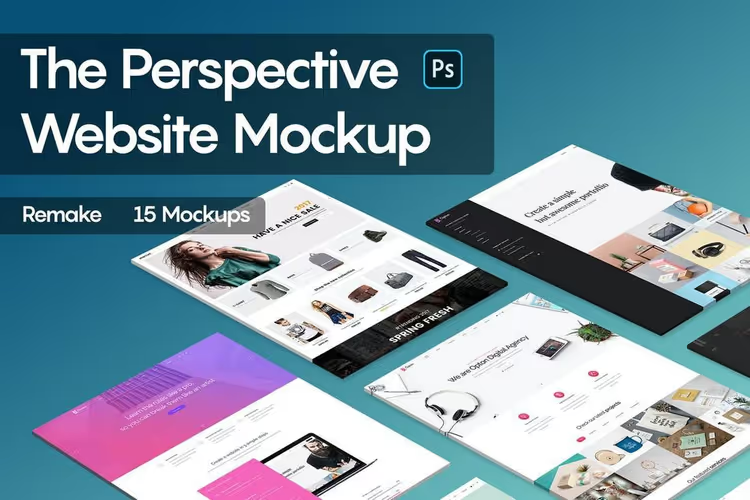
Fifteen views in one set, maximum flexibility for presentation. Each template is a separate PSD file with organized layers and smart objects.
8. Responsive Website Mockups
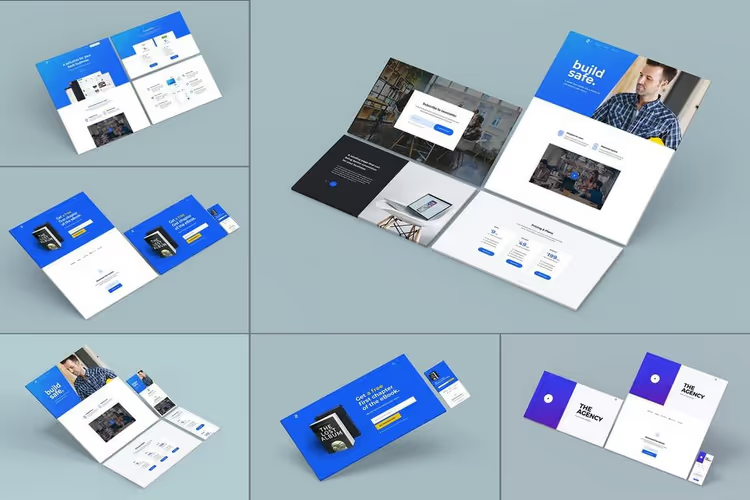
Unusual approach: site sections shown one by one, not as full screen. Convenient when you need to emphasize a specific block, form, gallery, pricing table. Six high-resolution mockups.
9. Perspective 10 Professional Mockups
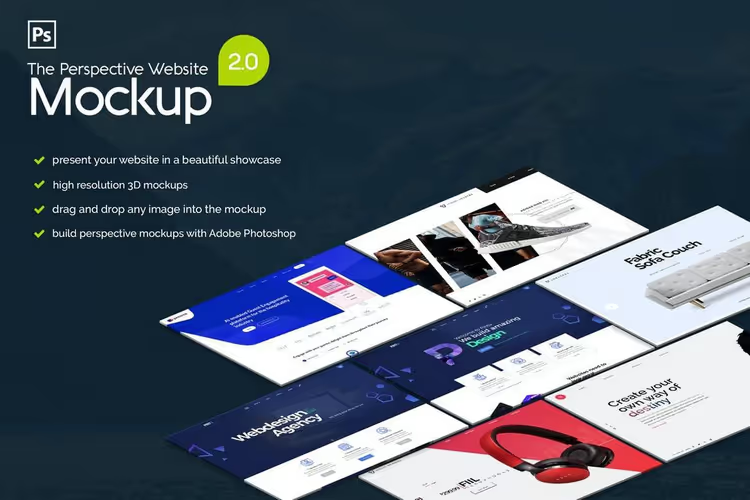
Ten perspective mockups with different viewing angles. Compatible with Photoshop CS1 and above, don't require the latest editor version.
10. Free Minimal Website PSD
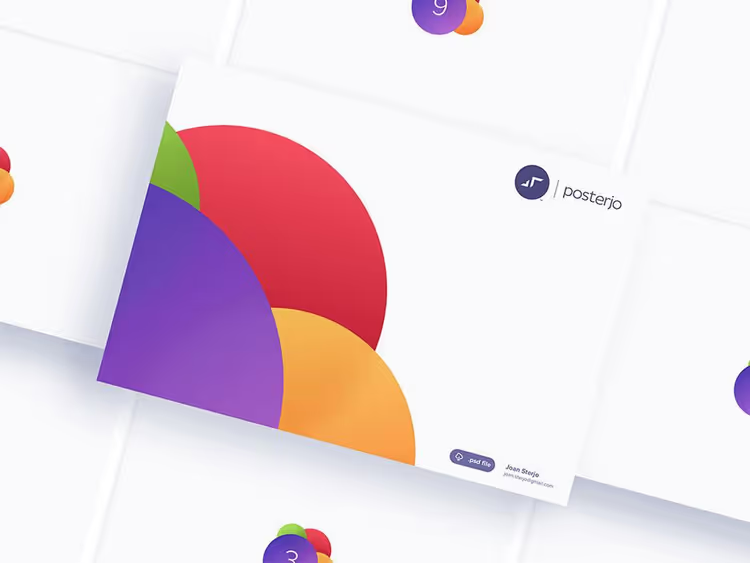
Free minimalist mockup for demonstrating several screens in one place. Nothing extra, design is the focus.
11. 10 Isometric Website Mockup Templates
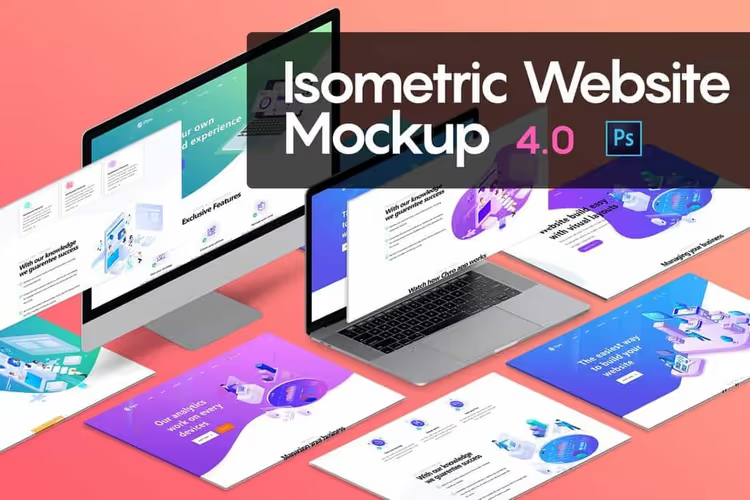
Ten stylish isometric mockups. Each gives the effect of "closer to design," details are clearly visible, shadows are refined. Smart objects for quick content replacement.
12. Perspective Website Template Pack
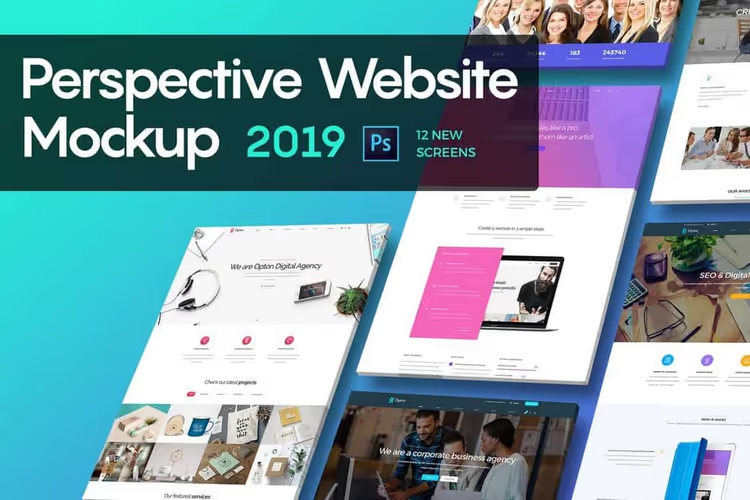
Twelve different perspective views. Good when you need to show the site from several sides in one presentation, for example, main page, catalog, and product card.
13. Professional Perspective Website Mockups
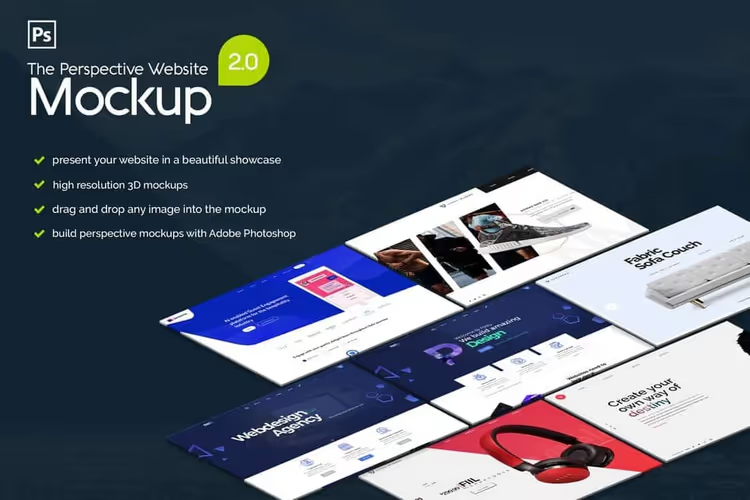
Ten styles and views for professional demonstration. Clean shadows, organized layers, customization takes minutes.
14. iMac Isometric Website Mockup
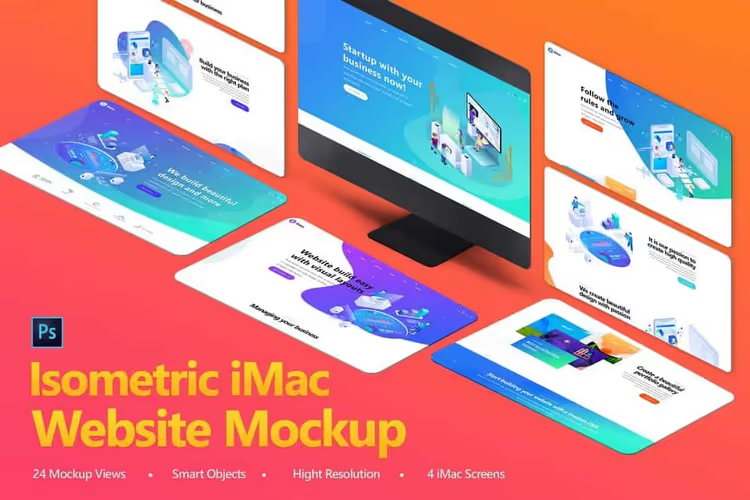
Creative set with iMac: 24 PSD mockups and 4 screen variants. Suitable for blog headers, social media covers, and site headers, universal tool for content designer.
15. 3D Website Mockup Template
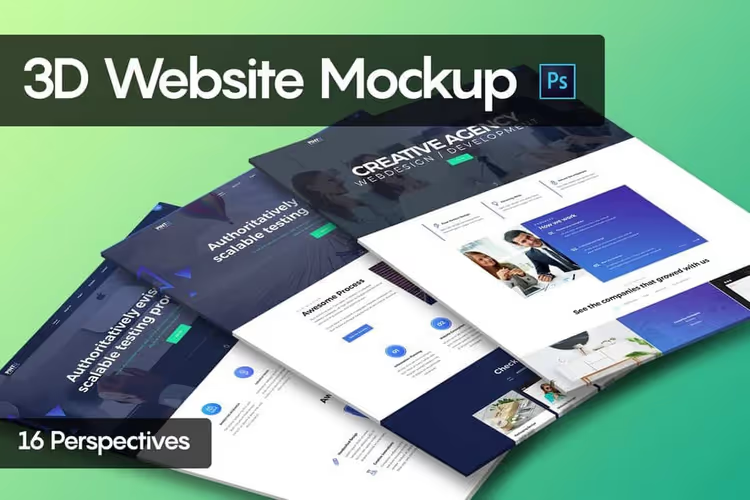
Sixteen 3D mockups with different viewing angles. Fully customizable layers and smart objects, you can change background, shadows, reflections.
16. Free Website Screens PSD Mockup
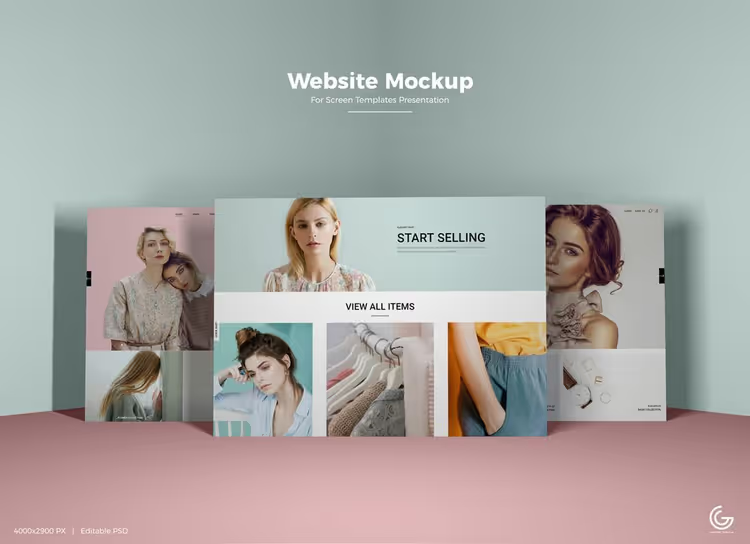
Free high-resolution mockup 4000 × 3000 px. Smart objects allow inserting design with one click. Suitable for portfolio and presentations.
17. Website Browser Mockup
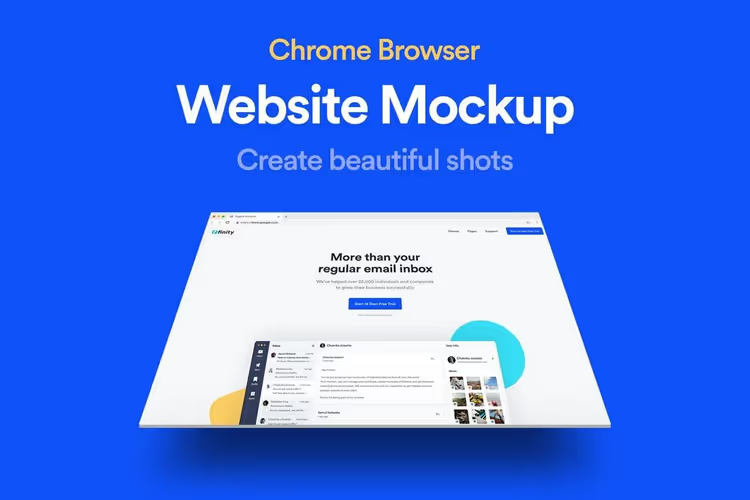
Chrome browser mockup with three-dimensional perspective. Editable backgrounds and shapes, can be adapted to client brand.
18. 3D Website Screen Mockups
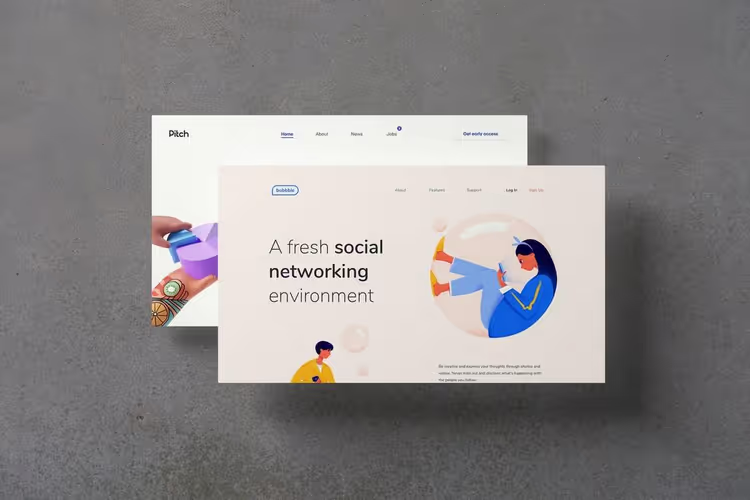
Three different mockups with realistic 3D design. Compact set for portfolio, doesn't overload but gives volume.
19. Web Page Presentation Mockup
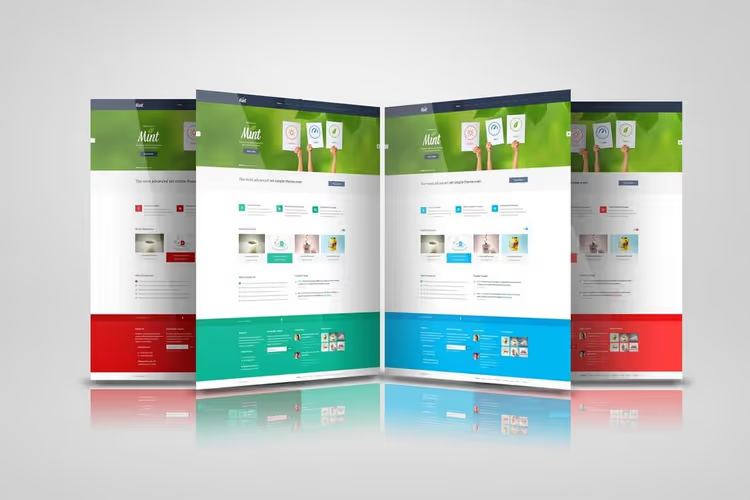
Seven unique perspective mockups in one set. Each has its own presentation style: from "floating" screen to classic angle.
20. Perspective Website Mockup Bundle
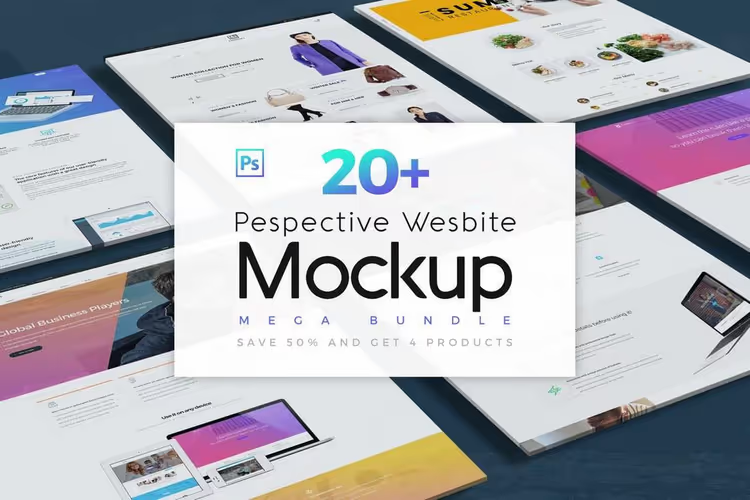
Four mockups with 20 viewing angles. Compatibility with Photoshop CS1 and above. Suitable for studios with diverse software park.
21. Perspective Website Mockup 3.0
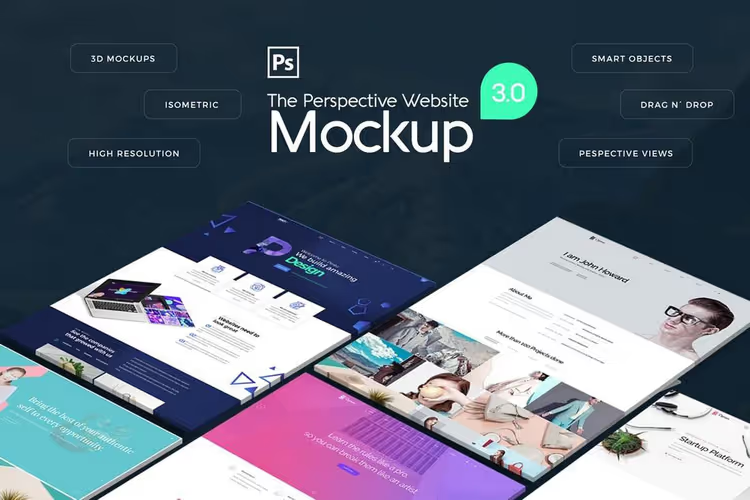
Eight templates with different styles and perspective angles. Drag-and-drop design, customizable shadows and highlights. Version 3.0 with improved detail.
22. PSD Perspective Website Mockup Template
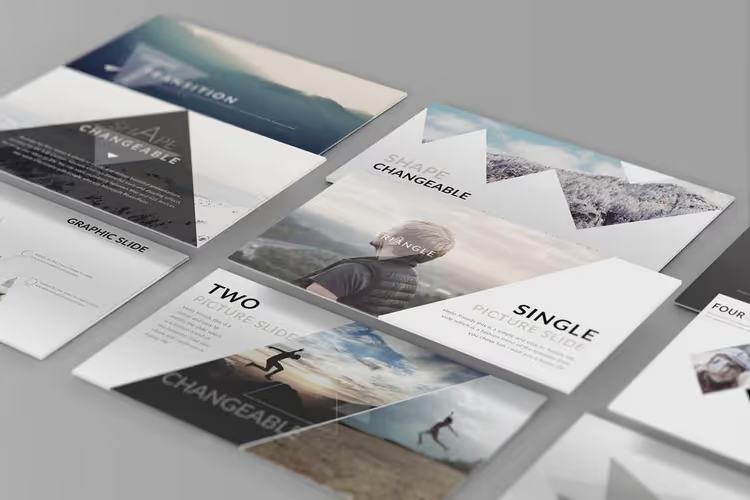
Stylish perspective mockup in 3000 × 2000 px resolution. Separated shadows and smart objects, you can change shadows independently from design.
23. Creative Website PSD Template
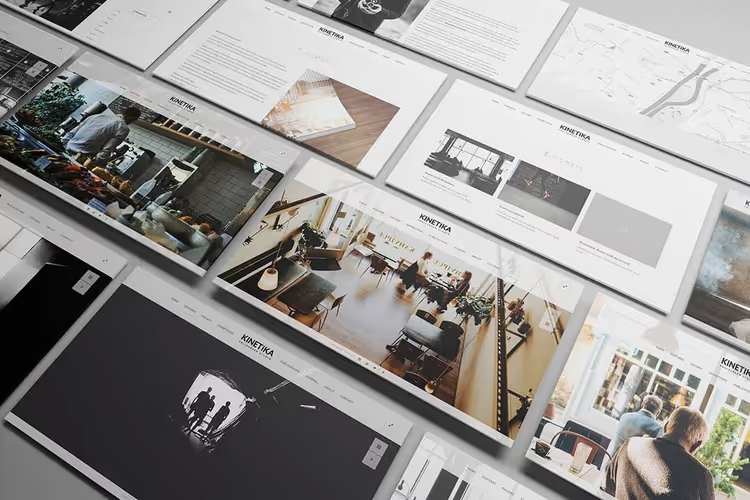
Fully customizable mockup with editable strokes and shadows. Good for non-standard, creative projects.
24. Website Presentation PSD Template
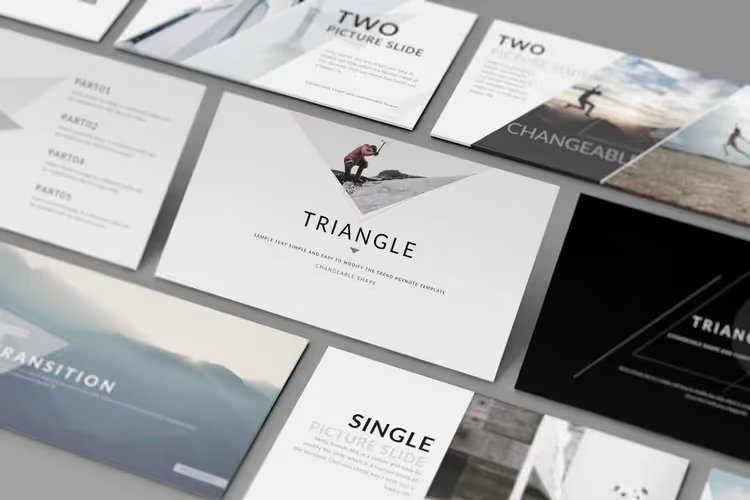
Well-organized layers and smart objects. Separate shadows allow fine-tuning scene depth.
25. Perspective Website Mockup
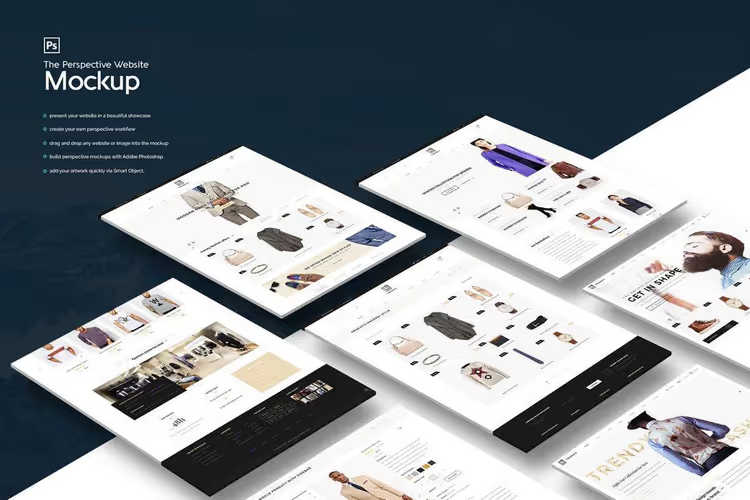
Eleven perspective views plus ability to create custom perspective workflow. Drag-and-drop design, fast and beautiful.
26. Isometric Website Mockup
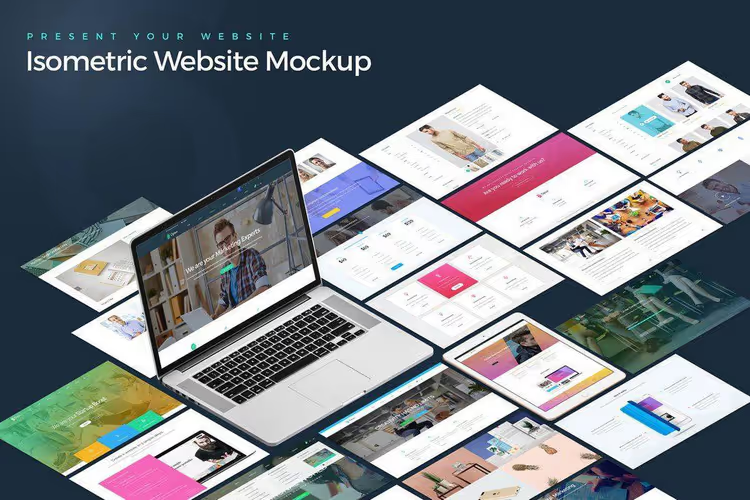
Beautiful MacBook mockup included. Six perspective views in easily editable PSD files. Great for premium presentation.
27. Screens Perspective PSD Mockup
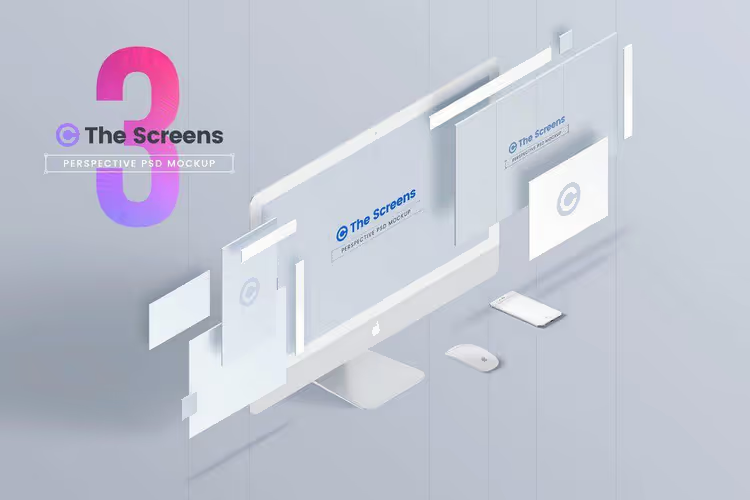
Three angles with iMac screen. Smart objects for inserting design with one click. Minimalist, professional look.
28. Perspective Web Presentation 08
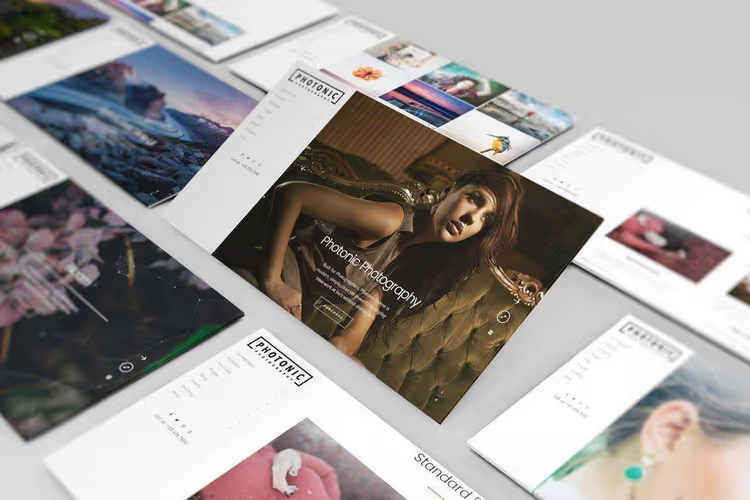
Modern perspective mockup with changeable background and separate shadows. Ideal for first client presentation, design looks "real."
29. Free Beautiful Perspective Website Mockup
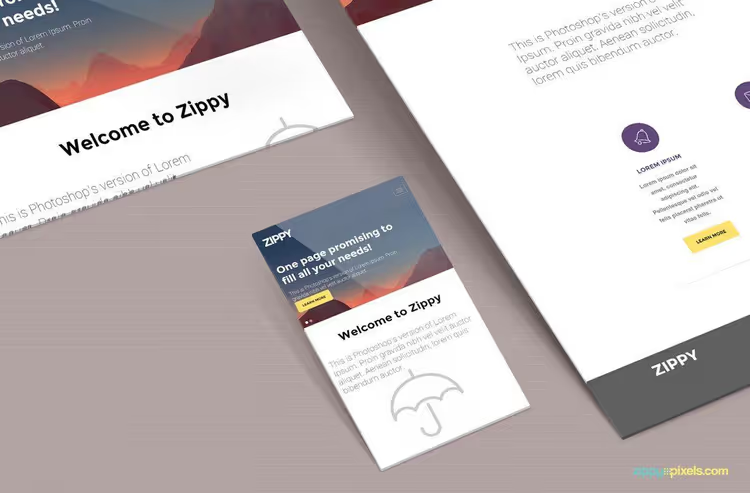
Three display sizes in isometric projection, 300 dpi. Quality mockup that's hard to suspect as "free."
30. 3D site showcase mockups
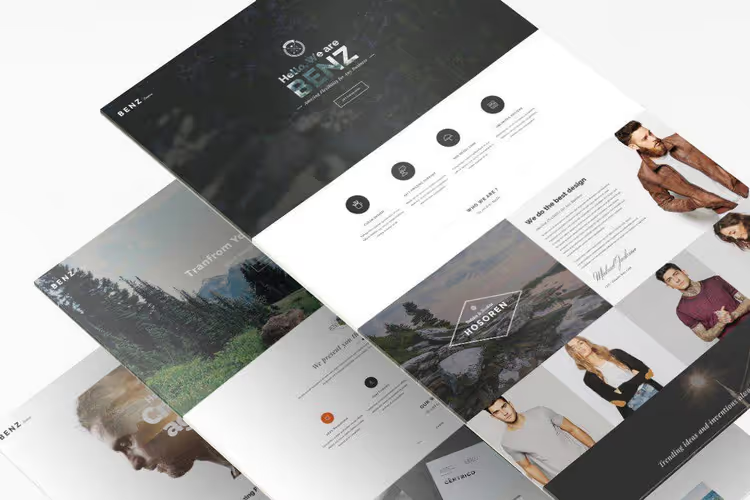
Twelve 3D mockups for maximum realistic presentation. Three-dimensional perspective gives design physical volume, client sees "product," not picture.
31. Perspective Web Presentation Mockup
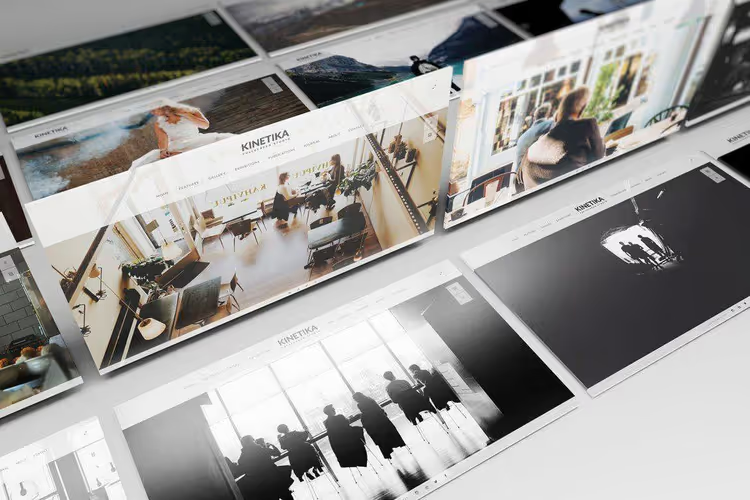
Two styles in one mockup: "standing" and "lying." Both with perspective views, 3000 × 2000 px resolution.
32. 3D Desktop Screen Mockups
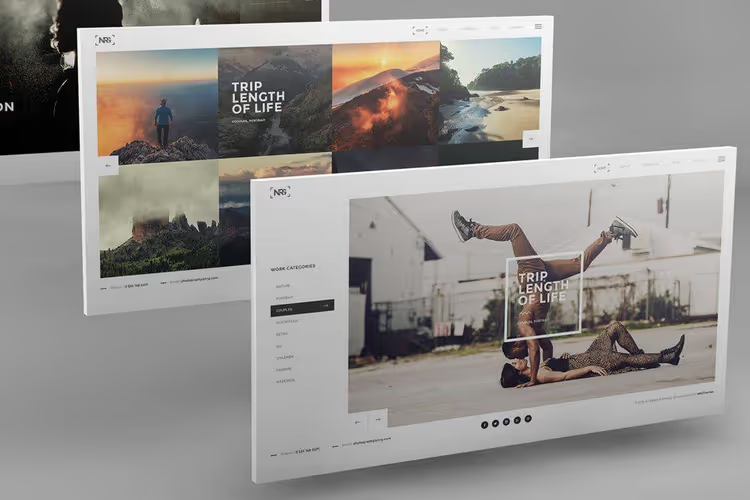
Nine mockups with different perspectives and changeable background. Show site on desktop screen, classic format for studios.
33. Perspective Web Mockup 16
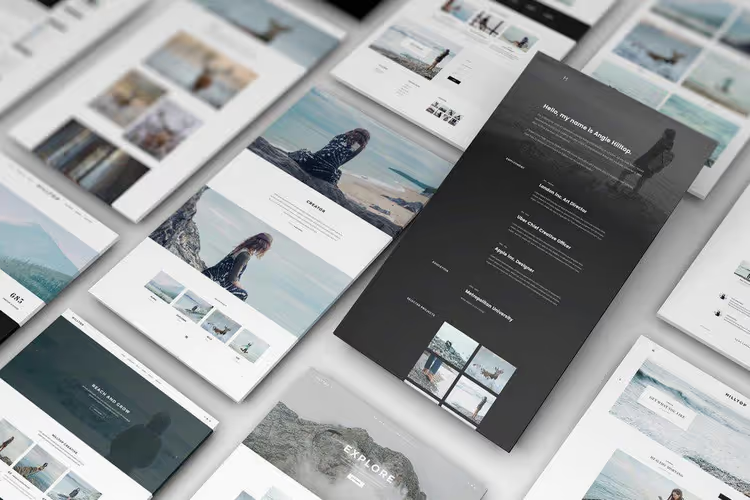
Professional mockup for demonstrating full-size designs. Allows showing several site pages in one scene, convenient for comprehensive presentation.
34. Site showcase mockup 02
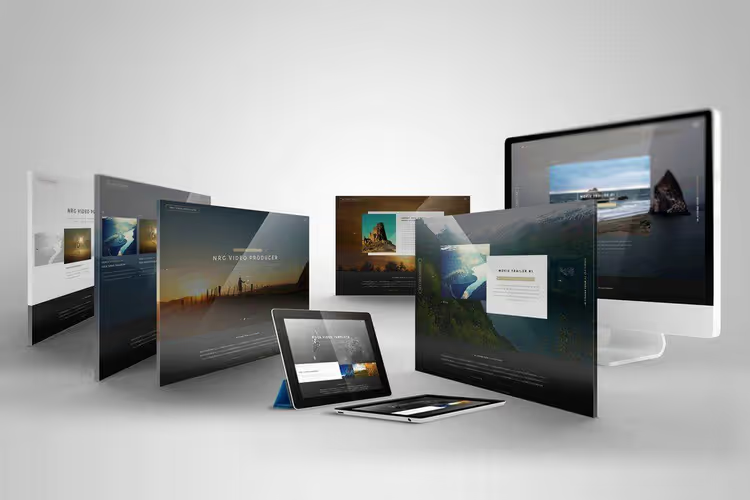
Set of several mockups: tablet, iMac, desktop. Universal kit for showing responsive design on different devices.
35. Perspective Web Mockup 05
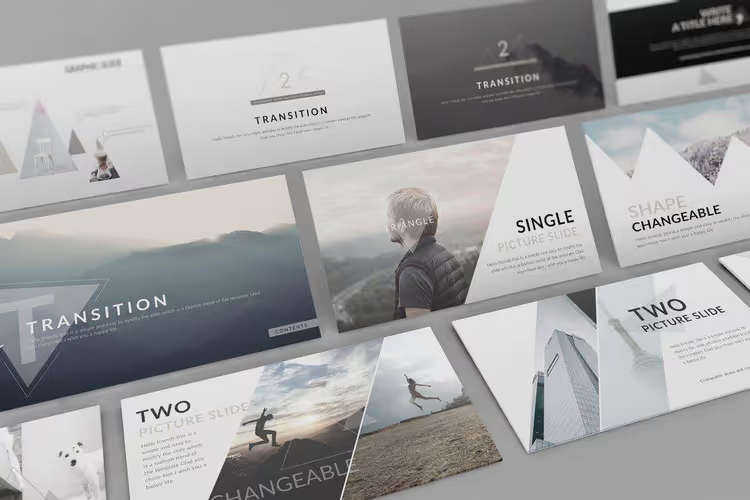
Neat perspective mockup for portfolio. Separate shadows, well-organized layers, customization is intuitive.
36. Perspective Web Mockup 17
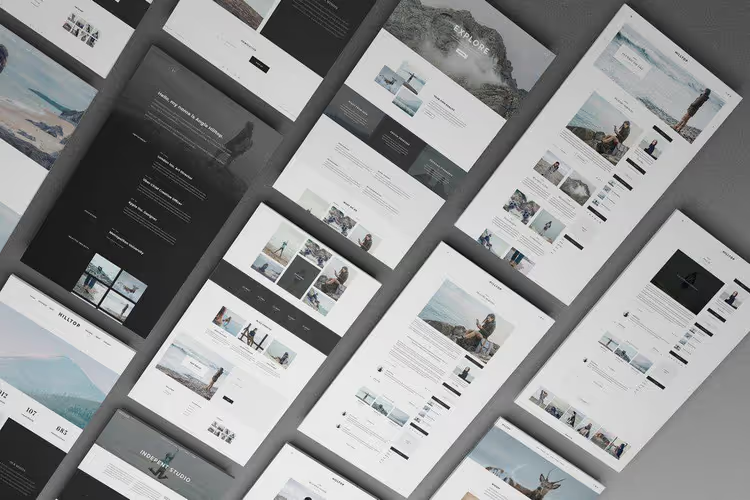
Interesting angle: mockups seem attached to wall. Non-template presentation for those who want to stand out from standard isometric presentations.
37. Site showcase PSD
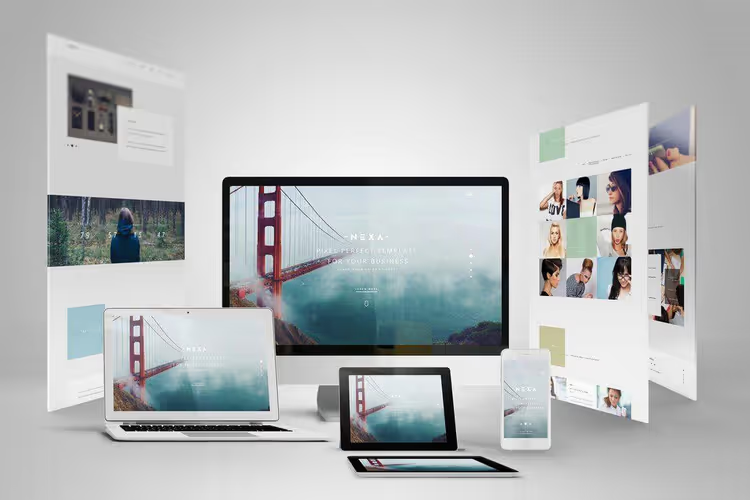
3D set with device mockups: site shown on different carriers. Good for demonstrating cross-platform capability.
38. Perspective Web Presentation Mockup
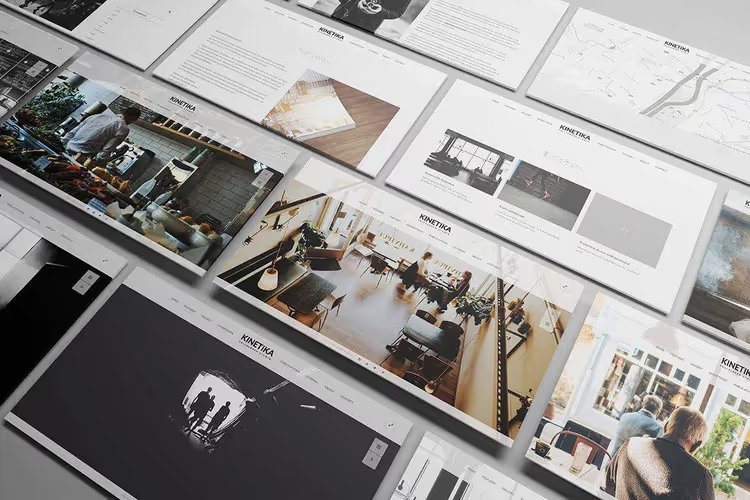
Unique angle: suitable for showing online service features on main page. Fully editable PSD, 3000 × 2000 px.
39. Perspective PSD Website
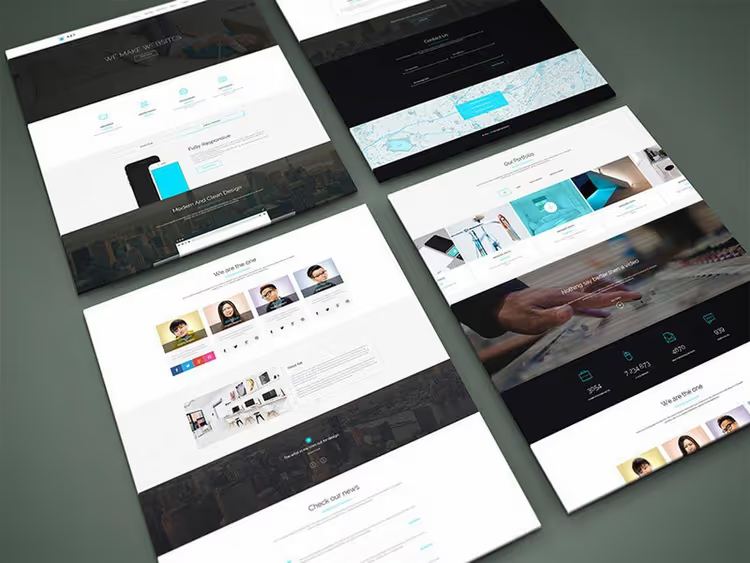
Free mockup with premium look. Quality perspective, high resolution, excellent option for freelancers.
40. Perspective Web Presentation 09
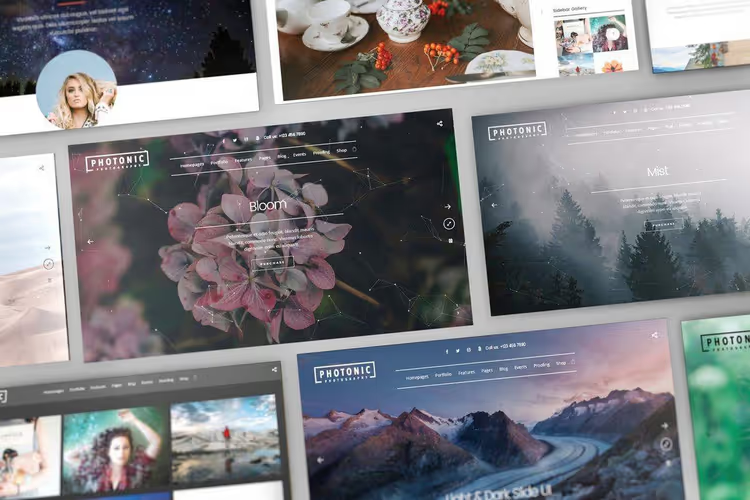
Close-up in perspective. Multi-layer smart objects, changeable background, pre-designed template for quick start. 3000 × 2000 px.
41. Perspective Web Mockup 14
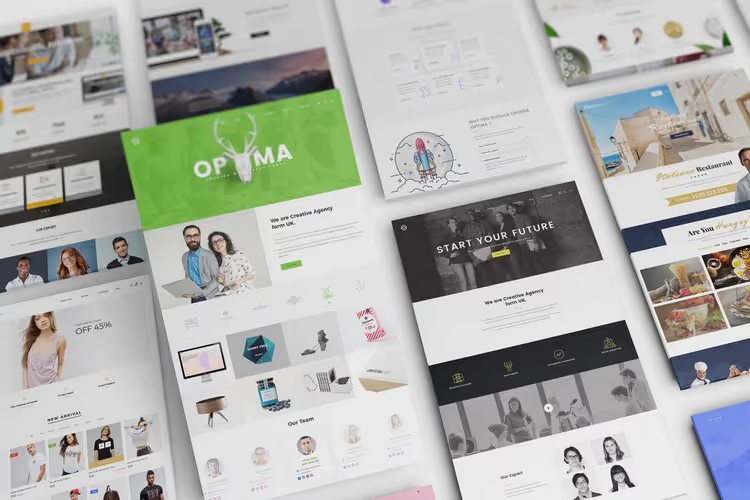
Artistic presentation: highlights best parts of design. Fully editable PSD, 3000 × 2000 px.
42. Free Perspective Web Mockup
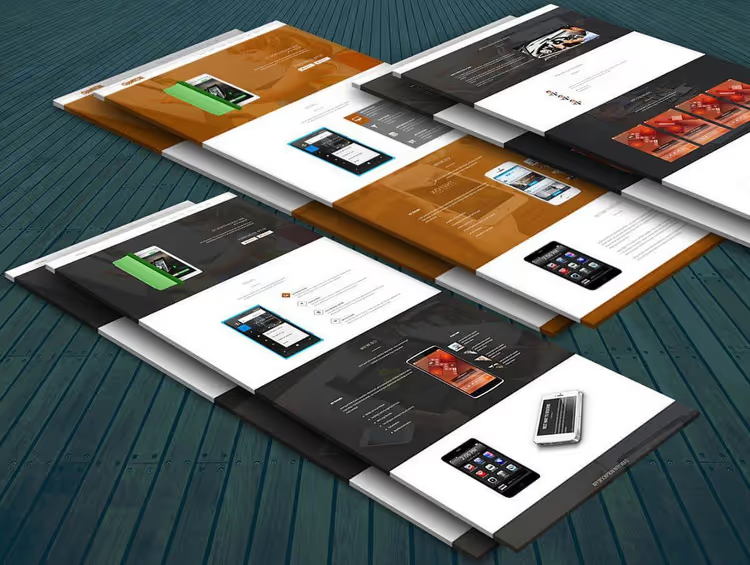
Free mockup with wide perspective. High resolution, design looks sharp even on large screen.
43. 3D Isometric Perspective Mockup
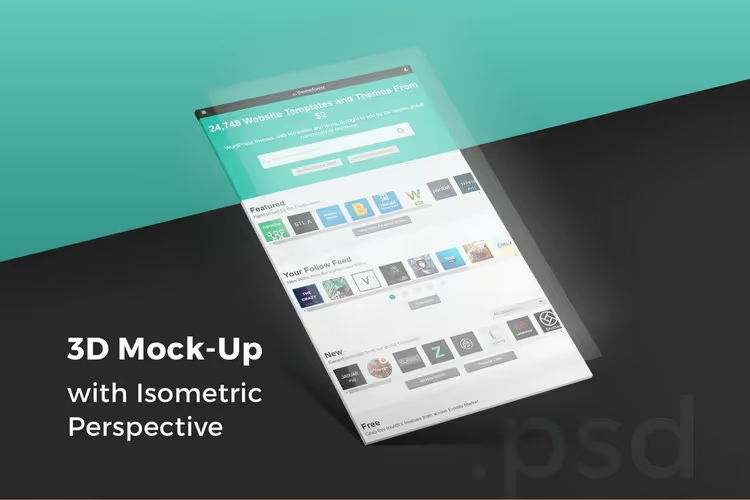
Unusual three-dimensional isometric perspective. One angle, but with fine-tuning capability. All layers are smart objects.
44. Free PSD Perspective Website Mockup
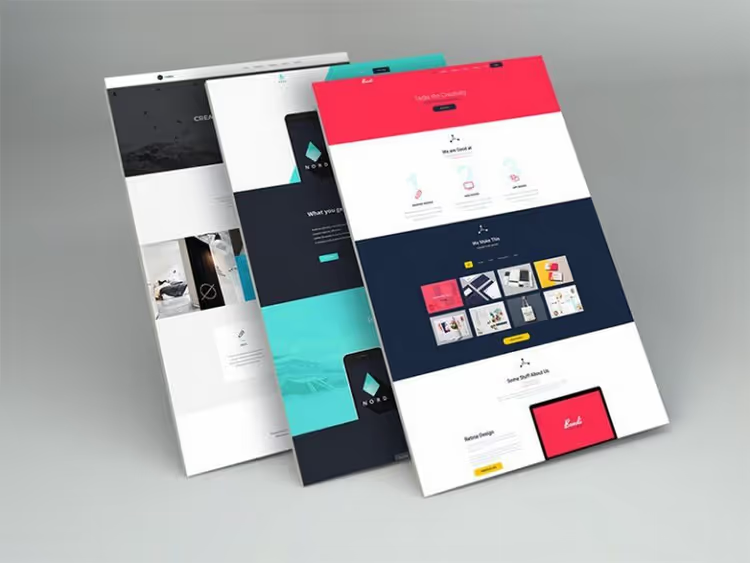
Free perspective mockup for simple designs. All layers, smart objects, customization takes seconds.
45. Perspective Web Presentation 07
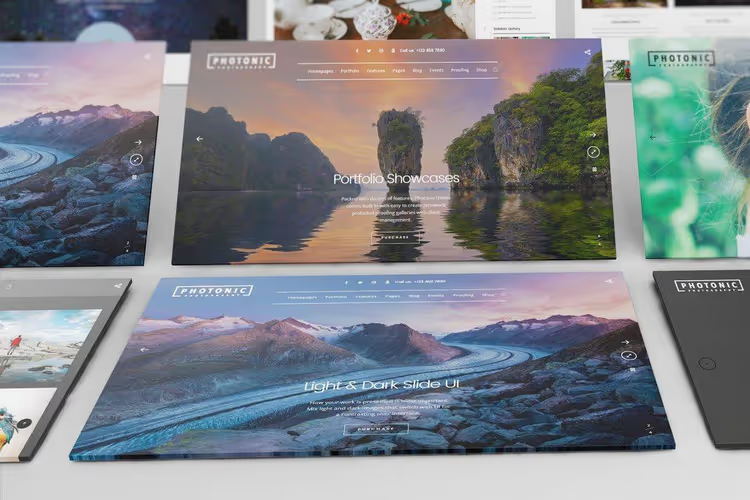
"Gallery-like" angle, design looks like exhibition piece. Fully customizable PSD with artistic atmosphere.
46. Freebie Perspective PSD Website Mockup
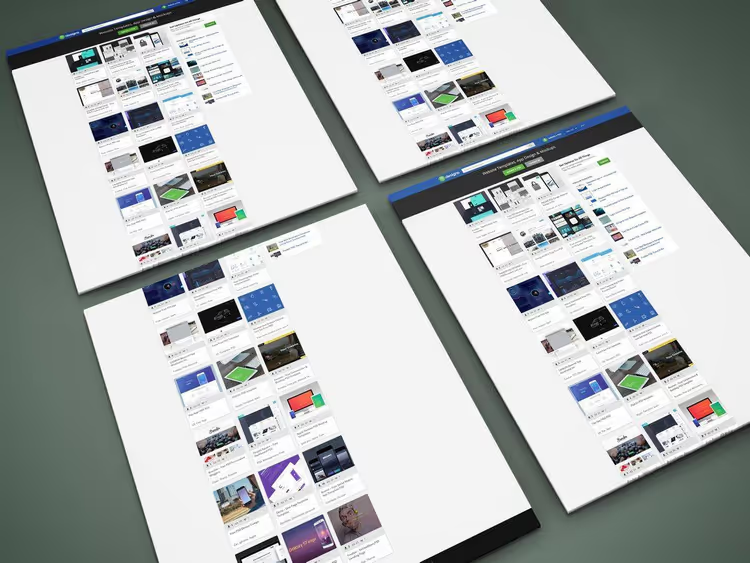
Quality free mockup with unique perspective. Layered and organized with smart objects, professional result without costs.
47. Perspective Web Mockup 11
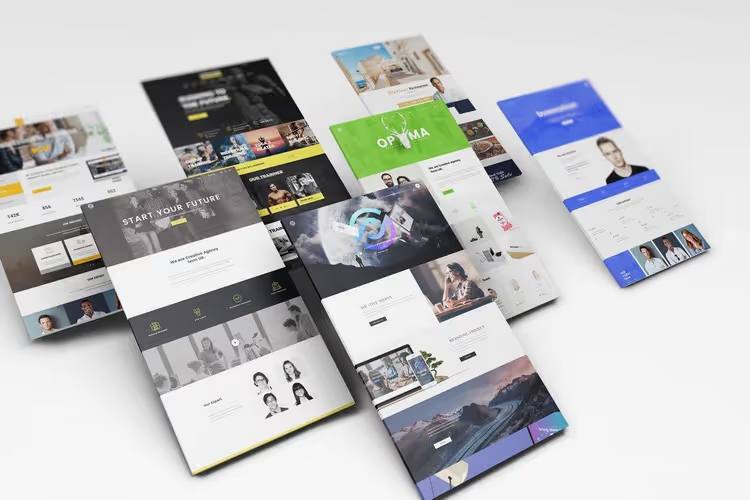
Ready PSD file with clear perspective view. Multi-layered, with separate shadow, can be saved or removed at will.
48. Web Page Mockup Collection
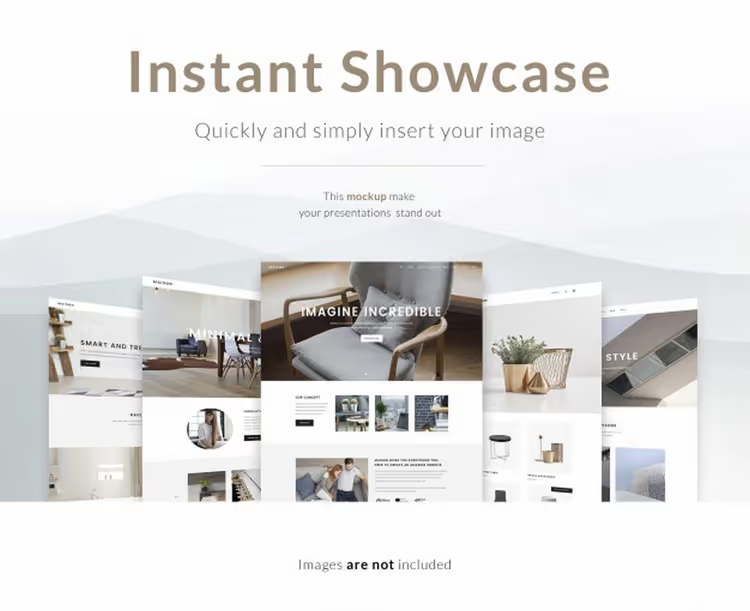
Collection of perspective templates with different views. Free with attribution, good option for personal projects.
49. Perspective Web Mockup 13
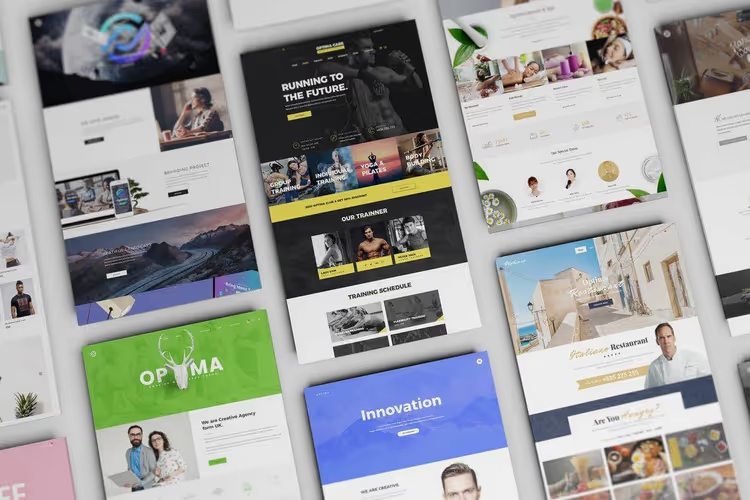
Vertical view: design shown as stack of cards. Non-standard presentation for portfolio and social media.
50. 3D Website and iPhone 5 Mockups
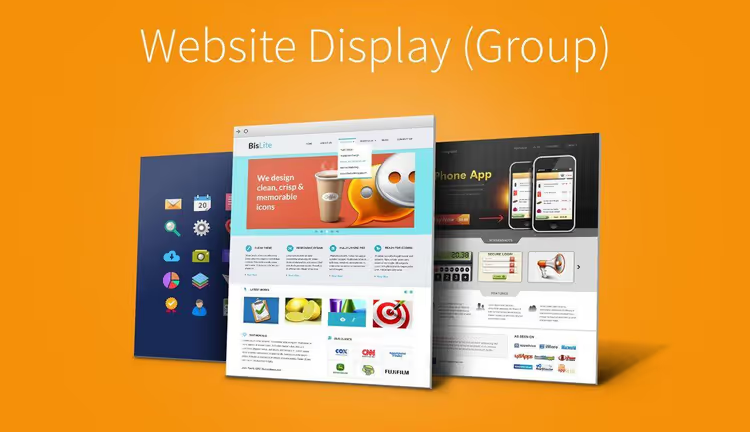
Two in one: site and iPhone 5 mockups. Perspective views, free download, basic set to start.
51. Perspective Web Mockup 01
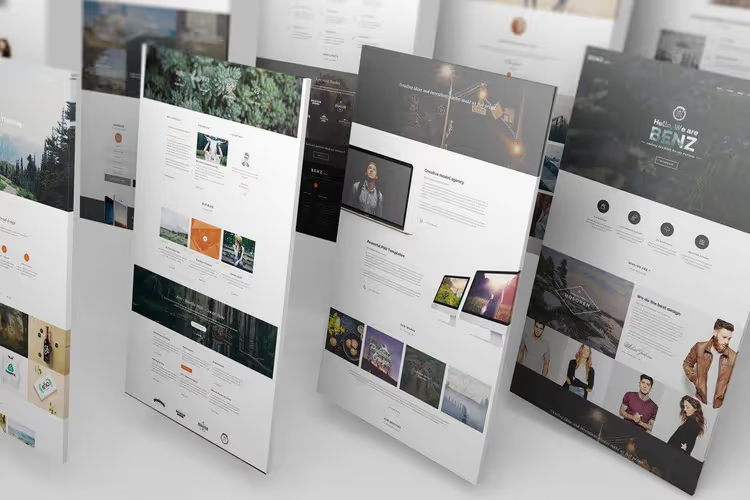
Classic perspective mockup for portfolio or client presentation. Customizable shading and shadows, can be adapted to any style.
52. Free Web Page PSD Mockup
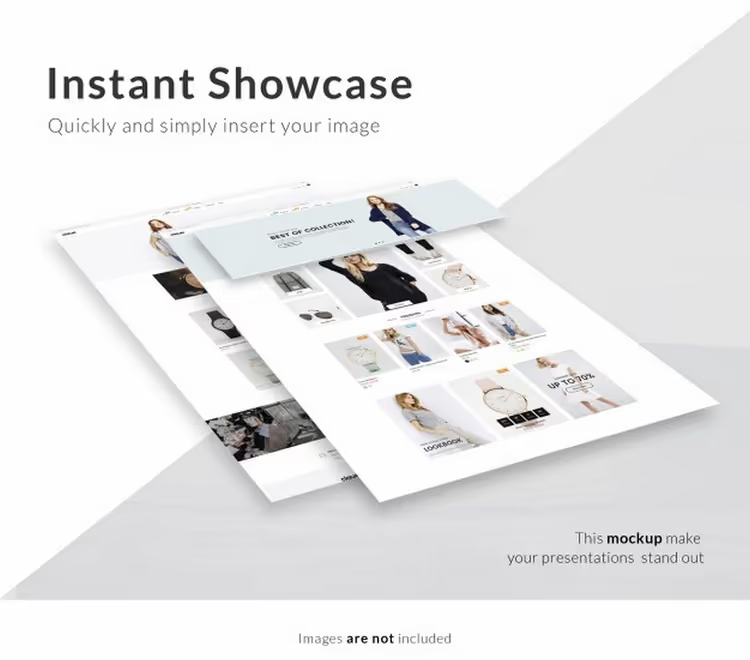
Free professional mockup. Simple, fast, no extra details. Attribution required.
53. Perspective Web Mockup 15
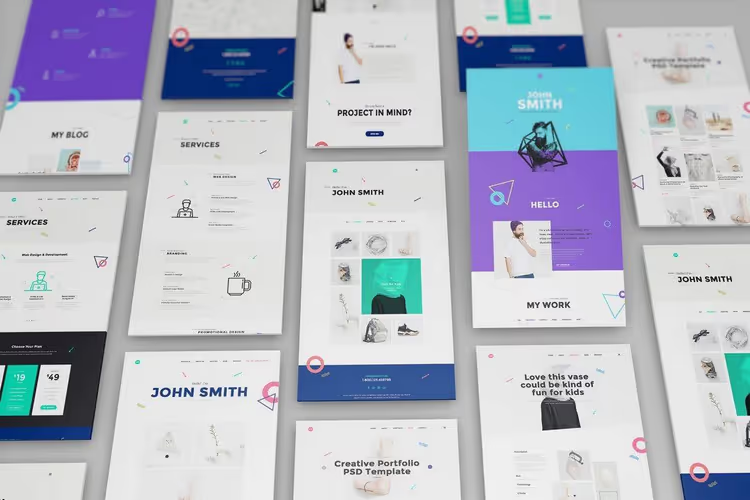
Minimalist mockup with background blur effect, viewer's gaze automatically focuses on design. Good for modern, clean projects.
54. Free PSD Web Page Mockup
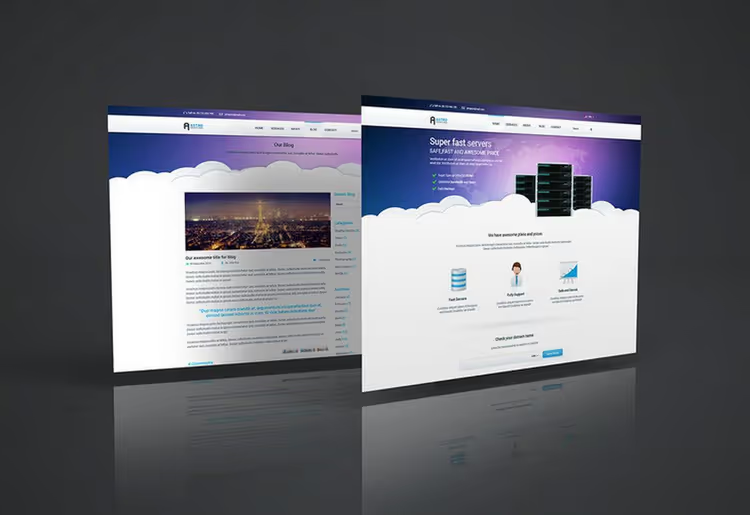
Mockup for emphasizing top section of page, which designers say clients evaluate first. Smart layers for convenient editing.
55. Perspective Web Mockup 12
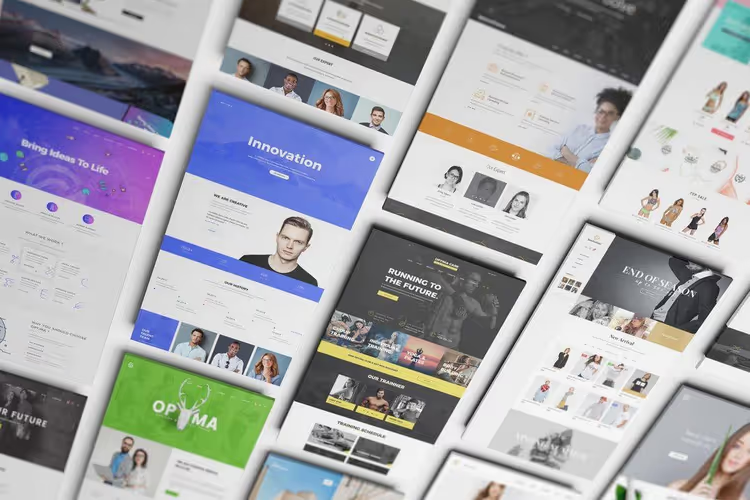
Design seems to hang on wall, impressive presentation that stands out from standard isometric mockups. 3000 × 2000 px resolution.
56. Website Layout Mockup PSD
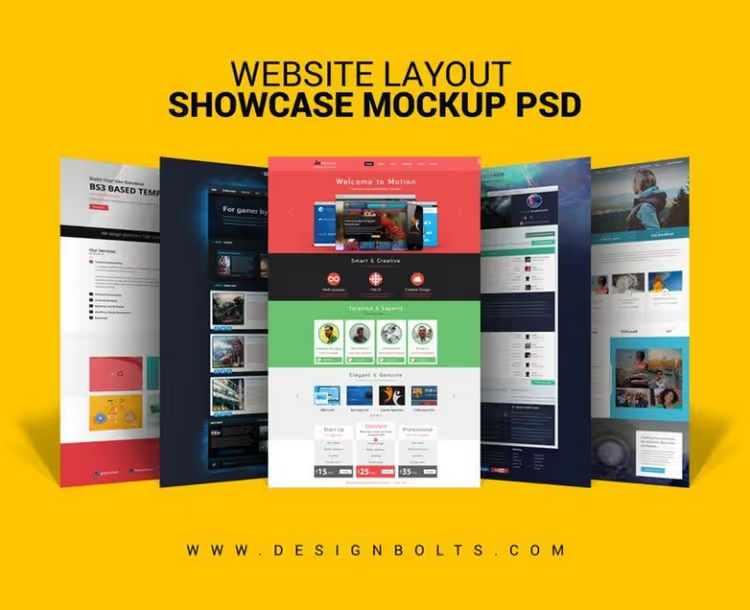
Quality perspective mockup with full layers and smart objects. Free for personal and commercial projects.
57. Perspective Web Mockup 07
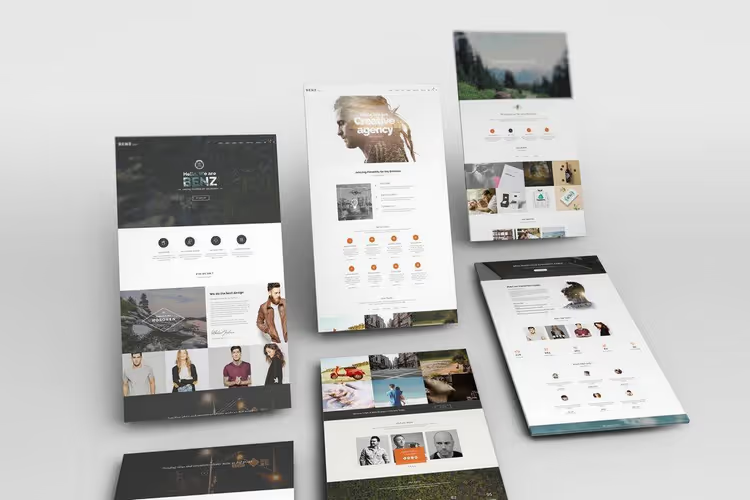
Two views in one mockup: more flexibility for presentation. Background easily changes without breaking perspective.
How to choose a mockup for the task
With such diversity it's easy to get confused. Here's a simple selection algorithm:
Need to show all pages at once, take an isometric set of 6+ screens (#1 or #11). Creates feeling of complete product.
Need focus on one page, take perspective mockup with close-up (#28, #40). Design looks monumental.
Need to show responsiveness, take Browser Mockup Template (#4). Client sees site on all devices in one scene.
Need "wow presentation", take a set of 3D mockups (#30) or mockup with "on wall" angle (#36, #55).
Limited budget, the collection has more than 10 free mockups (#5, #10, #16, #29, #39, #42, #44, #46, #48, #52, #54, #56). Enough for most freelance projects.
Where to get mockups in 2026
The mockup market has changed since 2020: new platforms appeared, and premium template prices became more affordable.

Envato Elements remains the main source: more than 2 million mockups, templates, themes, and graphics by subscription from $16.50/mo. You download any files without limits, for studios this is more profitable than buying each mockup separately.
For those looking for free options: Free-Mockup.com and Good Mockups publish fresh PSD mockup collections every week.
Worth separate mention is Figma Community: mockups are now available in Figma format too. If you work in Figma, search "website mockup" in Community, thousands of free options.
Detailed tutorial on working with PSD mockups: opening smart objects, replacing design, adjusting shadows, and exporting. From beginner to confident result in 15 minutes.
⁉️🤔 Frequently asked questions
What is a smart object in a PSD mockup?
Smart object is a layer in Photoshop that preserves the source image and allows editing it without quality loss. In PSD mockups, smart object is the place where you insert your design. Double-click the smart layer icon, a separate file opens, paste your layout there, save, and it automatically appears in the mockup with all perspective distortions, shadows, and highlights. Key point: you only change content, while perspective effects and lighting remain unchanged. If you've never worked with them, the video above shows the process step by step.
Can PSD mockups be used without Photoshop?
Yes, but with limitations. Photopea (free online editor photopea.com) opens PSD and supports smart objects, basic mockups edit without problems. Affinity Photo is a one-time purchase ($69.99) with full PSD and smart object support. GIMP opens PSD but doesn't support smart objects, not suitable for mockups. Practice shows: if you work with mockups regularly, Photoshop or Affinity Photo pay for themselves through time savings.
How does an isometric mockup differ from a perspective one?
Isometric layout shows object without perspective reduction: parallel lines stay parallel, scale is the same throughout the scene. This view is convenient for demonstrating several screens simultaneously, they don't "flow" into distance. Perspective mockup imitates real vision: distant objects are smaller, lines converge to a point. It looks more realistic, but screens in scene depth are harder to read. For portfolio, isometry is chosen more often (all works equally visible). For client presentation, perspective (more impressive, looks "pricier").
How long does it take to insert design into a mockup?
With a prepared PSD file, from 30 seconds to 2 minutes per screen. Open mockup, double-click smart object, paste your design (Ctrl+V), adjust size (Ctrl+T), save (Ctrl+S), close smart object, done. A set of 6 screens in isometric mockup can be prepared in 5-7 minutes. The longest part isn't technical, but choosing the right angle. Keep 3-4 favorite mockups matching your style on hand, this cuts presentation time to a couple of minutes.
Do I need to credit the mockup author when using?
Depends on license. Most premium mockups (Envato Elements, Creative Market) don't require attribution in personal or commercial projects. Free mockups often come with attribution requirement, check file description before using. In commercial projects it's safer to take premium mockups: no license risks and quality is consistently higher. Envato Elements license covers commercial use without attribution for all files in library.
What to choose for site presentation in 2026
Mockups aren't just a "pretty picture." They're a sales tool: the client sees not a flat layout, but an almost ready product. Properly presented design gets approved on first try.
If you're designing from scratch, start with a tool: Framer for interactivity, Balsamiq for quick sketches, Moqups for teamwork. When the layout is ready, take a PSD template from the collection, insert the design with one click, and present.
Remember: the client buys confidence that the site will look professional. A good mockup gives that confidence.

A professional team of writers and editors specializing in creating quality content.