













 AIIllustrative image: AI-generated
📈 7 tools for tracking rankings in WordPress 2026 (free and paid)
You've launched your site, written the content, configured SEO, but your Google rankings aren't growing. Or they are growing, but you don't know which pages succeeded and which dropped.
Without tracking positions, SEO promotion turns into guesswork. You change headings, add keywords, interlink pages, and wait for months without understanding whether it worked or not.
Below are seven proven tools for monitoring positions: from Google's free planner to professional SEO combines like Semrush and Ahrefs. Each is tailored to its own scenario, so choose the one that fits into your workflow without extra rituals.
💡 Quick overview:
- Assess current positions for free through Google Keyword Planner or TrueRanker.
- Set up daily tracking of dozens and hundreds of keywords through KeywordTool.io, SERPWatcher or Rankie.
- Get the complete SEO picture with competitor analysis and backlinks through Semrush and Ahrefs.
Comparison table: all tools in 30 seconds
Tool | For whom | Free access | Starting price | Main feature |
|---|---|---|---|---|
Semrush | Agencies, medium+ | 10 queries/day | from $139/mo | Complete SEO combine |
Ahrefs | SEO specialists | Webmaster tools | from $129/mo | Link analysis leader |
Google Keyword Planner | Beginners, small business | Completely free | - | First-hand Google data |
Rankie | WP site owners | No, from $25 | $25 one-time | Auto-tracking of search queries |
KeywordTool.io | Content marketers | Yes (without volumes) | from $69/mo | 192 Google domains + YouTube, Amazon |
TrueRanker | Local business | 10 keywords free | from €9/mo | Geo-tracking by cities |
SERPWatcher | Freelancers, small teams | 14 day trial | from $29/mo | Clearest interface |
1. Semrush: SEO combine with powerful position tracker
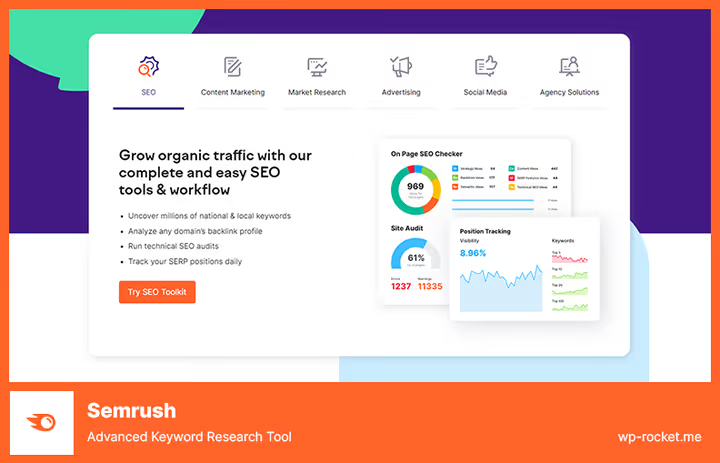
Semrush tracks positions not of a single page, but of the entire domain, across hundreds and thousands of keywords simultaneously. You can split queries by tags, geo and devices, set up daily reports by email and instantly find out which competitors are overtaking you.
In practice, the basic plan at $139 per month is enough: up to 500 keywords, daily updates, access to competitor data and PDF export (current Semrush pricing). If you manage clients, get Guru ($249/mo): keyword clustering and content templates for new pages appear.
- Pros: unified ecosystem (audit, links, content, PPC), daily updates, triggers on position drops, historical data for the entire period.
- Cons: price bites for a single project, free version is cut to 10 queries per day, interface requires getting used to.
- Price: Pro from $139/mo, Guru from $249/mo, Business from $499/mo.
- Download: 🔗 Semrush
2. Ahrefs: benchmark backlink analysis plus accurate rank tracker

Ahrefs started as a tool for analyzing link mass and still holds first place in freshness and depth of backlink index. But their Rank Tracker is not inferior to Semrush: updates once a day, breakdown by countries and devices, Share of Voice graph relative to competitors.
Note: Ahrefs has no mobile app, and the junior Lite plan ($129/mo) gives only 100 tracked keywords (Ahrefs pricing). For most site owners this is more than enough, but if you monitor hundreds of queries, look toward Standard ($249/mo).
- Pros: best-in-industry link analyzer, Content Explorer for finding topics, integration with Google Search Console, honest traffic data.
- Cons: no mobile app, keyword limits on junior plans, no free trial period for Rank Tracker.
- Price: Lite from $129/mo, Standard from $249/mo, Advanced from $449/mo.
- Download: 🔗 Ahrefs
3. Google Keyword Planner: free planner right from the ad cabinet

Keyword Planner lives inside Google Ads, and you need an account to access it (you don't have to run ads). You get search queries, search volume and competition level directly from Google, no third-party analytics and guesses.
Main scenario for a WordPress site owner: check semantics before writing an article, assess seasonality and collect a pool of low-competition keywords. Data can be exported to CSV and fed to a plugin like Rank Math for distribution across pages.
- Pros: free, first-hand data, geo-targeting down to city, built into Google ecosystem.
- Cons: doesn't show exact positions of your site (this is NOT a tracker), only volume ranges without exact numbers, Google Ads account required.
- Price: free (Google Ads account needed, ad budget not required).
- Download: 🔗 Google Keyword Planner
4. Rankie: affordable WordPress plugin with auto-tracking of visitor queries
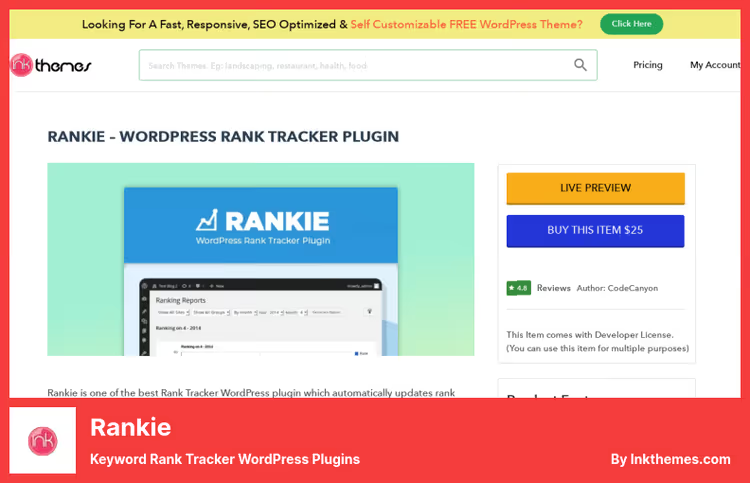
Rankie records your site's positions for the keywords that visitors actually enter in search. If someone came to the site by the query "how to speed up WooCommerce", the plugin adds this keyword to tracking automatically.
The plugin is installed directly in the admin and produces monthly reports with graphs. The price is fixed, $25 per license, no monthly subscription (Rankie page). Among the minuses: updates come out rarely, and support doesn't respond instantly. For a small site with a couple dozen tracked phrases, it's more than enough.
- Pros: one-time payment, auto-tracking of visitor search queries, works inside admin, PDF reports.
- Cons: rare updates, doesn't handle hundreds of keywords, interface looks dated.
- Price: $25 one-time.
- Download: 🔗 Rankie
5. KeywordTool.io: keyword generator on Google Autocomplete steroids

KeywordTool.io builds semantics based on Google, YouTube, Bing, Amazon, eBay, App Store and a dozen more platforms' autocomplete. You enter a root query, the tool gives hundreds and thousands of real search phrases that people are typing right now.
The free version gives a list of keywords without search volume and competition. Pro for $69 per month opens exact search numbers, CPC, trends and the ability to export up to 20,000 keywords per query (KeywordTool.io pricing). For a content marketer building a content plan a year ahead, this is a must-have.
- Pros: 192 Google domains and 83 languages, suggestions from a dozen platforms, huge keyword output, has API.
- Cons: free version without search volumes, no position tracking (this is ONLY keyword selection), interface is overloaded.
- Price: Pro from $69/mo (annual subscription), has API plans.
- Download: 🔗 KeywordTool.io Lite | 🔗 KeywordTool.io Pro
6. TrueRanker: fresh geo-tracker for local SEO

TrueRanker solves a specific task: local business wants to know what place it's in Google for a specific city or district. You set a keyword and geo, and the plugin updates the position daily, without bloated functionality and complex dashboards.
The free plan gives 10 keywords and one project. Paid plans start from €9 per month for 100 keywords (TrueRanker pricing). The plugin is installed in WordPress, connects to the TrueRanker API and shows positions directly in the admin. A young tool, but actively updated and already tested with WordPress 6.9.
- Pros: tracking by cities and countries, simple interface, has free plan, regular updates.
- Cons: small installation base (growing product), no competitor analysis, no PDF export on junior plans.
- Price: Free (10 keywords), Starter from €9/mo (100 keywords), Business from €29/mo.
- Download: 🔗 TrueRanker
7. SERPWatcher: clearest rank tracker from Mangools
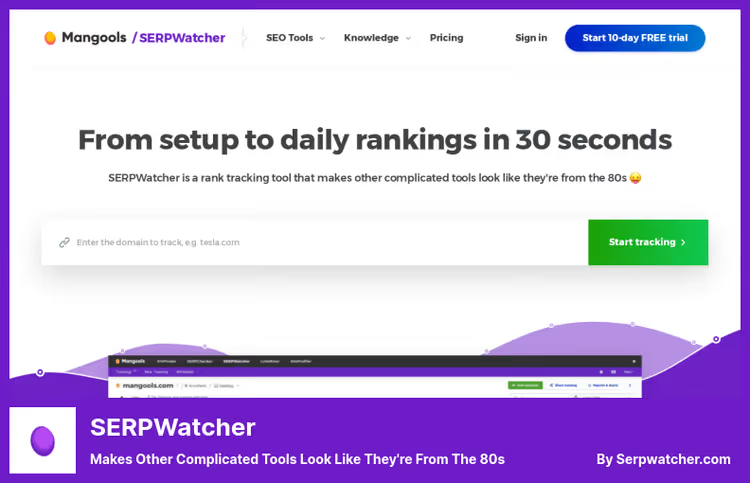
SERPWatcher is part of the Mangools ecosystem and, perhaps, the most beginner-friendly tool from the entire collection. Instead of the abstract "you're in 5th position" it shows Performance Index: a metric that multiplies position by search volume and gives an honest picture of whether traffic is growing or not.
Daily updates, 65,000+ locations for geo-tracking, interactive reports by link (client opens and sees the graph without login). The starter Mangools Basic plan for $29 per month gives 200 keywords (Mangools pricing), for the owner of one or two sites it's more than enough.
- Pros: intuitive interface, Performance Index, report sharing by link, 48-hour money-back guarantee.
- Cons: keyword limit on junior plan, no perpetual free plan (only 14 day trial).
- Price: Mangools Basic from $29/mo (200 keywords), Premium from $44/mo (700 keywords), Agency from $89/mo.
- Download: 🔗 SERPWatcher
Is there any point in watching the video?
Theory is theory, but when you see positions updating in real time directly in the WordPress admin, there are no questions left. In the video below, the AIOSEO team shows the end-to-end process of setting up keyword tracking from scratch to the first report:
⁉️🤔 Frequently asked questions
What's the difference between a position tracker and just an SEO plugin?
An SEO plugin (Rank Math, Yoast, AIOSEO) optimizes the page: meta tags, sitemap, schema. A position tracker monitors what place in Google's results the page is for a given keyword, today, yesterday and a month ago. These are two different tasks: optimization and measuring the result.
Can you track positions for free?
Yes, within limits. Google Keyword Planner is completely free, but shows volumes, not your positions. TrueRanker gives 10 keywords for free. Wincher, up to 10 keywords in the free version, but the plugin hasn't been updated since 2024, and on fresh WordPress versions may work unstably. Free plans are convenient for starting, but for systematic SEO work you need a paid tool.
Which service is suitable for a WooCommerce online store?
If budget allows, Semrush or Ahrefs: they simultaneously track positions, audit technical SEO and highlight product pages that are losing traffic. With a limited budget, combine Rankie for position monitoring and KeywordTool.io for expanding semantics for product categories.
How often are positions updated in these tools?
Most (Semrush, Ahrefs, SERPWatcher, TrueRanker) update data once a day. Rankie, based on visitor search queries (can be several times a day). A daily step is enough for monitoring, and hourly updates are not needed for practical tasks: Google doesn't recalculate results instantly.
Do I need a separate tracker if I already have Yoast or Rank Math installed?
Rank Math SEO has a built-in Rank Tracker module (in the paid version), if you use it, a separate tool is really not needed. Yoast SEO doesn't provide position tracking: Yoast optimizes the page but doesn't show what place it's in. In this case, get SERPWatcher or TrueRanker as a lightweight add-on.
What to choose for your task: final breakdown
Each of the seven tools solves its own class of tasks. There's no universal "best", there's one that fits your scenario and budget.
- If you need a complete SEO audit plus tracking, get Semrush (or Ahrefs if the focus is on links).
- If you need a free start, open Google Keyword Planner and connect TrueRanker on the free plan.
- If budget is limited but you need to track positions, Rankie for $25 one-time.
- If you're a content marketer and building a content plan, KeywordTool.io for collecting semantics.
- If you're a local business (cafe, clinic, service in one city), TrueRanker with geo-binding.
- If you're just starting and want to see results without a manual, SERPWatcher.
Check that positions are being tracked at all: open Google Search Console (free) and look at the query report for the last 28 days. You'll see the real keywords people are already finding you by, add those to the tracker first.

A professional team of writers and editors specializing in creating quality content.