














🔑 8 best passwordless login plugins for WordPress 2026 (free and paid)
Passwords are a headache. Users forget them, administrators spend time on resets, and attackers just wait for a weak password in the wp-login.php form. In 2025, according to Wordfence, brute-force attacks on WordPress sites grew by 43%, and in 98% of cases the entry point was the password form.
But there's good news: passwordless login is no longer futuristic. The WordPress ecosystem has matured to WebAuthn, magic links, one-time codes, and biometrics. You can completely remove the password from the login chain and increase security rather than weaken it.
We tested 8 plugins for passwordless login in WordPress in 2026: from lightweight utilities for temporary access to enterprise solutions with 2FA and Face ID. Each was verified for relevance (last update date on WordPress.org), compatibility with WordPress 6.x, and real-world usefulness in practice.
💡 Quick overview:
- Compared 8 plugins by type of passwordless login: magic links, 2FA/OTP, social login, WebAuthn/biometrics, and reCAPTCHA access
- Collected current prices, pros and cons for each based on live testing on WordPress 6.5
- Selected the best plugin for your scenario: temporary access, online store, membership site, or corporate blog
Comparison table: all 8 plugins in 30 seconds
Plugin | Login type | Free version | Pro price | Active installations | Updated |
|---|---|---|---|---|---|
Temporary login without password | Magic link | Yes | $29 | 40,000+ | Dec 2025 |
miniOrange 2FA | 2FA + OTP | Yes (1 user) | From $99/year | 30,000+ | May 2026 |
Passwordless Login (Cozmoslabs) | Email code | Yes | ❌ | 10,000+ | Feb 2026 |
Passwordless Authentication (PPWP) | Form + reCAPTCHA | ❌ | $89.90/year | - | 2025 |
Solid Security (formerly iThemes) | 2FA + magic link | Yes | $80/year | 900,000+ | May 2026 |
WPForms | Custom login form | Yes (Lite) | From $49.50/year | 6,000,000+ | Jun 2026 |
Biometric Login for WooCommerce | WebAuthn / Touch ID / Face ID | ❌ | $29 | - | 2025 |
Nextend Social Login | Social login | Yes | $49 | 600,000+ | Apr 2026 |
1. Temporary login without password
The best tool when you need to give access to a developer, support, or auditor for exactly an hour, day, or week. No accounts: you generate a link, set the expiration time, send it to the contractor. After the time expires, access is automatically revoked.
In practice, this saves you in three scenarios: plugin support asks for admin access, a freelancer fixes layout, you audit a site and give temporary login to the auditor. Manually creating accounts and then deleting them would take many times longer.
Nice touches: the plugin shows how many times the temporary user logged into the site and allows you to set the interface language for the guest. The Pro version adds redirect to a specific page after login.
Pros: instant link generation, unlimited temporary logins, transparent visit log. Cons: doesn't replace permanent login for actual site users, only for admin access.
💵 Lite, free. Pro (Express Login for WordPress), $29 one-time.
🔗 Download on WordPress.org🔗 Pro version
2. miniOrange 2FA, Two Factor Authentication
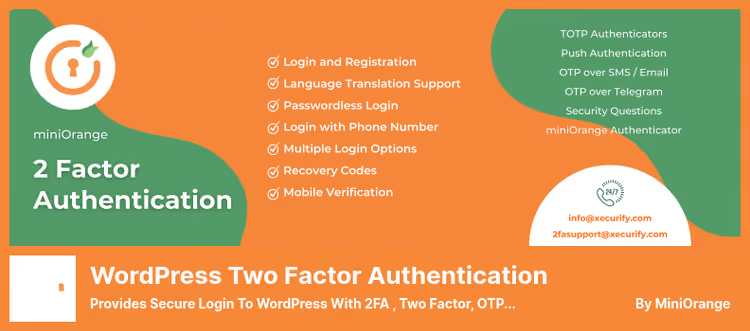
If your goal is not just to remove the password but to build layered protection, miniOrange is the most flexible option. The plugin supports 15+ verification methods: Google Authenticator, QR codes, push notifications, soft tokens, SMS, and email OTP. A user can completely abandon the password and pass only the second factor.
The free version works for one user, suitable for a solo blog owner. For a team you need a premium subscription, which unlocks SMS, email verification, and custom role policies.
Worth mentioning separately is brute-force protection: the plugin blocks guessing attempts by country, browser, and IP in real time. Integration with WooCommerce, BuddyPress, and Ultimate Member works out of the box, no tweaking needed.
Pros: 15+ 2FA methods, real-time IP blocking, ready integration with WooCommerce. Cons: free version strictly for 1 user, miniOrange mobile app required for push/QR.
💵 Free for 1 user. Premium, from $99/year (depends on number of users and methods).
3. Passwordless Login
Minimalist plugin from Cozmoslabs (authors of Profile Builder) solves exactly one task: user enters email or username, receives email with one-time link, logs in. No passwords, no extra screens. The token lives 10 minutes, then automatically expires.
The form is embedded with the [passwordless-login] shortcode on any page or in a widget. The plugin doesn't disable standard password login but works in parallel, users with passwords continue to log in as usual, new ones via email.
This solution isn't for everyone. If you have a membership site with thousands of users, the email chain may be annoying. But for a small blog, landing page, or internal team portal, it's the perfect balance of simplicity and security.
Pros: shortcode in 30 seconds, free forever, doesn't conflict with standard login. Cons: only email verification, 10-minute token is short for delayed email.
💵 Completely free.
4. Passwordless Authentication (PPWP Pro)
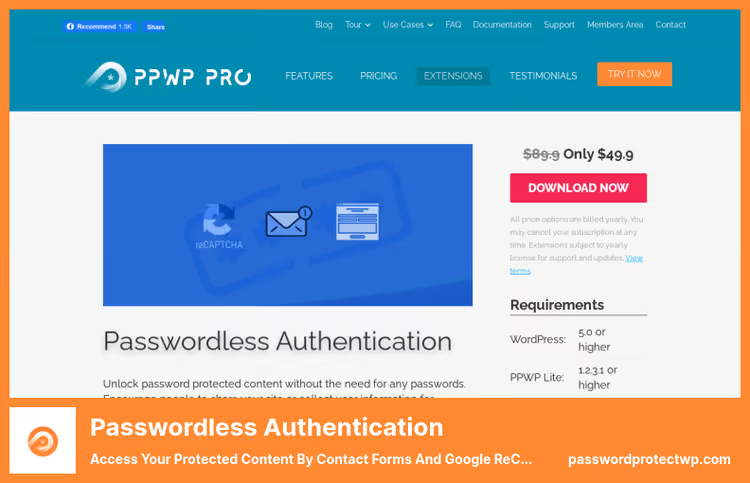
Unusual approach: instead of a password, the user fills out a contact form (WPForms, Gravity Forms, CF7, Ninja Forms, or Formidable) or passes Google reCAPTCHA. Plugin extension for PPWP Pro, first you install PPWP Pro to protect content, then this extension for passwordless unlocking.
Why is this needed? You collect leads. User wants to download a PDF or read a protected article, fills out a form with name and email, gets access. No passwords, but the contact is already in CRM. For content marketing and lead generation, it's a find.
The downside is obvious: double cost. You need both PPWP Pro (from $178.80/year for 3 sites) and this extension (extension price $89.90/year). For a project with paid content it pays off, for a regular blog it's overkill.
Pros: lead generation out of the box, compatibility with 5 top forms, reCAPTCHA protection. Cons: requires PPWP Pro (double cost ~$270/year), not suitable for regular blog.
💵 Extension, $89.90/year for add-on. Requires PPWP Pro, from $178.80/year for license.
🔗 Download Passwordless Authentication🔗 PPWP Pro, pricing
5. Solid Security (formerly iThemes Security)
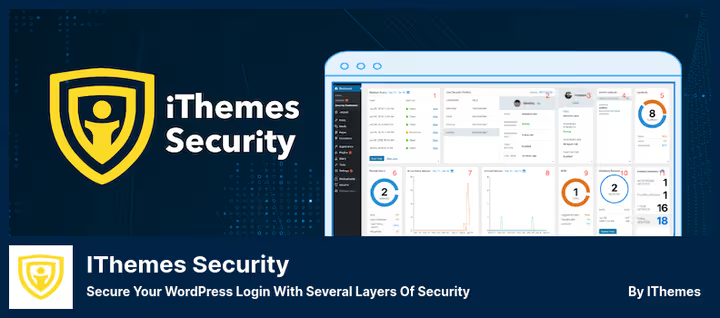
iThemes Security is history, in 2024 the plugin underwent a complete rebrand and is now called Solid Security. This isn't cosmetic: the interface was rewritten, real-time vulnerability scanner and application-level firewall were added. 900,000+ active installations make it the most popular WordPress security plugin.
For passwordless login, Solid Security offers two paths. First is classic two-factor via Google Authenticator, Authy, or email code. Second is magic link: you receive an email with a one-time link, click, and you're in the admin panel. Both methods work simultaneously, the user chooses.
Important nuance: Solid Security is a combine. It changes file permissions, edits .htaccess, enables firewall. On a complex site with custom theme or caching there's a risk of breaking something. Before activating, make a full backup, the plugin itself warns about this.
Pros: 2FA + magic links in one package, 900K+ installations, active development (updated May 2026). Cons: heavy for simple blog, may conflict with caching and custom themes.
💵 Lite, free. Pro (Solid Security Pro), $80/year.
🔗 Download on WordPress.org🔗 Solid Security Pro
6. WPForms
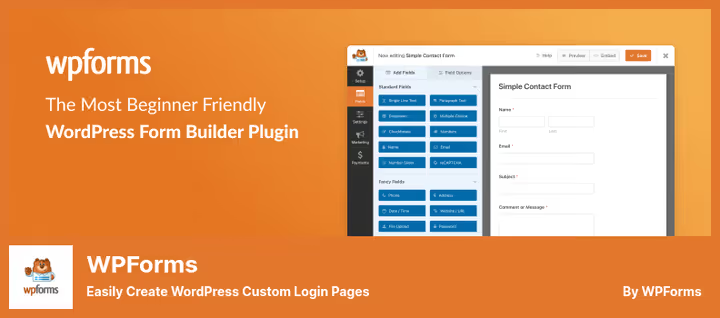
WPForms isn't positioned as a passwordless login plugin, but its User Registration addon does exactly that. You build a custom login form in a drag-and-drop editor: remove the password field, add reCAPTCHA, configure redirect after login, customize email notifications. The form is placed anywhere, in sidebar, footer, or on a separate page.
WPForms smart tags allow you to insert a "Forgot password?" link with automatic binding to the user's email from the database. Anti-spam protection is three-level: honeypot, reCAPTCHA, and manual registration moderation.
For stores and membership sites that already have WPForms, this is a free way to make login without password. But if you don't have WPForms Pro, taking the plugin just for login form is not cost-effective.
Pros: drag-and-drop form editor, smart tags, three-level anti-spam. Cons: passwordless login is just an addon, not the main function, Pro version is paid.
💵 Lite, free. Pro (with User Registration addon), from $49.50/year.
🔗 Download on WordPress.org🔗 WPForms Pro
7. Biometric Login for WooCommerce
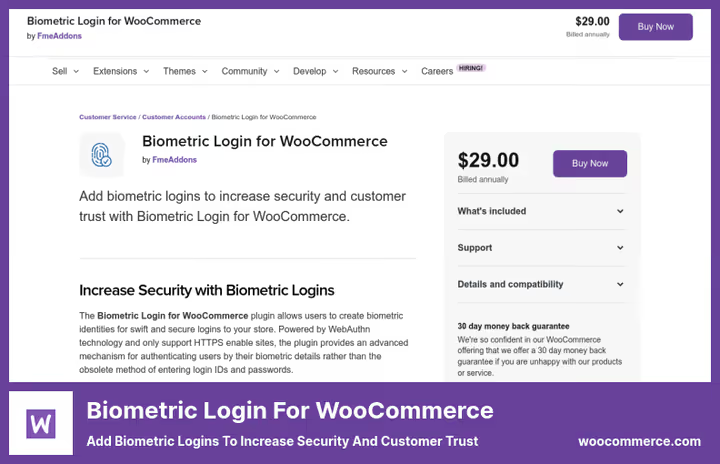
The only plugin in the compilation that works via WebAuthn, the W3C standard for hardware authentication. User logs in with fingerprint (Touch ID), face scanner (Face ID / Windows Hello), or USB key, without a single password character. Cryptographic key is stored on the device, server receives only the signature.
The plugin requires HTTPS, without it WebAuthn doesn't work. Configured in 5 minutes: installed, enabled, biometric button appears on WooCommerce login page. Can be placed before or after standard form.
Only WooCommerce is supported, won't work for regular WordPress site without store. Also no mass key management: each user registers device themselves.
Pros: real biometrics via WebAuthn (not imitation), HTTPS-only = secure, supports Touch ID/Face ID/Windows Hello/USB keys. Cons: only WooCommerce, no centralized key management.
💵 $29 one-time (12 months support and updates included).
🔗 Download Biometric Login for WooCommerce
8. Nextend Social Login
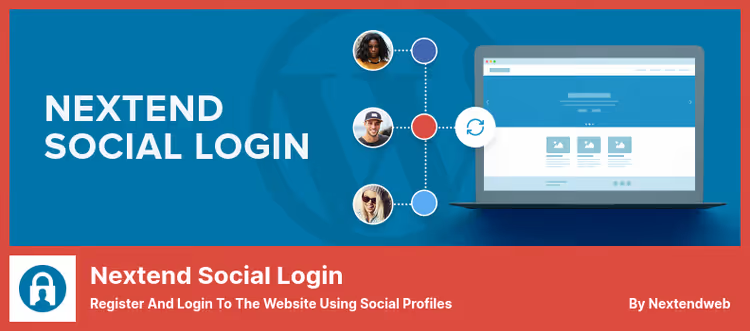
The fastest way to get rid of passwords is to not create them at all. Nextend Social Login adds "Sign in with Google / Facebook / Twitter" buttons to login, registration form, and widgets. 600,000+ active installations and 4.9 rating on WordPress.org, the plugin is tested on all conceivable configurations.
User clicks Google button, OAuth window, done. Password isn't needed at any stage. At the same time, old password login remains: those who are used to password continue to use it, new ones log in via social networks.
Pro version adds Apple, LinkedIn, GitHub, Microsoft, TikTok, and 30+ more providers. Free bundle of Google+Facebook+Twitter is enough for 80% of sites. Separate plus is redirect configuration after login: you can send buyer directly to personal account, and subscriber to course page.
Pros: OAuth without password, 600K+ installations, 4.9 rating, redirect after login. Cons: dependence on third-party OAuth providers, Pro for additional social networks.
💵 Lite (Google, Facebook, Twitter), free. Pro, $49 one-time.
🔗 Download on WordPress.org🔗 Nextend Social Login Pro
📺 Video: setting up passwordless login in 5 minutes
Short practical guide to installing passkey authentication on WordPress yourself, from plugin activation to first login without password:
⁉️🤔 Frequently asked questions
Is passwordless login even secure?
Yes, with proper implementation it's more secure than password. WebAuthn (biometrics) uses a cryptographic key pair: private key is stored on device and never leaves it, server receives only public key and signature. Such login can't be intercepted, unlike a password that leaks during phishing. Magic links are secure provided the user's email is protected with 2FA. According to Verizon DBIR 2025, 68% of breaches start with a compromised password, passwordless login removes this vector entirely.
Which plugin to choose for WooCommerce online store?
If the store already uses WPForms Pro, take its User Registration addon (item 6): custom login form with reCAPTCHA at no extra cost. If you want real biometrics, Biometric Login for WooCommerce (item 7) for $29 gives Touch ID and Face ID for customers. For maximum protection of store admin panel, Solid Security Pro (item 5): 2FA + magic links + firewall for $80/year subscription.
Can I use passwordless login together with regular password?
Yes, and this is the recommended approach for the transition period. All plugins from the compilation, except Biometric Login for WooCommerce, work in parallel with standard
wp-login.php. Users with passwords log in as usual, new ones via chosen passwordless method. Gradually, through email newsletter or notification in personal account, you can motivate the audience to switch to passwordless login and then disable password login.
Solid Security replaced iThemes Security, do I need to reinstall the plugin?
No, reinstallation is not required. The
better-wp-securityplugin on WordPress.org is the same, it just changed brand and interface in 2024. Update happens normally through WordPress admin panel. All settings, 2FA keys, and security policies are saved. If you have an active iThemes Security Pro license, it continues to work as Solid Security Pro, the annual license $80 tariff hasn't changed.
Are free plugins enough or do I need Pro?
For 80% of sites, a bundle of two free ones is enough. Temporary Login Without Password for giving access to contractors. Nextend Social Login for users: Google login covers almost the entire audience. Pro versions are needed if: you have an admin team (miniOrange, more than 1 user), online store with biometrics (Biometric Login), or paid content with lead generation (Passwordless Authentication). Other plugins in free version completely cover typical scenarios.
What to install in 2026: final breakdown
Password as the only line of defense is dead, even OS manufacturers acknowledged this by building passkeys at platform level. The WordPress ecosystem caught the trend: today you can completely exclude password from login chain by choosing a method for your scenario.
If you need to give temporary access to developers and support, install Temporary Login Without Password with configurable link lifetime. For other site users, enable Nextend Social Login in parallel, Google login covers 90%+ of audience and is completely free. For online store, consider Biometric Login for WooCommerce, Touch ID on "Login" button increases both trust and conversion. And if the site is already protected by Solid Security, magic links are already in your arsenal, just enable them in settings.
Choose plugin not by length of feature list but by one scenario that your site actually needs, and implement it. Passwords can wait.

A professional team of writers and editors specializing in creating quality content.