














🛒 8 Plugins for wholesale sales in WooCommerce: role-based prices, bulk orders and quotes
Selling wholesale through WooCommerce? A standard store doesn't distinguish a retail buyer from a distributor placing a half-million order. Prices are the same for everyone, discounts have to be calculated manually, and tax exemptions get buried in email threads with a manager.
Specialized B2B plugins close this gap in an evening: role-based pricing, tiered discounts, quote requests, private store, and bulk ordering appear without rewriting the engine. We picked 8 solutions that turn WooCommerce into a full-fledged wholesale platform, with honest drawbacks and real numbers.
Every plugin in this roundup has been tested on live installations: we look at what actually works in 2026 and what remains a pretty picture on a landing page.
💡 Quick overview:
- Install Wholesale Suite or B2BKing; both cover key B2B tasks out of the box, the difference is in the interface and price
- Configure wholesale roles and prices through flexible rules: globally, by category, or by product
- Add a quick order form via WooCommerce Wholesale Pro + Product Table; wholesalers will appreciate the speed
- Enable Quantity Manager to control minimum lots and quantity steps, protecting margin on every order
- Activate Quote Request if your products are complex and pricing is negotiated individually
Comparison table: top 5 B2B plugins
Plugin | Best for | Price from | Key feature |
|---|---|---|---|
Wholesale Suite | Small and mid-size wholesale | Free / $99/yr | Ecosystem of 5 modules: pricing + visibility + orders + leads |
B2BKing | Mid-size and enterprise B2B | Free / $179/yr | 137+ features, built-in CRM hub, B2B+B2C hybrid |
WooCommerce Wholesale Pro | Wholesalers with fast ordering | $199/yr | Order form via Product Table, one-page ordering |
Wholesale for WooCommerce (WPExperts) | B2B+B2C hybrid, B2B teams | $129/yr | Subaccounts, requisition lists, analytics |
WholesaleX | Digital wallets, Dokan marketplaces | Free / $116/yr | Digital wallet, dynamic Buy X Get Y discounts |
1. Wholesale Suite
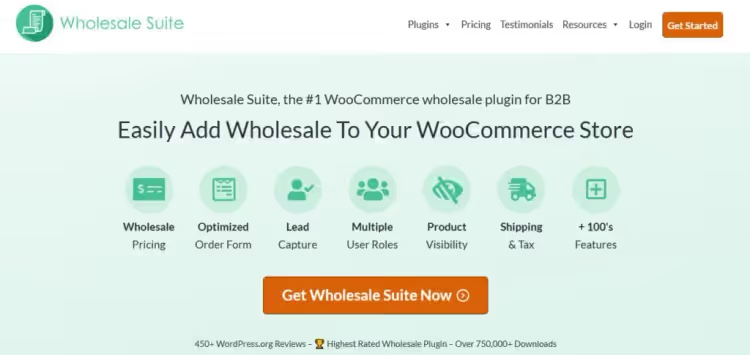
Wholesale Suite, the most popular kit for wholesale trading on WooCommerce: 25,000+ active installations and 10 years on the market. It is not a single plugin but an ecosystem of five modules: wholesale pricing, lead capture, order form, quotes, and invoice payments.
In practice, even the free core is enough; it adds a Wholesale Customer role and a separate wholesale price field for each product. Simple, without interface overload. The premium add-on unlocks percentage discounts, multi-role, tax control, and shipping rules for different buyer groups.
The full 5-module Bundle costs more than competitors, but the coverage is also the broadest: from the first contact with a wholesaler to invoice payment.
Pros: free core covers basic B2B; ecosystem of 5 modules covers the full cycle; order form without page reload; compatibility with Aelia Currency Switcher and WPML
Cons: full set is pricier than competitors; Lead Capture and Quotes are separate purchases
Price: free version on WordPress.org; Premium from $99/yr; full Bundle from $299/yr (per developer)
🔗 Wholesale Suite on WordPress.org | 🔗 Wholesale Suite website
2. B2BKing
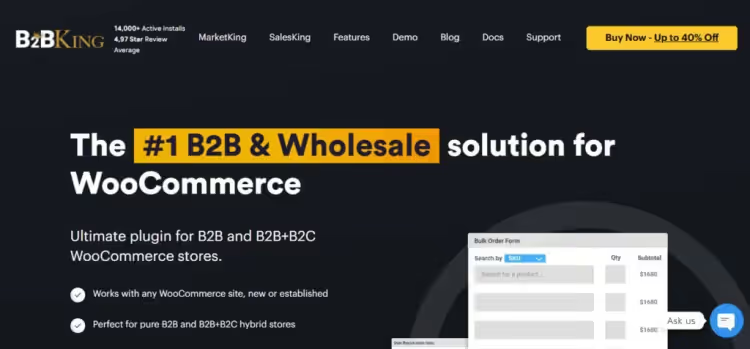
B2BKing positions itself as an "all-in-one" solution, and that is not marketing: 137+ features in the Premium version. Rating of 4.98/5 on WordPress.org, 15,000+ active installations, 134 releases over 6 years. Version 5.2.30 was released in June 2026.
The key differentiator is the built-in CRM hub: right from the admin panel you see all B2B clients, their orders, notes, and files. It supports B2B+B2C hybrid on a single site, tiered pricing, subaccounts for teams, purchase lists, and an invoice payment gateway. VIES VAT validation and dynamic discount rules (Buy X Get 1, hidden price) are included.
For a store owner who wants to "set it and forget it," this is one of the best options. But you cannot avoid the abundance of settings: the first setup will take a couple of evenings.
Pros: CRM hub for client management; subaccounts and order approval chains; VIES VAT validation; dynamic discount rules
Cons: abundance of features requires setup time; Premium is pricier than free starters
Price: free core on WordPress.org; Premium from $179/year for one site (per the developer)
🔗 B2BKing on WordPress.org | 🔗 KingsPlugins site
3. B2B for WooCommerce (Addify)
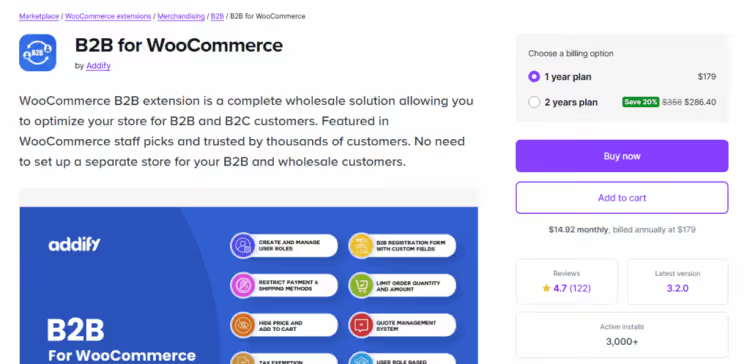
B2B for WooCommerce by Addify, a more focused tool centered on role-based pricing and product visibility. It solves a key need: different prices for different buyer groups without the overhead of extra modules.
A good fit for mid-size stores already running on WooCommerce that want to add a B2B segment without changing their existing stack. Tiered pricing, hiding prices from guests, minimum order quantities, and tax exemption are all there, without hundreds of additional options.
The main limitation: no CRM, subaccounts, or quotes. You will need separate plugins for those. There is also no free version, premium only.
Pros: focus on what matters, roles + prices + visibility; no bloated interface; integration with popular WooCommerce extensions
Cons: no CRM, subaccounts, or quotes; no free version
Price: from $179/year, one license (per the developer)
🔗 B2B for WooCommerce on Addify
4. WooCommerce Wholesale Pro
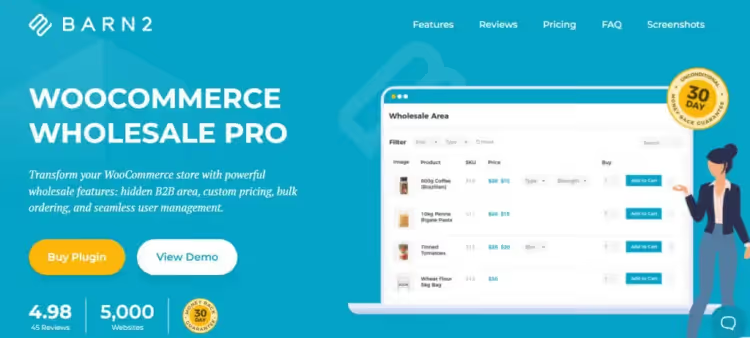
WooCommerce Wholesale Pro by Barn2, a plugin for those who care about wholesale ordering speed. The standout feature: paired with WooCommerce Product Table it delivers a one-page order form. The wholesale buyer sees the entire product range on a single page and adds items to the cart without page reloads.
Create unlimited wholesale roles, each with its own prices and discounts. Wholesale registration through a custom form with moderation: new customers do not see wholesale prices until you approve them. Flexible discount setup: global discount, category-based discount, per-day price.
But without Product Table the plugin becomes a solid yet ordinary B2B tool. And Product Table is a separate purchase.
Pros: one-page order form via Product Table; custom registration form with moderation; multiple wholesale discount types
Cons: Product Table is a separate purchase; without it, just a solid B2B plugin
Price: from $199/year for one site; Wholesale Pro + Product Table Bundle, $229/year (per the developer)
🔗 WooCommerce Wholesale Pro on Barn2
5. WooCommerce Quantity Manager
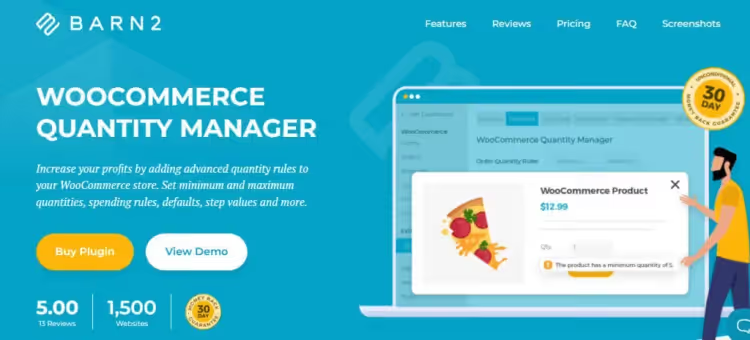
Quantity Manager, a narrow but important tool: control over minimum and maximum quantities, step, and default value. It does not change prices, but it protects margin: you cannot order 1 unit at a wholesale price or 10,000 without warehouse approval.
Rules are set at any level: entire order → category → product → variation → user role. In practice this means: a retail customer sees min 1 unit, a wholesale buyer sees min 50 units with a step of 10. Plus real-time validation with human-readable messages instead of a cryptic error.
An ideal companion for any B2B stack: it does not build a wholesale storefront on its own, but without it wholesale prices lose their meaning when small orders come through.
Pros: multiple levels of rule granularity; validation with human-readable messages; compatibility with Product Table and Wholesale Pro
Cons: does not change prices, only quantities
Price: from $79/year for one site (per the developer)
🔗 WooCommerce Quantity Manager on Barn2
6. WooCommerce Variation Prices
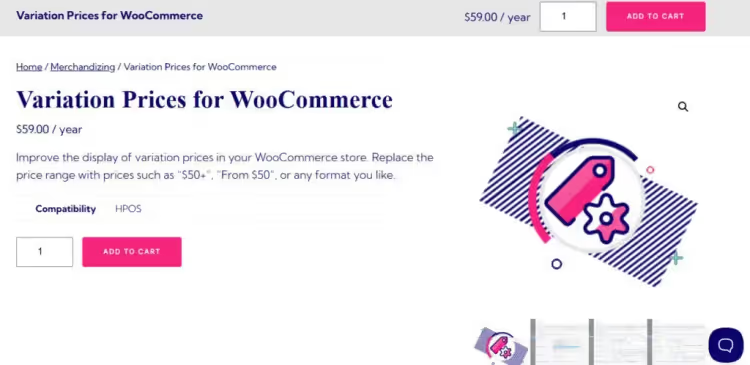
WooCommerce Variation Prices by Barn2 solves a narrow but painful problem: standard WooCommerce shows variable prices as a "from min to max" range, which confuses both wholesalers and retail buyers. The plugin replaces the range with "From..." or a fixed lowest price, cleaner, clearer, and better for conversion.
For B2B this matters twice as much: wholesale prices often depend on volume, and a price range disorients the purchasing agent. With the right variable pricing setup, the customer immediately sees the lowest price for their role group, no guessing what they will pay at the current volume.
The plugin is lightweight, does not conflict with other B2B extensions, and requires no configuration acrobatics. But it is only for variable products; for simple products it is not needed.
Pros: fixes an inherent WooCommerce problem; lightweight and conflict-free; improves conversion on variable products
Cons: only for variable products; not B2B-specific, needs to be paired with a pricing plugin
Price: from $79/year for one site (per developer data)
🔗 WooCommerce Variation Prices on KestrelWP
7. Wholesale for WooCommerce B2B (WPExperts)
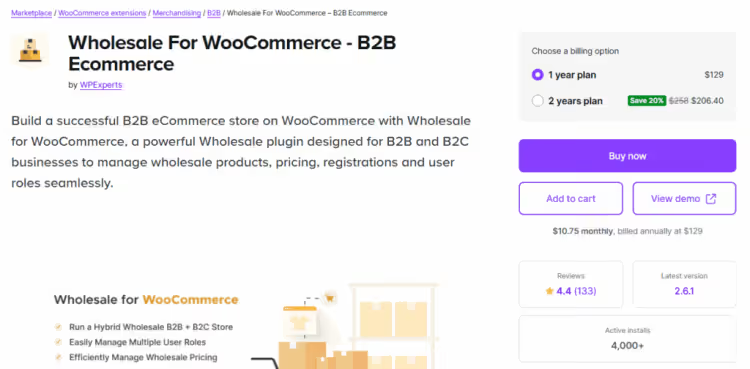
Wholesale for WooCommerce by WPExperts, a solution for stores with team purchasing. Subaccounts let you create a hierarchy: the company's lead buyer manages access for their staff, each with their own set of ordering permissions.
Requisition lists, a B2B equivalent of a wishlist: an employee assembles line items, the buyer approves and sends them to an order. Plus built-in B2B customer analytics, dynamic discount rules, and compatibility with multi-vendor plugins like Dokan and WCFM.
For a hybrid B2B+B2C on a single site, one of the most balanced options in terms of price and functionality.
Pros: subaccounts with permission hierarchy; requisition lists with an approval chain; B2B segment analytics; compatibility with Dokan and WCFM
Cons: interface is slightly heavier than competitors; some features are premium-only
Price: from $129/year for one site (per developer data)
🔗 Wholesale for WooCommerce on WPExperts
8. WholesaleX
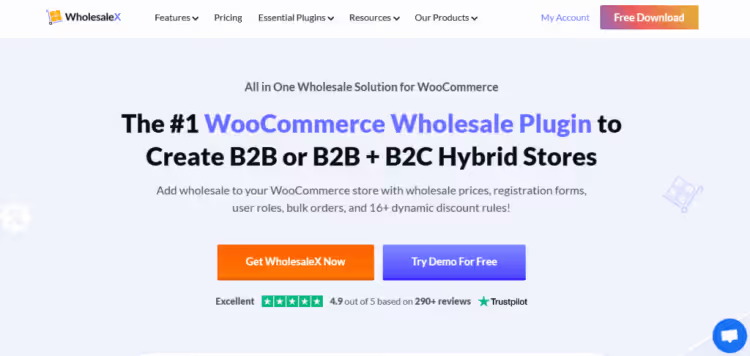
WholesaleX, the most flexible of the free B2B starters. The free core includes role-based pricing, product visibility rules, wholesale registration, and dynamic rules, functionality that competitors charge for even on their entry-level plans.
A standout feature, the digital wallet: a wholesaler tops up their balance and pays from it, no need to re-enter card details. Plus dynamic Buy X Get Y discounts that work at the cart level, not just the product level. Version 3.0.0 was released in July 2026.
Excellent integration with Dokan for multi-vendor B2B marketplaces. The downside, no built-in quote management or CRM, but for getting started and mid-level wholesale the free core covers almost everything.
Pros: powerful free core; digital wallet; cart-level dynamic discounts; Dokan integration
Cons: no CRM or quote management out of the box; some advanced features are only in Starter (from $116/year)
Price: free core on WordPress.org; Starter from $116/year for 1 site (per developer data)
🔗 WholesaleX on WordPress.org | 🔗 WholesaleX website
⁉️🤔 Frequent questions
Can I use a B2B plugin together with a regular retail store?
Yes, most plugins in this roundup support a hybrid B2B+B2C mode on a single site. Retail customers see standard prices, wholesalers see their own after logging in. B2BKing, Wholesale Suite, and WholesaleX do this out of the box, with no separate installations or multisite needed. You just need to configure roles and visibility rules.
Do I need a separate hosting or server for B2B plugins?
No, all plugins on the list run on standard WooCommerce hosting. However, with a large number of wholesale buyers and complex discount rules, the database load increases; B2BKing with its 137+ features and CRM hub is noticeably heavier than Quantity Manager. We recommend a VPS with at least 2 GB RAM for active B2B operations.
Which plugin is better to start with: free or paid right away?
Start with the free core of Wholesale Suite or WholesaleX; both give you role-based pricing and basic rules at no cost. If you need more (subaccounts, CRM, requisition lists), move to B2BKing Premium or WPExperts. A free start lets you test the B2B sales hypothesis without investing in software, and then scale once you have a clear picture of your actual needs.
What if wholesale prices need to depend on order volume?
There are two paths here. Basic: Quantity Manager sets minimum lots and step values, while a pricing plugin (Wholesale Suite, B2BKing) provides a fixed wholesale price once the threshold is reached. Advanced: B2BKing and WholesaleX support tiered pricing, so the price changes automatically as the cart quantity increases. Combining Quantity Manager with tiered pricing covers almost any wholesale pricing scenario.
How do wholesale buyers place orders faster than through the standard cart?
WooCommerce Wholesale Pro + Product Table by Barn2 provide a single-page order form: the wholesale buyer sees a table with products, prices, and a quantity field, enters the numbers, and sends everything to the cart with one click. No page reloads, no clicking through individual product pages. For wholesale buyers who regularly purchase the same assortment, this saves hours per week.
Which WooCommerce B2B plugin to choose in 2026
The choice comes down to three scenarios. If you are starting from scratch with a limited budget, take the free core of WholesaleX or Wholesale Suite: role-based pricing, product visibility, and wholesale registration at no cost.
If you run a mid-size or large B2B operation with team purchasing, B2BKing with its CRM hub and subaccounts will cover the core needs without extra add-ons. If you value speed and want wholesale buyers to order on a single screen, go with the Wholesale Pro + Product Table by Barn2 combination.
And to protect your margin, do not forget Quantity Manager: wholesale pricing without a minimum lot is just retail with a discount. One focused plugin fixes the most common mistake new B2B stores make.

A professional team of writers and editors specializing in creating quality content.