



🚚 WooCommerce delivery plugins: 8 solutions from free to multi-carrier
You added a product to the cart, proceeded to checkout, and the shipping cost scares the buyer off. Or worse: a customer from another region doesn't see a suitable method at all. The standard WooCommerce settings offer three methods: flat rate, free shipping, and local pickup. For a store with a dozen products, that's enough. For everything else, it's not.
According to Baymard Institute data for 2025-2026, shipping costs and unexpected checkout expenses are the reason for 48% of abandoned carts. WooCommerce shipping plugins plug exactly that hole: live carrier rates, conditional rules, tracking, and label printing right from the admin panel.
Below are eight tools we selected for different store scales: from free solutions for startups to multi-carrier systems with out-of-the-box automation.
What are WooCommerce shipping plugins and why you need them
💡 Quick overview:
- Define your scale: 1-2 products with simple geography, the free ReachShip is enough; a growing store with UPS/FedEx, go with the PluginHive bundle; dozens of categories with complex logic, Table Rate Shipping or WooCommerce Conditional
- Set up live rates via carrier API, the buyer sees the exact cost before shipping, no "we'll clarify later"
- Add tracking: AfterShip covers the issue with 900+ carriers for free
- Test on a staging copy: changing a shipping plugin on a live store without a backup risks losing orders
WooCommerce out of the box can calculate zone-based shipping with a flat rate. But as soon as real-world scenarios appear, products of different weights, multiple warehouses, shipping to several countries, cargo insurance, the built-in tools fall short. Shipping plugins add conditional logic: "if the cart exceeds a certain amount, free shipping," "if the weight is over 5 kg, UPS Ground only," "if the address is in the EU, DHL Express."
Some plugins work via carrier APIs: you connect your UPS/FedEx/USPS/DHL account, and the buyer sees live rates at checkout. Others build rule tables manually, cheaper, but without automatic synchronization with carrier rates. Still others cover post-sale: tracking, notifications, a tracking page on your site.
The key difference between plugins is the integration model. Some are tailored to a specific carrier (UPS or FedEx by PluginHive), others are multi-carrier aggregators (PluginHive Shipping Services, ReachShip), and still others build rules without tying to a carrier (Table Rate Shipping, WooCommerce Conditional). The choice depends on who you already work with and how many unique shipping scenarios your store has.
Plugin | For whom | Price | Key feature |
|---|---|---|---|
WooCommerce UPS | Stores using UPS | $99/year | UPS label printing in admin |
WooCommerce FedEx | Stores using FedEx | $99/year | HazMat and Special Services |
Shipping Services | Growing stores | from $9/mo | 25+ carriers in one |
ReachShip | Startups and small stores | Free | Multi-carrier for free |
Table Rate Shipping | Complex logic | from $119/year | Flexible condition tables |
1. WooCommerce UPS Shipping Plugin
A plugin by PluginHive for stores that ship via UPS. It connects your UPS account to WooCommerce and displays live rates on the cart and checkout pages, the buyer sees the cost before clicking "Pay."
The main advantage is printing UPS labels directly from the WooCommerce admin. No need to log into your UPS account, copy the address, format a PDF. The label is generated in one click after the order. The plugin supports all UPS services and packaging types, and can calculate by weight, dimensions, and distance.
- ✅ Pros: live UPS rates at checkout; label printing in admin; shipment protection via UPS (damage = loss coverage); WPML compatibility for multilingual stores
- ❌ Cons: UPS only, if you also ship FedEx, you need a second plugin; annual subscription with no monthly plan
- 💰 Price: $99 per year for one site. Pricing and demo on the PluginHive website
2. WooCommerce fedex shipping plugin
A FedEx-certified plugin by PluginHive with the same mechanics: live FedEx rates at checkout, label and return label printing in the admin. Supports all FedEx services: domestic, international, SmartPost, One Rate, LTL Freight.
The strong point is Special Services: alcohol shipping, dangerous goods (HazMat), dry ice, dimensional weight. For medical equipment stores, wine boutiques, or chemical products, this is not a "feature" but a mandatory carrier requirement. The plugin automatically classifies the address (residential/commercial) and applies the correct surcharge.
- ✅ Pros: HazMat and special cargo; automatic address classification; label printing in PDF/ZPL/EPL/DPL; return labels in admin; scheduled freight pickup
- ❌ Cons: FedEx only, you need a bundle with the UPS plugin for two carriers; annual subscription
- 💰 Price: $99 per year for one site with a 30-day money-back guarantee. Plugin page on PluginHive
3. WooCommerce shipping services (PluginHive)
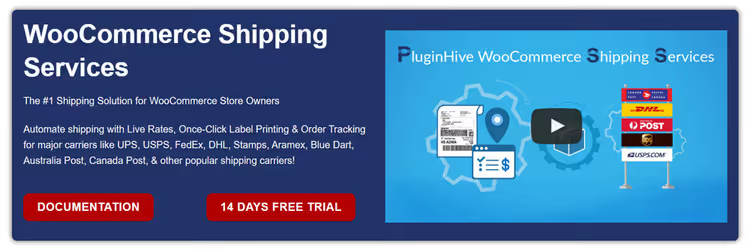
A multi-carrier solution by PluginHive: one plugin connects UPS, FedEx, USPS, DHL, Canada Post, Aramex, Australia Post, and 15+ more regional carriers. Unlike the "personal" UPS/FedEx plugins, here you manage all carriers in a single interface.
At checkout, the buyer sees rates from several carriers simultaneously and chooses the optimal one. For multi-vendor stores (Dokan, WCFM), each seller manages their own shipments from the vendor panel: sees rates, prints labels, sends tracking.
- ✅ Pros: 25+ carriers in one plugin; on-the-fly rate comparison; bulk label printing; multi-vendor support
- ❌ Cons: monthly subscription (not a one-time purchase); overkill for a basic single-carrier scenario
- 💰 Price: from $9/month, pricing scales with order volume. PluginHive pricing
4. ReachShip Multi-Carrier Shipping
A free multi-carrier plugin that brings together UPS, FedEx, USPS, DHL Express, and Australia Post in a single interface. Live checkout rates, label printing, tracking, all free with no freemium cut-downs.
The plugin has an active rating on WordPress.org with thousands of installs. Out of the box: conditional shipping (flat rate by weight/order total/country), pickup scheduling, bulk label printing, and commercial invoices. For a store just entering the market that wants live rates with no monthly fee, this is the best option in the roundup.
- ✅ Pros: completely free; 5+ carriers out of the box; live rates, label printing, and tracking; conditional shipping rules
- ❌ Cons: limited carrier selection (5 vs. 25+ with PluginHive Shipping Services); no HazMat or special-cargo support
- 💰 Price: Free. Plugin page on WordPress.org
5. Table Rate Shipping
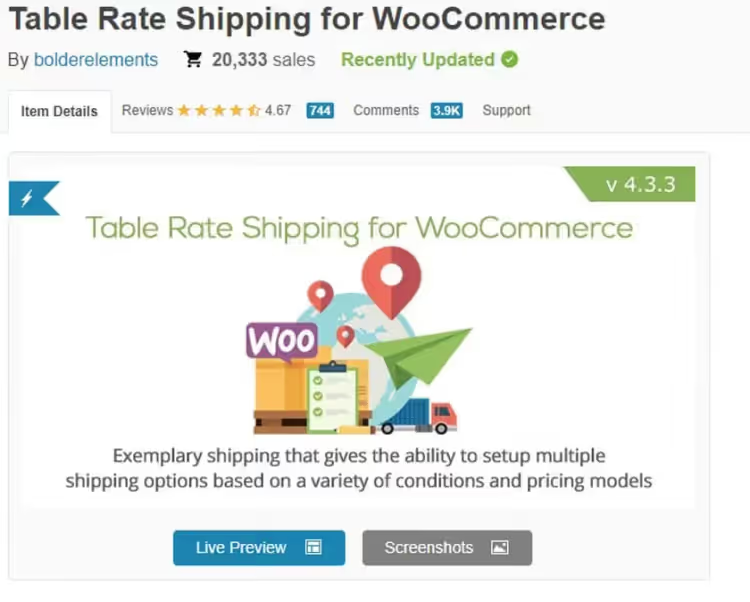
Table Rate Shipping is not tied to a specific carrier. Instead of API rates, you build a table of conditions: "if the cart is up to 2 kg and the address is in Zone A, flat rate", "if between 2 and 10 kg, another rate", "if the order total exceeds a threshold, free shipping". Conditions combine by weight, item count, category, shipping class, order total, and destination country.
The official WooCommerce Table Rate Shipping plugin costs $119 per year and gives you unlimited rules with priorities. If the budget is tight, WordPress.org has free alternatives with a basic set of conditions.
- ✅ Pros: unlimited rule flexibility; does not depend on a carrier API (works offline); priorities for conflict resolution; drag-and-drop table interface
- ❌ Cons: no live carrier rates, all rates are manual; setup complexity grows with dozens of zones and categories
- 💰 Price: official WooCommerce Table Rate Shipping, $119/year; free versions on WordPress.org. Page on WooCommerce.com
6. ELEX EasyPost Shipping

A plugin by ELEXtensions that connects the EasyPost API to WooCommerce. Through a single API you get live rates from three carriers at once: FedEx, UPS, and USPS. The free version provides basic integration; the $69/year premium adds label printing, custom packaging, parcel insurance, and commercial/residential rates.
In practice, the free version is enough if your goal is to show the buyer live rates from the three major US carriers. Label printing will still require logging into the carrier's account; premium automates that.
- ✅ Pros: three carriers through one API; fallback rate in case of failure; shipping calculator for the buyer
- ❌ Cons: label printing only in premium; limited to US-centric carriers
- 💰 Price: Free version on ELEXtensions; Premium, $69/year. Plugin page
7. AfterShip Tracking
AfterShip solves the post-purchase side: once the order is shipped, the buyer wants to know where the package is. The plugin connects 900+ carriers and automatically adds the tracking number and courier to the WooCommerce admin. The buyer gets email/SMS status updates and a link to a tracking page on your site.
The free plan covers 50 shipments per month, enough to get started. The tracking page is customizable: logo, SEO text, store contacts. The buyer stays on your site instead of going to the carrier's site.
- ✅ Pros: 900+ carriers; customizable tracking page; email and SMS notifications; free plan
- ❌ Cons: does not calculate shipping rates (tracking only); premium features require an AfterShip subscription
- 💰 Price: Free install. WordPress.org page
8. WooCommerce Conditional Shipping
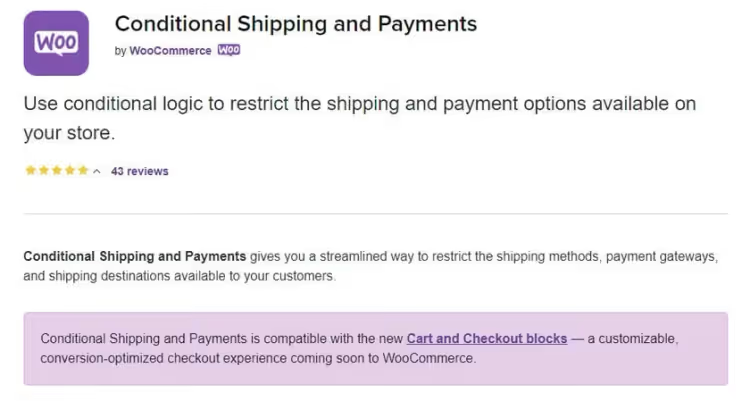
A plugin that manages the visibility of shipping and payment methods through conditional rules. The logic: "if the product is from the 'Oversized' category, hide Flat Rate", "if the address is outside the US, show only DHL Express", "if there is a subscription product in the cart, shipping is free".
Unlike Table Rate Shipping, WooCommerce Conditional does not assign rates; it manages visibility. Pairing these two plugins, Table Rate Shipping sets the prices, Conditional Shipping decides what to show and when, covers virtually any shipping scenario.
- ✅ Pros: flexible visibility conditions; rules for payment methods too; restrictions by country/role/category/coupon; separate logic for subscriptions
- ❌ Cons: does not calculate rates (needs a second plugin); annual subscription with no monthly plan
- 💰 Price: $79 per year with a 30-day guarantee. WooCommerce.com page
⁉️🤔 Common questions
Question: Is the free ReachShip enough for an online store at launch?
ReachShip gives live rates for UPS, FedEx, USPS, DHL, and Australia Post for free, which is more than enough for most startups. When the store grows to hundreds of orders per month, it makes sense to switch to PluginHive Shipping Services: 25+ carriers, on-the-fly rate comparison, and bulk label printing save hours of manual work.
Question: Can I use two shipping plugins at the same time?
Yes, and it is common practice. For example: Table Rate Shipping sets the rates, and WooCommerce Conditional Shipping manages the visibility of those rates. Or: PluginHive UPS for US orders + a DHL integration for international ones. The only limitation: do not connect two plugins that both manage the SAME carrier via API; a rate conflict at checkout is guaranteed.
Question: How is Table Rate Shipping different from Conditional Shipping?
Table Rate Shipping assigns a shipping price based on rules (weight, order total, zone). Conditional Shipping manages visibility, which shipping methods to show under which conditions. The first answers "how much does it cost", the second answers "what to show". Together they cover almost any scenario.
Question: Do I need a separate package tracking plugin if the carrier provides a tracking number?
The carrier gives the tracking number to you, not to the buyer. Without a plugin like AfterShip, you manually copy the number into an email to the customer for every order. At ten orders a day that is 15 minutes; at a hundred it is a dedicated employee. AfterShip automates it: number from the admin → notification to the buyer → tracking page on your site.
Question: What should I do if a shipping plugin conflicts with the theme or another plugin?
Rule one: test on a copy of the site, not on the live store. Rule two: check whether two plugins are overlapping the same shipping zone (WooCommerce → Settings → Shipping). Rule three: enable shipping logging:
define('WC_LOG_DIR', WP_CONTENT_DIR . '/uploads/wc-logs/');inwp-config.phpwill show which plugin is breaking the calculation. In most cases, the conflict is resolved by reordering zone priorities.
Summary: which shipping plugin to choose
If the store is just launching and the budget is minimal, go with ReachShip. Live rates from five carriers for free, tracking and label printing, nothing extra.
If you are already heavily on UPS or FedEx, PluginHive UPS or FedEx. Both at $99/year for live rates and label printing in the admin pay for themselves within the first ten orders a month.
If your product range spans widely in weight and categories, and carriers change from order to order, PluginHive Shipping Services. One plugin for 25+ carriers instead of a zoo of integrations.
If your shipping logic is non-standard and does not map onto a carrier API, Table Rate Shipping. Manual rule tables give you control that API solutions cannot offer.
Add AfterShip to any option, and the "where is my order" question takes care of itself. The combination of Table Rate Shipping + WooCommerce Conditional Shipping will solve virtually any task, including subscriptions, wholesale orders, and regional restrictions.
Choose based on scale, test on a staging copy of the site, and never change shipping plugins on a live store without a backup.

A professional team of writers and editors specializing in creating quality content.