














🗺 10 best WordPress Google Maps plugins 2026 (free and paid)
A map through a standard embed iframe means 30+ external requests, lost control over styles, and zero mobile adaptation. Add 15 branches with markers, and the contact page turns into a sluggish chunk of someone else's code.
A proper map plugin solves three tasks: embeds a map without hurting speed, manages dozens of markers from the admin panel, and gets the client to the right office with directions. We tested 10 tools for WordPress that do exactly this, from a lightweight widget set up in a minute to a cartographic editor with geometry and GPX tracks.
💡 Quick overview:
- For hundreds of markers with routes:
WP Go MapsandMaps Marker Pro. - For a single contact office without extras:
MapPressorSimple Google Maps Shortcode. - Replace Google Maps with OpenStreetMap: Leaflet engine in
WP Go Maps(zero-cost). - Need an SVG diagram with interactive zones:
Image Map Pro. - A free widget is enough:
Maps Widget for Google Maps.
Plugin | Map engines | Markers (free) | Clustering | Routes | Price (Pro) |
|---|---|---|---|---|---|
| 1 | ❌ | ❌ | $29/year | |
| unlimited | ❌ | ❌ | $59 | |
| 6+ (Google, Leaflet, Azure, Stadia, MapTiler) | unlimited | ✅ (Pro) | ✅ (Pro) | $39 |
| OSM, Google, Bing, HERE, TomTom | unlimited | ✅ | ✅ | $39/year |
| 1 | ❌ | ❌ | free | |
| unlimited | ❌ | ❌ | $49 | |
| unlimited | ❌ | ✅ (multiple) | $59 | |
| SVG (not street map) | ❌ | ❌ | ❌ | $39 |
| unlimited | ✅ | ✅ (step-by-step) | $59 | |
| unlimited | ✅ | ✅ | free |
1. Maps Widget for Google Maps
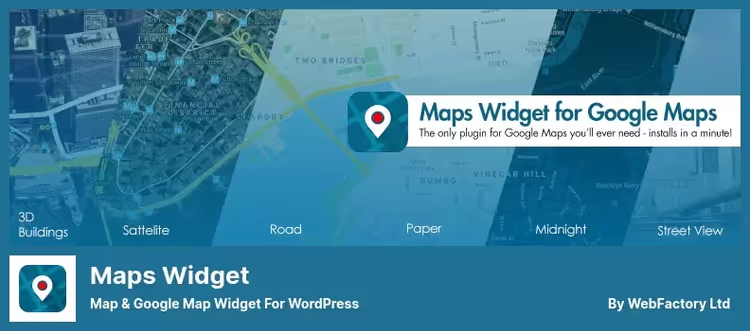
The simplest way to display a map is to throw it in the sidebar. Maps Widget for Google Maps by WebFactory does exactly this: a static preview in the widget and a full interactive map in a lightbox on click.
The preview loads through the Google Static Maps API, one request instead of two dozen. On weak hosting, the difference is immediately noticeable: the page doesn't slow down because of a map in the footer. The shortcode [gmw id="N"] inserts a map into any page, not just the sidebar.
Pros:
- One request for the preview, the map doesn't kill loading speed
- 15 color schemes and custom styles in Pro
- Setup in a minute: API key, address, done
Cons:
- One marker in the free version, no clustering
- Only Google Maps, alternative engines not supported
Price: free, Pro from $29/year.
🔗 Maps Widget on WordPress.org
2. WP Google Map Plugin
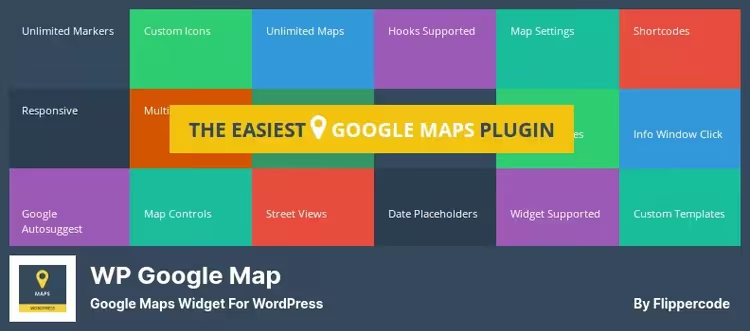
A plugin by FlipperCode with 9 pre-installed map themes and a builder for your own. Markers are added via drag-and-drop: enter an address and adjust the point on the map with the mouse. No fussing with coordinates.
In the free version, one map. For multiple maps, shapes, and a marker carousel you need Pro. A distinctive feature is 4 formats for displaying a list of markers: simple list, table, carousel, and extended table with sorting.
Pros:
- 9 ready-made themes plus a builder for your own, no need for Snazzy Maps
- Drag-and-drop markers without manual coordinate entry
- Street View in one click
Cons:
- Free version limited to one map
- Interface looks dated compared to
WP Go Maps
Price: Lite free, Pro $59.
🔗 WP Google Map Plugin on WordPress.org
3. WP Go Maps (formerly WP Google Maps)
The most popular map plugin for WordPress: 300,000+ active installations and a 4.8 rating on WordPress.org as of June 2026. Renamed from WP Google Maps in 2024, but the foundation and compatibility remain intact.
The main advantage is choice of map engine. Google Maps, Leaflet (zero-cost), Azure Maps, Stadia Maps, MapTiler. Switch in settings and you're not tied to one vendor. The Leaflet engine works without an API key and without a credit card, the map is free at any scale. For commercial sites with high traffic, this is a savings of $200/month on the Google API.
Pros:
- 6+ map engines, not tied to Google
- Leaflet = zero-cost engine without API key
- Blocks for Gutenberg and Elementor out of the box
- Markers with images, videos, and galleries in infowindow
Cons:
- Pro add-ons (Gold, VGM) purchased separately
- Entry threshold higher than
MapPress, the interface is rich but not for beginners
Price: Lite free, Pro from $39.
🔗 WP Go Maps on WordPress.org🔗 WP Go Maps website
4. Maps Marker Pro
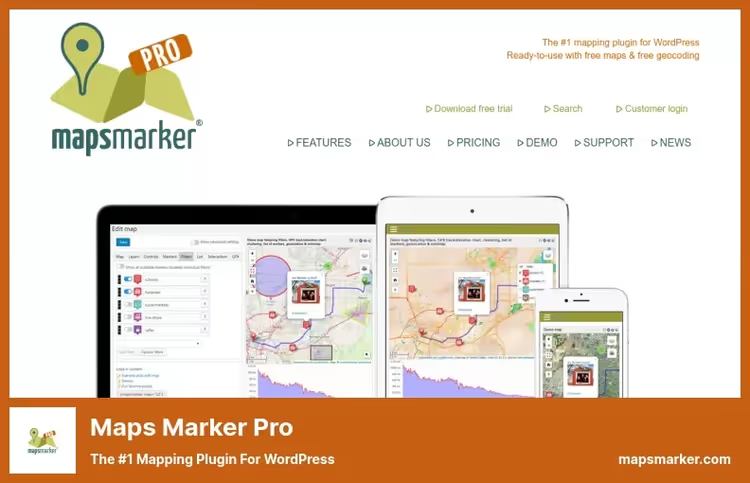
A tool for those who find "just a map" insufficient. Maps Marker Pro is a cartographic mini-editor inside WordPress. Geocoding through Algolia Places without an API key, geometry layers (polylines, polygons, circles), GPX tracks, and animated marker clusters.
The base engine is OpenStreetMap (free). Google, Bing, HERE, and TomTom can be added optionally. License for one project, not tied to the number of maps or markers. In practice this means: pay $39/year and forget about limits.
Pros:
- Key geocoders without API key (Algolia Places)
- Geometry on the map: polylines, polygons, circles, rectangles
- GPX tracks with distance, time, and pace
- Filters on the frontend, visitor chooses which markers to see
Cons:
- Steep learning curve, interface not for beginners
- $39/year per site, for multisite without discount it's pricey
Price: $39/year for one site.
5. Simple Google Maps Shortcode
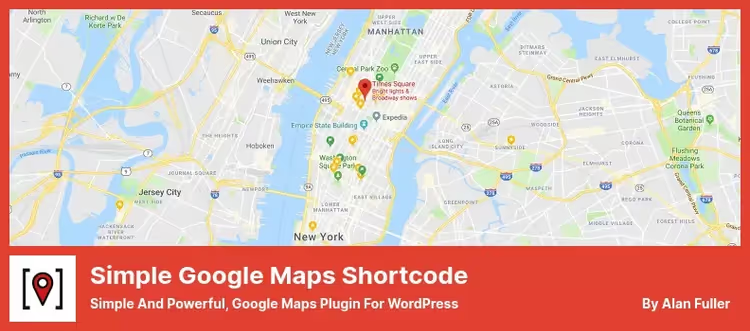
An extremely lightweight plugin: API key, address, shortcode, map on page. No interfaces, builders, or toolbars. Caches the map through the WordPress Transients API for 3 months, the next page visit doesn't ping Google.
For a business card site with one office, this is what you need. No multi-markers, but they're not needed. Last release was March 2025, meaning the plugin hasn't been updated in over a year. For a simple shortcode this isn't critical, but for a long-term project worth keeping in mind.
Pros:
- Nothing extra: key + address = map
- 3-month cache through Transients API
- Width, height, zoom, and controls configured in shortcode
Cons:
- One marker, not suitable for multiple locations
- Not updated since March 2025
Price: free.
🔗 Simple Google Maps Shortcode on WordPress.org
6. MapPress
One of the oldest map plugins for WordPress, still being updated (June 2026). MapPress embeds maps through a Gutenberg block or shortcode. Address, place ID, or coordinates, any format works. Markers with custom text, images, and links.
Supports multisite, custom post types, and PHP templates for generating maps from code. Street View with real traffic, a small thing but useful for a contact page.
Pros:
- Live Street View with traffic
- Multisite and custom post types out of the box
- PHP templates for developers
Cons:
- Interface is spartan, fewer settings than
WP Go Maps - Pro for $49 needed for premium features
Price: free, Pro $49.
🔗 MapPress on WordPress.org🔗 MapPress Pro version
7. Advanced Google Maps Plugin
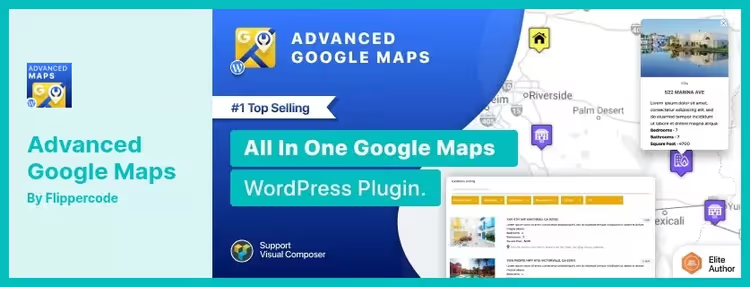
CodeCanyon exclusive from FlipperCode, the older brother of WP Google Map Plugin. Integrations with Gravity Forms, BuddyPress, and AirTable. Can build multiple routes on one map, add custom forms to the frontend, and draw custom-shaped zones.
For real estate sites, integration with listings: contact form right from the property card, descriptions under the map, filters by characteristics. Snazzy Maps skins for styling out of the box.
Pros:
- Integrations with Gravity Forms, BuddyPress, and AirTable
- Custom zones (polygons) and shapes on the map
- Snazzy Maps skins for styling
- Multiple directions on one map
Cons:
- Only on CodeCanyon, no auto-updates through WordPress.org
- $59 plus support renewal
Price: $59 (12 months support).
🔗 Advanced Google Maps on CodeCanyon🔗 Live demo
8. Image Map Pro
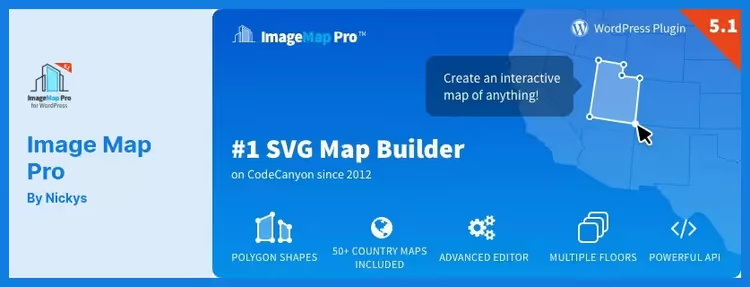
Not a map in the usual sense, but a builder of interactive SVG images. Upload a floor plan, site layout, building photo, and place clickable zones with labels and links.
Two main scenarios: interactive map of store locations in a shopping center and infographics like "our production diagram." Google Maps can't do this, here you control every pixel. Drag-and-drop editor with undo/redo and layer duplication.
Pros:
- Any image becomes an interactive map
- Drag-and-drop editor with change history
- Precise tool for selecting custom-shaped areas
Cons:
- Not a map but an image-map, no street view or routes
- CodeCanyon only, from $39
Price: $39 (12 months support).
🔗 Image Map Pro on CodeCanyon🔗 Live demo
9. Progress Map
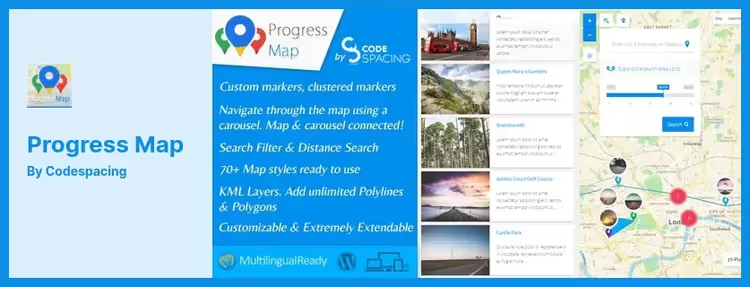
Built for listings: hotels, real estate properties, restaurants, jobs. The carousel above the map is synchronized with markers, clicking an object card highlights a point on the map, and vice versa. Routes with step-by-step instructions and path preview.
SVG icons instead of PNG, the map doesn't bloat from a hundred markers. Management through admin panel: UI elements, map types, zoom controls. For the listings niche, one of the best tools on the market.
Pros:
- Object carousel synchronized with map
- Step-by-step routes with preview
- SVG icons, faster than PNG on 100+ markers
Cons:
- Built for listings, excessive for a simple contact map
- CodeCanyon, from $59
Price: $59 (12 months support).
🔗 Progress Map on CodeCanyon🔗 Live demo
10. WP Store Locator
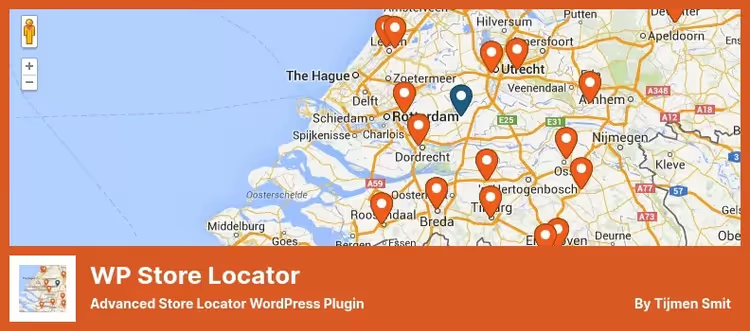
A narrow but powerful tool: search for retail locations by radius with routes. Each location gets a description, hours of operation, and contact info. Search by categories, clustering of dense zones, multilingual support through WPML and Polylang.
Free and regularly updated (June 2026). If the task is "find the nearest store on a map," this plugin will handle it better than universal solutions.
Pros:
- Radius search out of the box, no add-ons needed
- Hours, description, and contacts for each location
- Multilingual through WPML and Polylang
- Completely free and updated
Cons:
- Store locator only, excessive for a contact map without search
- Map is Google Maps only, no alternative engines
Price: free.
🔗 WP Store Locator on WordPress.org
In practice, most cases come down to four scenarios. Here's how they look in a real WordPress project, from installation to the first map on a page:
⁉️🤔 Common questions
Do I need a Google Maps API key for all plugins in the list?
For most, yes. But
WP Go MapsandMaps Marker Prooffer alternative engines: Leaflet and OpenStreetMap work without a key. If your Google API budget is zero, takeWP Go Mapswith the Leaflet engine, the map is free at any scale. A Google API key is still required forMaps Widget,Simple Google Maps Shortcode, andWP Store Locator, they work exclusively with Google Maps.
Which plugin to choose for a multilingual site?
WP Store LocatorandWP Go Mapswork with WPML and Polylang out of the box.Maps Marker Prois translated into 20+ languages by the community. Other plugins are multilingual to the extent that your translator handles the WordPress interface, they don't have a separate multilingual layer.
Can I avoid iframe and insert a map with a shortcode?
All 10 plugins in this collection use a shortcode or Gutenberg block instead of iframe. A shortcode gives control over width, height, zoom, and map type, parameters you can't configure through iframe.
Simple Google Maps Shortcodedoes this in one line:[simple-google-maps-shortcode address="London"].
Google Maps or OpenStreetMap, which is faster for WordPress?
OpenStreetMap through Leaflet is faster on weak hosting: no external Google scripts, no API delays. But it loses in satellite imagery detail and Street View. For a contact map, OpenStreetMap is enough. For a real estate listing with property photos, only Google Maps.
Can I hide all markers until search?
Yes, this feature exists in
WP Go MapsandWP Store Locator. The map is initially empty, the visitor enters an address, and only then do the nearest points appear. The scenario is ideal for networks with 50+ branches: don't load a hundred markers for someone who needs one.
How to migrate a map from one plugin to another without losing markers?
There's no direct export-import between plugins from different developers. But a working path exists: export markers to CSV/KML from the old plugin, convert to the new format (usually CSV with columns "name, address, lat, lng, description"), and import.
WP Go MapsandMaps Marker Prosupport batch marker import from CSV.
What to install in 2026
If you need a map on a contact page in one click, MapPress or Maps Widget for Google Maps will handle the task in a minute. Need a store locator with radius search, WP Store Locator is the best in its niche and free.
For everything else, WP Go Maps. Six map engines, Gutenberg blocks, marker carousel, and Leaflet for those who don't want to pay Google. If you need geometry and GPX tracks, Maps Marker Pro provides tools that WP Go Maps still has to grow into.
Choose for your task, not someone else's rating. And check the map on mobile, half the plugins sin with desktop maps turning into postage stamps on phones.

A professional team of writers and editors specializing in creating quality content.