














🚀 What types of websites can be created on WordPress in 2026
1. Blogs and news sites
This is where it all started. WordPress grew out of a blogging engine and remains the gold standard in this niche. A flexible category system, built-in RSS feeds, comment management, and an endless post feed work out of the box without a single plugin.
And if you need more, a media kit with ad integrations, a paywall via MemberPress, newsletters through MailPoet, SEO via Rank Math, everything can be set up in half an hour. No surprise that TechCrunch, CNN, and BBC America chose WordPress for their news feeds.

2. Corporate and business sites
WordPress long ago outgrew the "blogging tool" label. Pages, custom post types, flexible fields, all of this lets you build full-fledged company sites: from a local café landing page to a multinational company portal.
A typical WordPress business site structure includes: a homepage with a hero block, "About Us", services or products, a project portfolio, a blog with case studies, and a contact page with a map. Plugins like Gravity Forms handle contact forms, Yoast SEO takes care of search optimization, and WPML or TranslatePress make the site multilingual in a couple of clicks.
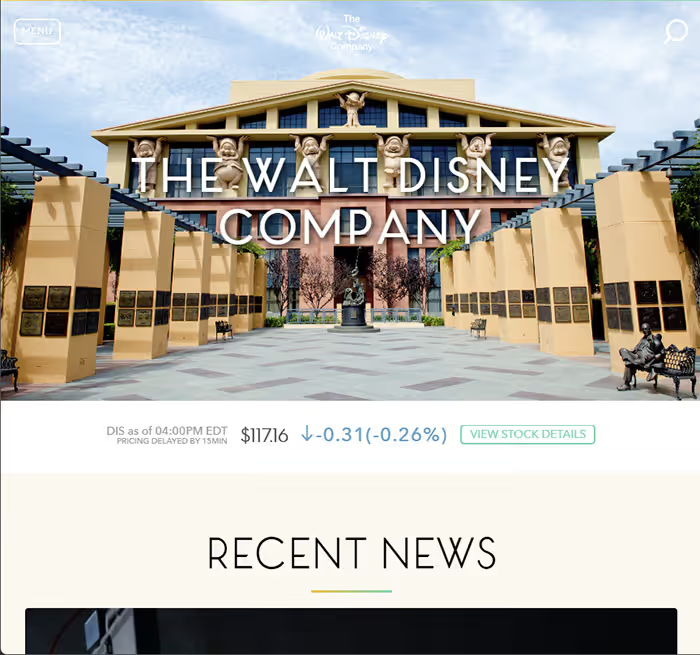
Disney, Sony Music, and even the White House run on WordPress, it is not just a "brochure site" but a full enterprise CMS.
3. Online stores
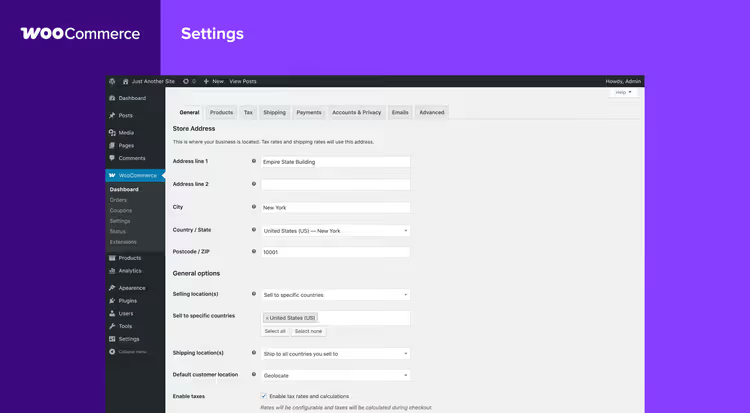
When people say "online store", the first things that come to mind are Shopify or Magento. But WooCommerce, the official eCommerce plugin for WordPress, powers over 6.5 million active stores according to BuiltWith data for 2025.
The WooCommerce starter kit is free and covers all the basics: product cards, cart, checkout, and payment acceptance via Stripe and PayPal. For specific scenarios there are hundreds of extensions: subscriptions (WooCommerce Subscriptions), bookings (WooCommerce Bookings), multi-currency, integration with DHL/postal services, and dynamic pricing.
Yes, WooCommerce alone will not handle a marketplace with 100,000 SKUs and geo-distributed warehouses. But a store with 200 to 500 products, a blog, and SEO, that is its native environment.
4. Portfolio and creative sites
Photographers, designers, illustrators, architects, everyone needs a visually strong site without the distraction of technical tinkering. WordPress with a theme like Kadence or GeneratePress handles this without a single line of code: galleries with lightboxes, masonry grids, full-screen sliders.
The main advantage of WordPress for portfolios is full control over presentation. You are not locked into a builder template: if you want, you add custom CSS; if you want, animation via GreenSock; if you want, micro-interactions with Alpine.js. Meanwhile, the admin panel stays understandable for a client who just wants to add a project to the portfolio.

5. Communities, forums, and membership sites
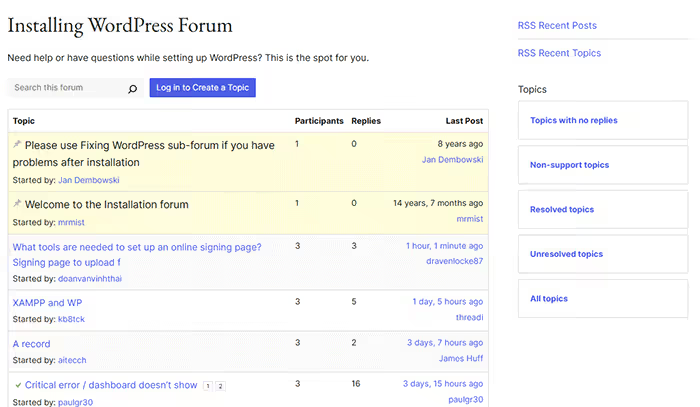
BuddyBoss (a fork of BuddyPress) turns WordPress into a full social network: user profiles, activity feed, private messages, interest groups, gamification via GamiPress. The official WordPress.org support forum runs on exactly this stack.
For gated membership areas, the logical choice is MemberPress or Restrict Content Pro. The former wins on interface polish and built-in integration with LearnDash. The latter, on minimalism and a low price for unlimited members. Both let you sell subscriptions with recurring billing through Stripe and PayPal.
6. Learning platforms and online courses
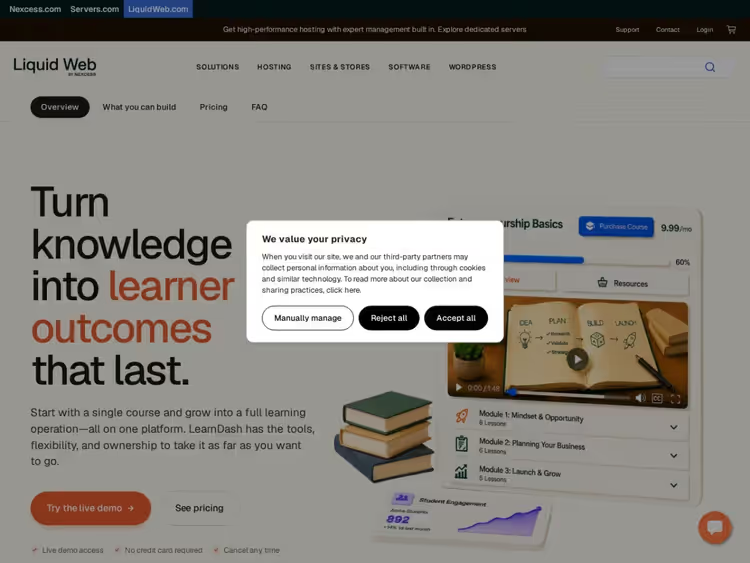
A Learning Management System on WordPress is not a compromise, it is a deliberate choice. LearnDash paired with BuddyBoss delivers a complete educational ecosystem: courses with drip content, tests and quizzes, completion certificates, a student forum, and progress gamification.
The alternative, LifterLMS, offers similar functionality with a slightly gentler price tag. Both plugins play well with WooCommerce: a course is sold as a product, and access opens automatically after payment. For monetizing expertise through WordPress, this is the de facto standard.
7. Event sites
Conference, webinar, local meetup, festival: an event site needs to accept registrations, sell tickets, and display a schedule. The Events Calendar covers these tasks: a calendar with filters, event pages, Google Maps integration for venues, and ticket sales through WooCommerce.
For online events, Zoom integration is added: an attendee buys a ticket and automatically receives the conference link an hour before it starts. The entire flow, without leaving the WordPress admin.

8. Nonprofit and charity sites
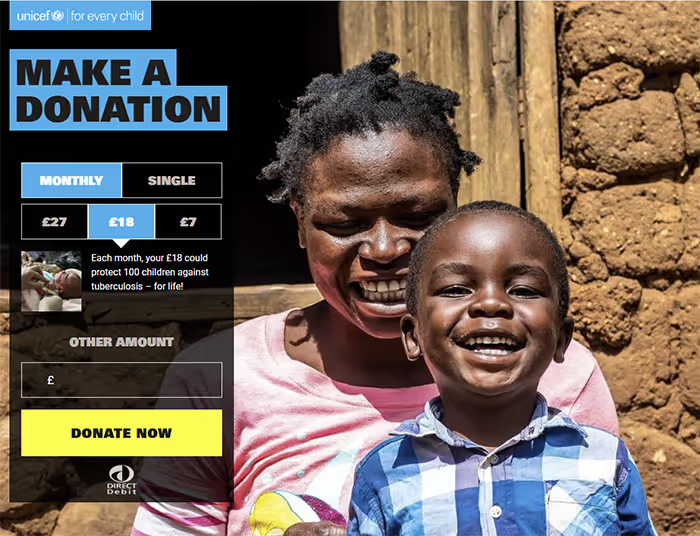
UNICEF, Amnesty International, Greenpeace: they all use WordPress. And there is a reason for that: Giving Tuesday does not wait for developers to fix custom CMS code.
GiveWP, the ecosystem's main fundraising plugin: custom donation forms, recurring payments, reports for accounting, newsletter integration. Add the free Kadence theme, SEO via Rank Math, and a volunteer site is ready to accept donations an hour after installing WordPress.
9. Landing pages and microsites
Page builders have pushed WordPress into territory once ruled by ClickFunnels and Tilda. Elementor (13+ million active installs) provides a drag-and-drop editor with 100+ widgets: a countdown timer, lead capture form, scroll-triggered pop-up, and A/B testing in the Pro version.
Beaver Builder and Divi are alternatives with similar functionality and their own strengths: Beaver is valued for clean code and no lock-in effect when switching themes; Divi, for its visual editor with instant preview. Any of the three covers the need for a landing page without bringing in a front-end developer.

10. Personal sites and digital business cards
For a freelancer, consultant, speaker, or IT job seeker, a personal WordPress site replaces a resume, LinkedIn, and portfolio all at once. The blog demonstrates expertise through content marketing, the "About Me" page handles the trust factor, and the contact form captures leads directly into a CRM.
Carrd or Linktree look simpler at the start, but a WordPress site with your own domain and a custom theme gives you something you cannot buy for the price of a builder subscription: control over search results for your name and the reputation of a professional with a serious approach to their work.
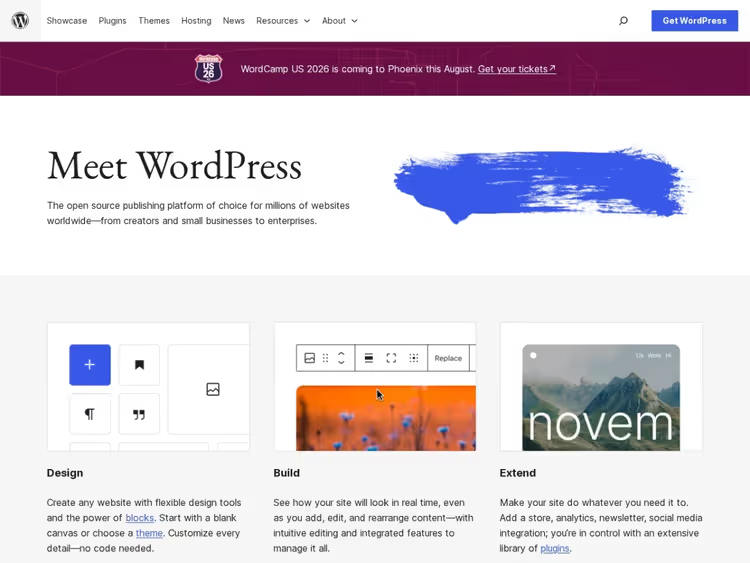
These examples are just a small slice of what you can build on WordPress. The official WordPress.org site showcases hundreds of real projects in its portfolio section for every taste: from personal business cards to government portals.
⁉️🤔 FAQ
Can you build a full-featured online store with WordPress, or is it just for blogs?
WooCommerce powers over 6.5 million sites as of 2025. You get product management, a shopping cart, payment processing via Stripe/PayPal, shipping calculation, and hundreds of extensions for any niche. For a store with 200-500 SKUs, it's a mature, stable solution. Limitations start at the enterprise level with tens of thousands of products and multi-warehouse logistics, where Shopify Plus or Adobe Commerce are a better fit.
How much does it cost to build a WordPress site?
WordPress itself, the Kadence theme, and the WooCommerce plugin are free. Costs start with hosting and a domain, plus premium extensions for specific needs. A typical budget ranges from modest annual expenses for a brochure blog to a few hundred dollars for a store with subscriptions and an LMS. If you hire a developer, a custom theme and setup will run anywhere from a few hundred to several thousand dollars, depending entirely on project complexity and the specialist's rate.
Is WordPress still relevant in 2026, or have more modern alternatives emerged?
WordPress holds over 43% of the CMS market as of early 2026, and its share is growing. The Block Editor (Gutenberg) has matured into a full site builder, Full Site Editing lets you modify headers and footers without code, and the REST API plus React frontends like Faust.js make headless WordPress a reality for high-traffic projects. Alternatives like Webflow and Framer are strong in design but fall short of WordPress in ecosystem depth and data control.
What types of sites should you NOT build with WordPress?
High-load real-time applications (exchanges, auctions, messengers) and native-like SPAs with complex client-side logic: here WordPress becomes a crutch, not a foundation. Also projects where the core functionality is non-standard CRUD operations on custom entities: the WordPress core is optimized for content, not arbitrary business objects. For these tasks, Laravel or a custom Node.js solution will save you headaches in the long run.
Which plugin should I choose for no-code site building?
Elementor is the sweet spot: 13+ million active installs, 100+ widgets, a template library, and a visual editor with undo/redo. Beaver Builder produces cleaner code and avoids vendor lock-in. Divi wins on prototyping speed thanks to its instant visual preview. For a landing page in an evening, go with Elementor; for a long-term client project, Beaver; for agency template work, Divi.
So which kind of site is WordPress right for you?
The short answer: any, except the narrow class of real-time apps and non-standard business objects. The long answer: a matrix.
If you need a blog with monetization potential through a paywall or newsletter, WordPress is unrivaled. If you need an online store with up to 500 products, a blog, and SEO, WooCommerce covers everything without eating your budget on licenses. If you need an educational project with courses and certificates, LearnDash + BuddyBoss gives you a setup that costs several times more on other platforms. If you need a community around a brand, BuddyBoss with gamification rolls out in a day.
WordPress isn't perfect everywhere, but it's universal enough to handle the vast majority of business tasks on the web. And for the remaining cases, there's headless mode: WordPress serves as the content backend, while the frontend is built with React or Vue. So the question isn't "does WordPress fit my site type," but rather "which specific WordPress stack should I use."
Try a local install via LocalWP or DevKinsta: it's free, takes 10 minutes, and will clear up any doubts. And if you need a hosting platform for a production project, WordPress.org recommends vetted providers with one-click auto-install.

A professional team of writers and editors specializing in creating quality content.