













⚙️ 9 WooCommerce alternatives: comparing platforms and plugins in 2026
WooCommerce is installed on 5 million websites. And when you need to launch an online store on WordPress, it is the first thing that comes to mind. Habit, not a deliberate choice.
But habit comes at a cost. The wider the product range and the more complex the business logic, the more visible WooCommerce's limitations become: no built-in cart with abandoned order recovery, multi-currency support relies on patchwork plugins, and scaling beyond 10,000+ SKUs requires manual server optimization. And these are not bugs, they are the architecture of a plugin designed for small and medium catalogs.
We have gathered 9 tools that cover these scenarios out of the box. Among them are standalone platforms and WordPress plugins with fundamentally different mechanics. Each one is verified: the product is alive, the site works, and the prices are current for 2026.
💡 Quick overview:
- Comparison table of all 9 alternatives, prices, platform type, key advantage
- For those who want to leave WooCommerce entirely: Shopify, BigCommerce, Adobe Commerce
- For those who need more capabilities inside WordPress: Easy Digital Downloads, MemberPress, EasyCommerce
- Free open-source options: PrestaShop, OpenCart
- Ecwid, a solution for those who want to embed a storefront into an existing site without migrating
- Video review of alternatives from an eCommerce expert and answers to common questions
What is WooCommerce and when it is time to look at alternatives
WooCommerce is a free WordPress plugin that turns any site into an online store. 5+ million active installations, half a million extension plugins in the ecosystem, support for physical and digital goods. An ideal start for small projects.
Problems begin when a store outgrows the "catalog + cart" format. WooCommerce does not provide out of the box: abandoned cart recovery, multi-currency storefronts without additional plugins, built-in CRM, subscription sales, and license keys. All of this is purchased as extensions, and each new extension increases the hosting load.
There are three scenarios where switching platforms is justified:
- You sell digital goods. Licenses, subscriptions, courses, files. WooCommerce can do this through a layer of plugins, but purpose-built solutions like Easy Digital Downloads do the same thing without workarounds.
- You are entering an international market. Multi-currency, local payment gateways, automatic tax determination by the buyer's country. Platforms like Shopify or BigCommerce include this in their core.
- You are tired of maintenance. Hosting, caching, security, updates. SaaS solutions remove this headache entirely.
If you are simply selling 20-30 products in one country, stay on WooCommerce. The platform handles this scenario perfectly. If you recognized yourself in one of the three points above, read on.
9 Best WooCommerce alternatives in 2026
All prices in the table are as of mid-2026, for the lowest paid plan with annual billing.
Platform | Type | From €/mo | Key strength |
|---|---|---|---|
Shopify | SaaS | 19 | Best app ecosystem |
BigCommerce | SaaS | 29 | B2B and multichannel out of the box |
Adobe Commerce | PaaS/SaaS | On request | Enterprise B2B and multi-brand |
EasyCommerce | WordPress plugin | 0 / from $99.99/yr | AI tools inside WordPress |
PrestaShop | Open Source | 0 (Classic) | Customization flexibility |
OpenCart | Open Source | 0 | Lightweight and 13,000+ extensions |
Ecwid | SaaS | 5 | Embed a storefront into any site |
MemberPress | WordPress plugin | from $199.50/yr | Memberships, courses, subscriptions |
Easy Digital Downloads | WordPress plugin | from $199.50/yr | Selling digital goods |
1. Shopify

Shopify is a standalone eCommerce platform, not tied to WordPress. You don't need hosting: you sign up, pick a theme, upload products, and the store runs. You can go from zero to the first order in an evening.
The platform handles all technical matters. Hosting with unlimited bandwidth, an SSL certificate, PCI DSS Level 1 compliance, all included in every plan. Uptime is consistently above 99.9%, mobile pagespeed is under 2 seconds even on large catalogs. More about the Shopify platform
Built-in sales tools cover scenarios that would require 5-7 plugins on WooCommerce. Multi-currency with automatic country detection for the buyer, real-time tax and duty calculation, selling through Instagram, Facebook, TikTok and Google Shopping, out of the box. Shopify Checkout deserves a special mention: cart-to-order conversion is 15% above the market average thanks to a single-screen form and saved buyer data.
For B2B scenarios, separate catalogs with individual pricing, wholesale tiers, and invoicing with deferred payment are available. As of April 2026, Agentic Storefronts have been added: AI agents that guide a buyer from selection to payment in chat.
2026 pricing. Basic plan, €19/mo with annual billing (€27 month-to-month). Grow plan, €56/mo, Advanced, €289/mo. Third-party payment gateway processing fee: 2% on Basic, 1% on Grow, 0.6% on Advanced. Shopify Payments (built-in processing), no additional fee, but not available in all countries. Current pricing on the Shopify website
Best for. Those who want to sell, not admin a server. Scales from a home business to 10,000+ orders a day without touching infrastructure.
2. BigCommerce

BigCommerce is a direct competitor to Shopify, but with a focus on B2B and multichannel sales. Where Shopify aims to be intuitive for beginners, BigCommerce is tuned for more complex scenarios: wholesale catalogs, customer segmentation by groups, flexible pricing rules.
The main difference from Shopify: no transaction fees when using "native" payment providers (Stripe, PayPal Braintree, Klarna and 20+ other systems). In practice, this means that on €100,000 in annual revenue you don't lose €2,000 in platform fees. For third-party gateways the fee is 2% on Core, 1% on Growth, and 0.6% on Scale. Details on the BigCommerce website
B2B capabilities here are systemic, not bolted on with apps. Customer groups with individual price lists, multi-storefront (up to 8 storefronts on the Scale plan), a built-in quote and order approval system. Plus Feedonomics (a product feed management tool) is included in all plans, for those who sell through Google Shopping, Amazon and eBay.
As of June 2026, BigCommerce moved to GMV thresholds: Core up to $30K GMV over 12 months, Growth up to $100K, Scale at $33,333/mo with a 0.9% surcharge on the overage. Performance plan, from $1,499/mo with custom terms. Official BigCommerce pricing
Pricing. Core, $29/mo with annual billing, Growth, $79/mo, Scale, $299/mo. Free 15-day trial. BigCommerce plans
Best for. Growing companies with a B2B focus. If you sell both retail and wholesale, and through marketplaces, BigCommerce gives you a single dashboard without a zoo of integrations.
3. Adobe Commerce (formerly Magento)
Adobe Commerce is an enterprise platform that grew out of Magento. Under the hood it's the same open-source foundation, but with a commercial license, cloud infrastructure, and integration with the Adobe ecosystem (Experience Cloud, Analytics, Real-Time CDP). According to BuiltWith, about 0.8% of all websites on the internet run on Adobe Commerce/Magento, but the share is significantly higher in the enterprise retail segment.
The platform offers three deployment options. Adobe Commerce as a Cloud Service (SaaS), multi-tenant cloud with auto-updates. Adobe Commerce on Cloud (PaaS), dedicated infrastructure for a project with full control over the environment. Adobe Commerce Optimizer, storefront and merchandising only, which can be layered on top of an existing transactional system (convenient for large retailers not ready for a full migration).
The key advantage over Shopify and BigCommerce: unlimited customization. Multi-brand storefronts from a single admin, custom business processes, API-first architecture with App Builder and API Mesh. The platform doesn't dictate how you should work; it adapts to your existing processes. The price: development and maintenance require a team or an agency partner.
Pricing. Custom, depends on revenue and configuration. No free plans. Enterprise tier starts at ~$22,000/year for the SaaS version (estimate based on partner data; Adobe does not publish fixed pricing). Adobe Commerce version comparison
Best for. Enterprise businesses with $2M+/year revenue, complex logistics, multiple brands, and a need for deep customization. Overkill for small businesses. More about Adobe Commerce
4. EasyCommerce
EasyCommerce is a relatively new WordPress plugin (launched in 2024) that builds an ecommerce engine on its own architecture rather than on standard WordPress post types. This delivers a speed boost on large catalogs: instead of dozens of postmeta queries per product page, you get one optimized table.
The plugin's philosophy: "manage your store from a single screen." A unified dashboard appears in the WordPress sidebar, bringing together orders, products, stock, coupons, and analytics. No jumping between Products → Orders → Coupons → Settings like in WooCommerce.
AI tools are built right into the product editor: description generation, variations, business analysis (which product is slipping on margin), smart catalog search. There is even AI image generation for products, a controversial but interesting feature for those without the budget for professional product photography.
Out of the box: physical goods, digital downloads, licenses, subscriptions, abandoned cart recovery, automatic tax calculation based on customer geolocation, customizable email notifications. Payment gateways: Stripe, PayPal, Paddle.
Pricing. Free version with basic functionality. Premium, from $99.99/year for one site. EasyCommerce pricing
Best for. Those who want to stay on WordPress but have hit a performance wall with WooCommerce on a growing catalog. The AI tools are a nice bonus, not the main argument.
5. PrestaShop
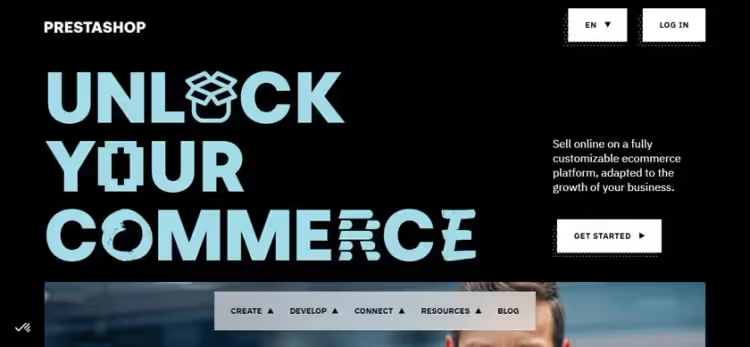
PrestaShop is an open-source platform with 250,000+ active stores, around since 2007. It comes in two flavors: Classic (free, self-hosted, you download and install it on your own server) and Hosted (SaaS from PrestaShop itself, with tech support and automatic updates).
In terms of customization flexibility, PrestaShop is comparable to Magento but with a lower barrier to entry. Under the hood, PHP/Smarty templates that you can edit without learning a complex architecture. A modular system of 4,000+ add-ons on the official Marketplace covers practically any scenario: from custom shipping methods to ERP integration.
Notable built-in capabilities: full multi-store configuration (multiple storefronts with different domains from one admin panel), an internal search engine with faceted filtering, multi-language and multi-currency support without extra modules. Starting with version 9.0 (2025), headless support via API with decoupled frontend.
Pricing. Classic, free (hosting and domain paid separately). Hosted, from €24/month with a 14-day trial. Official PrestaShop website
Best for. Those who want to control every pixel of their storefront and avoid paying a monthly subscription fee to the platform. A good balance between Magento's flexibility and WooCommerce's simplicity.
6. OpenCart
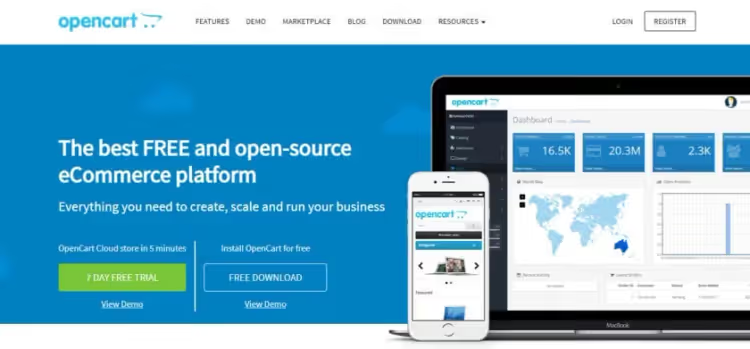
OpenCart is a lightweight open-source engine that installs in 5 minutes and barely loads the server. Minimum requirements: PHP 8.0+, MySQL 5.7+, 64 MB memory. On a weak VPS, a 500-product store flies. Download OpenCart
OpenCart's philosophy: "nothing extra." The admin panel is spartan but logical: products, categories, orders, customers, reports. Multi-store out of the box (separate storefronts with different themes and prices from one admin panel). 20+ payment gateways and 8 shipping methods pre-installed.
The weak side: the extension marketplace. The official Marketplace has 13,000+ modules, but quality is uneven. Some paid add-ons have been abandoned by their authors and are not updated for recent PHP versions. When choosing a plugin, check the last update date; if it is older than two years, look for an alternative.
Pricing. Free. Hosting from €3/month, domain from €10/year. Paid modules as needed. Download OpenCart
Best for. Small stores with a limited infrastructure budget. Also for those willing to hand-code some functionality (the code is open, documentation is in English and thorough).
7. Ecwid

Ecwid tackles the problem from an unexpected angle. It is not a standalone store builder, but a storefront widget that embeds into an existing website, WordPress, Wix, Squarespace, Drupal, custom HTML. You add a line of JS code, and a full catalog with a cart and checkout appears on the page.
The main advantage of this approach: you don't need to migrate. The site stays where it is, and the Ecwid store runs inside it as a separate layer. The platform handles hosting, security, PCI compliance, updates. You manage products through the cloud admin panel, and changes are picked up on all channels simultaneously.
Multichannel is core: one catalog syncs with Facebook Shop, Instagram Shop, Google Shopping, Amazon, and eBay. Plus a mobile app for phone management and a POS solution for offline sales (via Square or Clover).
Pricing for 2026. Starter, $5/mo (up to 10 products). Venture, $29/mo with annual billing (up to 100 products + digital). Business, $49/mo (up to 2,500 products, subscriptions, marketplace integrations). Unlimited, $119/mo (unlimited, POS, priority support). Ecwid plans
Best for. Those who already have a website and don't want to move to a new platform just for an online store. Especially convenient for content projects, blogs, and portfolios that want to add sales as an extra feature.
8. MemberPress
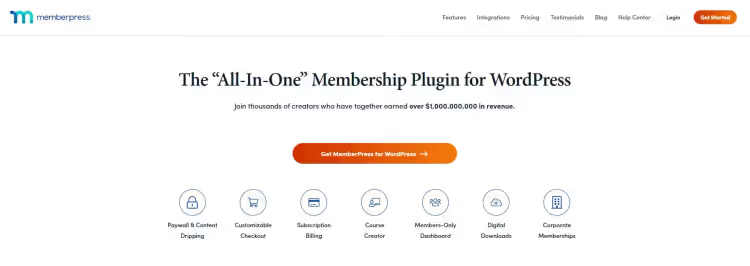
MemberPress stands apart in this list. It is not another eCommerce plugin, but a membership and subscription management system for WordPress. If your product is access to content, courses, a private community, or paid files, MemberPress handles this scenario better than WooCommerce.
The plugin's core: Smart Rules, a flexible access rules system. You can protect a single page, a course section, a downloadable file, or even a paragraph inside a post. Access is granted by subscription, one-time payment, coupon, or group membership.
Courses are a built-in feature that doesn't require an LMS add-on. A drag-and-drop curriculum builder, unlimited lessons, quizzes and assignments with review, completion certificates. The built-in CoachKit lets you guide clients through a program with progress tracking.
ClubSuite (since 2025) adds a community right on the site: forums, private messages between members, a directory with profiles. In effect, MemberPress replaces the WooCommerce + Sensei LMS + bbPress stack.
Pricing for 2026. Launch, $199.50/year (core functionality, +4.9% transaction fee). Growth, $349.50/year (+ CoachKit, ClubSuite, LMS, no fee). Scale, $499.50/year (+ Easy Affiliate, Zapier, REST API, enterprise sales). MemberPress plans
Best for. Course creators, membership clubs, paid communities, and protected content libraries. If you sell access, not physical goods, MemberPress solves the problem more elegantly than WooCommerce.
9. Easy Digital Downloads
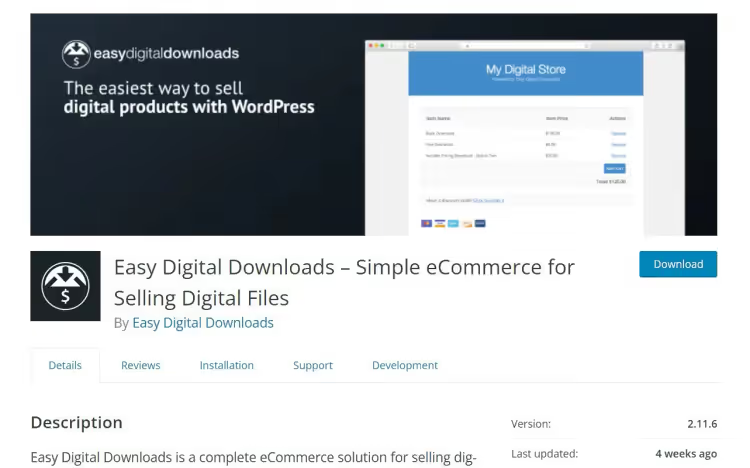
Easy Digital Downloads (EDD) is a specialized plugin for selling digital goods. Ebooks, music, software, fonts, graphics, license keys. 50,000+ active installs, 4.7 stars on wordpress.org.
The main difference from WooCommerce: no physical-product baggage. The interface is built for a digital checkout: file delivery, unique link generation, download limit and link expiration. No extraneous fields like weight and dimensions, which WooCommerce makes you fill out even for a PDF book.
Subscriptions and recurring payments are a built-in feature on Professional and higher plans. Software licensing with key generation, activation, and verification is a separate, powerful module. For software developers, this is a full distribution system without the need to build your own license server.
Multi-vendor (All Access) lets you launch a digital goods marketplace: third-party authors upload products, you earn a commission on sales. Plus abandoned cart recovery, AI product recommendations, post-purchase funnels, and wishlists, all on the top-tier plans.
Pricing for 2026. Extended, $199.50/year (1 site). Professional, $299.50/year (2 sites, licensing, marketplace). All Access, $499.50/year (3 sites, full functionality). The free version on wordpress.org is enough to start with basic sales. EDD plans
Best for. Anyone selling digital goods. For this scenario, EDD is objectively more convenient than WooCommerce: fewer clicks per order, fewer unnecessary fields, specialized features without workaround plugins.
Summary
There is no single "best" platform. The scenario decides everything.
If you sell digital goods on WordPress, install Easy Digital Downloads. Building courses and memberships, MemberPress. Need SaaS without hosting headaches and with excellent multi-channel capability, Shopify or BigCommerce. Want full control over the storefront and no monthly subscription fee, PrestaShop or OpenCart. Enterprise B2B with deep customization, Adobe Commerce.
And only if you sell 20-30 physical products in one country and your plugin budget is tight, WooCommerce is still your tool. It was built for that scenario, and there is nothing to replace it with.
⁉️🤔 Frequent questions
Can I use Shopify together with WordPress?
Yes, via the Shopify Buy Button. You get Shopify checkout and product management, while the blog and content pages stay on WordPress. Shopify's transaction fee still applies. Alternatively, the WP Shopify plugin for deeper integration.
Which is cheaper in the long run: SaaS or Open Source?
Open Source is free to install, but requires hosting, a domain, regular updates and, as you grow, paid modules and a developer. SaaS includes hosting and updates in the subscription fee, but takes a percentage of revenue. For small revenue volumes the price difference is negligible. At higher volumes, do the math on fees: a percentage of half a million euros in revenue can amount to a five-figure sum on basic Shopify, versus modest hosting and developer costs with Open Source.
Does SEO carry over when migrating from WooCommerce?
Technically, yes. All platforms in this review support 301 redirects, custom URL structures, and meta tag imports. In practice, search traffic may dip noticeably for the first few weeks after migration, then recovers. Critical: preserve the URL structure or set up page-by-page 301 redirects from the old catalog. Skip this step and you will tank your rankings.
Does MemberPress replace a full-fledged online store?
No. MemberPress does not handle physical products: it has no inventory management, shipment tracking, or dimensional weight calculation. It is a tool for selling access, to content, courses, files. If you need to sell both physical products and subscriptions, the WooCommerce + MemberPress combo works (they integrate natively).
Can I migrate from WooCommerce to Easy Digital Downloads without losing orders?
Yes, via the built-in EDD importer. Products, customers, and order history are transferred. However, WooCommerce Subscriptions do not convert automatically; you will have to recreate them manually or via a custom script.

A professional team of writers and editors specializing in creating quality content.