














👨💻 15 best WordPress themes for programmers 2026
Need a theme for code, not another marketing landing page? Developers care about access to functions.php, clean markup and compatibility with WooCommerce, not the "wow effect" from a demo.
ThemeForest has thousands of themes, but only a few hold the top: those that survived the PHP standards shift and Core Web Vitals tightening. Below are 15 proven options priced from $29 to $69, with live demos and honest downsides for each.
💡 Quick overview:
- Compare 15 themes in the table below, filter by price, number of demos and WooCommerce compatibility
- Pick 3-4 candidates for your niche, portfolio, blog, eCommerce or agency
- Check the live demos via links under each description and test speed on PageSpeed
- Install the theme, import demo content and replace it with yours, no code required
Comparison table: 15 themes for developers
Theme | Price | Demos | WooCommerce | Page Builder | Rating |
|---|---|---|---|---|---|
| $69 | 100+ | ✅ | Avada Builder | 4.8 |
| $59 | 20+ | ✅ | UX Builder | 4.8 |
| $59 | 650+ | ✅ | Muffin Builder | 4.8 |
| $39 | 60+ | ✅ | WPBakery | 4.7 |
| $59 | 600+ | ✅ | WPBakery | 4.7 |
| $59 | 80+ | ✅ | WPBakery | 4.8 |
| $59 | 70+ | ✅ | WPBakery | 4.8 |
| $59 | 120+ | ✅ | tagDiv | 4.7 |
| $59 | 40+ | ✅ | Avia Builder | 4.8 |
| $39 | 80+ | ✅ | Elementor | 4.7 |
| $69 | 20+ | ❌ | WPBakery | 4.5 |
| $59 | 130+ | ✅ | WPBakery | 4.7 |
| $60 | 350+ | ✅ | Salient Builder | 4.8 |
| $59 | 60+ | ✅ | Elementor | 4.6 |
| $29 | 60+ | ✅ | WPBakery | 4.6 |
1. Avada
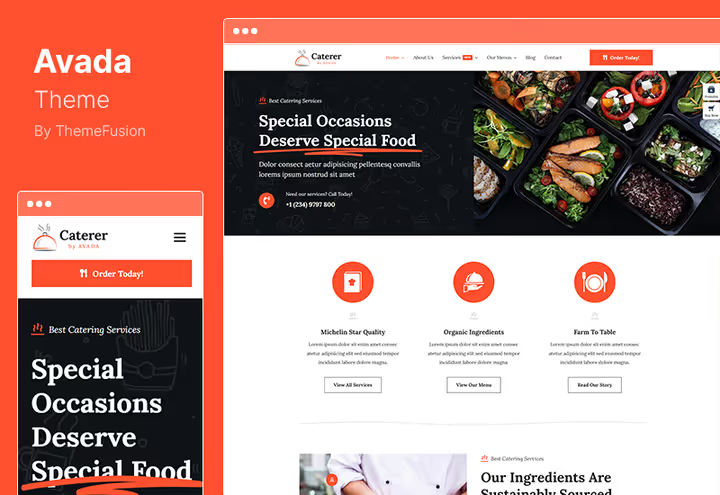
Avada, the best-selling site builder on ThemeForest: 13+ years at the top and over a million users. For a developer this means one thing, you get a theme that's been through fire, water and compatibility with every WordPress update.
The proprietary Avada Builder (frontend, drag-and-drop) requires no code but gives full access to Custom CSS and hooks in functions.php. A hundred demos cover niches from SaaS and startup to personal developer portfolio. Global theme options, from typography to container width, are configured without editing the source.
Pros:
- 100+ demos with one-click import, including dark tech layouts
- Global fonts, colors and layouts without code, plus a
hooksystem for custom logic - Performance Wizard: disables unused scripts and CSS, speed above market average
- Full compatibility with WooCommerce, bbPress, ACF, WPML
Cons:
- Barrier to entry for deep customization is higher than competitors, learning curve takes a day or two
- Base license $69, pricier than most entries in this collection
Price: $69 (one-time license, 6 months support, lifetime theme updates).
🔗 Avada on ThemeForest🔗 Live demo
2. Flatsome
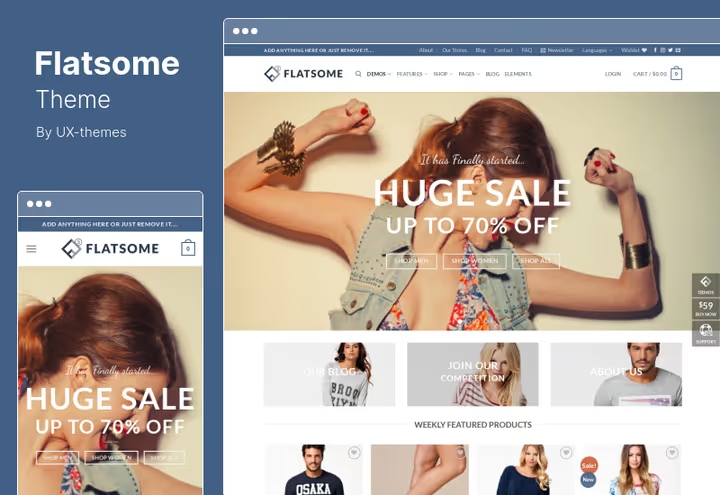
Flatsome, the number one theme for WooCommerce on ThemeForest with a live visual editor UX Builder. Developers appreciate it because you can build a store without crutch plugins, the built-in AJAX filter, fast-loading catalog and responsive cart work out of the box.
The theme uses a lightweight custom CSS framework, doesn't drag Bootstrap or Foundation. This gives fewer plugin conflicts and higher PageSpeed scores. For custom pages, drag-and-drop grid and parent theme without risk of losing edits on update.
Pros:
- Built-in UX Builder, live page and product edits without reload
- AJAX filters and lazy loading of product cards, catalog flies even with 5,000+ SKUs
- Clean architecture: no extra frameworks, minimal conflicts with third-party plugins
- Child theme included, PHP/JS edits don't get wiped on update
Cons:
- Only 20+ demos, niche coverage narrower than
AvadaorBetheme - Geared toward WooCommerce: without a store the potential isn't fully realized
Price: $59 (one-time license, 6 months support).
🔗 Flatsome on ThemeForest🔗 Live demo
3. Betheme
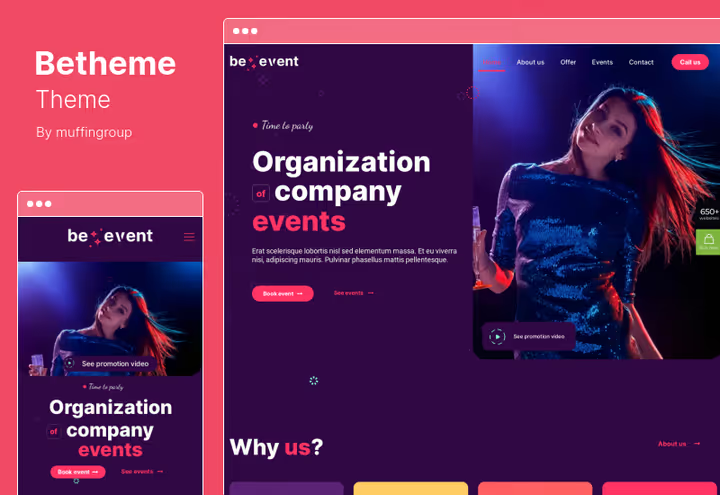
Betheme, record holder by number of demos: 650+ ready-made layouts and 200+ shortcodes. For a developer this is a "rapid prototype builder": pick a layout, import, replace content, and the project is ready in an evening. The proprietary Muffin Builder works on the principle of sections and wrappers, logic familiar to anyone who's coded with flexboxes.
WPML "out of the box" and RTL support make Betheme a practical choice for multilingual projects. And 4 portfolio grid variants and parallax effects without jQuery dependency, a nice bonus.
Pros:
- 650+ demos and 200+ shortcodes, the richest layout library on the market
- Muffin Builder: lighter than WPBakery, section and wrapper logic clear to a coder
- WPML and RTL out of the box, multilingual site without additional plugins
- Parallax on pure CSS, no jQuery and no FPS drop
Cons:
- Layout updates sometimes break custom styles, need a child theme
- With 650+ demos finding "the one" without a niche filter is tricky
Price: $59 (one-time license, 6 months support).
🔗 Betheme on ThemeForest🔗 Live demo
4. The7
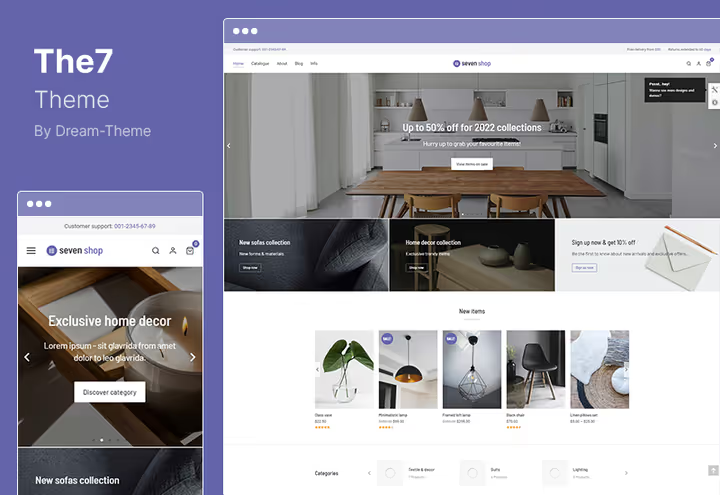
The7, budget alternative to top themes at $39. Comes with WPBakery Page Builder (formerly Visual Composer) and proprietary The7 add-ons, 1,000+ options in customizer and backend editor. For a developer the main advantage, full access to theme options via WP Customizer API without editing templates.
Supports WooCommerce fully, includes 6 premium plugins in the bundle (Slider Revolution, ConvertPlus and others). Lightweight framework without extra JavaScript makes the theme suitable for projects where load speed matters.
Pros:
- just $39 for a theme with WPBakery and 6 premium plugins, best price/functionality ratio
- 1,000+ customization options with access via Customizer API
- Minimal JS footprint, performs well in Core Web Vitals
- SEO optimized and translation ready, no extra plugins needed for localization
Cons:
- Fewer demos (60+) than competitors, for narrow niches the choice is limited
- WPBakery isn't the fastest builder, on weak hosting the backend lags
Price: $39 (one-time license, 6 months support).
🔗 The7 on ThemeForest🔗 Live demo
5. Bridge
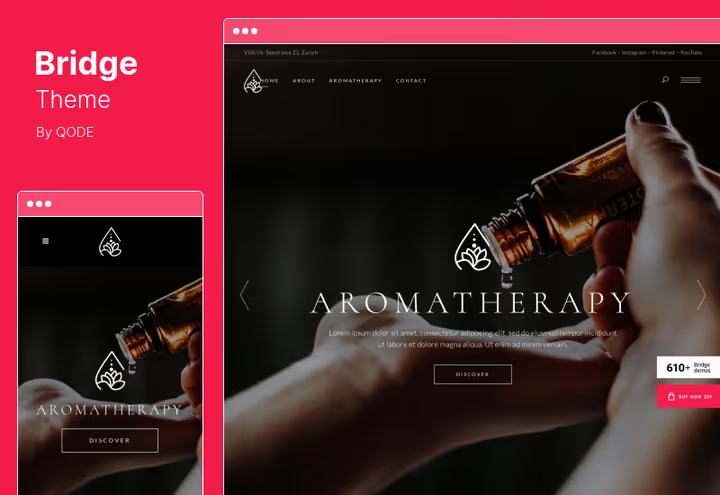
Bridge, creative theme with 600+ demos that stands out by design: dark layouts, unconventional typography and parallax sections. For a developer this is the choice when you need a portfolio or landing that visually differs from typical Bootstrap templates.
The theme is built on WPBakery and supports one-page sites with anchor navigation. All sections are assembled from modules, header, portfolio grid, testimonials, pricing table, and customized via the backend editor.
Pros:
- 600+ demos, dozens of them dark and "designer-y", easier to stand out from competitors
- One-page sites with anchor navigation and smooth scroll, for landings and portfolios
- Qode framework with modular architecture: header, footer, grid, all separate
- Full WooCommerce integration, store looks as custom as the main theme
Cons:
- Dark layouts require more time to adjust colors for plugins
- Qode framework imposes its own CSS rules, conflicts with aggressive caching plugins
Price: $59 (one-time license, 6 months support).
🔗 Bridge on ThemeForest🔗 Live demo
6. WoodMart
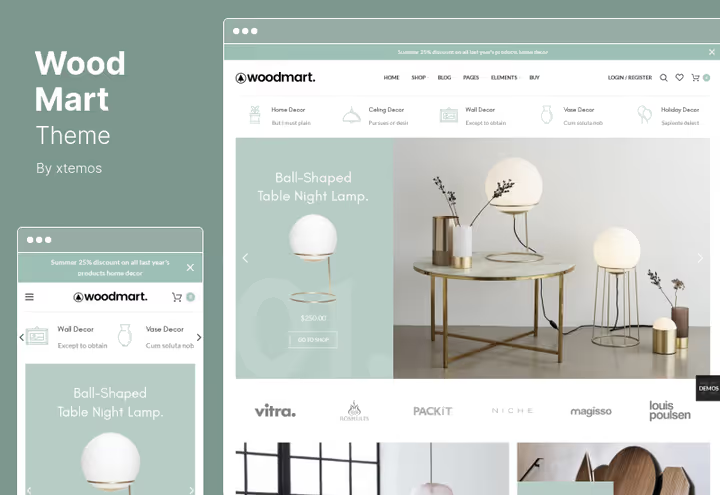
WoodMart, WooCommerce theme with 80+ demos, tuned for product catalogs. AJAX filters, quick product view and custom product card layout work without additional plugins. For a developer this is fewer dependencies and fewer failure points.
Built-in setup wizard walks you through basic setup in 5 minutes. Fully compatible with Elementor, if you prefer it to WPBakery.
Pros:
- AJAX filters, lazy loading, quick view, the whole product catalog arsenal out of the box
- 80+ demos with thematic breakdown: electronics, furniture, fashion, sports
- Compatibility with Elementor and WPBakery, not tied to one builder
- Retina ready and fully responsive, fonts and images don't blur on HiDPI
Cons:
- Theme is heavy: with full demo content set weighs noticeably, need decent hosting
- Without WooCommerce doesn't unlock even half the functionality
Price: $59 (one-time license, 6 months support, lifetime updates).
🔗 WoodMart on ThemeForest🔗 Live demo
7. Uncode

Uncode, designer theme with modular grid on Isotope and responsive images via srcset. For a developer the key thing, clean Bootstrap code at the base and Wireframes Plugin, which lets you assemble a page from 50+ wireframe sections, then overlay styles.
Built-in Header Builder and hierarchical theme options (global → section → local), a powerful tool when you need different styling for different site sections.
Pros:
- Lightweight Bootstrap framework, no bloated framework, clean code
- Wireframes Plugin: 50+ wireframe sections, assemble like a constructor, then style
- Hierarchical options: global style → section style → individual page style
- Isotope grid and
srcsetfor responsive images, galleries without plugins
Cons:
- Learning curve above average, option hierarchy requires understanding
- WPBakery included, not all developers like this builder
Price: $59 (one-time license, 6 months support, lifetime updates).
🔗 Uncode on ThemeForest🔗 Live demo
8. Newspaper
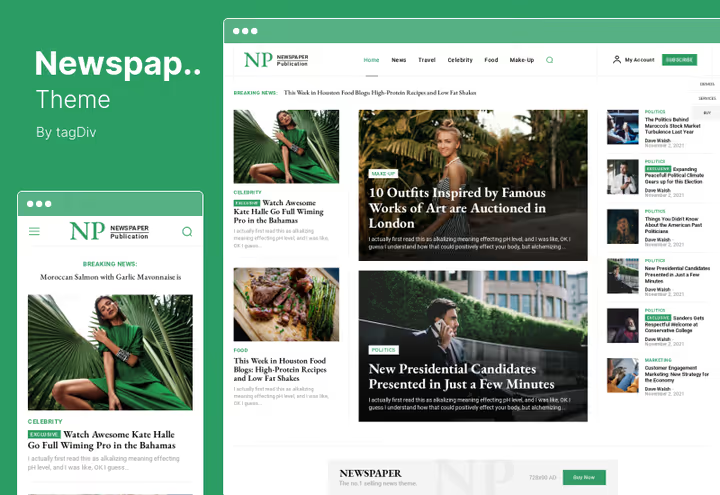
Newspaper, theme for content projects: news sites, magazines, blogs with high publication flow. Proprietary tagDiv Composer lets you code landings and post templates via drag-and-drop. For a developer this means, editors assemble layouts themselves, not bugging the developer.
120+ demos, built-in integration with WooCommerce and ad networks (AdSense, Ad Network). Main trump card, performance: theme optimized for mobile devices and doesn't sag with 10,000+ posts.
Pros:
- tagDiv Composer, visual builder for landings and post templates
- 120+ demos for news, magazine and blog projects
- Optimization for mobile and large content volumes, 10,000+ posts without degradation
- Built-in ad grids: AdSense, banner placements with flexible display settings
Cons:
- tagDiv ecosystem is closed, third-party plugins don't always play nice with Composer
- Narrow specialization, for portfolio or SaaS site better take
UncodeorAvada
Price: $59 (one-time license, 6 months support).
🔗 Newspaper on ThemeForest🔗 Live demo
9. Enfold
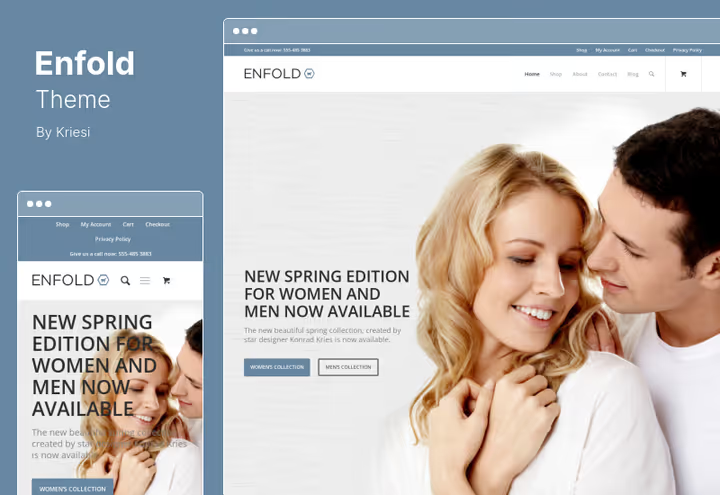
Enfold, ThemeForest veteran with 4.8 rating and proprietary Avia Builder. Theme loved by developers for stability: updates don't break custom edits, if you use a child theme. 18 style presets plus full control via admin panel, from colors to fonts and grid.
Supports WordPress Multisite, which is rare among commercial themes. For an agency or freelancer managing multiple projects on one network, a ready solution without crutches.
Pros:
- Avia Builder, lightweight and predictable, doesn't conflict with plugins
- WordPress Multisite support out of the box, rare on ThemeForest
- 18 style presets + full customization via admin panel
- Stable updates: developers maintain backward compatibility
Cons:
- Only 40+ demos, for non-standard niches layout choice is limited
- Avia Builder loses to Elementor in grid flexibility
Price: $59 (one-time license, 6 months support).
🔗 Enfold on ThemeForest🔗 Live demo
10. Hub

Hub, theme on Elementor with 80+ ready-made sites, 700+ section templates and 100+ inner pages. For a developer this is the choice when you need a "builder you'll hand to the client": Elementor interface is intuitive even to a non-technical user.
Dark and light layouts, one-click auto-updates and social integration out of the box. WooCommerce widgets for Elementor let you build a store without additional plugins.
Pros:
- 700+ section templates, assemble a page like building blocks
- Elementor compatibility: client can edit content themselves, not bugging you
- Dark and light presets, switch globally without editing each block
- Auto-updates in a couple clicks, safe when using a child theme
Cons:
- Elementor itself is resource-heavy, on cheap hosting the admin lags
- Fewer "deep" theme options than
AvadaorUncode
Price: $39 (one-time license, 6 months support).
🔗 Hub on ThemeForest🔗 Live demo
11. ListingPro
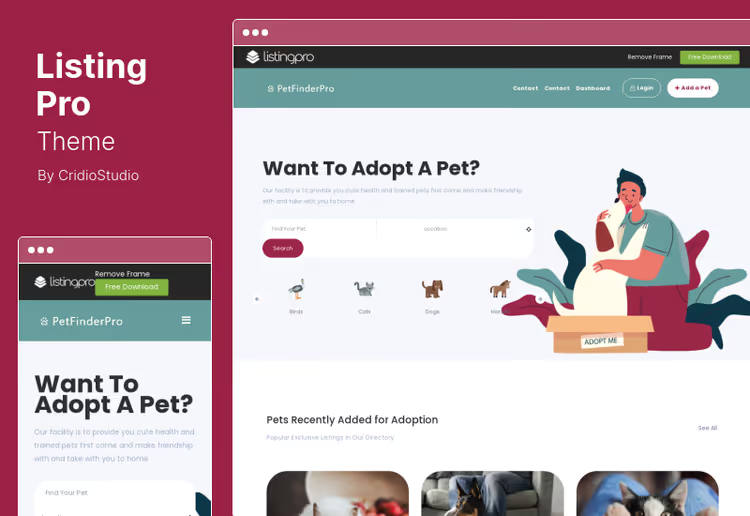
ListingPro, niche theme for directory sites: business directories, classified ads, service marketplaces. For a developer this is a ready foundation for a SaaS project with monetization: built-in system for paid and free listings, payment acceptance for placement and subscriptions.
Theme built on WPBakery and supports event calendar, Google Maps and review system. Users can register and add companies via frontend, admin panel not needed.
Pros:
- Monetization out of the box: one-time listings, subscriptions, placement commission
- Frontend company addition, users work without admin access
- Google Maps, event calendar and review system included
- Compatibility with membership and content restriction plugins
Cons:
- Narrow niche, only for catalogs and directories, not a universal theme
- Without WooCommerce, for an online store need a different theme
Price: $69 (one-time license, 6 months support).
🔗 ListingPro on ThemeForest🔗 Live demo
12. Porto
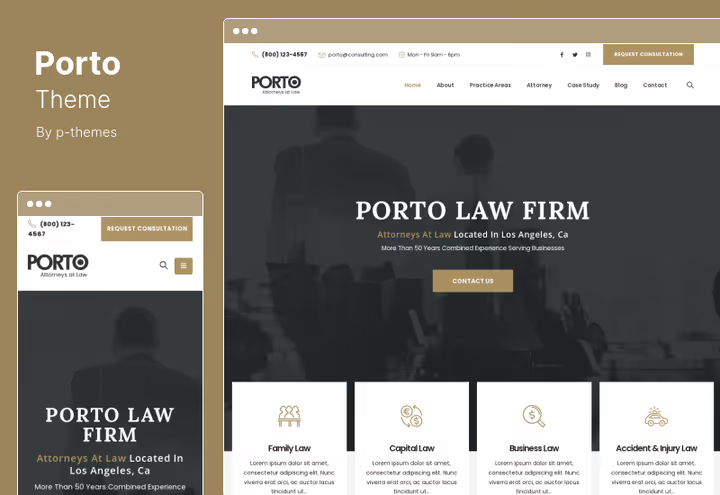
Porto, universal WooCommerce theme with 130+ demos and responsive design. For a developer the key advantage, customization without limits: you can change any element via WPBakery, custom CSS or hooks in functions.php. Theme doesn't impose rigid structure.
Built-in mega menu, advanced product typing (size, color, material) and dynamic discounts on checkout page, for an online store this saves 3-4 plugins.
Pros:
- 130+ demos with clean code, fewer conflicts with third-party plugins
- Mega menu and AJAX search out of the box, for catalogs from 1,000 products
- Dynamic discounts on checkout, without
WooCommerce Dynamic Pricingplugin - Unlimited customization via WPBakery + Custom CSS + hooks
Cons:
- WPBakery as main builder, some developers find Elementor more convenient
- Frequent updates: need to watch compatibility with child theme
Price: $59 (one-time license, 6 months support).
🔗 Porto on ThemeForest🔗 Live demo
13. Salient
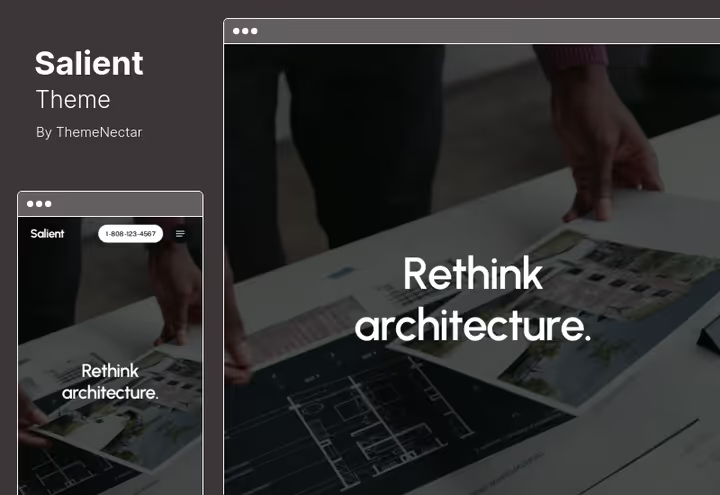
Salient, theme with emphasis on visuals: cascading images, high-performance animations, full-screen sections and smooth page transitions. Proprietary Salient Builder and 350+ demos give freedom for design projects without sacrificing speed.
Masonry galleries, advanced typography and srcset for responsive images, theme tuned for portfolios, creative agencies and SaaS landings. At the same time WooCommerce is fully integrated, store doesn't look like a "foreign" block.
Pros:
- 350+ demos with emphasis on visual quality, cascading images, smooth transitions
- Salient Builder, proprietary builder with CSS animations without performance loss
- Masonry galleries and responsive images
srcset, content looks expensive - Full-screen sections and parallax without jQuery
Cons:
- Visual "tricks" distract, if project is strictly functional (documentation, knowledge base)
- Price on ThemeForest $60, slightly above average for this collection
Price: license $60 (one-time license, 6 months support, lifetime updates).
🔗 Salient on ThemeForest🔗 Live demo
14. Jupiter
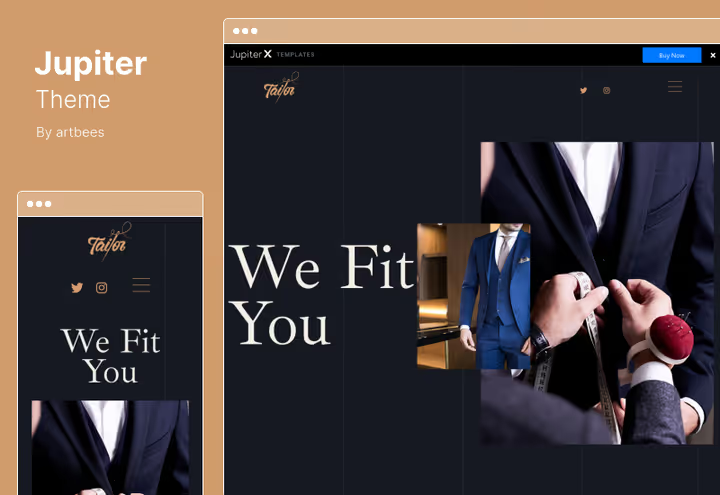
Jupiter, theme on Elementor with 60+ demos and advanced WooCommerce checkout builder. For a developer the interest is in the Advanced Checkout Builder: Express Checkout, field auto-fill, custom fields and variable products with visual selection (color, size, texture).
Supports dynamic cart discounts and dependent product options, functionality that usually drags 3-4 additional plugins.
Pros:
- Advanced Checkout Builder: Express Checkout, auto-fill, custom fields, without plugins
- Visual variable products (color, size, texture), client sees what they're choosing
- Dynamic cart discounts, analog of
WooCommerce Dynamic Pricingout of the box - Elementor compatibility, low barrier to entry for client
Cons:
- Only 60+ demos, for atypical niches layout choice is poorer
- Some features (Express Checkout) require setup, not "out of the box in a minute"
Price: $59 (one-time license, 6 months support).
🔗 Jupiter on ThemeForest🔗 Live demo
15. MinimogWP
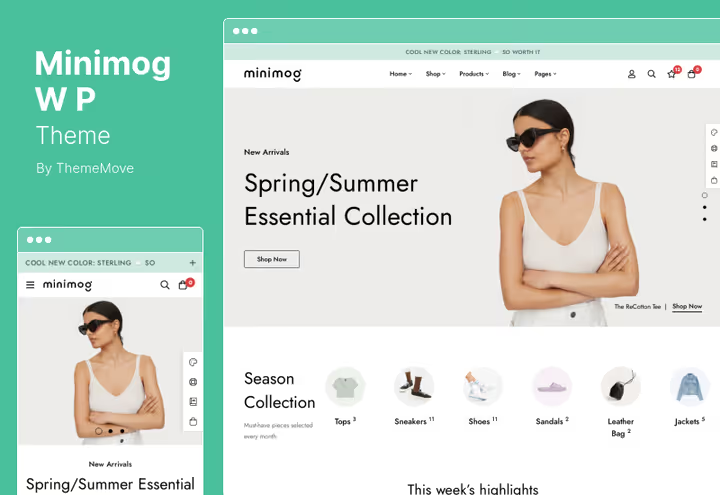
MinimogWP, the most affordable theme in the collection at $29, but with unexpectedly rich functionality: 60+ demos, 7 header styles and 30+ footer variants. Tuned for conversion in WooCommerce: built-in countdown timer, promo timers, lazy catalog loading via AJAX and custom mega menu.
For a developer on a limited budget this is "almost flagship functionality at a third the price": theme handles a store with 500-1,000 products without accelerator plugins.
Pros:
- just $29, lowest price among all entries in the collection with 60+ demos
- Countdown timer and promo timer, conversion tools out of the box
- AJAX catalog and blog loading, fast frontend without caching plugins
- 7 header styles and 30+ footers, flexible customization without code
Cons:
- Short time on market relative to
AvadaorEnfold, fewer reviews and case studies - Specialization on eCommerce, for non-corporate portfolio doesn't fit
Price: $29 (one-time license, 6 months support).
🔗 MinimogWP on ThemeForest🔗 Live demo
📺 Video overview: best themes for developers
The themes in this collection are 2 to 13 years old on the market, they've passed the test of WordPress updates, PHP standards change and Core Web Vitals tightening. But a live screen overview gives what text can't convey: backend speed, real responsiveness and builder behavior on average hosting. Watch a comparison of 9 themes for developers in real time:
⁉️🤔 Frequent questions
Does a developer need a theme if they can code a site themselves?
From scratch, yes, but why? A modern ThemeForest theme gives the lion's share of the finished result: responsive, WooCommerce compatibility, Core Web Vitals optimization and visual builder for the client. You don't pay with time for coding header/footer/grid, you spend it on custom logic and integrations. At the average freelancer hourly rate using a theme pays off on the first project. Ready-made builder and 100+ demos close routine coding. You focus on code, the theme handles responsive, plugin compatibility and WordPress updates. For a freelancer this is throughput of 2-3 projects per month instead of one.
How does a ThemeForest theme differ from free themes from the WordPress repository?
Free themes from WordPress.org give a basic framework and limited customization. A premium theme on ThemeForest includes a visual builder (WPBakery, Elementor or proprietary), dozens of ready demos, premium plugins included and author support. For a commercial project the difference in license price versus a week of finishing a free theme is obvious.
Plus ThemeForest themes pass manual review: code meets WordPress standards, no malicious scripts or hidden links. Free nulled copies, the main source of hacked WordPress sites.
Which theme to choose if I'm making a site for a client, not for myself?
Avada or Betheme, if the client needs to edit content themselves: builder interface is clear without training. Flatsome or WoodMart, if it's a WooCommerce store. Hub, if the client is already familiar with Elementor. Main criterion: client should be able to replace text and images without your involvement and without risk of breaking layout.
For client projects take a theme with built-in builder and "foolproofing": global settings don't let you break layout when editing an individual page.
Can I use one license on multiple sites?
No, ThemeForest license, for one site (one WordPress installation). Each new project needs a separate purchase. Exception, test installation on local server or staging domain: it doesn't count as "active site". For an agency running 5-10 projects simultaneously, theme budget is factored into the cost of each separately.
One license = one production site. Local development and staging don't count. For multisite need a separate license for each site in the network.
How much does support renewal cost in a year?
Base license includes 6 months support. After expiration you can renew support subscription for another 6 months, usually with a significant discount from theme price. Without renewal you continue to receive theme updates but lose access to author support. For actively maintained themes like Avada or Betheme support is rarely needed after the first year.
Theme updates available lifetime. Author support, first 6 months, renewal optional. Most developers don't renew: documentation and forums are enough to solve typical questions.
Which theme will suit you
Fifteen themes is a lot for a first choice. Narrow the circle to three by scenario:
- Online store with 500+ products:
FlatsomeorWoodMart. AJAX filters, live search and product card work faster than universal themes. Price $59. - Portfolio or landing with emphasis on design:
UncodeorSalient. Clean Bootstrap, Isotope grids, smooth animations, looks expensive even without a designer. Price $59-60. - Blog or news site:
Newspaper. tagDiv Composer, 120+ demos, optimization for 10,000+ posts. Price $59. - Budget start under $40:
The7($39) orMinimogWP($29). Flagship functionality at a third the price. - Catalog or directory with monetization:
ListingPro($69). Ready-made paid listing system without hiring a backend developer.
Choose for your task, not for someone else's rating. Test live demos, run a couple pages through PageSpeed, and the decision will become obvious.

A professional team of writers and editors specializing in creating quality content.