














🥇 4 best WooCommerce zip code validation plugins in 2026 (Free and Pro)
The customer entered an address with a typo, and the order went to the wrong place. Return, re-shipment, lost money. The four plugins below solve this problem: they auto-fill addresses from the first few characters, verify postal codes before checkout, and prevent shipments to non-existent streets.
Each tool hooks into the standard WooCommerce checkout and works through Google Places API or address verification services like EasyPost and USPS. Choose based on your geography and budget.
💡 Quick overview:
- Address autocomplete via Google Places API on the checkout page
- Validation of zip and postal codes before clicking "Place order"
- Checkout Blocks support (new block-based WooCommerce checkout), critical for 2026
- Choice between free Lite versions and paid Pro with extended validation
Comparison table
Plugin | For whom | Free version | Pro price | Checkout Blocks |
|---|---|---|---|---|
Google Address Autocomplete | Small business, autocomplete without validation | No | $49/year | No |
ELEX Address Validation | Medium/large store, validation needed | Yes (Lite) | $79/year | Yes |
Postcode/Address Validation | UK/NL stores, postal code lookup | No | $49/year | No |
Google AutoFill Customer Addresses | Wide coverage: map + autocomplete | No | $49/year | Yes |
1. Google Address Autocomplete for WooCommerce
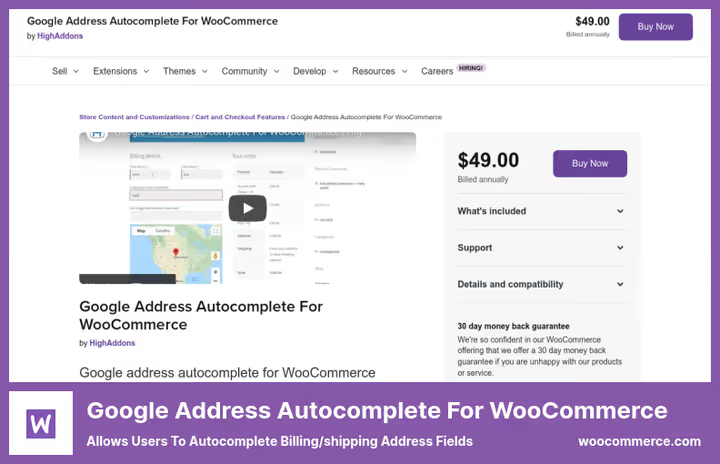
The plugin from HighAddons does exactly what the name says: it connects Google Places API to address fields at checkout. The customer starts typing a street, the system suggests options, and country, city, and zip code are pulled in automatically.
Works on both forms: billing and shipping addresses. You can restrict autocomplete to specific countries, useful if you only ship to the US or, say, Germany and Austria.
- Pros: easy setup (Google API key → done), search for any country in the world, WooCommerce support up to version 10.7
- Cons: 2.9/5 rating on WooCommerce.com, users complain about bugs with block checkout and
ReferenceError: gac_google_address is not definederrors; support bounces between WooCommerce, the developer, and Google - Price: $49/year (1-year plan), $78.40/year when paying for 2 years
- Download: 🔗 Google Address Autocomplete on WooCommerce.com
In practice, the plugin works for classic checkout via the [woocommerce_checkout] shortcode. If you have block checkout, read the reviews: in 2025-2026, users are experiencing JavaScript errors en masse, and the plugin fails to initialize. For block checkout, ELEX or Google AutoFill are more reliable.
2. ELEX WooCommerce Address Validation & Google Address Autocomplete
The most powerful tool in the roundup. ELEX combines Google autocomplete with real address validation through carrier APIs: EasyPost (free, any country), UPS, USPS, and AddressFinder for Australia and New Zealand.
How it works: the customer selects an address from Google suggestions → the plugin runs it through the carrier API → if the address is invalid, it offers a corrected version or blocks the order until clarification. In settings, you can enable Enforce Address Validation, which prevents orders from going through with invalid addresses.
- Pros: free Lite version in the WordPress.org catalog (200,000+ installs of the older version), compatibility with block checkout (from v1.8.6), validation through actual carriers, not just Google
- Cons: full validation functionality (UPS/USPS/AddressFinder) only in Pro for $79; setting up EasyPost/UPS/USPS API keys takes time
- Price: Free (Lite on WordPress.org) / Pro from $79/year
- Download: 🔗 ELEX Lite on WordPress.org | 🔗 ELEX Pro
As of April 2026, the plugin is updated to version 1.8.7, compatible with WordPress 6.9 and WooCommerce 10.0. If your store operates in the US and you want to verify addresses through the USPS database, this is the only option in the roundup with that integration.
3. Postcode/Address Validation for WooCommerce
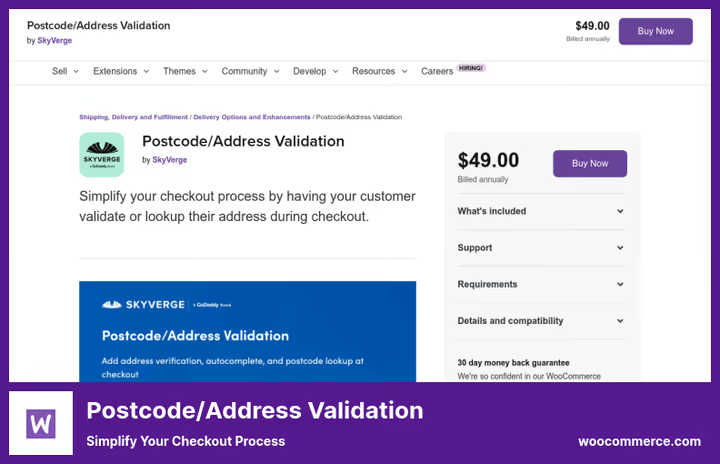
The SkyVerge product is tailored for address lookup by postal code rather than autocomplete (though autocomplete is also available, via Loqate). Strong suit: working with British and Dutch addresses. You enter the postal code, the system returns the street, city, and everything else.
Supports four providers: Loqate (international, with autocomplete), PostcodeSoftware.net and Fetchify (UK, Royal Mail data), and Postcode.nl (Netherlands). Compatible with One Page Checkout, search fields appear directly in single-page checkout.
- Pros: integration with Royal Mail and Postcode.nl, accuracy for UK/NL at the level of government databases, 3,000+ active installs, automatic residential/commercial detection via Loqate
- Cons: NOT compatible with block checkout (Cart/Checkout Blocks), since 2023 the developer has been "continuing to explore" compatibility, but nothing has changed; without a separate paid Loqate/Fetchify account, the plugin is useless
- Price: $49/year + separate subscription to provider service (Loqate/Fetchify/Postcode.nl)
- Download: 🔗 Postcode/Address Validation on WooCommerce.com
Main drawback: incompatibility with block checkout, which became the standard in WooCommerce 8.3. Users in reviews (February 2026) write directly: "disappointed that the plugin isn't updated for blocks." If your store uses the classic shortcode and your geography is UK/NL, the plugin works. Otherwise, look at ELEX.
4. Google AutoFill Customer Addresses for WooCommerce
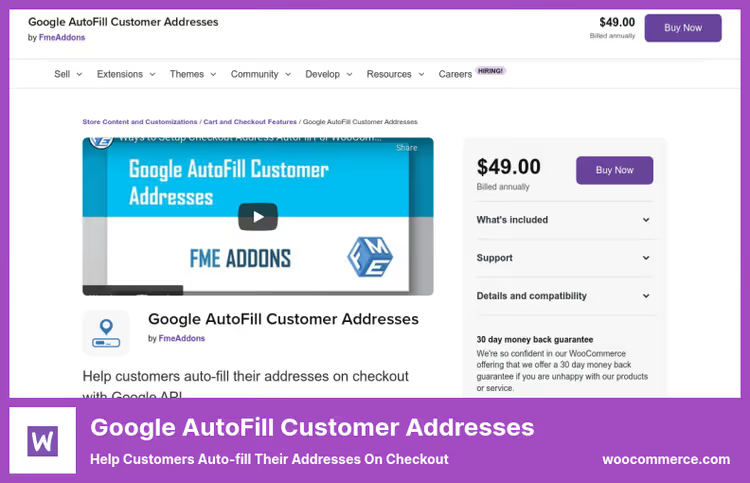
The FmeAddons plugin has the highest rating in the roundup, 4.0/5 with 24 reviews. Besides standard autocomplete via Google Places API, it can display a Google map directly on the checkout page: the customer drags a marker to the delivery point, and the plugin auto-fills the address fields.
Autocomplete works everywhere addresses appear: at checkout (billing + shipping), in the order details in admin, and in the customer's "My account" section. Five map themes can be matched to your store design.
- Pros: compatibility with Checkout Blocks (officially stated), map with draggable marker, convenient for local delivery, autocomplete in admin when creating orders manually
- Cons: only 400+ installs, modest compared to competitors; no built-in address validation (only autocomplete); no free version
- Price: $49/year
- Download: 🔗 Google AutoFill Customer Addresses on WooCommerce.com
FmeAddons responds promptly to reviews (April 2026: response within a day), and the plugin is updated regularly. Good choice if carrier validation isn't needed, and the main goal is to speed up checkout and eliminate address typos.
See what autocomplete looks like in action in this short video from ELEX: plugin installation, Google API key setup, and the first test order with address autocomplete.
⁉️🤔 Frequently asked questions
Do these plugins work with WooCommerce block checkout?
Of the four plugins, two are compatible with Checkout Blocks: ELEX (from version 1.8.6) and Google AutoFill Customer Addresses. Google Address Autocomplete and Postcode/Address Validation work only with the classic shortcode. Since 2026, block checkout has been the standard for new stores, so compatibility has become a critical selection criterion.
Do I need a separate Google API key for autocomplete?
Yes, all four plugins require a Google Places API key. Created in Google Cloud Console, you just need to activate Places API and Maps JavaScript API for it to work. The free limit is about 28,000 requests per month, with charges from $17 per thousand above that. For a store with up to 100 orders per day, the free limit is sufficient.
Which plugin verifies that an address actually exists, not just auto-fills it?
Only ELEX Address Validation. It runs addresses through EasyPost databases (free, global), UPS, or USPS (Pro version). The other three plugins are pure autocomplete: addresses are suggested by Google but not verified. For stores with expensive shipping or high return rates, validation is mandatory.
Can I restrict autocomplete to specific countries?
Yes, all four plugins allow you to select countries for which autocomplete works. If you only ship to Russia and Kazakhstan, enable only those, and other countries won't receive suggestions. The setting is in the plugin parameters, usually a dropdown list with multi-select.
Is there a completely free option?
A free Lite version exists only for ELEX, available in the WordPress.org catalog. It includes Google autocomplete and basic validation via EasyPost. UPS, USPS, AddressFinder, and custom labels are only in Pro for $79/year. The other three plugins have no free versions, each costs $49/year.
What to install in 2026
In short: for most stores, go with ELEX, the free version covers autocomplete and basic validation, Pro adds carrier verification.
- If you need address validation via UPS/USPS, only ELEX Pro, there are no alternatives in this roundup.
- If your geography is the UK or Netherlands and you have classic checkout, Postcode/Address Validation + Fetchify or Postcode.nl subscription.
- If validation isn't needed, just autocomplete on block checkout, Google AutoFill Customer Addresses (4.0 rating, map with marker).
- If budget is minimal, classic checkout, start with free ELEX Lite, the functionality is enough for basic scenarios.
Before installing any plugin, make a full backup and test on a staging site, address autocomplete relies on Google API, and a conflict with your theme or another checkout plugin can break the checkout page.

A professional team of writers and editors specializing in creating quality content.