













 AIIllustrative image: AI-generated
🧾 6 best WordPress invoice plugins for 2026 (free and premium)
Bill manually, spend an hour on layout, tax calculation, and correspondence. Automate, spend 10 minutes installing a plugin and forget about the routine.
Clients expect a professional invoice immediately after the project is complete. Without automation, you either delay payment or send out a messy PDF thrown together in a hurry. Both hurt your reputation and cash flow.
Below is a roundup of six WordPress plugins for invoicing. Each has been tested in practice: live projects, real payments, minimal code wrangling. There are free options for freelancers and powerful all-in-one solutions for studios.
💡 Quick overview:
- Choose a plugin for your scenario: standalone invoicing, WooCommerce PDF, or a full CRM with billing
- Check the list of payment gateways: PayPal and Stripe are in almost all of them, but fee details and local methods vary
- Verify VAT support and template customization, this is critical for EU clients
- Free versions cover basic needs, but recurring payments and client portals almost always require payment
Comparison table
Plugin | Free version | Pro (from) | Payments | WooCommerce | Client portal |
|---|---|---|---|---|---|
Sprout Invoices | Yes | $39/year | PayPal, Stripe, Square, Authorize.net | Yes | Yes (Pro) |
GetPaid | Yes | $99/year | PayPal, Stripe, Authorize.net, WorldPay | No | No |
WP Simple Pay | Yes (3% fee) | $99/year | Stripe (Apple Pay, Google Pay, SEPA) | No | No |
WooCommerce PDF Invoices | Yes | $39/year | Via WooCommerce | Yes (required) | Yes (My Account) |
Sliced Invoices | Yes | $79/year | PayPal, Stripe (ext.) | No | Yes (ext.) |
Jetpack CRM | Yes | $11/month | Stripe, PayPal (ext.) | Yes (sync) | Yes |
1. Sprout Invoices
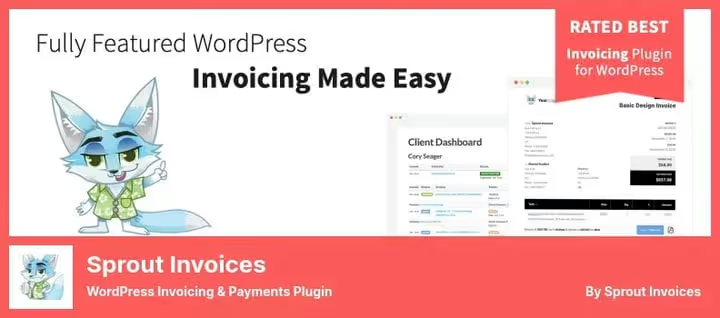
A full billing system inside WordPress. You create invoices and estimates, clients pay online, no correspondence or manual deadline tracking.
The plugin is built for automation: set payment terms, amount, due date, and late fees. The system will remind the client and update the status automatically. Integrations with Gravity Forms, Ninja Forms, and WP Forms let you collect requests and turn them into invoices immediately.
Pros:
- 100+ integrations with payment gateways and services
- Multi-currency and multi-language out of the box
- Unlimited invoices and clients even in Lite
Cons:
- Support in 2025-2026 is practically nonexistent, users complain about ignored tickets
- Free version is limited: no recurring payments and no client dashboard
- Slow performance on weak hosting, saving an invoice can take up to a minute
Price: Lite, free, Pro, from $39 per year.
🔗 Sprout Invoices on WordPress.org
2. GetPaid

A lightweight plugin for accepting payments and issuing invoices. Unlike Sprout Invoices, it doesn't try to replace a CRM, it simply gives you "Buy" buttons, payment forms, and invoices.
You create a payment form, attach a price, add taxes, and publish it on any page. Works with PayPal, Stripe, Authorize.net, and WorldPay. A separate plus is full compatibility with European VAT MOSS out of the box, without hassle.
Pros:
- Active development: last update, June 2026
- Payment form embeds anywhere via shortcode
- Free version is not limited by number of invoices
Cons:
- No client portal, clients don't see invoice history
- PDF invoices only through a separate paid add-on
- Recurring payments require a Stripe addon
Price: Lite, free, Premium, Premium $99/year.
🔗 GetPaid on WordPress.org🔗 GetPaid website
3. WP Simple Pay
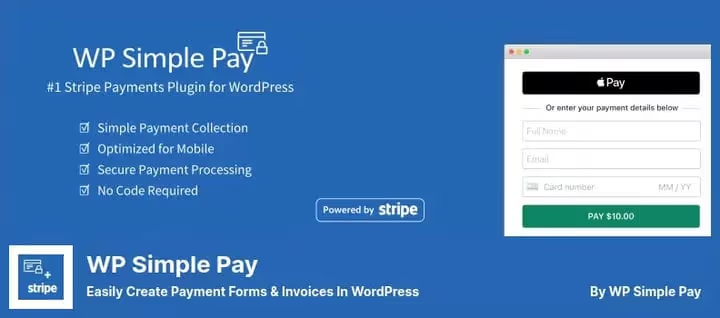
A Stripe-focused plugin for quick payment acceptance. No need to set up WooCommerce or build a cart, one form, one payment, done.
The main feature is Stripe Checkout: a ready-made, conversion-optimized payment page. Supports Apple Pay, Google Pay, SEPA, iDEAL, Klarna, and 15+ other local methods. Subscriptions and recurring payments are now available even in the free version.
Pros:
- Minimal barrier to entry: install → create form → accept payments
- No additional transaction fees on top of Stripe (in Pro)
- Drag-and-drop form builder with style customization
Cons:
- Stripe only, no other gateways
- In the free version, 3% fee on top of Stripe
- Not an invoice plugin in the classic sense, invoices are created as payment forms, not full documents
Price: Lite, free (3% fee), Pro, $99 per year.
🔗 WP Simple Pay on WordPress.org🔗 WP Simple Pay website
4. WooCommerce PDF Invoices
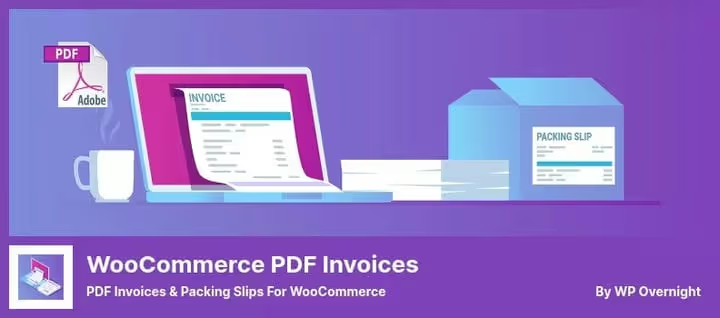
The de facto standard for WooCommerce stores. Automatically generates a PDF invoice and attaches it to the order confirmation email. 300,000+ active installs, 1,800+ reviews, the most popular "WooCommerce + invoice" combo in the repository.
Each order is assigned a sequential number. The client downloads the invoice from their account or receives it by email. Supports XML formats for e-invoicing: UBL, Peppol BIS 3.0, Factur-X, ZUGFeRD, important for B2B and European counterparties.
Pros:
- Free version fully covers PDF invoice needs
- Bulk generation: export 500 invoices in a minute
- 35 interface languages, 1,800+ reviews, support responds within hours
Cons:
- WooCommerce only, useless without it
- Premium templates ($39) add tax breakdown and product thumbnails
- Proforma invoices and credit notes only in Professional extension
Price: Lite, free, Premium Templates, premium templates, Professional, extended license.
🔗 WooCommerce PDF Invoices on WordPress.org🔗 WP Overnight website
5. Sliced Invoices
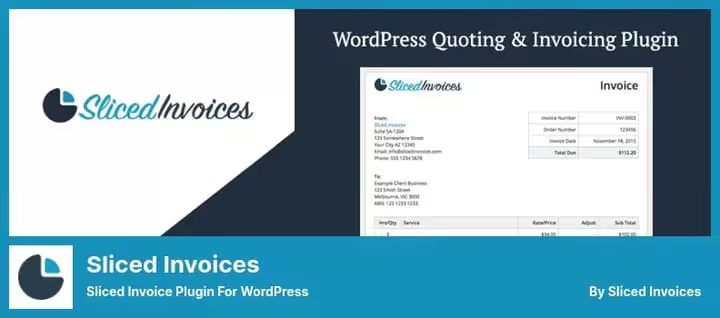
A flexible invoice and estimate builder with online payment. You create an invoice, the client receives a link and pays by card or PayPal. Minimal setup, maximum customization.
The strong point is templates: three built-in options plus custom CSS styles. Invoice numbers increment automatically, prefixes and suffixes are configurable. Supports WordPress Multisite out of the box.
Pros:
- Convert estimate to invoice in one click
- Client can accept or decline estimate right on the site
- Automatic payment reminders
Cons:
- Stripe only via paid add-on
- Updates come out less frequently than competitors (latest, October 2025)
- There are complaints about the plugin disappearing after an update, backup needed
Price: Lite, free, Pro, $79 per year.
🔗 Sliced Invoices on WordPress.org🔗 Sliced Invoices website
6. Jetpack CRM

A CRM with billing from Automattic, the team behind WordPress.com and WooCommerce. Unlike the other plugins in this roundup, this is not just invoicing, but a full client management system.
You create a contact → issue an invoice or estimate → client pays via client portal. WooCommerce sync pulls in orders and transactions automatically. Gravity Forms and Contact Form 7 forms turn requests into leads without extra steps.
Pros:
- Free core with no limits on contacts and invoices
- Client portal out of the box: invoices, estimates, files, transaction history
- Developed by Automattic, regular updates and compatibility with WordPress 7.0
Cons:
- Not standalone invoicing, CRM logic requires adjustment
- PDF invoices, PayPal Sync, and Stripe Connect require payment (from $11/month)
- Overkill if you only need invoicing without CRM
Price: Core, free, Freelancer, $11/month (Invoicing Pro + PayPal + Stripe).
🔗 Jetpack CRM on WordPress.org🔗 Jetpack CRM website
Watch a 10-minute overview of the best invoice plugins for WordPress, the author shows installation and interface of each top solution.
⁉️🤔 Frequently asked questions
Can I issue invoices without WooCommerce?
Yes. Sprout Invoices, GetPaid, WP Simple Pay, Sliced Invoices, and Jetpack CRM work as standalone solutions. WooCommerce PDF Invoices is the only one that requires WooCommerce.
Which plugin is suitable for European VAT?
GetPaid supports VAT MOSS out of the box. WooCommerce PDF Invoices does it via integration with WooCommerce EU VAT Compliance. Sprout Invoices has free addons for EU, Australia, and Canada. Sliced Invoices offers flexible tax configuration: globally, per invoice, or per line item.
What to do if I need recurring payments?
In WP Simple Pay, recurring payments are available even in the free version. Sprout Invoices and GetPaid require Pro for subscriptions. Jetpack CRM supports recurring payments via Stripe Connect (from $11/month).
How does the client receive the invoice?
Almost all plugins send the invoice to the client's email. WooCommerce PDF Invoices attaches the PDF to the order confirmation email. Jetpack CRM and Sprout Invoices (Pro) provide a client portal where invoices are available 24/7. Sliced Invoices generates a public payment link.
Is it safe to accept payments via a WordPress plugin?
Yes, if the plugin does not store card data on your server. WP Simple Pay and Stripe Checkout work via Stripe's hosted page, cards are processed on Stripe's side. Other plugins pass data through the gateway API and also do not store sensitive information. WP-Invoice (not to be confused with our roundup) was shut down precisely because of a security vulnerability, do not use it.
What to install in 2026
If you're a freelancer with project invoices, start with Sprout Invoices Lite. Free, no client limits, but be prepared that support may not respond. Need stability and active development, GetPaid for $99 per year will solve PDF and tax issues.
WooCommerce store? WooCommerce PDF Invoices is the uncontested standard. 300,000 installs don't lie.
Want easy entry and accept payments via Stripe, WP Simple Pay will launch a form in 5 minutes. Studios and agencies that need CRM + billing + client portal, Jetpack CRM from Automattic for $11 per month will give more than any standalone invoice plugin.
Choose for the task, not for the rating. The right plugin is the one that issues an invoice faster than the client can change their mind.

A professional team of writers and editors specializing in creating quality content.