














🧱 6 masonry layout plugins for WordPress 2026 (free and premium)
WordPress's standard grid aligns posts by the top edge. When card heights differ, gaps appear between rows. A visitor sees a ragged rhythm and leaves after ten seconds.
Masonry layout solves the problem: elements are laid out like brickwork, column width is fixed, height adjusts to content. Images aren't cropped, proportions are preserved, the page looks tight and premium. Pinterest built its entire interface on this.
We tested 6 masonry plugins for WordPress in 2026: three free and three premium. Each was tested on WP 6.5+ with standard themes and varied content, without conflicts or code workarounds.
💡 Quick overview:
- Install
Blog DesignerorThe Post Gridif you need masonry for a blog, both are free and work via shortcode, the second was updated in June 2026 - For portfolios and case studies choose between
Essential GridandMedia Grid, filters, animations and deeplinking out of the box, visual builder without code - Build image galleries with
FooGallery, masonry in the free version, 7 layouts, May 2026 update Portfolio Designercovers the "both portfolio and blog" scenario with a single plugin at minimum cost
Plugin | Free version | Pro price | Content type | Layouts |
|---|---|---|---|---|
| Yes | - | Blog, posts | 3 masonry |
| Yes | $39 | Portfolio, gallery | 2 (Grid, Masonry) |
| Yes (masonry included) | from $39.99/year | Image gallery | 7 free |
| No | $39/year | Gallery, portfolio, WooCommerce | 3 (Even, Masonry, Cobbled) |
| No | $35 | Media portfolio | Free grid |
| Yes | $49 | Posts, custom types | Masonry, Grid, List |
The video above covers five popular masonry plugins for WordPress: from free options for blogs to premium solutions for portfolios. Layout examples are shown on live sites.
1. Blog Designer
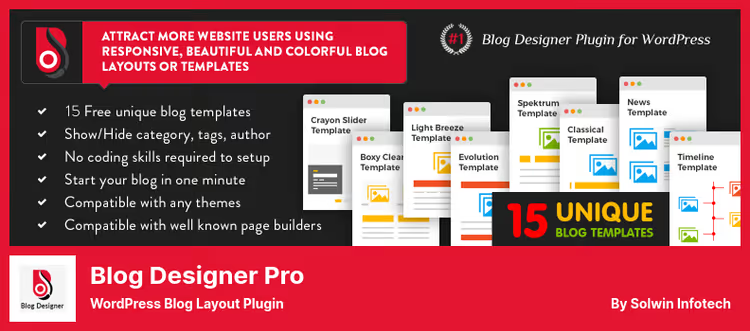
The plugin from Solwin Infotech turns a standard post feed into a masonry grid in five minutes. The free version gives 15 templates: Grid, Media Grid, Timeline and several masonry variants. The last update came out in August 2024.
In practice the scheme is simple. Put the shortcode [wp_blog_designer] on any page, choose a template, the blog gets masonry without touching the theme. The admin panel is intuitive: number of posts per page, background colors, snippet length, Read More button, all with sliders and selects.
The plugin works with standard themes and on WordPress 6.5 shows stable compatibility. For a blog with varied image sizes this is a working solution without overpaying. Cross-browser compatibility and responsive out of the box.
Pros:
- 15 templates free, including masonry styles
- Shortcode
[wp_blog_designer]works on any page - Cross-browser compatibility and responsive out of the box
Cons:
- Lite version hasn't been updated in a while, no guarantee of compatibility with WP 6.6+
- Custom post types not supported in the free version
- Functionality limited to standard blog posts
Price: Free (Lite)
Download: 🔗 Blog Designer on WordPress.org
2. Portfolio Designer
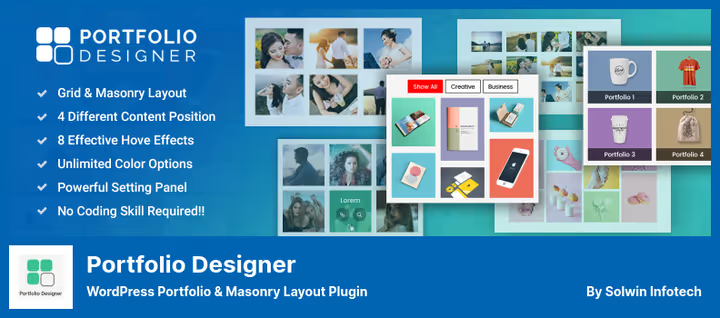
Also from Solwin Infotech, but tailored for portfolios. The free version gives Grid and Masonry layouts, four content positions (over image, below, left, right) and 18 hover effects. Pro version expands to nine layouts: adding Justify, Slider, Slideshow, Cobble and 3D carousel.
The feature is custom post types. Create a "Cases" or "Projects" section with thumbnails, images, audio or video. The shortcode [wp_portfolio_designer_lite] outputs a masonry grid on any page. For a freelancer or small agency it's a way to showcase work without a page builder.
In Pro comes support for WPBakery, Divi Builder and Elementor, plus fancybox and lightcase for popups. Filtering by categories and tags, Load More and auto-loading. If portfolio is the main site content, Pro version is justified. Last update August 2024.
Pros:
- Free version with Grid and Masonry out of the box
- Custom post types with images, audio and video
- 18 hover effects in Lite
Cons:
- Free version is minimal, only 2 layouts
- No popups in Lite
- Infrequent updates, risk of falling behind WP core
Price: Free (Lite), Pro $39
Download: 🔗 Portfolio Designer Lite on WordPress.org
3. FooGallery

FooGallery from FooPlugins, the most actively developed plugin in the roundup: 200,000+ active installs, latest release in May 2026. Seven layouts in the free version: Responsive, Image Viewer, Masonry, Justified, Simple Portfolio, Single Thumbnail and Carousel. Masonry is available without payment.
Setup is faster than brewing coffee. Upload images, choose Masonry template, set number of columns (fixed or auto), spacing. Lightbox is built in free, lazy loading too. Gallery is assembled drag-and-drop in a visual builder with live preview.
Pro version adds Polaroid, Grid, Slider and Spotlight layouts, 11 hover effects, color sorting and tag filtering. Expert unlocks video galleries (YouTube, Vimeo, self-hosted), dynamic galleries from folders and EXIF metadata. Commerce integrates WooCommerce: photo sales, watermarks, master product.
Pros:
- Masonry free, no cuts
- 7 layouts in the free version
- Lightbox and lazy loading out of the box
- Actively updated, May 2026
Cons:
- Video galleries only in Expert
- Tag filtering only Pro
- No blog layouts, only galleries
Price: Free, paid plans from $39.99/year
Download: 🔗 FooGallery on WordPress.org
4. Essential Grid
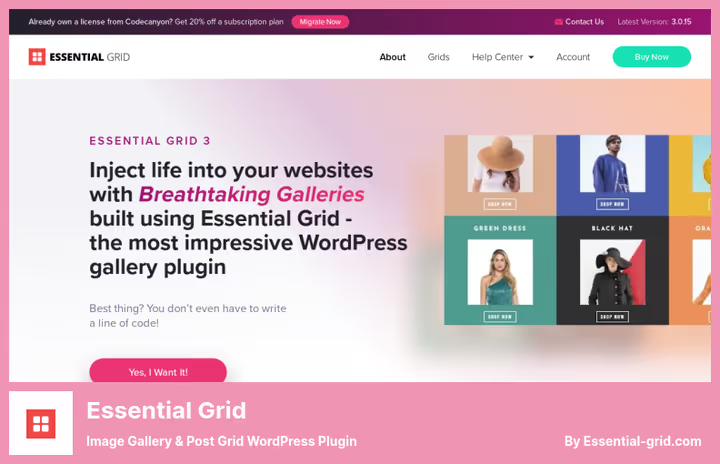
Product from ThemePunch, the same team that made Slider Revolution with millions of users. Essential Grid has 400,000+ active installs. Three layout modes: Even (uniform), Masonry (brickwork) and Cobbled (patchwork mosaic). Each is configured visually, without code.
Drag-and-drop builder is live: drag elements, change sizes, the grid recalculates instantly. Fifty plus ready-made templates, from photo galleries to WooCommerce storefronts. Built-in visual skin editor lets you assemble your own design theme.
Gallery loading is fast and responsive on all devices. Deep linking for SEO, watermarks, right-click protection. Automatic content import from Instagram, YouTube, Flickr, Vimeo. Filtering, pagination and search without page reload. No free version, but $39 per year with support is a reasonable price for a tool of this level.
Pros:
- 3 layout types: Even, Masonry, Cobbled
- 50+ templates and visual skin editor
- Auto-import from social networks (Instagram, YouTube, Flickr)
- Deep linking for SEO and content protection
Cons:
- No free version
- Support renewal after a year is paid
- Overkill if you only need masonry for a blog
Price: $39/year (12 months support)
Download: 🔗 Essential Grid official site
5. Media Grid
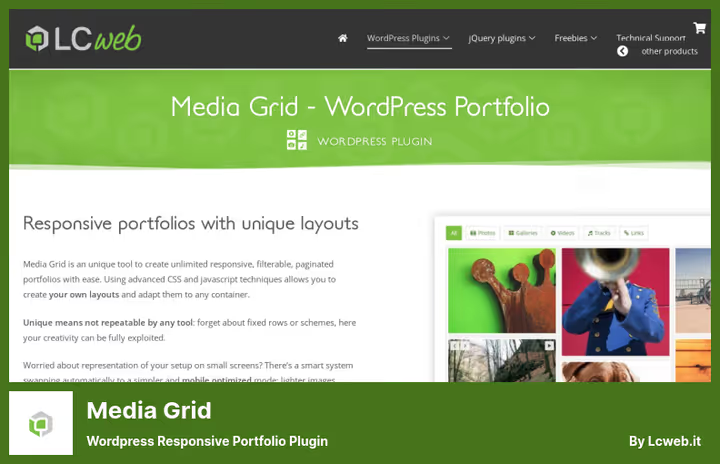
The most flexible plugin in the roundup in terms of layout. Unlike Essential Grid with three modes, Media Grid offers a completely free grid: set blocks of any size and shape, the system builds masonry without binding to rows or columns. Version 9.2.2 came out in March 2026, actively supported.
Visual grid builder, the plugin core. Two modes: Manual (full control over each element) and Dynamic (create base structure, system automatically fills blocks with content with pagination or shuffling). Fourteen element types: static, slider, video, audio, custom HTML, linked tile and spacer.
Lightbox on CSS, fast, SEO-optimized, with deeplinking for each element. Six pagination variants: from arrows to infinite scroll. Ten style presets to start with one click. Support for any public post type: posts, WooCommerce products and images from media library are pulled. Price includes 12 months of updates.
Pros:
- Completely free grid, not bound to rows
- 14 element types, from static to video
- CSS lightbox with SEO deeplinking
- Dynamic mode for auto-filling the grid
Cons:
- No free version
- Steep learning curve, not for beginners
- Premium solution for professional use
Price: $35 (12 months support)
Download: 🔗 Media Grid official site
6. The Post Grid
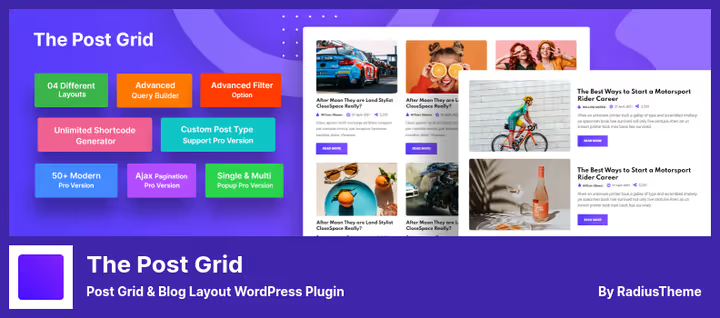
The most popular plugin in the roundup: 100,000+ active installs and 4.7 out of 5 rating. Developer RadiusTheme updates it almost monthly, latest release came out in June 2026. The free version gives masonry layout, grid and list for posts via Gutenberg blocks, Elementor widgets, Divi modules and shortcode.
Query Builder assembles posts by categories, tags, authors and dates. For each layout fonts, colors, spacing are configured, all in real time via WordPress Customizer. Four pagination types, including Ajax Load More and infinite scroll in Pro.
Pro version adds custom post types, frontend post submit, ChatGPT integration for content generation and 90+ ready sections. Separate archive page builder (categories, tags, authors) lets you style each page in its own way. For a news site or magazine it's the optimal choice.
Pros:
- 100K+ installs, 4.7/5 rating, June 2026 update
- Free version with masonry, grid and list
- Gutenberg + Elementor + Divi + shortcode
- Query Builder with flexible filtering
Cons:
- Custom post types only in Pro
- Ajax pagination and filtering only Pro
- Some layouts (for example Slider) only in Pro
Price: Free (Lite), Pro $49
Download: 🔗 The Post Grid on WordPress.org
⁉️🤔 Frequently asked questions
Why do I need masonry if the theme already has grid?
Masonry solves a specific problem: when element heights differ (posts with short and long text, images of different formats), grid leaves holes. Masonry pushes elements up, filling gaps. A theme with grid layout won't do this without a separate plugin, grid aligns by rows, masonry by vertical.
How does masonry differ from justified layout?
Masonry aligns elements vertically in columns: width is fixed, height varies. Justified (like Flickr) adjusts both width and row height so the row fills completely. In masonry images aren't cropped, in justified sometimes edges are trimmed. For portfolios masonry is safer.
Is masonry needed for mobile version?
Yes, but with a caveat. On narrow screens masonry degenerates into one or two columns, the difference from regular grid blurs. All plugins from the roundup are responsive: on mobile masonry switches to one column automatically, without horizontal scroll and with readable images.
Which plugin to get if I only need masonry for a blog?
Two candidates. Free
Blog Designer, 15 templates, short shortcode, works with any theme. FreeThe Post Grid, more modern, updated more often, more settings. If budget allows, Pro version ofThe Post Gridcovers both archive pages and custom types.
Can I use a masonry plugin together with a caching plugin?
You can and should. Masonry grid is calculated on the client via JavaScript, so server cache (WP Rocket, W3 Total Cache) doesn't break the layout. Lazy loading of images in
FooGalleryandEssential Gridworks parallel with caching. After clearing cache masonry recalculates itself.
What to do if masonry plugin conflicts with the theme?
Three diagnostic steps. First: disable AJAX pagination in the theme, a common source of conflicts. Second: check browser console for
imagesLoadedormasonryJS errors. Third: switch to a standard WordPress theme for a minute, if masonry works, the conflict is in the theme.The Post GridandFooGallerysuffer least from conflicts thanks to isolated script loading.
Which masonry plugin to get for your task
Six plugins cover three main scenarios. For a blog: Blog Designer (simpler) or The Post Grid (more powerful, June 2026 update). For galleries: FooGallery, free masonry out of the box and active support (May 2026 update). For everything at once: Essential Grid (premium, most mature) or Media Grid (maximum layout flexibility). Portfolio Designer, a compromise for those who need both portfolio and blog with minimum cost.
Don't chase the maximum feature set. If the site is a blog with 50 posts, Blog Designer will close the task without extra code. If you have a magazine with 5000 articles and complex categorization, The Post Grid Pro with archive builder. And when you need to impress, Essential Grid with cobbled layout and live builder.
All free plugins from the roundup install from the WordPress repository in a minute: Blog Designer, Portfolio Designer, The Post Grid and FooGallery. Try before buying Pro. Write in the comments which plugin you chose and for what tasks, interesting to compare real experience.

A professional team of writers and editors specializing in creating quality content.