














😀 7 Emoji reaction plugins for WordPress: what works in 2026 and what's abandoned
A visitor reads the article, but you have no idea whether they liked it or not. Only a handful of people leave comments, while the silent majority simply closes the tab. Emoji reactions solve this problem: one click on a smiley, and you see real audience feedback without the "I have to write something" barrier.
Over the past two years, the field of emoji reaction plugins for WordPress has thinned out noticeably: of the seven solutions considered top-tier three years ago, three are effectively abandoned, updates have either stopped completely or appear only sporadically, and nobody tests them with current versions of the CMS. The remaining four are alive, receiving updates, and working on modern CMS versions.
Below is an honest breakdown of each one: what it can do, how much it costs, and which plugin to pick for your specific task.
💡 Quick overview:
- Compare the 4 active plugins using the table, pick the one that fits your scenario
- Check whether the plugin is compatible with your caching setup and WordPress version
- Install your chosen plugin on a test site and monitor visitor reactions for a week
Top-4 comparison table
Plugin | Best for | Price | Standout feature |
|---|---|---|---|
WP Reactions | Bloggers, business sites | Premium (from $49/yr) | 200+ animated emoji, analytics |
DW Reactions Pro | Any site | $19 (one-time) | Facebook-style, shortcodes, statistics |
Remoji | Beginners, blogs | Free | View counter, GDPR, minimal setup |
ShareThis Reaction Buttons | Content sites | Free | 6 reactions, mobile-friendly, fast |
1. WP Reactions: animated emoji with analytics and sharing
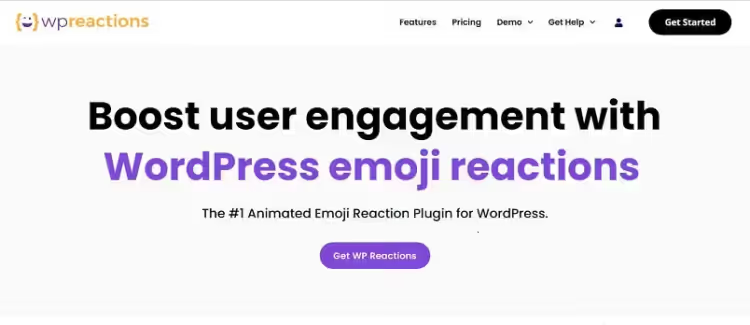
WP Reactions is a premium plugin built for maximum engagement. After clicking a reaction, the user is prompted to share the post on social media, this is baked into the mechanic, not bolted on as an afterthought. The site owner gets a dashboard with analytics: which emoji get clicked most often, which posts generate the most reactions, how audience sentiment shifts over time.
The plugin ships with 200+ high-quality animated emoji reactions and lets you upload your own. Ready-made reaction templates are customized via drag-and-drop with a color picker, to match any site design. Integrations with WooCommerce, Elementor, and caching plugins work out of the box (20+ in total).
- Pros: animated emoji, built-in sharing, clear analytics, 200+ icons plus custom uploads
- Cons: paid version only; the wealth of settings takes time to configure and test with your theme
- Price: from $49/yr (plans at wpreactions.com)
- Download: 🔗 WP Reactions, official site
2. DW Reactions Pro: Facebook-style for a one-time payment
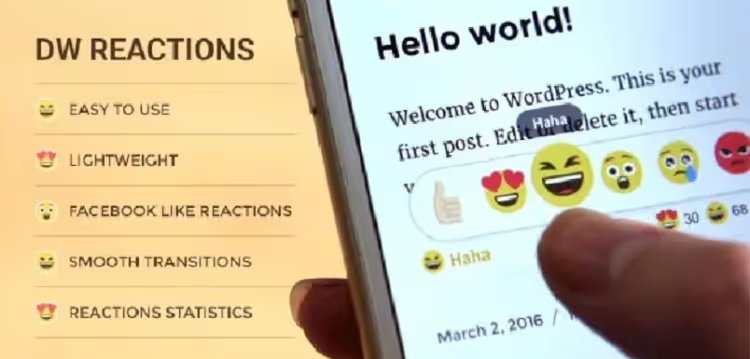
DW Reactions Pro copies Facebook's reaction mechanic, the same set of emoji, the same hover behavior. Visitors see a familiar interface and intuitively know what to do. For the admin, detailed statistics per post: how many and which reactions were collected, how the picture changed day by day.
The plugin outputs reactions via shortcodes and PHP functions, so you can embed them anywhere in your template. The "Most Reacted Posts" widget displays the most-discussed content in the sidebar. The design is responsive and styles to match your theme without conflicts on mobile.
An important nuance: the CodeCanyon listing has changed its branding; the product at the same link is now called EMO Reactions Pro. The last update is dated May 2024, with claimed compatibility up to WordPress 6.5, so before purchasing, run the plugin on a test copy of the latest CMS version.
- Pros: one-time payment, not a subscription; stats over time; Facebook-style pattern requires no learning curve
- Cons: no free version even for testing; manual placement setup via code or shortcode
- Price: $19 (one-time payment on CodeCanyon)
- Download: 🔗 EMO Reactions Pro, formerly DW Reactions Pro, on CodeCanyon
3. Remoji: free, lightweight, and GDPR-compliant out of the box
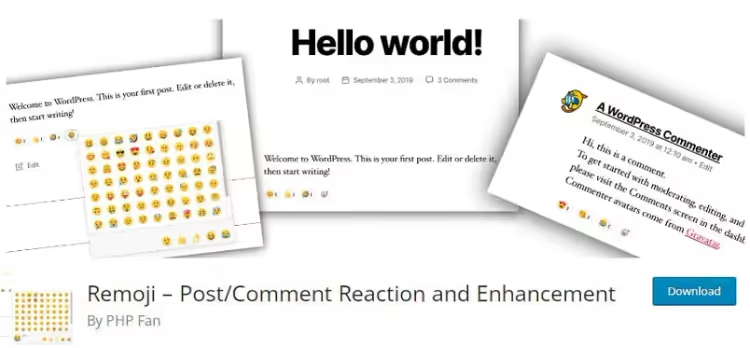
Remoji is the best free option for those who don't need analytics and animated icons but want a working emoji bar with minimal effort. Install the plugin, activate it, and reactions appear on all posts and comments. It works with any caching (including LiteSpeed) and can count page views while filtering out bots.
A standout feature is its GDPR mode: visitor IPs are hashed (MD5), and no personal data is stored. You can disable comments on selected post types and show reactions only to logged-in users. bbPress themes and replies are supported.
- Pros: free, compatible with any caching, GDPR compliance, view counter
- Cons: no reaction analytics; 300+ active installs, smaller community than ShareThis
- Price: Free, WordPress.org page
- Download: 🔗 Remoji in the WordPress.org directory
4. ShareThis Reaction Buttons: six emotions in five minutes
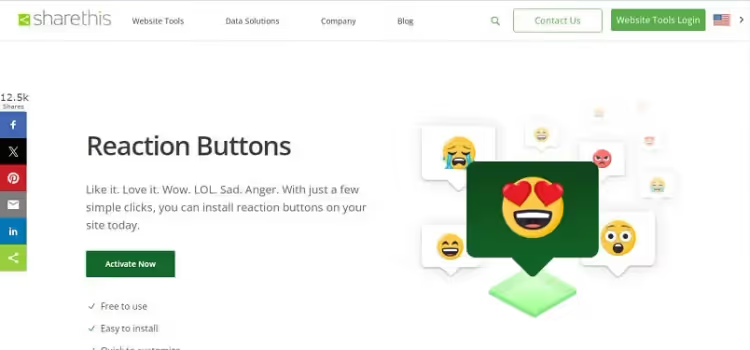
ShareThis Reaction Buttons offers six basic reactions (Like, Love, Wow, LOL, Sad, Anger) that you can set up in a couple of clicks. After installation you need to create a free account on the ShareThis platform, which handles click tracking and appearance settings sync.
The plugin automatically adapts buttons for mobile with no separate configuration required. There is a Gutenberg block for inserting reactions inside content. It works independently of the main ShareThis Share Buttons plugin, so you don't have to add Share buttons.
- Pros: quick install, mobile-ready out of the box, Gutenberg block, 600+ active installs
- Cons: requires a ShareThis account; adds third-party scripts, on weak hosting it can slow down page load
- Price: Free, page on WordPress.org
- Download: 🔗 ShareThis Reaction Buttons in the WordPress.org directory
5. Da Reactions, a nearly abandoned plugin
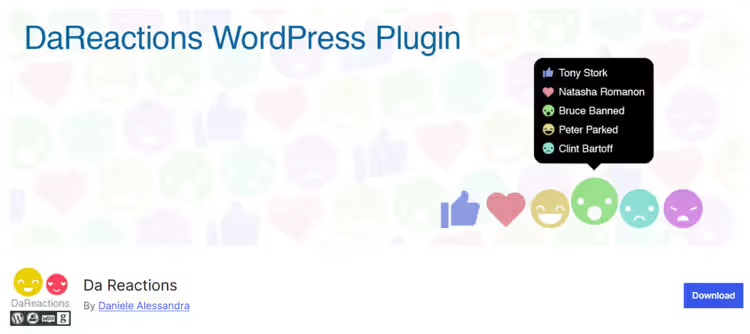
Da Reactions technically remains in the WordPress.org directory (400+ active installs), but the project is barely breathing: the last release came out in mid-2025, and the plugin has not been tested with newer versions of the core. The feature set was rich, 250 icons, BuddyPress and WooCommerce support, user filters, and statistics.
If you needed the capabilities Da Reactions offered (reactions on WooCommerce products and in the BuddyPress feed), replace it with WP Reactions, which also covers those scenarios but is alive and actively updated.
6. Native Emoji, an abandoned plugin
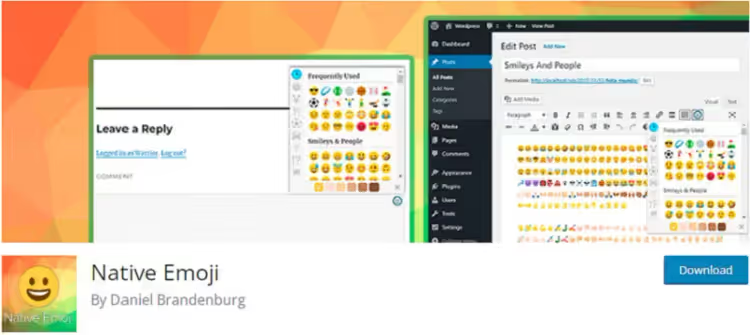
Native Emoji added a panel with 2,000+ emoji to the editor and replaced unsupported characters with images. The page in the WordPress.org directory is still up, but the last update came out in 2018, and users have long been reporting in reviews that the plugin is broken.
For simply inserting emoji into post text, a separate plugin is no longer necessary today: WordPress has supported emoji natively since version 4.2, and characters can be inserted into any editor block without extra code. For reader reactions, go with Remoji: it is also free, but alive and compatible with WP 7.0+.
7. React & Share, an abandoned plugin

React & Share combined reactions with share buttons in a single plugin. Minimalist, no analytics, just a reaction plus sharing below the post. The directory page remains, but the plugin has not been updated for about four years and has not been tested with the last three major WordPress versions.
The spiritual equivalent, ShareThis Reaction Buttons: also free, also focused on simplicity, but with regular updates and working support.
Tips for rolling it out: how not to ruin your site
Limit the set of reactions. Six emoji are enough for the vast majority of sites. When a visitor sees a grid of two dozen smileys, they don't choose, they scroll on. Like, Love, Wow, LOL, Sad, Anger: a proven set, understandable without labels.
Check caching compatibility. Some plugins (ShareThis, DW Reactions) serve reactions through an external API or REST; a caching plugin may serve the page without fresh counts. After installation, open a post in an incognito window and click a reaction: the counter should update with no errors in the console.
Place the emoji bar below the post, not in the middle. A reader decides on a reaction once they've finished reading, so don't distract them early. The exception is short news items, where a bar above the post works as a quick pulse check.
Don't force login. Guest reactions collect far more responses than "registered users only." Remoji's GDPR mode lets you keep guest access without violating privacy.
⁉️🤔 Common questions
Do I need a reactions plugin if I already have comments?
Only a handful of visitors leave comments. Emoji reactions remove the "I have to formulate a thought" barrier; a noticeable share of readers click. The numbers don't conflict: reactions show the mood of the silent majority, comments show the opinion of the most engaged.
Do these plugins slow down site loading?
Remoji and DW Reactions Pro don't: they store data locally and serve it through the REST API. ShareThis adds an external platform script; on fast hosting the difference is unnoticeable, on weak hosting it may add 200-400 ms. WP Reactions loads animated emoji, so keep them behind a CDN.
Can I use two reaction plugins at the same time?
Technically yes, practically not worth it. Two sets of reactions under one post confuse the visitor, and the JavaScript of two plugins can conflict (both attach handlers to the same events). Pick one.
What if reactions don't save after a click?
In most cases caching is the culprit. Exclude
/wp-json/from the cache in your caching plugin, clear the browser cache, and check the console: the REST API request should return 200, not 403/404. If REST is blocked by a firewall, whitelist the plugin's namespace.
Which plugin should I use for BuddyPress or bbPress?
Among the active ones, DW Reactions Pro (shortcodes anywhere in the template) or Remoji (supports bbPress topics and replies out of the box). WP Reactions also works, but the subscription is more expensive than DW Reactions' one-time payment.
Does it make sense to install a reactions plugin on a landing page or a single-page site?
No. Reactions make sense where there is a stream of content: a blog, a news site, a forum, a portfolio with dozens of works. On a single-page landing page they look like a foreign element and won't collect statistically significant data.
Bottom line: which plugin to pick for your task
The choice comes down to three questions: budget, depth of analytics, and willingness to configure.
- If you want free and fast, go with Remoji. Reactions appear two minutes after activation, with a view counter as a bonus.
- If you want free but with an external platform, ShareThis Reaction Buttons. Six reactions, mobile layout, Gutenberg block.
- If you need deep analytics and animation, WP Reactions. It pays off on sites where engagement directly affects revenue.
- If you want to pay once and forget about subscriptions, DW Reactions Pro. One-time payment forever, Facebook pattern, works without external services.
Install the plugin on a staging copy of your site and live with it for a week; reactions will show you which content genuinely hooks your audience. Which plugin did you end up choosing? Let us know in the comments.

A professional team of writers and editors specializing in creating quality content.