














🥇 8 best SEO plugins for WordPress 2026 (free and paid)
How much traffic are you already losing due to poor SEO? WordPress "out of the box" silently duplicates pages in the index, creates empty meta tags and delivers neither a sitemap nor micromarkup. And this is not a hypothesis: according to Ahrefs data for 2025, 56% of WordPress sites lose positions precisely because of technical SEO errors, not because of content quality.
Good news: everything is fixed with one plugin. We selected 8 working tools for WordPress that cover basic SEO, generate Schema markup and integrate AI tools. No fluff: each plugin is tested in a real admin panel, prices are current as of June 2026, and links lead to live WordPress.org pages.
💡 Quick overview:
- Compare plugins by table: prices, Schema, AI and number of installations
- Choose a plugin for your task: blog, store, agency or minimalism
- Set up the plugin in 5 minutes following the instructions in the card
Comparison table: all 8 plugins in 30 seconds
Plugin | Free version | PRO price (from) | Schema | AI tools | Installations |
|---|---|---|---|---|---|
Yoast SEO | Yes | $99/year | ✅ Full | Yes (Premium) | 5M+ |
AIOSEO | Yes | $49/year | ✅ Generator | Yes | 3M+ |
SEMRush | No | $139.95/month | ✅ | Yes | SaaS |
SEOPress | Yes | $49/year | ✅ JSON-LD | Yes (OpenAI/Gemini/Claude) | 350K+ |
Squirrly SEO | Yes | $29/month | ✅ | Yes (3 AI engines) | 200K+ |
The SEO Framework | Yes | Free + extensions | ✅ Auto | No | 100K+ |
Rank Math | Yes | $59/year | ✅ 16+ types | Yes (Content AI) | 4M+ |
MonsterInsights | Yes | $99/year | ❌ | No | 3M+ |
1. Yoast SEO
Yoast, a market veteran that has been setting the standard since 2008. If you've seen the "traffic light" (green, orange, red) in the post editor, this is it. Over the years, the plugin has grown an ecosystem: WooCommerce SEO, local SEO, video SEO, news module.
Key feature of the free version: text readability, keyword density, paragraph length, subheadings, internal links. In 2025, Premium received an AI generator for titles and meta descriptions plus integration with Google Docs. Separately worth noting is Inclusive Language Analysis: it highlights wording that might offend the audience.
Technical foundation: automatic canonical URLs, XML sitemap, Schema.org (Article, Breadcrumb, FAQ, HowTo), crawler management (GPTBot and CCBot) through Premium. Version 27.8 from June 2026 confirms the plugin is alive and actively developing.
Pros:
- The most detailed documentation and community: an answer to any question is googled in a minute
- The free version is enough for a blog or landing page site
- Import settings from Rank Math, AIOSEO, SEOPress in two clicks
- Transparent pricing, no hidden upsells in the admin panel
Cons:
- Premium from $99/year (source), Rank Math and SEOPress are noticeably cheaper
- Interface is overloaded: a beginner gets lost in a dozen tabs
- AI features only in Premium, while Rank Math gives Content AI for free (with limitations)
Price: free version on WordPress.org, Premium from $99/year.
🔗 Yoast SEO on WordPress.org | 🔗 Yoast Premium site
2. All in One SEO (AIOSEO)
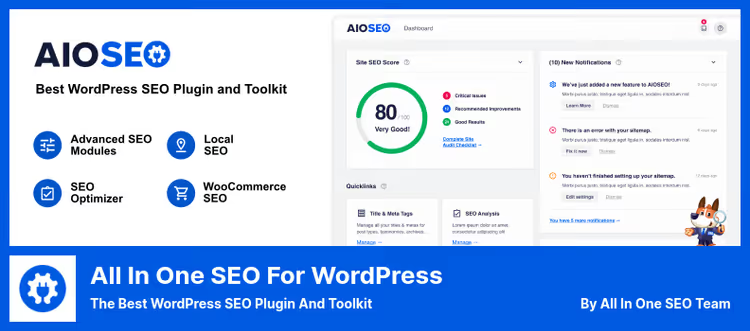
AIOSEO, Yoast's main competitor with its own approach: fewer traffic lights, more real tools. The plugin has existed since 2007 and during this time has accumulated features that others don't have: SEO revisions (history of meta tag changes with rollback), Content Decay Tracking (which content is losing traffic), built-in Link Assistant for automating internal linking.
Unlike Yoast, AIOSEO doesn't impose "readability score" as the main guideline. Instead, TruSEO Score with a detailed breakdown: what exactly to fix in the text to grow for a specific key. You can set an unlimited number of keys in the free version.
The Local SEO module for sites with an address (cafe, clinic, auto service) generates local Schema markup with hours, phone and map automatically. In our experience, setting up the module takes 3 minutes and covers all signals for local search.
Pros:
- The richest free version on the market: Schema, sitemap, unlimited keys, SEO audit
- Content Decay Tracking, a unique feature: competitors have no analogs
- Import from Yoast, Rank Math, SEOPress with one click without data loss
Cons:
- Heavy interface: many tabs, logic not always obvious at first glance
- Advanced modules (Local SEO, Link Assistant, SEO Revisions) require Elite plan
- Branding in the admin panel (AIOSEO logo), cannot be disabled in the free version
Price: Lite free on WordPress.org, Pro from $49/year.
🔗 AIOSEO on WordPress.org | 🔗 AIOSEO Pro site
3. SEMRush

SEMRush, this is not a classic WordPress plugin, but a SaaS platform with a separate SEO Writing Assistant module for the WordPress admin panel. The tool is used by SEO specialists, agencies and corporate teams who need not a traffic light for posts, but deep competitive analysis.
What SEMRush gives that standalone plugins don't have: competitor keyword research, backlink analysis, position tracking for hundreds of queries, site audit with technical error detection. SEO Writing Assistant inside the WordPress editor suggests semantically related keywords, text tone and checks uniqueness through a built-in anti-plagiarism tool.
Main ace: Position Tracking. You see which queries your site and competitors rank for in Google and track dynamics by day. No standalone plugin can do this. In practice, this saves 4-5 hours a week compared to collecting data manually through Google Search Console.
Pros:
- The most complete competitive analysis on the market: keywords, backlinks, traffic, advertising
- SEO Writing Assistant in real time inside the WordPress editor
- 50+ tools in one account: from keyword research to social media monitoring
Cons:
- Price from $139.95/month (SEMRush pricing), unjustified for a small blog
- Free tier: 10 queries per day, enough only for familiarization
- SEO Writing Assistant without SEMRush subscription works only once ever
Price: SEMRush SEO Writing Assistant plugin is free, but requires SEMRush subscription from $139.95/month.
🔗 SEMRush SEO Writing Assistant | 🔗 SEMRush site
4. SEOPress
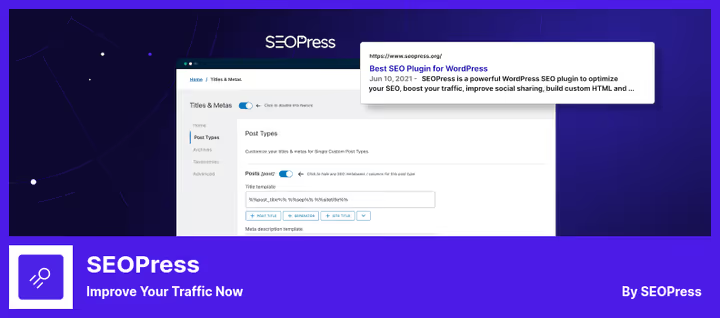
SEOPress, a French plugin that in 8 years has grown from a "lightweight alternative to Yoast" into a full-fledged SEO combine. The decisive argument for agencies: complete white label. No branding in the admin panel, no upsells, no analytics on the developer's servers. You deliver a turnkey site to the client, and the interface looks as if the SEO module was written specifically for the project.
In version 9.9 (2025), the interface was redesigned: a dashboard with quick access to modules, command line (Cmd/Ctrl+K) to jump to any parameter, Google Keyword Suggestions with autocomplete when entering the target key. The PRO version supports AI generation of meta tags through OpenAI, Google Gemini, Claude, Mistral or DeepSeek: you choose the provider yourself.
From unique: support for llms.txt (a standard for AI search engines, ChatGPT, Claude, Perplexity "read" the site through this file) and Agent Readiness toggle. Video Schema is filled automatically from the first YouTube video in the post.
Pros:
- Privacy-first: zero external requests without your consent, GDPR-friendly
- White label out of the box: name, logo, links and screenshots are changed
- One of the lowest PRO prices: $49/year for 1 site, $149/year unlimited (SEOPress pricing)
Cons:
- Community is smaller than Yoast and Rank Math: finding an answer to a narrow question takes longer
- AI meta tags require your own API key (OpenAI, Gemini), additional bill from the provider
- Part of the documentation is only in French and English
Price: free version on WordPress.org, PRO from $49/year.
🔗 SEOPress on WordPress.org | 🔗 SEOPress PRO site
5. Squirrly SEO
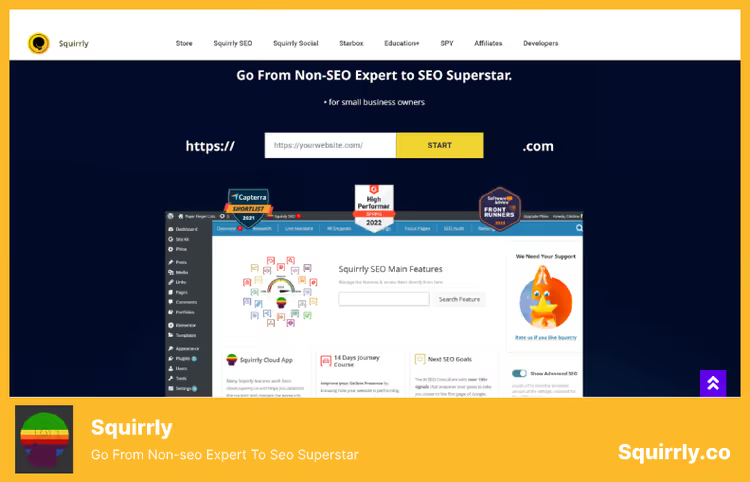
Squirrly, this is an "SEO coach in a box," not just a plugin for meta tags. You are not left alone with settings: a built-in 14-day SEO Bootcamp step by step leads to the first page of Google for the chosen keyword, with daily tasks, checks and reports. In our experience, even a site owner without an SEO background gets first results by the end of the second week.
Under the hood are three proprietary AI engines (AISQ): Ranking Vision AI builds a promotion plan for a specific site, Keyword Research AI selects keywords with search intent analysis, and ASK AI trains you to work with the plugin right in the admin panel. The Focus Pages feature works as an operations headquarters: you see why a page is not ranking and what to fix.
By the numbers: 600,000+ sites have risen in search results following Squirrly recommendations. The product is recommended by Neil Patel and Brian Dean (Backlinko). Version 12.4.18 from June 2026 confirms active development.
Pros:
- The only plugin with built-in training: really works for SEO beginners
- Three AI engines "out of the box," without extra charges and external API keys
- Holistic approach: not only meta tags, but a complete promotion plan
Cons:
- $29/month (Squirrly pricing), pricey for a hobby blog; Yoast and Rank Math are cheaper
- Interface is sometimes overloaded with terminology: not immediately clear where to click
- Fewer installations than Yoast and Rank Math, fewer third-party tutorials on YouTube
Price: free version on WordPress.org, PRO from $29/month.
🔗 Squirrly SEO on WordPress.org | 🔗 Squirrly site
6. The SEO Framework

The SEO Framework (TSF), the antagonist of "heavy combines." This is a free plugin with open source code that does SEO automatically and silently: you activate it, and all critical meta tags, canonical, sitemap and Schema are already configured correctly. No traffic lights, no readability scores, no upsells.
The plugin is written according to WordPress and Google guidelines: the interface blends into the admin panel, even the plugin name is not visible anywhere (true white label without extra charges). Developer Sybre Waaijer invested 27,000+ hours in the code, and you can feel it: TSF works faster than all competitors and practically does not load the server. On a weak hosting, the difference with Yoast is noticeable immediately.
Extensions (free and paid) are connected through Extension Manager: Focus (priority keywords with indicators), Articles (structured data), Transport (import from Yoast, Rank Math, SEOPress), Local (local SEO). There are no AI tools, but this is a conscious position: TSF does not try to replace an SEO specialist with algorithms.
Pros:
- The fastest SEO plugin: server load is many times lower than competitors
- Complete white label and privacy-first: no external analytics, no trackers
- Excellent choice for developers: clean code, REST API, headless mode
Cons:
- No AI tools: content analysis is only manual
- No "traffic light" and visual prompts for SEO beginners
- Small community: tutorials and ready answers are scarce
Price: free on WordPress.org, extensions from $84/year for a bundle.
🔗 The SEO Framework on WordPress.org | 🔗 TSF extensions
7. Rank Math
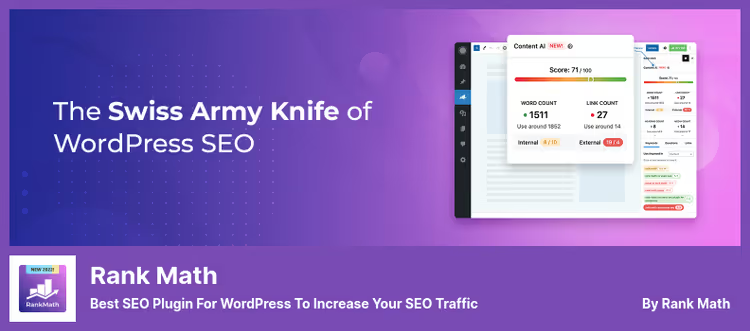
Rank Math, the fastest-growing WordPress SEO plugin: 4+ million installations since 2018. It took the best from the Yoast approach and over 7 years of evolution added AI tools, built-in Rank Tracker and a unique Schema Builder.
Main difference from Yoast and AIOSEO: most PRO features are available for free. The free version includes LSI Keyword Tool, which selects semantically related keywords right in the editor. Content AI (free with limitation) recommends top Google words, optimal text length, headings, images and number of links for ranking for a specific keyword. In our experience, Content AI cuts content analysis time in half.
Schema Builder in the PRO version: assemble any type of structured data with the mouse, without code. On a test project, we configured a custom HowTo schema in 4 clicks.
Pros:
- The free version covers 90% of needs (comparison): unlimited keywords, Schema, sitemap, 404 monitor, redirects
- Best Schema Builder in the niche (PRO)
- Built-in Rank Tracker for position tracking
Cons:
- Some PRO version features are redundant (gamification, awards)
- Content AI in the free version: 5 queries, then subscription only
- Early interface was overloaded, now improved, but legacy is visible in places
Price: free version on WordPress.org, PRO from $59/year.
🔗 Rank Math on WordPress.org | 🔗 Rank Math PRO site
8. MonsterInsights
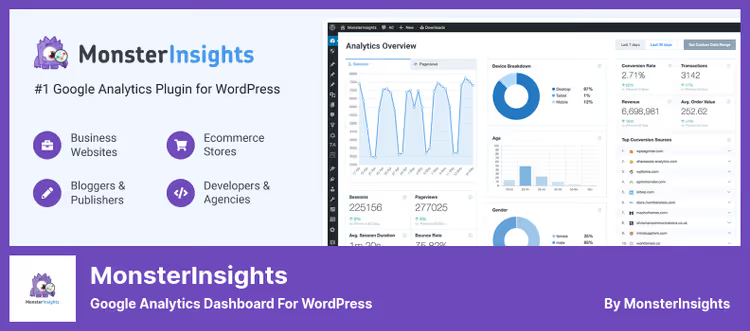
MonsterInsights is formally a plugin for Google Analytics, not an SEO tool. But we included it in the selection for an iron reason: without traffic data, SEO settings are blind. You tweak meta tags, and 70% of visitors leave from three pages, and you don't know about it. That's exactly why 3+ million sites use MonsterInsights.
The plugin connects Google Analytics 4 to WordPress without code editing (without functions.php and header.php) and displays key metrics right in the admin panel: popular pages, traffic sources, behavioral factors, demographics and geo. Search Console Report shows which queries the site is visible for in Google and at what positions.
For online stores (WooCommerce, Easy Digital Downloads): Enhanced Ecommerce report, conversions, transactions, average check, abandoned carts. For media sites: tracking outbound links, time on page. In practice, we use MonsterInsights paired with Rank Math: the first gives traffic data, the second optimizes meta tags based on this data.
Pros:
- Easiest to connect GA4 to WordPress: 3 clicks, no code
- The only plugin with Google Analytics reports inside WordPress admin panel
- Free version covers the needs of most sites
Cons:
- PRO ($99/year) is needed for eCommerce reports, author tracking and video tracking (pricing)
- Not a standalone SEO tool: only works paired with Yoast, Rank Math or AIOSEO
- On high-traffic sites (>100K visitors), reports can slow down the admin panel
Price: free version on WordPress.org, PRO from $99/year.
🔗 MonsterInsights on WordPress.org | 🔗 MonsterInsights PRO site
Video: comparing SEO plugins in real time
Comparing plugins by descriptions is difficult, so here's a live video from ToolTips Lab with a direct comparison of interfaces, settings and results of Yoast, Rank Math and AIOSEO in a real admin panel:
⁉️🤔 Frequently asked questions
Which SEO plugin is best for a blog in 2026?
For a WordPress blog, we recommend Rank Math (free version) or The SEO Framework. Both cover the basics: meta tags, XML map, Schema markup, canonical. Rank Math gives more hints, but is sometimes overloaded with the interface. The SEO Framework, on the contrary, is minimalist: works fast and does not distract. Yoast is also an option if the readability "traffic light" is important to you.
SEO plugin or SaaS: what should a beginner choose?
A standalone plugin (Yoast, Rank Math, SEOPress) covers 80% of tasks: basic on-site SEO, meta tags, sitemap, Schema. SaaS like SEMRush gives competitive analysis and position tracking, but costs $140+/month (pricing). The combination "free plugin plus minimal SEMRush or Ahrefs tier" is justified with an SEO budget from $500/month. For a start, a plugin is enough.
Can I use two SEO plugins simultaneously?
No. Two active SEO plugins conflict: meta tags, canonical, sitemap are duplicated. If you're switching from one to another, use the built-in import (available in Rank Math, AIOSEO, SEOPress, Yoast), then deactivate the old plugin. You cannot leave both active.
Is the free version enough for a WooCommerce online store?
Depends on scale. For a store with up to 100 products, Rank Math or AIOSEO (free) give WooCommerce Schema, product and category sitemap. For a store with 500+ products, PRO is better: AIOSEO Elite with Link Assistant and Content Decay Tracking or SEOPress PRO for $49/year (pricing). In our experience, WooCommerce SEO without PRO starts to struggle on medium catalogs.
Why do I need Schema markup if I'm not a developer?
Schema.org, this is the "language" through which the site explains to Google what kind of content you have: article, product, recipe, FAQ, company contacts. Correct Schema gives rich snippets in search results: rating stars, breadcrumbs, "People Also Ask" blocks. This directly increases CTR. All plugins from the selection (except MonsterInsights) generate Schema automatically, no need to write code.
What to choose if there are more than ten sites?
SEOPress PRO for $149/year, unlimited sites (SEOPress pricing), or MainWP with the SEO extension plugin. For agencies, SEOPress wins due to white label: the client does not see a third-party brand. Rank Math PRO also gives unlimited, but white label there is weaker.
Is it worth paying for an SEO plugin in 2026: the final breakdown
The final picture for June 2026 looks like this. If you have one blog or landing page site, take Rank Math (free): according to the version comparison, the free version covers the vast majority of SEO tasks. If you deliver sites to clients and need white label, SEOPress PRO for $49/year (SEOPress cost) solves this task better than competitors. If it's an online store on WooCommerce, look at AIOSEO or Rank Math PRO with WooCommerce schema.
If you value speed, privacy and don't want the plugin to "outsmart" you, The SEO Framework is your choice. It does not try to replace an SEO specialist with algorithms, but simply does technical SEO correctly and silently.
🔗 Rank Math, the best free start: install, complete the Setup Wizard in 3 minutes and close basic SEO for years ahead.

A professional team of writers and editors specializing in creating quality content.