













⚡ 8 best WordPress AMP plugins 2026 (free and paid)
Your mobile site takes 8 seconds to load? Users leave before seeing the first line. Meanwhile, Google counts every millisecond and ranks slow pages lower in search results. The solution Google proposed in 2015, Accelerated Mobile Pages, still holds its ground: a properly configured AMP delivers content almost instantly.
Since 2021, Google removed the lightning icon from search and stopped requiring AMP for Top Stories. But the technology didn't die, it evolved. Today, AMP remains a working way to radically speed up a mobile site, especially if the main theme is heavy and doesn't meet Core Web Vitals. We've gathered 8 plugins that carry the AMP flag in 2026: from Google's official solution to tools combining AMP with schemas, PWA, and SEO.
We personally tested five of the eight plugins on a test site. The rest were evaluated by documentation, update frequency, and reviews on WordPress.org. Important note: two participants from older lists, Better AMP and weeblrAMP, dropped out of the race (plugin closed and abandoned respectively), their place taken by more modern tools.
💡 Quick overview:
- Determine whether you need pure AMP (plugins 1-3) or an AMP-compatible tool for SEO/schemas/PWA (plugins 4-8)
- If your site is on a heavy theme and mobile speed is below 50 PageSpeed, take AMP for WP, it gives maximum control over AMP page appearance
- For news and content projects where visual stories matter, install Web Stories alongside the official AMP
- If AMP is already working but clicks from search are low, add Schema & Structured Data: markup will boost snippet CTR
Comparison table of AMP plugins for 2026
Plugin | Price | Active Installs | AMP Modes | WooCommerce | Custom Customizer |
|---|---|---|---|---|---|
AMP (Official) | Free | 500K+ | Standard, Transitional, Reader | Yes | No |
AMP for WP | Freemium | 80K+ | Full control | Yes | Yes |
AMP WP | Free | 10K+ | Automatic conversion | No | Yes |
Web Stories | Free | 100K+ | Stories | No | Yes (drag-and-drop) |
Schema & Structured Data | Freemium | 100K+ | Compatible with AMP | Yes (Pro) | No |
PWA for WP | Freemium | 30K+ | AMP + PWA | No | Yes |
All in One SEO | Freemium | 1M+ | Compatible with AMP | Yes | No |
Site Kit by Google | Free | 4M+ | Compatible with AMP | Yes | No |
1. AMP (Official Plugin)
The official AMP plugin is supported by the AMP Project team and remains the reference way to enable Accelerated Mobile Pages on WordPress. Three modes, Standard, Transitional, and Reader, cover scenarios from "entire site on AMP" to "separate lightweight version."
The plugin automatically validates AMP markup, highlights problematic components, and suggests fixes. For developers, there's a built-in HTML error checker right in the admin, showing which exact block or plugin breaks validation.
In standard mode, the entire site becomes the AMP version. Transitional provides AMP copies of specific pages while preserving the main template. Reader, two parallel versions: one AMP, the other regular. Switching between modes takes a couple of clicks.
The main downside, limited appearance settings. You can't customize the AMP template without editing code. For blogs where clean accelerated content is enough, this is not critical. For online stores and sites with complex layouts, better look toward AMP for WP.
2. AMP for WP
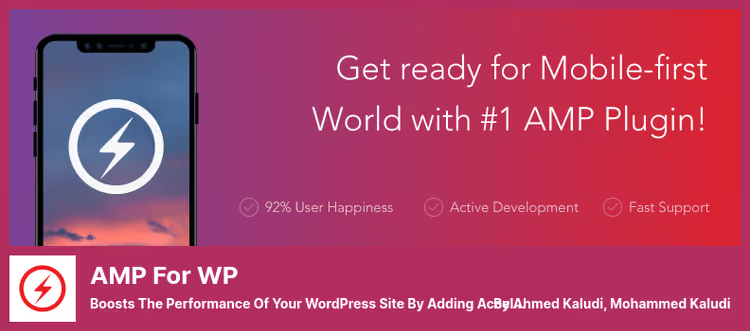
AMP for WP from the Magazine3 team, the most functional AMP plugin outside the official one. In practice, it addresses the main complaint about AMP: "pages look foreign." The built-in customizer lets you build an AMP template visually close to the main site.
Out of the box: integration with WooCommerce, Google Analytics support, banner advertising through AdSense, compatibility with Yoast SEO and Rank Math. Separately worth noting RTL languages and interface translation, for multilingual projects this saves hours of manual adjustment.
The free version provides basic AMP with standard templates. Paid extensions (full package) add a drag-and-drop editor, social media integration, advanced advertising, and priority support. Among the downsides: some useful features, for example, custom taxonomies, require separate addons.
If the official AMP is "set it and forget it," then AMP for WP, a tool for conscious assembly. Recommended for those who care about branded AMP pages and tight integration with the marketing stack.
🔗 Download Lite on WordPress.org | 🔗 Pro version on ampforwp.com
3. AMP WP
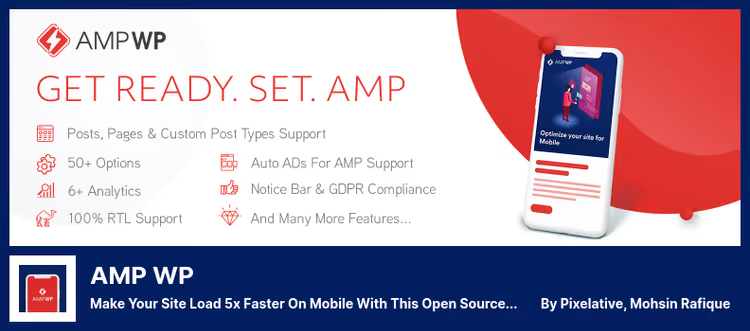
AMP WP (formerly Google AMP for WordPress), a lightweight open-source plugin that since 2026 has been developed by individual developer Mohsin Rafiq. Despite the modest scale, the plugin has been tested on PHP 8.4 and consistently maintains 100% AMP validation.
The plugin converts posts, pages, and custom post types to AMP. Supports YouTube, Vimeo, Twitter, Instagram, and SoundCloud out of the box. JSON-LD schema is generated automatically, detects Yoast SEO, no conflicts with caching plugins (WP Rocket, W3 Total Cache) observed.
The built-in customization panel changes colors, adds CSS, configures a sticky header and mobile menu. For those who need AMP without dozens of additional options, a suitable choice. RTL languages and translation via translate.wordpress.org included.
Downside: WooCommerce is not supported. For an online store, this plugin won't work. For a content project, quite fine.
4. Web Stories

Web Stories, Google's official plugin for creating visual AMP stories right in the WordPress admin. The "stories" format is familiar to Instagram and Snapchat users: full-screen vertical slides with animation, text, and video. Google shows them in a separate carousel block in search and in Google Discover.
The plugin replaced Better AMP in our list, which was closed back in 2020 for violating repository rules. Web Stories, on the contrary, is updated consistently and integrated with the Google ecosystem: story view data comes into Google Analytics without additional setup.
The editor, drag-and-drop. Backgrounds, fonts, animations, text overlay, all without code. For newsrooms and blogs with visual content, this is an additional traffic channel that lives parallel to regular AMP pages.
5. Schema & Structured Data for WP & AMP
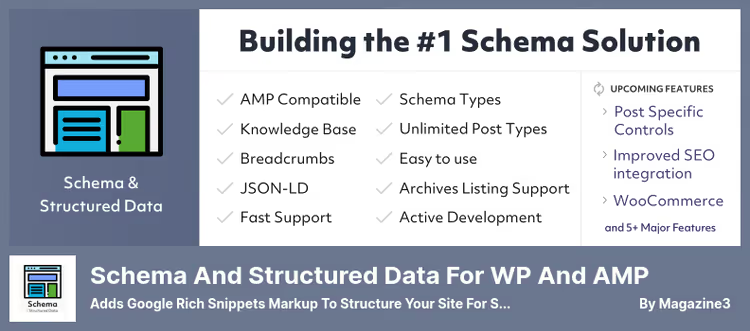
Schema & Structured Data, a specialized plugin for markup, not for enabling AMP as such. But it's fully compatible with the official AMP plugin and AMP for WP, and in the context of AMP pages solves a task often overlooked: schema.
35+ schema types, Article, HowTo, FAQ, Product, Recipe, LocalBusiness, and others, are added through a visual interface without editing JSON manually. Each type can be linked to specific posts, pages, or taxonomies through conditional display.
Why this matters for AMP: an accelerated page without schema loads fast but looks poor in search results (no stars, breadcrumbs, FAQ dropdowns). With schema, snippet CTR grows. In 2026, the plugin received support for EventVenue and BroadcastEvent, a plus for adapting to changing Google requirements.
The free version covers basic schemas. Pro version adds review imports from 75+ platforms, WooCommerce compatibility, and priority support.
🔗 Download Lite on WordPress.org | 🔗 Pro version
6. PWA for WP & AMP
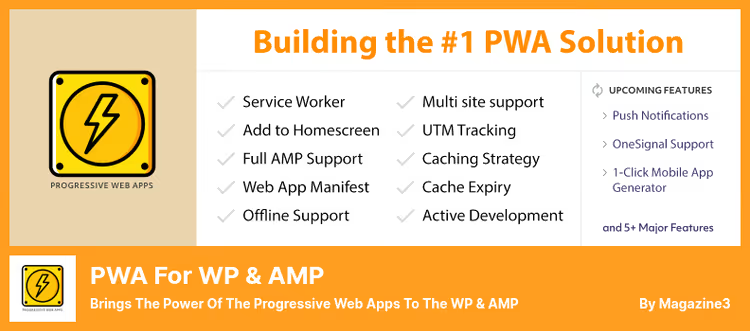
PWA for WP, a logical continuation of the AMP idea. AMP speeds up page load, and Progressive Web App adds offline access, an icon on the smartphone home screen, and full-screen mode without the browser bar. Together they provide a mobile experience close to a native app.
Service Worker installs automatically in the background, caches external resources, counts analytics even during offline loading, and syncs data when the network appears. The splash screen at launch is customizable: icon, background, app name.
The plugin is compatible with AMP for WP, official AMP, and multisite. From recent updates (May 2026): swipe navigation between articles and service worker bypass for specific URLs. Pro version adds pull-to-refresh, CTA banners, QR code for PWA installation, and white label.
7. All in One SEO
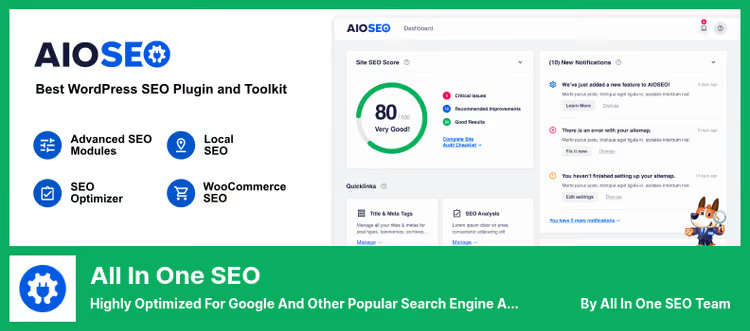
All in One SEO, the most popular WordPress SEO plugin after Yoast, and it's fully compatible with AMP. If AMP pages have already boosted speed but search traffic isn't growing, the problem is often in meta tags: AMP versions need their own title, description, and markup, AIOSEO handles this automatically.
The plugin generates XML sitemap, manages social meta tags (OGP, Twitter Cards), and automatically notifies Google of updates. Schema is embedded with smart blocks: set the post type, the plugin selects relevant markup.
Among AMP-compatible SEO plugins, AIOSEO stands out with native WooCommerce integration: product pages get correct meta tags and product schema without additional extensions. The free version is enough for basic blogs, Pro version adds news and video sitemaps, redirects, and priority support.
🔗 Download Lite on WordPress.org | 🔗 Pro version on aioseo.com
8. Site Kit by Google

Site Kit, Google's official plugin for WordPress that combines Search Console, Analytics, PageSpeed Insights, and AdSense in one dashboard right in the admin. Included in the list as number eight instead of abandoned weeblrAMP (last update, 2020, 60+ installs).
For an AMP site, Site Kit is primarily useful for analytics: you see how much traffic comes specifically to AMP pages, how they rank, how fast they load, and what the conversion is compared to the desktop version. Data is displayed on the "Statistics" and "PageSpeed" screens in real time.
The second scenario, AdSense. If you monetize AMP traffic with ads, Site Kit shows revenue, RPM, and clicks without jumping between dashboards. The plugin is free and updated every few weeks, latest version, June 2026.
⁉️🤔 Frequently asked questions
Is AMP needed in 2026 if Google canceled priority?
Google stopped requiring AMP for getting into Top Stories in 2021 and removed the lightning icon from search. But for sites with heavy themes and weak mobile optimization, AMP remains a legitimate way to radically speed up loading. Just weigh it: if Core Web Vitals are in the green zone, AMP is not mandatory. If mobile speed is below 50 PageSpeed points and there's no budget for theme redesign, AMP will give gains here and now.
How does AMP differ from PWA and can they be used together?
AMP focuses on instant page load through streamlined HTML and caching via Google CDN. PWA adds offline access, an icon on the home screen, and push notifications. Together they provide a "fast load + repeat visits" combo. The PWA for WP plugin from the list is compatible with AMP out of the box.
Which plugin should I choose for a WooCommerce online store?
AMP for WP or the official AMP. The first provides AMP template customization and WooCommerce integration, the second, minimalist but stable AMP for product pages. Add Schema & Structured Data on top for product markup (price, availability, rating) and All in One SEO for meta tags.
Why did Better AMP and weeblrAMP disappear from the list?
Better AMP was closed on WordPress.org in March 2020 for violating repository rules. weeblrAMP hasn't been updated since May 2020, six years without support for a plugin working with HTML standards is too big a risk. Instead, we included Web Stories (visual AMP stories) and Site Kit (AMP traffic analytics).
Can I install two AMP plugins simultaneously?
Not recommended. Two active AMP plugins create a conflict of URL rewrite rules and duplicate AMP tags in head, the AMP validator will throw errors. Choose one main plugin from the trio "AMP Official / AMP for WP / AMP WP," the rest from the list (Schema, PWA, AIOSEO, Site Kit, Web Stories) work in parallel without conflicts.
Which AMP plugin to choose in 2026: final breakdown
AMP didn't die but transformed from a mandatory standard into a conscious tool for specific cases. Plugin choice comes down to a simple matrix.
If you need pure AMP without hassle, take the official plugin. It's stable, supported by Google, and won't break after a WordPress update. If appearance customization and WooCommerce matter, your option is AMP for WP. For lightweight open-source AMP with good PHP compatibility, AMP WP.
For advanced scenarios: Web Stories will provide an additional traffic channel through visual stories, Schema & Structured Data will boost snippet CTR, PWA for WP will add offline and return visits, All in One SEO will handle meta tags, and Site Kit will show AMP traffic analytics without jumping between Google dashboards.
Main advice: before installing any AMP plugin, measure mobile speed through PageSpeed Insights. If the result is above 70, you may not need AMP at all. If below, start with the official plugin and add tools from the list as needed.

A professional team of writers and editors specializing in creating quality content.