













 AIIllustrative image: AI-generated
🛡️ 8 free tools for scanning WordPress for vulnerabilities (2026)
Picture this: you log into your admin panel in the morning and it redirects to a phishing page. Or Google sends a notification: "Site may be compromised." Or your hosting silently suspends your site for sending spam you never sent. These aren't scare tactics, they're common scenarios for WordPress, which powers 43% of the internet and remains target number one for automated attacks.
The problem is that malicious code knows how to sit quietly. It doesn't break your layout, doesn't message you on Telegram, it slowly steals traffic, serves casino ads to visitors, or mines crypto on someone else's hardware. And often the owner finds out months later.
We've compiled 8 free tools that will check your site across dozens of parameters and show you where things are thin, from instant online scanners to plugins with access to files and the database. All work without investment in their basic version, and launching takes anywhere from a few minutes to half an hour.
💡 Quick overview:
- Choose your scanner type: remote (fast, no installation) or plugin (deep file and database checks)
- Run an online scanner like Sucuri SiteCheck, instant external inspection with no registration
- Install a plugin (Wordfence or MalCare) for complete server-side audit and scheduled auto-scanning
- Review the report, patch the holes found, and set up recurring checks
Methods for scanning WordPress: remote or from inside
Before jumping into the tools, it's important to understand the difference between two approaches. They don't compete, they complement each other.
Remote scanners work like a search engine crawler: you enter a URL on the service's web page, and the scanner analyzes what's visible in the browser, the final rendered version of pages. The method is fast and safe: nothing gets installed, no login credentials are transferred, no server load. But it doesn't peek inside the server. If malicious code is hidden in the database or in files outside the public area, a remote scanner won't see it.
Security plugins install directly into WordPress and get access to the entire hosting environment: core, themes, plugins, database, and even files unrelated to WordPress. This is much deeper scanning with customizable rules and automation. The price of depth, the plugin consumes server resources, though modern solutions (MalCare) offload the work to the cloud.
In our experience, the minimum stack for most sites, one online scanner for quick external checks and one plugin for deep audits. Next we'll cover specific tools.
Tool | Type | Installation | Depth of check | Free limit |
|---|---|---|---|---|
MalCare | Plugin | WP install | High: files + DB, cloud scanning | Daily auto-scan |
Sucuri SiteCheck | Remote scanner | Not required | Basic: malware, blacklists, errors | No limits |
WP Sec | Remote scanner | Not required | Basic: WP version, plugins, themes | 1 site, weekly |
HackerTarget | Remote scanner | Not required | Medium: headers, external links, iframes | No limits |
Security Ninja | Plugin | WP install | High: 50+ security tests | 1 full scan |
Wordfence | Plugin | WP install | Maximum: 44,000+ malware signatures, repository comparison | No limits |
VirusTotal | Scanner aggregator | Not required | Aggregation of 70+ antivirus engine results | No limits |
Quttera | Remote + plugin | Optional | High (with plugin): scripts, media, hidden threats | No limits |
1. MalCare

MalCare is a cloud-based security scanner that offloads all the heavy work to its servers. You install a free plugin, while the actual scanning happens remotely, so hosting isn't loaded. The plugin checks all site files and the database, including hidden malicious programs that aren't visible during external inspection.
In practice this means that even on weak shared hosting, a full scan won't bring down your site. The free version includes daily auto-scanning and a basic firewall. Premium tiers add one-click malware removal, CAPTCHA, IP blocking, uploads folder protection, file editor disabling, and white-label reports for agencies.
Pros: cloud scanning without server load, convenient dashboard, white-label for clients. Cons: malware removal only in premium, no two-factor authentication in free version.
Price: free (basic scanning + firewall), premium by subscription, current rates on website.
🔗 MalCare on WordPress.org | 🔗 MalCare website
2. Sucuri SiteCheck
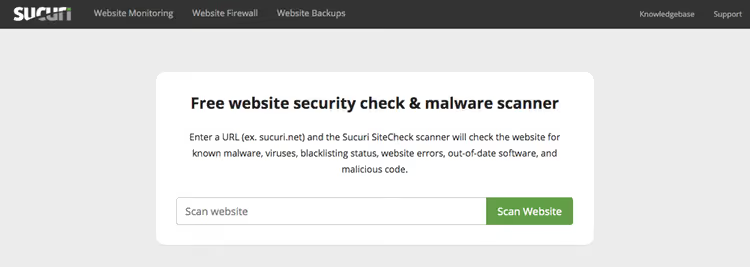
Sucuri is one of the most well-known names in web security. Their free online scanner SiteCheck checks any site (not just WordPress) for known malicious programs, outdated software, configuration errors, and blacklist status.
The scanner compares site pages against the Sucuri signature database and produces a report on anomalies. You'll also see the site's status with Google Safe Browsing, AVG, McAfee, Norton, and other services, this is useful if you suspect the site may have already been penalized. In our experience, SiteCheck works great as a "first line": launched in 30 seconds, saw something critical, made a decision.
Main limitation: the remote format doesn't see files on the server. So SiteCheck is good for a quick "outside" check, while for deep audits Sucuri offers a separate WordPress plugin.
Pros: instant launch without registration, checks against all blacklists, detailed report. Cons: only external inspection, no server-side access.
Price: free (online scanner), plugin with firewall by subscription, exact rates on website.
3. WP Sec
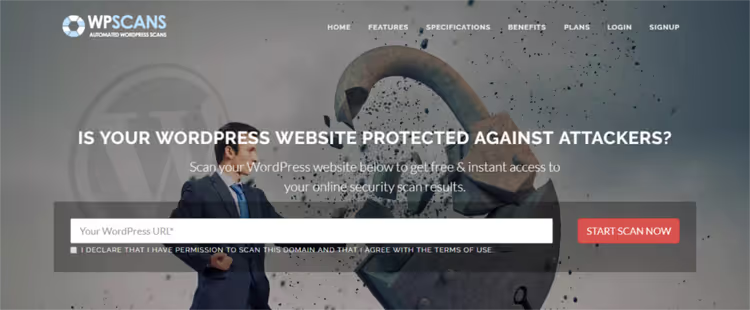
WP Sec is a focused online scanner built specifically for WordPress. Unlike universal tools like Sucuri, it tracks a vulnerability database specifically for WordPress core, themes, and plugins.
You can scan a site once by entering a URL, or register a free account for automatic weekly scanning. For those managing multiple sites, WP Sec offers a unified monitoring dashboard and email notifications when vulnerabilities are detected or updates are needed.
The WP Sec database is constantly updated with fresh CVEs and bugs, the most common threats are detected reliably. The basic report shows the vulnerability and how to fix it.
Pros: WordPress specialization, scheduled auto-scanning, email alerts. Cons: antibot protection may block access from some IPs, basic report without deep analysis.
Price: free (1 site, weekly scanning), premium by subscription, exact rates on website.
4. HackerTarget WordPress Security Scan
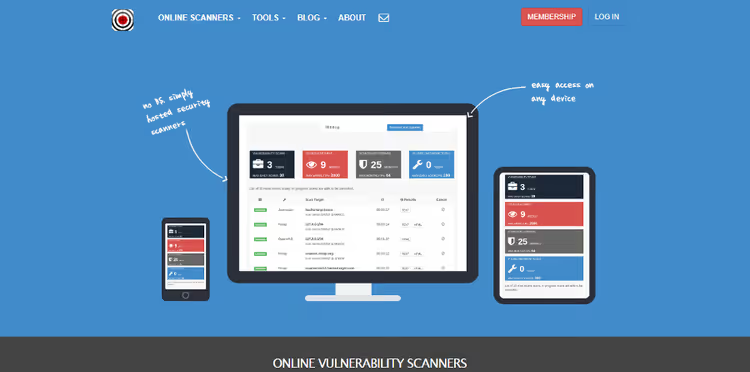
HackerTarget offers a free basic and expanded premium tier. The scanner makes a series of HTTP requests to site pages and analyzes HTML source code, roughly the same way a search bot does.
The free version checks: WordPress version and its visibility in source code, hosting reputation, server geolocation, site reputation according to Google Safe Browsing data, external links, plugin list, indexing of plugin directories, presence of iframes and associated JavaScript. The last two points are especially important: malicious code is often delivered through iframes and third-party scripts.
Pros: detailed header and external dependency checks, suspicious script detection. Cons: only passive HTML analysis, doesn't check server-side.
Price: free (basic scanning), premium by subscription, exact rates on website.
🔗 HackerTarget WordPress Security Scan, open hackertarget.com and select WordPress Security Scan from the tools menu
5. Security Ninja

Security Ninja runs over 50 automated security tests on your WordPress site. It checks everything: from obvious things like PHP version and standard wp_ table prefix to subtle settings, disabling XML-RPC, protecting the wp-config.php file, checking directory permissions.
The plugin doesn't just show a problem, it explains how to fix it, with specific steps and links to documentation. The free version gives one full scan, after which you can go through each item and close the holes. This is enough for a one-time audit of a site that's never been security-checked.
The premium version adds one-click auto-fixes, scan scheduling, and more tests. For developers and agencies there's a module with client reports.
Pros: 50+ tests in one plugin, clear instructions for each item, doesn't load the server. Cons: free version limited to one scan, auto-fix only in premium.
Price: free (1 full scan), premium by subscription, exact rates on website.
🔗 Security Ninja on WordPress.org
6. Wordfence
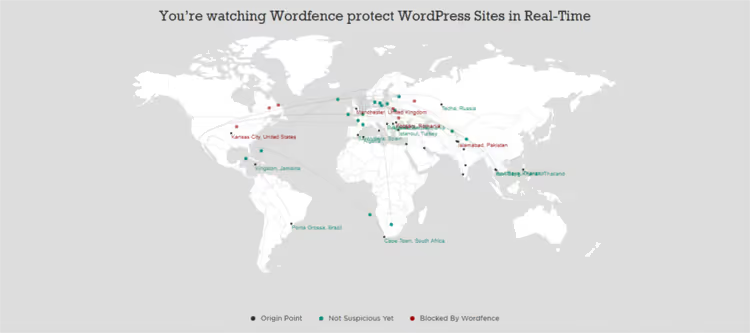
Wordfence is the most popular free security plugin for WordPress: over 5 million active installations as of mid-2025 according to WordPress.org. The plugin scans source code, image files, themes, plugins, and optionally files outside WordPress.
The Wordfence signature database contains over 44,000 known malicious programs, backdoors, and phishing URLs. The scanner checks not only files but also comments, posts, and site pages. A separate function compares your core, theme, and plugin files with the original versions from the WordPress repository: if a file has been modified, you'll see it immediately.
The built-in Web Application Firewall (WAF) works at the endpoint level and protects against brute force, XSS, SQL injections, and other attacks. Threat Defense Feed updates constantly, new rules arrive on the site automatically.
Pros: maximum coverage (files + DB + comments), WAF out of the box, huge signature database. Cons: can noticeably load weak hosting during full scans, interface cluttered for beginners.
Price: free (full-featured scanner + basic WAF), premium by subscription, exact rates on website.
7. VirusTotal
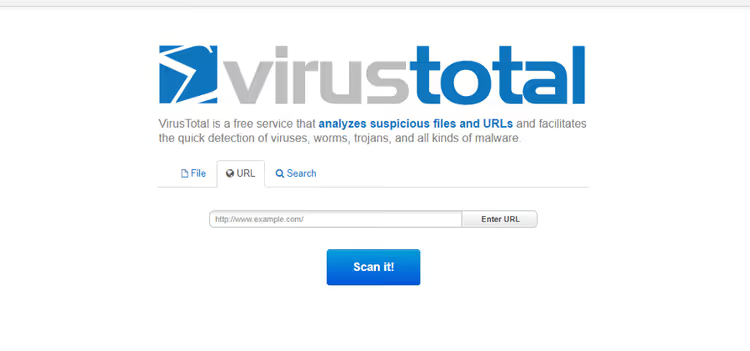
VirusTotal isn't a scanner in the traditional sense, it's an aggregator: it runs your site's URL through 70+ antivirus engines and reputation scanners simultaneously. Among them are Avira, Comodo, Bitdefender, Kaspersky, plus Sucuri, Quttera, and other specialized tools.
The main advantage of this approach is instant consensus. If one engine considers a file malicious while the other 69 are silent, it's likely a false positive. If a dozen engines light up red, it's time to sound the alarm. In our practice VirusTotal has saved us more than once when SiteCheck showed clean but one of the antivirus engines found a hidden shell.
VirusTotal isn't tied to WordPress and works for any sites. Important nuance: URLs and files submitted to VirusTotal are shared with security partners to improve their databases. For confidential internal resources, keep this in mind.
Pros: 70+ engines simultaneously, instant consensus, false positive detection. Cons: not WP-specific (doesn't check plugin versions), data accessible to partners.
Price: free.
8. Quttera
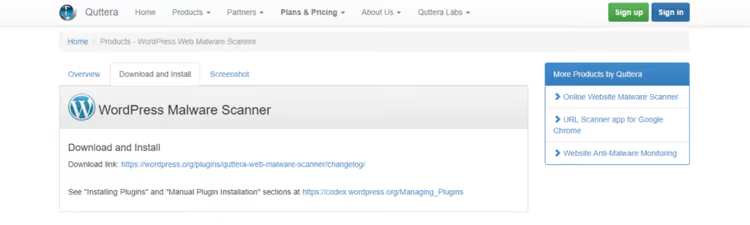
Quttera uses a hybrid approach: you can run a quick online scan without installation, or install the plugin and get full access to server-side checking. The plugin looks for suspicious scripts, malicious media files, hidden threats in the database, and checks if the site has landed on blacklists.
The scanning itself is performed on Quttera's remote servers, like with MalCare, which reduces hosting load. Upon completion you get a report where each found element is classified: Clean, Potentially Suspicious, Suspicious, or Malicious. For each item there's a fix recommendation.
Quttera reports are public, a plus for transparency, but keep this in mind when checking sensitive projects.
Pros: hybrid format (online + plugin), threat classification by levels, cloud scanning. Cons: public reports, plugin AJAX handlers require additional security audit.
Price: free (basic scanning), premium by subscription, exact rates on website.
See how WPScan, a professional WordPress vulnerability scanner, finds holes in minutes, from installation to first report:
By the way, we have a detailed guide on using WPScan to find WordPress vulnerabilities, check it out if you want to master the tool more deeply.
⁉️🤔 Common questions
Is a free online scanner enough to protect my site?
An online scanner is a quick "outside" check. It will show visible problems: outdated WordPress version, known malicious code in page source, blacklist presence. But it doesn't see what's happening in the database and on the server. For the full picture, combine an online scanner (Sucuri SiteCheck) with a plugin (Wordfence or MalCare), this covers both external and internal perimeter. For maximum depth add a manual audit via WPScan using our guide.
How often should I scan my WordPress site for vulnerabilities?
Minimum frequency is once a week. That's the interval for WP Sec's free tier, and it's not random: new vulnerabilities in plugins and core are published constantly. If the site accepts payments or stores user data, set up daily scanning, MalCare and Wordfence can do this in their free versions. After each plugin or theme update, an unscheduled scan is mandatory.
Which scanner should I choose for weak hosting?
MalCare is your choice. Scanning is performed on cloud servers, not on your hosting. Even on cheap shared hosting the site won't go down. Alternative, online scanners (Sucuri SiteCheck, WP Sec): they don't load the server at all, but their depth of checking is less.
How does scanning differ from active protection (firewall)?
Scanning is diagnostics: it finds already existing problems (malicious software, vulnerabilities, suspicious files). A firewall (WAF) is prevention: it blocks attacks before they reach the site. Wordfence includes both in the free version. MalCare is primarily a scanner (firewall in premium). Online scanners are diagnostics only, without active protection.
Do I have to install a plugin if I'm using an online scanner?
An online scanner looks at the site through a visitor's eyes. If malicious code is hidden in
functions.phpor in the database, an online scanner won't detect it. So a plugin is necessary for the full picture. Minimum stack: one online scanner for quick checks + one plugin for deep audits.
What should I do if a scanner finds a vulnerability?
First, don't panic. Priorities: 1) update the problematic plugin, theme, or core to the latest version (most known vulnerabilities are already fixed by the vendor), 2) if there's no update or the problem isn't version-related, temporarily disable the component, 3) change all passwords (WP admin, FTP, hosting, database), 4) run a full scan with a plugin like Wordfence to look for consequences, 5) if the site has already been compromised, contact hosting support or a cleanup specialist.
What to use in 2026: bottom line
For most sites we recommend the combo: Wordfence (deep audit + WAF) + Sucuri SiteCheck (quick external check). Both tools are free and cover server-side and client-side.
If hosting is weak, replace Wordfence with MalCare, it doesn't load the server. If you need to check a site once that's never been audited, start with Security Ninja (50+ tests in one scan). And for monitoring dozens of sites from a unified dashboard, WP Sec with premium subscription.
Don't put it off: run at least one online scanner right now. If you need help setting up deep protection, check out our article on the best plugins for scanning WordPress for malicious programs.

A professional team of writers and editors specializing in creating quality content.