













🔄 Why Chromium stopped syncing with Google: a chronicle of the 2021 API shutdown
At some point bookmarks, passwords, and history stop syncing between devices. Not because you broke something, but because Google unilaterally cut off access to the API that powered synchronization in all third-party Chromium builds. Starting March 15, 2021, users of Linux distributions and Chromium-based browsers lost key features, and this decision is irreversible.
The problem affected the entire open browser ecosystem: millions of users on Ubuntu, Fedora, Arch, Debian, Linux Mint, everyone who ran Chromium from their distribution's repositories rather than from Google Chrome. Below is what exactly happened, why Google made this move, and what options exist today.
💡 Quick overview:
- Check whether your bookmarks and passwords are still stored locally in your Chromium profile
- Export data via Google Takeout if you need to transfer to another browser
- Choose a replacement: Firefox for open source, Brave or Vivaldi for Chromium-based
What exactly was disabled: seven APIs
On March 15, 2021, Google deactivated access to seven private APIs for all third-party Chromium builds. Before this date, Linux distribution developers used their own API keys, a practice that had been working since 2013. The full list of disabled features:
- Chrome Sync, synchronization of bookmarks, passwords, history, and extensions between devices. The most significant loss.
- Spell Check API, cloud-based spell checking.
- Translate API, built-in page translation.
- Contacts API, access to Google contacts.
- Click to Call, sending phone numbers to Android devices.
- Safe Browsing API, checking sites for phishing.
- Geolocation API, location detection.
The shutdown affected even older Chromium builds: API keys stopped working on the server side regardless of browser version. Fedora, for example, disabled the API early back in February 2021.
Why Google shut down the APIs: from audit to strategy
Google's official position: during an audit, the company discovered that third-party Chromium browsers had integrated features "intended exclusively for Google Chrome." Google stated it was restoring "intended functionality."
The wording raised eyebrows: API keys for Linux distributions were issued by Google itself in 2013 and had been in use for eight years. A sudden "audit" after nearly a decade looked less like technical necessity and more like a strategic pivot, gently pushing Linux users toward Chrome. The same logic later surfaced in Manifest V3 and restrictions on ad blockers.
Who was affected by the shutdown
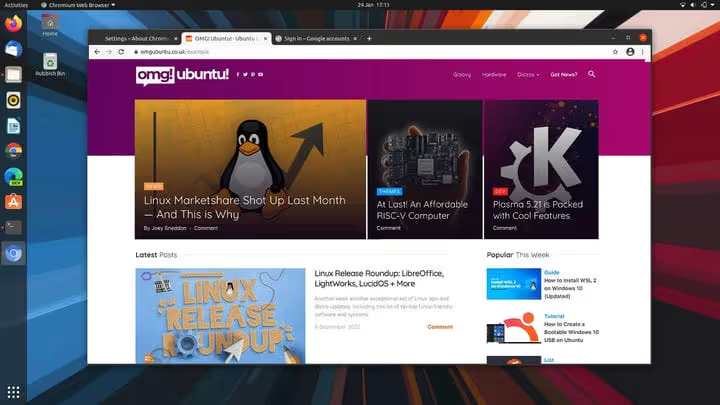
Desktop Linux users took the hit. In Ubuntu, Chromium is distributed as a Snap by Canonical; in Linux Mint, it is the traditional repository version; Arch, Debian, and openSUSE have their own builds. All of them used Google's API keys for synchronization. According to StatCounter data for 2021, Linux held about 2% of the desktop market, roughly 30-40 million users. A conservative estimate suggests several million active Chromium installations lost synchronization overnight.
Importantly, data was not deleted. Everything Chromium had synced before March 15 remained locally in the browser profile and is accessible via Google Takeout and My Activity.
Firefox, an alternative with independent sync
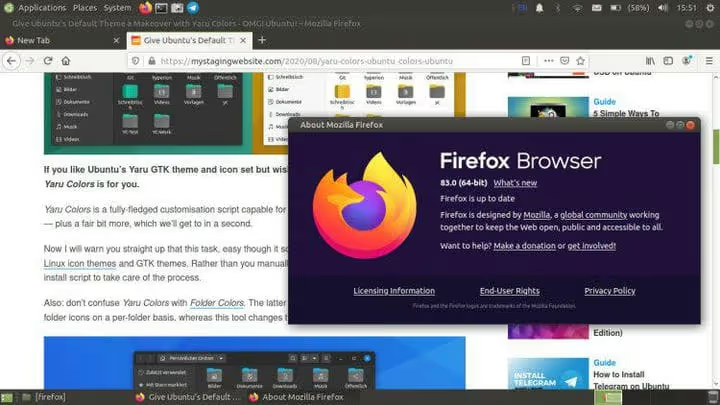
For those who chose Chromium on principle because of its open-source nature, Firefox became the most logical alternative. It uses Mozilla's own sync engine, independent of Google. Bookmarks, passwords, history, open tabs, and add-ons sync between Linux, Windows, macOS, Android, and iOS.
Switching from Chromium requires minimal effort: Firefox imports bookmarks, passwords, history, and cookies directly from Chromium in just a couple of clicks. The browser comes preinstalled on most Linux distributions, and where it does not, it is available from repositories with a single command.
Among Chromium-based browsers, Vivaldi stands out with its own sync mechanism, Microsoft Edge offers sync via a Microsoft account, and Brave provides a device sync chain without a centralized account. But the gold standard for an open browser with independent infrastructure remains Firefox.
What changed by 2026
The API shutdown established a clear boundary: Chromium is the engine and codebase; Chrome is a full-fledged product with Google services. According to StatCounter data from early 2026, Chrome holds about 65% of the desktop market, Edge maintains around 14%, and Firefox remains stable at 6-7%. Pure Chromium from Linux repositories is a niche product for developers and enthusiasts, nothing more.
A short video about how Chrome sync works between devices in 2026, useful for comparing with alternative browser capabilities.
⁉️🤔 Frequently asked questions
Can Google sync be restored in Chromium today?
No, there is no legitimate way to do so. Google disabled access on the server side, and old API keys no longer work. Building Chromium with your own Google Cloud API keys is technically possible but requires Google's consent and is not available to private individuals.
Did my old bookmarks from Chromium disappear?
No. Data uploaded to your Google account before March 15, 2021 remains there and is accessible via Google Takeout. Local data is stored in the Chromium profile folder. You can transfer it to another browser using Firefox's built-in import or by exporting to HTML from the bookmark manager.
How does Brave differ from Chromium in terms of sync?
Brave uses Sync Chain, a device synchronization chain with end-to-end encryption. No centralized account is needed: you create a chain on one device and connect others via QR code or passphrase. Data is stored only on your devices.
Should I switch to Chrome if I was using Chromium?
Yes, if you need synchronization with a Google account. Installing Chrome on Linux is straightforward: the official
.debor.rpmpackage from Google's website adds a repository and installs the browser. The downside is that Chrome is not open-source software. If code openness matters to you, Firefox is your choice.
Is Chromium worth installing in 2026: a brief verdict
As a primary browser for regular users, no. There is no Google sync, no proprietary codecs (H.264, AAC) in open builds, and auto-updates depend on your distribution's repository. If you need Google account sync, install Chrome. If you need an open browser with independent sync, use Firefox. If you want a Chromium-based browser with its own infrastructure, choose Brave or Vivaldi. Leave pure Chromium for layout testing and web application debugging, a task it handles excellently.

A professional team of writers and editors specializing in creating quality content.