














🔍 15 best online grammar checkers for 2026 (free and paid)
One grammar mistake in an email to a client, and you're remembered not as an expert, but as "that guy with errors." Three mistakes on a landing page, the visitor went to competitors whose copy is cleaner. Spelling works like invisible quality control: when it's solid, nobody notices. When it slips, nothing else gets noticed.
Your own eye is a poor proofreader. After an hour of work, your brain stops catching missed commas and repetitions: you read not what you wrote, but what you meant to write. That's why editors and content teams put a grammar checker between themselves and publication, a program that doesn't care how many hours you spent on that paragraph.
In this review, 15 tools for checking grammar in 2026: from AI powerhouses like Grammarly to free proofreaders with no registration required.
💡 Quick overview:
- Determine your budget and key scenarios: daily correspondence, long texts, or multilingual checking
- Test 2-3 free versions on the same text, compare which errors each one found
- Set up the browser extension and Google Docs, the time saved on copy-paste is enormous
- Check the table below before buying: pricing tiers, limits, and plagiarism checker availability
Comparison table: all 15 tools at a glance
Tool | Free tier | Premium (per month) | Plagiarism check | Languages | Integrations |
|---|---|---|---|---|---|
Grammarly | Yes | from $12 | Yes (Premium) | EN | Chrome, Google Docs, MS Word, macOS, iOS |
ProWritingAid | Yes (500 words) | from $10 | Yes (Premium Pro) | EN | Chrome, Google Docs, MS Word, Scrivener |
WhiteSmoke | No | from $5 | Yes | 55 | Chrome, MS Office, Gmail |
Ginger | Yes (limited) | from $7.49 | No | 60+ | Chrome, Safari, MS Office |
LanguageTool | Yes (20K chars) | from $4.92 | No | 30+ | Chrome, Firefox, Google Docs, MS Word |
Outwrite | Yes (basic) | $9.95 | Yes (Pro) | EN | Chrome, Google Docs, MS Word, iOS |
Online Correction | Yes | - | No | 5+ | Web |
PaperRater | Yes | $14.95 | Yes (Premium) | EN | Web |
Writer | Yes (basic) | from $18 | Yes (Team) | EN | Chrome, Google Docs, MS Word, Figma |
Hemingway App | Yes (web) | $19.99 (one-time) | No | EN | Web, macOS, Windows |
Scribens | Yes | from €9.90 | No | EN, FR | Chrome, MS Word, Google Docs |
Slick Write | Yes | - | No | EN | Chrome, Firefox, MS Word |
Reverso | Yes | - | No | 15+ | Chrome, iOS, Android |
NOUNPLUS | Yes | - | No | EN | Web |
Virtual Writing Tutor | Yes (3000 words) | - | Yes (basic) | EN | Web, Moodle |
1. Grammarly, AI assistant for daily writing
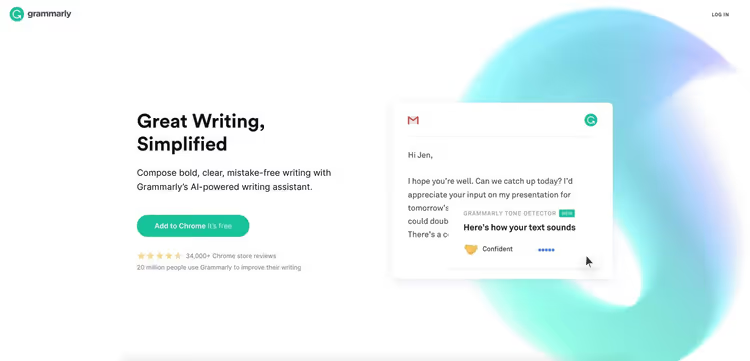
Grammarly remains the most recognizable grammar checker in the world. Its AI engine analyzes text against 400+ grammar rules and, more importantly, explains the rule behind each error, so you level up your writing skills in the process, not just clicking "fix."
A separate ace up its sleeve is the tone detector: it evaluates how the recipient will perceive your message, formally, friendly, confident, or aggressive. Invaluable for business correspondence and public posts.
The free version covers basic grammar, spelling, and punctuation. Premium adds stylistic suggestions, plagiarism checking against 16 billion pages, and genre-specific recommendations. Business includes an admin console, brand dictionary, and style guide.
Pros: flawless integration with Google Docs, Gmail, MS Word, and browsers; intuitive interface; weekly email stats on errors. Cons: checks only English; premium tiers are pricey for solo writers.
Pricing: Free, $0 | Premium, $12/mo (annual) or $30/mo (monthly) | Business, $15/mo per user (pricing).
🔗 Grammarly on official site🔗 Grammarly pricing
2. ProWritingAid, deep style analysis for authors and editors
If Grammarly is a quick proofreader for everyday tasks, then ProWritingAid is a style laboratory. The tool generates over 25 types of reports: from overused words and sentence length to readability, pacing, and visualization of "sticky" constructions.
Particularly valuable for long-form authors: bloggers, writers, screenwriters. Integration with Scrivener made it the standard in the writing community. ProWritingAid shows not only "what to fix," but also "why," with video tutorials inside the app.
The free version is limited to 500 words at a time, and on large documents (80,000+ words) checking is noticeably slower than competitors. Lifetime license from $399 (details on licenses) pays for itself after a couple years of active use.
Pros: most detailed text analytics; Scrivener integration; lifetime license. Cons: free version only 500 words; slower than competitors on large documents.
Pricing: Free, $0 (up to 500 words) | Premium, $10/mo (annual) or $30/mo | Premium Pro, $12/mo (annual) or $36/mo | Lifetime, from $399 (all ProWritingAid pricing).
🔗 ProWritingAid on official site🔗 ProWritingAid pricing
3. WhiteSmoke, multi-platform checking with translation to 55 languages
WhiteSmoke handles three tasks: grammar, style, and translation. The NLP engine analyzes text from spelling to sentence structure. The built-in translator covering 55 languages makes it interesting for bilingual authors and international teams.
Among the perks: over 100 business letter templates, video tutorials on errors, and one-click proofreading. Mobile apps on Android and iOS.
The main drawback is the absence of a free tier. Even the trial period is limited, to evaluate the tool you need a paid subscription. The interface also feels dated.
Pros: translation to 55 languages; 100+ letter templates; mobile apps. Cons: no free tier; interface looks outdated.
Pricing: Web, $5/mo (annual) | Premium, $6.66/mo (annual) | Business, $11.50/mo (annual) (pricing).
4. Ginger Software, proofreader with rephrasing function
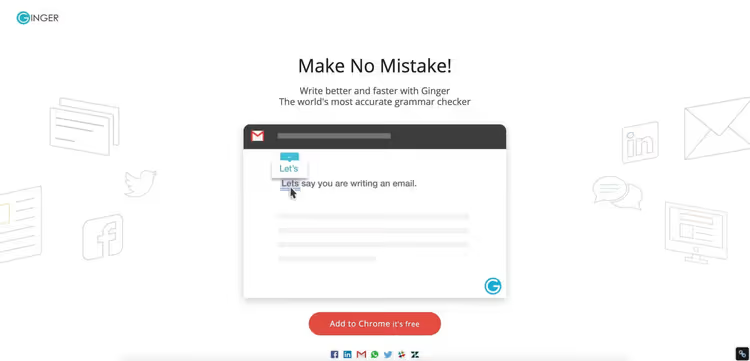
Ginger bets on speed and context. Besides grammar checking there's a rephraser: it suggests alternative phrasings, preserving meaning but improving style. The "personal trainer" feature analyzes typical errors and creates exercises, for English learners it's gold.
The translator covers 60+ languages, Text Reader voices the text, useful for non-native English. Safari support sets Ginger apart from competitors: most grammar checkers are limited to Chrome.
The fly in the ointment: no plagiarism check, and the free version gives only about 50 corrections per month. An active writer will burn through the limit in a couple days.
Pros: excellent rephraser; personal error trainer; text voicing; Safari extension. Cons: no plagiarism detector; free limit is small.
Pricing: Free, $0 (limited) | Premium, $7.49/mo (annual) or $20.97/mo (pricing).
🔗 Ginger Software on official site
5. LanguageTool, open source proofreader for 30+ languages
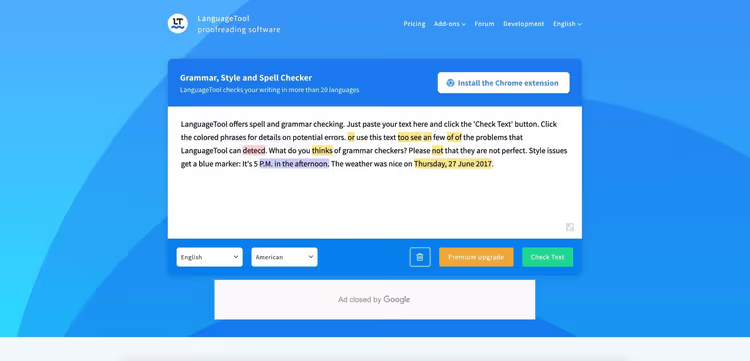
LanguageTool is the only open source tool in this roundup. Developed by the community and covers 30+ languages: English, German, French, Spanish, Japanese, Persian. The engine has 1700+ patterns, code is open on GitHub, no black box.
The free version allows up to 20,000 characters at a time, enough for a medium article. Premium removes the limit to 40,000 and adds 2000+ patterns for major European languages. Offline version is available, rare among grammar checkers.
If you write in multiple languages and don't want to pay $12-30 per month (Grammarly pricing), LanguageTool is the most rational choice. Style suggestions are inferior to Grammarly and ProWritingAid, but basic grammar works excellently.
Pros: open source; 30+ languages; offline mode; low price. Cons: fewer "smart" style suggestions than Grammarly and ProWritingAid.
Pricing: Free, $0 (20K chars) | Premium, $4.92/mo (annual) or $19/mo (pricing).
🔗 LanguageTool on official site
6. Outwrite, AI editor for clear business communication
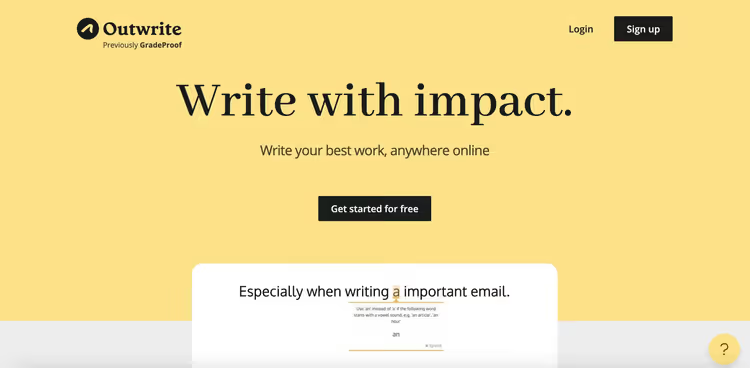
Outwrite is an AI writing assistant for the business environment. The key feature is Eloquence Engine: the engine finds errors and suggests reformulating sentences shorter and more persuasive. Passive voice, filler words, cumbersome constructions, Outwrite will highlight and suggest a better version.
Chrome extension works on LinkedIn, Medium, Gmail, WordPress. In the Pro tier, 50 plagiarism checks per month and a 10,000 word limit per article. Mobile app only for iOS.
Pros: Eloquence Engine for persuasive power; readability statistics; integration with LinkedIn and Medium. Cons: no Android app; no desktop client, web only.
Pricing: Essential, $0 | Pro, $9.95/mo | Teams, $7.95/mo per user (pricing).
7. OnlineCorrection.com, free checking without registration
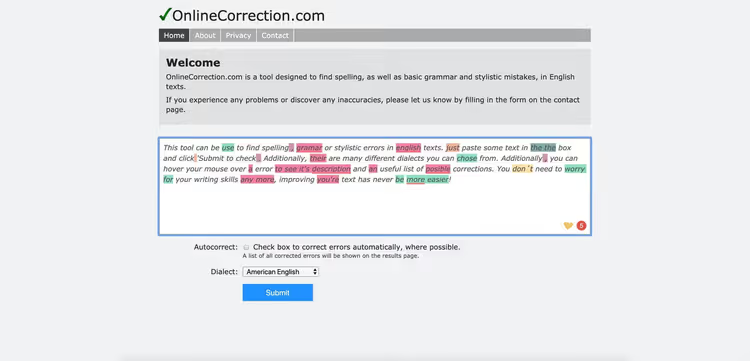
OnlineCorrection.com is a maximally simple tool: open the site, paste text, get highlighted errors and suggestions for correction. No registrations, logins, or subscriptions. The engine is built on a stack of DICTION, Hunspell, and LanguageTool, three proven open source technologies.
Five English dialects are supported: American, British, Australian, South African, and New Zealand. Entered text is automatically deleted after 30 minutes, privacy is solid. This isn't a competitor to Grammarly in depth, but for quick checking of an email or social media post, it's more than enough.
No extensions, no desktop apps, no mobile version. Web only. And ads that pay for the free service. But it's worked without interruption since 2005.
Pros: completely free; no registration required; auto-deletion of text after 30 minutes; 5 English dialects. Cons: no integrations; ads on site; only basic checking.
Pricing: Free.
OnlineCorrection.com (onlinecorrection.com)
8. PaperRater, proofreader with automatic essay grading
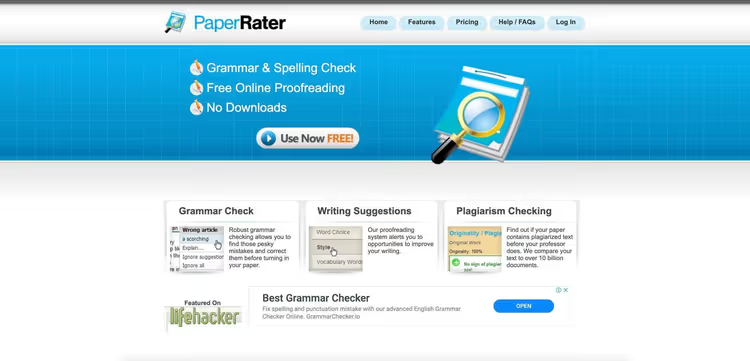
PaperRater was created for students, and it shows. The tool not only checks grammar and spelling, but also compares your text with other students' work at the same education level, issuing a predicted grade. For a high school student or freshman who wants to understand whether an essay will pull an A, it's priceless.
The plagiarism detector uses Google and Bing indexes and compares text against more than 10 billion documents. Results come in 5-15 seconds after submission. No registration needed, but the free version is limited to 10 plagiarism checks per month and 5 pages per document. For an active semester that's not enough, you'll need to get Premium.
Pros: automatic essay grading; comparison with peer work; no registration required. Cons: web access only; narrow audience, students; no mobile version.
Pricing: Basic, $0 (limited) | Premium, $14.95/mo (pricing).
9. Writer, grammar and style guide for business teams
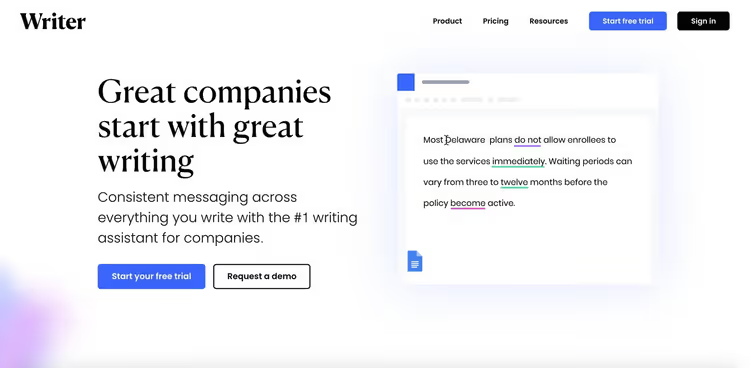
Writer differs from other tools in philosophy: it's created not for individual authors, but for teams that need to maintain a unified tone of voice. You configure a style guide, Writer ensures the whole team writes in one key, with identical terminology and without forbidden expressions.
The platform integrates with Figma, Google Docs, MS Word, and Chrome. The built-in inclusivity checker will warn about gender-imbalanced or potentially offensive phrasings. For large companies, an admin console with detailed team statistics. The price, though, bites: from $18 per user per month, for a team of 10 that's $180 monthly.
Pros: custom style guide; inclusivity checker; Figma integration. Cons: high price for solo authors; checks only English.
Pricing: Free, $0 (basic) | Team, from $18/mo per user (pricing).
10. Hemingway App, editor that teaches you to write shorter
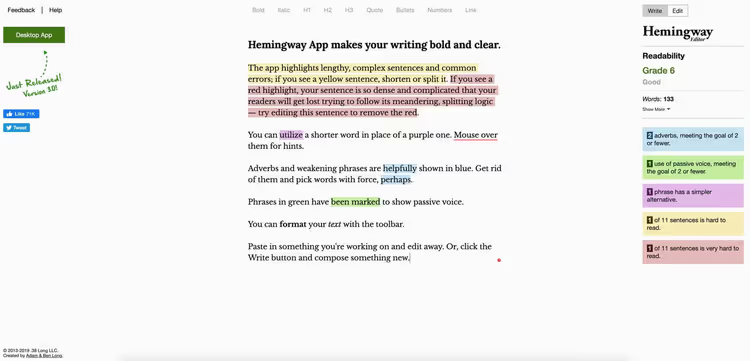
Hemingway App doesn't check grammar in the classic sense. It highlights what makes text heavy: passive voice, adverbs, complex sentences, and constructions that could be said simpler. Each fragment is assigned a color by complexity level: green is easy, yellow is medium, red means rewrite. The rule is simple: if there's lots of red in the text, the reader will be tired by the third paragraph.
The desktop version ($19.99 one-time, Hemingway site) lets you publish text directly to WordPress or Medium. The web version is free and works right in the browser. No formal grammar checking, Hemingway won't tell you where a comma is missing. But it will tell you where a 35-word sentence can be cut to twelve.
Pros: instant readability feedback; one-time desktop price; WordPress integration. Cons: doesn't check grammar and spelling; only English; no cloud sync.
Pricing: Web, $0 | Desktop (macOS/Windows), $19.99 one-time (site).
🔗 Hemingway App on official site
11. Scribens, powerful proofreader for English and French
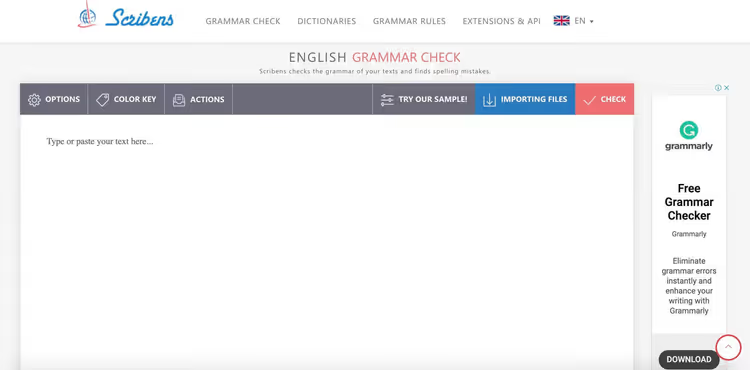
Scribens processes text according to 250+ rules and stands out for checking depth among free tools. It catches not only spelling, but also style: repetitions, redundant constructions, inconsistent tenses. By the ratio of "depth to zero price," one of the best options.
Extensions for Chrome, MS Word, and Google Docs. The free version is generous for regular use. Premium (from €9.90/mo) adds plagiarism check and advanced style recommendations. English and French, for francophones there are no alternatives at this price.
Pros: deep free version; extensions for Chrome and MS Word; English + French. Cons: only two languages; premium in euros, inconvenient for non-European users.
Pricing: Free, $0 | Premium, from €9.90/mo (pricing).
12. Slick Write, free style and readability analyzer
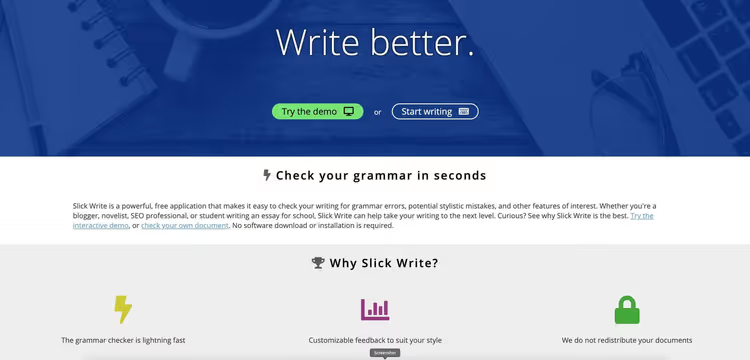
Slick Write is a free tool without registration. Emphasis on style analysis: sentence length, vocabulary diversity, passive voice, readability by Flesch-Kincaid, Gunning Fog, SMOG metrics.
The built-in "word associator" helps diversify vocabulary. Extensions for Chrome and Firefox give on-the-fly checking in any text field, for MS Word there's an add-in. Interface is spartan but functional, minimal ads.
Pros: completely free; style and readability analysis by multiple metrics; browser extensions. Cons: doesn't check plagiarism; spartan interface; only English.
Pricing: Free.
Slick Write on official site (slickwrite.com)
13. Reverso, grammar plus neural translation
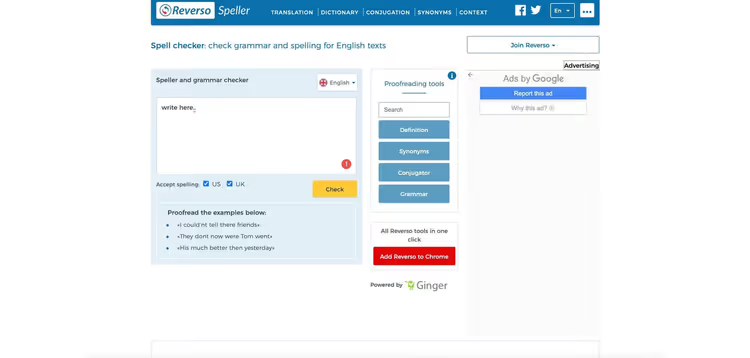
Reverso grew from a translator into a grammar checker, and its bilingual DNA is the main advantage. Grammar checking goes hand in hand with contextual translation: you see an error and understand how to express the same thought in another language, with live examples from parallel corpora.
Under the hood are Ginger algorithms plus a proprietary AI translator and neural voicing. Supports 15 languages. The free version is limited to 600 characters, not enough for long texts, sufficient for emails and social media posts.
Pros: excellent translator with contextual examples; neural voicing; completely free. Cons: 600 character limit in free version; no desktop app.
Pricing: Free (with text length limitation).
14. NOUNPLUS, minimalist grammar checking without extras
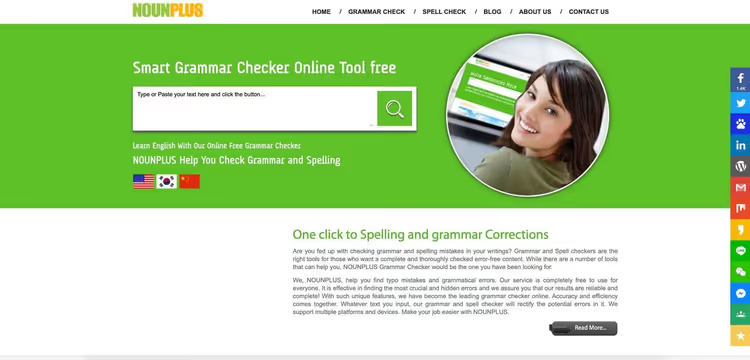
NOUNPLUS is "it just works" in the world of grammar checkers. No extensions, mobile apps, or complex settings. Open the site, paste text, get highlighted grammar and spelling errors with contextual corrections. That's it. Closed the tab and moved on.
Strong side is contextual spelling check: NOUNPLUS distinguishes "effect" and "affect" by sentence meaning, not just by dictionary. British and American English variants are supported. Punctuation checking is also present, though basic. For those who need to "just check text for free without installing anything," it works flawlessly.
Pros: contextual spelling; British and American English; completely free, no registration. Cons: no extensions and integrations; no mobile version; only English.
Pricing: Free.
NOUNPLUS (no longer supported, but available for use)
15. Virtual Writing Tutor, free combo tool for ESL teachers
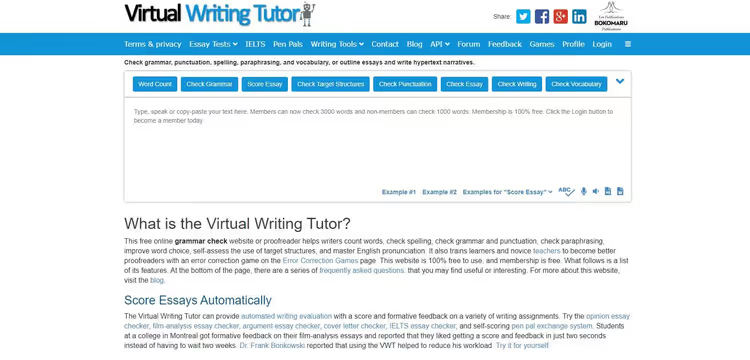
Virtual Writing Tutor is a Swiss Army knife for ESL teachers. Besides grammar checking: vocabulary analyzer, cliché detector, text coherence checker, and essay builder with templates for opinion, argument, and prioritization essays.
The feature is Pen Pal Exchange: the teacher creates an assignment, students complete it, the system automatically grades the work. The tool embeds into Moodle via iframe, indispensable for distance learning. Free version: 3000 words for registered, 500 for unregistered.
Pros: essay builder; automatic student work grading; Moodle integration. Cons: narrow specialization, ESL; no mobile app; only English.
Pricing: Free (with word limitation).
🔗 Virtual Writing Tutor on official site
How to choose a grammar checker for your task
Fifteen tools is a lot. But the choice becomes meaningful if you start from the scenario, not from the feature list.
Solo author and blogger. Need deep style feedback, ProWritingAid. Priority is speed and seamless work in Google Docs, Grammarly Premium. Write in multiple languages, LanguageTool.
Business team. Grammarly Business gives an admin console with brand dictionary. Writer lets you build a style guide and monitor tone of voice across the whole team. Both pay for themselves by reducing editing time.
Student. PaperRater with automatic essay grading and comparison with peer work is number one. Virtual Writing Tutor with essay builder and Pen Pal Exchange is good for ESL. Hemingway App (web) will clean up bureaucratese before submission.
Zero budget. The combo of LanguageTool Free (grammar) + Hemingway App (readability) + Slick Write (style) covers the functionality of one paid tool. OnlineCorrection.com is a backup option for quick checking without login.
Key criteria:
- Integrations: Google Docs, Grammarly or ProWritingAid; MS Office, WhiteSmoke or Ginger.
- Languages: most are tailored for English. LanguageTool, Reverso, and WhiteSmoke support dozens of languages.
- Plagiarism check: Grammarly Premium, ProWritingAid Premium Pro, and PaperRater.
- Limits: ProWritingAid cuts at 500 words, Grammarly doesn't cut anything, LanguageTool is 20,000 characters.
⁉️🤔 Frequently asked questions
Which grammar checking program is the best in 2026?
Grammarly leads in accuracy, speed, and convenience. ProWritingAid wins on analysis depth: 25+ reports versus one summary verdict. On a limited budget, LanguageTool gives the best price-to-quality ratio for multilingual authors.
Can you check grammar for free and without registration?
Yes. Hemingway App (web version), Slick Write, and OnlineCorrection.com work without login: paste text, get results. Grammarly Free and LanguageTool Free are also free, but require registration.
Which tools check not only English?
LanguageTool supports 30+ languages. WhiteSmoke and Ginger cover 55 and 60+ languages through built-in translators. Reverso works with 15 languages and gives contextual translation. Scribens covers English and French. The rest are English only.
How does Grammarly differ from ProWritingAid in practice?
Grammarly is tailored for speed: opened, fixed, forgot, ideal for correspondence and posts. ProWritingAid is a tool for deep analysis: narrative pacing, repetitions, readability, visualization of style patterns. A writer with ProWritingAid sees their weak points as a system.
Do grammar checkers work without internet?
Most don't. LanguageTool (desktop), Hemingway App (desktop), Ginger, and WhiteSmoke have offline versions. Offline checking quality is inferior to cloud AI models of Grammarly and ProWritingAid, but sufficient for a plane or train.
What to install for grammar checking in Google Chrome?
Grammarly and LanguageTool are the best extensions by accuracy and speed. ProWritingAid and Outwrite also work in Chrome, but their strengths are more fully revealed in web editors. Ginger is useful for the rephraser right in the browser.
What to install in 2026: final choice matrix
Fifteen tools, not fifteen identical ones under different names. Each has its own profile, and the right choice depends on the scenario.
Need one universal tool for most tasks, Grammarly Premium. Not ideal for fiction and English only, but for email, posts, and landing pages it works flawlessly.
Professional author, editor, or screenwriter, ProWritingAid. Analytics that nobody else has: 25+ reports. Lifetime license for $399 (price on site) pays for itself in two years.
Budget approaches zero, the combo of LanguageTool Free + Hemingway App + Slick Write. Three free tools cover the functionality of one paid one.
Responsible for team content, Grammarly Business or Writer. Build a style guide and forget about edits in the spirit of "we don't write like that."
Try 2-3 tools from the roundup on one text. Compare which errors each found. Practice on your own material will tell more than any review.

A professional team of writers and editors specializing in creating quality content.