














📷 10 best WordPress plugins for 360° panoramas 2026 (free and paid)
Your client wants to "spin" an apartment before a viewing? An online shopper wonders what the product looks like from behind? Both scenarios are solved by one tool, a 360 panorama on WordPress.
The plugin market for this task is saturated: dozens of solutions, from free viewers to professional tour builders with hotspots and scene transitions. Prices range from zero to hundreds of dollars, and functionality from "just spin an image" to full virtual tours with markers and WooCommerce integration.
We selected 10 active plugins from 2026, all with current updates and working support. Tested on a test site: installation, setup, compatibility with Gutenberg, Elementor and WPBakery. Here's what came of it.
💡 Quick overview:
- For virtual tours with scene transitions, take WPVR or iPanorama 360, they cover the vast majority of scenarios without third-party software.
- Magic 360 and 360 Product Panorama Rotation are built for WooCommerce stores: a 3D product spinner right in the product card.
- Beginners with no coding experience will like Panorama Viewer (completely free) and Photo Sphere Viewer (Elementor widgets out of the box).
- Professionals already working in Pano2VR will appreciate Garden Gnome Package, the tour is built on desktop and published with one click.
Comparison table
Plugin | Type | Free version | Pro price | Builder |
|---|---|---|---|---|
WP VR | Virtual tours | ✅ | $59/year | Gutenberg + Elementor |
iPanorama 360 | Virtual tours | ✅ Lite | $39 | Custom visual |
Panorama Viewer | Panoramas + video | ✅ | ❌ | Gutenberg + shortcode |
Magic 360 | 3D product rotation | ❌ | $99 | Shortcode |
Flat 360° Panoramic Image Viewer | Flat + spherical | ❌ | $20 | Shortcode |
MV 360 Tour | Virtual tours | ❌ | $21 | Shortcode |
Photo Sphere Viewer | Panoramas + tours + AR | ✅ | From $49/year | Elementor + shortcode |
Panorama 360 Addon | Panoramas for WPBakery | ❌ | $19 | WPBakery |
360 Product Panorama Rotation | 3D product rotation | ❌ | $56 | WPBakery + Elementor |
Garden Gnome Package | Pano2VR panoramas | ✅ | ❌ | Gutenberg + shortcode |
1. WP VR
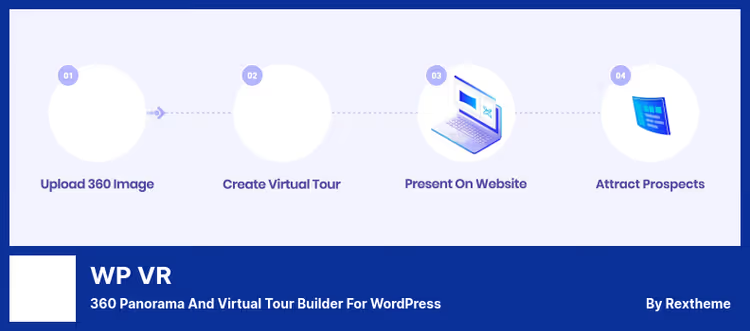
The most popular virtual tour plugin for WordPress: 90,000+ active installations and updates every 2-3 weeks. Builds multi-scene tours from equirectangular panoramas, you upload a spherical photo, place hotspots for transitions between rooms, attach pop-up windows with text or video.
Works through a native Gutenberg block and a separate widget for Elementor. The backend shows live preview: what you built is what you'll see before publishing. Scene links to scene through a marker, the visitor clicks and "moves" to an adjacent room.
Pros:
- Free Lite version covers single-scene tours with hotspots
- Requires no code, everything through visual editor
- Responsive out of the box, works on mobile without hassle
Cons:
- Pro version needed for multi-scene tours
- On weak hosting, panorama loading noticeably slows down
Price: free (Lite) / paid (Pro, annual subscription)
🔗 WP VR on WordPress.org 🔗 WP VR site
2. iPanorama 360

The second most popular tour builder with its own visual constructor. The main difference from WPVR, fine control over hotspots: you drag markers with the mouse across the panorama, configure the click action (transition to another scene, info pop-up, custom trigger).
Supports cubic, spherical and cylindrical projections. You can restrict access to tours by WordPress roles, useful if multiple people with different permissions manage content. The Pro version unlocks multi-scene tours with branched navigation.
Pros:
- Visual editor with drag-and-drop markers
- Role-based access to tour management
- Free Lite version for single-scene panoramas
Cons:
- Lite version doesn't handle scene transitions
- Pro sold only on CodeCanyon, no auto-updates through admin panel
Price: free (Lite) / paid (Pro, one-time payment)
🔗 iPanorama 360 Lite on WordPress.org 🔗 iPanorama 360 Pro on CodeCanyon
3. Panorama Viewer

A lightweight and completely free plugin from bPlugins. Takes JPEG, PNG or MP4 and delivers an interactive panorama with mouse dragging. Supports spherical images, flat panoramas and 360 video. No virtual tours with scenes, just viewing one file.
Embeds through a Gutenberg block, shortcode or widget. Works on pages, in posts, sidebars and even on WooCommerce product cards. Chrome, Firefox, Opera, Safari, mobile browsers, it spins everywhere without additional plugins.
Pros:
- Completely free
- Supports 360 video (MP4)
- Embeds anywhere: from a post to a product card
Cons:
- No virtual tours (only one file at a time)
- Basic settings, no hotspot customization
Price: free
🔗 Panorama Viewer on WordPress.org
4. Magic 360
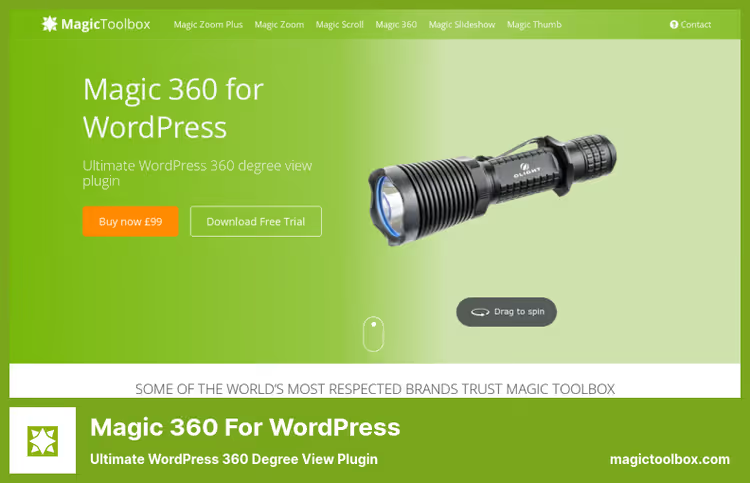
A product 360 viewer from Magic Toolbox: not for virtual tours, but for online stores. The visitor grabs the product with the mouse and spins it in any direction. The scenario: shooting a product from 24-36 angles, the plugin stitches them into smooth rotation.
Supports quick spin on hover, auto-start rotation on page load, zoom by square magnifier. For SEO, generates clean URLs and fills alt tags. Works through shortcode: insert into WooCommerce product description or on any page.
Pros:
- Smooth 3D rotation without jerks
- Auto-spin and spin on hover catch attention
- Product on the market since 2018, well-tested
Cons:
- More expensive than most alternatives (price above market average)
- Only 3D rotation, environment panoramas not supported
Price: paid (one-time payment)
5. Flat 360° Panoramic Image Viewer
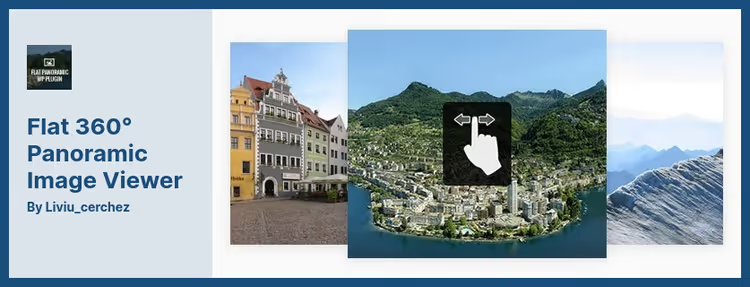
A plugin working with two formats: classic flat panorama (long strip) and spherical equirectangular. In flat mode, the image scrolls horizontally with automatic scrolling; in spherical mode, standard dragging through 360°.
Shortcode-oriented: generator right in the TinyMCE editor, for Gutenberg a separate block. You can display multiple instances on one page without conflicts. Lightbox mode adds full-screen viewing.
Pros:
- Two formats in one plugin (flat + spherical)
- Multiple panoramas on a page without conflicts
- One of the lowest prices in the roundup
Cons:
- Shortcode approach looks archaic against Gutenberg blocks
- No virtual tours
Price: paid (one-time payment, includes one year support)
6. MV 360 Tour

MV 360 Tour builds virtual tours from spherical and cylindrical panoramas. You upload an equirectangular image, place four types of hotspots, the tour is ready. Hotspots can be configured for scene transitions, multimedia display or external link.
Compatible with WPML: tour translations to different languages work out of the box. Shortcode for insertion, automatic image resizing and automatic resize. On mobile, rendering without loss of interactivity.
Pros:
- 4 hotspot types, more flexibility
- WPML compatibility for multilingual sites
- Affordable price, one of the lowest in the roundup
Cons:
- No visual editor (only admin panel with settings)
- Only shortcode, no Gutenberg block
Price: paid (one-time payment, includes one year support)
7. Photo Sphere Viewer

A newcomer to our roundup and possibly the most versatile 360 plugin of 2026. The free version on WordPress.org covers four modes: panorama, virtual tour, 360 video and AR 3D models. All this, through Elementor widgets (four of them, one for each mode) or shortcodes.
Worth special mention is DJI drone support: the built-in ImageResolver loads the original panorama bypassing WordPress scaling, so aerial photography doesn't lose detail. For realtors and hoteliers, ready-made virtual tour scenarios with transition arrows and scene thumbnails (Pro). For online stores, AR viewing of 3D product models through Google model-viewer.
Pros:
- 4 modes in one plugin (panorama, tour, video, AR 3D)
- Elementor widgets out of the box, Gutenberg block in development
- Free version covers basic scenarios
Cons:
- Modest installation base (400+, plugin is gaining momentum)
- Pro features (scene gallery, gyroscope, HDR environment) only by subscription
Price: free (Core) / paid Pro tiers on site
🔗 Photo Sphere Viewer on WordPress.org
8. Panorama 360 Addon
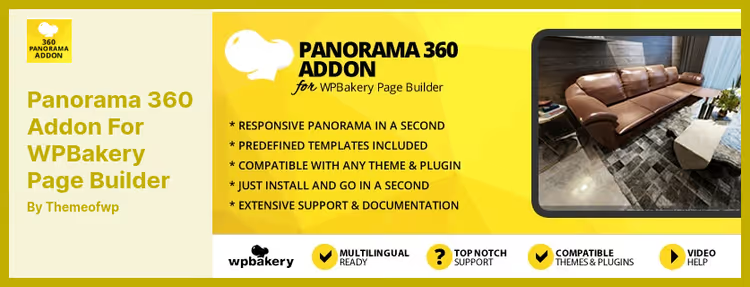
An addon for WPBakery Page Builder, turning one panoramic image into an interactive 360 scene. From a single equirectangular photo, generates spherical viewing with dragging. No virtual tours, one panorama, one screen, quick implementation.
Works with gyroscope on mobile: tilt the phone, the image rotates. Cross-platform: IE9, Chrome, Safari, Firefox, iOS, Android. Compatible with WooCommerce, WPML, Easy Digital Downloads and bbPress.
Pros:
- Simple addon: minimal settings, immediate result
- Gyroscope support on mobile
- Templates for WPBakery included
Cons:
- Only for WPBakery, doesn't work on Elementor and Gutenberg
- One panorama at a time, no scene transitions
Price: paid (one-time payment, includes one year support)
🔗 Panorama 360 Addon on CodeCanyon
9. 360 Product Panorama Rotation
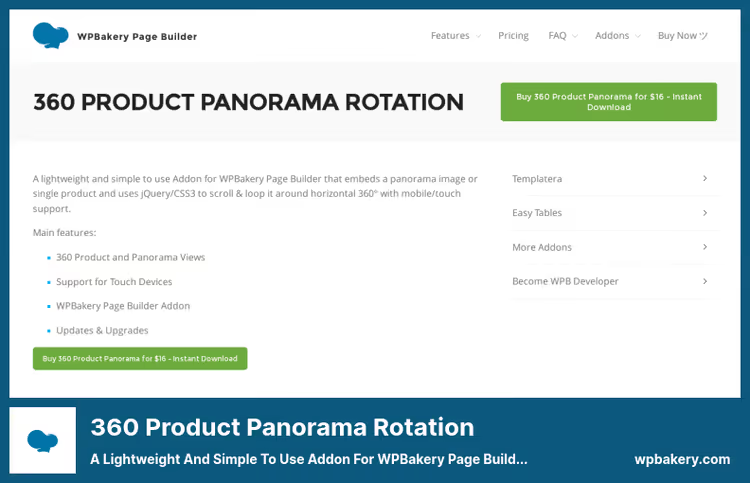
An addon for WPBakery and Elementor, built for product 3D spinner. You shoot a product from multiple angles, the plugin assembles the sequence into a drag-to-rotate interface. The buyer drags with mouse or finger across the screen and sees the product from any side.
CSS3/jQuery implementation without heavy libraries: rotation is smooth, WebGL doesn't load. Hotspots, zoom and looped rotation are supported. Direct embedding on WooCommerce product page.
Pros:
- Lightweight CSS3 implementation, doesn't load WebGL
- Zoom and hotspots over 3D model
- Works in both WPBakery and Elementor
Cons:
- Above average price in the roundup
- Only 3D rotation, environment panoramas absent
Price: paid (one-time payment, includes one year updates)
🔗 360 Product Panorama Rotation
10. Garden Gnome Package

The official WordPress plugin from the creators of Pano2VR and Object2VR, professional desktop tools for assembling virtual tours. You create a tour in Pano2VR on a computer, export the package, and Garden Gnome Package embeds it on the site through a Gutenberg block or shortcode.
4,000+ active installations. Supports panoramas, virtual tours with scenes and object movies (3D object rotation). Ideal for those already working in the Pano2VR ecosystem: the tour is built in a professional editor, on the site, you just publish the finished package.
Pros:
- Professional level tours through Pano2VR
- Free plugin bridge between desktop editor and WordPress
- Object movies support: 3D object rotation
Cons:
- Requires Pano2VR, without it the plugin is useless
- Not for beginners, requires experience with panoramic software
Price: free (plugin); Pano2VR paid
🔗 Garden Gnome Package on WordPress.org
⁉️🤔 Frequently asked questions
Do I need special hosting for 360 panoramas?
Panoramic images in equirectangular format weigh from 2 to 10 MB. On virtual hosting with 2 GB RAM, a tour of 5-6 scenes loads in 2-4 seconds, acceptable. If you have dozens of tours and high traffic, connect CDN and lazy load. Specialized hosting is not required, but a weak shared plan will slow down.
How does an equirectangular panorama differ from a flat one?
A flat panorama, a long rectangular image that scrolls horizontally. Equirectangular (spherical), a projection of a sphere onto a plane with a 2:1 aspect ratio, which when viewed "wraps" around the viewer. For virtual tours and 360 viewers, equirectangular is needed. Shot with a special camera (Ricoh Theta, Insta360) or stitched from multiple frames.
Do 360 plugins work with Gutenberg themes?
WPVR, Panorama Viewer, Photo Sphere Viewer and Garden Gnome Package have native Gutenberg blocks and work with any FSE theme. Plugins for WPBakery and Elementor (Panorama 360 Addon) require an active page builder, won't run in pure Gutenberg. Before purchasing, check which editor you're working with.
Can I embed a 360 panorama in a WooCommerce product card?
Yes, in several ways. Panorama Viewer supports insertion on a product page through shortcode or widget. Magic 360 and 360 Product Panorama Rotation are specifically designed for WooCommerce and embed in product description. Photo Sphere Viewer also adds AR viewing of 3D models, the client can "place" the product in their room through a phone.
Which plugin should I choose for a real estate site?
WPVR or iPanorama 360: both build multi-scene virtual tours with transitions between rooms. WPVR wins in update frequency and community size (90,000+ installations). iPanorama 360, in payment model: one-time payment for Pro versus annual subscription for WPVR, plus more accurate drag-and-drop markers. For one property, the free Lite version of either will suffice.
What to do if the panorama loads slowly?
Compress source files to 2-4 MB before uploading: plugins like ShortPixel or Imagify optimize JPEG without visible quality loss. Second step, server-level caching (WP Rocket or LiteSpeed Cache). Third, CDN: Cloudflare or BunnyCDN serve static files from the node closest to the visitor.
Which 360° panorama plugin to install in 2026
The choice comes down to three scenarios. Making virtual tours of real estate, take WPVR: it's unmatched in functionality and update frequency. Budget is limited but you still need tours, iPanorama 360 gives almost the same set for a one-time payment instead of an annual subscription.
For an online store with product 3D spinners: Magic 360 if budget allows; 360 Product Panorama Rotation if you're already on WPBakery or Elementor. Want to also add AR product viewing, look at Photo Sphere Viewer.
Need a simple panorama without tours: Panorama Viewer (free, no restrictions) or Garden Gnome Package (free, but requires Pano2VR). Choose for your task, not someone else's rating.

A professional team of writers and editors specializing in creating quality content.