














📡 11 best webinar platforms (2026)
Launched a webinar, participants see a black screen. Some drop off, others hang on loading. Choosing a platform for online broadcasts comes down to three things: stability under load, real capacity, and ease of integrations.
We've gathered 11 platforms that maintain connection and don't cut the stream at peak attendance. Each is tied to a scenario: from internal meetings for a hundred people to selling launches.
💡 Quick overview:
- Check the table: it filters out unsuitable options by limits.
- Match the format to the scenario: live streaming for one-off launches, automated webinars for funnels.
- Launch a trial period of two platforms and verify connection stability.

Comparison table: 11 platforms in 30 seconds
Platform | Attendees (max) | Price from (per month) | Live streaming | Automated webinars | Free tier |
|---|---|---|---|---|---|
Zoom Webinar | 50,000 | $79 | ✅ | ❌ | Up to 100 |
LiveWebinar | 1,500 | $25.58 | ✅ | ✅ | Up to 5 |
WebinarNinja | 1,000 | $49 | ✅ | ✅ | 14 days |
Easy Webinar | 2,000 | $78 | ✅ | ✅ | 14 days |
ClickMeeting | 1,000 | $30 | ✅ | ✅ | 30 days |
Zoho Meeting | 250 | $15 | ✅ | ❌ | Up to 10 |
Demio | 500 | $49 | ✅ | ✅ | 14 days |
Adobe Connect | 1,000 | From $130 | ✅ | ✅ | 30 days |
GoToWebinar | 3,000 | $59 | ✅ | ❌ | 7 days |
BigMarker | 10,000 | $99 | ✅ | ✅ | 7 days |
Systeme.io | Evergreen | $17 | ❌ | ✅ | Up to 2,000 contacts |

1. Zoom Webinar: budget entry for live streaming
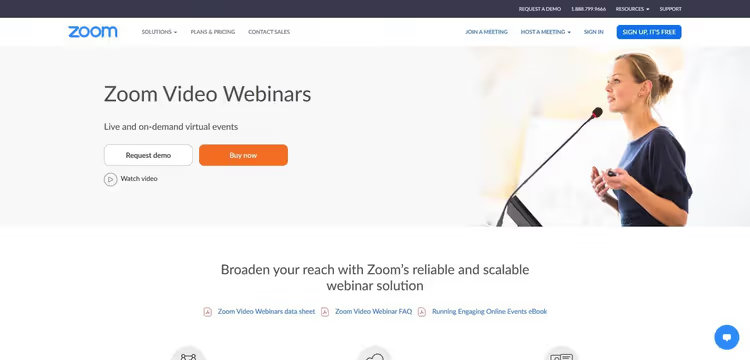
The most affordable starting point for live streaming. Most participants already know the interface.
Key point: network resilience. With a poor connection, video compresses but doesn't tear. Platform comparison for 2026 shows that Zoom handles up to 50,000 participants.
- Pros: HD video with noise suppression, scalability to tens of thousands of participants, built-in analytics, streaming to YouTube Live with one click
- Cons: automation is absent, evergreen webinars require third-party tools, pricing jumps sharply
- Price: free tier up to 100 participants, Webinar from $79 per month for 300 seats (current Zoom pricing)
🔗 Zoom Webinar on the official website
2. LiveWebinar: all-rounder with translation and customization
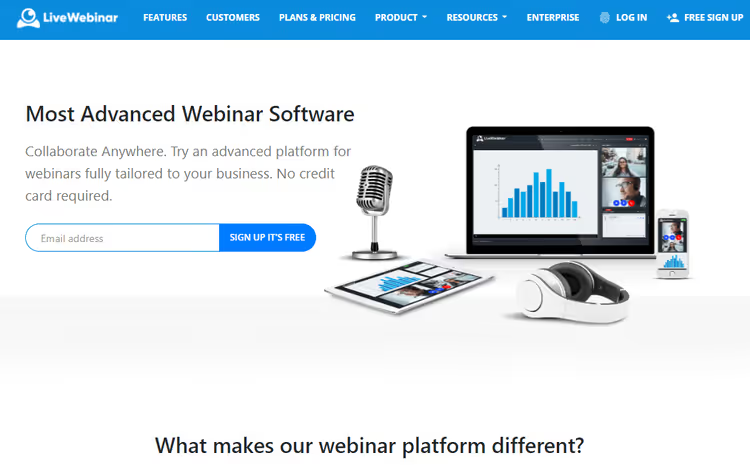
Fully browser-based. Runs stably in Chrome, Firefox, Safari, Edge. Critical for corporate laptops without admin rights.
Simultaneous translation and sign language interpreter inside the session. Platform comparison highlights LiveWebinar for room branding.
- Pros: room customization (colors, logo, banners), interactive whiteboard, 256-bit AES encryption and GDPR, on-demand content
- Cons: junior PRO tier limited to 100 participants, recording editor only on BUSINESS
- Price: PRO from $25.58/month with annual payment (up to 100), BUSINESS from $119.99 (up to 500), LiveWebinar pricing
🔗 LiveWebinar on the official website
3. WebinarNinja: platform for sales from webinars
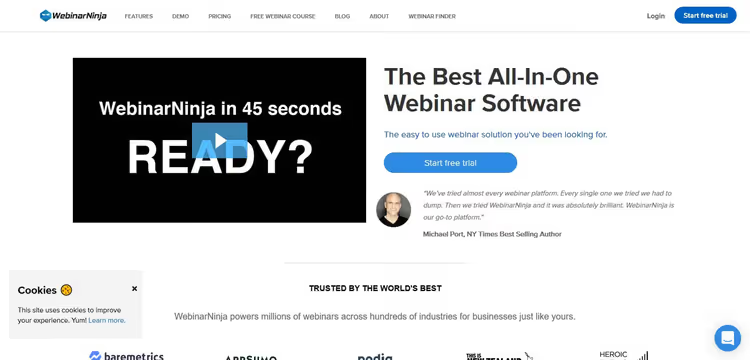
Built for paid launches. Four formats cover the funnel from registration to checkout.
Built-in registration page, automated emails, click statistics for offers. Platform overview puts WebinarNinja in first place.
- Pros: live streaming with slide uploads, automated webinars on schedule, media library, detailed statistics
- Cons: junior Starter tier accommodates only 100 participants, annual subscription required for savings
- Price: Starter $49/month (up to 100), Pro $99/month (up to 300), Premium $199/month (up to 1,000), WebinarNinja pricing
🔗 WebinarNinja on the official website
4. Easy Webinar: automated streaming assembly line
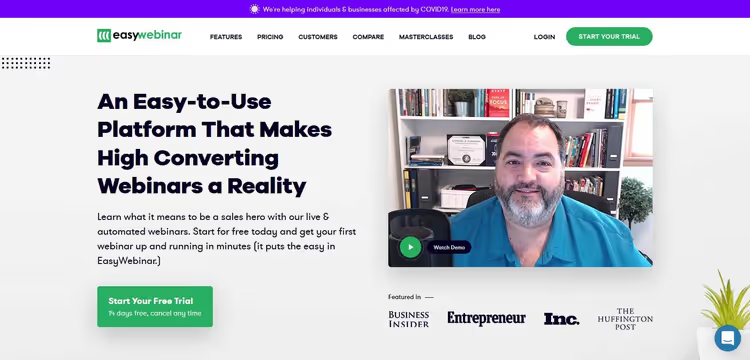
Built around the idea of "uploaded recording, set schedule, forgot." Pre-recorded stream presented as live.
EasyCast: rebroadcast to Facebook Live and YouTube Live simultaneously.
- Pros: high capacity (up to 2,000), streaming without delays, archive of all sessions, analytics with CSV export
- Cons: junior Standard tier limited to 100 participants, EasyCast only on Pro and higher
- Price: Standard $78/month (up to 100), Pro $129/month (up to 500), Enterprise $499/month (up to 2,000), EasyWebinar pricing
🔗 Easy Webinar on the official website
5. ClickMeeting: browser platform with flexible scaling
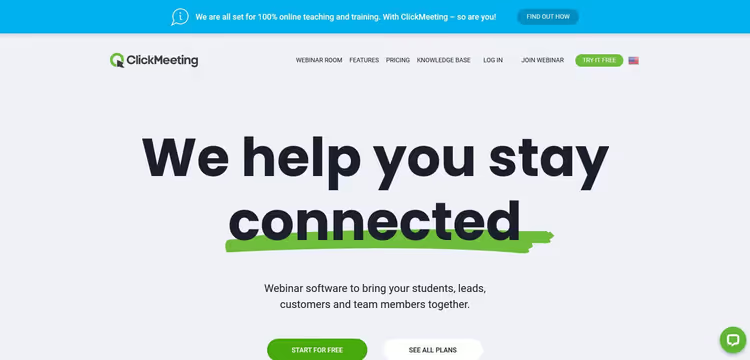
Browser service at native application level. Flexible pricing per participant.
Simultaneous chat translation through Google Translate built into the interface.
- Pros: automated webinars, multi-accounts, customizable registration pages, polls with analytics
- Cons: junior Live tier accommodates only 25 participants, branding available on higher plans
- Price: Live from $30/month (25), Automated from $45/month (automated webinars), Enterprise on request, ClickMeeting pricing
🔗 ClickMeeting on the official website
6. Zoho Meeting: Zoom alternative for small business
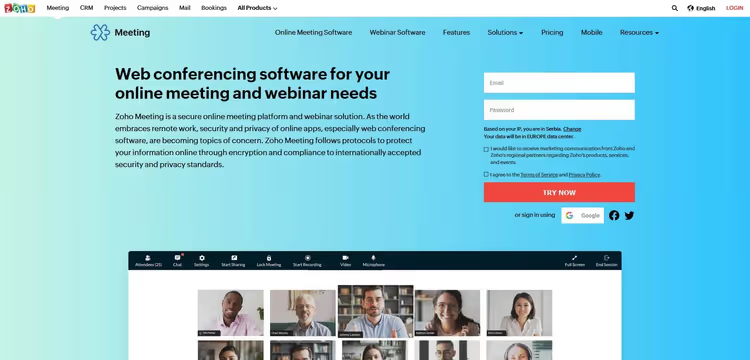
Part of the Zoho ecosystem. If the company is on Zoho CRM, integration is zero.
Maximum 250 participants removes large launches from the list.
- Pros: reports in CSV and XLS, customizable form fields, "Raise hand" function, moderation
- Cons: maximum 250 participants even on the senior tier, automation is absent
- Price: free up to 10, Webinar from $15/month (25), up to $79/month (250), Zoho Meeting pricing
🔗 Zoho Meeting on the official website
7. Demio: fail-safe sessions with marketing focus
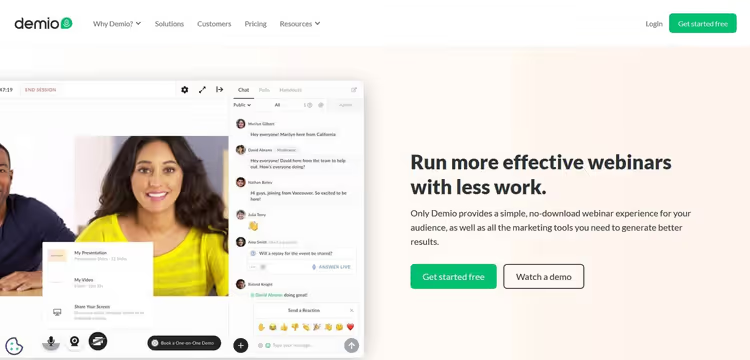
Promise of "webinar won't crash." Browser architecture depends less on internet speed.
Marketing part deeper than competitors: form customization, integration with Mailchimp, ConvertKit, Marketo. Platform ranking for 2026 puts Demio in first place for teams.
- Pros: four session types, interactive polls with visualization, handouts, branding
- Cons: trial period fourteen days, junior Starter tier accommodates only 50
- Price: Starter $49/month (up to 50), Growth $99/month (up to 150), Business $234/month (up to 500), Demio pricing
🔗 Demio on the official website
8. Adobe Connect: enterprise constructor with layouts and breakout rooms
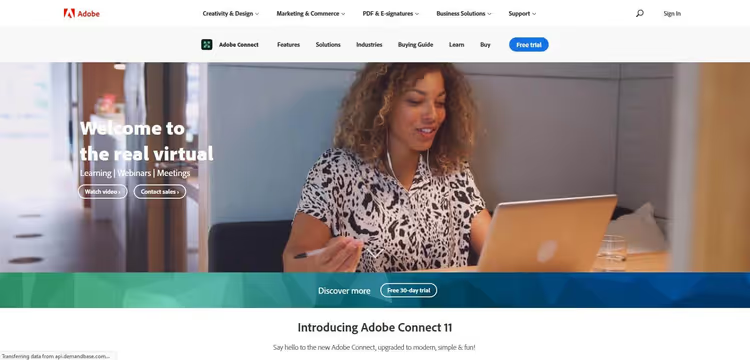
Modular constructor. Each room from pod blocks: chat, poll, slides, video, whiteboard.
Breakout rooms, preparation mode, per-user analytics.
- Pros: custom layouts with draggable blocks, breakout rooms, forced URL opening, cloud library
- Cons: steep learning curve, price above market average, junior tiers up to a hundred participants
- Price: tiers from small teams to 500 and 1,000 seats, exact figures on the website, annual subscription gives discount
🔗 Adobe Connect on the official website
9. GoToWebinar: proven tool with reliability focus
GoToWebinar stands on the reputation of "just works." When the webinar is a one-off launch before a client, predictable broadcast delivery is more important than a long feature list.
The platform covers the standard cycle: registration, reminders, live streaming with Q&A, recording and reports. Auto-funnels and evergreen aren't here. Integrations with HubSpot, Salesforce and Marketo for sales departments.
- Pros: registration pages, automated reminders, polls and Q&A, webinar recording, integrations with HubSpot and Salesforce
- Cons: automation is absent, junior tier only 100 participants, trial period seven days
- Price: from $59/month (Lite, 250), Standard for 500, up to 3,000 on senior tiers, GoToWebinar pricing
🔗 GoToWebinar on the official website
10. BigMarker: platform for virtual conferences and ticket sales
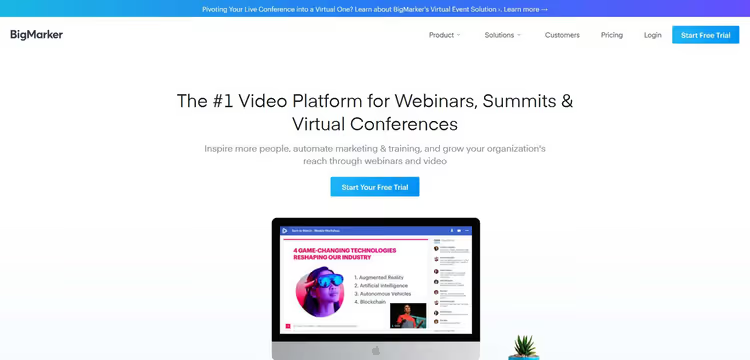
Platform for virtual conferences. Landing pages, email campaigns, ticket sales through Stripe.
Full browser-based: neither organizer nor participant downloads anything.
- Pros: dozens of page templates, automated emails, high capacity on White Label (up to 10,000), unlimited number of speakers
- Cons: junior Starter tier only 100 participants, ticketing system available on Elite and higher
- Price: Starter $99/month (up to 100), Elite $189/month (up to 500), Premier $399/month (up to 1,000), White Label on request (up to 10,000), BigMarker pricing
🔗 BigMarker on the official website
11. Systeme.io: evergreen webinars inside marketing platform
Marketing combine: email, funnels, memberships, affiliates and evergreen webinars. No live streaming.
- Pros: unlimited evergreen webinars, builder from scratch, built-in integration (PayPal and Stripe), round-the-clock support
- Cons: live streaming is absent (only evergreen recordings), Free limited to 2,000 contacts
- Price: Free up to 2,000, Startup $17/month (5,000), Webinar $47/month (coupons, A/B tests), Unlimited $97/month (15,000), Systeme.io pricing
🔗 Systeme.io on the official website
How to choose a platform for your task
Eleven tools above. The difference is in the scenario. Four filters will help filter out unsuitable options.
Format
Zoom and GoToWebinar: live streaming, without automation. Systeme.io: only evergreen. Easy Webinar and WebinarNinja: both formats. Hybrid approach: Demio, ClickMeeting.
Attendees
Paying for a thousand with eighty participants: loss. Three hundred people with a limit of one hundred: losses higher. Take a tier with twenty percent margin from planned attendance.
Budget
Budget platforms: LiveWebinar (PRO), Zoho Meeting, ClickMeeting (Live), Systeme.io. Middle segment: WebinarNinja (Pro), Demio (Growth), GoToWebinar (Standard), Easy Webinar (Pro). Annual subscription cheaper than monthly by twenty percent.
Integrations
Zoho Meeting works seamlessly with Zoho CRM. Demio integrates with Mailchimp, ConvertKit, Marketo. Custom CRM, verify API availability.
Short video from Livestorm on platform selection (in English, 5 minutes):
⁉️🤔 Frequently asked questions
How does a webinar platform differ from a Zoom meeting?
Zoom meeting: video call, everyone sees each other. Webinar: stage and hall, speakers control the broadcast, participants watch and write in chat. Platforms like Zoom Webinar, GoToWebinar, Demio add registration pages, email reminders, polls, engagement analytics.
How many participants can realistically be gathered for a webinar?
Attendance is lower than registrations. Plan with margin, but without overpaying for unused seats. Registration-to-attendance conversion ranges from twenty to fifty percent, depends on niche and timing.
Do you need to download a program to participate?
LiveWebinar, ClickMeeting, Demio, BigMarker fully browser-based: participants enter by link. Zoom and GoToWebinar offer browser and client. For corporate employees, browser entry is often the only option.
What is an evergreen webinar?
Pre-recorded stream, presented as live. Used in auto-funnels: registration, recording on schedule, offer. No need to run one stream every week. Platforms: Easy Webinar, WebinarNinja, Systeme.io.
Can you run paid webinars with ticket sales?
Yes. BigMarker offers built-in ticket sales through Stripe (135 currencies). WebinarNinja and Demio integrate with payment systems. Systeme.io includes PayPal and Stripe inside the funnel. Zoom Webinar and Zoho Meeting require external solution for payment.
Which platform to choose for your scenario
There's no universal winner, but there's a clear selection matrix:
- Zero budget, up to 100 participants: Zoom (free meetings) or Systeme.io for evergreen.
- Small business, up to 100 participants: Zoho Meeting or LiveWebinar PRO.
- Paid launches with automated webinars: WebinarNinja or Demio.
- Large conferences from 500 participants: GoToWebinar Pro or BigMarker Premier.
- Corporate training with customization: Adobe Connect.
- All in one (funnel, email, webinars): Systeme.io on Webinar plan.
Take the trial period and verify stability under load.

A professional team of writers and editors specializing in creating quality content.