














🥇 4 best WordPress plugins for selling digital products in 2026 (free and Pro)
Selling digital goods through WordPress is one of the cleanest ways to monetize: no warehouses, logistics, packaging, or returns. The buyer pays and instantly receives the file. But for the system to work without failures, you need the right plugin. Not the universal WooCommerce with a hundred extra fields, but a tool specifically designed for digital products: protected links, automatic delivery after payment, download tracking, licenses.
The problem is that the WordPress.org catalog contains dozens of plugins with similar descriptions, and in practice the difference between "quickly set up and start selling" and "spend two weeks digging through settings" is enormous. We've selected four proven solutions that cover the main scenarios: from a simple cart for a couple of info products to a full-featured marketplace with subscriptions and licensing.
💡 Quick overview:
- Decide on scale: one or two info products, go with WordPress Simple Shopping Cart; dozens of items, subscriptions and licenses, Easy Digital Downloads.
- Need flexible file delivery with password protection and cloud storage, WordPress Download Manager covers this scenario.
- Already using WooCommerce and want to remove extra fields from checkout for digital goods, Digital Goods for WooCommerce does exactly that, in 5 minutes.
Comparison table
Criteria | Easy Digital Downloads | Download Manager | Digital Goods for WooCommerce | Simple Shopping Cart |
|---|---|---|---|---|
Free version | ✅ Yes | ✅ Yes | ✅ Yes | ✅ Yes |
Premium from | $199.50/year | $99/year | $29/year | Free |
Subscriptions / recurring | ✅ (Pro) | ❌ | ❌ | ❌ |
Software licensing | ✅ (Pro) | ✅ (Pro) | ❌ | ❌ |
Own storefront / cart | ✅ Full-featured | ✅ Full-featured | ❌ (via WC) | ✅ Compact |
Cloud storage | ❌ | ✅ Google Drive, Dropbox, OneDrive | ❌ | ❌ |
Payment systems | Stripe, PayPal, Apple Pay, Google Pay + 20 | PayPal | Depends on WooCommerce | PayPal + Stripe |
Marketplace (multi-vendor) | ✅ (All Access) | ✅ (Pro) | ❌ | ❌ |
Setup complexity | Medium | Medium | Low | Very low |
1. Easy Digital Downloads, full-featured eCommerce for digital goods
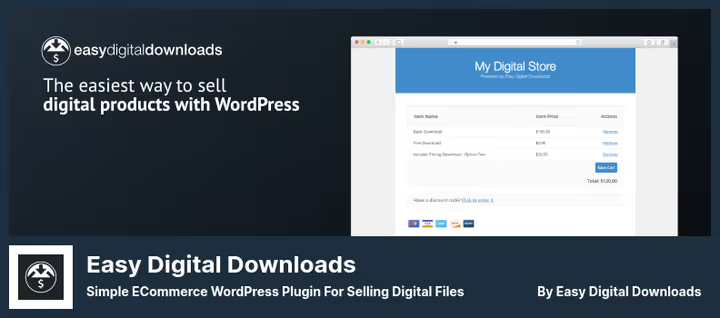
Easy Digital Downloads (EDD) is the most powerful WordPress plugin designed specifically for selling digital products. It's not an add-on to WooCommerce, but an independent eCommerce system: its own cart, its own checkout, order management, detailed analytics. The plugin is used by over 50,000 digital content creators and has processed more than 30 million transactions.
The main advantage of EDD is the depth of scenario coverage. In the free version you get a full-featured store: unlimited number of products, cart, optimized checkout (Checkout Block for Gutenberg), discount codes, protected download links with expiration and download limit settings, customer purchase history. Stripe, PayPal, Apple Pay, and Google Pay work out of the box.
The Pro version (from $199.50/year for 1 site, Extended) adds key tools for growth: recurring payments and subscriptions, software licensing with key activation and auto-updates, content restriction based on purchase (membership), abandoned cart recovery, and AI product recommendations at checkout (EDD pricing). On the All Access plan ($499.50/year, 3 sites) you get a multi-vendor marketplace with commission payouts.
In practice, EDD pays off when your catalog grows beyond a dozen items and scenarios like "upgrade from Lite to Pro with a discount," "annual subscription with free trial," or "license key is generated after payment" appear. The entry barrier is noticeable: the Setup Wizard helps you get started, but flexibility means dozens of settings.
💵 Free version on WordPress.org. Pro: Extended $199.50/year, Professional $299.50/year (2 sites), All Access $499.50/year (3 sites).
- Pros: Maximum feature depth, subscriptions, licensing, 20+ payment methods, AI recommendations, own checkout.
- Cons: Noticeable entry barrier; most advanced features only in Pro; All Access price is high for starting out.
🔗 Easy Digital Downloads on WordPress.org | 🔗 Easy Digital Downloads website
2. WordPress Download Manager, file distribution with protection and clouds
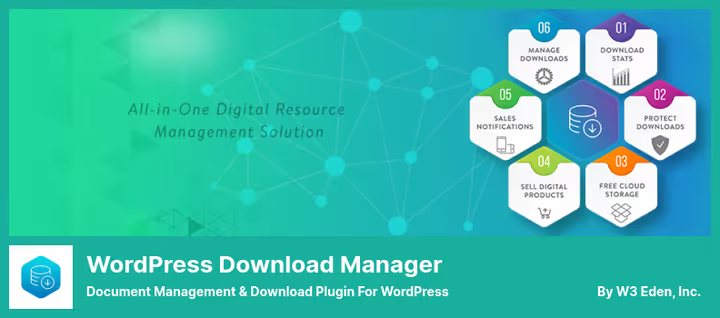
WordPress Download Manager (WPDM) has evolved from a download management system into a full-featured platform for selling digital goods. Its key difference from EDD is its file foundation: the plugin can store files in the cloud (Google Drive, Dropbox, OneDrive, Box), distribute them with speed control, password protection, captcha, and per-user limits.
The free version covers basic needs: creating downloads as a custom post type, drag-and-drop file upload with chunked support (bypasses HTTP limits), built-in document viewer (PDF, DOC, PowerPoint), media library file protection, user dashboard, and detailed download statistics. Built-in integration with Google Drive (15 GB free), Dropbox (2 GB), and OneDrive (15 GB) lets you save server disk space.
To sell digital goods you need the free Premium Package, Complete Digital Store Solution addon: it adds PayPal integration, cart and checkout, coupons, sales taxes, variable pricing, licensing, and even a multi-vendor marketplace with frontend submission. The premium version of the plugin ($99/year) extends this with custom templates, advanced licensing, and additional cloud connectors (WPDM pricing).
In practice, WPDM is especially good for scenarios where file protection is more important than storefront: closed sections with documentation for clients, paid access to archives, per-second download metering. The downside is that the interface is overloaded with options; setting up a digital store requires installing and activating a separate addon, which isn't obvious to beginners.
💵 Free version on WordPress.org. Pro (Premium Package): from $99/year on the WPDM website.
- Pros: Deep file protection, cloud storage out of the box, chunked upload, download speed control, multi-vendor.
- Cons: Sales via separate addon; interface overloaded; no Stripe support out of the box.
🔗 Download Manager on WordPress.org | 🔗 WPDownloadManager website
3. Digital Goods for WooCommerce, instant checkout without extra fields
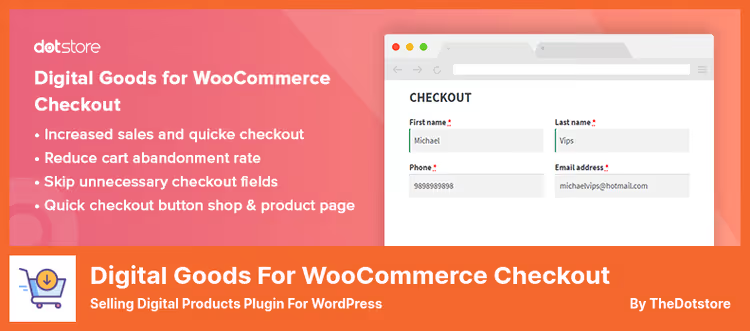
Digital Goods for WooCommerce Checkout solves one specific task, removing fields from WooCommerce checkout that are meaningless for digital goods. If you're selling a PDF book or MP3 album, the buyer doesn't need "Shipping address," "City," "Postal code," and "Phone" fields. The plugin hides them automatically, leaving only email and order notes, reducing checkout to a single step.
The free version works for all downloadable and virtual products: just activate the plugin and the extra fields disappear. You can display a "Quick checkout" button right on the product page or in the shop, the buyer clicks and immediately lands on a minimal payment form. The Pro version ($29/year) adds granular settings: quick checkout for selected categories and tags, deferred account creation, filling additional fields after payment, restriction by user roles (version comparison).
The plugin is extremely simple to set up, essentially "turn it on and forget it." But it's important to understand its boundaries: it doesn't add its own cart or storefront, but only optimizes the standard WooCommerce process. All payment methods are those already configured in WooCommerce. The perfect companion if you already have a WooCommerce store running and digital products have appeared in it.
💵 Free version on WordPress.org. Pro: $29/year.
- Pros: Solves the problem in 5 minutes, minimalist, doesn't conflict with themes, quick checkout button.
- Cons: Requires WooCommerce; doesn't add its own payment gateways; Pro functionality more modest than competitors.
🔗 Digital Goods on WordPress.org
4. WordPress Simple Shopping Cart, PayPal and Stripe simplicity for $0
WordPress Simple Shopping Cart is the easiest entry into selling digital goods. The plugin from the Tips and Tricks HQ team adds an "Add to cart" button via a simple shortcode or Gutenberg block. No complex settings: you specify product name and price in the shortcode, the button is ready. The cart is displayed with a separate shortcode on the checkout page.
Out of the box the plugin works with PayPal Commerce Platform (PPCP) and Stripe, the buyer can pay by card or via PayPal, including "Pay in 4" (installment purchase). For digital goods, automatic file delivery to the buyer's email is implemented right after payment, the file is uploaded to the WordPress media library and attached to the product.
The plugin is completely free, no Pro tier. There are discount coupons with expiration date, product variations with price modifiers, compact cart for sidebar, physical product support with shipping calculation. The code is minimalist and has almost no impact on site performance. Limitations: no built-in licensing, subscriptions, or multi-vendor functionality. But if you just need to start selling one or two digital products, this is the best start.
💵 Free on WordPress.org.
- Pros: Free without caveats, simple shortcode, PayPal + Stripe, doesn't burden the site, coupons and variations.
- Cons: Only PayPal/Stripe; no subscriptions and licensing; cart simpler than EDD/WPDM.
🔗 Simple Shopping Cart on WordPress.org
⁉️🤔 Frequently asked questions
Is WooCommerce required to sell digital goods?
No. Easy Digital Downloads and WordPress Simple Shopping Cart work completely without WooCommerce and provide their own cart and checkout. WordPress Download Manager is also standalone. Digital Goods for WooCommerce is the only one in the selection that requires WooCommerce, because its task is precisely to optimize the standard checkout of that platform.
Can you sell both physical and digital goods simultaneously?
Yes, but the plugin choice depends on the proportion. If there are more physical goods, take WooCommerce with Digital Goods for WooCommerce (removes extra fields for digital). If there are more digital goods, EDD with the Physical Product Shipping addon. WordPress Simple Shopping Cart can handle both out of the box, but without advanced logistics.
Which plugin is best for protecting files from illegal distribution?
WordPress Download Manager provides the finest control: password protection, captcha, IP blocking, download limit per user, speed control, and mandatory terms agreement before download. Easy Digital Downloads also protects files with unique links limited by expiration and number of downloads, plus tracks IP.
What to choose for a marketplace where authors upload products themselves?
Easy Digital Downloads on the All Access tier ($499.50/year) includes Frontend Submissions, authors register, upload products, and you receive commission from sales (EDD pricing). WordPress Download Manager offers similar functionality in the Pro version. Both require configuration but provide a working scheme.
Is there any point in paying for Pro if the free version already works?
The free version is sufficient for starting in most cases. Pro features (subscriptions, licensing, cart recovery, AI recommendations) pay off when monthly revenue is measured in hundreds of dollars and every percentage point of conversion matters. Start with free, upgrade to Pro when you hit the functional ceiling.
Do these plugins work with Russian language and $?
All four plugins either have a Russian translation or support localization via Loco Translate. Payment systems (Stripe, PayPal) accept rubles if allowed by your account settings. Check the specific gateway conditions, there are nuances for RF connections.
What to install for your task in 2026
Plugin choice comes down to three questions. How many products? One to three, WordPress Simple Shopping Cart will cover the need without spending a penny. Dozens and hundreds, plus subscriptions and licenses, Easy Digital Downloads, its architecture is designed for growth. Do you need file protection with clouds? If yes, WordPress Download Manager; its foundation is precisely access control to files. Already have WooCommerce? Then Digital Goods for WooCommerce removes extra fields in 5 minutes and pays off instantly, visitors don't abandon the cart because of the requirement to enter a shipping address for a PDF file.
All four plugins are actively updated in 2026, have active communities and tech support. Start with the free version of what fits the scenario, test checkout from the buyer's perspective, check file delivery speed, and only then make a decision about Pro. A good digital store is when the buyer forgets about the technology and thinks only about the product.

A professional team of writers and editors specializing in creating quality content.