














🥇 10 best WordPress download manager plugins 2026 (free and premium)
Website files grow faster than there's time to organize them. PDF instructions, ZIP archives, video tutorials, software packages, after a year, media library chaos slows down work, and clients can't find what you uploaded a week ago.
The standard WordPress media library is not a file manager. It doesn't count downloads, doesn't restrict access by roles, doesn't send emails to buyers after payment. For all of this, you need a specialized plugin.
In this roundup, 10 tools for managing downloads, from lightweight free solutions to full-featured e-commerce powerhouses with payment gateways and Google Drive integration. Each one tested for compatibility with WordPress 6.x and relevance as of June 2026.
💡 Quick overview:
- Distributing free files without sales, install
Download Monitor - Files stored in Google Drive, connect
Use-your-Drive - Need an e-commerce funnel for digital products, choose
Easy Digital DownloadsorWooCommerce - Security and group-based access are critical,
Groups File Accesshas no competition
Comparison table:
Plugin | Free version | Premium from | Key feature | wordpress.org |
|---|---|---|---|---|
Download Monitor | Yes | $39/year | Download analytics + e-commerce | Yes |
Advanced File Manager | Yes | - | File manager in admin panel | Yes |
File Manager | Yes | $25 | Code editor + drag-and-drop | Yes |
Shared Files | Yes | - | Shortcodes for frontend | Yes |
Easy Digital Downloads | Yes | Addons | Digital product sales | Yes |
WooCommerce | Yes | - | E-commerce + downloads | Yes |
Lana Downloads Manager | Yes | - | Minimalist counter | Yes |
Use-your-Drive | - | ≈$12 | Google Drive integration | No |
Groups File Access | - | $59 | Group-based user access | No |
WP File Download | - | ≈$29 | Cloud synchronization | No |
1. Download Monitor

Download Monitor is a veteran in the niche with 2+ million active installations. The plugin turns WordPress into a platform for selling and distributing digital files: PDFs, ZIPs, audio, video, software packages. Each file is assigned a version, category, tag and price.
In practice, this means one product can exist in multiple editions, v1.0, v1.1, v2.0, and the plugin will track downloads for each separately. The dashboard shows top downloads, daily average and dynamics for any period.
Pros:
- Advanced analytics: download history, top files, average metrics
- PayPal and other payment gateway support through addons
- Import/export all downloads to CSV in one click
- Google reCAPTCHA before download, bot protection
Cons:
- Most e-commerce features are in paid addons
- Full addon bundle may cost more than a specialized e-commerce plugin
Price: free Lite version on WordPress.org; Pro from $39/year on official site.
🔗 Download Monitor on WordPress.org🔗 Official site
2. Advanced File Manager
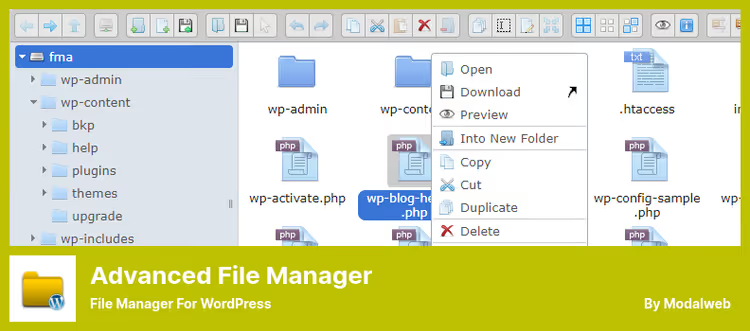
Advanced File Manager is a full-featured file manager right in the WordPress admin panel. No cPanel, no FTP client, no fussing with access permissions. You open the plugin tab and see the server directory tree with the ability to edit, rename, archive and upload files.
For client sites, this is indispensable: you give the customer access to a specific folder via shortcode, and they upload documents themselves without entering the admin panel. Audio and video previews work right in the interface, switching between files takes seconds.
Pros:
- Edit root directory files without cPanel/FTP
- Shortcodes for specific user access to specific folders
- Preview audio, video and PDF without opening separate tabs
- Keyboard shortcuts and multi-select, like in desktop managers
Cons:
- Not built for e-commerce, only file operations
- Interface may be excessive if all you need is a download button
Price: completely free.
🔗 Advanced File Manager on WordPress.org
3. File Manager
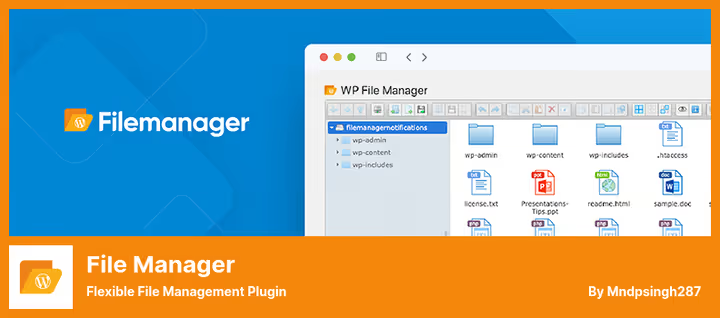
File Manager by BitExpert is another way to replace FTP with drag-and-drop inside WordPress. Editing, copying, pasting, archiving and unpacking (zip, rar, tar, gzip), all out of the box in the free version.
The plugin's feature is a built-in code editor with syntax checking. You change CSS or PHP right from the admin panel, and the plugin will highlight errors before saving. For those who don't want to crash their site with a typo in functions.php, this is a lifesaver.
Pros:
- Code editor with syntax checking
- Drag-and-drop copying and moving
- Free version covers most project needs
- Upload files directly to media library
Cons:
- Pro version needed for shortcodes and custom access rights (from $25 on developer site)
- PDF preview only for registered users
Price: Lite free on WordPress.org, Premium from $25.
🔗 File Manager on WordPress.org🔗 Pro version
4. Shared Files
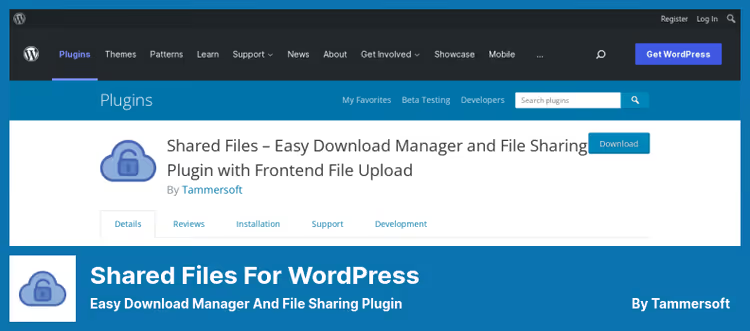
Shared Files does exactly what the name promises: gives users a frontend interface for downloading files you've decided to share. No admin panel for visitors, just a file list, search by name and download button.
Setup is minimal: you upload a file, the plugin auto-generates a shortcode and download URL. In the premium version, bandwidth limits, sorting and password protection are added, useful if files should only be accessible to select users.
Pros:
- Automatic shortcode and link generation
- Search by file name and description on frontend
- File categorization, users don't drown in a 50-item list
- Free version without file count limits
Cons:
- Download limits and sorting only in Premium
- No built-in payment integrations
Price: free.
🔗 Shared Files on WordPress.org
5. Easy Digital Downloads
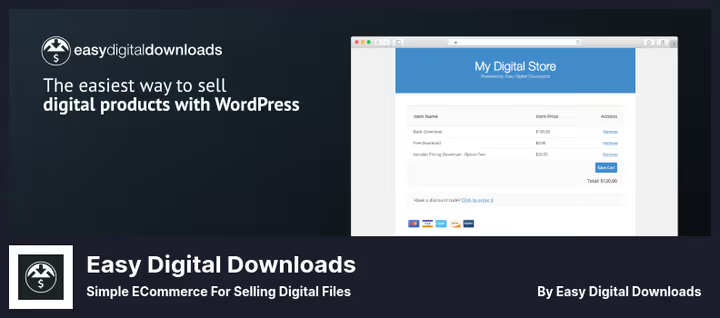
Easy Digital Downloads (EDD) is an e-commerce engine built exclusively for digital products. Unlike WooCommerce, which drags along the entire physical store infrastructure, EDD does one thing: sells files. And does it well.
You upload a PDF, ZIP or software package, set a price, connect PayPal, and the buyer gets a download link immediately after payment. Under the hood: REST API for external integrations, reporting system, subscription management and email marketing through addons.
Pros:
- Clean e-commerce funnel without extra code
- REST API for custom integrations
- Customer dashboard: purchase and download history
- Dozens of payment gateways through addons
Cons:
- Learning curve steeper than simple file managers
- Most additional features are paid addons
Price: core free, addons paid separately.
🔗 Easy Digital Downloads on WordPress.org
6. WooCommerce

WooCommerce is the world's most popular e-commerce plugin, and it can work as a download manager. The mechanics are the same as EDD: you mark a product as "Virtual" and "Downloadable", attach a file, and after payment the buyer gets a link.
The reason to use WooCommerce instead of EDD appears when one site needs to sell both physical and digital products. Or when WooCommerce is already installed and you don't want to install a second e-commerce engine for a dozen PDFs.
Pros:
- One ecosystem for physical and digital products
- Thousands of payment gateways and themes
- Built-in sales and download analytics
- Free, no buts
Cons:
- Excessive if you only sell files and nothing else
- Drags along the entire e-commerce stack (checkout, cart, taxes)
Price: free.
🔗 WooCommerce on WordPress.org
7. Lana Downloads Manager
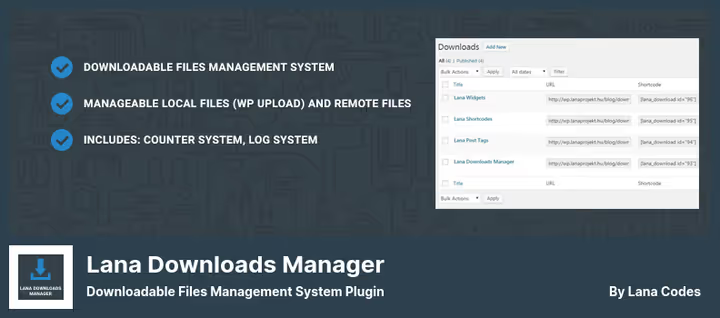
Lana Downloads Manager is a minimalist tool for those who need exactly two things from a plugin: upload a file and show a download counter. No payment gateways, no user roles, no button builders.
Install and it works immediately. You upload content through the admin panel, the plugin generates a URL and shortcode, you insert where needed. Each file is automatically assigned a download counter. The log system records history, useful for auditing.
Pros:
- 30-second installation, zero configuration
- Automatic download counter for each file
- Log system for downloads and uploads
- Support for local and remote files
Cons:
- No payment integrations at all
- Not updated since December 2025, may lag behind WP core
Price: free.
🔗 Lana Downloads Manager on WordPress.org
8. Use-your-Drive

Use-your-Drive solves a specific problem: it connects WordPress with Google Drive so that files from the cloud appear on the site as local ones. The team uploads design mockups to a shared Google Drive folder, and on the site they automatically become available for download, without duplication or manual uploading.
The plugin can preview documents, show image galleries, stream video and audio directly from Google Drive. Plus it keeps download logs and builds graphs from them. For distributed teams, this replaces an internal file portal.
Pros:
- Files stored in Google Drive, not taking up hosting space
- Document and image previews without downloading
- Download logs and graphs
- Folder access restrictions by users
Cons:
- Dependency on Google API, if Google has an outage, files are unavailable
- Only through CodeCanyon, not on WordPress.org
Price: ≈$12 on CodeCanyon (one-time payment).
🔗 Use-your-Drive on CodeCanyon🔗 Live demo
9. Groups File Access
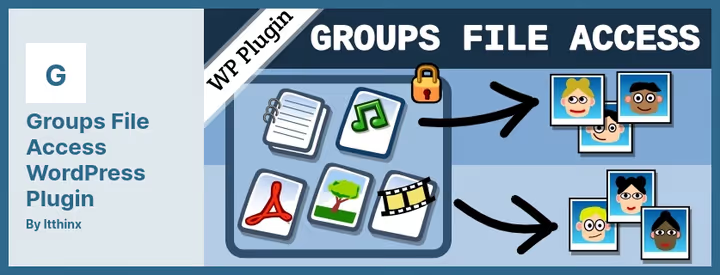
Groups File Access is an extension for the free plugin Groups that adds file access control at the user group level. You create a "Premium" group, attach a PDF instruction to it, and no one except group members can download the file. Even with a direct link.
Unlike most file managers where "protection" means a password on the page, here the restriction works at the server level. The plugin supports Amazon S3 for file storage, protected video and audio streaming, multisite and per-user download limits.
Pros:
- File access strictly by groups, not a password but server-level restriction
- Amazon S3 compatibility: files outside the public WordPress directory
- Protected HTML5 video and audio streaming
- Per-user download limits
Cons:
- Requires installation of free Groups plugin
- Price is steep for a single site (from $59 on itthinx.com)
Price: from $59 (one site) to $179 (up to 25 sites).
🔗 Groups File Access on itthinx.com
10. WP File Download
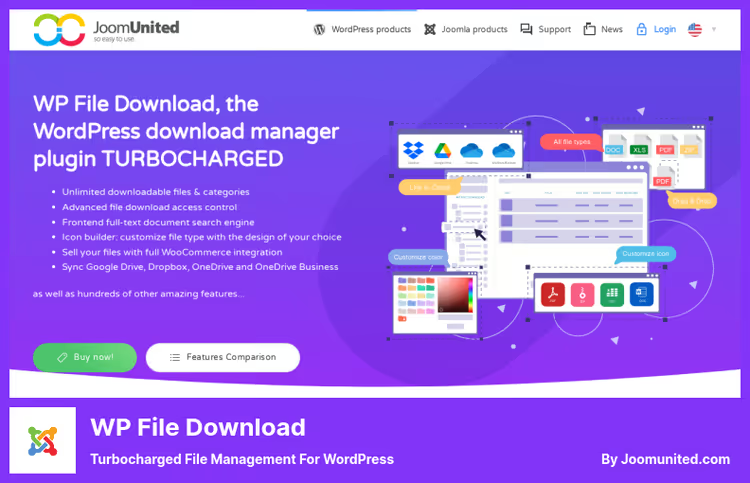
WP File Download by JoomUnited is the most "packed" file manager in the roundup. Tree-based category structure, drag-and-drop upload, document previews, full-text search through file contents, four design themes and Gutenberg blocks for inserting files directly into content.
Cloud synchronization deserves special mention: Google Drive, Dropbox, OneDrive and OneDrive Business. A file updates in Dropbox, it also updates automatically on the site. Plus WooCommerce integration for selling files and custom file type icons through a built-in SVG builder.
Pros:
- Two-way synchronization with Google Drive, Dropbox and OneDrive
- Full-text search through file contents
- Gutenberg blocks for inserting categories and individual files
- Monthly updates from developer
Cons:
- Only paid version, no free starter tier
- Interface is dense, needs an hour to master
Price: ≈$29 on JoomUnited.
🔗 WP File Download on JoomUnited
Short video overview of five best download management plugins, visually demonstrates interfaces and key differences between them in 8 minutes.
⁉️🤔 Frequently asked questions
Do I need a separate download plugin if I have WooCommerce?
If you sell digital products through WooCommerce and current functionality is sufficient, no, you don't. But WooCommerce doesn't count downloads of free files without purchase and doesn't restrict access by user groups. For these scenarios, get
Download Monitor, it works in parallel without conflicts.
How is Download Monitor different from Easy Digital Downloads?
Download Monitoris a file manager with e-commerce features.Easy Digital Downloadsis an e-commerce engine for digital products. The first is better for file catalogs with optional sales, the second for a full-fledged digital product store with cart, taxes and customer dashboard.
Can I use Google Drive instead of hosting for files?
Yes, through
Use-your-Drive. Files physically reside in Google Drive and don't consume hosting disk space. But keep in mind: with Google API problems, files are temporarily unavailable. For critical projects, combine with local backup.
Which plugin to choose for a closed section with client files?
Groups File Accesstogether with free Groups. You create client groups, attach files to groups, and only group members get access. Direct file links don't work without authorization. Downside, price from $59 for one site.
Do free plugins handle protection from direct links?
Varies.
Download MonitorandShared Filesgenerate temporary links that are harder to share.Lana Downloads Managerprovides direct URLs. If protection is critical, look towardGroups File Accesswith server-level restriction.
What to install in 2026
If you need a simple download counter and basic link protection, Download Monitor covers most scenarios out of the box, free. For showcase sites with digital products, Easy Digital Downloads provides a specialized e-commerce funnel that WooCommerce won't deliver without a dozen addons.
When files already reside in Google Drive and duplicating them to hosting makes no sense, Use-your-Drive integrates the cloud directly, with previews and logs. And if security comes first and files should only be downloaded by members of specific groups, Groups File Access has no direct competitors in this niche.
Choose based on your task, not someone else's ranking. And try the plugin on a test site before installing on production, a couple hours of testing will save days of rework.

A professional team of writers and editors specializing in creating quality content.