














🥇 5 best accordion plugins for WordPress 2026: free and paid
An accordion in the interface does exactly what you'd expect: it hides secondary content until it's needed. Users see headings, click on the one they need, and get the answer without scrolling through three screens. For FAQs, pricing descriptions, and long lists, it's standard.
But WordPress doesn't provide a customizable accordion block with animations, icons, and styles out of the box. Yes, since version 6.7 there's a Details/Summary block, but it's minimal: no customization, no Schema markup, and no shortcode for template insertion. For systematic work, you need a plugin.
We selected five solutions, from a simple shortcode to a builder with AI-generated FAQs. We tested each for viability (all were updated in 2026), compatibility with Gutenberg and Elementor, and honestly compared pricing in practice. No marketing language or "revolutionary" adjectives.
💡 Quick overview:
- Deploy an accordion via Gutenberg block or shortcode, each plugin adds its own insertion method.
- Configure appearance with your mouse: colors, icons, fonts, and animations, all five provide a visual customizer.
- Add Schema FAQ markup,
AccordionsandEasy Accordiongenerate it automatically for Google snippets. - Embed an accordion via shortcode, widget, or PHP template, each plugin supports at least two methods.
Comparison table
| Accordions | Accordion FAQ | Easy Accordion | Accordion Slider | Elementor Widget |
|---|---|---|---|---|---|
Active installations | 20,000+ | 30,000+ | 80,000+ | 2,000+ | 10M+ (Elementor) |
Free version | ✅ | ✅ | ✅ | ✅ | ✅ (Elementor Free) |
Gutenberg block | ✅ | ❌ | ✅ | ✅ | ❌ |
Shortcode | ✅ | ✅ | ✅ | ✅ | ❌ |
Nested sections | ✅ | ❌ | ✅ | ❌ | ✅ |
AI-generated FAQ | ✅ | ❌ | ✅ | ❌ | ❌ |
Horizontal mode | ❌ | ❌ | ✅ | ✅ | ❌ |
Schema FAQ | ✅ | ❌ | ✅ | ❌ | ❌ |
Pro price | $15 (lifetime) | from $9 | $29/year | free | $59/year (Elementor Pro) |
1. Accordions
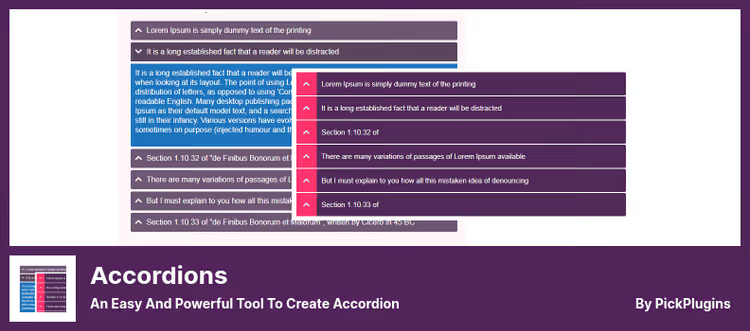
A Swiss Army knife from PickPlugins with a React builder inside. It assembles accordions, tabs, FAQs, and knowledge bases without being tied to a specific editor. You create a configuration once and insert it anywhere: in a post with a shortcode, in a sidebar with a widget, in a template with a PHP call.
In practice, this saves sites with legacy stacks: the plugin works in Classic Editor just as well as in Gutenberg. The AI generator writes questions and answers on a topic you specify and immediately wraps them in Schema markup. Lazy loading prevents hidden content from slowing down the page, the browser loads text only when a section is expanded.
Pros:
- AI-generated FAQ with automatic Schema markup, set a topic and a page is ready in a minute
- Lazy loading of content inside sections, the page doesn't get heavy from hidden text
- Import accordion data from CSV and external sources
Cons:
- Free version doesn't let you change animation expansion time
- Builder interface requires getting used to, learning curve is steeper than competitors
Price: Lite free, Pro $15 (lifetime license for 1 site).
🔗 Accordions on WordPress.org🔗 Download Pro
2. Accordion FAQ
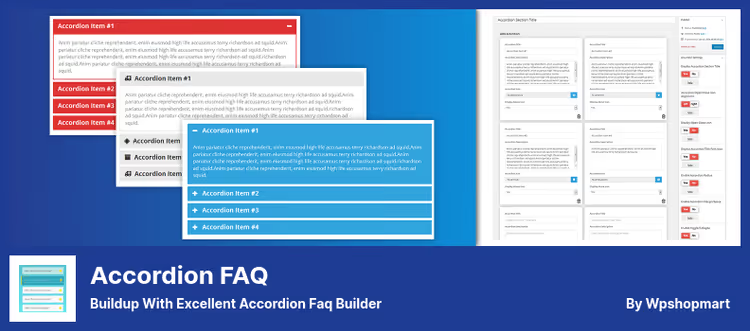
The easiest entry if you need specifically an FAQ block, not a universal builder. Accordion FAQ from Wpshopmart is tailored for one scenario, a questions and answers page, and does it cleanly without extra settings.
The plugin is built on Bootstrap, so the accordion displays correctly with any theme and doesn't break mobile layout. Question order is changed by drag-and-drop right in the admin panel. Toggle mode keeps multiple sections open simultaneously, collapse leaves only one. Switching between modes with one checkbox.
Pros:
- Unlimited number of accordions and color schemes
- 500+ Google Fonts in Pro version, heading styling without CSS
- 30 built-in expansion animations, from simple fade to spring
Cons:
- Only shortcode and widget, no native Gutenberg block
- Pro version for $9 is cheap, but support is limited to 6 months
Price: Lite free, Premium Personal $9 (6 months support), Premium Business $27 (lifetime).
🔗 Accordion FAQ on WordPress.org🔗 Download Pro
3. Easy Accordion
The most popular accordion plugin in the roundup: 80,000+ active installations and version 3.1.4 update from June 2026. ShapedPlugin added an AI FAQ generator right into the Gutenberg block interface, and now accordion content is created in a minute without leaving the editor.
Works three ways: native Gutenberg block, shortcode, and Elementor widget. Horizontal expansion mode, a rare feature, most accordion plugins only do vertical. Useful for portfolios, galleries, and landing pages. WYSIWYG editor for section content removes jumps between plugin admin and post editor. Nested accordions are assembled by dragging child sections into a parent.
Pros:
- 16+ premium themes in Pro with individual settings for each
- Schema FAQ out of the box, question-answer pairs automatically get microdata
- Built-in support for images inside sections and a separate "Image Accordion" type
Cons:
- Incompatible with AMP plugins, accordion won't expand on AMP pages
- Some advanced themes and animations only in Pro for $29
Price: Lite free, Pro $29 (annual license for 1 site).
🔗 Easy Accordion on WordPress.org🔗 Download Pro
4. Accordion Slider

An unconventional tool from bqworks: it crosses a slider with an accordion. Panels slide apart on click, revealing the selected section's content. Looks more impressive than a classic accordion and draws attention to visual content.
The plugin is completely free. No Pro version, no limited features. Everything it can do is delivered in the core. Horizontal and vertical modes, touch swipes on mobile, mouse wheel navigation. Inside a panel fits text, an image, or arbitrary HTML, including shortcodes from other plugins. Layers inside a panel are configured separately, this is closer to a slider builder than an accordion.
Pros:
- Completely free functionality, no premium stubs
- Retina support and lazy loading of images
- Drag-and-drop panel sorting in admin with live preview
Cons:
- Small installation base, 2,000+, niche tool
- Not suitable for text FAQs, tailored for visual content and galleries
Price: completely free.
🔗 Accordion Slider on WordPress.org
5. Accordion Widget (Elementor)
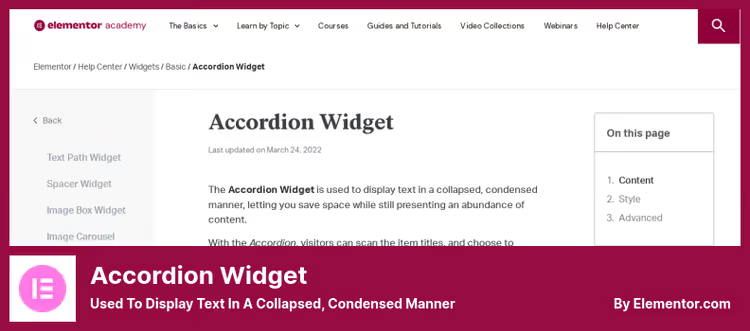
Built-in accordion widget inside Elementor. A solution for those already on this builder and don't want to hang a separate plugin for one block. Comes in Elementor Free core, no installation required.
Works like a typical Elementor widget: drag onto canvas, fill in section headings and content, choose expansion icon from library. Done. All styles (spacing, borders, shadows, typography) are configured with mouse in visual editor. HTML heading tags from H1 to H6 are selected from a dropdown list.
When the page loads, the first section is expanded, the rest are collapsed. Clicking another section closes the previous one, freeing up screen space. Classic behavior without surprises.
Pros:
- Zero additional load, widget is built into Elementor already on the site
- Full visual control: HTML heading tags, icons, borders, shadows
- Compatible with other Elementor widgets inside sections
Cons:
- Only works inside Elementor, incompatible with Gutenberg and Classic Editor
- No Schema FAQ, microdata must be added with a separate plugin
Price: free as part of Elementor Free. Additional icons and styles via Elementor Pro ($59/year).
🔗 Accordion Widget documentation
⁉️🤔 Common questions
How does an accordion differ from a tabs widget?
An accordion expands sections vertically, one below another. A new section usually closes the previous one. Tabs keep headings in a row and switch content horizontally. An accordion is better for FAQs and long lists, tabs for parallel comparison of 3-5 blocks. On a page with 10+ questions, tabs on mobile turn into an unreadable mess, we tested on real layouts.
Which plugin to use for Gutenberg?
Easy AccordionandAccordions. Both add a native block to the editor, both support nested sections and Schema FAQ.Easy Accordionwins in number of active installations and set of visual themes in Pro.Accordionsis strong in AI content generation and lazy load. If the site is on Gutenberg and out-of-the-box speed matters,Easy Accordion. If the priority is FAQ automation,Accordions.
Can you get by without a plugin at all?
Since WordPress 6.7, there's a native Details/Summary block in Gutenberg. But it's limited: no styling, expansion animations, Schema FAQ, or shortcode for template. The block is good for one or two hidden sections in a post body. For a systematic FAQ or a page with 15 questions, install a plugin, otherwise you'll spend time on workarounds instead of work.
Accordion Slider is free, what's the catch?
There's no catch. The plugin is completely free and open source. Developer bqworks earns on premium addons: Custom CSS & JavaScript and Revisions. But the core with horizontal accordion, layers, lazy loading, and touch swipes is given for free. A great choice for portfolios and galleries with visual "wow" on no budget.
What to install on a site with Elementor?
Built-in Accordion Widget, if its functionality is enough. Need Schema FAQ, AI question generation, or work outside Elementor, add
Easy Accordion: it's friendly with Elementor via a separate widget and doesn't conflict with the built-in accordion. For a store on Elementor + WooCommerce,Easy Accordionprovides a Product FAQ block with automatic markup.
What to install in 2026
The choice comes down to what the site is built on and what task you're solving.
Working in Gutenberg and need maximum out of the box, Easy Accordion. 80,000+ installations and an update from June 2026 speak for themselves. Schema FAQ, horizontal mode, AI generator, and 16 themes in Pro cover almost any scenario.
Site on Elementor and accordion needed for a couple of sections, use built-in Accordion Widget. Don't install a separate plugin for one block.
Building a visual gallery or portfolio with horizontal expansion, Accordion Slider. Free, with touch swipes and Retina support.
Budget is minimal and lots of functionality needed: bundle Accordions (free core) for AI content + Accordion FAQ for quick FAQ pages. Covers small business needs without investment.
Choose for your task, not someone else's rating. Any plugin from the roundup solves a specific scenario better than a "universal" accordion trying to please everyone.

A professional team of writers and editors specializing in creating quality content.