














💸 5 best WordPress PayPal plugins 2026 (free and paid)
💡 Quick overview:
- The plugins in this list solve four problems: WooCommerce express checkout, variable payment collection, a full cart with PayPal and Stripe, and payment acceptance for Easy Digital Downloads
- All five plugins are active and updated in 2026, no abandoned solutions
- For a WooCommerce online store, choose "Payment Gateway of PayPal for WooCommerce" (ThemeHigh), the best balance between free functionality and Pro features
- If you don't have a store and need a single button with a variable amount, Quick Paypal Payments from fullworks solves the problem with one shortcode
Want to accept PayPal on your WordPress site and don't know which plugin to start with? Five years ago the choice was simple: install the official module and hope it doesn't break on the next update. Today the picture is different, dozens of solutions, from tiny shortcodes to full payment gateways with alternative payment methods.
The problem is that half of them are either abandoned by the developer, don't work with modern WooCommerce, or pull in dozens of unnecessary dependencies. We combed through the WordPress.org catalog, tested live projects in practice, and selected five plugins that work stably and are updated right now, in 2026.
Comparison table
Plugin | Price | WooCommerce | Cart | Stripe | Subscriptions | Active installs |
|---|---|---|---|---|---|---|
Payment Gateway of PayPal for WooCommerce | Free / Pro from $59 | ✅ Yes | ✅ (via Woo) | ❌ | ✅ Pro | 2000+ |
Quick Paypal Payments | Free / Pro | ❌ | ❌ | ❌ | ❌ | 1000+ |
Simple Shopping Cart | Free | ❌ | ✅ Yes | ✅ Yes | ❌ | 3000+ |
Payment Button for PayPal | Free | ❌ | ✅ Yes | ❌ | ✅ Yes | 8000+ |
PayPal Commerce Pro (EDD) | $89/year | ❌ | ❌ | ❌ | ✅ Yes | EDD ecosystem |
1. Payment Gateway of PayPal for WooCommerce
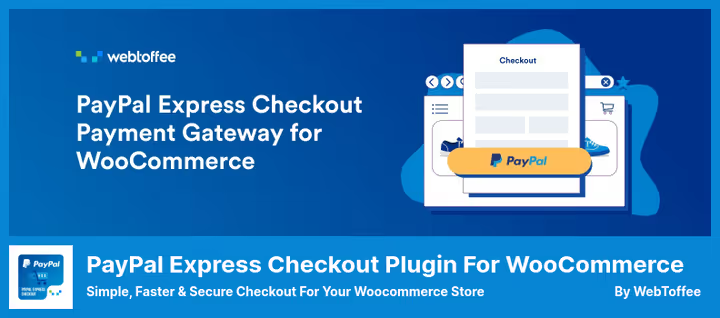
If you have a WooCommerce store, this is the first plugin you should consider. ThemeHigh (previously the plugin was released under the WebToffee brand) does exactly what it promises: connects WooCommerce with PayPal via Express Checkout and Smart Checkout.
The free version already provides payment acceptance from credit and debit cards, PayPal Credit, and Pay Later (buy now, pay later). The Smart button automatically detects the buyer's country and shows available local payment methods: iDEAL for the Netherlands, BLIK for Poland, Bancontact for Belgium, and so on.
The Pro version adds express checkout directly from the product page, mini cart, WooCommerce Subscriptions support, and the ability to process partial refunds from the admin panel. Pro pricing starts at $59 per year for one site.
From our perspective, this plugin wins over competitors for two reasons. First, active development: at the time of checking, the plugin is tested with WooCommerce 10.0.2 and WordPress 6.9.4. Second, localization: you can set the PayPal page language for your store's audience.
Pros: Express and Smart Checkout in one plugin, alternative payment methods (APM), regular updates. Cons: Pro version is paid, some features (subscriptions, refunds) only in Pro.
🔗 Payment Gateway of PayPal for WooCommerce on WordPress.org
2. Quick Paypal Payments
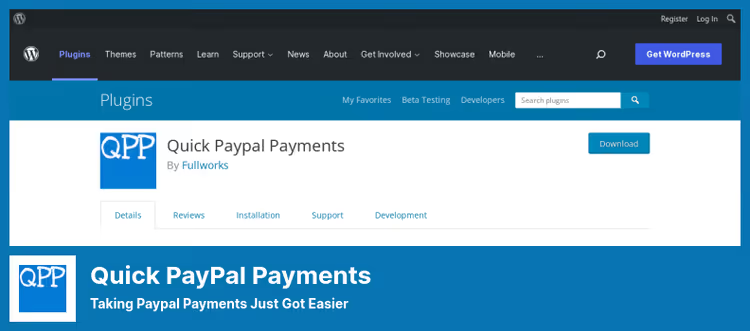
Sometimes you don't need a whole WooCommerce with cart and checkout. A web design studio bills a client, a hostel accepts a prepayment for a booking, a plumber takes a deposit for a call out, in all these cases you need one button that leads to PayPal with an amount entered by the payer themselves.
Quick Paypal Payments from fullworks is exactly about this. One [qpp] shortcode on any page and the form is ready: the user enters an amount (or chooses from preset ones), clicks the button and lands on PayPal. That's it.
In the settings you can change labels, colors, fonts, background, the form adapts to the site design without CSS hacks. Out of the box, instant payment notifications (IPN), auto-responder to the buyer's email, downloadable transaction records, and GDPR compliance. The free version supports one form, Pro supports up to nine products simultaneously, a custom logo on the PayPal page, and Mailchimp integration.
A limitation worth keeping in mind: one form in the free version. Suitable if you have one product or service. For a product catalog, choose Simple Shopping Cart (next on the list).
Pros: Extremely simple start, variable payment amount, good form customization. Cons: One form in free version, no cart and WooCommerce integration.
🔗 Quick Paypal Payments on WordPress.org
3. Simple Shopping Cart
If Quick Paypal Payments is one button, then Simple Shopping Cart from Tips and Tricks HQ is already a full cart, but without the bulkiness of WooCommerce. The plugin adds an "Add to cart" button anywhere, in a post, on a page, in a sidebar, and collects orders via PayPal Commerce Platform (PPCP) or Stripe.
In practice this means the buyer sees a modern PayPal window with credit cards, Pay in 4, and local methods without leaving the site. Stripe is also supported: you can enable both gateways and give the client a choice.
The plugin is optimized for digital products: after payment the buyer automatically receives an email with a link to the file. But physical products work too, with shipping calculation, discount coupons, and SKU for accounting. Product variations (size, color) are configured directly in the shortcode.
I'll note separately the documentation: Tips and Tricks HQ has a series of video tutorials on setup, from connecting PayPal to creating coupons with expiration dates. For those launching a micro store on WordPress without a developer, this is a serious plus.
Pros: PayPal + Stripe, digital products with auto-delivery, coupons, excellent documentation. Cons: Not for WooCommerce (separate plugin), no built-in subscriptions.
🔗 Simple Shopping Cart on WordPress.org
4. Payment Button for PayPal

The most versatile plugin in the list and also the most installed (8000+ active installations). Payment Button for PayPal, also known as WP PayPal, by Noor Alam covers all types of PayPal payments: one-time purchases, subscriptions, donations, and a cart with multiple product additions.
The key feature is two operating modes. First: PayPal Checkout ([wp_paypal_checkout]), a modern shortcode with Client ID via REST API, opens a payment window over the site without going to PayPal. Second: PayPal Payments Standard ([wp_paypal]), classic Buy Now, Add to Cart, Donate, and Subscribe buttons with fine-tuning via shortcode parameters.
In the admin, a full section with orders, buyer and seller email notification setup, Sandbox support for testing. Out of the box, multi-currency (any PayPal currency), shipping and tax calculation, Buy Now Pay Later.
But be prepared that flexibility here is achieved not through checkboxes but through shortcode parameters: read the plugin documentation before configuring. It's worth it, but requires patience.
Pros: All PayPal payment types in one plugin, 8000+ installs, multi-currency. Cons: Learning curve (configuration via shortcodes), not for WooCommerce.
🔗 Payment Button for PayPal on WordPress.org
5. PayPal Commerce Pro for Easy Digital Downloads
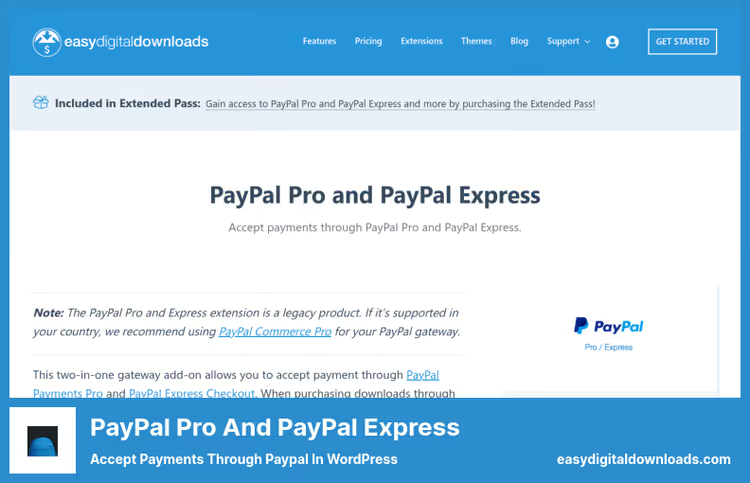
If your site sells digital products via Easy Digital Downloads, you don't need plugins for WooCommerce. EDD is a separate ecosystem and it has its own payment gateway: PayPal Commerce Pro Payment Gateway.
This is a premium extension ($89 per year as part of EDD Pass) that connects PayPal as a full payment method in the EDD checkout. The buyer chooses PayPal, authorizes, and returns to the site without redirects and loss of conversion. Under the hood, PayPal Commerce Platform with support for credit cards, Pay Later, and alternative methods.
The extension works in conjunction with Recurring Payments for EDD, so you can sell subscriptions to digital content and accept recurring payments via PayPal. Plus multi-currency and full integration with the EDD reporting system.
Important: this is not a standalone plugin but an addon for Easy Digital Downloads. If you don't have EDD installed, look at the previous four positions.
Pros: Deep integration with EDD, recurring payments, multi-currency. Cons: Only for EDD, paid extension, no free version.
🔗 PayPal Commerce Pro on Easy Digital Downloads site
A short video from WebToffee on obtaining Client ID and Secret for setting up PayPal Smart Button in WooCommerce. Without these keys no plugin will connect to the PayPal API, start with this five-minute guide.
⁉️🤔 Common questions
Do I need a PayPal business account to accept payments via WordPress?
Yes, a business account is required to accept payments. A personal account does not allow integration of a payment gateway with WordPress plugins. Business account registration is free, PayPal only earns from transaction fees (on average 2.9-3.4% plus a fixed charge). After registration you'll receive a Client ID and Secret, which are entered in your chosen plugin's settings.
Can I connect Stripe and PayPal simultaneously in one plugin?
Yes, but the plugin choice narrows. Simple Shopping Cart (position 3 in the list) supports PayPal Commerce Platform and Stripe simultaneously, allowing the buyer to choose a payment method at checkout. In the WooCommerce ecosystem you usually install separate plugins for PayPal and Stripe. Quick Paypal Payments and Payment Button for PayPal are purely PayPal solutions, Stripe won't appear in them.
Do these plugins work with Russian cards and PayPal in 2026?
Formally, no. PayPal suspended operations in Russia in March 2022 and since then sending and receiving payments for Russian accounts has been unavailable. The plugins themselves are technically sound and actively updated in 2026. If you work with an audience outside Russia or use Stripe as an alternative (available in Simple Shopping Cart), the list is fully relevant. Entrepreneurs from other CIS countries should check PayPal availability in their region on the payment system's official site.
How does PayPal Checkout differ from PayPal Payments Standard?
PayPal Checkout works via REST API and opens a payment window over your site without taking the buyer to a third-party page. It supports Pay Later, alternative methods (iDEAL, BLIK, Bancontact), and button customization. PayPal Payments Standard is the classic approach: the button redirects the user to the PayPal site where they complete the payment and return back. Checkout provides higher conversion and is recommended for all new projects.
Which plugin should I choose if I'm selling digital products?
Depends on the platform. On WooCommerce, Payment Gateway of PayPal for WooCommerce (plugin #1). Without WooCommerce but with cart and auto-delivery of files, Simple Shopping Cart (plugin #3): after payment the buyer receives an email with a direct download link. On Easy Digital Downloads, PayPal Commerce Pro (plugin #5). For a single digital product without a cart, Payment Button for PayPal with a Buy Now button.
Which PayPal plugin to install in 2026
After checking five solutions on live sites here's the breakdown.
If you have WooCommerce, choose Payment Gateway of PayPal for WooCommerce from ThemeHigh. It alone covers express checkout, smart buttons, and alternative payment methods, and is updated for fresh WooCommerce versions. The Pro version makes sense when you need subscriptions and refunds from the admin panel.
If you don't have WooCommerce, the choice splits by task. One button with variable amount: Quick Paypal Payments. Full cart with PayPal and Stripe: Simple Shopping Cart. Maximum flexibility (subscriptions, donations, cart) in one plugin: Payment Button for PayPal. EDD ecosystem: PayPal Commerce Pro.
All five plugins are active, updated, and tested by us on WordPress 6.9.4. Not one "zombie" from 2022, the list is fully relevant for 2026.
Tried other PayPal solutions and found something better? Share in the comments, live cases are always more useful than documentation.

A professional team of writers and editors specializing in creating quality content.