













 AIIllustrative image: AI-generated
🥇 6 best lead generation plugins for WordPress 2026 (free and Pro)
Traffic flows, pages scroll, but no leads come in. Sound familiar? A WordPress site without lead generation loses most potential contacts: a visitor won't leave their email for no reason, they need a compelling offer.
A sidebar form saying "subscribe to our newsletter" doesn't provide that offer. Conversion rates for such forms are fractions of a percent. But a popup with a timer and lead magnet at exit captures several times more from the same traffic. The difference is in the capture mechanism.
In this roundup, 6 tools that cover different lead generation scenarios on WordPress: from viral contests to live chat and CRM automation. Each has been tested on real projects and solves a specific task, no "universal combines" that can't do anything properly.
💡 Quick overview:
- Launch
RafflePresswhen you need viral list growth through contests and giveaways - Install
OptinMonsterif smart popups with Exit-Intent and A/B testing are critical - Choose
Thrive Leadsto manage all lead generation from the WordPress admin, without external services - Deploy
OptimizePresswhen you need landing pages, funnels and sales pages with capture forms - Connect
HubSpotif you require a full-featured CRM with forms, chat and email automation - Integrate
LiveChatto convert visitors into leads through live conversation
Plugin | Type | Free version | Pro price | Scenario |
|---|---|---|---|---|
| Contests and giveaways | Yes (wp.org) | From $39/year | Viral list growth |
| Popups and forms | 500 views/month | From $7/month | Smart lead capture |
| Subscription forms | No | $19/month | Native lead generation |
| Landing pages and funnels | No | $99/year | Pages + checkouts |
| CRM + forms + chat | Yes (CRM) | From $15/month | CRM automation |
| Live chat | 14-day trial | From $16/month | Conversion through dialogue |
1. RafflePress

A viral contest builder for WordPress with drag-and-drop assembly. The mechanics are simple: a visitor enters a giveaway, and for additional actions, subscribing to a newsletter, sharing on social media, watching a video, they get bonus chances to win. One participant brings in several more, and the list grows exponentially.
Setting up a contest takes 5-10 minutes: choose a prize, set actions for participants, specify deadlines. The plugin itself verifies completion of conditions through social media APIs and selects a winner randomly. No code required, straight from the WordPress admin.
Pros:
- Free version on wordpress.org with core contest functionality
- Built-in protection against cheating and fake registrations
- Integration with Mailchimp, ActiveCampaign, Drip, Constant Contact and Zapier
Cons:
- Pro starts at $39/year (see RafflePress pricing)
- Focused specifically on contests: not suitable for popups and subscription forms
Price: free version on wordpress.org, Pro from $39/year.
🔗 RafflePress on WordPress.org
2. OptinMonster
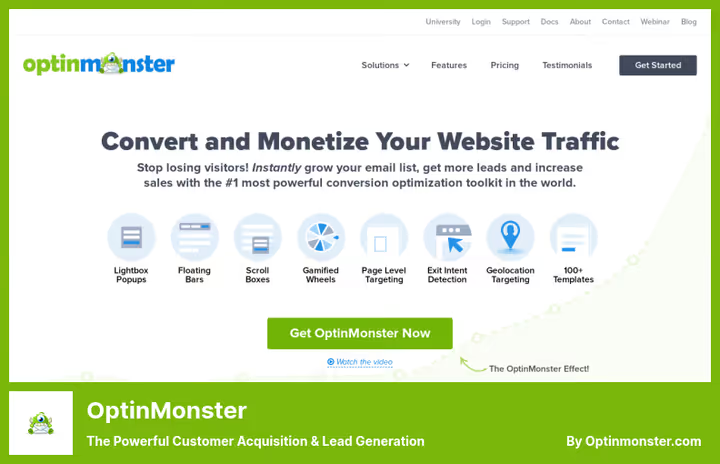
A professional SaaS popup and capture form builder. The main feature is patented Exit-Intent: the plugin tracks cursor movement and shows a window at the exact moment when a visitor is about to close the tab. According to data from the service itself, this recovers 10-15% of abandoning traffic.
On board are 700+ ready-made templates, A/B testing, targeting by page, geolocation, device type and traffic source. A campaign launches in 15 minutes: choose a template, configure a trigger, connect an email service. Integrations with all popular ESPs: Mailchimp, Klaviyo, HubSpot, ConvertKit and dozens of others.
Pros:
- Exit-Intent works more accurately than alternatives thanks to a patented algorithm
- OnSite Retargeting: regular visitors see fresh offers
- Revenue Attribution: you can see which campaigns bring money, not just email addresses
Cons:
- Free plan only has 500 views per month, then from $7/month (see OptinMonster pricing)
- This is an external SaaS: campaigns are managed in a cloud dashboard, not from the WordPress admin
Price: from $7/month (free starter plan with 500 views available).
3. Thrive Leads
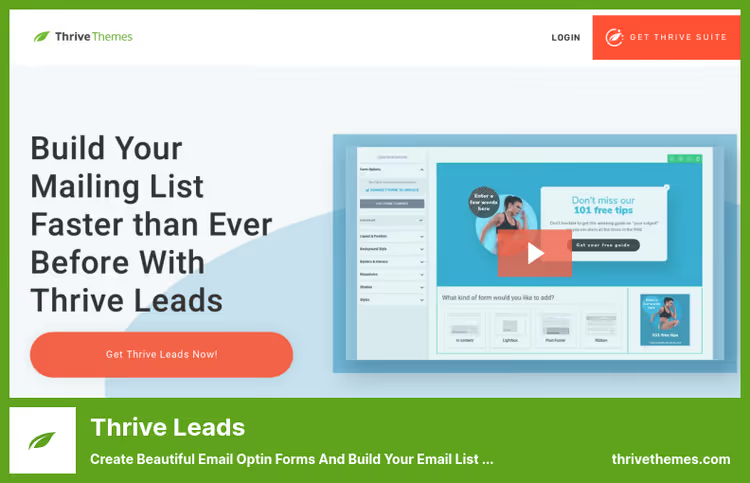
A plugin from Thrive Themes that collects all opt-in form formats in one tool: lightboxes, slide-in, sticky ribbons, Content Lock, Scroll Mat, Yes/No forms and two-step subscriptions. Everything is managed from the WordPress admin, no need to log into an external service or pay for each new site separately.
A/B testing is built right into the plugin: launch two form variants and see which converts better. SmartLinks and SmartExit automatically hide forms from existing subscribers, they don't see repeat offers. Detailed statistics for each form: views, conversions, traffic sources.
Pros:
- Everything inside WordPress, without external dashboards
- Full set of form types: from popups to Content Lock
- Built-in A/B testing and SmartLinks
Cons:
- No free version, starts from $19/month (see Thrive Themes pricing)
- No geo-targeting and OnSite Retargeting like OptinMonster
Price: from $19/month (as part of Thrive Suite, $299/year for 9 plugins).
4. OptimizePress
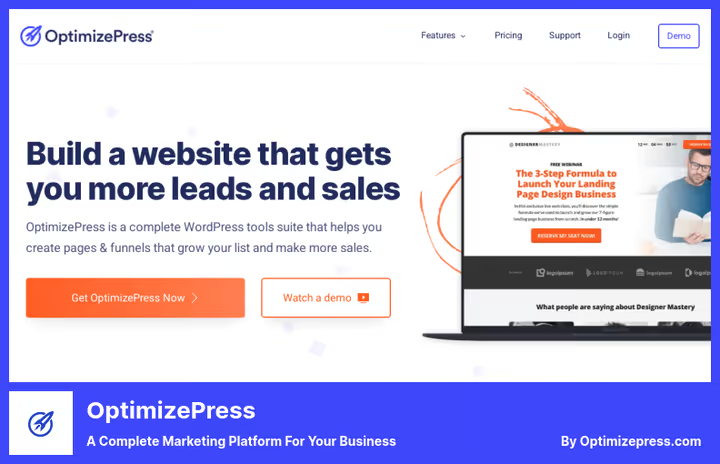
A platform for creating landing pages, sales pages and funnels with built-in lead generation. Unlike purely "popup" plugins, OptimizePress builds complete pages: from a single-page landing with a capture form to a multi-step funnel with checkout.
Visual drag-and-drop builder with 400+ templates. On board are A/B split testing, conversion dashboard, integration with 50+ email services and CRMs. A separate OptimizeCheckouts module accepts payments directly on the site: cards and PayPal. Landing pages load fast, according to developer tests, 90+ score in Google PageSpeed.
Pros:
- Full-featured landing page builder and checkout in one tool
- 400+ templates optimized for conversion
- One-time annual payment instead of monthly subscription
Cons:
- Overkill if you only need popups, get OptinMonster or Thrive Leads
- Higher barrier to entry than simple form builders
Price: from $99/year (includes all modules: builder, checkouts, funnel builder, courses).
5. HubSpot
A free CRM with a WordPress plugin that adds capture forms, popups and live chat to the site. All contacts automatically go into a single database, where the interaction history is attached to the lead card: which pages they viewed, which emails they responded to, which manager they talked to.
HubSpot is especially good for B2B: you can set up an automatic email sequence after form submission, put a chatbot for lead qualification and schedule a meeting through the built-in scheduler. The plugin is free, as is the basic CRM functionality, up to 1,000,000 contacts without payment. Paid plans add marketing automation and advanced analytics.
Pros:
- Free CRM with unlimited contacts
- Forms, popups, chat and chatbot in one plugin
- Deep automation: emails, tasks, meetings
Cons:
- Paid plans get sharply expensive (Marketing Hub from $15/month for 1,000 contacts)
- Locked into the HubSpot ecosystem: migrating data is difficult
Price: free CRM, Marketing Hub from $15/month.
6. LiveChat

Live chat, one of the most converting lead generation channels. A visitor asks a question to an operator in real time, and the operator collects contact information along the way: email, phone, name. According to LiveChat data, implementing chat increases conversion to a request by 25-30% in ecommerce scenarios.
The plugin installs in 5 minutes and adds a chat widget in the bottom right corner of the site. Inside is a unified operator panel: all conversations, request history, visitor data (country, browser, current page). Integrations with Facebook Messenger, messengers, HubSpot, Salesforce and dozens of CRMs.
Pros:
- Quick installation and minimal barrier to entry for operators
- Built-in chat analytics: missed, response time, ratings
- 14-day trial without a card
Cons:
- From $16/month for the basic plan, more expensive than text forms
- Requires a live operator during business hours (chatbot is a separate product)
Price: from $16/month (14-day free trial).
More about lead generation mechanics and typical mistakes when setting up forms in this video from the WPBeginner team. Real-world analysis: how the wrong choice of CAPTCHA solution can cut conversion almost in half and what to replace it with.
⁉️🤔 Frequently asked questions
What's the difference between OptinMonster and Thrive Leads?
OptinMonster is an external SaaS with patented Exit-Intent, geo-targeting and Revenue Attribution. Thrive Leads is a native WordPress plugin with built-in A/B testing and SmartLinks. Choose OptinMonster if you need maximum targeting precision and you're ready to work in a cloud dashboard. Thrive Leads if you want to manage everything from the WordPress admin and not pay for each new site separately.
Why pay for lead generation if there are free plugins?
Free versions cover the basic scenario: installed a form, collecting email. But as soon as you need A/B testing, behavioral targeting or Exit-Intent, the functionality of free versions ends. The difference between a free plugin and OptinMonster or Thrive Leads is the difference between "form is hanging" and "form is shown to the right visitor at the right moment". The second converts 2-5 times higher. For a start, free RafflePress or HubSpot CRM is enough: test the hypothesis, then scale.
Can you use multiple plugins at once?
Technically yes, but with a caveat. Put OptinMonster, Thrive Leads and a HubSpot popup on one site, the visitor will see a cascade of popup windows and leave. The right approach: one plugin for popups and forms, a second for chat, a third for landing pages. They don't conflict because they work at different contact points. For example: OptinMonster for popups, LiveChat for conversations, OptimizePress for landing pages.
How much does this affect site speed?
Modern lead generation plugins load asynchronously and don't block rendering. OptinMonster loads scripts through CDN after full page rendering. Thrive Leads uses deferred loading for non-critical resources. In practice, the increase in load time with one lead generation plugin is 100-300 ms, which is within the margin of error for good hosting. Problems start when you install 3-4 such plugins simultaneously: each pulls its own JS and CSS. Stick to one plugin per contact point.
Which plugin to choose if the budget is minimal?
Start with free
RafflePress(wordpress.org) for contests or freeHubSpotCRM for forms and chat. Both provide working functionality without payment. When the list goes over 500-1000 contacts and you want A/B tests, switch to OptinMonster Basic for $7/month. This is the minimum price for a serious conversion upgrade.
What to install in 2026
If budget is limited and you need a quick start, RafflePress and HubSpot CRM will cover basic scenarios for free. Need smart popups with precise targeting, OptinMonster is unmatched in Exit-Intent and Revenue Attribution. Want to manage everything from the WordPress admin without external subscriptions, Thrive Leads is your choice. And when the task goes beyond popups and requires landing pages with checkouts, OptimizePress assembles the full cycle from capture to payment.
Don't try to cover everything with one tool. A combination of two plugins, for example OptinMonster for popups + LiveChat for conversations, gives more conversions than one "universal" combine. Choose for your task, not for someone else's rating.

A professional team of writers and editors specializing in creating quality content.