













 AIIllustrative image: AI-generated
🥇 8 best WordPress WYSIWYG editors 2026: free and Pro
Build a landing page in an evening without a line of code, a familiar scenario for any WordPress developer. But one visual editor is not like another. One turns layout into drag-and-drop without the headache. Another loads for 3 seconds, breaks the layout after an update, and leaves behind a kilometer of nested <div> tags.
We're not theorizing. Every plugin in this roundup has been tested on real projects: from a simple business card site to a multi-page WooCommerce store. Eight tools, eight honest verdicts.
💡 Quick overview:
- Three full-featured page builders cover most tasks:
Elementor(maximum features),Beaver Builder(stability and clean code),Divi Builder(visual freedom). - The remaining five are specialized tools: landing pages with A/B testing (
Leadpages), conversion pages (Thrive Architect), grids and galleries (Essential Grid), lightweight layout without theme dependency (SiteOrigin,MotoPress). - Four out of eight have free versions. Commercial licenses start at $29.
Comparison table: 8 visual editors in 30 seconds
Plugin | Type | Free version | Pro price (from) | Key feature |
|---|---|---|---|---|
| Page builder | Yes | $49/year | 100+ widgets, Theme Builder, AI |
| Page builder | Lite | $89/year | Stability, clean code, white-label |
| Page builder | No | $89/year | Visual design without limits, Divi 5 |
| Conversion builder | No | $99/year | A/B tests, funnels, personalization |
| SaaS + WP plugin | 7 days | $49/month | AI landing pages, Smart Traffic, heatmaps |
| Grid/gallery | No | $39/year | Responsive grids for any content |
| Page builder | No | $39 | Compatible with any theme |
| Page builder | Yes | $29 | Free forever, widget-based |
A visual comparison of the three main WordPress page builders in 2026: Elementor, Divi, and Gutenberg. The author examines speed, SEO, and real-world scenarios for each tool.
1. Elementor
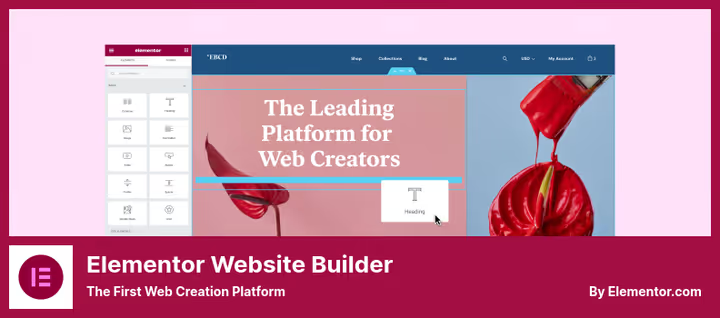
The most popular page builder for WordPress: 10+ million active installations, 5,000+ ratings on wordpress.org, average rating 4.6. Elementor set the standard for visual layout in WordPress and still holds the bar.
The interface has live preview with right-click, drag-and-drop, and a built-in text editor. Hover over a block, change text directly on the page without switching to the sidebar. For complex layouts there's Navigator, a tree structure of the page where each container and widget is visible as a separate layer.
The free version provides 40+ widgets: headings, text, images, video, buttons, icons, Google Maps. Pro adds 60+ more: forms with integrations (Mailchimp, HubSpot, ActiveCampaign), sliders, galleries, WooCommerce widgets for product cards, cart, and checkout. And since 2026, Elementor has built AI code generation, text, and layout directly into the editor.
Pros:
- Theme Builder: visual layout for header, footer, archives, 404, single posts, and WooCommerce pages
- Popup Builder: popups with triggers (exit intent, scroll percentage, time on page)
- Global font and color settings, changed the brand, updated everywhere
- 300+ ready-made page and block templates in Pro
Cons:
- On complex layouts can generate heavy DOM structure
- Pro license only for 1 site, for 3 sites you need the more expensive Advanced plan
- Learning curve: basics in an hour, fine-tuning the theme takes several days
Price: Free version on wordpress.org. Pro from $49/year for 1 site (Essential).
🔗 Elementor on WordPress.org🔗 Elementor Pro
2. Thrive Architect
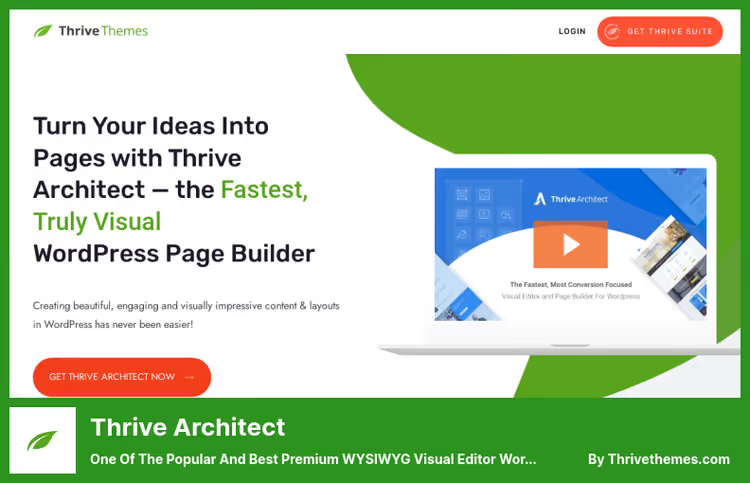
Thrive Architect is not a universal page builder. It's optimized for conversion: landing pages, capture pages, sales pages, webinars. If Elementor builds an entire site, Thrive builds a funnel that turns a visitor into a lead.
300+ templates for specific scenarios: webinar registration, selling an online course, collecting email addresses. Each template is designed for conversion, not for "beautiful design." The editor is visual, with the ability to edit text directly on the page.
Built-in A/B testing (via the Thrive Optimize plugin) lets you test headlines, buttons, images, and entire sections. For a marketer who wants numbers, not guesses, this is a key advantage.
Pros:
- Conversion elements out of the box: timers, subscription forms, testimonial blocks, pricing tables, progress bars
- Dynamic personalization: different content for different audience segments
- Integration with most email services without Zapier
Cons:
- No free version, from $99/year on the Thrive site, above average for the roundup
- Not suitable for a full website: no Theme Builder, not optimized for blogs and catalogs
- Tied to the Thrive Themes ecosystem: maximum benefit only with the entire Suite
Price: $99/year for 1 site. Thrive Suite from $299/year for all 9 plugins.
3. Leadpages
Leadpages is a SaaS platform for landing pages with a separate WordPress plugin for publishing. Unlike classic page builders, pages here are not created inside WordPress, but in a cloud editor and synced to the site with the click of a button.
The key difference in 2026: AI page generation from a text description. Describe the campaign in a sentence, get a ready-made branded landing page in 60 seconds. Then it self-optimizes: A/B tests launch automatically, Smart Traffic routes visitors to the best variant.
For a web developer this is not a replacement for Elementor, but a specialized tool for paid campaigns. Google Ads, landing page, lead. Without the distraction of design and layout.
Pros:
- Fully automatic A/B testing with winner selection
- Smart Traffic: different traffic sources get different page variants
- Built-in heatmaps and conversion analytics, no separate Hotjar needed
- 250+ templates optimized for conversion
Cons:
- Subscription from $49/month, the most expensive tool in the roundup
- Page creation outside WordPress, separate account and editor
- Not suitable for building an entire site, only landing pages
Price: From $49/month (annual payment), 7-day free trial.
🔗 Leadpages on WordPress.org🔗 Leadpages site
4. Beaver Builder
Beaver Builder is the choice of developers who value stability. Since 2014, not a single critical update that broke layout. If Elementor chases features, Beaver Builder polishes what already works.
The interface is a frontend editor with a sidebar. Modules: text, image, button, video, HTML, sidebar, contact form. For developers, support for custom CSS classes and IDs, the ability to write your own modules.
The Pro version adds Beaver Themer, a visual editor for header, footer, archives, and single posts. Plus Loop Builder for custom post grids and WooCommerce integration.
Pros:
- Maximally clean DOM and semantic markup
- Doesn't load unnecessary scripts on pages without Beaver Builder
- White-label: you can replace the logo and name with your own, for agencies
- Compatibility with WPML out of the box
Cons:
- Fewer built-in widgets than
ElementororDivi - The free Lite version is more limited than competitors
- Starter Pro license ($89) only for 1 site, for 3 sites Plus at $179/year
Price: Lite free on wordpress.org. Pro from $89/year for 1 site (Starter), $179/year for 3 sites (Plus), $299/year for 50 sites (Professional).
🔗 Beaver Builder Lite on WordPress.org🔗 Beaver Builder Pro
5. Divi Builder
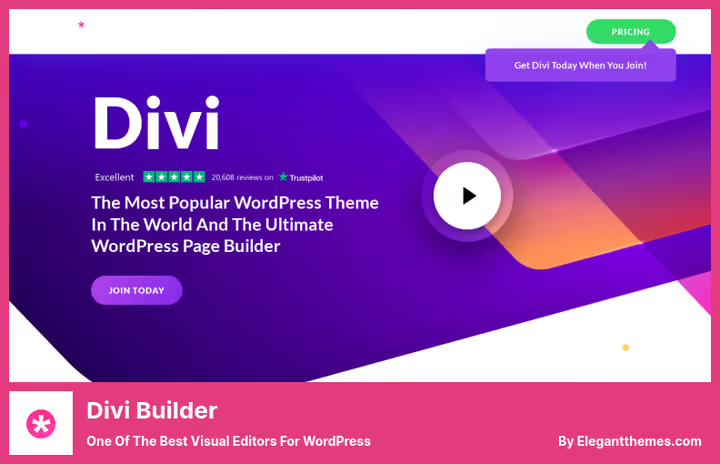
Divi Builder from Elegant Themes is the second most popular visual editor after Elementor. The main difference: complete visual freedom. Edit every pixel through the settings panel: shadows, gradients, animations, filters, transformations, a graphic designer's arsenal inside WordPress.
In February 2026, Divi 5 was released, a completely rewritten engine. Performance increased significantly by abandoning shortcodes and moving to a React architecture. The interface remained the same, but the speed of the editor and frontend became comparable to Beaver Builder.
2,000+ ready-made layouts, 200+ modules, Theme Builder for all parts of the site. A separate plus is Divi AI: generates text, images, and even CSS code from text descriptions.
Pros:
- Maximum control over visuals: shadows, gradients, filters, animations on everything
- Divi Teams: collaborative work on projects for agencies
- License for unlimited sites at $89/year
- Divi Marketplace: thousands of third-party modules and layouts
Cons:
- When the plugin is disabled, content remains in shortcodes, a lock-in problem
- High entry barrier: understanding all the settings takes several days
- Without Divi 5, historically lost to
ElementorandBeaver Builderin speed
Price: $89/year for unlimited sites (includes all Elegant Themes products).
6. Essential Grid
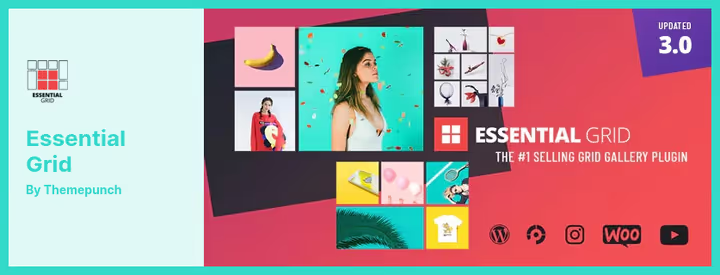
Essential Grid is not a page builder, but a specialized plugin for building responsive grids. Portfolio, gallery, product catalog, blog post grid, YouTube/Vimeo video collection, Instagram feed, any content that needs to be organized into a card grid.
The visual grid editor lets you configure the number of columns, spacing, shadows, hover effects, fonts, and card colors. 50+ ready-made templates for different content types. Under the hood is CSS Grid, which provides clean markup and good performance.
For a WooCommerce store, Essential Grid solves the "beautiful product showcase" task without editing the theme code. For a blog, a stylish post grid instead of standard loop output.
Pros:
- 50+ grid templates, customizable without code
- Support for YouTube, Vimeo, Instagram, Flickr, SoundCloud in grid cells
- Export/import skins between projects
- Compatibility with WooCommerce, NextGen Gallery, social networks
Cons:
- Not a page builder, only grids, not a replacement for
ElementororBeaver Builder - Subscription from $39/year, one-time licenses are no longer sold
- Overkill for a small number of elements, regular CSS Grid will do the same thing
Price: From $39/year for 1 site (Starter).
7. MotoPress Content Editor
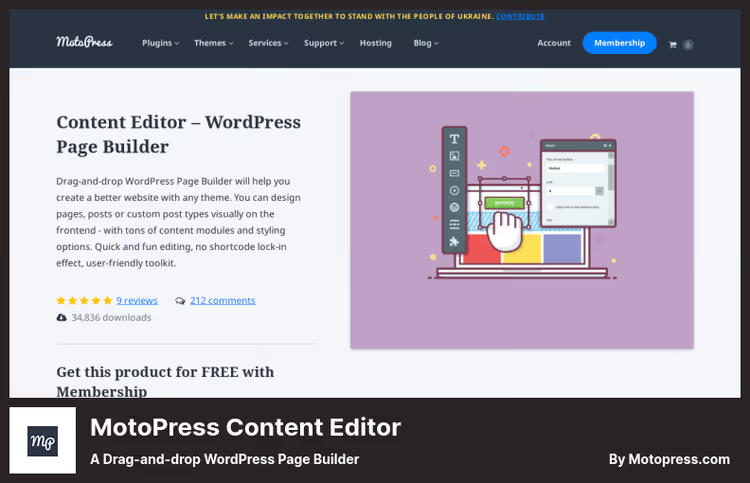
MotoPress Content Editor is a drag-and-drop page builder compatible with any WordPress theme. Not tied to an ecosystem, doesn't require a "special" theme to work. Activated, dragged modules, got a page.
30+ content modules: text, image, button, gallery, video, Google Maps, booking form. All layouts are responsive. A separate feature is the ability to lock part of the content for registered users, a membership function out of the box.
For simple sites where you don't need a full Theme Builder and a hundred animations, MotoPress meets the need for visual layout without extra baggage.
Pros:
- Doesn't conflict with themes: works with any, including custom
- Built-in membership function: hidden content for subscribers
- Low price relative to competitors
- Simple interface without overload of settings
Cons:
- Fewer modules than leaders (30 vs. 100+ for
Elementor) - No Theme Builder, only pages and posts
- Community and addon ecosystem significantly smaller
Price: $39 (one-time payment, 12 months support).
8. Page Builder by SiteOrigin
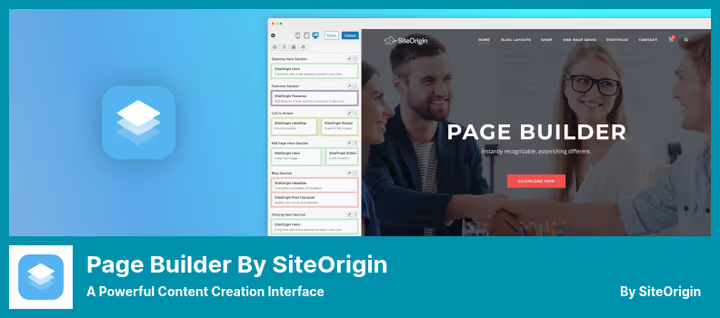
SiteOrigin Page Builder is a veteran of the WordPress ecosystem. Operating since 2011, 500,000+ active installations, 1,000+ reviews on wordpress.org. And free forever, this is not a cut-down Lite version, but a full-featured tool.
The ideology is not a visual editor on the frontend, but a backend builder based on WordPress widgets. Row, column, widget, the classic triad. For those closer to the WordPress admin than live preview, this is a plus, not a minus.
SiteOrigin Premium ($29) adds custom CSS animations, additional widgets, and priority support. But the basic version covers the vast majority of typical site tasks.
Pros:
- Completely free, no ads and no feature cutting
- Compatibility with any themes and third-party widgets
- Live Editor in Premium version for editing content on the frontend
- Block Editor support: Layout Block inserts Page Builder layout into Gutenberg
Cons:
- Backend editor, not visual frontend, less clarity
- Active development focused on compatibility, not on new features
- Visually inferior to
ElementorandDiviin styling capabilities
Price: Free. SiteOrigin Premium, $29.
🔗 Page Builder on WordPress.org🔗 SiteOrigin Premium
⁉️🤔 Frequently asked questions
Is a free page builder enough?
For most sites, yes.
ElementorFree andSiteOrigin Page Buildercover basic layout: columns, text, images, buttons, forms. Pro versions are needed when you go beyond a "beautiful page": Theme Builder for header/footer, popups, dynamic data from custom fields, WooCommerce customization. In practice, most agencies start with free versions and buy Pro for a specific project. For a typical landing page or business card site,ElementorFree + a free theme like Hello Elementor closes the task completely. Pro is taken when you need Theme Builder or popups.
What's the difference between a page builder and a WYSIWYG editor?
A page builder is an add-on to WordPress that replaces the standard editor: you layout the page with columns, sections, and modules. A WYSIWYG editor is an interface inside a plugin that shows the result "as on the site" in real time. All modern page builders are WYSIWYG, but not all WYSIWYG tools are page builders.
Essential Grid, for example, provides a visual grid editor but doesn't build entire pages. Page builder = site constructor. WYSIWYG = "what you see is what you get," a display principle. Most tools in the roundup combine both concepts.
Which page builder loads the site the least?
Beaver Builderloads only the assets actually used on the page.SiteOrigin Page Builderis extremely lightweight because it's based on standard WordPress widgets.ElementorandDivion complex layouts generate more DOM elements, but in practice the difference in load speed is solved by caching and CDN, not by choosing a builder. According to our measurements:Beaver Builderadds 40-80 KB to the page size.Elementor, 150-300 KB.Divi(version 5), 100-200 KB. The difference is noticeable on weak hosting without caching.
Do I need a page builder if I know how to code in HTML/CSS?
Depends on the project. For a custom site with unique design, no, write it in clean code. For a typical client site where tomorrow the client will want to fix text in a block, yes. The page builder saves not you (you already know CSS), but the client: they get a visual editor instead of having to call you for every headline fix. If the client will change content themselves, install a builder. If the site is forever yours and edits only through you, code wins in performance.
Can you use two page builders at the same time?
Technically, yes. Practically, don't do it. Style conflicts, double asset loading, different content output logic. Plus when disabling one builder, the content of the second may break. Choose one tool for the project and stick to it. Exception: specialized plugins like
Essential Gridthat don't compete with the main builder but complement it in their niche.Elementor+Essential Grid, ok.Elementor+Beaver Builder, not ok.
What to install in 2026: breakdown by tasks
There's no universal answer. Choosing a visual editor is a derivative of the task, budget, and who will work with the site after you.
If you're a freelancer who delivers turnkey sites to clients, take Elementor Pro. 100+ widgets, Theme Builder, Popup Builder, and a huge ecosystem of addons cover the vast majority of scenarios without involving a programmer.
If you're an agency for which stability is more important than marketing features, take Beaver Builder. 12 years without critical bugs, white-label, clean markup, and predictable behavior on any hosting.
If you're a marketer driving paid traffic to landing pages, take Leadpages. AI optimization and Smart Traffic pay for the subscription through conversion.
And remember the rule: a builder is not forever. In a year or two the project may outgrow the current tool, and that's normal. The main thing is that today it doesn't interfere with your work. Choose for the task, not for someone else's rating.

A professional team of writers and editors specializing in creating quality content.