













🥇 9 best Elementor addons for WordPress 2026 (free and paid)
Elementor is the most popular WordPress page builder. According to W3Techs data, it's used by more than 7% of all websites on the internet. But out of the box, it lacks flexibility: the standard widgets are limited, header and footer customization is restricted, and WooCommerce tools are almost nonexistent.
Addons fill these gaps. They add dozens of new widgets, templates, and extensions, from animated headings to mega menu builders. The problem is that there are hundreds of such plugins, and half of them are frankly garbage that will slow down your site.
Below are nine proven addons that actually work in 2026: from free must-haves to powerful premium all-in-ones like Crocoblock. Each has been tested on a live site, and each comes with an honest list of cons.
💡 Quick overview:
- Determine what features your site needs: just widgets, header/footer, WooCommerce, or a full set for complex projects.
- Start with free addons, they cover most common tasks. Add premium ones when you need mega menus, dynamic data, or advanced popups.
- For an online store, go with PowerPack or Crocoblock. For a quick start, Essential Addons or Qi Addons will work.
Product | For whom | Price | Key feature |
|---|---|---|---|
Essential Addons | All-rounder: 80+ widgets for every case | Free / Pro from $39 | Largest collection of free elements |
Ultimate Add-Ons | Designers who need maximum control | Premium only | 200+ blocks and deep customization |
Crocoblock | Developers of complex sites | From $199/year | Dynamic data, loops, mega menus |
PowerPack | WooCommerce store owners | Free / Pro from $49 | Best-in-class WooCommerce widgets |
Qi Addons | Beginners: 60+ free widgets | Free / Pro from $49 | Largest free library from Qode |
1. Essential Addons for Elementor
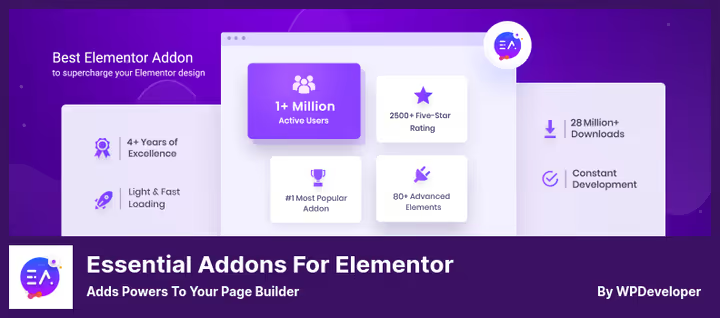
Essential Addons is the most popular free addon for Elementor: 80+ elements in the free version and 100+ in Pro. The developer, WPDeveloper, is the same team behind Templately and ReviewX.
The main advantage is scale. Everything's here: from flip boxes and timelines to advanced tables, filterable galleries, and subscription forms. Each widget can be enabled or disabled individually, unnecessary stuff doesn't load, and the site doesn't slow down.
In practice, the free version is sufficient. The Pro plan is chosen when you need popups, post loops, dynamic WooCommerce galleries, or ACF integration.
- Pros: 80+ free widgets; selective element loading, no excess code; active support (6.6.7 as of June 2026); compatibility with all themes.
- Cons: Advanced WooCommerce functionality only in Pro; settings interface is cluttered due to abundance of options.
- Price: Free version on WordPress.org, Pro plans from $39/year.
- Download: 🔗 Essential Addons on WordPress.org | 🔗 Pro version on developer site
2. Ultimate Add-Ons for Elementor
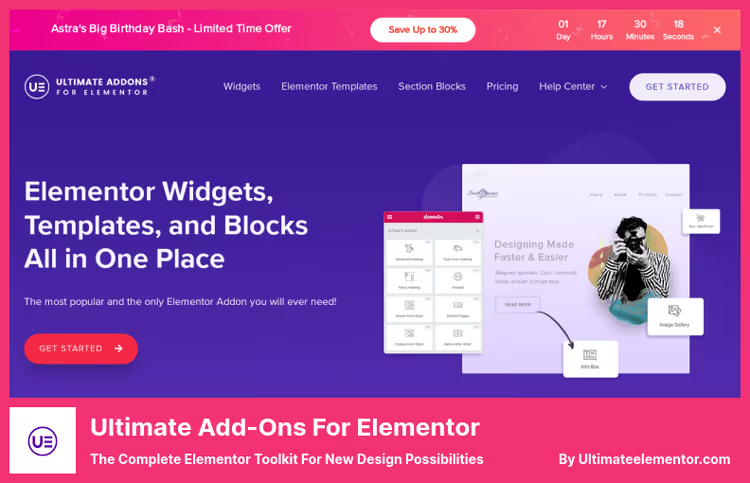
Ultimate Add-Ons for Elementor is the flagship product from Brainstorm Force, the team behind the Astra theme. This is a fully premium addon: there's no free version, and that's a deliberate decision.
Inside are 200+ ready-made section blocks and 50+ widgets. The difference from competitors: widgets here aren't "yet another slider," but thoughtfully designed tools with fine customization. For example, cross-domain element copying lets you transfer blocks from one site to another without export-import.
The plugin is optimized for Astra but works with any theme. The price includes 12 months of support and lifetime updates.
- Pros: 200+ ready-made blocks, saves hours of layout work; cross-domain copying; lifetime updates; from a reputable team (Astra, Starter Templates).
- Cons: No free version, premium only; tied to Brainstorm Force ecosystem (full commitment to Astra).
- Price: Premium only, from $49/year.
- Download: 🔗 Ultimate Add-Ons on developer site
3. Elementor Header & Footer Builder
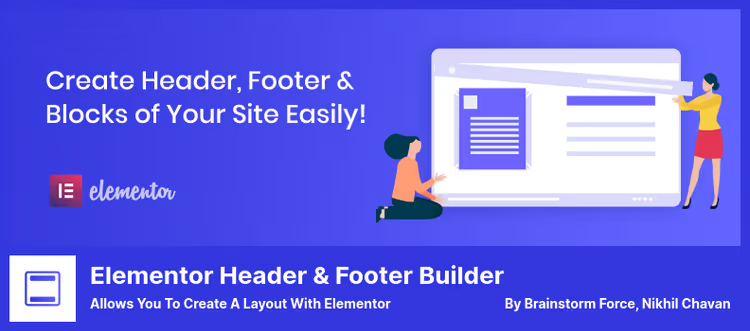
Also from Brainstorm Force, but completely free. Elementor Header & Footer Builder solves one task and solves it perfectly: it lets you build headers, footers, and intermediate blocks visually through Elementor, without code.
Previously, this required Elementor Pro ($59/year). Now it's free, with the ability to specify display conditions: on which pages, for which roles, by which rules.
Shortcodes let you insert the built block anywhere, whether in the post body or in a sidebar. And the "Before Footer" area is useful for analytics scripts and custom code.
- Pros: Completely free; visual header/footer editor; shortcodes for inserting blocks in any area; display conditions by page.
- Cons: Only header, footer, and blocks, no content widgets; no built-in mega menu.
- Price: Free.
- Download: 🔗 Header & Footer Builder on WordPress.org
4. PowerPack Addons for Elementor
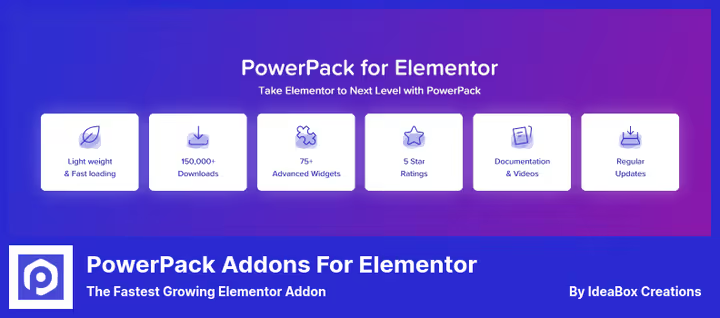
PowerPack Addons is one of the oldest addons for Elementor, and over the years it has grown the best WooCommerce integration among competitors. In the Pro version: 70+ widgets and 150+ ready-made templates for different niches: tourism, restaurants, real estate, marketing agencies.
WooCommerce widgets come as a separate package: product page builder, categories, cart, the entire product funnel is assembled visually. For an online store, this is the most sensible choice among Elementor addons.
White-label mode lets you replace the branding with your own, useful for agencies that deliver sites to clients.
- Pros: Best-in-class WooCommerce widgets; 150+ ready-made templates; white-label for agencies; active updates (v2.10.4 as of June 2026).
- Cons: Known conflicts with some niche plugins; Pro price is slightly above average.
- Price: Free Lite version on WordPress.org, Pro from $49/year.
- Download: 🔗 PowerPack Lite on WordPress.org | 🔗 Pro version
5. Starter Templates
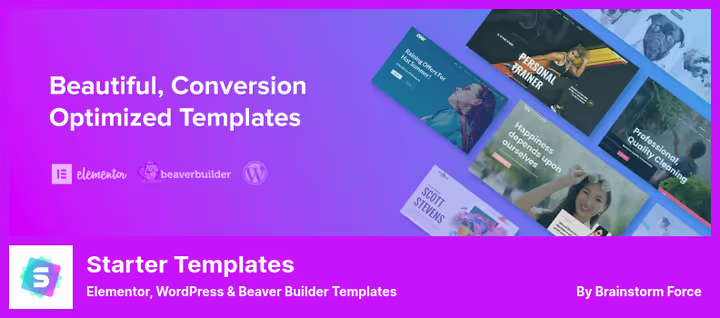
The third product from Brainstorm Force on this list. Starter Templates (formerly Astra Sites) is not a widget addon, but a library of ready-made sites: 280+ fully built templates that import in one click.
The hook is that the plugin works not only with Elementor: it supports Beaver Builder, Brizy, and native Gutenberg. You can import an entire site, a separate page, or just a block, and immediately edit it in your familiar builder.
For a beginner, this is the fastest way to launch a site: choose a template → import → replace content with your own. Time from zero to a working page: about 15 minutes.
- Pros: 280+ ready-made sites; support for 4 builders; selective import (page/block); free.
- Cons: Templates are tied to Astra, with other themes some styles break; after import, manual cleanup of excess blocks is needed.
- Price: Free.
- Download: 🔗 Starter Templates on WordPress.org
6. Master Addons for Elementor
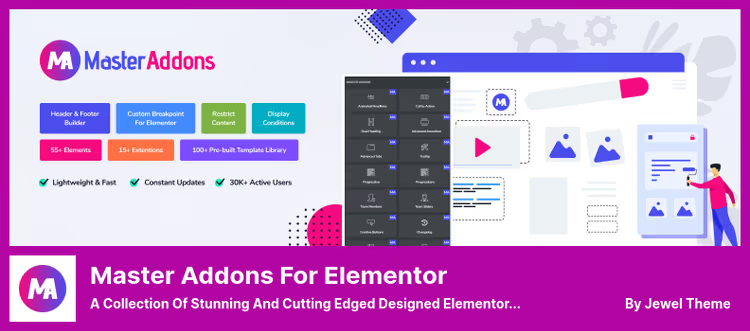
Master Addons is an addon that wins not by quantity, but by quality of widget refinement. 31 elements in the free version, another 18 in Pro. Few compared to Essential Addons (80+), but each widget here is polished: animated headlines, background sliders, particle backgrounds, dual headings, image hotspots.
The built-in mega menu builder (Pro) deserves special mention, a full replacement for a separate plugin. And Table of Contents generates a post table of contents automatically, without shortcodes.
The developer was clearly inspired by top ThemeForest themes: you can see it in the quality of animations and visual effects.
- Pros: Built-in mega menu in Pro; quality animations and effects; custom CSS for each widget; lightweight code.
- Cons: Fewer widgets than competitors; some key features (mega menu, image hotspot) only in Pro.
- Price: Free Lite version on WordPress.org, Pro from $39/year.
- Download: 🔗 Master Addons on WordPress.org | 🔗 Pro version
7. Elementor Addon Elements
Elementor Addon Elements is a completely free addon from WebTechStreet with 24+ widgets and extensions. No Pro plans, no cut features.
Strong points are visual elements: particle backgrounds (draw attention to a section), before-and-after slider (show "before and after"), graphical data charts, and horizontal timeline. Plus a built-in tooltip switcher for product comparison.
The plugin is lightweight: widgets load only when used on a page. Not a single unnecessary request.
- Pros: Completely free; particle backgrounds and before/after slider; responsive charts; lazy widget loading.
- Cons: Only 24+ widgets, fewer than paid competitors; rare updates (last one March 2026); no WooCommerce tools.
- Price: Free.
- Download: 🔗 Elementor Addon Elements on WordPress.org
8. Crocoblock
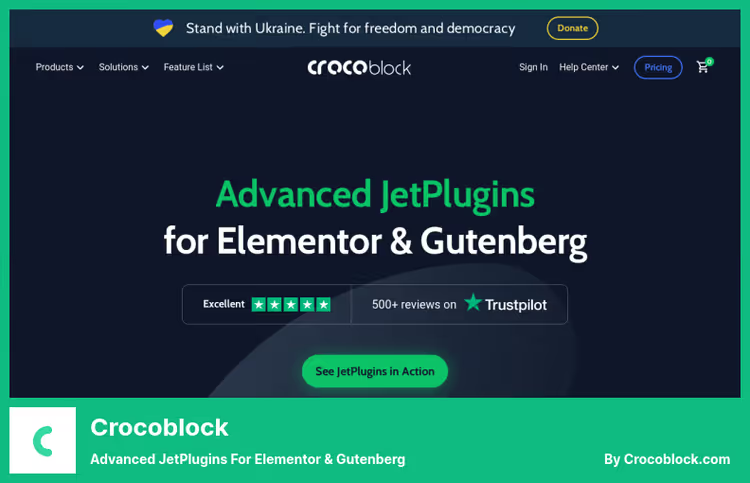
Crocoblock is not one plugin, but an ecosystem of 15 JetPlugins assembled into a single bundle. The most powerful and most expensive option on this list. It's chosen when Elementor Pro is no longer enough.
Key plugins inside: JetEngine (dynamic data, custom post types, meta fields), JetWooBuilder (complete WooCommerce page rebuild), JetMenu (mega menu of any complexity), JetPopup (popups with triggers and conditions), JetSmartFilters (product filtering without reloading).
Essentially, Crocoblock turns Elementor into a full-fledged framework for complex sites: real estate catalogs, classified boards, marketplaces. Plugins are also sold separately, but buying the bundle is about three times more profitable.
- Pros: 15 plugins in one bundle; dynamic data and custom loops; best mega menu for Elementor; WooCommerce functionality at the level of separate themes.
- Cons: $199/year, expensive for a blog or landing page; overloads the admin panel when all modules are active; requires time to learn.
- Price: From $199/year for the full bundle.
- Download: 🔗 Crocoblock official site
9. Qi Addons for Elementor
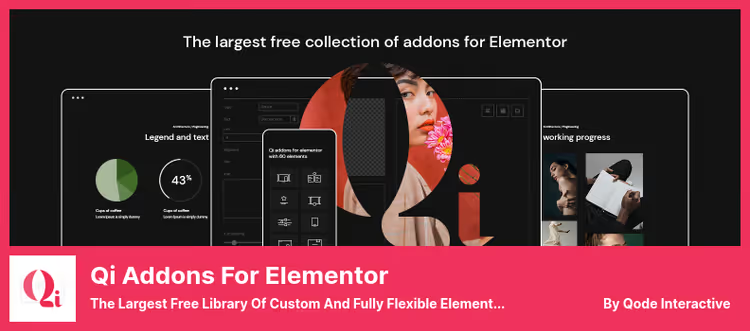
Qi Addons from Qode Interactive is the largest free widget library for Elementor: 60+ in the free version and 100+ in premium. Qode Interactive is a ThemeForest theme developer with a long history, and the quality of widgets here is on par with their premium themes.
The interface is thought out better than competitors: everything is logically grouped, settings aren't cluttered. On-demand widget loading means only the CSS and JS that's actually used loads on the page.
Unique features: infographics, stylized FAQ lists (separate from the main FAQ), business hours, promo banners, and SEO widgets.
- Pros: 60+ free widgets, a record among free addons; thoughtful interface; on-demand asset loading; from a ThemeForest theme developer.
- Cons: Pro version costs $49, slightly above Essential Addons; no WooCommerce tools in the free version.
- Price: Free version on WordPress.org, Pro from $49/year.
- Download: 🔗 Qi Addons on WordPress.org | 🔗 Pro version
See how these addons look in real work, from installation to configuring key widgets:
⁉️🤔 Frequently asked questions
Which Elementor addon should a beginner choose?
Start with Qi Addons or Essential Addons, both have 60+ free widgets, and the interface isn't cluttered. For header and footer, add Header & Footer Builder, it's also free. With this set, you'll cover the vast majority of tasks for an average site without spending a dime.
Is Crocoblock needed for a regular blog?
No. Crocoblock is justified for sites where content is built on dynamic data: real estate catalogs, classified boards, marketplaces. For a blog and landing page, its functionality is excessive. Get Essential Addons Pro, it will cover the same for a blog for less money.
Can multiple addons be used simultaneously?
Yes, but carefully. Two or three addons with overlapping widgets (for example Essential Addons + PowerPack) are fine. Five or more, you'll get duplicate CSS/JS and potential conflicts. Rule: if you enabled something in one addon, disable similar widgets in the rest so you don't load the site twice.
Which addon is best for an online store?
PowerPack if the store is medium-sized: 70+ widgets and specialized WooCommerce tools. Crocoblock if it's a marketplace or complex catalog with filtering and dynamic data: it's more expensive, but provides JetWooBuilder and JetSmartFilters, which work wonders with product pages.
Do free addons slow down the site?
Good ones don't. Essential Addons, Qi Addons, and PowerPack Lite use selective loading: only the CSS/JS of the widgets you actually use gets on the page. Performance problems are created by addons that pour all assets at once, but there are none of those on this list.
What to choose for your task: final breakdown
Nine addons cover the entire spectrum of needs, from a simple blog to a marketplace. The main thing is not to grab everything at once.
- If you need the maximum number of free widgets for a typical site, go with Essential Addons.
- If you're building a WooCommerce online store, PowerPack.
- If you're doing a complex project with dynamic data and loops, Crocoblock.
- If you just want to add a header and footer without costs, Header & Footer Builder.
- If you value quality of widget refinement, not their quantity, Master Addons.
Start with a free combo: Essential Addons + Header & Footer Builder. It costs nothing and covers most needs. And when you hit a limitation, buy the Pro version of the addon whose feature you lacked.
Do you already have experience with these addons? Write in the comments which one helped you, or on the contrary, disappointed you.

A professional team of writers and editors specializing in creating quality content.