














🟢 Best live chat and ticketing system plugins for WordPress in 2026
A customer froze on the product page. The cursor hovered over the "Buy" button. No one asks if there are questions. They close the tab.
Live chat closes exactly this gap. Not a contact form promising a reply "within 24 hours," but a conversation here and now: like a sales floor consultant, only available around the clock. A noticeable share of buyers prefer chat to calls and email, especially from mobile devices.
Below are twelve live chat and ticketing plugins for WordPress, tested in 2026: from completely free Tawk.to to AI bots that respond without an operator, and enterprise platforms for support teams.
💡 Quick overview:
How to choose a chat plugin: for a store, support, lead generation, or a messenger aggregator button
12 current plugins from free Tawk.to to enterprise Zendesk with pricing and feature breakdown
Comparison table: pricing, AI chatbots, ticketing system availability
Which plugins were updated in 2025-2026, and which connect via JS code from the dashboard
Plugin comparison: top 7 at a glance
Plugin | For whom | Price | AI chatbot | Ticketing system |
|---|---|---|---|---|
Tidio | Stores, small business | Free / from $29/mo | Lyro AI | Yes |
LiveChat | Medium and large business | from $20/mo | Yes | Yes |
Tawk.to | Any site, startups | Completely free | No | Basic |
WSChat | WooCommerce stores | from $79/year | ChatGPT + Dialogflow | Yes (WSDesk) |
Support Board | Support teams | $59 one-time | Dialogflow | Yes |
Zendesk | Enterprise | from $19/agent/mo | Answer Bot | Yes, powerful |
Chaty | Small business, messengers | Free / $59/year | No | No |
1. WSChat: live chat with WooCommerce integration
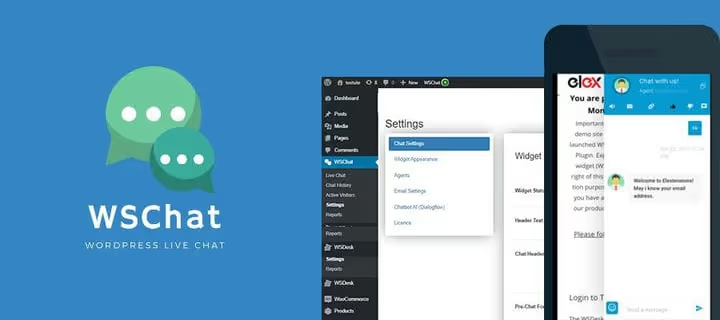
WSChat by ELEX is a commercial plugin focused on WooCommerce stores. After installation, the chat window immediately shows the customer's current order details, purchase history, and cart contents. No need to ask for the order number. All contextual information is in front of the operator during the conversation.
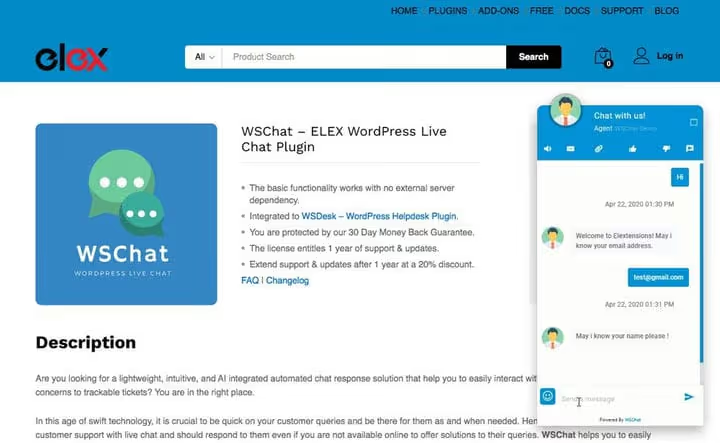
ChatGPT integration generates draft responses for the operator and checks grammar. Dialogflow lets you set up auto-reply scenarios for common questions. Reports on each agent, ratings, and quality scores are available right in the WordPress admin. All conversations are stored on your server, not in the vendor's cloud.
- Pros: deep WooCommerce integration, ChatGPT + Dialogflow, data storage on your own server, unlimited agents.
- Cons: commercial license only, no free version for testing; interface is overloaded with settings.
- Price: from $79/year for one site (pricing on ELEX website).
- Download: 🔗 WSChat on ELEX | 🔗 Demo version
2. Support Board: AI chatbots and ticketing system in one
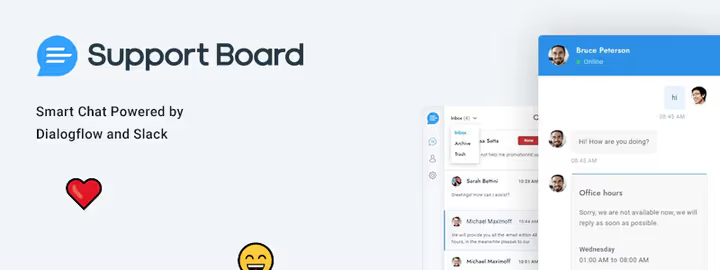
Support Board, a plugin from CodeCanyon, combines live chat, Dialogflow bots, and a full-featured ticketing system. Installation takes a few minutes. Slack integration comes out of the box: notifications about new inquiries arrive right in your work channel.
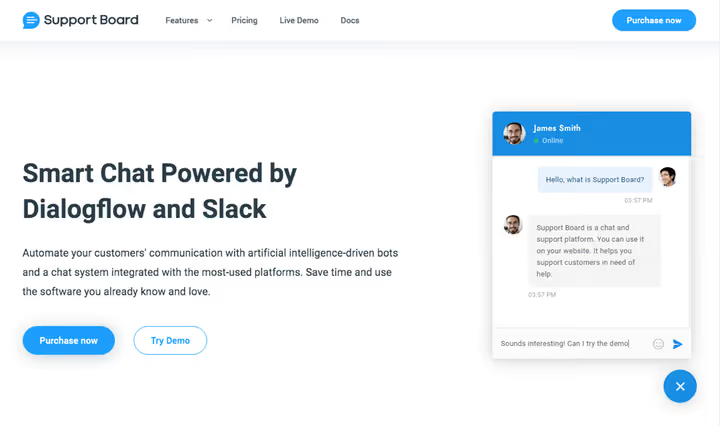
The bot can send more than just text: buttons, dropdown lists, email forms, scheduling calendars, tables. All of this is available in rich messages without programming. You can set business hours: during off-hours the chat hides, and the bot offers to schedule a callback. Nineteen languages out of the box, RTL support, and knowledge base article sync. For a one-time payment, this is one of the most feature-packed plugins in the roundup.
- Pros: Dialogflow AI + Slack out of the box, rich messages (buttons, calendar, forms), 19 languages and RTL, one-time payment.
- Cons: no WordPress.org version, CodeCanyon only; support is included for 6 months, renewal is paid.
- Price: $59 one-time (CodeCanyon page).
- Download: 🔗 Support Board on CodeCanyon | 🔗 Demo chat
3. Tidio: Lyro AI chatbot and live chat in one package

Tidio is one of the most popular chat plugins in the WordPress.org directory: 80,000+ active installations, 4.5 rating. The free version covers basic needs: live chat, site widget, and up to 50 AI responses per month via Lyro.
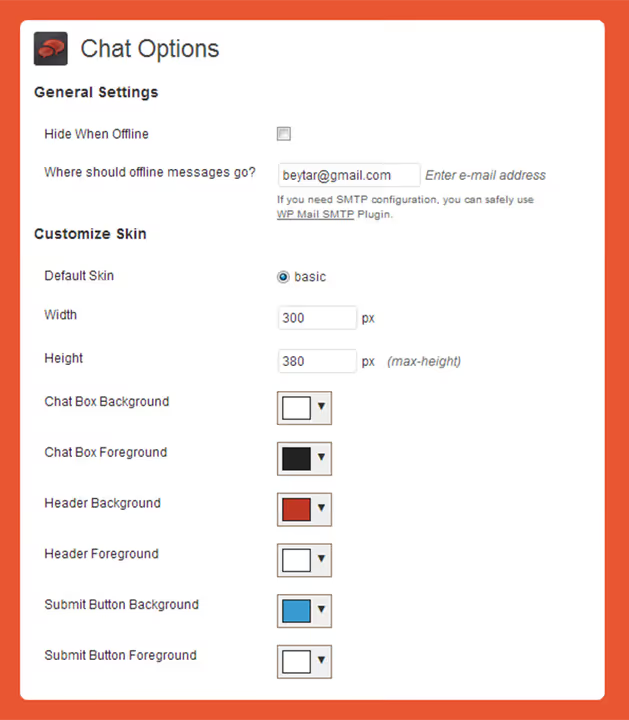
Lyro analyzes your site content and learns to answer questions without manual scenario setup. Upload product pages and FAQ, and the bot picks up the material and immediately responds to visitors. Works without an operator. The widget shows who is currently on the site, which page they came from, and what they're viewing: you can initiate a chat first. Integrations with WooCommerce, Mailchimp, and Zapier are included. Paid plans remove AI response limits and add a second operator.
- Pros: Lyro AI self-trains on site content, real-time visitor monitoring, generous free version, mobile app.
- Cons: free version has only one operator; advanced analytics available only on paid plans.
- Price: Free / from $29/mo (Tidio pricing).
- Download: 🔗 Tidio on WordPress.org | 🔗 Live demo
4. LiveChat: enterprise-level for WordPress
LiveChat is not just a plugin but a full platform with 200+ integrations: Salesforce, HubSpot, Slack, WhatsApp. The WP plugin was updated in May 2026. Adds a widget to the site in two clicks. Suitable for companies where chat is the main sales channel.
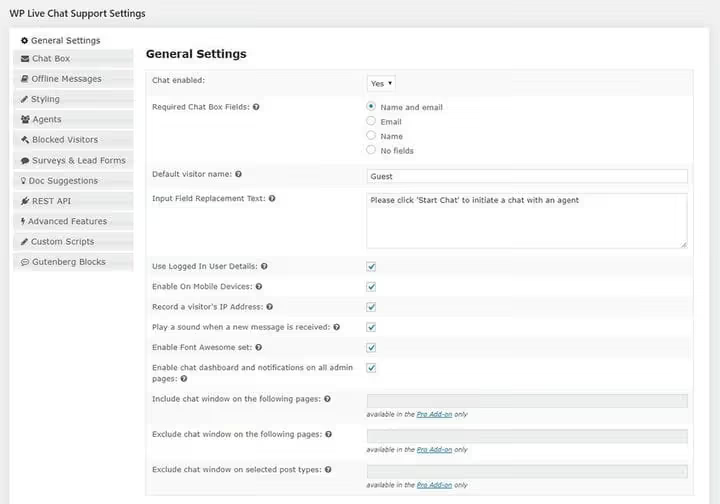
The built-in ticketing system collects inquiries when operators are offline. Trigger chat invitations fire by rule: stayed on the pricing page longer than 30 seconds, offer help. A/B testing of greetings and detailed chat-to-sale conversion analytics are available on paid plans. AI features (auto-generated responses and dialogue summaries) are actively developing.
- Pros: 200+ integrations, funnel analytics, A/B testing of greetings, ticketing system.
- Cons: high price for small sites; no free version (only 14-day trial).
- Price: from $20/mo per operator (LiveChat pricing).
- Download: 🔗 LiveChat on WordPress.org | 🔗 14-day trial
5. Tawk.to: completely free chat without limits

Tawk.to is the only plugin in the roundup that remains completely free. Over 100,000 active installations on WordPress.org, 4.4 rating. Unlimited agents, unlimited chat history, mobile apps: all included.
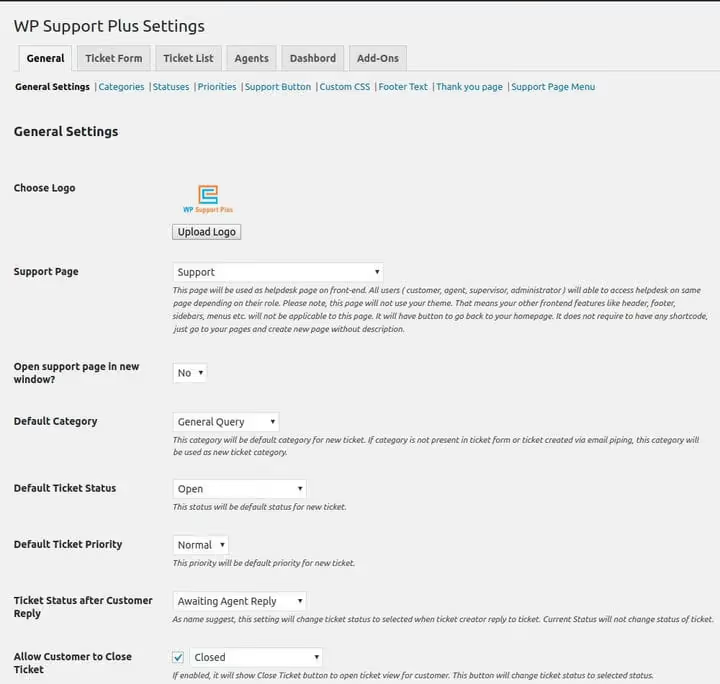
How do they make money? Tawk.to earns from optional services: hiring support agents and removing branding from the widget. Everything else is free: visitor monitoring, triggers, canned responses, basic ticketing system, knowledge base. For a startup or small store, this is the best "set and forget" option. No AI chatbot is the only notable drawback.
- Pros: completely free forever, unlimited agents and chat history, iOS/Android mobile apps, built-in knowledge base.
- Cons: no AI chatbot, interface localization is incomplete, branding removal is paid.
- Price: Free (Tawk.to website).
- Download: 🔗 Tawk.to on WordPress.org | 🔗 Live demo
6. Pure Chat: simple chat (now paid only, from $49/mo)
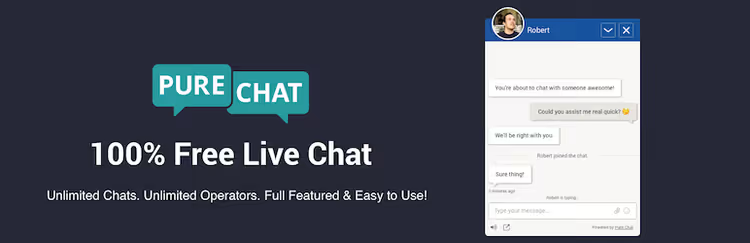
Pure Chat was popular as a free chat for small business, but after acquisition by Ruby, it switched to a fully paid model. There is no free version anymore. The tool is aimed at teams that need simple chat without extra features.
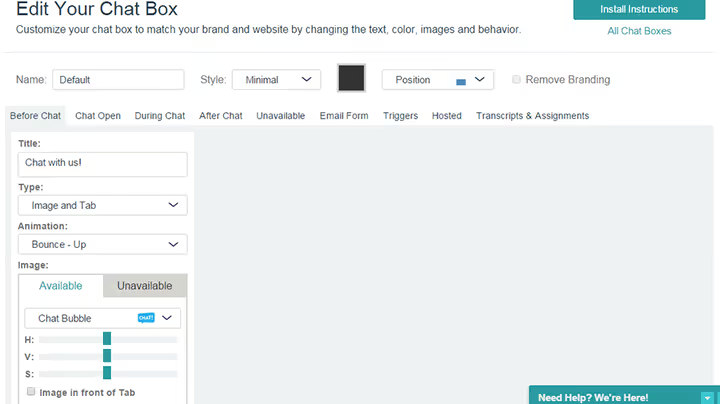
The interface is minimalist: one chat window with tabs for visitors and quick reply templates. Customization is flexible: color, text, appearance animation, delay before showing the invitation. You can distribute visitors by department and set different access levels for operators. iOS/Android mobile apps let you respond from your phone. Zapier integration opens connections with hundreds of apps.
- Pros: easy start, department distribution, mobile apps, Zapier integration.
- Cons: no free version after Ruby acquisition; pricing starts at $49/mo (Growth plan).
- Price: from $49/mo (Pure Chat pricing).
- Download: 🔗 Pure Chat on WordPress.org | 🔗 Pure Chat website
7. Formilla: chat with real-time visitor monitoring
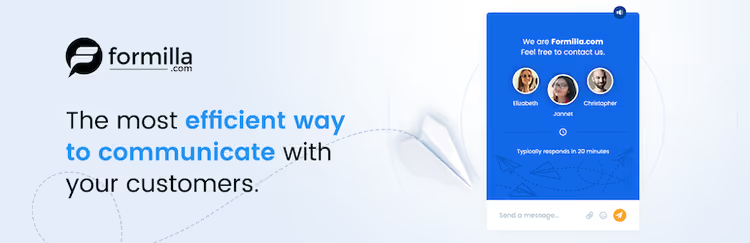
Formilla stands out with detailed real-time monitoring: you see who is currently on the site, which page they entered from, and how long they've been reading. You can send an invitation manually or set up an automatic trigger after N seconds of entering. The free version gives 30 chats per month on one site.
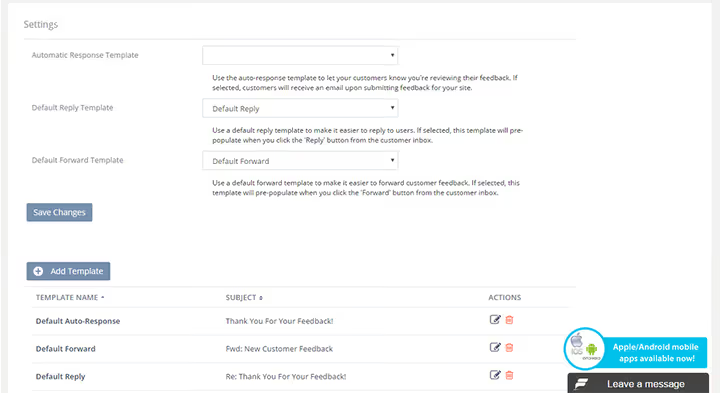
The auto-responder collects contact details when you're offline. There's a typing indicator: the visitor sees that a response is being prepared and doesn't leave. The chat queue with inquiry prioritization is convenient for a small operator team. Paid plans add mobile apps, branding removal, and unlimited sites.
- Pros: quality real-time monitoring, typing indicator, chat queue with priorities, offline auto-responder.
- Cons: free version is limited (30 chats per month, one site); interface looks outdated.
- Price: Free / paid plans on the website (Formilla).
- Download: 🔗 Formilla on WordPress.org | 🔗 Formilla website
8. Olark: concise chat with tag analytics
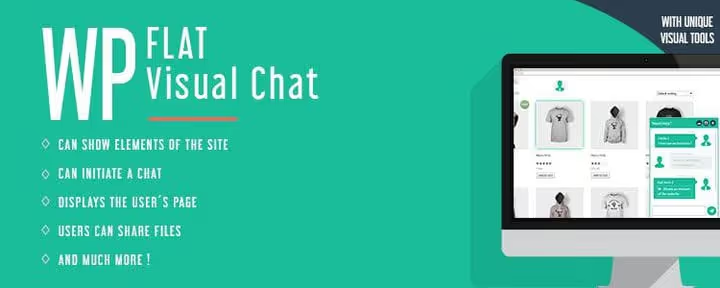
Olark has been in the live chat market since 2009. The WP plugin was updated in September 2025. The product philosophy is "chat should be simple and fast": the widget is configured by color, position, and greeting text in a minute.
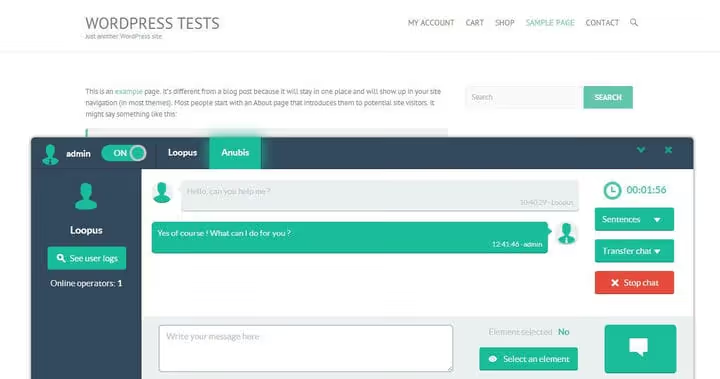
The main feature is tag reports. Mark conversations with tags ("return," "shipping," "defect") and get a summary: what problems occur most often, when peak inquiry times are, how many conversations ended in a sale. CRM integrations (HubSpot, Salesforce, Zendesk) are included in paid plans. The free plan allows 20 chats per month and one operator.
- Pros: tag analytics, simple setup, stable operation for 15+ years, CRM integrations.
- Cons: free plan is severely limited (20 chats per month); no built-in AI chatbot.
- Price: Free / paid plans on the website (Olark).
- Download: 🔗 Olark on WordPress.org | 🔗 Olark website
9. JivoChat: multichannel chat for Russian-speaking audience

JivoChat is one of the most recognizable live chat services in the Russian internet. The service itself is actively developing, but the WP plugin in the WordPress.org directory has not been updated since 2023. This is not critical: Jivo connects via JavaScript code from the dashboard, and all new features are available there.
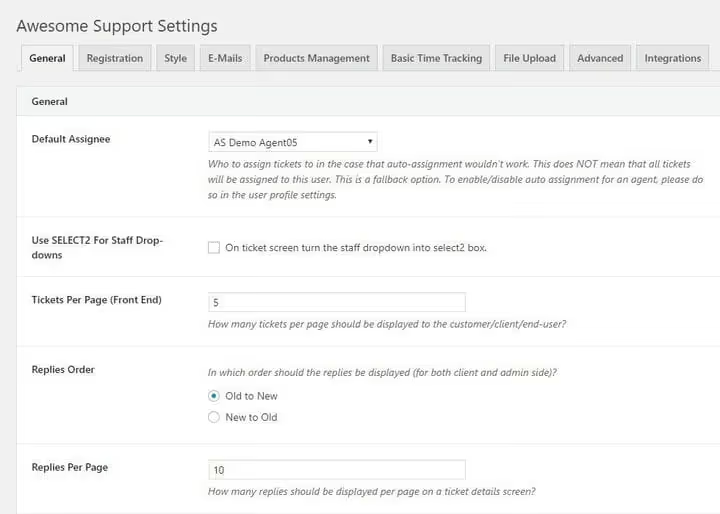
Jivo combines in one window: live chat on the site, messages from WhatsApp, Telegram, Viber and social networks, callbacks and email. The operator doesn't jump between apps. The free version supports up to 5 operators. CRM with conversation history and channel statistics are included even in the free plan.
- Pros: all communication channels in one window, 5 operators free, built-in telephony and callback, popular among RU/CIS audience.
- Cons: WP plugin not updated since 2023 (use JS code from dashboard); no AI chatbot.
- Price: Free / from $19/mo (JivoChat pricing).
- Download: 🔗 JivoChat, official website | 🔗 Pricing
10. Zendesk: enterprise support standard

Zendesk is the industry standard for customer support. The zopim-live-chat WP plugin in the WordPress.org directory has not been updated for a long time, but the service itself is still there: the chat widget connects via JavaScript code from the dashboard, and the API works reliably.
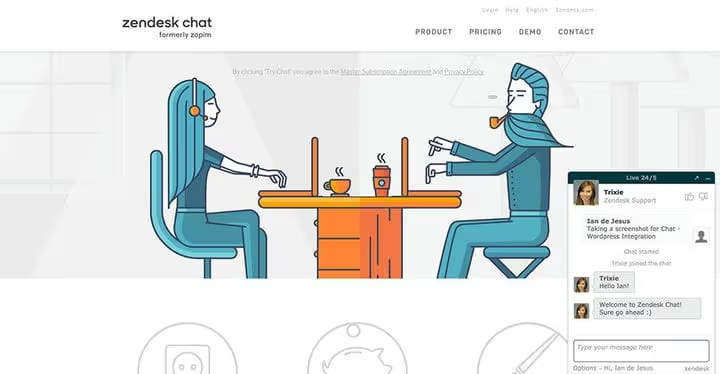
Answer Bot based on machine learning automatically answers common questions and routes complex ones to the right agent by skills. The unified interface collects inquiries from chat, email, phone, WhatsApp, and social networks. The entry threshold is high. But for a company with paid support or B2B sales, this is the de facto industry choice.
- Pros: omnichannel (chat + email + phone + social networks), Answer Bot AI, powerful ticketing system, 1000+ integrations.
- Cons: high price, WP plugin is outdated (need JS code from dashboard), overkill for small sites.
- Price: from $19/agent/mo (Zendesk pricing).
- Download: 🔗 Zendesk, official website | 🔗 Free trial
11. Collect.chat: chatbot for lead collection without coding
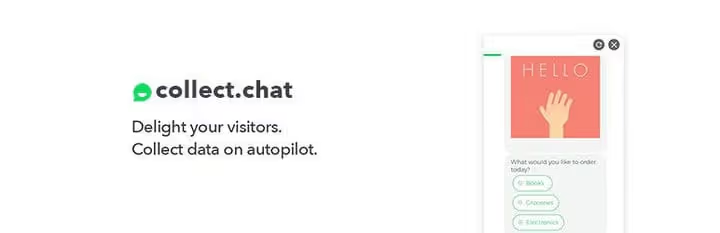
Collect.chat is a chatbot builder with a drag-and-drop interface: you assemble a conversation scenario visually without a developer. Question, answer options, branching: all in the browser. The bot works 24/7 and collects contacts, email addresses, and answers to qualifying questions.
Three placement modes: pop-up widget in the corner of the screen, embeddable block anywhere on the page, and a separate page via direct link (convenient for surveys). Templates cover typical scenarios: booking a consultation, collecting feedback, qualifying leads. The free plan is limited to 50 responses per month. Paid plans remove limits and add data export.
- Pros: visual no-code builder, three placement modes, ready-made templates, survey page via direct link.
- Cons: not a live chat with an operator, only a bot; free 50 responses run out quickly on an active site.
- Price: Free / paid plans on the website (Collect.chat).
- Download: 🔗 Collect.chat on WordPress.org | 🔗 Demo on website
12. Chaty: multichannel contact buttons instead of classic chat
Chaty by Premio solves a related task: not a full chat widget, but a compact floating button with access to WhatsApp, Telegram, Messenger, Viber, Instagram DM, and 20+ more communication channels. Over 400,000 active installations and a 4.7 rating on WordPress.org.
For small business, this is often more convenient than classic chat: the customer writes where they already are (WhatsApp or Telegram), not in an unfamiliar widget. Setup is simple: select channels, enter links, specify icon and position. The free version includes WhatsApp, phone call, and email. The plugin barely loads the site: the script loads asynchronously.
- Pros: 20+ communication channels in one button, quick setup, huge installation base, minimal site load.
- Cons: not a live chat as such, more of an aggregator bridge to messengers; advanced features in Pro version.
- Price: Free / $59/year Pro (Chaty website).
- Download: 🔗 Chaty on WordPress.org | 🔗 Demo
See how live chat looks in action in this WPBeginner video, installing and configuring a chat plugin for WordPress in 8 minutes:
⁉️🤔 Frequently asked questions
Do I need live chat if I have a single-page landing?
Yes, especially if the landing page sells. On a one-pager, every visitor doubt costs a conversion. Chat removes these doubts in 30 seconds. For a landing page, take Tawk.to: free, five minutes to install. If no one is available to answer at night, Tidio with Lyro AI will handle the flow of questions without an operator.
Which chat plugin loads the site the least?
Tawk.to and Chaty. Both load the script asynchronously and have virtually no impact on load speed. WSChat and Support Board are noticeably heavier due to the rich interface, but for a WooCommerce store this is justified by the functionality.
Can I collect leads through chat without a live operator?
Two paths. First: Collect.chat, where you assemble a bot scenario visually, and it asks questions and saves contacts. Second: Tidio with Lyro AI, where the bot learns from your site and answers questions, requesting email when it cannot answer itself.
What's the difference between a ticketing system and live chat?
Live chat is a real-time conversation. A ticketing system tracks and manages inquiries: the customer submits a request, it gets assigned a number, status, and responsible agent. The inquiry doesn't get lost, even if the customer responds a week later. Support Board, WSChat (via WSDesk), and Zendesk combine both.
Do JivoChat and Zendesk work even though their WP plugins are outdated?
Yes, and this is a normal situation. The WP plugin is just a wrapper for inserting JS code. The Jivo service itself is actively developing, and all new features (messengers, telephony) are available from the dashboard. Same with Zendesk: connect the widget via JS, not through the plugin from the directory.
Is Zendesk worth the money for a small business?
For a startup, probably not. Tawk.to plus Support Board will cover most needs without significant costs. Zendesk makes sense with 3+ support agents, multiple communication channels, and a need for deep analytics on each operator.
💎 Which live chat plugin to choose for your task
By scenario:
- If you have a WooCommerce store and need a "chat + order history" connection, take WSChat: seeing the cart and purchases right in the chat window saves minutes on every inquiry.
- If your budget is zero and you need chat right now, Tawk.to: free, unlimited, mobile apps and knowledge base included.
- If you want an AI bot that self-trains on your content, Tidio with Lyro: works without scenario setup.
- If you need a full ticketing system + chat + Slack for a one-time payment, Support Board (from $59 on CodeCanyon).
- If you have a team of 3+ agents, multiple communication channels, and B2B sales, Zendesk: expensive, but it's the industry standard.
- If you only need lead collection without an operator, Collect.chat: visual no-code builder.
- If customers find it more convenient to write in WhatsApp or Telegram than in an unfamiliar widget, Chaty: one click, 20+ messengers.
Install your chosen plugin and write to yourself in the chat as a customer. The interface that seems convenient to the administrator and the interface that visitors like are often different things. Which chat plugin did you choose and why? Write in the comments.

A professional team of writers and editors specializing in creating quality content.