














🔧 Top 10 WordPress page builders for 2026: free and premium
Building a WordPress site without a page builder is like assembling furniture with a screwdriver instead of a drill. You can. But why would you?
A modern page builder gives you control over layout without code. Drag a block, adjust padding, add a form, and see the result instantly. The problem is choosing: dozens of tools exist, from completely free options to premium powerhouses with a $249 lifetime license.
Below are 10 page builders we know from hands-on experience. Each was tested not through marketing brochures but through real work with mockups, speed tests, and recovery from botched updates.
💡 Quick overview:
- Download Elementor if you need the most popular builder with a massive community and 22M+ installs
- Choose Divi if you build many sites and want to pay once for unlimited licenses
- Try Bricks Builder if page load speed is critical and you understand the difference between Grid and Flexbox
- Pick Brizy if you need an easy start with beautiful templates in a powerful free version
What is a WordPress page builder
A page builder is a plugin (or a built-in theme tool) that replaces the standard WordPress editor with a visual drag-and-drop environment. You assemble pages from ready-made modules: headings, text blocks, images, buttons, forms, sliders.
Unlike the classic approach where the theme defines design and you fill in content, a page builder flips the logic. You control both content and layout from a single window. Results are visible immediately: you edit on the frontend and publish when ready.
Modern page builders go beyond individual pages. They let you edit headers, footers, archives, posts, and shop pages. In essence, you can build an entire theme visually without touching functions.php. Elementor, Divi, Bricks, and Brizy already include Theme Builder in their premium versions.
Comparison table: all 10 builders
Product | Target audience | Price (starting) | Key feature |
|---|---|---|---|
Elementor | Beginners and freelancers | Free / $59/year | 22M+ installs, largest community |
Divi | Agencies and multisites | $89/year or $249 lifetime | Unlimited sites |
Bricks Builder | Developers and perfectionists | $79/year / $249 lifetime | Clean HTML, maximum speed |
Beaver Builder | Agencies valuing stability | $89/year | Most stable code, never breaks on updates |
Brizy | Beginners and landing pages | Free / $99/year | Lowest barrier to entry, beautiful out of the box |
Visual Composer | Designers without code | Free / $59/year | 500+ templates in the cloud hub |
SiteOrigin | Classic WordPress enthusiasts | Free | Completely free, works with any widgets |
Themify | Budget agencies | Free / $89/year (club) | 60+ themes in one subscription |
MotoPress | Niche projects (services, rentals) | Free / $59/year | Built-in device simulator |
Cornerstone | Developers (ThemeCo Pro theme) | $99/year | Query Builder, Twig, 100+ elements |
1. Elementor
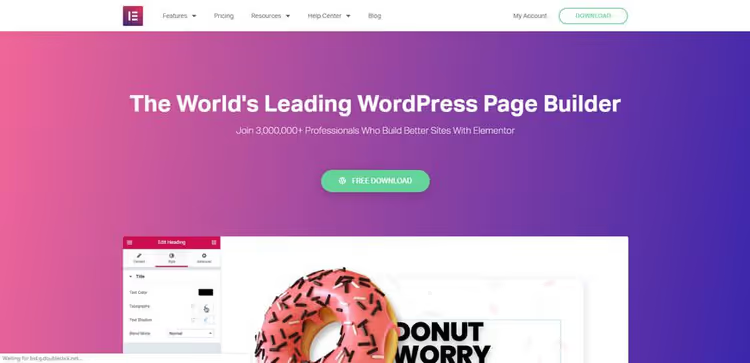
Elementor is the most widely used WordPress page builder. 22 million active installs, 4.5 stars in the WordPress.org directory. If you have opened any WordPress tutorial in the last three years, there is an 80% chance the author was demonstrating this one.
In practice, the free version is enough for a blog, portfolio, or simple landing page. About 30 widgets, responsive layout, frontend drag-and-drop. The Pro version ($59/year for 1 site) adds the theme builder (header, footer, archives), popup builder, dynamic content, WooCommerce Builder, and 50+ additional widgets, current pricing on elementor.com. In 2026, Elementor transitioned to the Atomic Editor (version 4): atomic blocks, global Design System, and reusable Components.
Elementor's main strength is its ecosystem. Thousands of add-ons, hundreds of ready-made page kits, YouTube channels in multiple languages. Problems get solved with a five-minute search.
- Pros: largest community, theme builder in Pro, huge template library, active development (Atomic Editor v4)
- Minuses: heavy DOM output without caching, Pro subscription for 1 site, high price for multiple licenses
- Price: Free / Pro from $59/year (1 site)
- Download: 🔗 Elementor on WordPress.org
2. Divi
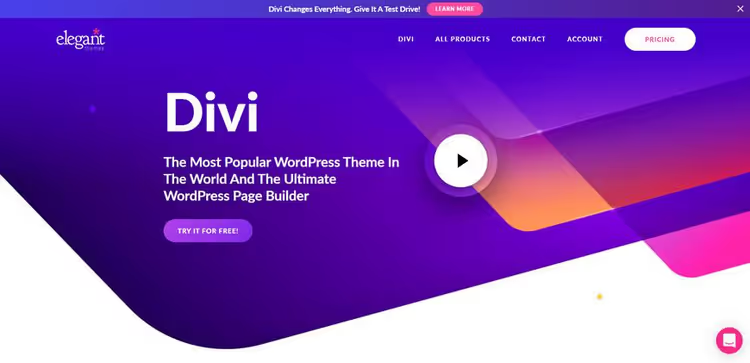
Divi from Elegant Themes is a page builder that belongs to an ecosystem including the Divi theme and the Divi Builder plugin. Its main advantage is the pricing model: $89/year or $249 lifetime, and both licenses cover unlimited sites, pricing on elegantthemes.com. For an agency with 20-30 client projects, this is a decisive argument.
Divi is built on a proprietary visual framework. The interface differs from Elementor: elements are configured in popup panels rather than a sidebar. You get used to it in a couple of hours. The library includes 200+ ready layouts, 40+ modules, parallax support, and video backgrounds. The Theme Builder lets you visually create headers, footers, and post templates.
Worth noting separately: Divi Cloud (cloud storage for layouts across projects) and Divi Teams for team collaboration.
- Pros: unlimited sites, lifetime license, huge layout library, cloud sync
- Minuses: noticeable page weight without caching, interface requires adjustment, no built-in popups
- Price: $89/year or $249 lifetime (unlimited sites)
- Download: 🔗 Divi on Elegant Themes
3. Visual Composer
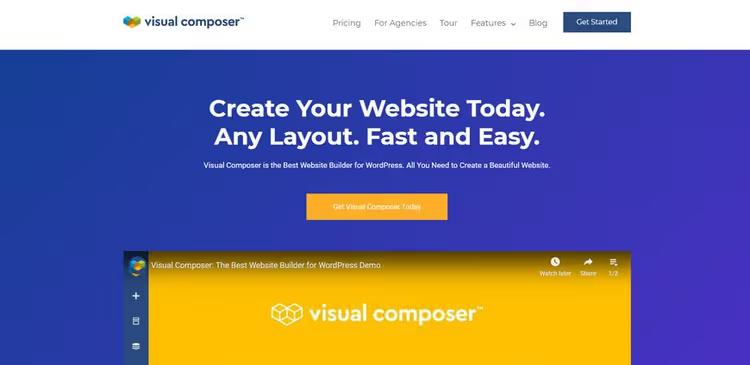
Visual Composer Website Builder should not be confused with WPBakery Page Builder. These are two different products from the same developer. Visual Composer Website Builder is a modern frontend editor with React-based drag-and-drop, while WPBakery is a backend builder bundled with ThemeForest themes.
The interface is built around a tree structure of elements: panel on the left, preview on the right. For developers accustomed to the block model, this is intuitive. The cloud hub includes 500+ ready blocks, 50+ free elements, and templates updated weekly. The theme builder and Popup Builder are included in the Premium version. A nice bonus: the built-in SEO analyzer Insights and a role manager for clients.
- Pros: clear tree structure, 500+ templates in the hub, built-in SEO analysis, compatibility with any theme
- Minuses: free version limited on widgets, interface speed on weak hosting, smaller community than Elementor
- Price: Free / Premium from $59/year (1 site)
- Download: 🔗 Visual Composer on WordPress.org
4. Page Builder by SiteOrigin
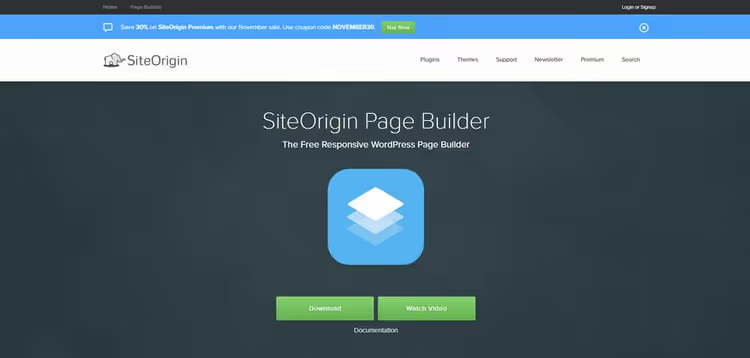
SiteOrigin Page Builder is a veteran of the WordPress.org directory with over 500,000 active installs. Completely free, with no Pro versions or hidden payments. It has remained this way since 2011; in May 2026, update 2.34.3 was released with WordPress 7.0 support.
The approach is a backend editor based on rows and widgets: you build a grid from rows and place standard WordPress widgets inside them. In practice, this means compatibility with any widget in existence, from the standard "Text" to complex WooCommerce filters. SiteOrigin does not impose its own modules; it extends what is already installed. A separate plugin, SiteOrigin Widgets Bundle, adds a set of ready widgets (slider, map, button, gallery), also free.
- Pros: completely free, compatibility with any widgets, lightweight, revision history, live editing
- Minuses: backend editor without full live preview, interface looks conservative, fewer features than visual competitors
- Price: Free
- Download: 🔗 SiteOrigin Page Builder on WordPress.org
5. Beaver Builder
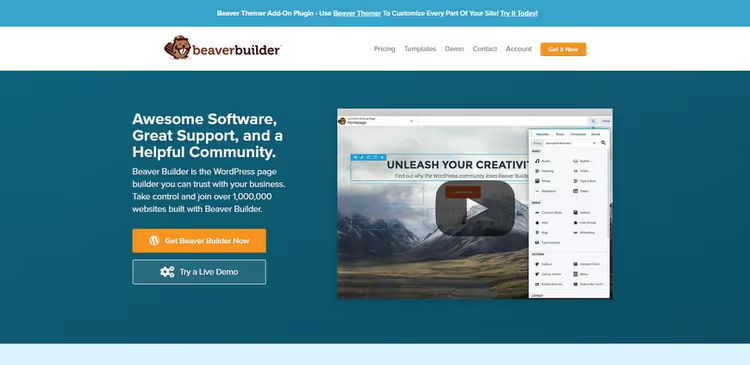
Beaver Builder is the choice of agencies for whom stability matters more than marketing promises. This builder breaks on WordPress updates less often than any competitor. The output code is one of the cleanest in the category.
The editor works on the frontend: a panel at the top plus a page preview. About 30 modules are included, covering contact forms, galleries, and sliders. The theme builder (Beaver Themer) is purchased separately. It is actively used in combination with themes like Astra and GeneratePress.
In our experience, Beaver Builder is the choice for projects that do not plan frequent redesigns. Set it up, cache it, and forget about it for a year. The downside: fewer templates out of the box and no permanent free version (only a demo).
- Pros: exceptional stability, clean HTML output, convenient module drag-and-drop, deep WooCommerce integration
- Minuses: paid (no permanent free version), template library smaller than Elementor/Divi, Theme Builder is a separate purchase
- Price: from $89/year (unlimited sites)
- Download: 🔗 Beaver Builder on developer site
6. Themify
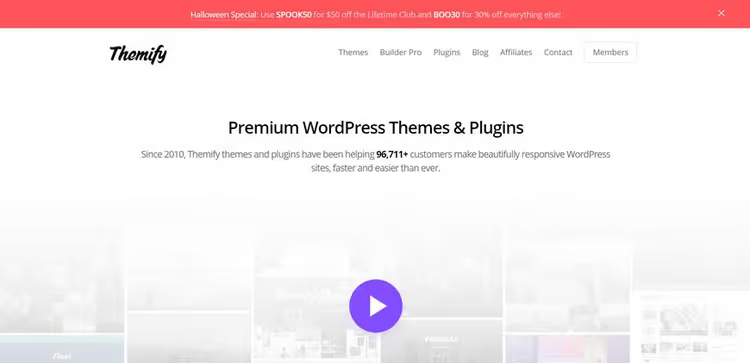
Themify Builder is a page builder included with Themify themes but also available as a standalone plugin. It works on both frontend and backend. The main advantage is price: Themify Master Club at $89/year includes all themes, plugins, and the builder for unlimited sites, pricing on themify.me.
Themify's approach is "modules inside rows inside columns." The library includes parallax effects, video backgrounds, animations, Google Fonts, and over a hundred color presets. A separate plus: 60+ ready themes are included in the subscription, each with its own page templates. The plugin is updated regularly; version 7.7.4 was released in June 2026.
- Pros: great value club subscription, 60+ themes included, parallax and animations out of the box, layout import/export
- Minuses: interface simpler than Elementor/Divi, fewer third-party add-ons, tied to Themify ecosystem
- Price: Free / Master Club $89/year (unlimited sites, all themes and plugins)
- Download: 🔗 Themify Builder on WordPress.org
7. Brizy

Brizy is one of the fastest-growing page builders. 100,000+ active installs in the WordPress.org directory, and deservedly so. The interface here is perhaps the cleanest among competitors: the toolbar appears on hover over an element, and the main space is occupied by the preview without visual clutter.
The free version of Brizy includes 36 elements, 150+ ready blocks, and global styles. This is enough for a full landing page or corporate site. Pro ($99/year for 1 site) adds the theme builder, popups, dynamic content, mega menus, and an editor role, pricing on brizy.io. Worth mentioning separately: the built-in form builder with autoresponder, so no third-party plugin is needed.
- Pros: most intuitive interface, powerful free version, built-in forms, clean and modern UI
- Minuses: fewer ready templates than Elementor, smaller community, premium subscription for 1 site
- Price: Free / Pro from $99/year (1 site)
- Download: 🔗 Brizy on WordPress.org
8. MotoPress
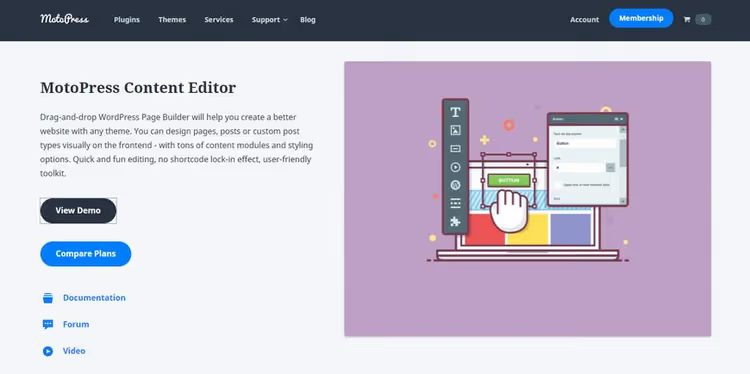
MotoPress is one of the first drag-and-drop editors for WordPress, on the market for over ten years. Today its main specialization is rental and booking sites (MotoPress Hotel Booking), but the page builder itself remains a standalone product.
The editor is frontend-based with a sidebar widget panel. Its strong point is the built-in device simulator: you can view the page on tablet, desktop, and mobile without leaving the editor. WooCommerce support is built in. Fewer ready blocks than the leaders, but for niche service-industry projects, a worthy choice.
- Pros: device simulator, WooCommerce compatibility, layout import/export, long development history
- Minuses: small community, fewer ready templates, developer focus has shifted toward bookings
- Price: Free / Premium from $59/year (1 site)
- Download: 🔗 MotoPress Content Editor
9. Cornerstone
Cornerstone is a page builder included with the Pro theme by ThemeCo. One of the oldest on the market (10+ years) yet still actively developed. Recent versions added Query Builder (visual content query construction), Twig support for dynamic content, conditional visibility logic, and native external API integration.
The interface is a frontend editor with a tree structure of elements in the left panel. Over 100 native elements and full customization via CSS Flexbox/Grid without proprietary wrappers. The price is $99/year for 1 site with the Pro theme and all extensions, or $249/year for unlimited sites, pricing on theme.co.
- Pros: cleanest HTML output, code-free Query Builder, Twig support, 100+ elements, active development for 10+ years
- Minuses: tied to the Pro theme, steeper learning curve, smaller community than Elementor
- Price: from $99/year (1 site) / $249/year (unlimited)
- Download: 🔗 Cornerstone on Theme.co
10. Bricks Builder

Bricks Builder is a rising star among developers. Its main trump card is clean semantic HTML output. Where Elementor generates 15 nested <div> elements, Bricks gets by with three. The result: pages 30-50% lighter and stable Core Web Vitals scores, performance comparison on bricksbuilder.io.
The editor is frontend-based with a left panel. It supports CSS Grid and Flexbox natively, Query Builder for dynamic content (WooCommerce, ACF, Pods), header/footer builder, and conditional logic. A lifetime license ($249) is available, which is rare for an actively developed product, pricing on bricksbuilder.io. The downside: higher barrier to entry. Bricks is designed for users who understand the difference between Grid and Flexbox and know what HTML semantics means.
- Pros: cleanest code possible, excellent Core Web Vitals scores, lifetime license, Query Builder with ACF/Pods
- Minuses: no free version, higher barrier to entry, smaller community than leaders
- Price: from $79/year (1 site) / $249 lifetime
- Download: 🔗 Bricks Builder on developer site
The video above compares Elementor, Divi, Bricks, Beaver Builder, and Breakdance on real mockups in 2026. If you are choosing between them, 15 minutes of watching will save an hour of testing.
⁉️🤔 Frequently asked questions
Which builder is best for a beginner?
If you are opening WordPress for the first time, go with Elementor (Free) or Brizy (Free). They have the lowest barrier to entry: intuitive interface, hundreds of tutorials available. You will build your first landing page in an evening.
Can I use a free builder for a commercial site?
Yes. Elementor Free, Brizy Free, and SiteOrigin Page Builder are completely free, including for commercial projects. Limitations apply to advanced features (theme builder, popups, dynamic content), not the license. A store with 20 products using free Elementor + WooCommerce is a working setup.
What is the difference between Visual Composer and WPBakery?
These are two different products from the same developer. WPBakery is a backend builder with a block interface (bundled with ThemeForest themes). Visual Composer Website Builder is a modern frontend editor with React-based live preview. Do not confuse them when choosing: you work with the first in the admin panel, with the second on the frontend.
Bricks Builder or Elementor: which is faster?
Bricks is faster by objective metrics: fewer DOM elements, less CSS output. On the same mockup, Bricks scores 90+ in PageSpeed Insights, while Elementor scores 70-85 without optimization. The difference narrows with caching, but for projects where every millisecond matters, Bricks is ahead.
Do I need to update the builder when a new WordPress version is released?
Absolutely. Page builders are among the most vulnerable plugins during major WordPress updates. Make a full backup before updating. Elementor, Beaver Builder, and Divi typically release a compatibility patch within 48 hours of a core release.
What is better for an agency: Divi or Beaver Builder?
It depends on what matters more. Divi wins on price ($249 lifetime for unlimited sites versus $89/year for Beaver) and template library size. Beaver wins on code stability and predictability during updates. If you build template sites with frequent redesigns, choose Divi. If you deliver a project and forget about it for a year, choose Beaver.
You built the site: what comes next
Choosing a builder is only half the job. Here is a decision matrix:
If you are building one site for yourself, Elementor Free will cover 90% of your needs; the rest is Pro at $59/year.
If you are an agency with a steady stream of clients, Divi ($249 lifetime) or Beaver Builder ($89/year) for unlimited licenses.
If speed and Core Web Vitals are critical, Bricks Builder. Clean code without compromise.
If this is your first experience and you want it to look good right away, Brizy Free. An interface that needs no instructions.
If you need something completely free and reliable, SiteOrigin Page Builder. Half a million sites cannot be wrong.
Start with free Elementor: install it, open any page, and try adding three blocks. It will take exactly 10 minutes. From there, it is a matter of practice and the number of mockups you create.

A professional team of writers and editors specializing in creating quality content.