














🚀 29+ best Elementor blog themes in 2026
Elementor has long outgrown the status of "just a plugin"; today it's a full-fledged ecosystem for building WordPress sites. But even the most powerful builder won't save a site if it sits on a broken theme.
There are thousands of WordPress themes. Some conflict with Elementor, others take 4 seconds to load, and still others look decent only on desktop. A blog owner needs a theme that: a) doesn't interfere with Elementor, b) doesn't kill speed, c) provides a foundation for SEO.
We tested around three dozen themes with declared Elementor compatibility and selected those that actually work stably and without conflicts. From free lightweight frameworks to premium all-in-one solutions with ready-made demo sites.
💡 Quick overview:
- Choose a lightweight framework (Astra, GeneratePress, Hello) if speed and SEO are priorities, and you're building the design from scratch in Elementor
- Take a multipurpose theme with demo import (Neve, OceanWP, Zakra) if you need a quick start with ready-made design
- Use a premium Genesis Framework theme if maximum code flexibility and security are important
- Check that the theme doesn't drag extra CSS/JS on top of what Elementor generates; duplicate styles cut speed
Before reviewing each option, check out this visual overview of the best free themes for Elementor:
Comparison table of key characteristics:
Theme | Free version | Demo import | WooCommerce | AMP | wp.org rating |
|---|---|---|---|---|---|
Astra | ✅ | ✅ | ✅ | ✅ | 4.9 |
Hello Elementor | ✅ | ❌ | ❌ | ❌ | 4.8 |
GeneratePress | ✅ | ❌ (Premium) | ✅ | ❌ | 5.0 |
Neve | ✅ | ✅ | ✅ | ✅ | 4.8 |
OceanWP | ✅ | ✅ | ✅ | ❌ | 4.9 |
Zakra | ✅ | ✅ | ✅ | ❌ | 4.9 |
Phlox | ✅ | ✅ | ✅ | ❌ | 4.7 |
Sydney | ✅ | ❌ | ✅ | ❌ | 4.8 |
Customify | ✅ | ❌ | ✅ | ❌ | 4.7 |
Hestia | ✅ | ✅ | ✅ | ❌ | 4.8 |
1. Astra
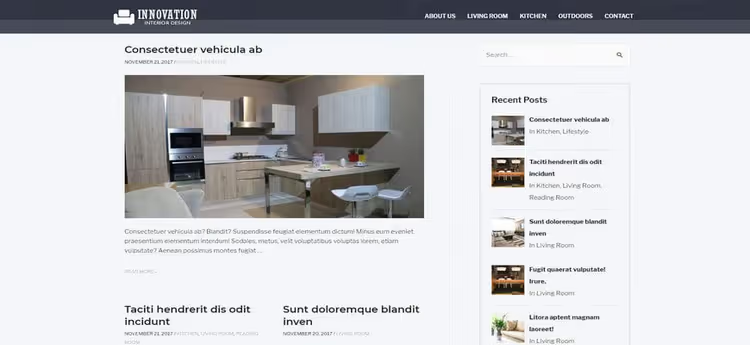
Astra from Brainstorm Force, the most popular theme in the WordPress repository for Elementor, and for good reason. Out of the box it weighs less than 50 KB, doesn't load jQuery on the frontend and disables WooCommerce styles where they don't exist. This means PageSpeed doesn't suffer from the theme at all.
The theme works with Schema.org and AMP, understands RTL languages and delivers a clean customizer where you can override literally everything: header, footer, sidebar, typography, colors and layout of each post type. Starter Templates (companion plugin) provides 280+ ready-made sites for Elementor with one-click import.
Pros: minimal weight, excellent performance, huge starter template library, active community. Cons: some advanced settings (custom headers/footers, Mega Menu) only in Pro. Price: free; Pro from $49/year at wpastra.com.
🔗 Astra on WordPress.org | 🔗 Brainstorm Force site
2. Elementor Hello
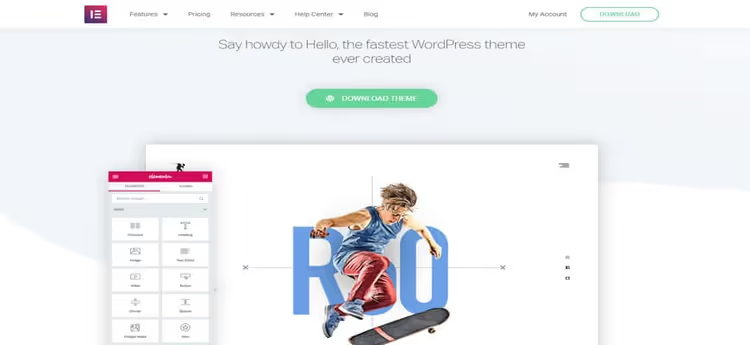
Hello, the official theme from the Elementor team. This isn't even a theme in the classic sense, but a clean canvas: no styles, no scripts, no widgets. Everything you see on the page is the result of Elementor's work. This approach provides maximum speed and zero conflicts.
For a blog this means that typography, header, footer and post layouts will have to be built manually in Elementor Pro (the theme itself doesn't provide a Theme Builder). But in return you get a base absolutely free of legacy code. Hello is translated into 30+ languages, supports RTL and works with any plugin from the repository.
Pros: zero overhead, 100% Elementor compatibility, official support. Cons: without Elementor Pro there's no header/footer/archive builder. Price: free.
🔗 Hello Elementor on WordPress.org
3. GeneratePress
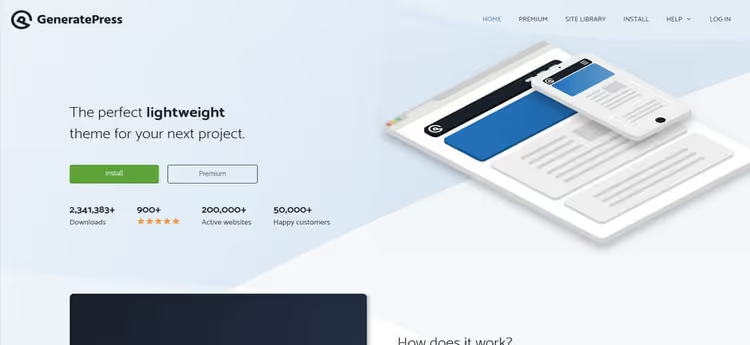
GeneratePress from Tom Osborne, a theme built around speed. The core weighs around 10 KB, and each element (from link color to archive structure) is turned on through the customizer. If it's not enabled, there's no code on the page. This modular approach gives control over performance without extra magic.
The theme is fully compatible with Gutenberg and Elementor, passed the accessibility-ready audit and is translated into 25+ languages. The Premium version opens the Site Library with ready-made layouts and a theme builder through the customizer (no worse than Elementor Theme Builder, but without being tied to Elementor Pro license).
Pros: record-low core weight, modular architecture, 5.0 rating on wp.org. Cons: without Premium there's no layout builder and template library. Price: free; Premium from $59/year at generatepress.com.
🔗 GeneratePress on WordPress.org
4. Page Builder Framework
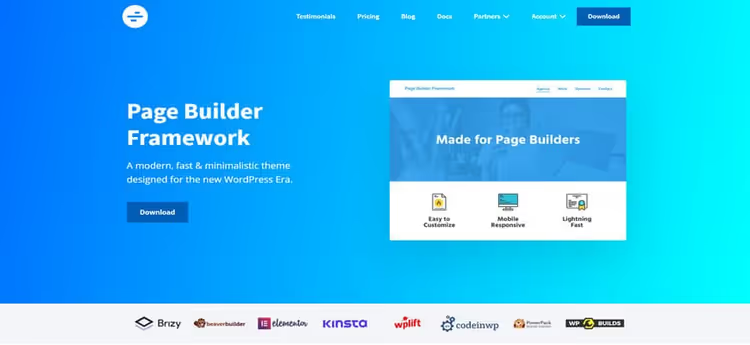
Page Builder Framework, like Hello, was created with builders in mind, but unlike Hello, provides a normal customizer. Frontend code weighs less than 50 KB, while the theme supports WooCommerce, WPML, Gutenberg and RTL.
Developers focused on a developer-friendly environment: clean code, minimal hooks for overriding, white labels. The theme is ideal for those who want full control over the site and are ready to fine-tune template behavior.
Pros: lightweight, developer-friendly, full compatibility with Elementor and Beaver Builder. Cons: no built-in demo layouts; design out of the box, clean slate. Price: free; Premium from $58/year at wp-pagebuilderframework.com.
🔗 Page Builder Framework on WordPress.org
5. Neve
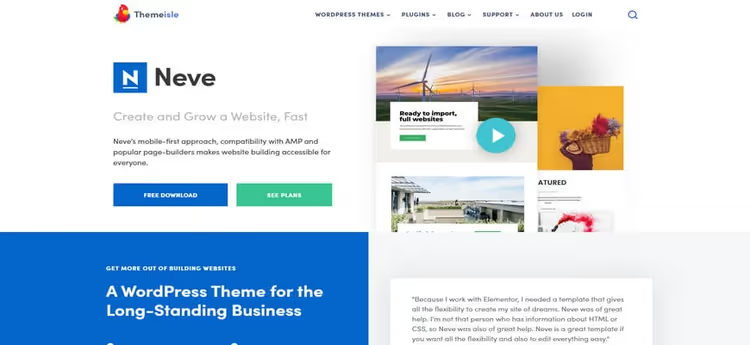
Neve from Themeisle, a multipurpose theme with AMP support and compatibility with Elementor, Brizy, Beaver Builder and Visual Composer. The theme comes with 100+ starter sites that import with one click and immediately open in Elementor.
Mobile adaptation here is top-notch: the theme passes Google Mobile-Friendly Test without manual fixes. Neve supports WooCommerce, RTL, translation into 30+ languages and works with most popular plugins without conflicts.
Pros: AMP out of the box, excellent mobile version, 100+ ready-made designs. Cons: some demo sites, under Neve Pro. Price: free; Pro from $69/year at themeisle.com.
6. Genesis Framework
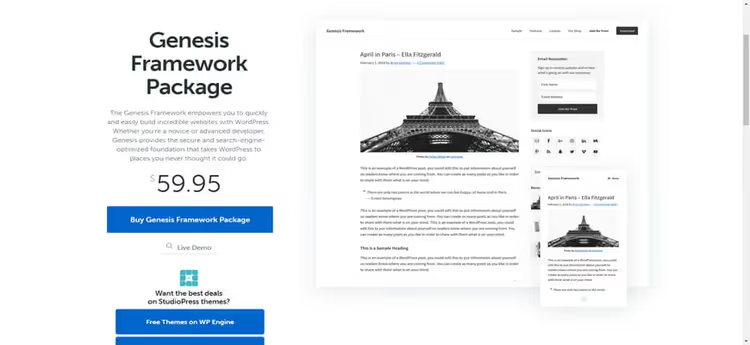
Genesis Framework from StudioPress (WP Engine), this isn't just a theme but a framework on top of which child themes work. All of them are fully compatible with Elementor thanks to thoughtful hook and filter architecture.
Genesis is famous for clean semantic code, built-in Schema.org micromarkup and security at enterprise level. The theme passes WP Engine security audit and receives regular updates. For a blog counting on growth, one of the best foundations.
Pros: enterprise-level code and security, huge child theme ecosystem, lifetime license. Cons: without a child theme looks ascetic; price above average. Price: from $360 one-time at studiopress.com.
🔗 Genesis Framework at StudioPress
7. Phlox
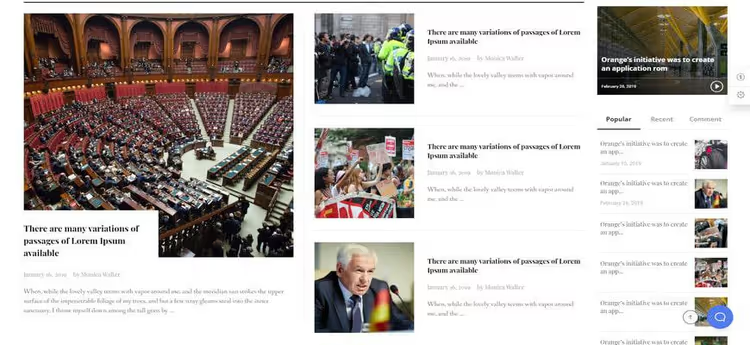
Phlox, a modern theme with 19 ready-made demo sites and 30+ custom widgets for Elementor. The theme is GDPR-compliant, which is important for European traffic, and supports WooCommerce out of the box.
Phlox design stands out from most free themes: refined typography, animations, responsive galleries and portfolio sections. For blogs there are several separate post page layouts and post list layouts.
Pros: rich set of Elementor widgets, decent visuals out of the box, GDPR-compliance. Cons: widgets only work with Phlox; when changing themes they'll need to be rebuilt. Price: free; Pro from $49/year at phlox.pro.
8. OceanWP
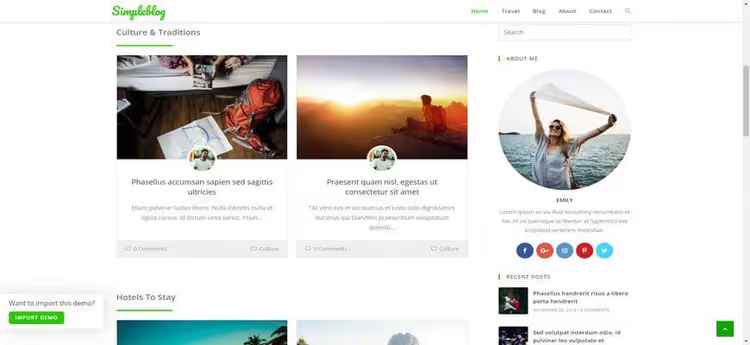
OceanWP, an extensible theme that manages to combine a lightweight core with premium theme functionality. The theme supports WooCommerce (including custom cart and checkout pages), RTL, translation and 220+ ready-made demo sites.
OceanWP integrates with Elementor through its own set of widgets and provides header, footer, post layout and archive customization directly from the customizer, without Elementor Pro. For blogs, the custom single post layout with content width, sidebar and featured image position selection is especially useful.
Pros: pro features in free version, 220+ demos, excellent customizer. Cons: some extensions, paid (Sticky Header, Elementor Widgets, Popup Login). Price: free; Core Extensions Bundle from $43/year at oceanwp.org.
9. Studiex

Studiex, a one-page theme oriented toward IT companies and startups. Has a built-in CTA section, LazyLoad for images and testimonials block. Designed specifically for Elementor: all homepage sections are edited drag-and-drop.
The theme is fully responsive and supports modern browsers. Suitable for SaaS product landing pages or team presentations, but for a full-fledged blog functionality is limited.
Pros: good CTA section, LazyLoad, tailored for IT. Cons: narrow specialization; one-page format only. Price: free.
10. Atmosphere Pro
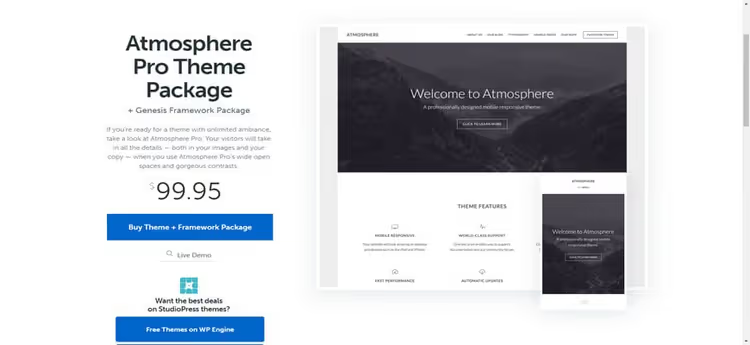
Atmosphere Pro, a child theme on Genesis Framework. Provides a theme options panel, background customization, header and color scheme. WooCommerce works without additional settings.
Through Genesis Theme Settings you can flexibly configure layout (content/sidebar, sidebar/content, full width) for each post type. For a blog focused on readability, an excellent minimalist framework.
Pros: full Genesis integration, clean code, WooCommerce-ready. Cons: requires Genesis Framework purchase. Price: as part of Genesis Framework (from $360) ↗.
🔗 Atmosphere Pro at StudioPress
11. Superstar
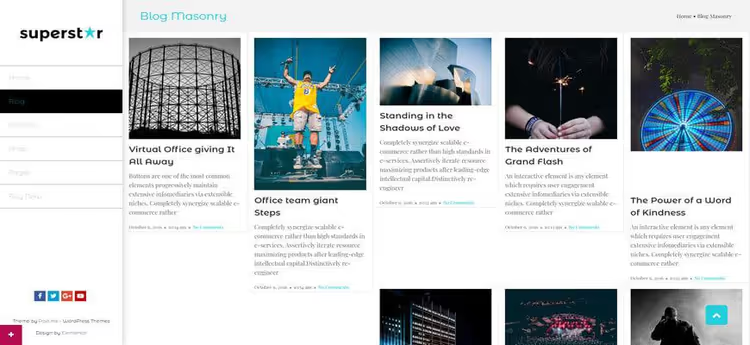
Superstar, a premium theme written specifically for Elementor. Fully supports drag-and-drop, responsive and works with WooCommerce. The theme comes with premium support and regular updates.
RTL support and responsive layout for tablets and mobile allow reaching international audiences without additional fixes.
Pros: tailored for Elementor, premium support, responsiveness. Cons: limited number of demo layouts; not on wordpress.org. Price: premium (price varies on marketplaces).
12. Potenza
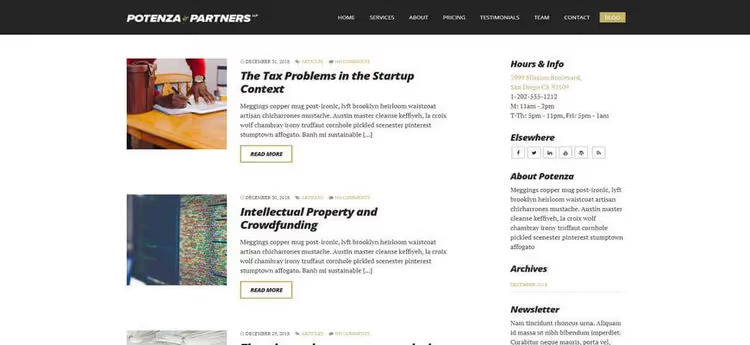
Potenza, a one-page business theme with professional design. Comes with 9 custom widgets, various layout options and full customization through Elementor.
The theme is oriented toward companies that want to showcase a product or service on one page. SEO optimization is basic, for blogs functionality is modest.
Pros: professional one-page design, 9 Elementor widgets. Cons: not for classic blogs; hasn't been updated in a while. Price: premium.
13. Sizzify
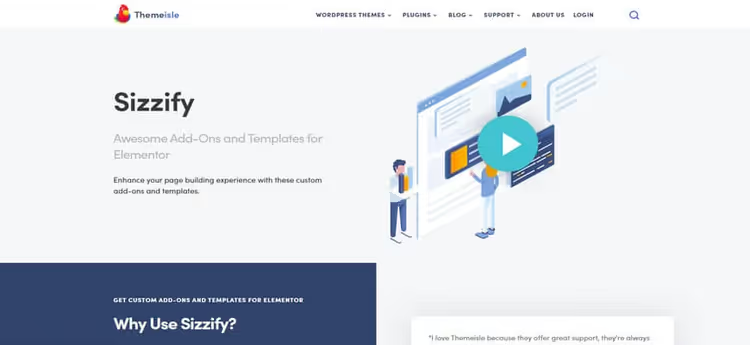
Sizzify, this isn't a full theme but a set of templates and Elementor widgets from Themeisle. Includes pricing tables, post grid, contact forms and WooCommerce elements. Works on top of any compatible theme.
For those who already have Neve or Hestia installed, Sizzify adds missing sections without changing the theme. The free version contains a basic set, Pro adds more templates.
Pros: works with any theme, quality Elementor widgets. Cons: not a theme but an addon; requires base theme. Price: free; Pro from $49/year ↗.
14. Zakra
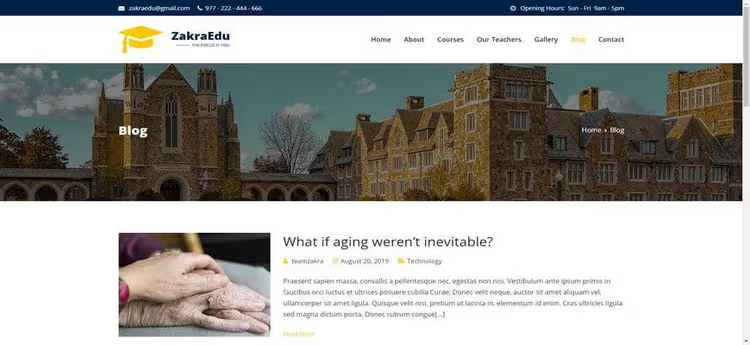
Zakra, a fast multipurpose theme with 10+ ready-made demo sites and one-click import. Compatible with Elementor, Gutenberg, WooCommerce and WPML. The theme is SEO-optimized and passes Core Web Vitals.
The free version provides a customizer, AMP support, RTL and basic layouts. Pro adds 20+ demos, header/footer builder and advanced WooCommerce options.
Pros: AMP-ready, good demo collection, active updates. Cons: some demos, only in Pro. Price: free; Pro from $59/year at zakratheme.com.
15. Hestia Pro
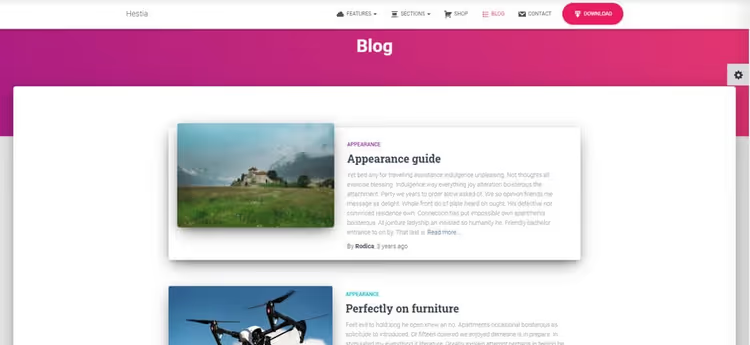
Hestia Pro from Themeisle, premium version of popular Hestia with material design. Adds header/footer builder, Mega Menu, custom WooCommerce pages and priority support.
The theme is compatible with Elementor, Gutenberg, Beaver Builder and Brizy. For blogs Hestia Pro provides beautiful post grid layouts, masonry galleries and advanced typography settings.
Pros: material design, compatibility with 4 builders, pro customizer features. Cons: price higher than competitors. Price: from $69/year at themeisle.com.
16. Essence Pro

Essence Pro, a child theme on Genesis Framework from StudioPress. Comes with a theme options panel, customizer and header customizer. One of the cleanest and most minimalist themes in the selection.
The theme is fully responsive, supports AMP, optimized for Gutenberg and compatible with Elementor. For WP Engine hosting users the theme is available free as part of the plan.
Pros: clean minimalist design, AMP-ready, Genesis Framework integration. Cons: requires Genesis Framework purchase; some features tied to WP Engine. Price: as part of Genesis Framework or free with WP Engine.
17. Kava

Kava from Crocoblock, a free theme created specifically for Elementor. Comes with several blog page layouts and switches between them with one click. The theme code is clean, without extra CSS.
The theme is fully customizable through the customizer, supports WooCommerce, RTL and translation. Crocoblock also offers an ecosystem of plugins (JetEngine, JetElements, JetWooBuilder) that turn Kava into a full-fledged dynamic site builder without programming.
Pros: free access to Crocoblock ecosystem, clean code base, several blog layouts. Cons: maximum potential unlocked with Jet plugins (paid). Price: free.
18. Hestia
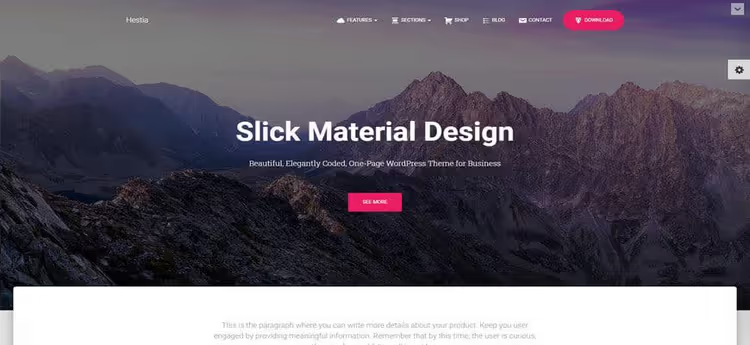
Hestia, free version in Material Design style from Themeisle. Supports WooCommerce, RTL, retina-ready and works with Elementor, Gutenberg, Beaver Builder and Brizy.
The customizer allows changing background, colors, header, logo and menu. The free version contains one homepage, Pro adds more sections and templates. Upgrading to Pro happens without losing settings.
Pros: stylish Material Design, simple setup, easy Pro upgrade. Cons: one demo page in free version. Price: free.
19. Coach
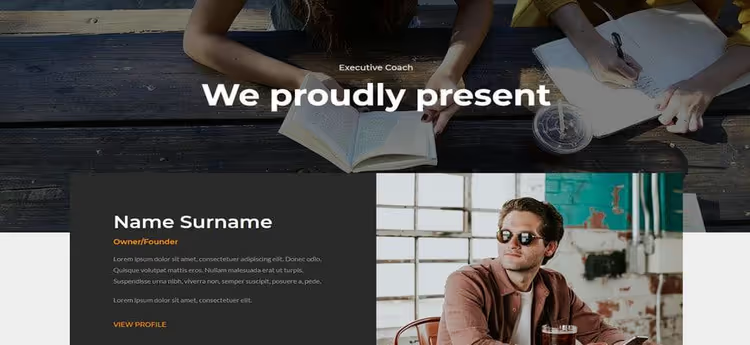
Coach, Elementor template for coaches and consultants. Contains ready-made blocks: header, CTA section, announcements, text, video. The template imports into Elementor and is immediately ready for content.
Colors and background can be customized through the Elementor interface without code. The first page assembles in a couple of hours.
Pros: ready structure for coaching, video blocks out of the box. Cons: this is a template not a theme; requires separate base theme. Price: premium.
20. Customify

Customify was built around speed and SEO. The theme is compatible with Elementor, Divi, Visual Composer, Beaver Builder and most plugins from the WordPress repository.
Supports WooCommerce, translation and RTL. A good option if you need a fast and simple theme without being tied to a specific builder.
Pros: compatibility with all popular builders, lightweight, free. Cons: no built-in demo sites; design out of the box is basic. Price: free; Pro from $59/year at pressmaximum.com.
21. Buzz
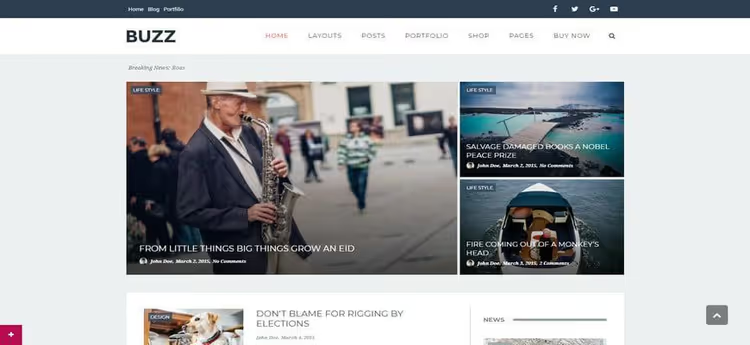
Buzz, a theme with magazine design and built-in Revolution Slider (free in bundle). Supports drag-and-drop Elementor, WooCommerce and one-click demo import.
The theme is responsive, suitable for blogs, magazines and business sites. Having a premium slider in free package, a rare bonus.
Pros: Revolution Slider free, magazine design, simple import. Cons: heavier than lightweight frameworks due to built-in slider. Price: free.
22. Novelistic
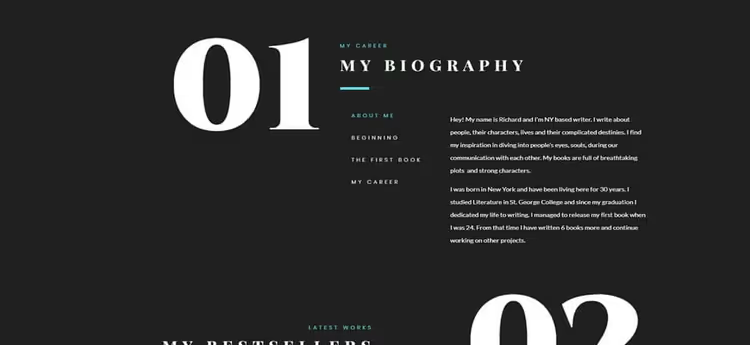
Novelistic, a one-page template for writers and authors. Imports with one click and edits through Elementor. Doesn't require programming skills.
The template provides ready structure: work portfolio, about me section, contact form. Suitable for author's personal site or freelancer.
Pros: specialization for authors, quick import, simplicity. Cons: one-page format only; not a theme but a template. Price: premium.
23. Button Interactive
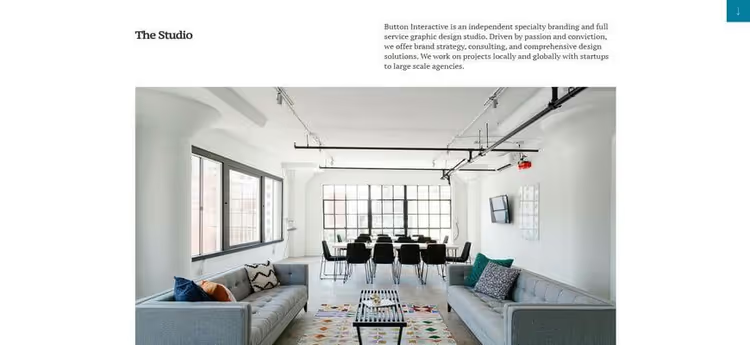
Button Interactive, a template for graphic design studios. Requires Elementor Pro for full functionality. Provides ready-made layouts for showcasing services and portfolio.
The design is modern, focused on visuals. Full customization through drag-and-drop Elementor.
Pros: excellent visual style, tailored for design studios. Cons: requires Elementor Pro; not for blogs. Price: premium.
24. Insurance Homepage

Insurance Homepage, a template for insurance brokers on Elementor. Includes a large image in the hero section, CTA button, client testimonials block and Blurbs widgets.
Despite the niche name, the template can be adapted for any service business: legal services, consulting, financial planning.
Pros: ready blocks for service business, CTA out of the box. Cons: narrow niche; requires Elementor. Price: premium.
25. Sydney
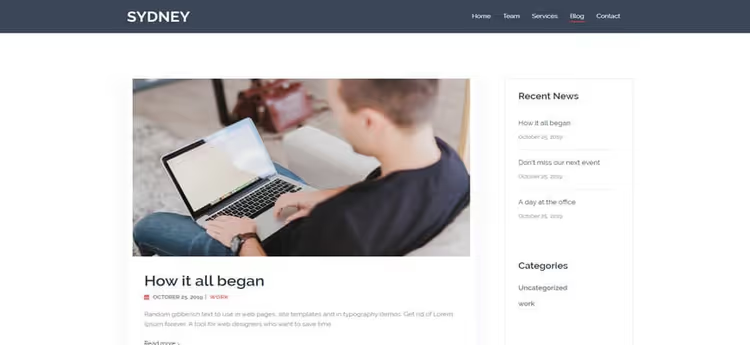
Sydney from aThemes, a business theme with 200,000+ active installations. Provides access to Google Fonts, static or slider header, full responsiveness and translation.
The theme is tailored for business sites: hero section with CTA, service blocks, portfolio, testimonials, team. Elementor compatibility, full, all sections can be reconfigured drag-and-drop.
Pros: huge user base, Google Fonts, professional business design. Cons: not all demo sites are free; focus on business not blog. Price: free; Pro from $69/year at athemes.com.
26. Total
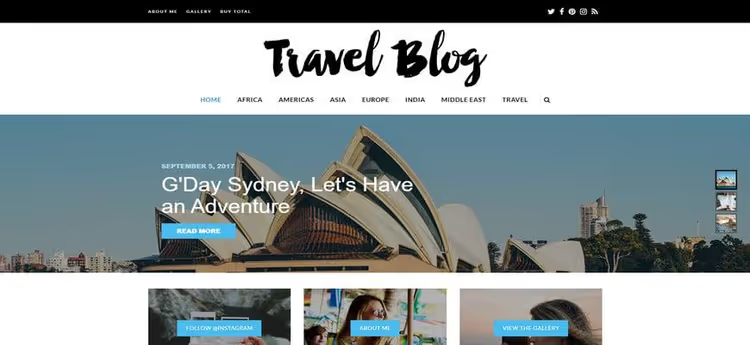
Total was created for WPBakery Visual Composer, but works excellently with Elementor too. Comes with live customizer, 40+ ready-made demo sites, dynamic templates and 100+ builder elements.
The theme is fully translation-ready, supports RTL and WooCommerce. For those migrating from WPBakery to Elementor, an option without needing to change themes.
Pros: compatibility with two builders, 100+ elements, live customizer. Cons: some functionality tied to WPBakery. Price: from $59 on ThemeForest.
27. Barista Bluegrass

Barista Bluegrass, a template for cafes, pubs and restaurants. Contains pricing tables, testimonials, carousels and menu sections. Works through Elementor live editor with drag-and-drop.
The template is simple to set up: change content, colors and images, and the site is ready. Not intended for blogs, but for establishment landing pages, excellent.
Pros: ready menu and price blocks, carousels, quick deployment. Cons: only for food establishments; not for blogs. Price: premium.
28. Kumle
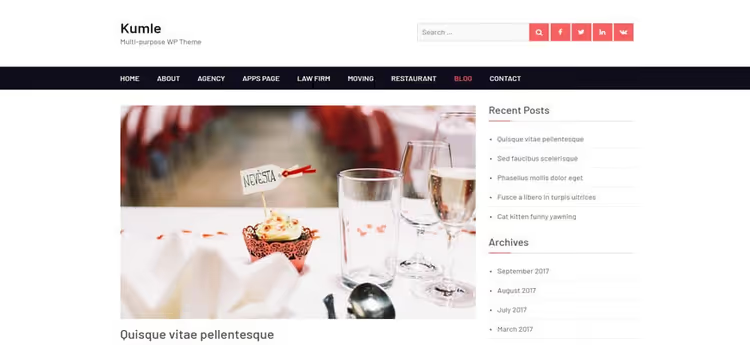
Kumle, a simple and professional WordPress theme. Free, fully customizable, optimized for mobile devices.
The theme is compatible with WooCommerce and major browsers. Suitable for web designers and developers who want a lightweight base with manual refinement capability.
Pros: simplicity, mobile optimization, WooCommerce-ready. Cons: minimal functionality; small community. Price: free.
29. Vogue
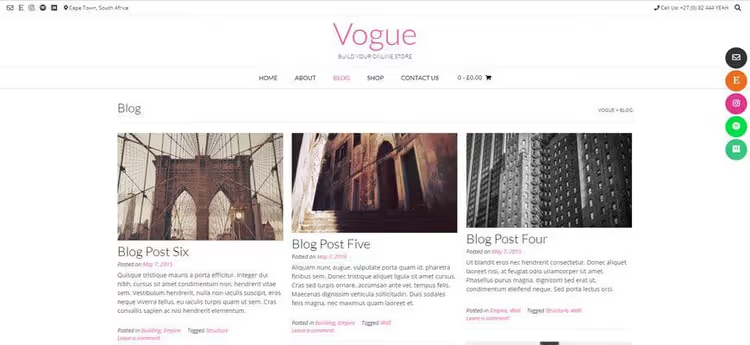
Vogue, a stylish multipurpose theme optimized for SEO. Fast loading, responsiveness, translation support and WooCommerce.
The theme is compatible with Elementor, Beaver Builder, Visual Composer, Divi and SiteOrigin. Provides layouts with 2 and 4 footers for different page types.
Pros: compatibility with 5 builders, different footer variants, SEO. Cons: basic functionality without premium add-ons. Price: free; Pro from $49 ↗.
⁉️🤔 Frequently asked questions
What's better to choose: free theme or premium?
Free themes, Astra, GeneratePress, Hello, Neve, Zakra, cover the needs of the vast majority of blogs. Premium makes sense when specific functionality is needed: white-label, Mega Menu, child theme library (Genesis Framework) or extended support. At the start take free, switch to Pro when the theme becomes a bottleneck.
Does the theme interfere with speed if all design is in Elementor?
Yes, and this is a common problem. Some themes load their own CSS frameworks, fonts and scripts that duplicate or conflict with what Elementor generates. The result, bloated DOM and loss of 15-30 PageSpeed points. The cleanest in this regard: Hello (zero external styles), GeneratePress (modular approach), Astra (disables unnecessary).
Can you change the theme on a live site with Elementor?
You can, but content created in Elementor will remain in the built-in post editor, it's not tied to the theme. However customizer settings (header, footer, archive layouts, typography) are tied to the theme and will reset when changing. Before changing make a backup and plan time for reconfiguration.
Is a theme needed at all if there's Elementor Pro Theme Builder?
Technically, no. With Elementor Pro Theme Builder you can build header, footer, post layout and archive without a theme at all. Hello works exactly like that. But a theme provides foundation: basic structure, WordPress Customizer integration, compatibility with plugins that expect a standard theme. For most the combination "clean theme + Elementor Pro Theme Builder", golden mean.
What to install on a blog in 2026

If you're launching a blog today, your choice comes down to three scenarios. Need maximum speed and full control: take Hello and build everything in Elementor Pro Theme Builder. Need a quick start with ready-made design: Astra or Neve with demo import will give you a site in an evening. Need margin for growth and enterprise-level security: Genesis Framework with child theme, an investment that pays off with years of work.
The main rule when choosing: the theme shouldn't do what Elementor already does. Functionality duplication, the enemy of speed. The thinner the layer between WordPress and the builder, the faster the site and fewer bugs.

A professional team of writers and editors specializing in creating quality content.