













 AIIllustrative image: AI-generated
📸 32 best free photo websites in 2026
A photograph brings a website to life. A single frame can stop the scroll and create a mood that text can't convey. But when the budget for a photo shoot is zero and you can't grab images from Google search, you need a third option.
Free stock sites fill this need: millions of images under CC0 and similar licenses, legal commercial use, no royalties. In practice, we tested three dozen platforms, scrutinized the licenses, and selected the ones that actually work. From giants to niche collections, here's the full list.
💡 Quick overview:
- Decide on the type: universal giants (Unsplash, Pexels, Pixabay) cover most needs; niche platforms (FoodiesFeed, StyledStock) save the day when you need a specific style; premium libraries (Adobe Stock, Shutterstock) are for projects where legal risks are unacceptable.
- Check the license: CC0 means complete freedom; platforms with their own license (Unsplash, Pexels) also allow commercial use without attribution, but read the terms, there are nuances with resale and model release.
- Download at maximum resolution: when resizing for retina, pixel headroom is critical. Don't insert the full-size original (4000-6000 px) into a post, run it through an optimizer.
- Search in English: English keywords yield 5-10 times more results than Russian. You'll also avoid poorly machine-translated tags.
Free stock photo sites: from giants to niche collections
You can download images from these sites for free for personal and commercial projects. Most have a CC0 license or equivalent. Where there are nuances, we note them separately.
Comparison table of flagships
Platform | Library size | License | Registration | Color search | Exclusives |
|---|---|---|---|---|---|
Unsplash | 3M+ | Unsplash License | Not required | No | Yes |
Pexels | 1M+ | Pexels License | Not required | Yes | No |
Pixabay | 2.5M+ | Pixabay License | Not required | No | No |
Burst (Shopify) | 20K+ | CC0 | Not required | No | Yes |
StockSnap | 20K+ | CC0 | Not required | No | Yes |
1. Unsplash

Unsplash, the gold standard of free stock. The library has surpassed 3 million images, hundreds of new ones every day. The community has more than 300,000 photographers.
Owned by Getty Images since 2021, but remains free. The license is proprietary, Unsplash License: commercial use is allowed, only direct resale is prohibited. Built-in integration with Figma and WordPress. Registration unlocks collections and subscriptions to authors.
- Pros: huge library, consistently high quality, API for developers.
- Cons: text-only search, many photos are "exposed" on thousands of sites.
- Price: free.
- Download: 🔗 Unsplash
2. Pixabay

Pixabay, a library of 2.5+ million images, vectors, and videos. Owned by Canva since 2019: search has gotten smarter, moderation stricter.
Pixabay License allows commercial use without attribution. Some premium vectors require a subscription. Search with filters by orientation, category, and color. Registration is free.
- Pros: photos, vectors, and videos in one place, smart search with filters.
- Cons: growing share of premium content, quality on average lower than Unsplash.
- Price: free.
- Download: 🔗 Pixabay
3. PicJumbo
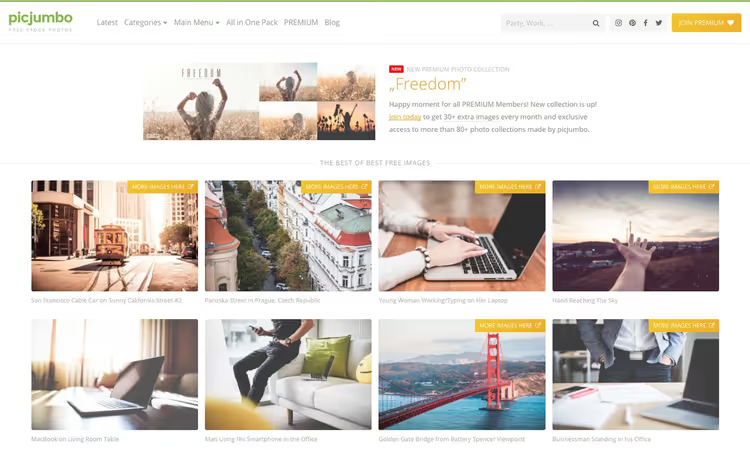
PicJumbo, an independent project by photographer Viktor Hanacek. More than 2500 free photos plus a premium collection. The style is clean product-shot: bright backgrounds, minimal distractions. Commercial use allowed.
- Pros: unique content, consistent style, no cross-posting from giants.
- Cons: modest library, search without filters.
- Price: free.
- Download: 🔗 PicJumbo
4. RawPixel
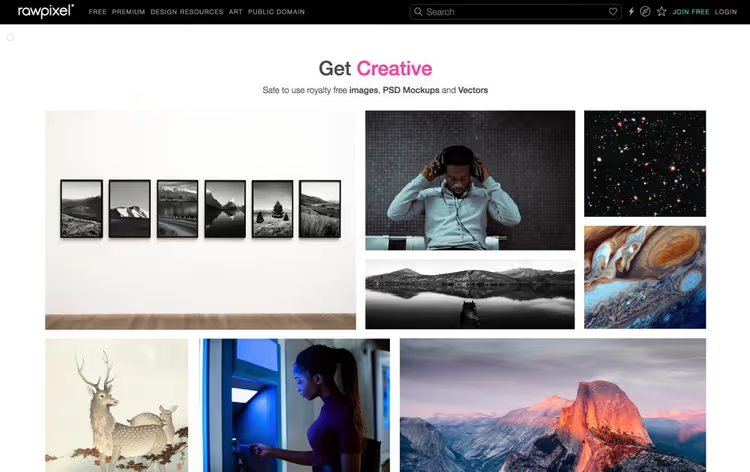
RawPixel, a free collection of 200,000 images, vectors, and PSD mockups. One of the largest Unsplash contributors, but on its own site it offers more: vectors, templates, PSDs with transparent backgrounds. Attribution required.
- Pros: PSDs and vectors freely available, themed collections.
- Cons: some content is paid, attribution required.
- Price: free.
- Download: 🔗 RawPixel
5. Pexels

Pexels, together with Pixabay, is part of the Canva ecosystem. Library: more than a million free photos and videos, updated by 3000+ images monthly. Pexels License, close to CC0.
Strong point, search with filters by color, orientation, and size. Built-in editor allows cropping before download. Free HD videos under the same license.
- Pros: best search with filters, videos, built-in editor.
- Cons: content overlap with Pixabay, no API.
- Price: free.
- Download: 🔗 Pexels
6. PikWizard
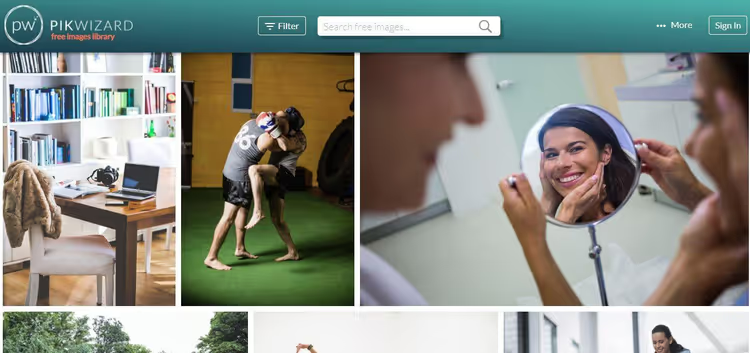
PikWizard stands out with its focus on photos of people. More than 100,000 images, over 20,000 exclusives. Real emotions, natural lighting, no clichés like "three people in suits at a monitor." Built-in editor.
- Pros: best selection of photos with people, exclusives.
- Cons: attribution for some content, modest volume.
- Price: free.
- Download: 🔗 PikWizard
7. Burst (Shopify)
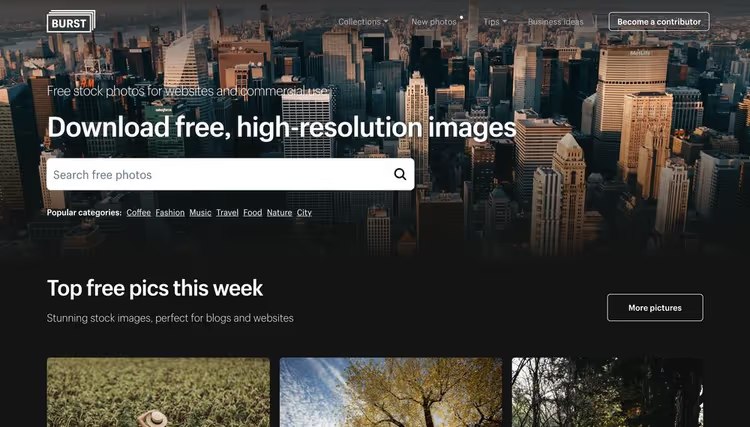
Burst, Shopify's stock for online store owners. More than 20,000 images under CC0. Photos are curated for e-commerce: product photography, lifestyle, office. Collections grouped by business themes.
- Pros: CC0, e-commerce focus, quality moderation.
- Cons: small library, no videos.
- Price: free.
- Download: 🔗 Burst
8. FoodiesFeed
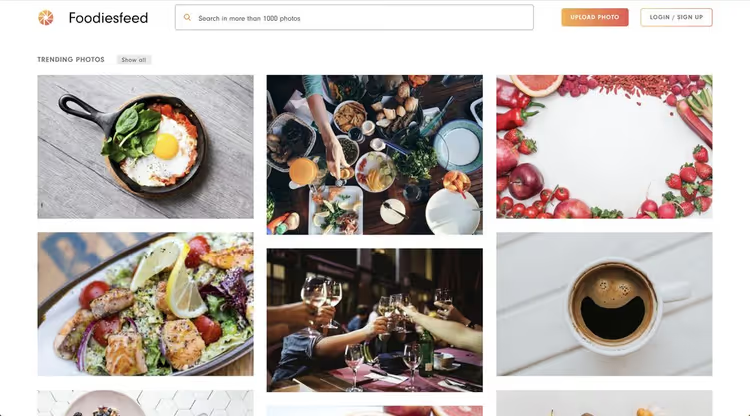
FoodiesFeed, a niche stock: food photography only. Manual moderation keeps quality above universal platforms. CC0 for most photos. Ideal for culinary blogs and restaurant menus.
- Pros: niche focus, high quality, CC0.
- Cons: food only, about 2000 photos.
- Price: free.
- Download: 🔗 FoodiesFeed
9. FreeImages
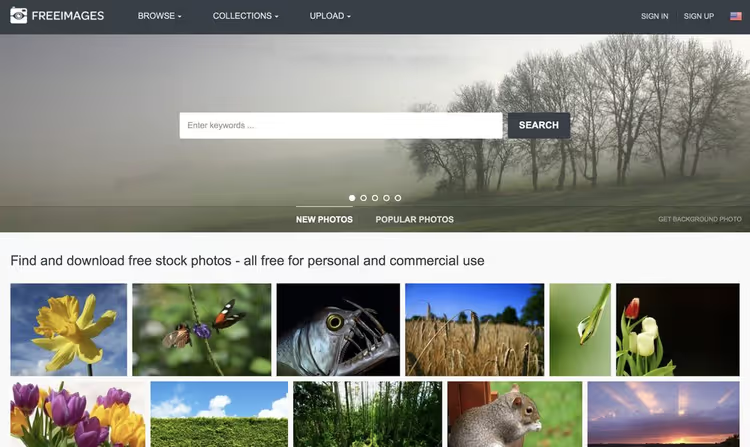
FreeImages, a market veteran (formerly stock.xchng). More than 400,000 images, collections by theme. License is not unified: some CC0, some with attribution. Check each photo's card before downloading.
- Pros: large library, ready-made themed collections.
- Cons: license varies, interface is outdated.
- Price: free.
- Download: 🔗 FreeImages
10. Gratisography
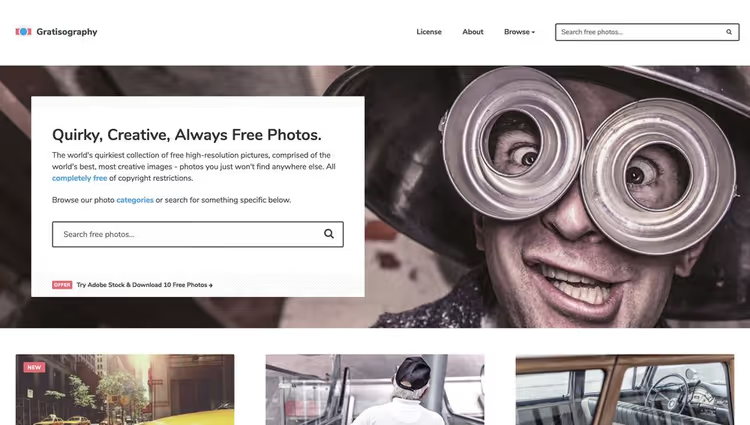
Gratisography, photographer Ryan McGuire's project with a surrealist style. Each photo is staged, with character. Commercial license. For projects where you need to stand out, not blend into the feed.
- Pros: unique style, high resolution.
- Cons: small library, not suitable for all projects.
- Price: free.
- Download: 🔗 Gratisography
11. Life of Pix
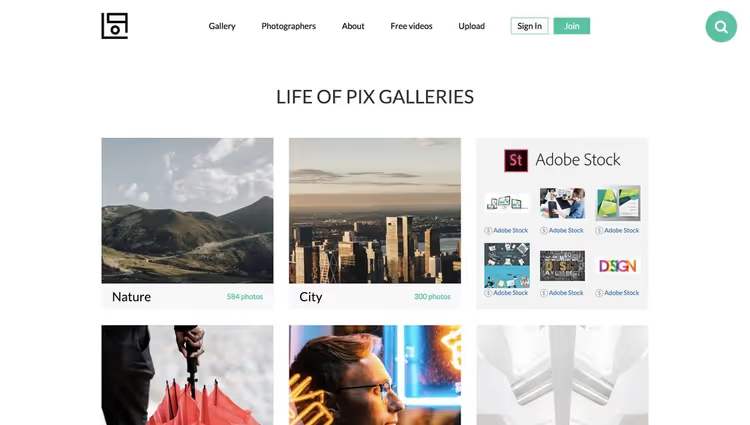
Life of Pix, a project by LEEROY agency from Montreal. Gallery of high-resolution photos under CC0. Has a video stock subsidiary, Life of Vids. No ads or paywall.
- Pros: CC0, high resolution, video stock included.
- Cons: infrequent updates, no filters.
- Price: free.
- Download: 🔗 Life of Pix
12. Kaboom Pics
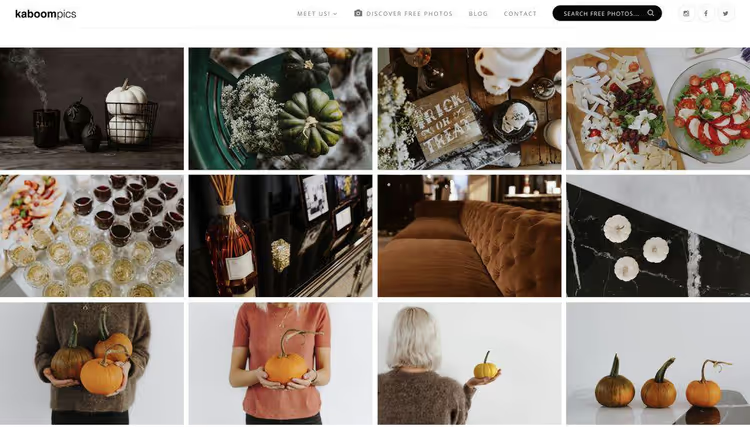
Kaboom Pics, search photos by color palette. Choose a dominant color and get a selection in that range. All photos are exclusive. Commercial use with attribution.
- Pros: color search, exclusive content.
- Cons: small library, attribution required.
- Price: free.
- Download: 🔗 Kaboom Pics
13. Magdeleine
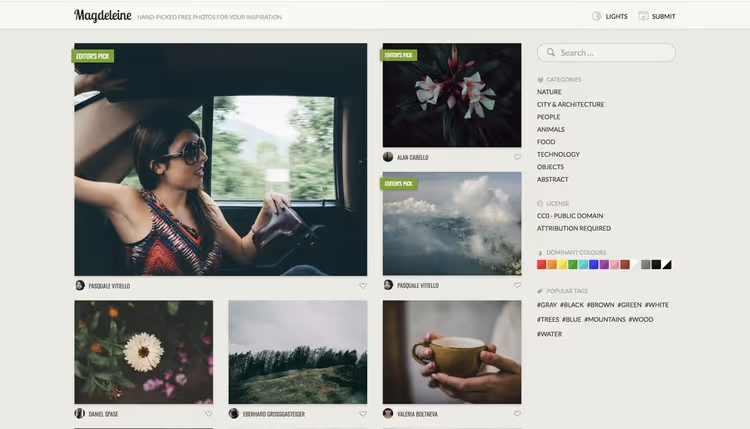
Magdeleine, a curated project: one new photo every day, hand-picked. License predominantly CC0. Muted tones, atmospheric shots. For design and lifestyle blogs.
- Pros: high quality, CC0, uniqueness.
- Cons: slow updates, no search.
- Price: free.
- Download: 🔗 Magdeleine
14. StockSnap
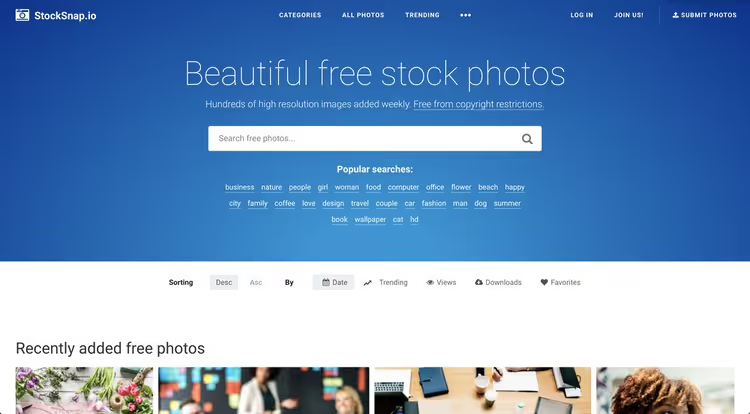
StockSnap, 20,000+ photos under CC0. Sorting by trends and date added. Quality is uneven, but when sorted by popularity, the excess is filtered out. No registration.
- Pros: CC0, sorting by trends, no registration.
- Cons: uneven quality, modest library size.
- Price: free.
- Download: 🔗 StockSnap
15. StyledStock
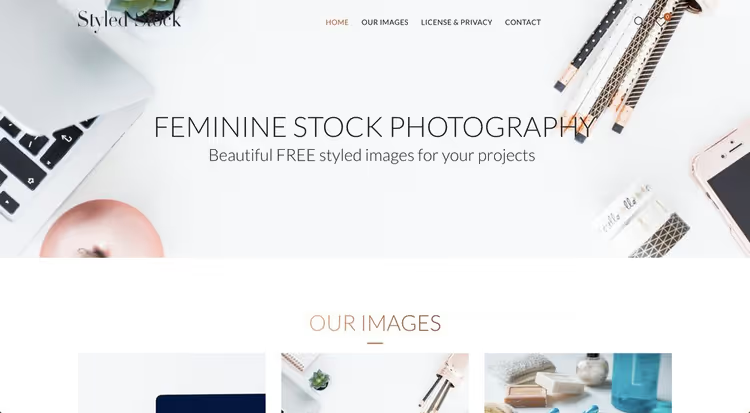
StyledStock, a niche platform with "feminine" stock photography: flat lay, office scenes, beauty. Clean style, Instagram aesthetic. For beauty blogs and cosmetic shops.
- Pros: niche style, exclusivity.
- Cons: narrow theme, small library.
- Price: free.
- Download: 🔗 StyledStock
16. Picography
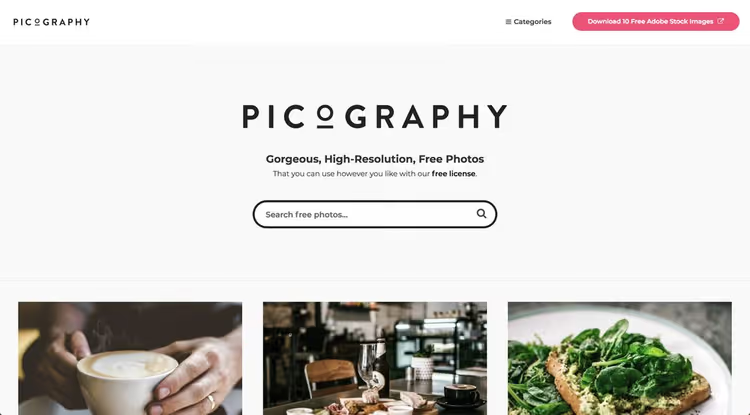
Picography, a small gallery of high-resolution photos under CC0. Natural lighting, nature, architecture. Curated selection without claims to completeness.
- Pros: CC0, pleasant aesthetic.
- Cons: tiny library, irregular updates.
- Price: free.
- Download: 🔗 Picography
17. Skitterphoto
Skitterphoto, 10,000+ photos under CC0. From cityscapes to macro. All photos are original, not cross-posted from other platforms.
- Pros: CC0, original content.
- Cons: amateur quality, no filters.
- Price: free.
- Download: 🔗 Skitterphoto
18. New Old Stock
New Old Stock, a collection of vintage black-and-white photos from government archives. Mid-20th century images, no copyright. For historical articles and retro design.
- Pros: unique content, public domain.
- Cons: retro only, no search.
- Price: free.
- Download: 🔗 New Old Stock
19. ISO Republic
ISO Republic, 3000+ photos and videos under CC0. Textural, architectural, and tech shots. All original.
- Pros: CC0, photos and videos.
- Cons: small library, narrow stylistics.
- Price: free.
- Download: 🔗 ISO Republic
20. NegativeSpace
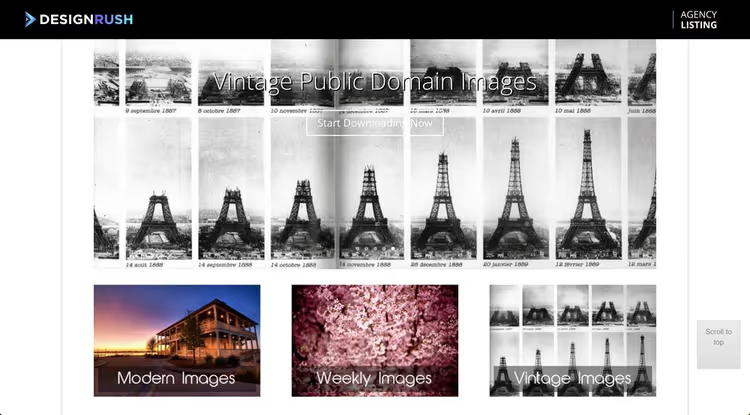
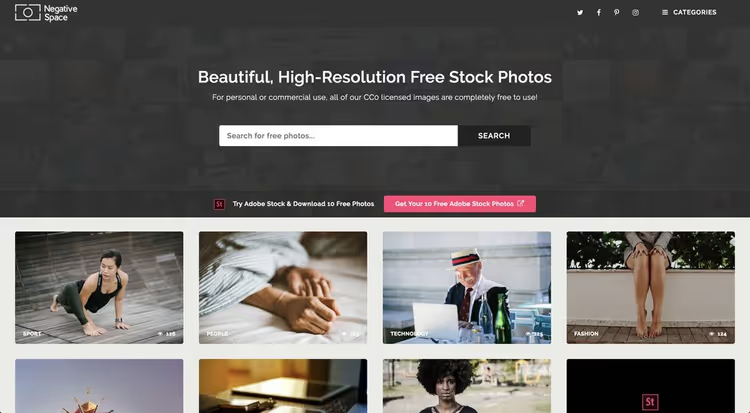
NegativeSpace, photos with "breathing room" under CC0: lots of space for text and design elements. Perfect for banners and headers.
- Pros: CC0, space for text.
- Cons: modest volume.
- Price: free.
- Download: 🔗 NegativeSpace
21. Stocksy United (Free Collection)
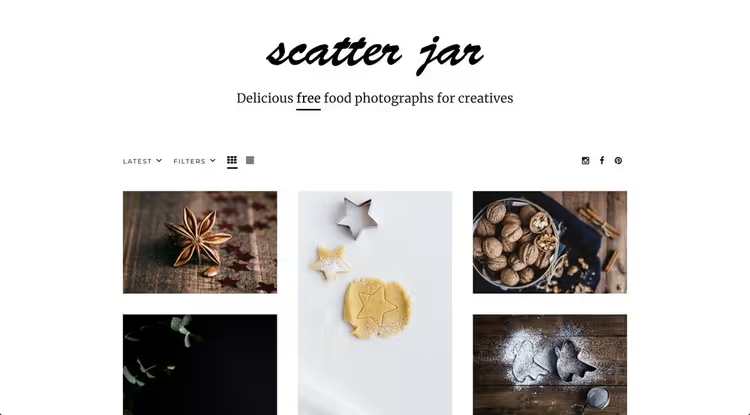
Stocksy, a premium photographer cooperative with a free selection of curated images. Quality on par with top paid stocks. The free collection is microscopic, but each frame is ready material for a cover.
- Pros: premium quality, exclusivity.
- Cons: microscopic free portion, no direct URL (search on site).
- Price: free (limited collection).
22. Freerange Stock
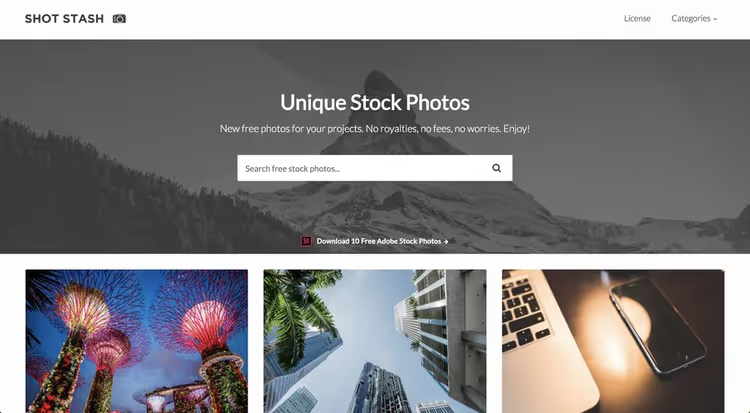
Freerange Stock, 10,000+ photos under a proprietary license. Registration required but free. There's a premium tier for extended access.
- Pros: great variety, commercial license.
- Cons: registration required.
- Price: free.
- Download: 🔗 Freerange Stock
23. SplitShire
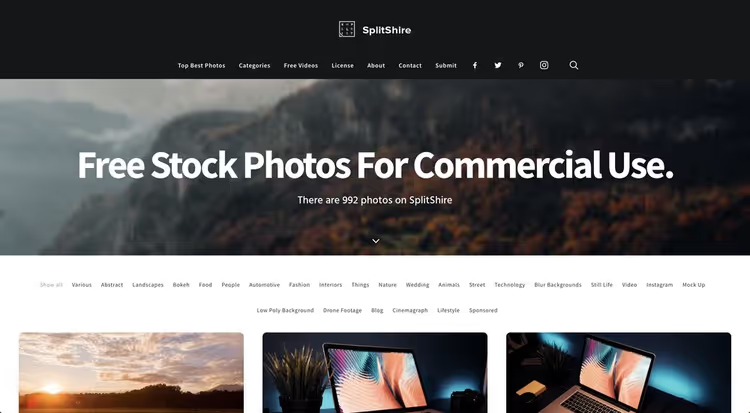
SplitShire, a project by Italian photographer Daniel Nanescu. More than 900 original photos in high resolution. Commercial license without attribution.
- Pros: exclusive content, signature style.
- Cons: very small library.
- Price: free.
- Download: 🔗 SplitShire
24. Superfamous
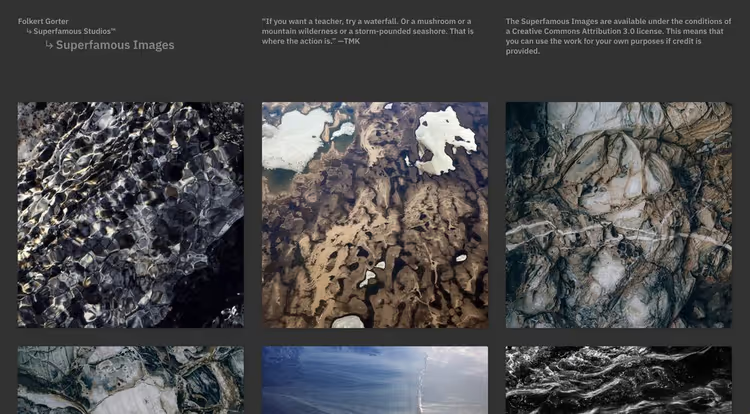
A collection of high-resolution photos from Superfamous design studio. Nature and landscapes under CC BY 3.0, attribution required.
- Pros: high quality, atmospheric landscapes.
- Cons: narrow theme, small volume.
- Price: free.
25. MMT Stocks
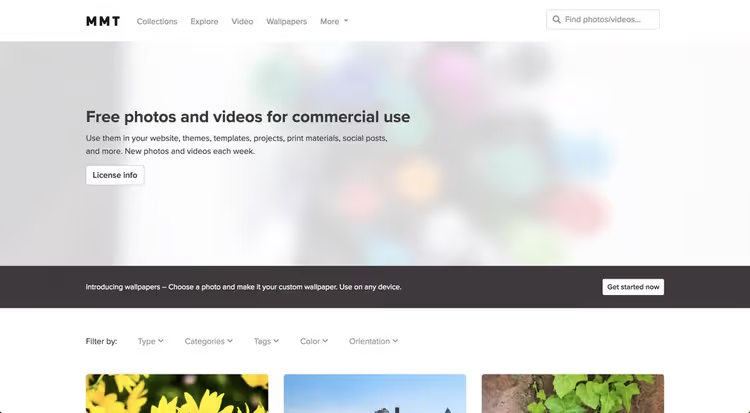
MMT Stocks, a collection of photos under CC0 by designer Jeffrey Betts. Minimalism, clean compositions, muted colors. For projects with airy aesthetics.
- Pros: CC0, aesthetic minimalism.
- Cons: microscopic library.
- Price: free.
26. Foca
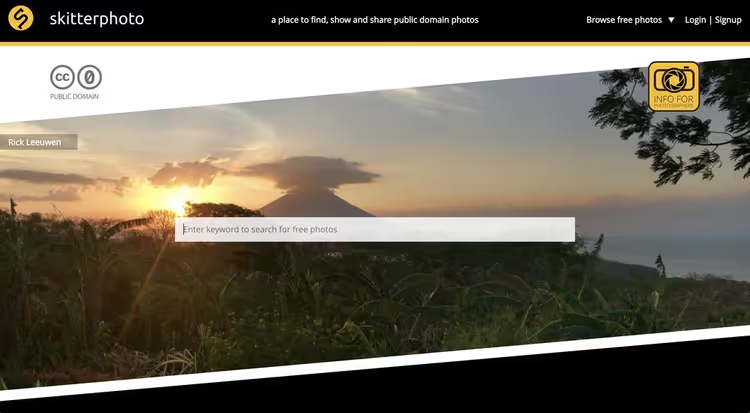
Foca, a niche stock with minimalism and compositions with "breathing room." CC0, all photos original. For landing pages and presentations.
- Pros: CC0, clean style.
- Cons: very small library.
- Price: free.
- Download: 🔗 Foca
27. Death to Stock
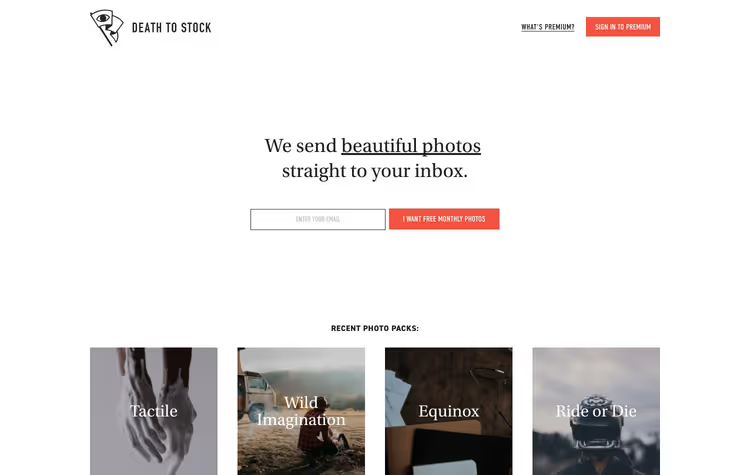
Death to Stock, a premium project with free access to part of the collection. Weekly newsletter with themed photo sets from artists around the world.
- Pros: unique content, artistic approach.
- Cons: limited free access, no search.
- Price: free (limited access).
- Download: 🔗 Death to Stock
Premium platforms: when you need insurance
Free stocks cover most needs. But when budget allows, premium libraries save search time and insure against legal risks: indemnification in the license means the platform takes legal responsibility for the content.
Adobe Stock

Adobe Stock, integration with Photoshop, Illustrator, and the rest of the Adobe suite is the main advantage. You can preview photos with watermarks directly in the layout and license with one click. Library: 200+ million photos, vectors, videos, and 3D assets.
Subscription from $29.99/month for 10 downloads. Images are royalty-free: the license covers print, web, social media, and presentations.
Shutterstock
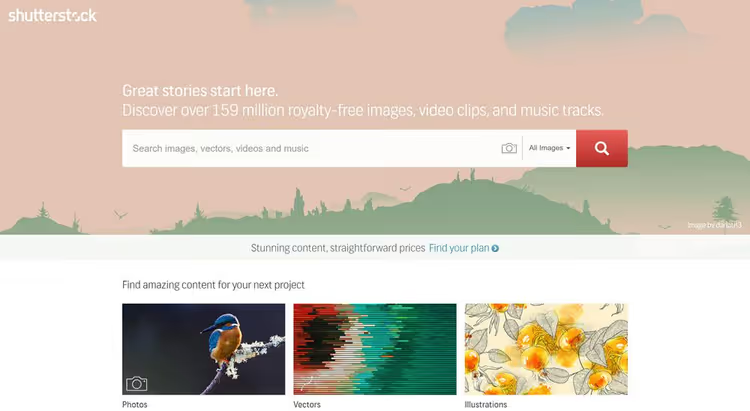
Shutterstock, the industry's largest library: 400+ million images, vectors, illustrations, icons, videos, and music. Built-in editor with templates ready to use. Subscription from $29/month for 10 downloads.
Envato Elements
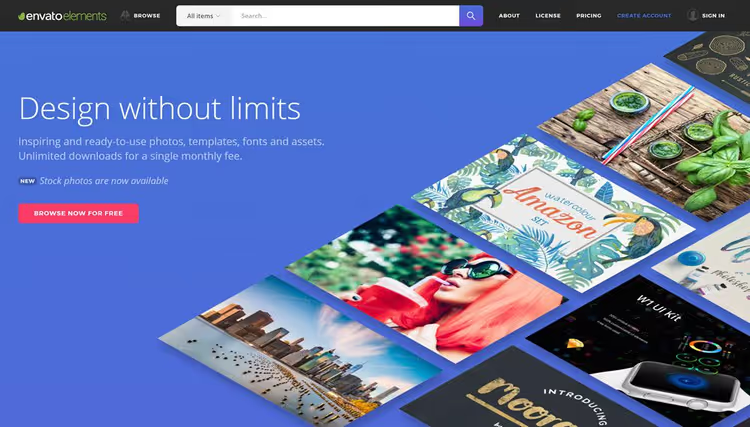
Envato Elements, unlimited downloads for a fixed subscription (from $16.50/month). The library includes: 300,000+ photos, 33,000+ graphic resources, fonts, templates, videos, courses. All with a commercial license.
Perfect choice for designers and agencies that need a constant flow of different assets: today a photo for a blog, tomorrow a presentation template, the day after stock video for a background.
Depositphotos

Depositphotos, a budget alternative to the giants with a library of 327+ million files: photos, vectors, videos, illustrations, and music. Subscription from $29/month for 30 images on an annual plan, one of the best price-per-download ratios on the market.
Two payment models: monthly subscription and credit packs. All files are royalty-free with a commercial license. For those who need a large volume of photos without the flagship Shutterstock price tag.
Canva
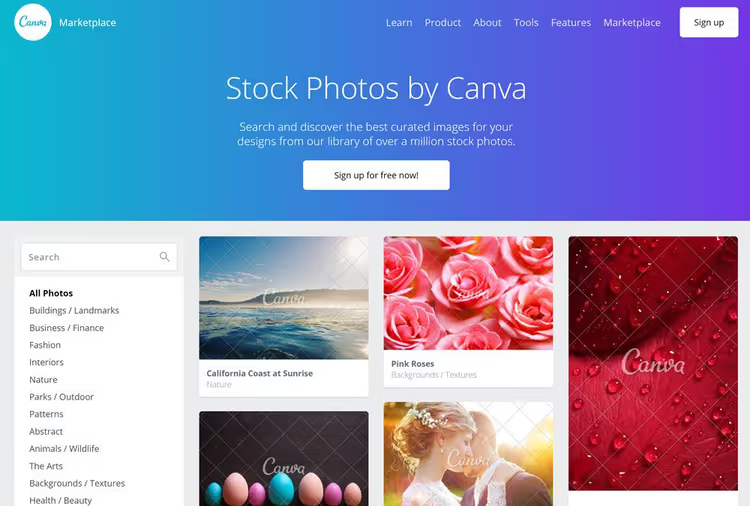
Canva, not a stock in the pure sense, but a design editor with a built-in library of 1.5+ million photos. A free account gives access to the basic collection; Canva Pro ($12.99/month) unlocks 300,000+ premium photos plus branding tools.
Important: the license for photos in Canva depends on the type (free or premium) and is always tied to the created design. You can't download and reuse the "raw" file separately.
Related video: how to properly search for and select stock photos so they don't look generic.
⁉️🤔 Frequently asked questions
What does CC0 mean and can you use such photos in commercial projects?
CC0 (Creative Commons Zero), complete waiver of copyright by the author. Photos can be copied, modified, and used in commercial projects without attribution. Unsplash, Pexels, and Pixabay use proprietary licenses with one restriction: you can't resell photos "as is" on other stocks. For a blog, landing page, or advertising, in practice there's no difference between CC0 and Unsplash License.
Do you need to credit the photographer?
Legally no with CC0. But crediting the author is good practice: the photographer gets visibility, the site gets additional context for SEO. For advertising and packaging, attribution is usually omitted, which is acceptable. On platforms like RawPixel and Kaboom Pics, attribution is mandatory, check the license for each specific photo.
What's the difference between royalty-free and free photos?
Royalty-free (RF) doesn't mean "free." RF is a model with one-time payment and unlimited use. Free stocks are a subset of RF with zero price. Paid RF stocks provide legal protection (indemnification) and exclusivity that free platforms don't have.
Is it safe to use photos with recognizable faces or brands?
Gray area. The license covers the photographer's rights, but not the people in the frame (model release) or trademarks. For editorial blogs, risks are minimal. For advertising, use photos without faces or with explicit model release, most stocks mark such shots.
What photo size should you download and do you need to optimize?
Platforms provide 4000-6000 px on the long side. You can't insert such a file directly: 3-8 MB will kill the load. Run through an optimizer (ShortPixel, TinyPNG) and specify sizes for actual display. For retina, double the container size is enough.
What to download right now: final breakdown
Remember the main thing: free stock is no longer a compromise, but a full-fledged working tool. The quality of top platforms has come close to paid libraries from five years ago.
If you need one universal source, choose Unsplash. Need search with color filters and videos, Pexels. Need vectors and videos in addition to photos, Pixabay. For e-commerce and product cards, Burst from Shopify. For a food blog, FoodiesFeed, there's simply no alternative.
Insure commercial projects with high stakes through Adobe Stock or Shutterstock: indemnification in the license protects against legal claims. For designers on a roll, Envato Elements with unlimited downloads by Envato subscription from $16.50/month.
Subscribe to the newsletter of a couple of favorite platforms and don't repeat the main beginner mistake: putting the first photo you find without checking whether it's "exposed" on thousands of other sites.

A professional team of writers and editors specializing in creating quality content.