














🥇 11 best Divi plugins and extensions 2026 (free and paid)
Divi covers most tasks out of the box. But gaps remain, and they're frustrating precisely when you need something specific: a carousel with a 3D effect, white label for a client, a popup with a time-based trigger.
And then the frantic marketplace search begins Elegant Themes. We've been through this in practice and selected 11 add-ons that fill the most common Divi Builder gaps. No code required, with decent documentation, and there are options with a free start.
💡 Quick overview:
- Go through the list of 11 plugins and mark those that solve your specific task
- Check the comparison table for pricing, number of modules and license type
- Test the free version of Supreme Modules Lite: it gives you 20 modules and an understanding of the Divi add-on ecosystem
- Choose 2-3 plugins for your stack: don't install everything at once, it duplicates functionality and slows down your site
Comparison table: all 11 plugins in 30 seconds
Plugin | Price (starting) | Modules | Free version | Type |
|---|---|---|---|---|
| $49/year | 60+ | ✅ Lite (20 modules) | Modules + extensions |
| $79/year | 50+ | ❌ | Modules + templates |
| $89/year | 115+ templates | ❌ | Email opt-in |
| $39/year | 50+ settings | ❌ | Theme customization |
| $29/year | 1 (carousel) | ❌ | Module |
| $45/year | 1 (calendar) | ❌ | Module |
| $49/year | 60+ | ❌ | Modules + templates |
| $19/year | 1 (tables) | ❌ | Module |
| $39/year | 100+ tweaks | ❌ | Theme tweaks |
| $29/year | White label | ❌ | Branding |
| $24/year | 10+ | ❌ | WooCommerce |
1. Divi Supreme Pro
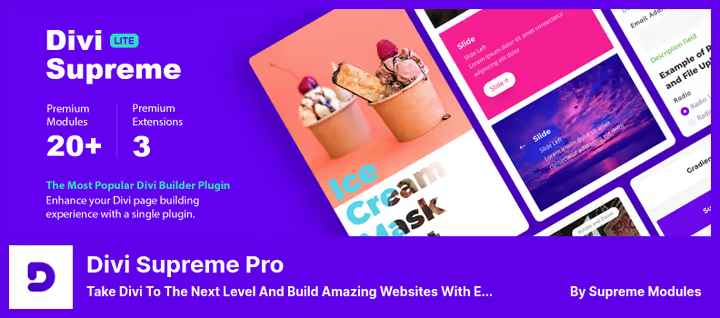
Flagship among Divi add-ons. At launch in 2022 the plugin offered 40+ modules, and by 2026 it grew to 60+ modules, 8 extensions and full compatibility with Divi 5. Developers claim 300,000+ installations, judging by reviews on wordpress.org, the number isn't pulled from thin air.
Under the hood: Gradient Text, Flipbox (4 flip types), Text Divider, Typing Effect, Image Accordion, contact forms for CF7 and Caldera Forms, Facebook feeds and comments, Google Maps, Lottie animations. The Before/After Image Slider module deserves special mention, useful for portfolios and before/after case studies.
Extensions add element visibility scheduling (show/hide section by date), shortcodes for the library and Theme Builder Header customization with fixed positioning and shrinking on scroll. The Pro version provides hover animations and lightboxes for images/video that aren't in Lite.
Pros:
- Divi 5 compatibility out of the box
- Free Lite version with 20 modules on wordpress.org
- 8 extensions for Divi Builder beyond modules
Cons:
- No WooCommerce modules included
- Lite version is heavily limited in design options
Price: free Lite version on WordPress.org; Pro, from $49/year.
🔗 Divi Supreme Lite on WordPress.org🔗 Divi Supreme Pro
2. Divi Plus
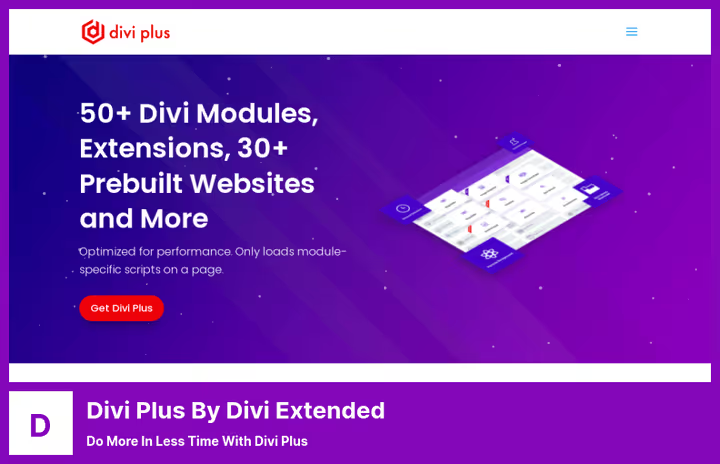
Divi Plus from Divi Extended, a combine of 50+ modules and 200+ ready-made sections. Unlike Supreme, there are fewer niche features here, but more focus on speeding up assembly: 6 ready-made sites and 50+ starter templates for agencies, photography, construction.
Among unique modules: How To Schema (structured data for search), Form Styler, Content Toggle, Logo Slider, Lottie Animations. Extensions include visibility scheduling, background particles, library shortcodes. Scripts load only for modules in use, doesn't affect site speed.
Pros:
- 200+ ready-made sections, customizable to brand
- Module enable/disable panel, doesn't load unnecessary stuff
- Coverage of Lottie animations and image masks
Cons:
- No free version for testing
- No proprietary marketplace, only developer's site
Price: $79/year.
🔗 Divi Plus on developer's site
3. Bloom
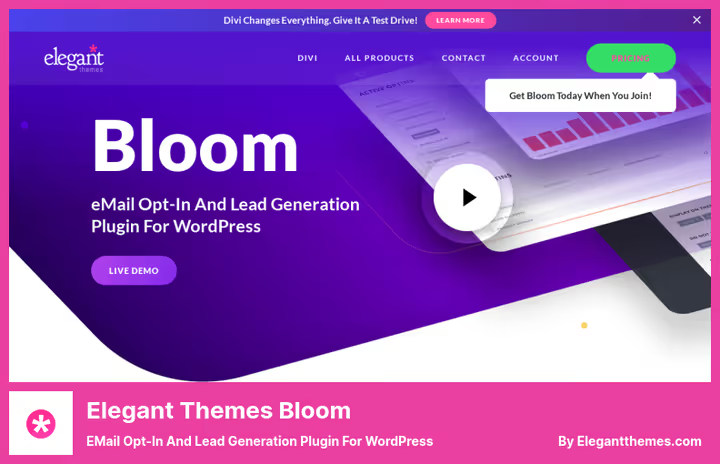
Bloom, email opt-in plugin from Elegant Themes, the creators of Divi itself. Doesn't add modules to Divi Builder, but solves one task: converts visitors into subscribers. 115 form templates, A/B testing, open analytics, integration with Mailchimp, MailerLite, HubSpot and other CRMs.
Six form types: popup, fly-in, inline, locked content (content by subscription), widget and below content. Forms are configured via Divi customizer without a separate drag-and-drop editor. No exit-intent trigger, but you can set display by time, scroll percentage or after a comment.
Pros:
- 115 form templates with ready-made design
- Built-in A/B testing and analytics
- Full integration with Elegant Themes ecosystem
Cons:
- No exit-intent trigger
- Not sold separately from Elegant Themes subscription
Price: $89/year (as part of Elegant Themes subscription).
4. Divi Toolbox
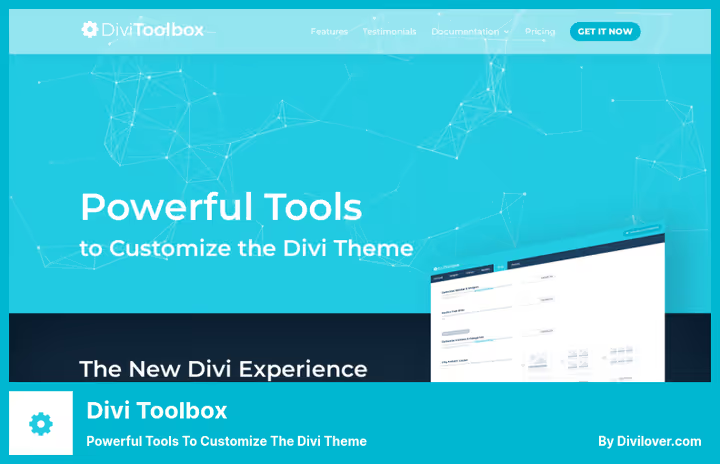
Divi Toolbox from Divi Lover adds 50+ options directly to Divi Customizer. No new modules, just fine-tuning what's already there. For those who don't want to mess with CSS, but find the theme's standard settings insufficient.
What's configurable: header, footer, mobile menu, blog, popup. There are 3D hover effects, particles, parallax scrolling, typing effects. Six graphic preloaders to choose from. Suitable for beginners and those who quickly build sites on a flow, you deliver a customized Divi to the client without a line of code.
Pros:
- Works through Customizer, doesn't create new modules
- 6 preloaders and 3D hover effects out of the box
- Simple integration for beginners
Cons:
- Fewer features than competitors (no modules)
- Price not listed on site, requires inquiry
Price: from $39/year (year of support included).
5. Divi Carousel Module
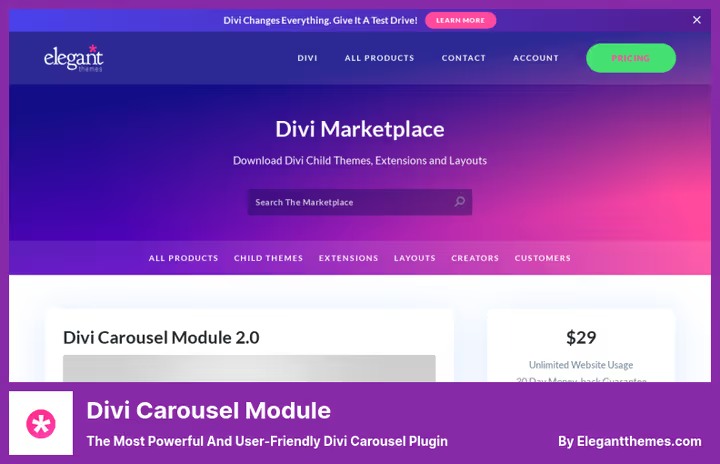
One module, dozens of scenarios. Divi Carousel Module adds a carousel to Divi Builder with support for images, buttons, backgrounds and customization of practically everything: from width and timing to scroll effects, loop playback and cover flow (3D carousel with depth).
Used for logos, testimonials, teams, content. Supports Visual Builder and Backend Builder. Settings include border, dot and arrow colors, fonts, margins, sizes. 30+ ready-made layouts from the demo page speed up the start.
Pros:
- Cover flow with 3D effect, rare for Divi
- Fine-tuning of every carousel element
- 30+ ready-made layouts
Cons:
- Only one module type
- Tied to Elegant Themes marketplace
Price: $29/year.
🔗 Divi Carousel Module on Elegant Themes
6. Divi Events Calendar Module
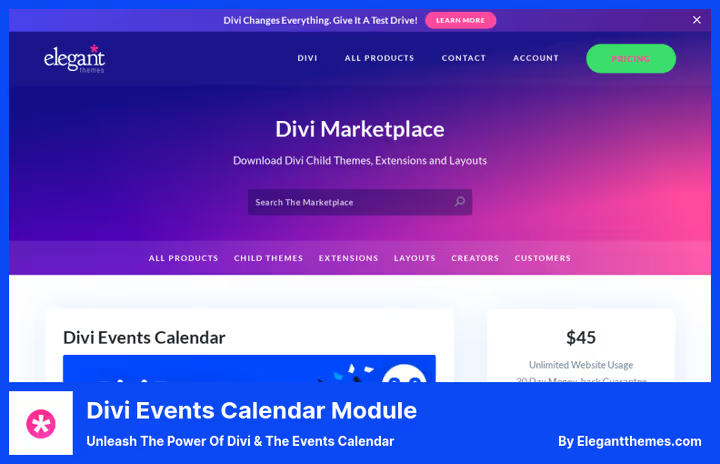
Integration of Divi and The Events Calendar, a popular free WordPress calendar. Before this plugin, integration went through shortcodes and web panel, which threw styling out of Divi Builder. Divi Events Calendar Module renders the calendar as a native Divi module with 105+ settings.
Events are displayed as a list or grid. Event filters are fully customizable: 48 settings, rearranging, adding, removing. Each filter is configurable, text, dropdown, colors. Event carousel, pagination, visibility toggles for titles, dates, images, icons all work.
Important: requires installed The Events Calendar, without it the plugin won't work.
Pros:
- 105+ settings for one module
- Full customization of event filters
- Carousel and event grid in one module
Cons:
- Requires pre-installation of The Events Calendar
- Tied to one calendar plugin
Price: $45/year (12 months of support included).
🔗 Divi Events Calendar Module on Elegant Themes
7. Divi Essential
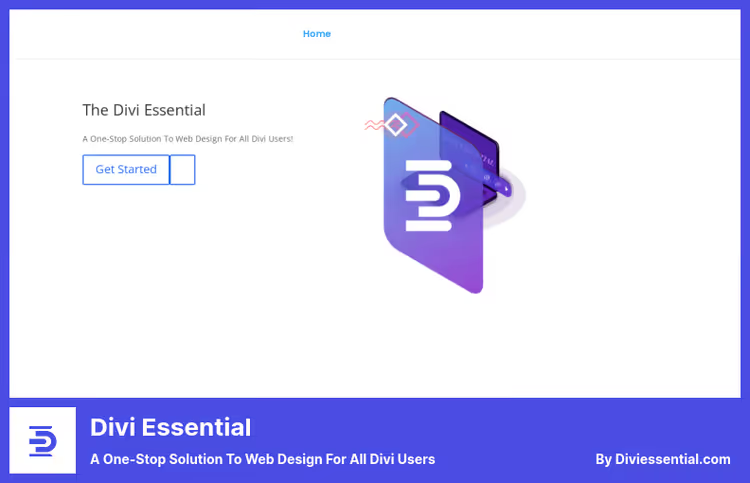
Divi Essential goes the "all in one" route: 60+ modules, 55+ demo sites, 500+ ready-made layouts. Modules include Text Animation, Flipbox, Review, Carousel, Dual Button, Rating, Divider, Multi-Heading, Glitch Text. Unique feature, 3D Cube Slider, showing a slide on each face of a rotating cube (with no limit on number of faces).
19 hover effects to choose from with direction control. Circle Image centers an image in a circle with hover options. Next Blurb adds pre/post-heading, multiple backgrounds, 3D hover and tilt. Built-in module text editor gives access to media and code.
Pros:
- 3D Cube Slider, no analogues in Divi ecosystem
- 500+ ready-made layouts
- 19 hover effects with direction choice
Cons:
- Overlaps in functionality with Divi Supreme Pro
- No free version
Price: $49/year.(https://diviessential.com/)
8. Divi Table Maker
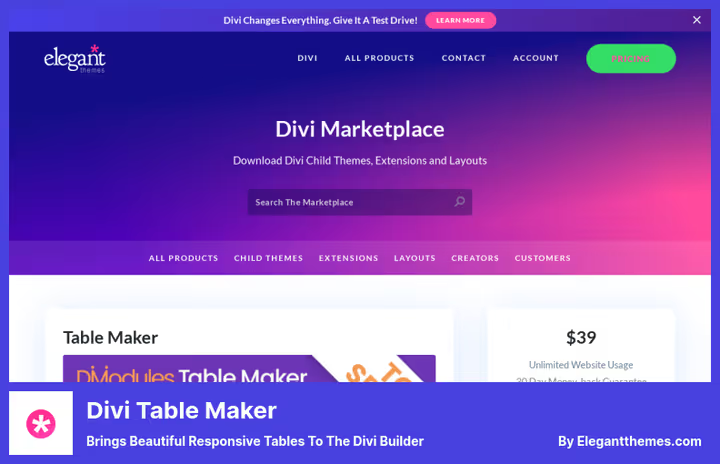
Tables in Divi, pain. No built-in tools, building HTML tables in code is inconvenient. Divi Table Maker fills this gap: responsive tables with headers, footers, images, buttons and icons in cells. Suitable for product comparisons, Q&A, price lists.
On mobile, the table collapses into blocks or accordions at specified breakpoints. Even/odd rows and columns are colored separately. Sticky row and column headers stay on scroll. Column widths and row heights are set in flexible and fixed units.
Pros:
- Responsiveness: table → blocks/accordions on mobile
- Sticky headers on scroll
- Flexible coloring of even/odd rows and columns
Cons:
- Functionality limited to tables (one module)
- Complex configurations require time to master
Price: from $19/year (year of updates included).
🔗 Divi Table Maker on Elegant Themes
9. Divi Booster
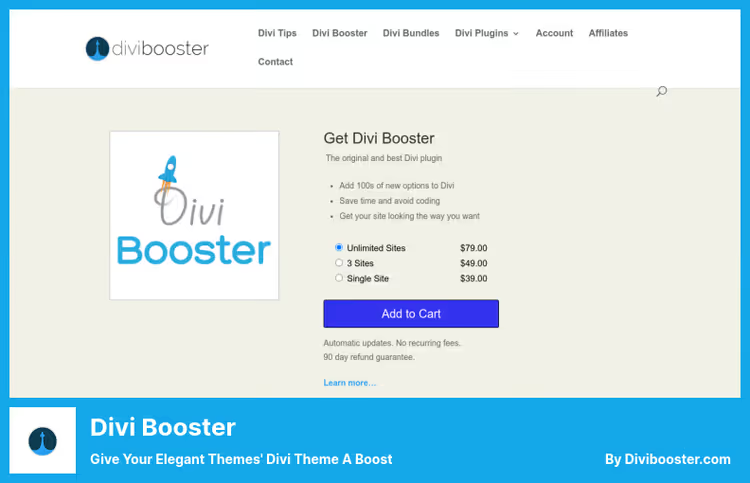
Divi Booster from DiviBooster.com, not modules, but a hundred micro-tweaks for Divi. Changes header, menu, footer, modules, sidebars behavior, without code and CSS. 11 accordions with options: colors, links, button widths, icons, content compression.
Site Speed function compresses content and blocks unnecessary scripts in Map module excerpts, reducing load time beyond standard Divi compression. Addresses PageSpeed Insights compression recommendations without additional plugins. All footer links can be centered with one checkbox, replace footer with your own HTML, too.
Pros:
- 100+ tweaks without a line of code
- Built-in speed optimization (compression)
- Doesn't create modules, works at settings level
Cons:
- Minimal customization through Visual Builder
- Hover border when hovering over module doesn't always highlight well
Price: $39/year.
10. Divi Ghoster
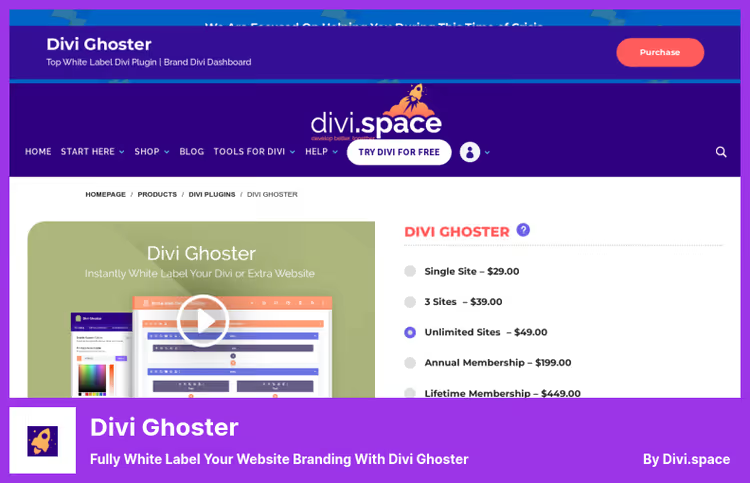
White label for Divi, a tool for agencies and resellers. Divi Ghoster removes all mentions of Divi and Extra from the frontend and backend of the site. Replaces Divi Builder, theme settings, dashboard and source code branding with your logo and name.
Ultimate Ghoster hides installed Divi plugins (Divi Switch, Divi Bars, Divi Booster and Ghoster itself) from everywhere, including the plugins page. The plugin is undetectable by theme scanners, access to Ghoster uses a hidden link or keyboard shortcut. Divi Builder colors and WordPress login page are customizable. Theme and plugin file paths are changed.
Pros:
- Complete replacement of branding with client's
- Invisible to theme detectors
- Customization of login page and dashboard
Cons:
- Clients lose access to third-party Divi support
- Narrow niche (only for agencies and resellers)
Price: $29/year.
11. Divi BodyCommerce
Divi BodyCommerce from Divi Engine sharpens WooCommerce for Divi Builder. Mini cart with dropdown product list, ajax cart without reload, dynamic product search, custom account page and thank-you page. Animated product images (front/back), product sorting by categories in galleries, sales funnels.
Customizable badges, custom form fields, personalized email notifications. Mini cart shows cart contents on click, customer quickly assesses number of items. Account page collects all user data with editing capability. Custom checkout and client-centric approach.
Pros:
- Mini cart with dropdown list
- Animated product images (front/back)
- Custom thank-you pages
Cons:
- Cart modules don't display in Visual Builder when activated
- Only for WooCommerce stores
Price: $24/year.
Video review: top plugins for Divi
The topic is extensive, 11 plugins, dozens of modules, different prices and scenarios. Watch a 12-minute review from Josh Hall: he goes through each add-on and shows real work in the Divi Builder interface. After the video, return to the comparison table above, that way you'll get the full picture.
⁉️🤔 Frequently asked questions
Is Divi theme required for these plugins to work?
Yes. All listed plugins are add-ons to Divi Theme, Extra Theme or Divi Builder (plugin version). Without one of these three Elegant Themes products, none of the plugins on the list will work. Minimum requirements: Divi Theme ≥ 3.1, PHP ≥ 7.0, WordPress ≥ 4.5. For Divi 5 and Supreme Pro 5.0, requirements are higher, check the plugin page.
Which plugin to take if the budget is zero?
Divi Supreme Modules Liteon WordPress.org, the only free option in this selection with 20 full-featured modules. This is enough to start: Gradient Text, Flipbox, contact forms, Google Maps, Before/After Image Slider, Facebook feeds. Pro version is not required until you hit hover animations and lightboxes.
How many plugins to install simultaneously?
Two to three, no more. In practice,
Divi Supreme Pro+Divi Table Maker+Bloom(for email collection) cover the needs of an average site. If you install both Supreme, and Divi Plus, and Divi Essential, you'll get an overlap of 50+ modules and extra load on the admin panel. Choose for the task, not for the number of modules on paper.
Do these plugins work with Divi 5?
Divi Supreme Proversion 5.0 is officially compatible with Divi 5 as of June 2026. Other plugins were tested on Divi 4 and declared compatibility with Divi 5 at the time of writing is absent. Before purchasing, check the changelog on the developer's site, the situation changes quickly.
How does Divi Supreme Pro differ from Divi Plus and Divi Essential?
Supreme Pro emphasizes depth: 60+ modules, 8 extensions, Divi 5-ready, free Lite version. Divi Plus wins on ready-made sections and templates (200+ sections, 50+ starter templates). Divi Essential takes unique modules like 3D Cube Slider and 19 hover effects. In practice, all three overlap in basic functionality, take the one that fits better into your workflow.
Can Bloom be used without the rest of the Elegant Themes subscription?
No. Bloom is sold only as part of annual Elegant Themes subscription ($89/year), which includes Divi, Extra, Monarch and marketplace access. There is no separate Bloom license. If email collection is critical and you already bought Divi under a different license, Bloom will still require an active subscription to an Elegant Themes account.
What to install in 2026: verdict for each task
There is no universal "best plugin," there is best for a specific task. Here's the matrix:
- Starter kit for any Divi site:
Divi Supreme Pro, 60+ modules, Divi 5-ready, free Lite for testing. - Quick turnkey assembly:
Divi Plus, 200+ ready-made sections, 50+ templates, minimal setup. - Email newsletters and subscriber collection:
Bloom, 115 form templates, A/B tests, CRM integration. - Tuning without code:
Divi Toolbox, 50+ options in Customizer, doesn't create modules. - Carousels of any complexity:
Divi Carousel Module, cover flow, 3D effects, 30+ layouts. - Event calendar:
Divi Events Calendar Module, 105+ settings, integration with The Events Calendar. - Non-standard animations:
Divi Essential, 3D Cube Slider, 19 hover effects. - Responsive tables:
Divi Table Maker, sticky headers, collapse on mobile. - Hundred micro-tweaks:
Divi Booster, compression, footer centering, icons for blurbs. - White label for clients:
Divi Ghoster, branding replacement, invisible to detectors. - WooCommerce store on Divi:
Divi BodyCommerce, mini cart, ajax, custom checkout.
Choose for your task, not for someone else's rating. And don't install everything at once: two to three plugins are enough to cover practically any needs of an average Divi site.

A professional team of writers and editors specializing in creating quality content.