













 AIIllustrative image: AI-generated
🚀 12 best WordPress menu plugins 2026
Navigation menu, the skeleton of a site. Without it, visitors get lost after the second click, and the bounce rate shoots into the stratosphere. The standard WordPress menu handles the basics: a couple of pages, categories, a "home" link. But when a site grows, an online store with a hundred categories, a blog with dozens of categories, a landing page with anchor navigation, the built-in functionality becomes catastrophically insufficient.
You need dropdown mega menus with widgets and icons, adaptive mobile navigation, sticky panels, accordions and custom grids. Menu plugins solve each of these tasks without touching the theme code. We tested two dozen solutions, free and premium, with different specializations, and selected the 12 best WordPress menu plugins that actually work in 2026.
From mega menu powerhouses to lightweight mobile panels, each tool solves a specific pain point. Choose based on your task.
💡 Quick overview:
- First, define the task: mega menu for an online store, adaptive mobile navigation, sticky panel for a landing page, or complete replacement of the standard menu.
- Then compare free and paid options: Max Mega Menu and Responsive Menu cover most needs for free, while UberMenu and Superfly provide advanced design for a one-time purchase.
- After installation, configure the menu through the visual builder or customizer and be sure to test on a mobile screen, mobile traffic has long exceeded half of all site visits.
Comparison table of WordPress menu plugins
Plugin | Type | Free version | Pro price | WP.org rating | Active installations |
|---|---|---|---|---|---|
Mega Main Menu | Mega menu | ❌ | $29 (CodeCanyon) | - | - |
Responsive Menu | Adaptive menu | ✅ | From $39/year | 4.5★ | 80,000+ |
UberMenu | Mega menu | ❌ | $26 (CodeCanyon) | - | - |
Max Mega Menu | Mega menu | ✅ | From $29/year | 4.8★ | 400,000+ |
QuadMenu | Mega menu | ✅ | From $24 (one-time) | 4.3★ | 30,000+ |
WP Responsive Menu | Slide menu | ✅ | From $29/year | 4.8★ | 50,000+ |
Superfly | Vertical menu | ❌ | $28 (CodeCanyon) | - | - |
WP Mobile Menu | Mobile menu | ✅ | From $19/year | 4.5★ | 90,000+ |
Hero Menu | Mega menu | ❌ | $25 (CodeCanyon) | - | - |
WP Floating Menu | Floating menu | ✅ | From $19 (one-time) | - | - |
TapTap | Mobile menu | ❌ | $22 (CodeCanyon) | - | - |
Elementor Pro Nav Menu | Menu widget | ❌ | From $59/year | - | - |
1. Mega Main Menu

Mega Main Menu, a veteran among mega menu builders for WordPress. The plugin does exactly what it promises: builds multi-level dropdown menus with unlimited color schemes, icons and sticky behavior. In the arsenal: 10+ dropdown reveal options, 600+ Google fonts and 1,600+ Font Awesome vector icons.
What distinguishes Mega Main Menu from competitors is the depth of content customization inside the dropdown. You can insert a WooCommerce widget with products, an icon grid, thumbnails of recent posts, a promo banner, and even a search form. Everything is assembled by drag and drop, without a single line of CSS.
Pros: unlimited number of mega menus, compatibility with WPML and WooCommerce, built-in dropdown block styles. Cons: paid version only, settings interface is overloaded with options. Price: $29 on CodeCanyon, license for one site with lifetime updates.
2. Responsive Menu
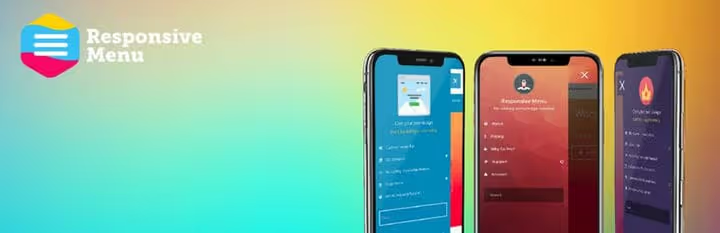
Responsive Menu, a free plugin that turns the standard menu into fully adaptive navigation for desktop, tablet and smartphone. At the start you get 70+ customization parameters: menu headers, images, locations, nesting depth, fonts and appearance animation.
The plugin loads super fast, no jQuery dependencies, compatible with WPML and supports shortcodes. In the free version, all the main functionality is already available, the paid subscription unlocks an extended set of animations and priority support. Version 4.7.2 (May 2026) confirms: the product is mature and stable.
Pros: full adaptability out of the box, 70+ options in the free version, fast loading without jQuery. Cons: some animations behind premium subscription, settings interface design is slightly outdated. Price: free; Pro from $39/year.
🔗 Responsive Menu on WordPress.org🔗 Screenshots and demo
3. UberMenu
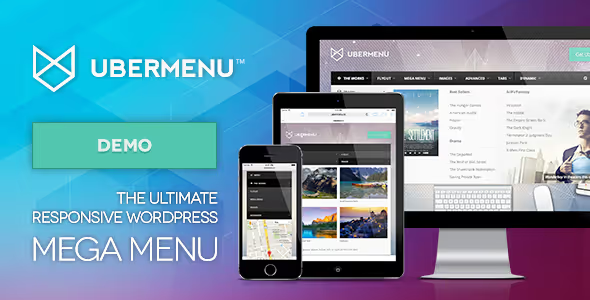
UberMenu, the best-selling mega menu plugin in CodeCanyon history: over 75,000 sales. This is not just "another menu builder," but a full-fledged navigation framework. Flexible grids, tabs in submenus, integration with WordPress Customizer, dynamic element generation, support for maps, forms and shortcodes inside dropdowns.
50+ style combinations, adaptive design, submenus with tabs, and multiple independent menus on one site. UberMenu works on top of the standard WordPress menu system, you just activate the plugin and start building navigation in the familiar interface. Installation takes about five minutes, the learning curve is gentle. Version 3.8.5 (May 2026) adds improved compatibility with Block Editor.
Pros: 75,000+ sales, Customizer integration, tabs and maps in submenus, multiple menus simultaneously. Cons: paid version only, with very complex configurations the backend speed drops slightly. Price: $26 on CodeCanyon, regular license for one site.
🔗 UberMenu on CodeCanyon🔗 Official site and demo
4. Max Mega Menu
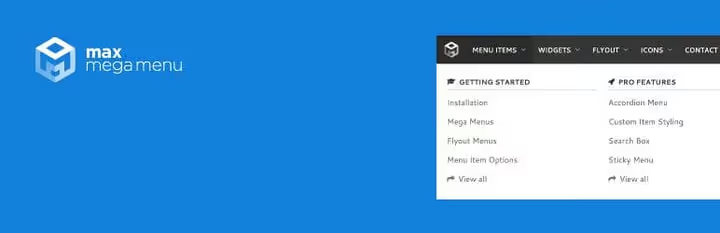
Max Mega Menu, the king of free mega menu plugins: 400,000+ active installations and a 4.8★ rating on wordpress.org. The main trump card: you work directly in the native "Appearance → Menus" screen, simply dragging items. No additional builders, separate tabs or interfaces.
In the mega menu you can place widgets, icons, set hover effects or click-to-reveal, enable smooth CSS3 transitions. 100+ settings and clean code without bloated dependencies. The plugin supports Block Editor and classic themes, and the Pro version adds custom icons, vertical menus and accordions. Version 3.10.5 (June 2026), the plugin is actively developing.
Pros: works in the standard menu interface, 400,000+ installations, very rich free version. Cons: vertical menus and accordions only in Pro, custom icons also paid. Price: free; Pro from $29/year.
🔗 Max Mega Menu on WordPress.org🔗 Screenshots and examples
5. QuadMenu
The free version sets the structure, and premium adds visual polish. The difference between tiers is visible to the naked eye:
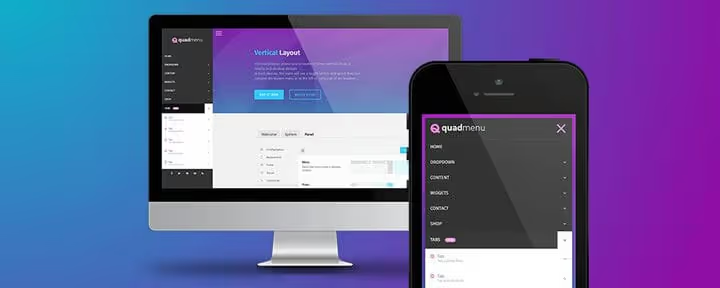
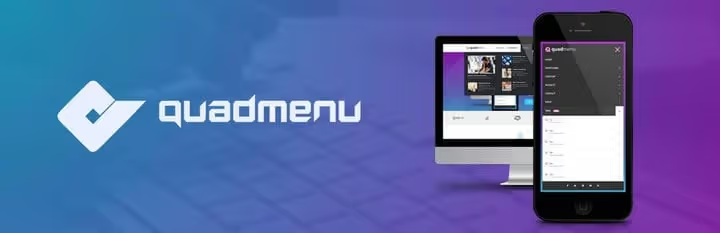
QuadMenu, a lightweight mega menu plugin that adapts to mobile devices and offers a choice of vertical, side or off-canvas menu. Under the hood: Google Fonts, FontAwesome icons, WooCommerce search and cart in the menu, popup dropdowns and conditional display of items by screen size.
The free version on wordpress.org covers most needs of an average site. Premium (available on the official website) adds unlimited number of mega menus, carousels, tabs, login/registration and social buttons directly in the menu, custom skins, sticky menu on scroll, and premium support. License is one-time, not subscription-based, a rarity in the market. Version 3.3.4 (May 2026).
Pros: one-time license without subscription, vertical and off-canvas menu in the base, lightweight code. Cons: tabs and carousels only in premium version, free version does not support multiple mega menus. Price: free (wordpress.org); premium from $24 one-time.
🔗 QuadMenu on WordPress.org🔗 Official QuadMenu site
6. WP Responsive Menu
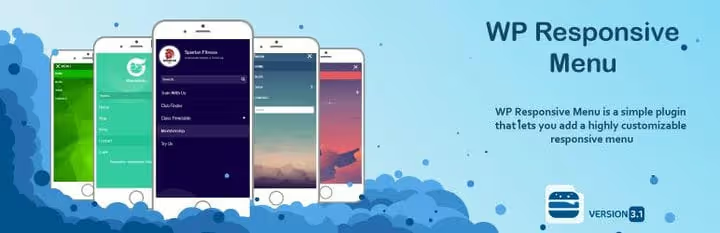
WP Responsive Menu turns a regular WordPress menu into an elegant slide menu that works equally well on all devices. Compact, fast, with an intuitive admin interface, setup takes about ten minutes.
In the menu you can add a custom search form, logo, set custom colors and hide unnecessary elements on mobile screens. The plugin is tightly integrated with the native WordPress menu system: no need to create a separate menu for the mobile version, it picks up the existing one and packages it into a slide panel. Rating 4.8★ with 50,000+ installations and version 3.2.1 (June 2026) speak for themselves.
Pros: simple setup, excellent mobile performance, integration with native WP menu. Cons: only slide menu (no mega menu), premium features by subscription. Price: free; Pro from $29/year.
🔗 WP Responsive Menu on WordPress.org🔗 Screenshots on WordPress.org
7. Superfly
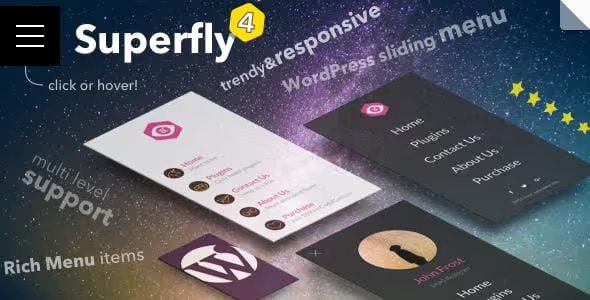
Superfly, a vertical slide-out menu that adds character to the site. Unlike horizontal mega menus, Superfly generates side navigation: static (pinned to the left or right edge) or hidden (slides out on hover/click). On mobile devices native swipe is enabled, the menu is pulled by finger from the edge of the screen.
Multi-level menus work in cascade: each next level shifts further across the screen. Visual part: unlimited colors, many icons, custom fonts, social media buttons. The admin panel is simple, the plugin is compatible with the standard WordPress menu system.
Pros: unique vertical format, native swipe on touchscreens, cascading multi-level submenus. Cons: paid version only, horizontal mega menus are not provided. Price: $28 on CodeCanyon.
8. WP Mobile Menu

WP Mobile Menu adds a customizable mobile menu that simplifies navigation on small screens. Dropdowns support up to three levels of nesting, more is not needed on a smartphone. When the menu is activated, a semi-transparent mask overlay is placed over the main site so the visitor is not distracted by content behind the menu.
Customization includes Google Fonts, logo upload, menu background image and custom colors. The plugin works with the native WordPress menu system, no need to duplicate the structure. 90,000+ active installations and 4.5★: a simple solution for those who only need a mobile menu without mega menu.
Pros: focus exclusively on mobile navigation, overlay mask, three levels of dropdowns, lightweight. Cons: does not build mega menu for desktop, last update June 2025. Price: free; Pro from $19/year.
🔗 WP Mobile Menu on WordPress.org🔗 Live demo
9. Hero Menu
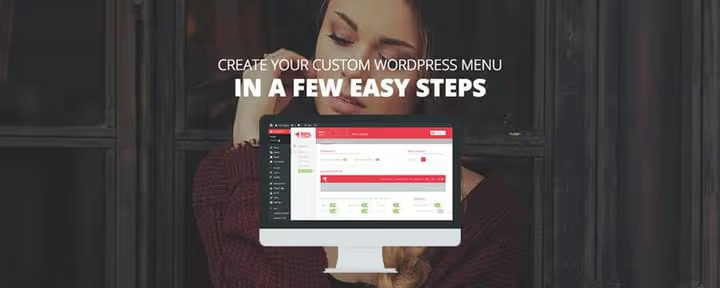
Hero Menu, a premium mega menu builder for WordPress with drag-and-drop editor. You build the menu like in a visual builder: add elements, drag and drop, adjust alignment, insert WooCommerce cart icon, search or social links.
60+ style presets, unlimited colors and fonts, WooCommerce compatibility, products are displayed directly in the menu. The result: a fully adaptive mega menu without a single line of code. The plugin is updated and supported by the author: the official site heroplugins.com is alive, documentation is current (version 1.16.4).
Pros: 60+ presets, WooCommerce compatibility, drag-and-drop without code. Cons: paid version only, no free trial tier. Price: $25 on CodeCanyon.
🔗 Hero Menu on official site🔗 Menu demo
10. WP Floating Menu
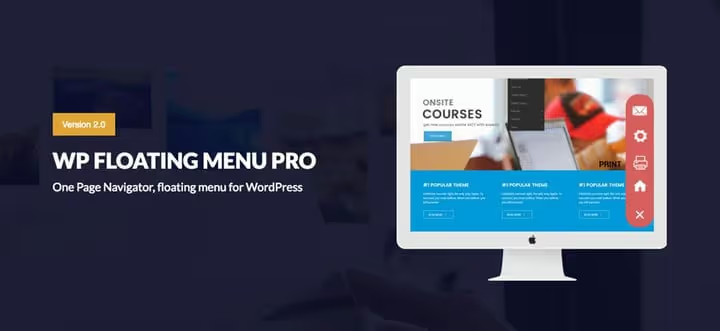
WP Floating Menu creates stylish floating (sticky) navigation that stays on screen while scrolling. Ideal for one-page sites and landing pages where anchor menu is needed: the visitor clicks on an item, the page smoothly scrolls to the desired block.
The plugin includes 13 ready-made floating menu templates, modal popup window, separate menus for mobile screens, FontAwesome icons and tooltips. You can configure menu display depending on scroll direction. A free version is available and covers the basic anchor navigation scenario.
Pros: 13 templates, separate menus for mobile, hiding on scroll. Cons: narrow specialization (only floating menu), premium features in Pro. Price: free; Pro from $19 one-time.
🔗 WP Floating Menu information
11. TapTap
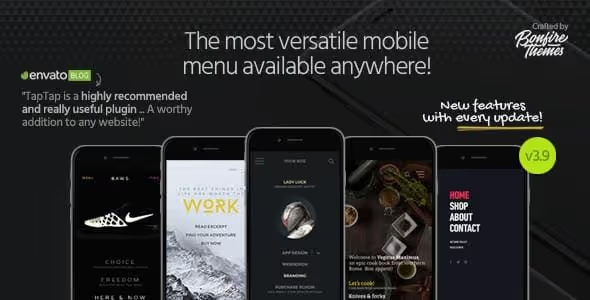
TapTap, a super-customizable mobile menu from Bonfire Themes. Essentially, this is not just a menu, but a complete replacement of the header and navigation for the mobile version of the site. Included: logo, search, widget area, 200+ individual settings.
The plugin can hide the theme menu when its own is active, show only at certain resolutions, use theme fonts and work as a full-fledged desktop menu (optionally). Live customizer: any change is displayed instantly, before publishing. 600+ icons, custom labels on buttons, multi-level menus, animation, TapTap really lives up to the name "super-customizable."
Pros: 200+ settings, live customizer, header and menu replacement simultaneously, 600+ icons. Cons: paid version only, may be excessive for a simple blog. Price: $22 on CodeCanyon.
12. Elementor Pro Nav Menu Widget
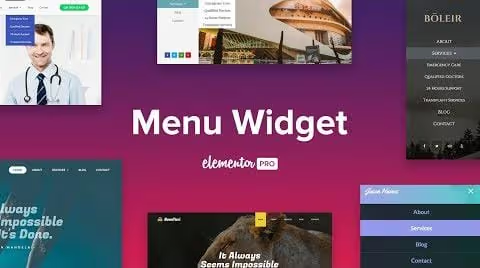
Elementor Pro, the most popular page builder, and it includes a full-fledged Nav Menu widget. If the site is already built on Elementor, a separate menu plugin is most likely not needed: everything is configured directly in the visual editor.
The widget supports horizontal, vertical and dropdown menu, custom spacing, colors and typography, submenu with its own styling, animation (underline, border, background, text shift). The menu is adaptive by default, breakpoints for mobile and tablets are configurable. See the widget in action in the official Elementor video.
Pros: no need to install a separate plugin if you already have Elementor Pro, complete visual customization. Cons: only as part of Elementor Pro (from $59/year), not suitable for sites without Elementor. Price: from $59/year (included in Elementor Pro).
⁉️🤔 Frequently asked questions
How is a mega menu different from a regular dropdown menu?
A regular dropdown menu shows a vertical list of links, while a mega menu opens a wide panel with columns, widgets, icons, images and even WooCommerce products. Mega menu is needed for online stores and large sites: the visitor sees the entire catalog structure, rather than falling into endless submenus. According to Kinsta data for 2025, sites with mega menus get 12% more clicks deep into the catalog.
Will a free plugin work for a corporate site?
Max Mega Menu in the free version serves 400,000+ sites, from blogs to corporate portals. If you need icons in the menu, vertical submenus or tabs, look towards Pro for $29/year or QuadMenu Premium for $24 one-time. For a business card site with five pages, free Responsive Menu or WP Mobile Menu will be more than enough.
Which plugin is best for a WooCommerce online store?
UberMenu and QuadMenu integrate directly with WooCommerce and display products, prices and cart directly in the mega menu. Max Mega Menu allows you to place a WooCommerce widget inside the dropdown. Hero Menu also supports products in the menu. Choose by budget: Max Mega Menu free, UberMenu for $26 one-time, QuadMenu Premium ($24 one-time).
Is it mandatory to make a separate menu for mobile?
Not mandatory, but highly desirable. A horizontal mega menu on a five-column grid is unreadable on a 375px wide screen. WP Mobile Menu and TapTap generate separate mobile navigation automatically, from the same WordPress menu. According to Statcounter data for 2025, mobile traffic is 58% of all site visits, this segment cannot be ignored.
What to do if the theme menu design broke after installing the plugin?
Most menu plugins (Max Mega Menu, Responsive Menu, Superfly) work on top of the standard WordPress menu system and do not touch the theme code. Conflict can be caused by themes with hard-coded navigation styles or old builders like Visual Composer. Before installing a new plugin, make a backup, check compatibility on a staging site and test the menu in different browsers. If there is a conflict, almost all plugins allow you to disable the theme CSS for the menu with one checkbox.
How many menu plugins can be used simultaneously?
Exactly one. Two menu plugins active simultaneously are an almost guaranteed conflict: CSS classes, click handlers and mobile breakpoints intersect. Choose one plugin for the main task of the site and configure it completely. Exception: Elementor Pro Nav Menu Widget does not conflict with a separate mobile menu plugin, since it works only in the context of Elementor pages.
Which menu plugin to choose in 2026?
The WordPress menu plugin market has stabilized: leaders have strengthened, outsiders have been filtered out. Max Mega Menu crossed the 400,000 installations mark and received Block Editor support. Responsive Menu updated to version 4.7 with improved performance. UberMenu maintains the bar of the best-selling mega menu on CodeCanyon.
If you have an online store on WooCommerce, get UberMenu or QuadMenu Premium. Need a powerful mega menu for free, Max Mega Menu is out of competition. Site is already on Elementor Pro, use the built-in Nav Menu Widget and don't multiply plugins. Want non-standard vertical navigation, Superfly gives what horizontal competitors cannot. For a one-pager with anchor scrolling, nothing better than WP Floating Menu has been invented.
Choose based on the task, test on mobile screen and never install two menu plugins simultaneously, conflict is almost guaranteed.

A professional team of writers and editors specializing in creating quality content.