














💾 5 file library plugins for WordPress in 2026: free and premium
The WordPress media library handles images well enough. But as soon as PDFs, spreadsheets, contracts, and manuals appear on the site, the standard uploader turns into a mess. Files get lost, versions get mixed up, and clients can't find the right document without a direct link.
A properly configured file library solves this problem at the root. You get a catalog with search and filters, role-based access control, protection from direct downloads, and version history. And you don't need to build a custom solution for this.
We tested document library plugins relevant for WordPress in 2026. From quick open-source tools to commercial powerhouses with cloud integration. Here are five that actually work.
💡 Quick overview:
- Determine which files you'll be storing: PDFs and office documents in WordPress or cloud files through Google Drive
- Configure document access level: public viewing, password protection, or user role binding
- Compare prices and payment models: three of the five plugins have a free version, two are sold as one-time purchases
Plugin comparison table
Plugin | Free version | Premium | Installation type | Search and filters | Access protection |
|---|---|---|---|---|---|
| Yes | From $49/year | WordPress.org | Yes | By role and email |
| Yes | From $99/year | WordPress.org | Yes | By role and password |
| Yes | $145 | WordPress.org | Yes (Ajax) | By role |
| No | $38 | CodeCanyon | Yes | Basic |
| No | $51 | CodeCanyon | No | Through cloud |
1. Filr
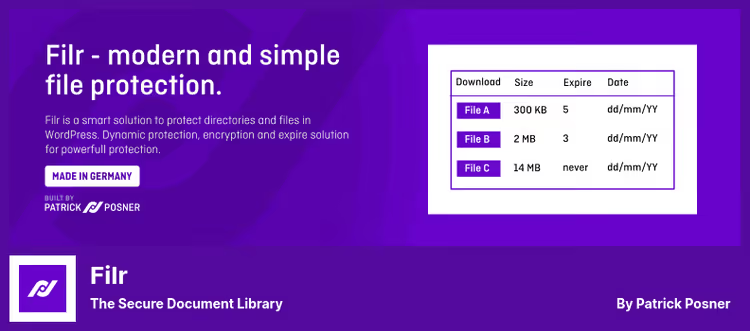
Filr creates a protected document library with its own directory on the server. You upload files through the admin panel or frontend uploader, and the plugin generates unique links and shortcodes for display on pages.
In the Pro version, filename encryption appears, access restricted by email and role, and auto-deletion after expiration. In practice, this means a client sees only their documents and can't guess the URL of someone else's file.
Updates are stable, the latest release 1.2.14 in April 2026, upload vulnerabilities patched. Developer WP Chill keeps the plugin in active support.
Pros:
- Simple setup: created a library, inserted a shortcode, done
- Flexible protection: from public files to email user binding
- Frontend uploader with auto-creation of ZIP archives
Cons:
- Free version is limited, without link protection and frontend uploader
- All frontend uploads are converted to ZIP, not always convenient
Price: Free Lite version on WordPress.org. Pro, from $49 per year with priority support.
🔗 Filr on WordPress.org🔗 Pro version site
2. Document Library Lite

Document Library Lite by Barn2 Plugins displays documents in a table with search, sorting, and filtering by categories. Unlike Filr, the emphasis here is not on protection but on cataloging: dozens and hundreds of documents, structured by folders and tags.
The Pro version adds grid layout, nested folders, bulk import via CSV, and role-based access control. A separate feature is auto-expiration: a document automatically disappears from the library after a specified date. For organizations with policies, regulations, and versioning, this is exactly what's needed.
The plugin is actively developing: version 1.2.0 was released on June 16, 2026, 4000+ active installations. Under the hood, a built-in Documents post type independent of the media library.
Pros:
- Keyword search and category filters out of the box
- Flexible table column setup: title, date, file type, size
- Document import via CSV for quick migration
Cons:
- Free version doesn't support nested folders and access protection
- Pro price starts above average, from $99 per year for one site
Price: Free Lite version on WordPress.org. Pro, from $99/year (1 site), from $149/year (10 sites).
🔗 Document Library Lite on WordPress.org🔗 Pro version site
3. WP Docs
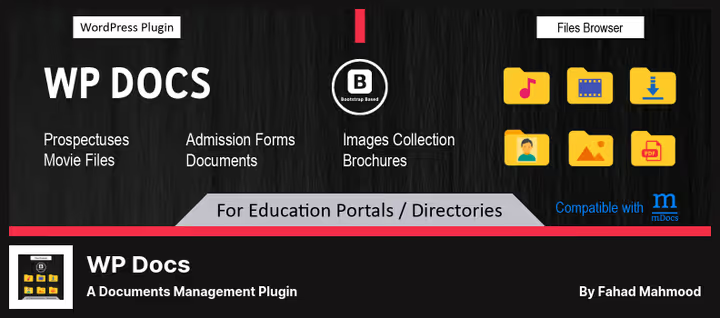
WP Docs builds a tree folder structure right in the WordPress admin. Each directory gets its own shortcode, you can distribute different document sets across different site pages. Navigation with breadcrumbs, Ajax updates without reloading.
The plugin has done well in educational portals and documentation sites. Nice touches: frontend upload with role separation, thumbnail previews for most formats, and automatic creation of WP posts under each folder.
Developer Fahad Mahmood regularly responds in support and releases updates. Version 2.3.1 from June 2026, active installations are growing. The downside is the Pro version costs $145, and multi-file selection (select several and move) is absent even in the paid version.
Pros:
- Unlimited nesting of folders and subfolders
- Ajax navigation without page reload
- One-click migration from Memphis Documents Library
Cons:
- Can't display multiple folders on one page with a single shortcode
- Pro version is pricier than competitors, and there's no bulk file selection feature
Price: Free version on WordPress.org. Pro, $145 (one-time purchase).
🔗 WP Docs on WordPress.org🔗 Demo site
4. Fivo Docs
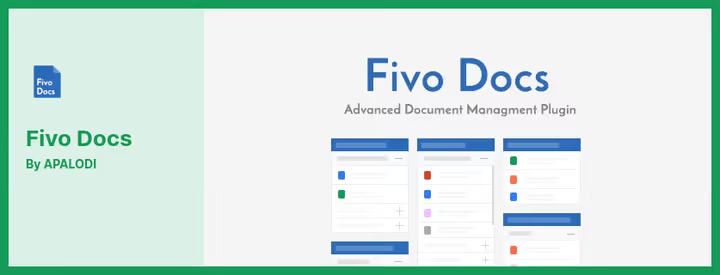
Fivo Docs turns the standard media library into a full-fledged file manager. Instead of a separate admin section, the plugin adds categories and filters directly to the Media Library, documents, images, and videos sorted by customizable groups.
Supports all major formats: DOCX, XLSX, PDF, PPT, video, and audio. The interface follows the standard WordPress library style, minimal entry threshold. On the frontend, documents are output via shortcodes as a list or grid.
The plugin is sold on CodeCanyon as a one-time purchase. There is no free version. Updates are infrequent, the latest reviews are dated 2023, current support status is questionable.
Pros:
- Integration with native media library, no need to learn a new interface
- Retina display support and WPML for multilingual sites
- Two display modes: block grid and list
Cons:
- No free version for testing
- Update frequency is lower than competitors from WordPress.org
Price: $38 on CodeCanyon (one-time purchase on CodeCanyon, includes 6 months of support).
🔗 Fivo Docs on CodeCanyon🔗 Live demo
5. Embed Any Document Plus
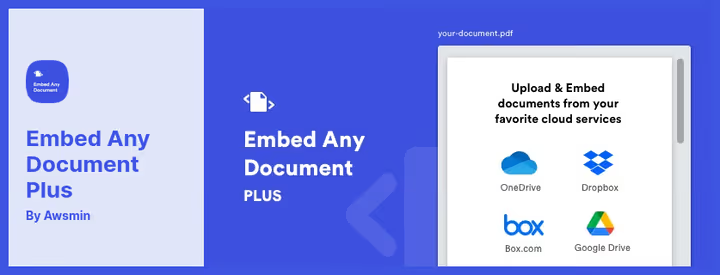
Embed Any Document Plus solves a different task: not storing files in WordPress, but pulling them from the cloud. Google Drive, Dropbox, Box.com, documents remain on external storage, and the plugin shows an interactive preview right in the post body.
The format is similar to Scribd or SlideShare: the visitor flips through document pages without leaving the site. Works with DOCX, XLSX, PPTX, PDF, TXT, AI, and SVG. Clean interface without extra buttons and settings.
Like Fivo Docs, it's sold only on CodeCanyon as a one-time purchase. There is no free version. Suitable for those whose files already live in the cloud and don't want to duplicate them in the media library.
Pros:
- Cloud integration: Google Drive, Dropbox, Box.com out of the box
- Interactive preview without downloading the file
- Clean interface, set up a shortcode and forget it
Cons:
- No free version
- Dependence on third-party cloud services, if API problems occur the preview breaks
Price: $51 (one-time purchase on CodeCanyon, 12 months of support).
🔗 Embed Any Document Plus on CodeCanyon🔗 Live demo
Video overview of document library plugin
See how a typical document library is configured and looks on a real site. The video shows the process of creating, uploading, and displaying files on the frontend:
⁉️🤔 Frequently asked questions
Does a small site need a file library?
If the site has more than ten documents, PDF manuals, contracts, certificates, price lists, a library pays off immediately. Without it, files sit as dead weight in the media library: they can't be found by search, filtered by type, or protected from direct downloads. Even on a landing page with 5-6 documents, a table with search looks more professional than a wall of links.
Can access to documents be restricted by user roles?
Yes, four of the five plugins can do this.
FilrandDocument Library Litegive finest-grained control: access by role, email, or password.WP Docsties folder visibility to the logged-in user's role.Fivo Docsprotects at a basic level through the media library.Embed Any Document Plusrelies on access settings in cloud storage, which makes sense since files don't live in WordPress.
Which plugin is suitable for an educational portal?
WP Docsis the best choice for educational materials. Tree folder structure with breadcrumbs, thumbnail preview, tracking downloads by students. Plus migration from Memphis Documents Library (a common case in education) works in one click. If you need a more modern interface with table and grid,Document Library Lite.
Do the plugins work with WPML and multilingual sites?
Fivo Docsis stated as fully compatible with WPML.Filrtranslates via WPML and Polylang, the library interface picks up the site language. ForWP DocsandDocument Library Lite, interface translation is done through standard.po/.mo files.Embed Any Document Plusdisplays cloud file content as-is, translation is not required.
What to do if the free version is not enough?
Start with
Filr(free version), if link protection is lacking, switch to Pro for $49/year. Need to catalog hundreds of documents with search, takeDocument Library Lite, its free version is enough for most scenarios. If files are already in the cloud and migration is not planned,Embed Any Document Plusfor $51 will solve the task without content duplication.
What to install in 2026: short verdict
The choice comes down to two questions: where the files are and who should see them. Documents in WordPress and access control needed, take
Filr. Cataloging and search come first,Document Library Lite. Complex folder structure and educational portal,WP Docs. Files in the cloud,Embed Any Document Plus. Need order in the media library without extra costs,Fivo Docsfor $38. Try free versions on a test site. Half an hour of setup will save hours of file searching in the future.

A professional team of writers and editors specializing in creating quality content.