














🎨 50 free sites for graphic design projects in 2026: stock photos, fonts, mockups and more
When project budgets approach zero yet you need studio-quality visuals, designers go hunting. Free stock photos, vector illustrations, icons, fonts, mockups and tools: everything exists in the public domain. You just need to know where to look. And crucially, understand the licenses on these resources so your client doesn't receive a lawyer's letter a year later.
The problem is that many online collections are graveyards of dead links and services that ceased operations years ago. Others recommend paid resources disguised as "free trials." Familiar scenario: you find the perfect mockup, but downloading requires a subscription. Or worse, the resource simply won't open because the domain was sold to a casino.
We've compiled 50 current free sites and services for graphic design in 2026, from stock photos to screenshot tools. Everything verified: each resource is live, the link points to the official site, and the free tier is genuinely usable for commercial work. No "register and get 3 free days" nonsense.
For each category you'll get more than just a link but a short practical breakdown: which resource is tailored for what, where license limitations exist, and how to integrate the find into your working pipeline. At the end, a FAQ block addressing common newbie fears about licenses, VPNs and Photoshop replacements.
💡 Quick overview:
- Stock photos: Pexels, StockSnap, Nappy, Icons8 Photos, 5 sources where images are real-world, not staged "office laughter."
- Illustrations and icons: ManyPixels, unDraw, Humaaans, The Noun Project, Ionicons, 10 services with SVG and PNG for any style.
- Fonts: Google Fonts, Fontshare, DaFont, FontSquirrel, UncUT, 5 catalogs where licenses won't hurt your wallet for commercial use.
- Video: Coverr, Mixkit, Videvo, 5 sites with HD/4K footage without royalties.
- Tools: Canva, Inkscape, VistaCreate, Pixlr, Remove.bg, 15 online editors, mockup generators and screenshot utilities.
- Inspiration: Behance, Dribbble, Httpster, SiteInspire, Awwwards, 5 platforms where visual literacy develops for free.
- FAQ with 5 questions: commercial use, licenses, VPN necessity, Photoshop alternatives, stock versus AI generation.
- YouTube video overview on building a designer stack in 2026 without subscriptions.
Free stock photos
Stock images, the foundation for layouts, presentations, social media and websites. Main rule: avoid staged "office" photos where people in suits shake hands. Below, five platforms with authentic shots that don't scream "I'm from a stock library."
1. Pexels
The largest library of free photos and videos. A community of photographers uploads content under the Pexels license, usable without attribution in commercial projects. The platform responds quickly to trends: when a trend is just gaining traction, Pexels already delivers relevant shots. Built-in search by color and orientation saves minutes on each query. Tip: for web design, take horizontal photos 1920px wide, sufficient for background blocks and hero sections.
2. StockSnap
StockSnap bets on quality over quantity. Each photo passes manual selection, no thousands of identical angles of the same desk. Convenient system of categories and tags lets you find the needed style in a minute: from minimalism to dark moody lighting. New shots added weekly. Popular with bloggers who value natural, unstaged light.
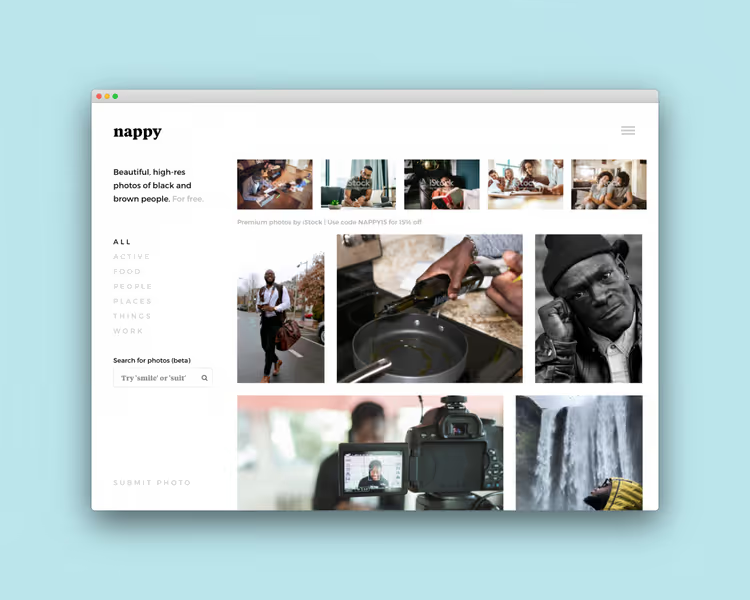
3. Nappy
Specialized stock addressing an industry blind spot: high-resolution photographs of Black and dark-skinned people. Creative Commons Zero license, no usage restrictions. For designers needing diverse materials without template "corporate diversity," Nappy remains the best choice.
4. Icons8 Photos
Photo Creator from Icons8 goes beyond typical stock: you can assemble unique compositions by combining objects, people and backgrounds via drag-and-drop interface right in the browser. Style filters (minimalism, grunge, retro) work without lag. Free tier requires link attribution, paid removes the limitation.
5. Kaboompics
Polish photographer Karolina's platform, an author stock focused on lifestyle aesthetics and flat lay. Photos maintained in a recognizable color palette: muted tones, natural light. Works great for blogs, online magazines and social media visuals where consistent style is needed.
Free illustrations
SVG illustrations replace stock photos where lightweight, stylized visuals are needed: landing pages, onboarding screens, blog articles. All resources below are licensed under MIT, CC0 or equivalents, use in commercial projects without hesitation.
6. ManyPixels
Gallery of free vector illustrations in several styles: from minimalist outline to vibrant flat. Weekly updates, all images under license permitting commercial use without attribution. Convenient search by categories and color palette.
7. Humaaans
Pablo Stanley created a people builder: modular SVG illustrations where pose, clothing, hairstyle and accessories mix via drag-and-drop. Want a person with a laptop in a hoodie? Three clicks. Free for commercial and personal use.
8. unDraw
Constantly updated library of SVG illustrations by Katerina Limpitsouni. Main feature: on the site you change the HEX code, and all illustrations recolor to your brand. Download SVG and insert directly into code or design. Open-source, no attribution. Often used in SaaS onboarding and product landing pages where neutral but modern graphics are needed.
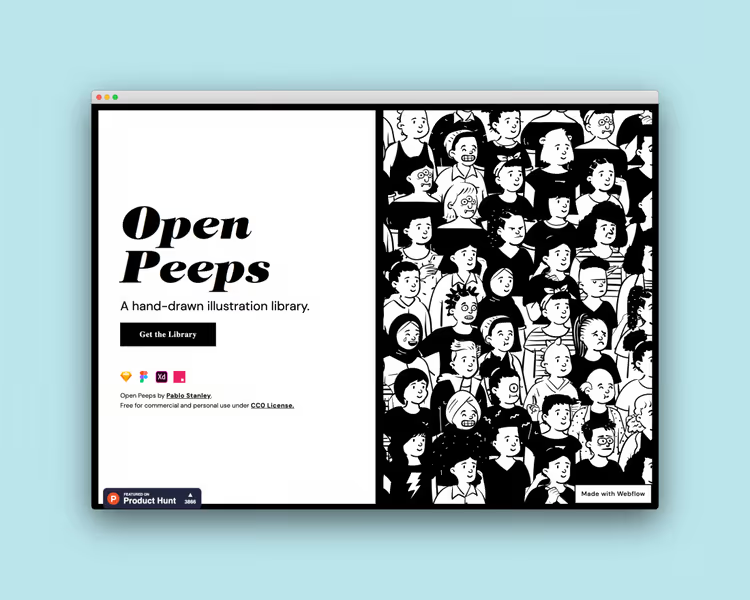
9. OpenPeeps
Another Pablo Stanley project: hand-drawn characters in three styles (flat, outlined, hand-drawn). Compatible with Sketch, Figma, Adobe XD and Studio. If Humaaans is corporate casual, OpenPeeps is more informal, illustrative aesthetic.
10. LukaszAdam
Independent web designer Lukasz Adam releases original vector illustrations and icons in unified style, minimalism with soft color palette. Free for personal and commercial projects. Excellent option when you need something unlike mainstream libraries.
Free icons
Icons, the micro-typography of interfaces. They save space, guide the eye, set the tone. Below, five platforms where icon quality is studio-grade and the usage price is zero.
11. The Noun Project
Over three million icons from designers worldwide. Each in SVG and PNG. Free tier requires attribution (icon + author link), paid removes the limitation. For prototypes and concepts, an invaluable resource. For production, budget a small annual sum for licensing.
12. Ionicons
The Ionic Framework team created a set of 1300+ premium icons under MIT license. Outline and filled styles, adapted for iOS, Android and web. Open source, no attribution. Especially good for mobile interfaces.
13. Simple Icons
Dan Leech's specialized project: brand icons, GitHub, Stripe, Notion, Telegram and 3000+ logos in SVG. Colors match official brand guidelines. Free, CC0. Indispensable for footers, "share" buttons and tech portfolios.
14. Icons8 Icons
Icons8 icon library in PNG and SVG with ability to edit color and size directly on site. Unified, outlined, filled, glyph styles. Free tier with attribution. Platform also offers custom formats for Windows, macOS and web frameworks.
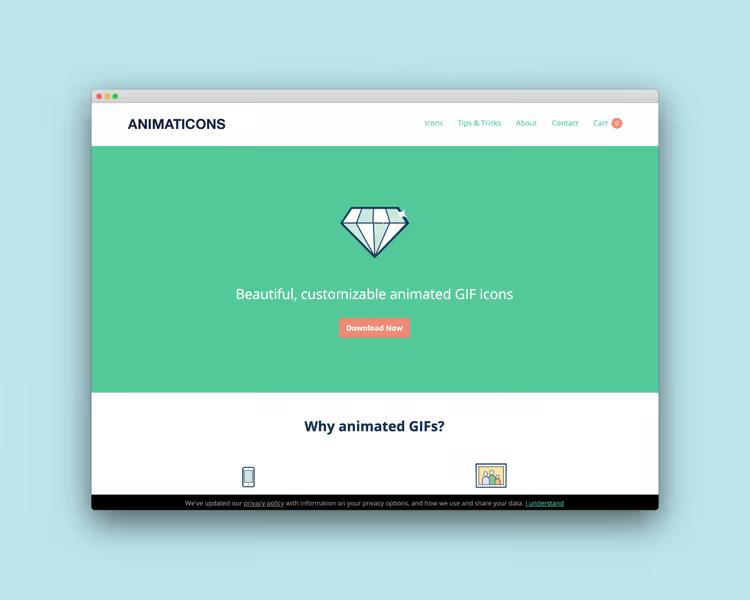
15. Lordicon
Animated icons for web and mobile applications. 4000+ free icons in Lottie, MP4, GIF, SVG and PNG formats. Built-in editor lets you change color, speed and animation direction. Replaced the defunct Animaticons.
Free fonts
Typography, the lion's share of design. A good font salvages a mediocre layout, a bad one kills a brilliant one. All five catalogs below contain free licenses (OFL, MIT, Apache) for commercial use.
16. Google Fonts
The canonical catalog of open-source web fonts. 1600+ families loading via CDN in milliseconds. Interface lets you test typefaces, language support and pairings directly in browser. Best starting point for any web project. Additional plus, Google Fonts are cached in user browsers, speeding up your site's loading.
17. Fontshare
Indian Type Foundry project: 100+ high-quality free fonts for commercial use. Unlike Google Fonts, many experimental typefaces here, from brutalist display fonts to elegant serifs for editorial design.
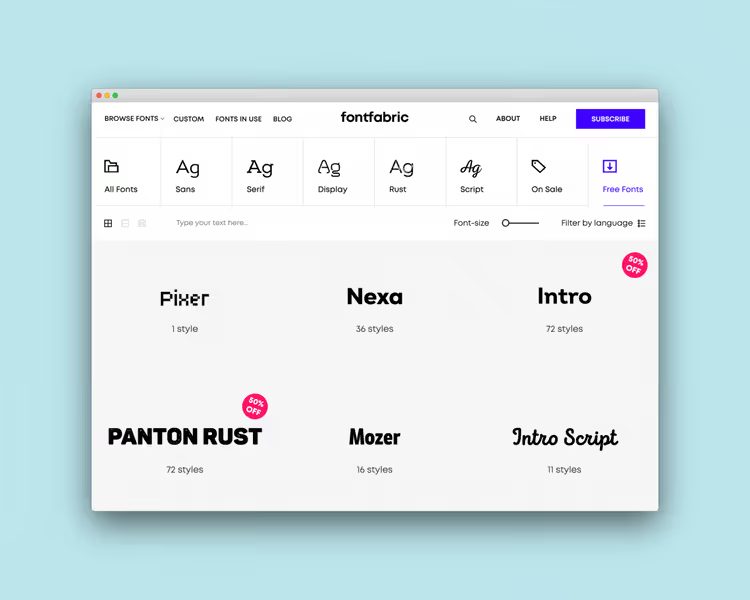
18. Fontfabric
Digital foundry releasing retail fonts for brands. Generous section of free typefaces: Nexa, Intro, Uni Sans, fonts you see in packaging, posters and startup logos. License permits commercial use.
19. DaFont
Huge archive of freely distributed fonts since 2000. Browse by alphabet, style, author and popularity. Important: not all fonts have commercial licenses, always check the "free for commercial use" mark on the font card.
20. FontSquirrel
Curated archive: each font manually verified for commercial viability. No "free for personal use only," all suitable for client projects. Built-in @font-face kit generator for web.
General font advice: for any project keep Google Fonts bookmarked as primary source and Fontshare as backup when you need something more distinctive than standard typefaces. This pair suffices for all typical web design and branding tasks.
Free stock video
Video backgrounds for landing pages or social media teasers no longer require a film crew. Five platforms with HD and 4K footage legally usable in commercial projects. All clips below, no watermarks and transparent licensing terms.
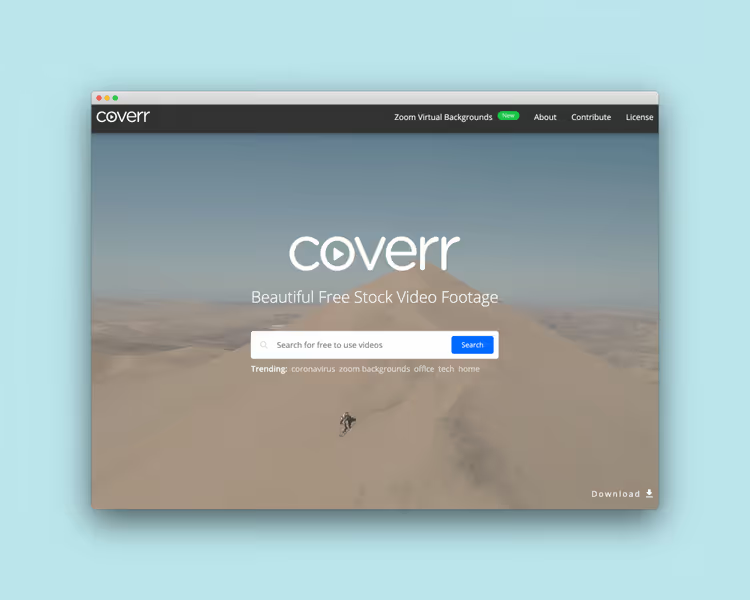
21. Coverr
Beautifully shot video footage focused on cinematography. Each clip, a short looping scene: coffee, office, nature, city. Free for commercial and non-commercial use, no attribution. All videos available in HD and 4K, vertical formats for Stories and Reels included.
22. Mixkit
Envato project: curated gallery of videos, animations and tracks. Quality on par with premium stocks, but license is free. Animation titles, lower thirds and transition effects especially helpful when assembling videos for social media. Worth noting separately the sound effects library, clean and well-mixed.
23. Videezy
Large community: HD and 4K clips from contributors worldwide. Part of content, Creative Commons with attribution, part, completely free. License filter helps immediately weed out what can't be used commercially.
24. Pexels Videos
Video section of Pexels with thousands of free HD and 4K clips: nature, city, technology, people. Same license as Pexels photos, commercial use without attribution. Convenient search by orientation and resolution.
25. Videvo
Library with hundreds of thousands of clips: motion graphics, nature footage, city timelapses. Free content under Videvo Attribution or CC 3.0 license, check the label under each clip. Paid tier opens access to premium collection. Good source of backgrounds for explainer videos and YouTube intros. If you need a specific clip type (for example, night city drone view), Videvo usually finds more options than competitors.
Practical minimum to start: take Pexels Videos for universal backgrounds (nature, city, technology), Coverr for cinematic looping scenes in hero sections, Mixkit for animation titles and transitions when assembling reels. This set suffices for a landing page, presentation and YouTube channel without touching your wallet. Just keep resolution in mind: for website backgrounds 1080p is optimal, for 4K timeline editing, 4K source files to leave room for cropping.
Free graphic design tools
Not all designers have budgets for Adobe Creative Cloud. Fortunately, alternatives have long outgrown "free replacement" status and become full-fledged working tools.
26. Canva
Browser-based drag-and-drop editor covering the bulk of daily tasks: social media, presentations, banners, simple layouts. Free tier includes 250,000+ templates, 1+ million photos and 5 GB cloud storage. Not Photoshop, but for speed of work with template formats, unrivaled.
27. VistaCreate
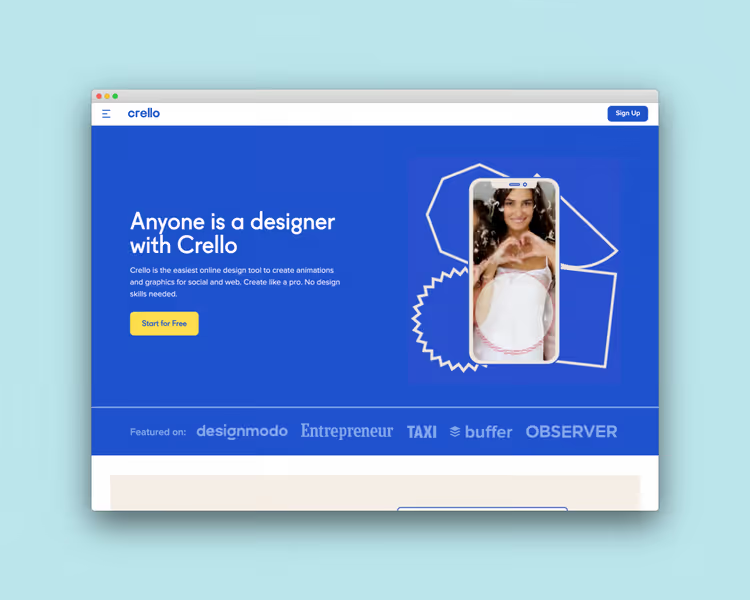
Formerly Crello, now part of Vista ecosystem (VistaPrint, 99designs). Over 150,000 animated templates for social media, blogs and advertising. Free tier gives access to 100,000+ design assets. Interface similar to Canva, but leaning toward animation and video.
28. Inkscape
Open-source professional-grade vector graphics editor. Works with SVG as native format, supports layers, filters and export to EPS/PDF. Cross-platform, Windows, macOS, Linux. If Illustrator is unaffordable, Inkscape covers virtually all vector tasks. Active community releases extensions and tutorials, entry barrier lower than it seems.
29. Pencil
Open-source alternative to Adobe XD for prototyping. Minimalist interface, gentle learning curve. Link diagrams, interactive prototypes, export to PNG and PDF. Available for all platforms. Good for quick wireframes in client meetings when Figma is excessive.
30. Gravit Designer
Full-featured vector editor working in browser and as desktop app. Free Corel Vector version includes cloud storage and basic tool set. Suitable for UI design, icons and illustrations.
Free mockup tools
Mockups turn flat screenshots into presentable images for portfolios or clients. Five tools doing this in seconds.
31. Shotsnapp
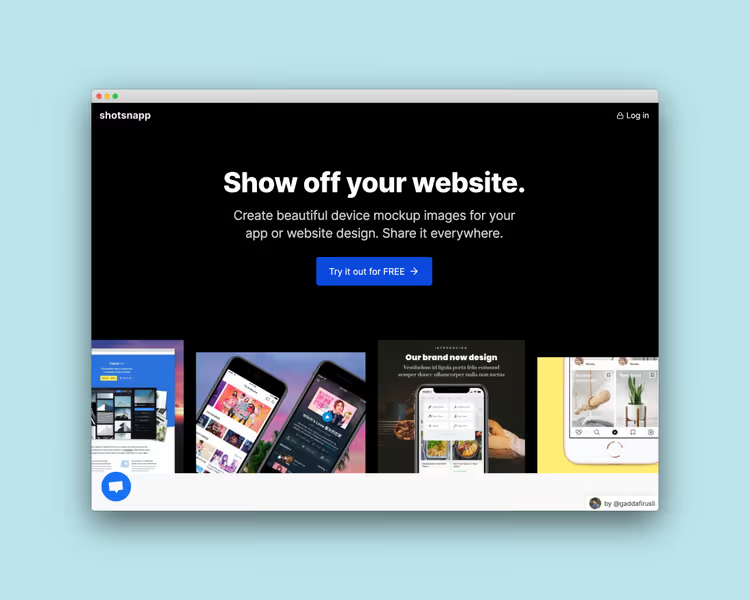
Select device, iPhone, MacBook, Android tablet, upload screenshot and get ready mockup. Minimal settings: rotation, shadow, background. Download in PNG. Free tier covers basic needs.
32. Screely
Browser tool: upload screenshot, Screely wraps it in browser window with background. Perfect for demonstrating web design in portfolios. Free, private, works without registration. Available at new address screely.app.
33. Mockup World
Largest aggregator of free photorealistic PSD mockups: from business cards to billboards. All files, Photoshop smart objects: double-click layer, insert your design, save. Regular updates, convenient breakdown by categories.
34. Unblast
Curated collection of 8000+ free mockups, fonts, icons and templates. Unlike Mockup World, emphasis here on quality over quantity: each asset passes verification before publication. MacBooks, iPhones, packaging, corporate identity, everything structured and fresh.
35. LS Graphics
Platform with PSD mockups for branding presentations: logos on paper, glass, wood; 3D scenes with multiple objects. Part of collection is free, part by subscription. Free mockups are labeled, filtered with one click.
Free image editing tools
Quick cropping, background removal, color correction, not always needing Photoshop. These four tools solve the task in browser.
36. Remove.bg
Background removal with one click. Algorithm detects object contours and cuts it more precisely than manual pen tracing. Free tier: upload up to 0.25 MP. For web graphics and avatars, sufficient. API available for automation, useful when processing large quantities of product photos for e-commerce.
37. Social Sizes
Cheat sheet for image sizes across all social networks: Facebook, Instagram, X, LinkedIn, YouTube, TikTok. Templates for Sketch, Adobe XD and Photoshop. Created by Peter Assentorp, free. Saves hours searching for updates, as social networks change formats several times a year.
38. Fotor
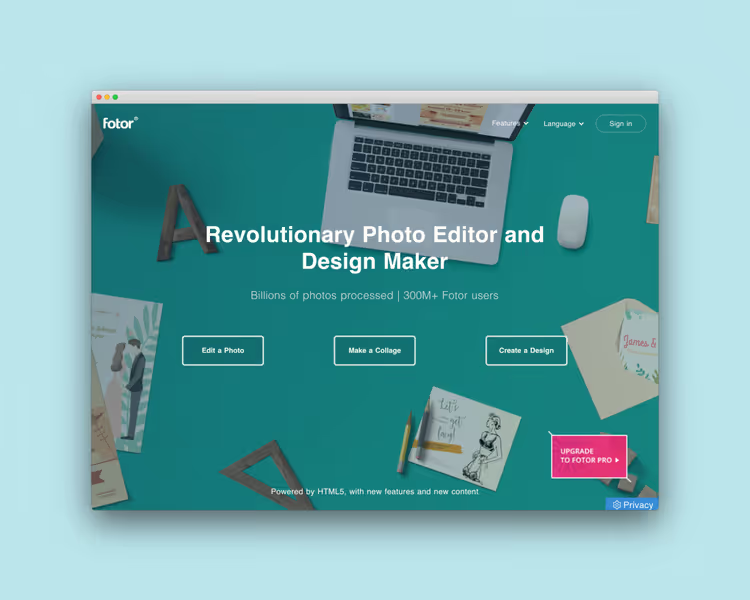
Online photo editor with cropping, color correction, filters and collages. Requires no installation, works in browser. Free tier includes basic tools and watermark-free export. Sufficient for preparing photos for blog or Instagram feed publication.
39. Pixlr
Two modes: Pixlr Express for quick processing (filters, stickers, text) and Pixlr Advanced as lightweight Photoshop in browser. Supports layers, masks, blending modes. Free tier with ads, workhorse for quick edits.
Free screenshot tools
Screenshots, the designer's universal language: feedback, bug reports, client demonstrations. Six tools making screen capture smarter than standard Print Screen. Tip: choose one tool for your main OS and master its keyboard shortcuts. For Windows it's ShareX (configure auto-upload to your hosting in two clicks), for macOS, Giphy Capture plus built-in Cmd+Shift+5 for stills. When a screenshot reaches the client 3 seconds after request, it works for your professional image more than ten explanatory emails.
40. Collabshot
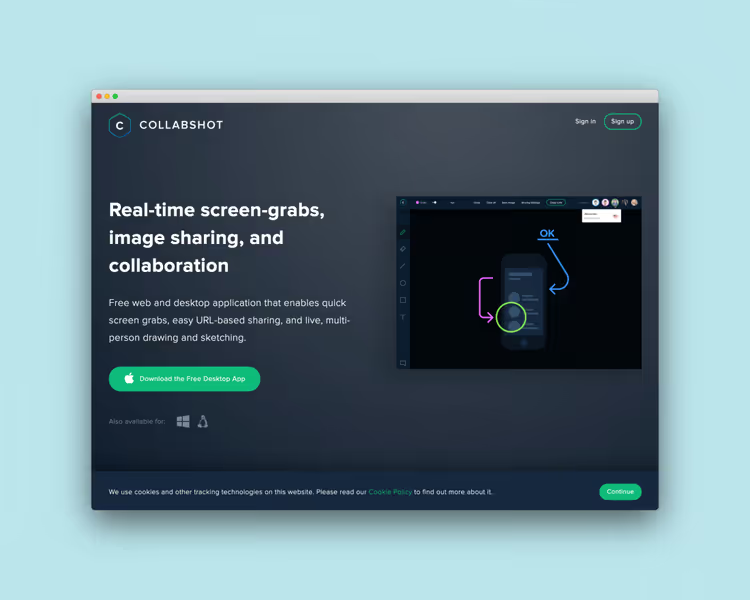
Web app and desktop client for quick screenshots with instant link. Feature, multi-user drawing: colleague opens link and comments directly on screenshot. Free, no registration.
41. Giphy Capture
Free macOS application: capture part of screen and export to GIF or MP4. Up to 30 seconds recording, couple clicks. Perfect for demonstrating micro-animations and UI interactions.
42. ScreenToGif
Open-source Windows app: screen, webcam and recorder in one window. Built-in editor lets you remove excess frames, add text and transitions. Export to GIF, video and project for refinement.
43. ShareX
Legendary open-source Windows tool: screen capture, video and GIF recording, text recognition (OCR), upload to 80+ hosts. Over 13 years of active community development. Maximum functionality at zero weight. Often called the "Swiss Army knife" for screenshots, and that's no exaggeration.
44. Snappy
iPhone, iPad and Mac app focused on collaboration: screenshots and annotations distributed across shared boards. New version works offline: open thesnappy.app in browser, and app is ready even without internet. Supports video capture with audio from browser tab, convenient for recording bugs and tutorials.
45. Lightshot
Minimalist screen capturer for macOS and Windows. Select area, get short link. Add arrows, lines and text annotations before export. Everything you need from a screenshot, no extra buttons.
Design inspiration
Visual literacy, a designer's fuel. Five platforms where world-class work is available for free and without VPN. Browse them not passively but with a notebook: save screenshots of color palettes, typographic pairs and compositional solutions. Start a "references" folder on Google Drive or in Figma and replenish it weekly. After a month of this practice you'll start noticing patterns: which font combinations work in e-commerce, which grids hold minimalist landing pages, how animation guides the eye. This is visual literacy translated into a working tool. Each solves its own task: Behance for case depth, Dribbble for visual ideas, Httpster and SiteInspire for web aesthetics, Awwwards for industry benchmarking. Combine them in bookmarks and open when you need impulse for a new project.
46. Behance
Adobe platform for showcasing and discovering creative work: graphics, illustration, UI/UX, animation, branding. Full case studies, not fragments. Filters by tools (Photoshop, Figma, Blender) help find references in needed technique. For novice designers it's also a way to study how professionals format projects: from grid to presentation.
47. Dribbble
Community where designers publish "shots," small work fragments. Unlike Behance, focus here is on visuals, not long case descriptions. Color palette search especially useful at project start. Good for quick idea scrolling when you need to gather a moodboard for specific task in 10 minutes.
48. Httpster
Gallery of minimalist sites from around the world. Emphasis on typography, whitespace and "less is more." Perfect resource when you need inspiration for clean content site or portfolio.
49. SiteInspire
Curated selection of outstanding sites: filtering by style, type and technology. If Httpster is minimalism, SiteInspire covers the full spectrum: from brutalism to elegant luxury.
50. Awwwards
Daily award for best web designs. Judges evaluate design, creativity, usability and content. Winners, an industry cross-section at current moment. For seeking references for client pitch, only here.

Building a stack in one evening
Suppose tomorrow you start a project: landing page for local coffee shop. Minimal budget, only browser for tools. Open Pexels, enter "coffee shop," download three horizontal photos with natural light. On Google Fonts pick a pair: Montserrat for headings and Inter for text, verify Cyrillic typeface. At Lordicon grab three animated icons for benefits block. On unDraw recolor illustration for hero section to brand color. Visit Mockup World, download MacBook mockup, insert future landing screenshot into smart object, save. If you need short video for first screen background, Coverr delivers three coffee clips in seconds. Everything takes two hours. Result: full visuals for client presentation, not a penny spent. Next, if client approves, you transfer the same resource set to Figma and assemble production landing version with clean code.
⁉️🤔 Frequently asked questions
Can materials from these sites be used in commercial projects?
Yes, the vast majority of resources from our selection are licensed under CC0, MIT, OFL or similar free licenses, commercial use permitted without attribution. Exceptions are clearly marked (for example, The Noun Project in free tier requires attribution, Icons8 too). Always check the license on specific asset's page: sites change terms, and compliance responsibility lies with you. For client projects the safest bet, Pexels (proprietary license permitting commerce), Google Fonts (OFL) and unDraw (MIT). If you doubt a license, write the author, practice shows in 9 out of 10 cases you'll receive "yes, use it" within 24 hours.
What replaces Photoshop if budget is zero?
The combination GIMP (raster editor) + Inkscape (vector editor) closes the main volume of paid Adobe package tasks. For web graphics and social media Canva or VistaCreate suffice. If you specifically need work with layers, masks and blending modes, Pixlr Advanced in browser. For prototyping and UI, Pencil or Figma (free tier, 3 files but unlimited drafts). Yes, GIMP's learning curve is steeper than Photoshop's. But after a week of practice the difference becomes a matter of habit, not capabilities. Worth mentioning separately Krita, free editor for digital painting and concept art with graphics tablet support. It won't replace Photoshop in print production, but as a tool for illustrators and 2D artists it's completely independent.
Is VPN needed to access these resources?
No. All 50 sites from the selection are accessible without VPN from any country. Some services (for example, VistaCreate, formerly Crello) suspended operations in Russia and Belarus after 2022, but for the rest of the world there are no restrictions. Stock platforms like Pexels and Pixabay have no geographic restrictions whatsoever.
How does free stock differ from AI image generation?
Stock provides real photographs with actual people, locations and lighting, important for brands needing authenticity. AI generation (Midjourney, DALL·E) is convenient for concept art and abstractions, but still stumbles on hands, text and anatomy. Plus neural networks don't issue model releases, legally using an AI portrait of a person in commercial advertising is risky. Optimal approach: stock for photorealism and people, AI for backgrounds and illustrative concepts.
How long does building a design stack from this selection take?
In one evening you go through all categories, open 10-15 most relevant resources for your niche and add them to browser bookmarks. Next day you have a ready stack of stocks, fonts, icons and tools covering routine tasks without subscriptions. Registration required only on Canva, Remove.bg and VistaCreate, and takes less than a minute via Google account.
Is paying for design resources worth it in 2026?
Free tools have grown to the point where a beginning designer or small studio needs no subscriptions at all. Paying makes sense for three things: time savings (premium stocks with better search), uniqueness (exclusive typefaces and assets absent from public collections), and legal clarity (extended license for large advertising campaigns). Everything else in the graphic design profession at the start, genuinely free and legal, just open a browser and this page.
Experience shows this pattern: at the start of commercial practice you comfortably live on free resources. When client flow becomes stable and projects run one after another, it makes sense to connect one or two subscriptions. Usually the first purchases are Envato Elements (mockups and templates) and Adobe Fonts (closes the overwhelming part of typographic needs without hunting through catalogs).
If you're laying out a landing page, assembling a client presentation or filling a blog, 50 resources from this list close all basic needs. Your budget stays with you, and work quality doesn't suffer.
Go through the categories, open each site in a new tab and assemble your own toolkit. What's free doesn't mean second-rate. It means someone already paid for you with time and talent. Add this page to bookmarks and return when you need a fresh supply of resources for a new project. And when the client pays for the first large order, return to the subscriptions section and decide which paid tool will save you the most hours next month.

A professional team of writers and editors specializing in creating quality content.