














📈 6 WordPress site monitoring plugins for 2026 (free and paid)
The site is down, and you find out about it from the client. While you sleep or work on another project, WordPress can hang for hours, and every minute of downtime means lost leads, search rankings, and ultimately, money.
Uptime monitoring is not a luxury or a "someday later" item. It's basic hygiene. Without it, the customer reports the outage. With it, the system catches the problem before anyone notices.
We've compiled 6 working tools for monitoring WordPress sites, from free to enterprise level. All tested in practice. No marketing fluff, just specifics: what it tracks, where it sends alerts, what it costs.
💡 Quick overview:
- Choose a tool for the task:
Jetpackfor one site,Uptime Robotfor a portfolio - Connect alerts to email, Telegram or Slack, downtime at night doesn't wait for morning
- Match check frequency with budget: free tiers give 5-min intervals, paid up to 30 sec
- Set up a public status page for clients, it eliminates questions about availability
Comparison table
Tool | Free tier | Check frequency | Alerts | Status page | Price from |
|---|---|---|---|---|---|
| Yes, basic | On demand | Email, SMS (paid) | No | $2/mo per site |
| Yes, basic | 5 min | No | $9.95/mo | |
| 14-day trial | 1 min | Email, SMS | Yes | ~$10/mo |
| Yes, 50 monitors | 5 min | Email, Slack, Discord, SMS | Yes (paid) | $8/mo |
| 30-day trial | Customizable | Email, SMS, Slack, Twitter | No | €2/mo |
| No, trial only | 1 min | Email, SMS (paid) | Yes | $16.66/mo |
1. ManageWP Worker
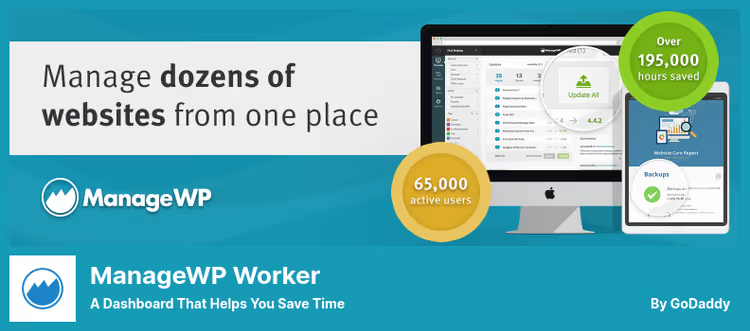
ManageWP Worker is not just monitoring, but a full-fledged control center for dozens of WordPress sites from one window. You connect sites through a free plugin Worker and get a unified dashboard: updates, backups, security checks and, of course, uptime tracking.
Uptime monitoring here is a paid addon. The system checks the site, sends email and SMS on failure, keeps uptime and downtime logs. Plus a feature: ManageWP can automatically backup before each mass update. If something goes wrong, the site rolls itself back. This has saved us more than once.
Pros:
- Single panel for all sites, no need to log into each separately
- Monitoring, backups and mass updates in one package
- Free monthly cloud backup for all sites
Cons:
- Uptime monitoring only in paid addon
- No public status page for clients
Price: free Worker plugin plus premium addons from $2/mo per site. Uptime monitoring is paid separately.
🔗 ManageWP Worker on WordPress.org🔗 ManageWP site
2. Jetpack

Jetpack from Automattic is a Swiss army knife for WordPress. Security, acceleration, statistics, social media, CDN for images and... yes, uptime monitoring too. The Monitor module checks site availability every 5 minutes and sends email on failure. Free.
The thing is, monitoring here is not the main function, but a nice addition to the rest of the arsenal. You get brute force protection, automatic backups in paid plans, spam filtering Akismet, CDN for images and visit statistics. If it's one site and the task is "just know it's down", Jetpack closes the question without extra hassle.
Pros:
- Monitoring is free in the basic tier
- Dozens of additional features beyond uptime tracking
- Created by the team behind WordPress.com and WooCommerce
Cons:
- Monitoring is a secondary function, not core
- No SMS alerts, only email
- Check frequency is fixed, no flexible settings
Price: free monitoring in basic tier. Premium from $9.95/mo for the full set: backups, security scanner, WAF.
🔗 Jetpack on WordPress.org🔗 Jetpack site
3. Super Monitoring

Super Monitoring is an external service with a WordPress plugin for admin integration. Unlike ManageWP and Jetpack, this is a narrowly focused tool specifically for monitoring, without side functions. Checks the site every minute through a global network of stations distributed around the world.
Besides uptime checking it can: monitor content (text didn't disappear from the homepage), test web forms, check file integrity, track SSL certificate and domain expiration, detect blacklist entries. On an incident you get email, SMS, page screenshot, HTML snapshot and HTTP headers for diagnostics. No need to guess why it went down, all data is already in front of you.
Pros:
- Check every minute, faster than most competitors on comparable plans
- Global network of stations eliminates false positives
- Extended diagnostics: screenshots, headers, HAR files
Cons:
- Modest install base, niche product
- No free tier, only 14-day trial
Price: 14-day trial, paid plans from ~$10/mo. Exact cost depends on number of checks.
🔗 Super Monitoring on WordPress.org🔗 Super Monitoring site
4. Uptime Robot
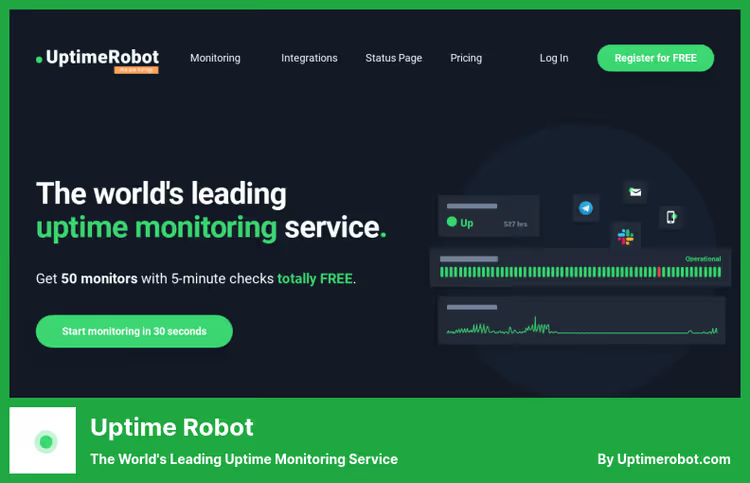
Uptime Robot is one of the most massive monitoring services in the world with an audience of over 3 million users. A WordPress plugin for it is not required, monitoring works on the service side, the plugin only displays status in the admin. And that's its strength: checking happens from outside, not inside the server.
The free tier gives 50 monitors with checks every 5 minutes. Check types: HTTP(s), ping, port, keyword, cron jobs, DNS records and SSL certificates. Alerts: email, Slack, Discord, Google Chat, Teams, SMS, phone call, webhook and mobile push. The paid Solo tier ($8/mo) gives 10 monitors with intervals from 60 seconds and more integrations. Team ($34/mo) expands to 100 monitors with full-featured status pages and collaboration. Enterprise ($64/mo), 200 monitors with intervals from 30 seconds.
Pros:
- 50 monitors free, enough for most web studios
- Widest choice of alert channels, from email to phone call
- Public status pages for clients in paid tiers
Cons:
- 5-minute interval on free tier, can miss downtime for several minutes
- No in-depth diagnostics like screenshots or tracing
Price: free (50 monitors, 5-min interval). Solo $8/mo (10 monitors, from 60 sec). Team $34/mo (100 monitors). Enterprise $64/mo (200 monitors, from 30 sec).
5. InternetVista

InternetVista is a Belgian monitoring service with a history since 2003. ISO 27001 certified, which for corporate clients is often a decisive argument. Unlike other participants in this roundup, this is exclusively an external service without a full WordPress plugin, integration exists, but the main interface is on the internetvista.com site.
Monitors not only sites, but also mail servers, DNS, databases, APIs and custom scenarios, for example, the checkout flow. Alerts via email, SMS, Slack, Twitter and webhook. Detailed performance reports. Mobile app for iOS and Android. Interface in five languages, including English and French.
Pros:
- ISO 27001, a strong argument for compliance-dependent clients
- Monitoring of custom scenarios: forms, carts, APIs
- 30-day trial without card binding
Cons:
- No free tier after trial
- No full management from WordPress admin
- Price starts modest but grows quickly with added checks
Price: from €2/mo for basic check. Flexible, depends on monitoring set. 30-day trial free.
6. Pingdom
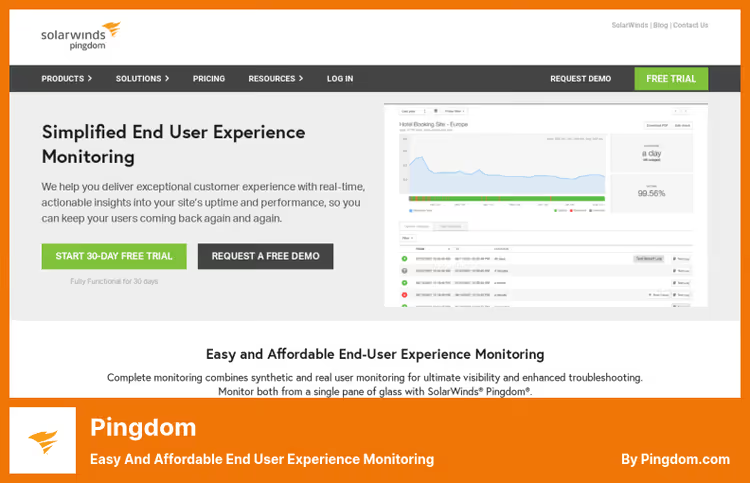
Pingdom is a market monitoring veteran under the SolarWinds umbrella. This is not a WordPress plugin, but a full SaaS platform with synthetic and real-user monitoring. Checks the site from 100+ locations worldwide, measures response time, page load speed and transactions.
Synthetic monitoring simulates a user visit: does the site open, does the form work, does payment go through. Real-user monitoring (RUM) collects data from actual visitors: country, device, load speed. For diagnostics, root cause analysis: the system doesn't just say "site is down", but shows where and why. This saves hours on figuring out causes.
Pros:
- 100+ monitoring points worldwide, real global availability picture
- Synthetic and real-user monitoring in one product
- Root cause analysis cuts diagnostic time from hours to minutes
Cons:
- No free tier
- Overkill for one site, a tool for companies with infrastructure
- Price above average in this roundup
Price: from $16.66/mo. Trial available.
Useful video on the topic
The monitoring topic is better revealed when you see interfaces live. A short but comprehensive video from Elegant Themes shows five WordPress site monitoring tools at work and helps orient you before installation.
⁉️🤔 Frequently asked questions
What's the difference between plugin monitoring and an external service?
A plugin like ManageWP or Jetpack embeds monitoring directly in the WordPress admin and often adds related functions: backups, updates, statistics. An external service like Uptime Robot or Pingdom monitors the site independently of CMS. Even if PHP crashes, the database disconnects or the server is completely unavailable, external monitoring continues to work and sends alerts. For critical projects, an external service is preferable, it gives a real picture of availability from the internet, not from inside the server.
What check interval is sufficient?
For most sites, five minutes is enough. That's what Uptime Robot and Jetpack free tiers give. A minute interval, like Super Monitoring or Pingdom, is justified for online stores with high value and SaaS products, where every minute of downtime is direct losses. An interval shorter than a minute is for billing systems, crypto exchanges and critical infrastructure. The rule is simple: the more frequent the check, the more expensive the plan.
Can I do without a plugin altogether?
Yes. Uptime Robot, Pingdom and InternetVista monitor the site without installing anything on WordPress. You just specify the URL, and the service starts checking. The plugin in these cases is just a bridge for displaying status in the admin. External monitoring is also more reliable: it shows site availability from the internet, not from inside the server where everything "works".
What if the site is down and I'm not at the computer?
Set up SMS alerts. Uptime Robot, Super Monitoring and InternetVista support SMS and push notifications in mobile app. For quick reaction, integrations with Slack, Discord and Telegram also work, a message in the work chat is often noticed faster than an email. Set up escalation: if the primary contact doesn't respond in N minutes, the alert goes to the next in the chain.
Is a public status page needed?
If you have clients who pay for access to a site or service, a status page is mandatory. It removes the lion's share of "is the site even working?" questions and shows transparency. Uptime Robot and Pingdom give status pages in paid tiers, Super Monitoring in basic. For internal projects without external users, a status page is not critical.
What to choose if budget is limited?
The combination of
Jetpack(free monitoring plus protection) andUptime Robot(50 monitors free). The first gives basic monitoring with email alerts inside WordPress, the second insures from outside and adds flexible alert channels. In total, zero $ per month and two independent check circuits.
What to install in 2026
The choice of tool comes down to three scenarios. If you have one site and no budget, Jetpack closes the monitoring question for free, and also gives protection and CDN. If there are more than ten sites, Uptime Robot with 50 free monitors and flexible alerts looks like the only option at the start. And when monitoring is part of the business process and a simple "down/working" is not enough, Pingdom with synthetic checks, RUM and root cause analysis gives the full picture.
The main rule: don't postpone monitoring setup for later. Connect at least free Uptime Robot today. Ten minutes now will save hours of investigation later, when the site goes down on Sunday evening and you find out about it from the client on Monday morning.

A professional team of writers and editors specializing in creating quality content.