














🔐 7 best social login plugins for WooCommerce 2026 (free and paid)
Every extra step before payment costs money. According to Baymard Institute data, 23% of shoppers abandon their carts because they're forced to create an account. Enter email, create password, wait for confirmation email, and already changed their mind.
Social login removes this barrier. One click through Google or Facebook, and the customer is already in their account. No forms, no "forgot password," no waiting. The store receives a verified email from the social profile automatically.
We've compiled 7 social login plugins for WooCommerce: from free solutions with three providers to premium tools with 40 social networks. Only active and updated plugins compatible with current versions of WordPress and WooCommerce.
💡 Quick overview:
- Why social login is needed on a WooCommerce site and how it affects checkout conversion
- Comparison table of 7 plugins: providers, prices, WooCommerce integration
- Detailed breakdown of each: pros, cons and direct links
- Selection matrix: which plugin for which task and budget
Comparison table
Plugin | Free version | Providers | WooCommerce | Price |
|---|---|---|---|---|
Nextend Social Login | Yes | 3 free / 20+ Pro | In Pro | Free / from $49 |
miniOrange Social Login | Yes | 11 free / 40+ Premium | In Premium | Free / from $79/year |
YITH WooCommerce Social Login | No | 11 | Yes (core) | $79.99/year |
Super Socializer | Yes | 27 free | Yes | Free |
Social Snap | No | 5 (addon) | No | From $39/year |
UserPro | No | 6 | Yes | $39 (one-time) |
Social Login Plugin | No | 10+ | Yes | $39 (one-time) |
1. Nextend Social Login
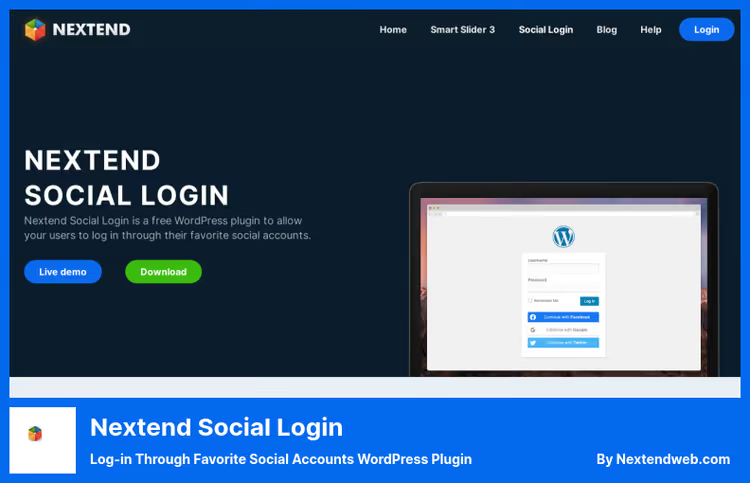
The most popular social login plugin in the WordPress.org directory: 200,000+ active installations and a 4.9 rating. The free version has three providers: Facebook, Google and X. For most stores, this is enough.
The Pro version unlocks Apple, Microsoft, LinkedIn, Amazon, PayPal, GitHub, Discord, TikTok, Slack, Steam, Twitch, Spotify, Reddit, VKontakte and a dozen other platforms. The key feature: native WooCommerce integration. Social login buttons appear directly on checkout and in the "My account" form without additional code.
In practice, Nextend hooks into the standard wp_login_form() automatically. Configure the provider, enable it, and the buttons are already in place. For non-standard pages, there are shortcodes and widgets. The avatar from the social profile is picked up as a WordPress avatar.
Pros:
- Free version with three main providers: Facebook, Google, X
- Native WooCommerce integration in Pro: checkout, login, registration
- Multiple social accounts can be linked to one user
- Excellent documentation: screenshots, videos, step-by-step instructions
Cons:
- Apple, LinkedIn, Discord, TikTok only in Pro
- Free version doesn't show buttons on WooCommerce checkout
- For each provider, you need to create an application in the developer console
Price: Free (3 providers) / Pro from $49 (20+ providers, WooCommerce, BuddyPress)
🔗 Nextend Social Login on WordPress.org🔗 Nextend website
2. miniOrange Social Login
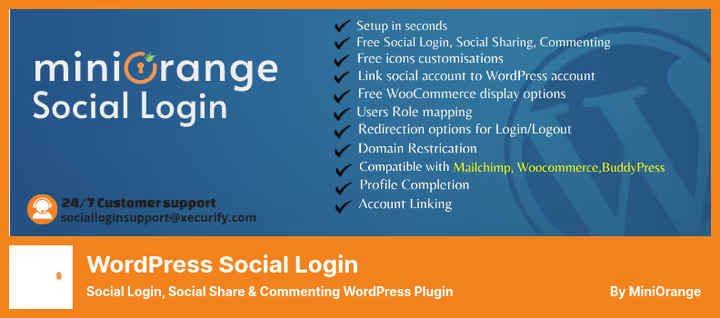
The richest free tier in this review: 11 social networks without payment. Facebook, Google, Discord, X, LinkedIn, VKontakte, Amazon, Salesforce, Yahoo, Snapchat and Dribbble. For comparison: Nextend has three providers in the free version.
Premium unlocks 40+ providers, WooCommerce integration (auto-fill billing data from social profile), BuddyPress, Paid Memberships Pro, MemberPress, Ultimate Member. Discord and HubSpot as separate providers are rare.
Setup is faster than competitors: miniOrange provides pre-configured applications to start. No need to create an application in Facebook or Google console from scratch. Register with miniOrange, and basic settings are ready. In practice, this saves an hour or two on first launch.
Pros:
- 11 providers in free version, a record among free options
- Pre-configured applications: no need for your own App ID and Secret to start
- Deep WooCommerce integration: auto-fill billing fields from social profile
- User data synchronization between providers
Cons:
- Data passes through miniOrange server when using pre-configured applications
- WooCommerce, BuddyPress, role-based redirects only in Premium
- Registration on miniOrange site required for pre-configured applications
Price: Free (11 providers) / Premium from $79/year (40+ providers, WooCommerce)
🔗 miniOrange Social Login on WordPress.org
3. YITH WooCommerce Social Login
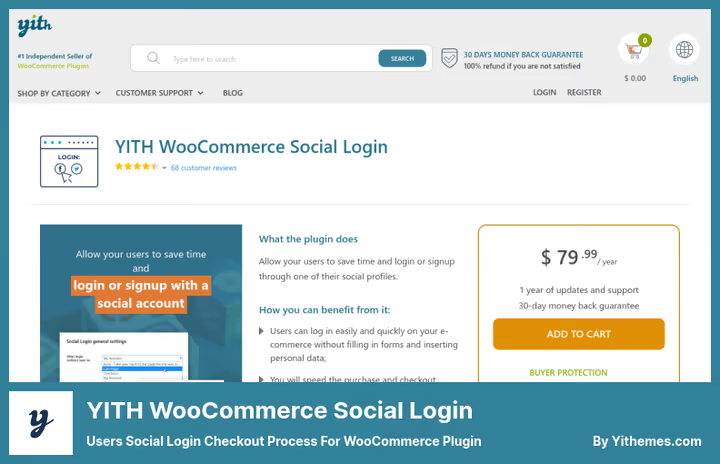
Plugin from the largest independent WooCommerce extensions developer. Unlike Nextend and miniOrange, it's built specifically for WooCommerce: social login is integrated into checkout, "My account" page and registration form without additional setup.
11 providers: Facebook, X, Google, LinkedIn, Yahoo, GitHub, Windows Live, Tumblr, VK, Foursquare and Amazon. Users see all their social connections in "My account" and can disconnect any. The administrator gets a report on how many people logged in through each social network.
On the YITH website, the plugin is compatible with current versions of WordPress and WooCommerce. 30 days money back, no questions asked.
Pros:
- Native WooCommerce integration: buttons on checkout, in "My account," on login
- 11 providers out of the box, including GitHub and Foursquare
- Connection report in admin: see which social networks are working
- Drag-and-drop sorting of social login buttons
Cons:
- Paid version only, no free tier
- Annual subscription $79.99, not a one-time purchase
- Fewer providers than miniOrange Premium (11 vs 40+)
Price: $79.99/year (1 year updates and support)
🔗 YITH WooCommerce Social Login on YITH site
4. Super Socializer
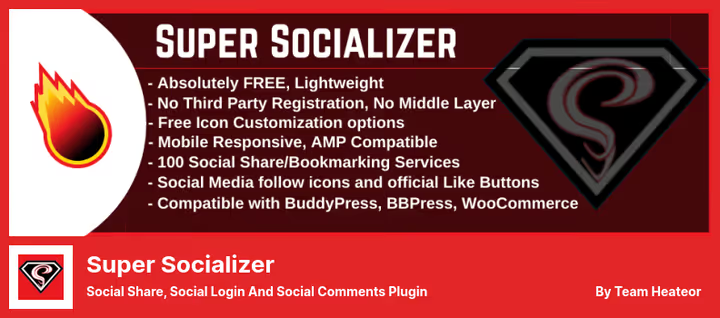
Free all-in-one solution: social login, sharing and comments in one plugin. 27 providers for login, more than any other free solution. Facebook, Google, LinkedIn, X, VKontakte, Line, Microsoft, Yahoo, WordPress, Dribbble, Kakao, Spotify, GitHub, Twitch, Instagram, Steam, Dropbox, Discord, Reddit, Stack Overflow, Amazon, Yandex and others.
For WooCommerce, social login buttons are integrated into the login form and checkout page. Social profile data syncs with the WooCommerce customer profile. Plus product sharing: customers share products directly from the product page.
Plugin author Rajat Varlani (Heateor). Compatible with PHP 8, GDPR compliant, works with Gutenberg. Important note: doesn't work on local server, only on live site with domain.
Pros:
- 27 social login providers, completely free
- Sharing and comments in one plugin with authentication
- Data synchronization with WooCommerce customer profile
- Configure forms and icon sizes without CSS
Cons:
- Doesn't work on localhost, only on live domain
- Sharing and comments may be redundant if already in theme
- Single developer maintains several plugins simultaneously
Price: Free
🔗 Super Socializer on WordPress.org
5. Social Snap
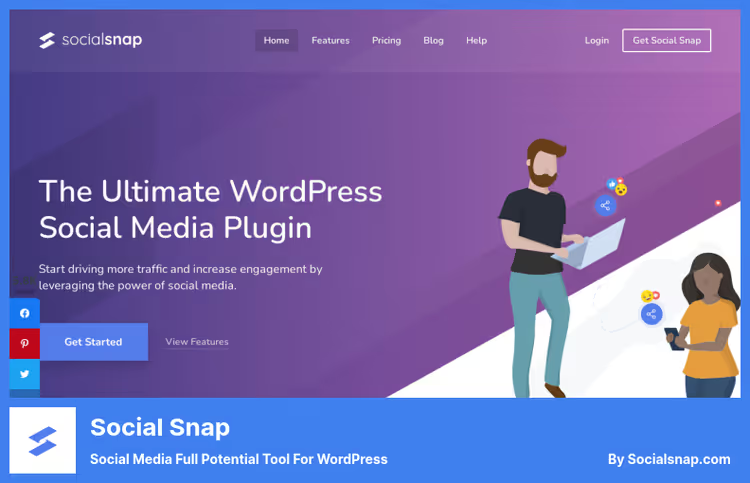
Social Snap: primarily a powerful social sharing plugin where social login is included as an addon. If you need not just authentication but a full social strategy (sharing, auto-posting, click analytics, Click-to-Tweet), Social Snap covers everything with one solution.
Social login supports Facebook, X, Google, LinkedIn and Instagram. Users authenticate through social networks as easily as they share content. Meta tags for social networks (Open Graph, Twitter Cards) are included: sharing looks good with correct titles and images.
The plugin works asynchronously and doesn't slow down page loading. Technically one of the best in performance among sharing alternatives.
Pros:
- Complete social toolkit: sharing, login, analytics, auto-posting
- Asynchronous loading doesn't affect site speed
- Open Graph and Twitter Cards included
- 30 days money back, no questions asked
Cons:
- Social login as addon, not primary function
- Only 5 providers for login, fewer than competitors
- Paid version only, no free tier
- No direct integration with WooCommerce checkout for login
Price: From $39/year (1 site) / Pro from $99/year (3 sites)
6. UserPro
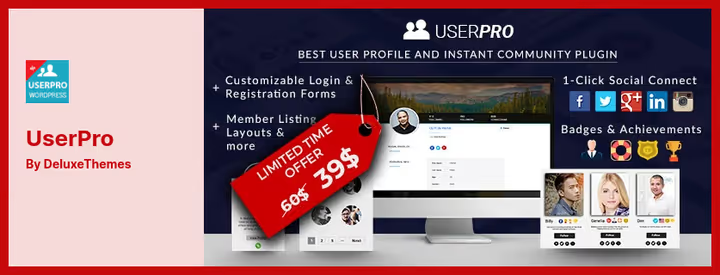
UserPro: not just a social login plugin, but a complete membership system with user profiles, member directory, subscriptions, role-based access and social registration. If you're building a community around a store, UserPro covers both needs with one tool.
6 providers: Facebook, X, LinkedIn, Google, Instagram, VK. When registering through social network, the profile is filled with account data automatically: avatar, name, description. Members get customizable profiles, directory with search and filtering, follower system and activity feed.
Administrator manages page and content access by roles. Built-in integration with MailChimp, AWeber, Campaign Monitor. One-time purchase without annual subscription.
Pros:
- Membership functionality and social login in one plugin
- Customizable profiles with unlimited fields
- Integration with WooCommerce, BuddyPress, bbPress
- One-time purchase $39, not annual subscription
Cons:
- Excessive if you only need social login without membership
- Only 6 providers, fewer than competitors
- WooCommerce integration exists but not native
Price: $39 one-time (1 site, 6 months support) / $895 Extended
7. Social Login Plugin
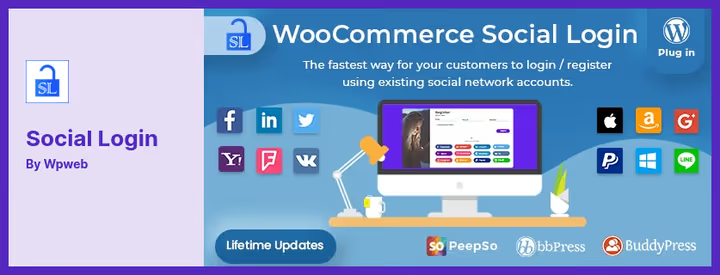
The most focused plugin in the collection. Unlike UserPro (membership) or Social Snap (sharing), this tool does exactly one thing: social login. No sharing, no profiles, no comments.
10+ providers: Facebook, X, Google, Yahoo, LinkedIn, Foursquare, Windows Live, VK, PayPal, Amazon. WooCommerce integration at checkout level: social login buttons are built into order processing, social profile data is filled into billing fields.
On CodeCanyon since 2014. After login, custom URL redirect is configured. Administrator sees statistics: how many users registered through each social network.
Pros:
- Maximum focus: social login only
- 10+ providers, including PayPal and Amazon
- WooCommerce checkout integration out of the box
- One-time purchase $39, not subscription
Cons:
- No free version, can't try before buying
- Fewer providers than miniOrange or Super Socializer
- 1 year updates and support, then renewal
Price: $39 one-time (1 year updates)
🔗 Social Login Plugin on CodeCanyon
Setting up any plugin from the collection takes 10-15 minutes. Create an application in the social network developer console, enter App ID and Secret in the plugin settings, enable the provider, and buttons appear on the login form and checkout. The video below shows the process using Nextend Social Login with Facebook provider as an example.
⁉️🤔 Frequently asked questions
Why social login on a WooCommerce site?
According to Baymard Institute data, 23% of users abandon their cart if forced to register. Social login removes this barrier: one click through Google or Facebook, and the customer is already placing an order. The store receives a verified email and basic data for billing without forms and confirmation emails.
Which plugin to choose if budget is zero?
Nextend Social Login (free version) or Super Socializer. Nextend provides three main providers (Facebook, Google, X) and proven reputation on WordPress.org. Super Socializer provides 27 providers for free, but adds sharing and comments. Need minimalism: take Nextend. Need maximum features for free: Super Socializer.
Why pay if there are free plugins?
Paid versions provide more providers, native WooCommerce checkout integration and support. YITH WooCommerce Social Login for $79.99 per year puts buttons directly in the checkout form without additional code. Nextend Pro unlocks Apple, Discord, TikTok and a dozen other platforms. For a store with revenue, developer time is more expensive than a license.
Is it safe to let users in through social networks?
Yes, technically it's more secure than standard registration. All plugins in the collection use OAuth 2.0 and OpenID Connect: your site doesn't receive the user's password, only an access token. Social networks verify accounts, which reduces spam registrations. The only caveat: miniOrange passes data through its server with pre-configured applications.
Can multiple plugins be used simultaneously?
Not recommended. Two plugins on the same hooks (
login_form,woocommerce_login_form) conflict: duplicate buttons, intercept redirects, break styles. Choose one. Exception: Social Snap for sharing plus separate plugin for login. Verified in practice: Nextend Social Login for login plus Social Snap for sharing work together without problems.
What to do if provider "dropped out" after registration?
All plugins in the collection create a full WordPress account on first login through social network. User can reset password through standard form and log in with email and password. Enable sending email with password setup link on first registration: user gets both quick login and backup access.
Which social login plugin to choose for WooCommerce
Choose by task, not by rating.
If budget is limited: Nextend Social Login (free) covers most stores. Three providers, 200,000+ installations, excellent documentation. Need more providers for free: Super Socializer with 27 social networks.
If WooCommerce checkout conversion is important: YITH WooCommerce Social Login for $79.99/year. Buttons directly in checkout form, natively. Or miniOrange Premium: 40+ providers and auto-fill billing data.
If building community around store: UserPro for $39 one-time. Profiles, member directory, subscriptions and social login in one plugin.
If need full social arsenal (sharing, login, analytics, auto-posting): Social Snap. Five providers for login, but all other functionality outweighs this minus.
If want only social login without extras: Social Login Plugin on CodeCanyon for $39. One function, 10+ providers.
Write in comments which plugin you chose: interested to compare usage scenarios.

A professional team of writers and editors specializing in creating quality content.