














🔔 8 best push notification plugins for WordPress 2026 (free and paid)
Push notifications bring traffic back. Without them, a visitor leaves and forgets. With them, they receive an alert about a new article, discount, or abandoned cart and return. For a WordPress site owner, this is a channel with CTR an order of magnitude higher than email: push clickability is several times higher than typical newsletter metrics, and deliverability is nearly absolute, notifications don't get lost in spam.
The problem is choice. The market has dozens of web push plugins: some are tailored for WooCommerce, others for news sites, and still others are self-hosted and don't depend on third-party services. Prices range from "free up to N subscribers" to hundreds of dollars per month.
In this roundup, 8 relevant plugins for WordPress push notifications in 2026. Each has been tested on real projects: we evaluated connection speed, segmentation flexibility, WooCommerce integration, and pricing model reasonableness. Choose based on your needs.
💡 Quick overview:
- Choose PushEngage for the best balance: WooCommerce automation, drip campaigns, AI-ready, free start
- Use OneSignal for mass mailings: 100,000+ installs, 6 billion notifications per day, free up to 10,000 subscribers
- Connect Webpushr for WooCommerce without extra costs: auto-notifications, segmentation, generous free limit of 10K
- Take Brevo for multi-channel: email + SMS + web push + chat from one plugin, 100,000+ installs
- Install Perfecty Push for complete self-hosted: no third-party server, full control over data
Comparison table
Plugin | Free limit | WooCommerce | Self-hosted | Segmentation | A/B tests |
|---|---|---|---|---|---|
PushEngage | Up to 500 subscribers | ✅ (cart, price, back-in-stock) | ❌ | ✅ | ✅ |
OneSignal | Up to 10,000 subscribers | Basic | ❌ | ✅ | ✅ |
WonderPush | 14-day trial | ✅ (abandoned cart) | ❌ | ✅ | ❌ |
Gravitec.net | Up to 10,000 subscribers | ✅ | ❌ | ✅ | ❌ |
Brevo | Free up to 500 subscribers | Through scenarios | ❌ | ✅ | ❌ |
Perfecty | Unlimited | ❌ | ✅ | Basic | ❌ |
PushAlert | Free tier | ✅ | ❌ | ✅ | ✅ |
Webpushr | Up to 10,000 subscribers | ✅ (cart, price, products) | ❌ | ✅ | ❌ |
1. PushEngage
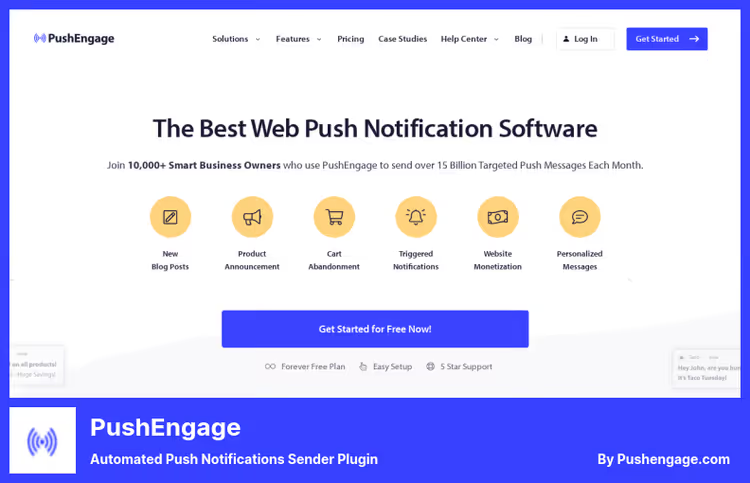
The most feature-rich plugin in the roundup. In addition to push notifications, WooCommerce automation, multi-channel chat widget (WhatsApp, Telegram, Messenger), and drip campaigns. Version 4.2.2 supports the WordPress Abilities API: 25 abilities through which AI agents manage notifications without human intervention.
Five WooCommerce scenarios work out of the box: abandoned cart recovery (45 min / 4 hr / 24 hr sequence), browse abandonment, price drop notifications, back-in-stock, and order status. According to the vendor, cart recovery reaches 14%.
Built-in drag-and-drop popup builder, ready campaign templates, A/B testing, segmentation by URL, geo, device type, and custom attributes. The free plan includes basic mailings and subscription popups, zero-budget start.
Pros:
- WooCommerce automation with dynamic placeholders (name, price, product image)
- Abilities API for AI-managed notifications
- Built-in multi-channel chat widget (20+ channels)
- Ready templates: welcome, reactivation, digest, flash sale
Cons:
- Free plan is limited (500 subscribers)
- Abundance of features requires time to learn
- Paid plans from $29/mo as base grows
Price: free up to 500 subscribers; Growth from $29/mo (up to 5,000), Business from $59/mo (up to 10,000). Current pricing on PushEngage site
2. WonderPush
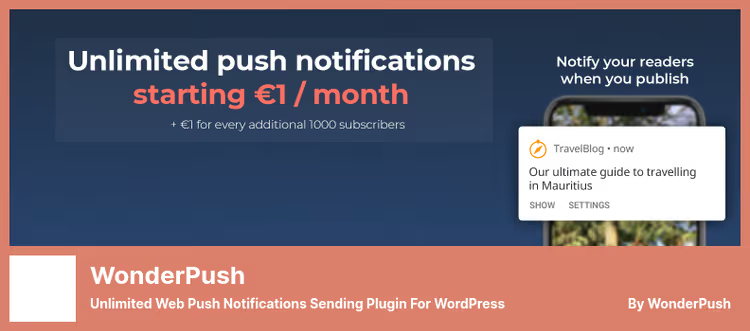
European service focused on GDPR. All subscriber data is stored on servers in Europe, export and deletion of personal information is available for each user. For sites with an EU audience, compliance out of the box.
Starting price, €1/mo + €1 per 1,000 subscribers. With a base of 5,000 subscribers, WonderPush costs €6/mo, while similar competitor tiers are $25-50/mo. All features are available immediately, without tier escalation.
Technical advantages: AMP page support, migration of subscribers from OneSignal and other services without re-opt-in, auto-notifications for new posts with configurable delay, and custom segments by language, tags, and events.
Pros:
- Full GDPR compliance (data in EU, export/deletion)
- Transparent pricing without hidden limits
- Seamless subscriber migration from OneSignal
- AMP support for mobile reach
Cons:
- No A/B testing
- Small install base (~600), smaller community
- 14-day trial instead of permanent free plan
Price: 14 days free, then €1/mo + €1 per 1,000 subscribers. WonderPush pricing
3. OneSignal
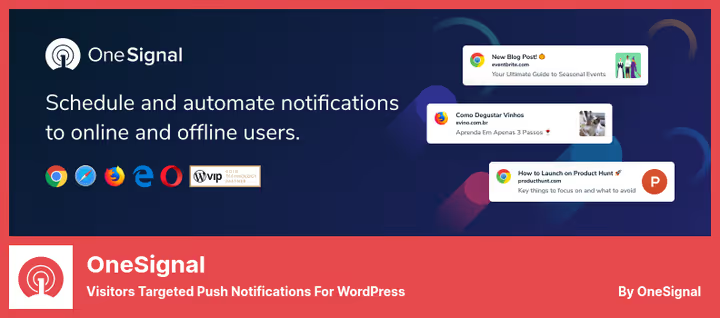
The most popular plugin in the category: 100,000+ active installs, 361 reviews, WordPress VIP Gold Partner status. Sends over 6 billion notifications per day. Scale means reliability: the plugin is tested under extreme loads, updates are released regularly (3.9.0, May 2026).
The free plan includes everything needed to start: auto-notifications for new posts, segmentation by language and visit count, A/B testing, real-time analytics, scheduled notifications for subscriber time zones. The platform supports Chrome, Safari, Firefox, Edge, and Opera on desktop and Android.
The downside: since version 3.0, management has been moved to the external dashboard onesignal.com. Some users complain about permission prompt conflicts and service worker errors after updates. Nevertheless, 100,000+ installs speak for themselves, for a typical "blog + news" scenario, the plugin fully meets the need.
Pros:
- WordPress VIP Gold Partner, tested under high volume
- Free up to 10,000 subscribers with full functionality
- A/B testing and scheduled delivery
- 6 billion notifications/day, enterprise-level infrastructure
Cons:
- Management moved to external dashboard (inconvenient)
- Complaints about service worker errors in recent versions
- Prompt customization through their site, not in WP admin
Price: free up to 10,000 subscribers; Growth from $9/mo. OneSignal pricing
4. Gravitec.net
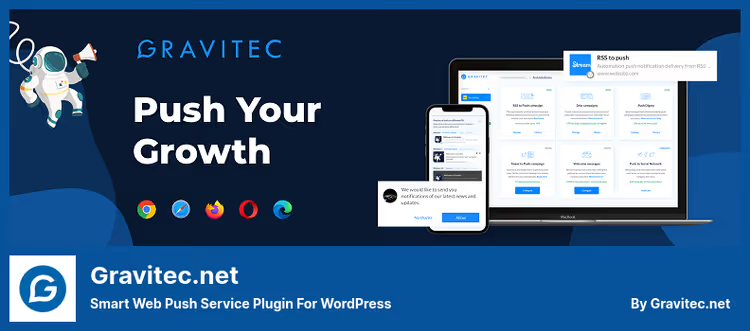
Ukrainian service founded in 2014, first to implement web push technology in Eastern Europe. 50,000+ client websites. Strong point, simplicity: plugin installation and setup take less than 5 minutes, interface designed for non-technical users.
Free tier, up to 10,000 subscribers with full functionality. Automation: Drip Campaigns, RSS to Push (auto-posting new entries), Tweet to Push (broadcasting tweets to notifications), Push Digest (daily/weekly popular content digest).
WooCommerce support includes triggers for abandoned cart, new product, price drop, and sale price. Segmentation by tags, city, country, language, OS, and browser. There's a customizable Bell widget for re-subscription.
Pros:
- Free up to 10,000 subscribers, one of the best limits
- RSS to Push and Tweet to Push, unique automation
- Simple interface for non-technical users
- WooCommerce triggers (cart, price, new product)
Cons:
- No A/B testing
- Plugin updates are mostly minor fixes
- Some users note unstable auto-notifications
Price: free up to 10,000 subscribers; paid plans from $10/mo. Gravitec.net pricing
🔗 Gravitec.net on WordPress.org
5. Brevo

Multi-channel suite, formerly Sendinblue. 100,000+ active installs, 283 reviews on WordPress.org. In addition to web push, email newsletters, SMS, chat, and marketing automation in one plugin. If the site already uses Brevo for email, connecting push is a matter of one checkbox.
Push notifications in Brevo work through automation scenarios. Logic: subscriber activates a trigger (page visit, click, event), Brevo sends push. You can combine channels: for example, email + push for abandoned cart, where push follows 30 minutes after an unread email.
Downsides: push functionality is secondary to the email core. No native WooCommerce triggers in the plugin, setup through general automation scenarios. No A/B testing for push separately.
Pros:
- Email + SMS + push + chat from one plugin
- 100,000+ installs, mature product
- Free plan: 300 emails/day + push up to 500 subscribers
- Combined scenarios: email + push for retargeting
Cons:
- Push is a secondary channel, not the main focus
- No native WooCommerce triggers for push
- A/B testing only for email
Price: free (300 emails/day, push up to 500 subscribers); Starter from $25/mo. Brevo pricing
6. Perfecty Push Notifications

The only fully self-hosted plugin in the roundup. Does not require registration on a third-party service, does not transfer subscriber data to third parties, and does not depend on an external provider's API. Notifications are sent directly from your server through the standard browser Push API.
4,000+ active installs, 42 reviews with a 4.8 rating. Out of the box: automatic notifications for new posts, basic segmentation, send and view statistics. The plugin uses its own endpoint for the service worker, no external scripts on the site.
The self-hosted approach imposes limitations: no A/B testing, no drip campaigns, no WooCommerce integration. The plugin sends push "as is", one notification per post. But the data is completely yours and no monthly fee.
Pros:
- Fully self-hosted, no third-party servers
- Free and open source (GPL)
- Simple installation and zero API dependency
- Full control over subscriber data
Cons:
- No WooCommerce integration
- No A/B testing and advanced segmentation
- Requires HTTPS (mandatory for Push API)
- Server load during mass mailings
Price: free (open source, GPL)
🔗 Perfecty Push Notifications on WordPress.org
7. PushAlert
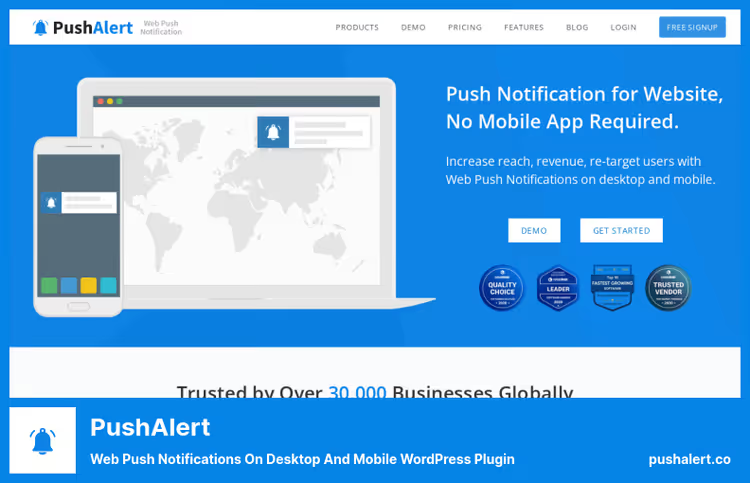
Indian service focused on e-commerce. 40,000+ clients, 1,000+ plugin installs on WordPress.org. Supports all major browsers plus Samsung Internet and UC Browser, coverage for Asian and mobile markets.
Strong point, Audience Creator. Instead of manual segmentation, the system analyzes visitor behavior (keywords, opened URLs, visit count, location, device, OS) and forms segments automatically. Plus custom attributes for events and ROI.
There's A/B testing of notification headlines, text, and images. Multi-language support for subscription prompts, text and design can be localized for audiences in different languages. REST API for integration with external systems allows sending triggered notifications with "subscriber → product → discount" binding.
Pros:
- Audience Creator, automatic behavior-based segmentation
- A/B testing with automatic winner selection
- Multi-language subscription prompts
- REST API for custom integrations
Cons:
- Relatively small community on WordPress.org
- Some features locked in paid tiers
- Pricing for e-commerce is above average
Price: free tier (limited); Pro from $25/mo. PushAlert pricing
8. Webpushr
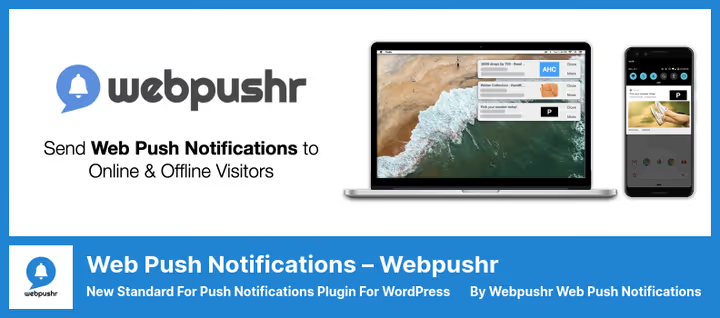
Fast-growing plugin with 10,000+ active installs and a 4.6 rating. 2026 reviews confirm stability, users praise ease and WooCommerce integration. Free limit, 10,000 subscribers, one of the most generous in the roundup.
WooCommerce support, strong point: automatic notifications for new products, price drops, sales, and abandoned cart. Everything is configured from the WordPress admin without switching to a third-party dashboard.
Out of the box: segmentation by geo, interests, page visits, and custom attributes, prompt customization (multiple styles, custom text, logo, color), emoji and large image support for notifications. Plus scheduled notifications and event-triggered alerts (purchase, registration). HTTP and HTTPS support.
Pros:
- Free up to 10,000 subscribers
- WooCommerce automation with configuration from WP admin
- Event-triggered notifications without code
- Prompt customization: text, logo, color, style
Cons:
- No A/B testing
- Web Console for advanced features requires separate login
- Fewer ready campaign templates than PushEngage
Price: free up to 10,000 subscribers; Premium from $19/mo. Webpushr pricing
⁉️🤔 Frequently asked questions
What are web push notifications?
Web push are short messages that a site sends to subscribers directly in the browser. The user sees an alert on the desktop or in the phone notification shade, even if the site is not open. Technically, it's Push API + Service Worker: the browser registers a "listener" on the notification server, and when a new message arrives, the server wakes the service worker, which shows the alert. Supported by Chrome, Firefox, Safari (from version 16.4 on iOS/iPadOS), Edge, and Opera.
How does push differ from email newsletters?
Push doesn't go to spam, the notification is either delivered or the subscriber has unsubscribed. Push CTR is several times higher than email: the notification is visible immediately on the desktop or in the phone shade, while an email can sit in the "Promotions" folder for days. But push doesn't replace email: the message is short (headline ~40 characters, text ~120), you can't attach a PDF or complex layout. The optimal strategy, push for urgent (new article, flash sale) and email for detailed.
Is HTTPS required for push notifications?
Yes. Push API requires a secure context, HTTPS or localhost. Most plugins (PushEngage, OneSignal, Webpushr) support HTTP through a proxy service, but delivery statistics on HTTP are lower. Self-hosted solutions like Perfecty only work on HTTPS.
Which plugin to choose for a WooCommerce online store?
If budget allows, PushEngage: five ready WooCommerce scenarios out of the box, according to vendor data cart recovery reaches 14%. Free alternative, Webpushr: automatic notifications for products, prices, and abandoned cart with a limit of 10,000 subscribers. WonderPush, option for European stores with GDPR requirements: all data in the EU, transparent pricing.
Can you send push notifications without a third-party service?
Yes, through Perfecty Push Notifications. The plugin is self-hosted: sends notifications directly from your server through the browser Push API. Advantage, full control over data and no monthly fee. Disadvantage, no WooCommerce integration, A/B tests, or advanced segmentation. Suitable for blogs and small sites.
What to install in 2026
Universal choice, PushEngage. Covers blog, WooCommerce, and multi-channel chat. Want self-hosted without third-party servers, take Perfecty Push Notifications. European GDPR compliance, WonderPush.
Budget start: OneSignal or Webpushr, both give 10,000 subscribers for free, and that's enough for a year or two of growth. And when the base exceeds the limit, migration to PushEngage or WonderPush will take 10 minutes.
Two plugins from the original 2022 roundup had to be replaced: iZooto (plugin API on WordPress.org unavailable) and SendPulse (plugin removed from catalog). Push notifications, a rapidly changing market, and tracking live projects, part of editorial work.
Try, test CTR on your audience. Push works where email is silent.

A professional team of writers and editors specializing in creating quality content.