














🥇 8 best WordPress widget plugins 2026 (free and paid)
Standard WordPress widgets are stuck in 2010. "Recent Posts," "Tag Cloud," "Calendar," and "Archives", this set hasn't changed in years, and all it can do is take up space in the sidebar without a hint of conversion.
The real task looks different: display an Instagram feed in the footer, add an email capture form to the sidebar, replace the default search with a relevant one, or build a sidebar visually without a line of code. Standard WordPress widgets simply can't do all this.
We've selected 8 plugins that extend WordPress widget capabilities beyond the standard. Each has been tested in practice and solves a specific task, from a constructor with 28+ blocks to a CRM with chat and forms.
💡 Quick overview:
- Check the comparison table and filter out unsuitable options in a minute.
- Choose a plugin for your task: constructor, sidebar editor, search, social media feed, gallery, popups, or CRM.
- Install and configure in 5 minutes, then check the result on a test page.
Plugin | Main task | Free version | Pro price | Active installs |
|---|---|---|---|---|
| Constructor with 28+ widgets | ✅ | $29 | 1,000,000+ |
| Visual editor in sidebar | ✅ | Free | 100,000+ |
| Blog grid design | ❌ | $59 | CodeCanyon |
| Smart site search | ✅ | €139/year | 100,000+ |
| Instagram feed | ✅ | $49/year | 1,000,000+ |
| Photo and video galleries | ✅ | $79/year | 100,000+ |
| Popups and capture forms | ✅ | From $9/month | 1,000,000+ |
| CRM, chat, email marketing | ✅ | From $50/month | 200,000+ |
1. SiteOrigin Widgets Bundle
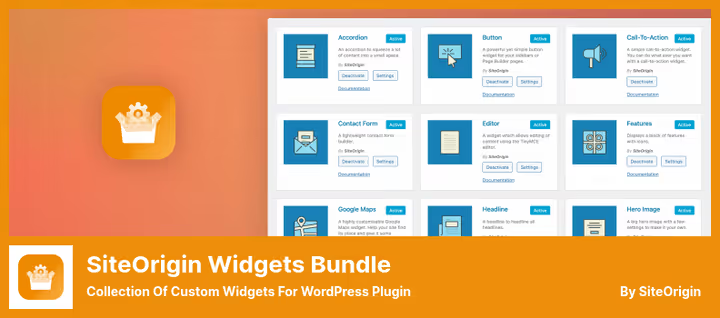
A free set of 28+ widgets in a unified framework. Works with the block editor, Elementor, Beaver Builder, and the native Page Builder from SiteOrigin. Each widget is a ready-made building block: sliders, Google maps, contact forms, accordions, pricing tables, testimonials, buttons with icons.
The main feature: unused widgets are disabled in two clicks and don't load a single line of CSS or JavaScript. In practice, with 5-6 widgets active out of 28, the site gets no overhead from the remaining 22.
Under the hood, a unified framework for all widgets: identical controls, keyboard accessibility through ARIA attributes, compatibility with SEO plugins and Autoptimize.
Pros:
- 28+ widgets in one framework, no conflicts between them
- Disable unused ones, zero overhead
- Works in Block Editor, Elementor, Beaver Builder, and native Page Builder
- Free, no registration or license keys
Cons:
- Frequent updates (12+ per year) require regular monitoring
- Widget management interface looks utilitarian, without visual refinements
Price: $0 for the core, $29 for SiteOrigin Premium, additional widget settings and email support.
🔗 SiteOrigin Widgets Bundle on WordPress.org🔗 Developer site
2. Black Studio TinyMCE Widget
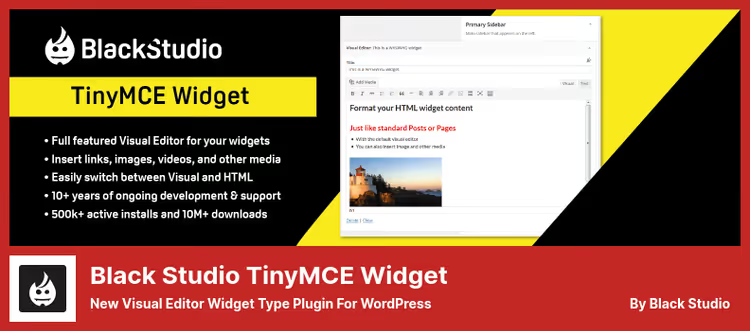
Adds a full-featured TinyMCE visual editor to the sidebar, the same one used when writing posts and pages. After installation, a "Visual Editor" widget type appears in the "Appearance → Widgets" section: text formatting, media insertion, shortcodes, and emojis without a single line of HTML.
Since 2017, WordPress core has had its own text widget with a visual editor. At first glance, it solves the same task. But Black Studio provides two advantages that the standard one lacks: a wide editing field instead of a narrow sidebar strip and a distraction-free full-screen mode.
Plus, the plugin works with WPML, Polylang, and multisite installations. For developers, switching between visual and HTML mode with the Quicktags panel.
Pros:
- The same TinyMCE editor as in posts, not a stripped-down version
- Distraction-free full-screen mode
- Compatibility with WPML, multisite, SiteOrigin Page Builder
- Free and no settings, install and it works
Cons:
- For most users, the built-in WordPress text widget is enough
- Interface hasn't been visually updated for the modern admin panel, looks conservative
Price: Free, on WordPress.org.
🔗 Black Studio TinyMCE Widget on WordPress.org
3. Blog Designer Pro
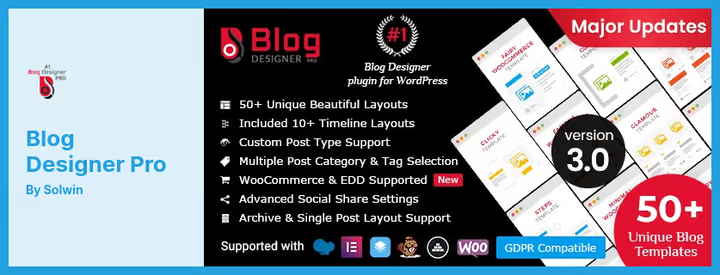
Changes the standard WordPress post grid to a professionally designed one: 50+ ready-made templates for different categories and styles. Slideshow, masonry grid, grouping by categories, everything configured through a visual interface without code.
The plugin saves you when the standard blog output through archive.php or index.php looks "boxy" and doesn't motivate the reader to click further. Blog Designer Pro turns the feed into a catalog: each post presented with a cover, excerpt, and stylistic accent.
Separately worth mentioning is the ability to display posts with different designs depending on the category. Company news as a slider, guides as a masonry grid.
Pros:
- 50+ templates, cover virtually any visual style
- Separate styling by categories
- Suitable for beginners: visual interface configuration, no code
Cons:
- Only on CodeCanyon, no version on WordPress.org
- One-time license $59, support renewal paid separately
Price: $59, one-time license on CodeCanyon with 6 months of support.
🔗 Blog Designer Pro on CodeCanyon🔗 Live demo
4. Relevanssi

Replaces the standard WordPress search, which by default sorts results by date and doesn't look into custom field content. Relevanssi sorts by relevance, searches comments, tags, categories, and custom fields, supports fuzzy matching and phrase search in quotes.
In practice, a visitor to a site with 500+ WooCommerce products finds "blue t-shirt," even if the product title says "cotton blue t-shirt." Or finds a post by the word "backup," even though the text only contains "backup."
The plugin is actively developed: version 4.27.1 is tested up to WordPress 7.0 and PHP 8.3. The premium version adds indexing of PDF and Office documents, user profile search, WP CLI commands, and "Did you mean?" suggestions with spelling correction.
Important nuance: Relevanssi multiplies the size of the wp_posts table by approximately 3. On hosting with database limitations, this can become a problem. For a site with 100,000 posts, plan for several hundred megabytes for the search index.
Pros:
- Relevant search instead of sorting by date, users find what they were looking for
- Fuzzy matching and phrase search
- Term highlighting and custom excerpts with match position
- Free version covers the needs of most sites
Cons:
- Requires 3 times more space in the database than the wp_posts table
- Slower than competitors on databases with 200,000+ records
Price: Free version on WordPress.org. Relevanssi Premium, €139/year (PDF indexing, WP CLI, multi-site search in multisite).
🔗 Relevanssi on WordPress.org🔗 Relevanssi Premium
5. Smash Balloon Instagram Feed
The most popular plugin for integrating Instagram feeds into WordPress: more than 1 million active installs and 4,000+ reviews with an average rating of 4.9. Displays photos from one or multiple accounts in a widget or via shortcode anywhere on the site.
The free version provides a responsive feed, column and photo count configuration, infinite scroll with a "Load More" button, and a ready-made block for the editor. Premium adds a lightbox, masonry and highlight layouts, hashtag filtering, shopping links, and preset design themes.
An Instagram feed in the sidebar or footer increases profile visits and follower growth. The Pro version enhances the effect with interactive elements: likes, comments, and carousels.
Pros:
- 30-second setup, no Developer account needed
- Multiple accounts in one feed or separately
- Out-of-the-box responsiveness, works in any container
- 1,000,000+ active installs and active support
Cons:
- Free version doesn't show lightbox and hashtag feeds
- Smash Balloon branding in the free version
Price: Free version on WordPress.org. Smash Balloon Pro, from $49/year (lightbox, hashtags, masonry, shopping links).
🔗 Smash Balloon Instagram Feed on WordPress.org🔗 Smash Balloon Pro
6. Envira Gallery
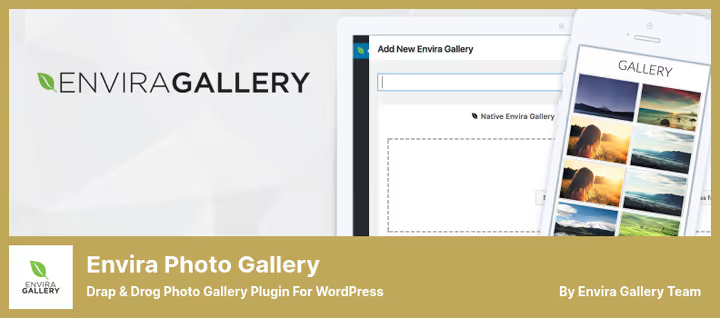
Drag-and-drop photo and video gallery builder with a focus on speed and SEO. Unlike the standard WordPress gallery output, Envira provides deep linking to each photo, pagination within the gallery, watermarks for copy protection, and Instagram feed import.
Video galleries support YouTube, Vimeo, and Wistia. The gallery can be inserted via shortcode in a post, widget in the sidebar, or through the native block for the editor.
Deep linking in Envira works like this: each image inside the gallery gets its own URL that can be referenced externally. Search engines index these links, and the gallery starts ranking in Google Images.
The premium version adds WooCommerce integration for selling photos, password protection, and tags for categorizing images within the gallery.
Pros:
- Drag-and-drop interface, gallery assembled in minutes
- Deep linking for image SEO
- Watermarks, pagination, Instagram import
- Integration with Elementor, WooCommerce, and social media
Cons:
- Free version limited to basic functionality, watermarks and pagination in Premium
- With 200+ photos in one gallery, pagination is mandatory for speed
Price: Free Lite version on WordPress.org. Envira Gallery Pro, from $79/year (watermarks, WooCommerce, password protection).
🔗 Envira Gallery on WordPress.org
7. Popup Builder by OptinMonster
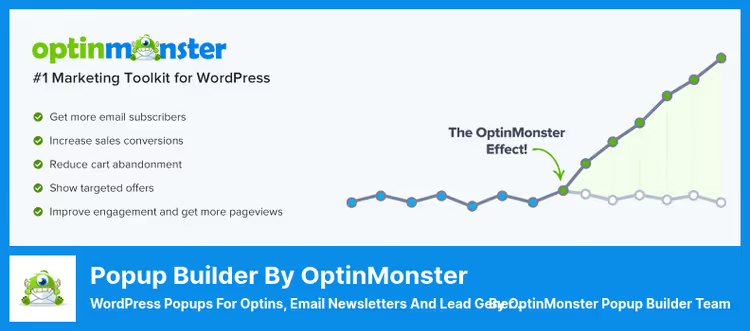
The most popular plugin for creating popups, email capture forms, and sticky bars in WordPress. Works as a widget in the sidebar and as a popup with flexible triggers: by time on page, scroll percentage, exit intent, or click.
The builder is drag-and-drop with ready-made templates. Out-of-the-box integration with Mailchimp, HubSpot, ActiveCampaign, and other email services. A separate feature is gamified popups: wheel of fortune and spin-a-wheel, which give 2-3 times higher conversion than static forms.
Mobile popups are configured separately from desktop. You can show a mobile app promo only to smartphone users.
Pros:
- Exit intent, time and scroll triggers out of the box
- Gamified popups (wheel of fortune) for increased conversion
- Separate campaigns for mobile and desktop
- Free version on WordPress.org covers basic scenarios
Cons:
- Advanced triggers and A/B tests only in paid plans
- Builder interface requires getting used to after the classic WordPress editor
Price: Free version on WordPress.org. OptinMonster Pro, from $9/month (all triggers, A/B tests, gamified popups).
🔗 OptinMonster on WordPress.org🔗 OptinMonster site
8. HubSpot
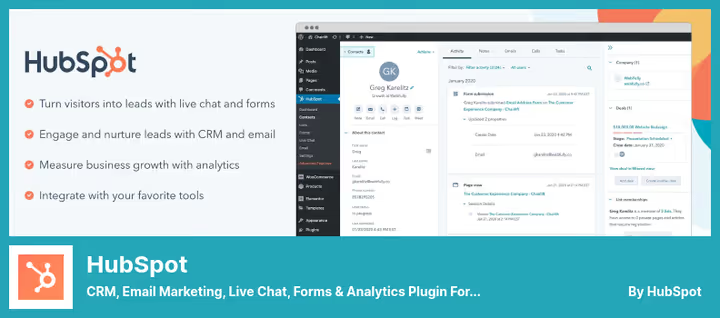
A full-featured CRM built into WordPress through a free plugin. Adds live chat, chatbot, capture forms, email marketing, and analytics in one interface. Everything managed from the WordPress admin panel, data synchronized with the HubSpot cloud.
The connection with OptinMonster and Mailchimp allows you to collect contacts in one database without transferring data between tools. The CRM provides a 360-degree customer overview: all touchpoints from the first email to the closed deal visible in one card.
The HubSpot free tier includes up to 1,000 contacts, chat, forms, and email newsletters without a logo. For growing businesses, a smooth upgrade to paid Sales Hub and Marketing Hub modules without data migration.
Pros:
- CRM + chat + forms + email in one plugin, without integration constructor
- 360-degree customer overview across all channels
- Free tier without logo for the first 1,000 contacts
- Marketing and sales automation on paid plans
Cons:
- Free tier limited to 1,000 contacts, beyond that requires paid upgrade
- Full functionality unlocked only in combination with paid HubSpot modules
Price: Free plugin on WordPress.org. HubSpot CRM, free up to 1,000 contacts, paid plans from $50/month.
🔗 HubSpot on WordPress.org🔗 HubSpot site for WordPress
In the video, a breakdown of standard WordPress widgets and widget area configuration. After watching, you'll know exactly where the plugins from this selection will go.
⁉️🤔 Frequently asked questions
What's the difference between a widget and a plugin in WordPress?
A plugin is an extension that adds functionality to the entire site: SEO, caching, forms. A widget is a content block displayed in a specific widget area: sidebar, footer. Plugins often supply their own widgets. For example, the Smash Balloon plugin provides a widget for displaying an Instagram feed in the sidebar, but the plugin itself does much more: connects to the Instagram API, caches photos, manages styles.
Can you use multiple widget plugins simultaneously?
Yes, but with a caveat. SiteOrigin Widgets Bundle and Black Studio TinyMCE Widget on the same site don't conflict: the first is a block constructor, the second is a content editor in the sidebar. But combining two popup builders, OptinMonster plus a third-party one, will lead to script duplication and z-index conflict. The rule: one plugin per task.
Do you need a caching plugin when using widgets?
Strongly recommended. Widgets, especially Instagram Feed and Relevanssi, generate dynamic content and make requests to external APIs. Without caching, each page load with an Instagram feed hits the API, and 50 simultaneous visitors will generate 50 requests. WP Rocket or Flying Pages with a 2-4 hour cache eliminates this problem, keeping the feed fresh enough.
Which plugin to choose for search: Relevanssi or standard WordPress search?
Standard WordPress search sorts results by date and doesn't index custom field content. For a blog with 20-30 posts, this is sufficient. On a site with 500+ content units, products, documentation, forum, Relevanssi provides a relevance boost many times over through fuzzy search, ACF field indexing, and "Did you mean?" suggestions. The price is a 3x increase in database size. If hosting allows, the choice is clearly in favor of Relevanssi.
What to do if the standard widget areas in the theme don't fit?
Two options. First, a plugin like SiteOrigin Widgets Bundle, which doesn't depend on theme widget areas and works inside a post or page through the Block Editor. Second, register your own areas through
functions.phpusingregister_sidebar(). For a typical task, adding an area under the header, 5 lines of code from the WordPress documentation are enough.
What to install in 2026: final matrix
If the site needs a widget constructor without theme limitations, get SiteOrigin Widgets Bundle. Twenty-eight plus blocks and Elementor compatibility cover the vast majority of tasks.
The task is narrower: only an editor in the sidebar with visual formatting, Black Studio TinyMCE Widget solves it without extras. Search that actually finds, Relevanssi. Instagram feed that doesn't slow down the site, Smash Balloon. Gallery with copy protection, Envira Gallery. Popups with wheel of fortune and exit intent, OptinMonster. CRM with chat and forms in one bottle, HubSpot.
Choose for your task, not for a place in someone else's ranking. Install one plugin, configure it, and test it for a week in a staging environment, only practice will show how well the widget fits into your site.

A professional team of writers and editors specializing in creating quality content.