













🥇 12 best block plugins for WooCommerce 2026 (Free & Paid)
Does your WooCommerce product page look like a list of text? The default editor only provides shortcodes and HTML, without a proper grid, carousel or filters. Shoppers land and leave because there's nothing to catch the eye.
Gutenberg blocks solve this problem: you assemble a storefront from ready-made modules, a product grid, slider, add-to-cart button, reviews, comparison. Without code. But the default WooCommerce blocks don't always cover everything, customization requires specialized plugins.
Below are 12 tools that add advanced blocks for WooCommerce to the Gutenberg editor. From free starters to plugins with a turnkey shop builder.
💡 Quick overview:
- Compare plugins using the table at the start, pick 2-3 for your task
- Each plugin in the list has honest downsides and a real screenshot of the interface
- If the shop is small, the built-in WooCommerce blocks plus one free plugin from the catalog will suffice
- For custom product cards and grids, look at WowStore, Stackable or Kadence Blocks
The short video from the official WordPress channel above shows how to customize WooCommerce pages through the Gutenberg editor and Full Site Editor.
Comparison table: top 6 plugins for WooCommerce blocks
Plugin | For whom | Price | Key feature |
|---|---|---|---|
WooCommerce (built-in blocks) | Any WC shop | Free (in core) | Blocks out of the box, no extra plugins |
WowStore | Medium and large shops | Free / Pro from $49 | Storefront builder plus sales growth |
Stackable | Designers and agencies | Free / Pro $49 | Global design system |
Kadence Blocks | Universal | Free / Pro $89 | Advanced typography plus animations |
PublishPress Blocks | Content managers, editorial teams | Free / Pro $129 | Block visibility management |
Ultimate Blocks | Bloggers, marketers | Free | Schema blocks for SEO |
1. Built-in WooCommerce blocks
The separate WooCommerce Blocks plugin was retired in February 2024, with functionality moved into the WooCommerce core. Now blocks for products, cart and checkout are available right after installing WooCommerce, without additional plugins.
A WooCommerce tab appears in the Gutenberg editor with blocks: product storefront, filter by price and rating, product search, cart, checkout. In practice, for a standard shop this is enough. The Products block outputs a grid with categories and sorting, and the Filters block lets the shopper filter by price, rating and attributes.
Built-in blocks don't provide flexible design customization. You can output a product grid, but you can't change the number of columns on mobile or style the card. For that you need plugins from the list below.
- Pros: no installation required (part of WooCommerce), no conflicts with themes, actively updated by the Automattic team
- Cons: minimal appearance settings, can't customize product card
- Price: free (included in WooCommerce)
- Download: 🔗 WooCommerce on WordPress.org
2. Ultimate Blocks
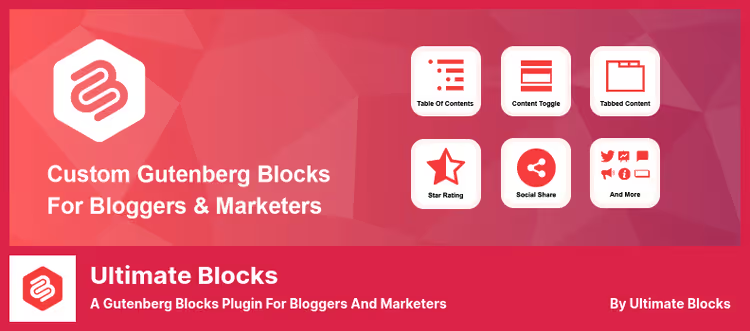
A free set of 36 blocks for Gutenberg, tailored for bloggers and content marketers. Among them are blocks useful for WooCommerce shop owners: HowTo Schema (product instructions), Review with stars and schema markup (product reviews), Content Filter (visitor content filtering).
The plugin is actively updated, the latest update dated June 2026, 50,000 plus active installations. A separate plus: the Review block supports schema markup, meaning rating stars appear in Google search results. For a shop that maintains a blog with product reviews, this is a direct boost to CTR.
Ultimate Blocks is not specialized for WooCommerce. There are no blocks for product card, product grid or cart here. This is a tool for content around the shop, not for the storefront itself.
- Pros: completely free, schema markup for reviews and instructions, table of contents and tabs out of the box
- Cons: no WooCommerce-specific blocks (product grid, cart), some blocks overlap with other plugins
- Price: free
- Download: 🔗 Ultimate Blocks on WordPress.org
3. WowStore (formerly ProductX)
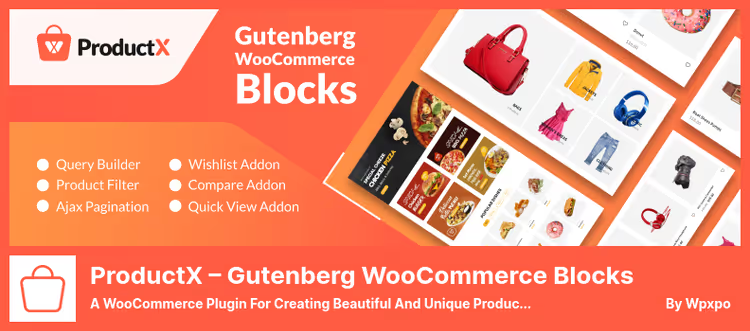
ProductX was renamed to WowStore and grew into a full-fledged WooCommerce shop builder on Gutenberg. This is not just a set of blocks, it's a storefront builder with ready-made templates for the homepage, product page, cart, checkout and even the thank-you page.
The plugin has 53 blocks: product grids, sliders, lists, search, filters. The set of tools for increasing sales is particularly impressive: countdown timer in cart, sticky add-to-cart button, recent purchase notifications, wishlist, product comparison, partial payment and pre-order. In practice, this means WowStore covers both storefront design and conversion mechanics.
According to the developer WPXPO, the plugin serves 60,000 plus businesses, Trustpilot rating 4.9 out of 5. The free version includes core blocks and templates. The Pro version unlocks variable smart grids, dynamic content and advanced filters.
- Pros: turnkey storefront builder, built-in sales growth tools (wishlist, comparison, timers), fast support
- Cons: some key features only in Pro, settings interface is dense (a beginner will need an hour or two to learn)
- Price: Free / Pro from $49 per year
- Download: 🔗 WowStore on WordPress.org | 🔗 Pro version on WPXPO
4. Storefront Blocks
A plugin from PootlePress for those building a shop on the Storefront theme and wanting to customize shop pages without code. It adds Gutenberg blocks focused specifically on WooCommerce: product grids, sliders, carousels, sale blocks with countdown timer.
The plugin lets you assemble the shop homepage and product page on Gutenberg, with background, fonts, spacing and button colors. You can add a single product with price and description, or a grid of dozens. For developers there is access to WooCommerce hooks and filters through blocks.
Important nuance: Storefront Blocks is tailored for the Storefront theme. With other themes the blocks work, but styles may require manual adjustment. Price $49 for an annual license with support and updates.
- Pros: deep integration with Storefront, sale timer, hooks for developers
- Cons: focused on one theme, no free version for testing, price above average for the niche
- Price: $49 per year
- Download: 🔗 Storefront Blocks on PootlePress
5. Product Blocks for WooCommerce

A lightweight plugin from Get Bowtied with six specialized WooCommerce blocks. Among them are the striking Lookbook Shop by Outfit (products on a photo with tags), Product Reveal (product preview on hover), Vertical Product Slider, Scattered Product List and Product Carousel.
The plugin's hook is visually non-standard layouts. The Product Reveal block shows a large product photo on cursor hover, for fashion shops and catalogs this works better than a standard grid. The carousel and Scattered List provide display options that aren't in base WooCommerce.
The plugin was updated to WordPress 6.7.5 and WooCommerce 9.7.0, but there have been no significant releases since October 2023, 4,000 plus active installations. For a small shop with a need for beautiful product layouts it works, but if you need active support and frequent updates, look at WowStore or Kadence Blocks.
- Pros: unique layouts (Lookbook, Product Reveal), lightweight, doesn't load unnecessary CSS and JS
- Cons: rare updates, only 6 blocks, slow support
- Price: free
- Download: 🔗 Product Blocks for WooCommerce on WordPress.org
6. Stackable
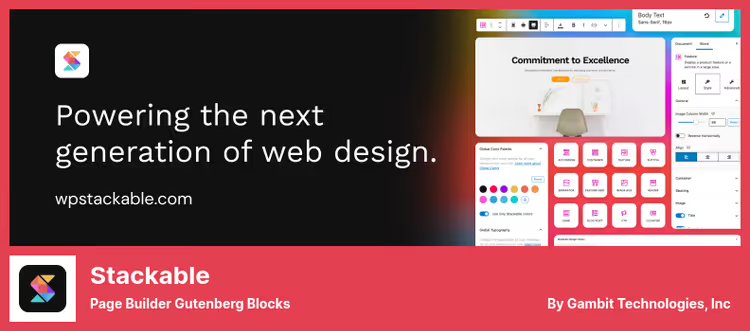
One of the most powerful block plugins for Gutenberg: 75 plus blocks, global design system, library of 375 plus ready-made layouts and theme.json support. For WooCommerce this means any block can be styled to the shop design globally: fonts, colors, spacing are applied to the entire site at once.
The free version includes key blocks: Flexbox containers, carousels, accordions, tabs, pricing tables, cards, subscription forms. The Pro version adds dynamic content (pulls data from WooCommerce custom fields), integration with ACF and Toolset, scroll animation and Role Manager for agencies.
Stackable loads minimal CSS and JS, around 7.8 KB per page, without jQuery. For a high-traffic shop this matters: extra block weight doesn't cut loading speed. 60,000 plus active installations, active development.
- Pros: global styles, lightweight code (around 7.8 KB), 375 plus ready-made layouts, responsive support
- Cons: dynamic content and WooCommerce integration only in Pro, a beginner needs a day to learn
- Price: Free / Pro $49 per year
- Download: 🔗 Stackable on WordPress.org | 🔗 Pro version
7. WooCommerce Cart & Checkout Blocks
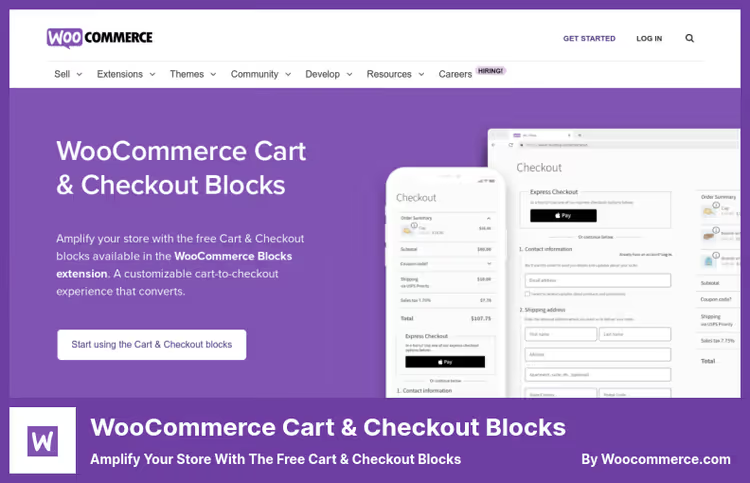
An official plugin from the WooCommerce team to replace standard cart and checkout pages with block versions. Unlike the classic woocommerce_cart shortcode, block versions are edited visually in Gutenberg: you can change fields, step order, colors and fonts without code.
The plugin aims to reduce abandoned carts: built-in on-the-fly field validation highlights errors immediately, without reloading the page. Different payment methods are supported out of the box: cards, cash on delivery, bank transfer.
In practice, the main plus is consistent design: the product page and checkout page look like parts of one site, not like glued pieces of different templates. The plugin is available on WooCommerce.com, check the price on the site.
- Pros: official WooCommerce product, visual checkout editing, instant field validation
- Cons: price on request at WooCommerce.com, only cart and checkout (not storefront)
- Price: on request at WooCommerce.com
- Download: 🔗 Cart & Checkout Blocks on WooCommerce.com
8. PublishPress Blocks
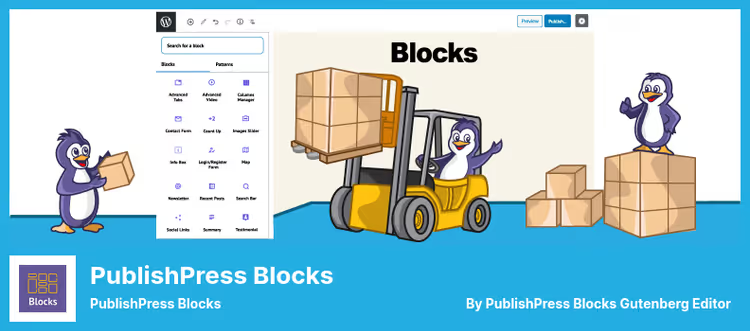
Stands out among competitors with a block management system: access rights by role, block display scheduling, visibility by device type, browser or day of the week. This is not just another set of blocks, this is control over who, where and when sees each block.
For WooCommerce this is useful in several scenarios: show a promotion block only to users with the wholesale buyer role, hide the buy button on mobile, launch a holiday banner on schedule. The arsenal includes 20 plus blocks including WooCommerce Products (product grid and slider), Contact Form, accordions, tabs, Google Maps.
On the downside: the Pro version price is $129 per year, one of the highest in the roundup. The free version includes core blocks, but advanced visibility features are in Pro.
- Pros: block visibility management (roles, devices, scheduling), WooCommerce block out of the box, block usage scanning on the site
- Cons: Pro version expensive ($129), permissions interface requires time to configure
- Price: Free / Pro $129 per year
- Download: 🔗 PublishPress Blocks on WordPress.org | 🔗 Pro version
9. PostX
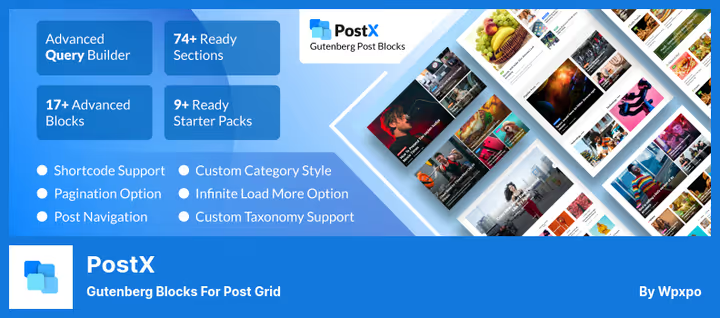
A blog and news site builder on Gutenberg from WPXPO, but with a useful bonus for WooCommerce shops. The plugin provides 45 plus blocks and 250 plus ready-made patterns for building content grids, and through Query Builder you can output WooCommerce products in any format: grid, list, slider, Masonry layout.
For a shop with an active blog, PostX covers the task of showing products inside articles beautifully. Ajax pagination and filtering without page reload are supported, frontend post submission (useful for guest authors), built-in ChatGPT AI assistant for content generation. 65,000 plus active installations.
The plugin doesn't replace a WooCommerce storefront, for that you need WowStore (also from WPXPO). But for the content part of the shop (reviews, roundups, news with product inserts) the tool is excellent.
- Pros: 250 plus patterns, Ajax filtering without reload, frontend post submit, generous free version
- Cons: not for shop storefront (only for content), Query Builder setup takes time
- Price: Free / Pro $49 per year
- Download: 🔗 PostX on WordPress.org | 🔗 Pro version
10. WooBuilder Blocks
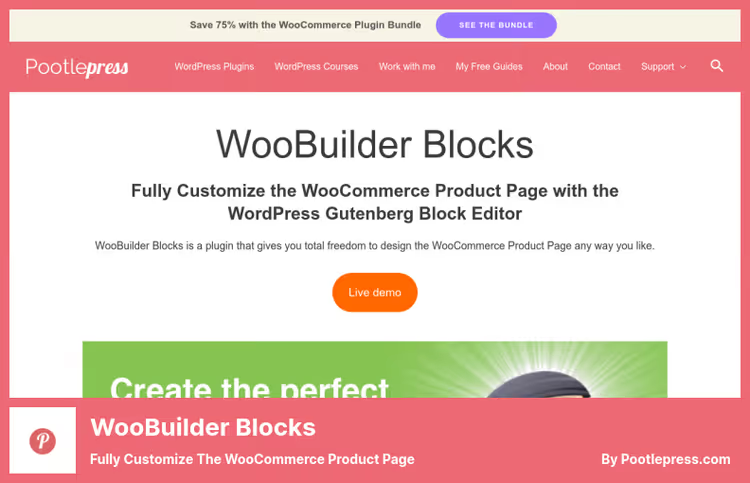
Another plugin from PootlePress, specializing in customizing the WooCommerce product page. Unlike Storefront Blocks (number 4 in the list), WooBuilder is focused precisely on the product page: it provides 20 plus eCommerce blocks for assembling a unique card template from scratch.
You can build a template for simple, variable, grouped, virtual or downloadable products, and assign different templates to different product categories. Blocks let you change background, hide or show sidebar, header and footer on the product page.
Ready-made templates for quick start and the ability to save your own are included. A $49 license includes lifetime updates and 12 months of support.
- Pros: focus on product page (not scattered), different templates for different product types, lifetime updates
- Cons: only product page (not storefront and not catalog), no free version
- Price: $49 (lifetime updates)
- Download: 🔗 WooBuilder Blocks on PootlePress
11. Kadence Blocks
Kadence Blocks from the Kadence WP team (now part of Nexcess), one of the most popular block plugins with 500,000 plus active installations. For WooCommerce it offers advanced blocks: order form, product gallery, post grid (you can output products as posts), accordions with feature description, tabs for product details.
The strength is in design control: 900 plus Google Fonts, gradients, parallax backgrounds, scroll animation (Pro). Blocks intelligently load CSS and JS only when used on a specific page, speed doesn't drop. Kadence Blocks works great with the Kadence theme (free), but works with any modern theme.
The Pro version at $89 adds product carousel, modal windows, Image Overlay, Split Content and dynamic content from custom fields.
- Pros: 500K plus installations, intelligent CSS and JS loading, 900 plus fonts, compatibility with any theme
- Cons: WooCommerce-specific blocks only in Pro, typography settings excessive for simple tasks
- Price: Free / Pro $89 per year
- Download: 🔗 Kadence Blocks on WordPress.org | 🔗 Pro version
12. Qubely
A veteran among Gutenberg plugins from Themeum with 39 content blocks and 161 ready-made sections. For WooCommerce it offers Woo Products and Woo Carousel blocks, you can output products in grid or carousel format directly in Gutenberg.
Among unique blocks: Table Builder (table builder, useful for product comparison), Image Comparison (before and after slider), Video Popup, Pie Progress (circular diagrams). The row-column system lets you assemble complex layouts with 6 columns in a row, more than most competitors.
The plugin has a warning "not tested with the last 3 WordPress releases", but works stably for 30,000 plus users. If you need product comparison through tables and striking visual blocks, Qubely covers this niche. For active development and frequent updates, better to look at Kadence Blocks or Stackable.
- Pros: table builder for product comparison, 161 ready-made sections, before and after Image Comparison
- Cons: rarely tested with new WP versions, blocky interface (not intuitive), slow support
- Price: free in the WordPress.org catalog
- Download: 🔗 Qubely on WordPress.org
⁉️🤔 Frequently asked questions
Do you even need a separate block plugin for WooCommerce in 2026?
If the shop is small, probably not. Basic WooCommerce blocks (built into core) cover 80 percent of needs: product output, filters, cart, checkout. A plugin is needed when you require a non-standard product card layout, custom catalog grid, Ajax filtering or conversion mechanics (wishlist, timers, comparison).
Which plugin to take if the budget is zero?
Take a bundle of three free ones: built-in WooCommerce blocks (storefront), Ultimate Blocks (product reviews with schema markup) and Kadence Blocks (design and typography). All three are free and don't conflict with each other.
Do block plugins slow down the shop site?
Good ones don't. Stackable loads around 7.8 KB, Kadence Blocks loads CSS only for used blocks. Problems arise if you install 3-4 block plugins simultaneously and enable all blocks, then styles and scripts duplicate. Rule: one main block plugin, the rest only for a specific task.
How does WowStore differ from Kadence Blocks for WooCommerce?
WowStore is a specialized WooCommerce builder with storefront, cart and conversion tools out of the box. Kadence Blocks is a universal design tool with powerful typography and animation, but WooCommerce blocks only in Pro. If the shop is the core business, take WowStore. If you're making a site with a shop as a part, Kadence.
Can you use two block plugins at the same time?
You can, but carefully. Identical blocks (for example, two sliders) can conflict due to different library versions (Swiper.js, Slick). Disable unnecessary blocks in each plugin's settings and test on a site copy before rollout.
What to install in 2026: the final breakdown
Plugin choice depends on shop scale and task. If you have 20-30 products and a standard theme, built-in WooCommerce blocks will suffice with margin. Add Kadence Blocks for beautiful product description formatting, and the shop looks professional without paid plugins.
When the assortment grows and a standard grid isn't enough, connect WowStore. It covers storefront, cart and conversion with one plugin. For the content part (reviews, roundups, blog), PostX provides post grids with product inserts.
Agencies and designers who assemble shops for clients should look at Stackable plus the global style system: configure once, applied to the entire site. Plus Role Manager in the Pro version protects design from accidental editing by the client.
- If the shop has up to 50 products and you just need beauty, Kadence Blocks (Free)
- If the online shop is the main business and you need conversion, WowStore
- If you make shops at scale (agency), Stackable Pro
- If you need a blog part with product inserts, PostX plus Ultimate Blocks
Which block plugin for WooCommerce do you use? Write in the comments, especially if you tried a bundle of several tools.

A professional team of writers and editors specializing in creating quality content.