














🥇 6 best form builder plugins for WordPress 2026 (free and paid)
A website form without spam protection and email notifications is just a colorful box that loses leads. A good form builder solves three problems at once: collects submissions, filters spam, and passes data to your CRM or mailing list.
The problem is that there are dozens of WordPress form plugins. At first glance they look similar: drag-and-drop, templates, integrations. But under the hood the difference is huge: one handles 100,000 submissions without lag, another falls apart with complex logic, and a third bills you for every little thing.
In this roundup, 6 form builders we've tested in practice. From the completely free Contact Form 7 to the premium powerhouse Gravity Forms. No marketing noise, just real numbers and scenarios.
💡 Quick overview:
- Choose
WPFormsif you need the balance of "power + simplicity", the best all-rounder in 2026 - Go with
Gravity Formswhen complex logic, multi-step calculations, and API integrations are critical - Stick with
Contact Form 7if your budget is zero and the site needs a simple contact form - Look at
Formidable Formswhen the form is an application: calculators, listings, user-facing frontend - Use
Ninja Formsif you need a flexible and affordable Gravity Forms alternative with pay-per-addon pricing - Try
Happyformswhen you don't want to deal with addons, everything included in one subscription
Comparison table
Plugin | Free version | Paid starts at | Sites in base tier | Key feature |
|---|---|---|---|---|
| Yes | $199.50/year | 5 (Pro) | 2100+ templates, conversational forms |
| Yes | $59.40/year | 3 (Plus) | Pay for addons one by one, no bundles |
| No | $59/year | 1 | Most developed addon ecosystem |
| Yes | $39.50/year | 1 | Form-applications: calculators, Views, listings |
| Yes | $53/year | 1 | Everything in one subscription, no upsells |
| Yes | Free | Unlimited | Maximum simplicity, zero barrier to entry |
1. WPForms
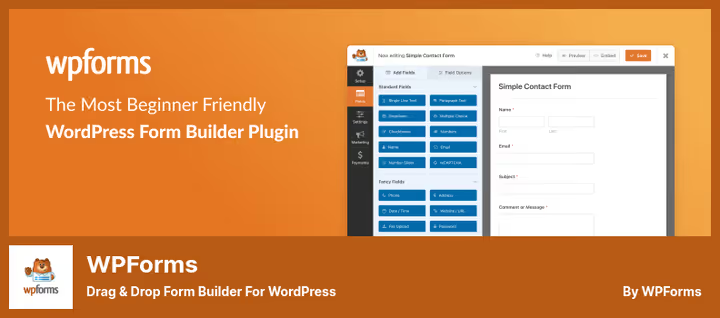
The most popular form builder for WordPress: 6+ million active installs. The drag-and-drop interface is so simple you'll build your first contact form in 2 minutes. But simplicity doesn't mean basic: under the hood, payments via Stripe and PayPal, user registration, surveys with NPS scales, and conversational forms that ask questions one at a time like a chat.
The signature feature, 2100+ ready-made templates. Contact form template, application form, survey, webinar registration, service order, practically any scenario is already built. Load a template, adjust the fields to your needs, and the form is ready.
Pros:
- Lowest barrier to entry among all competitors
- 2100+ templates cover almost all typical scenarios
- Conversational Forms, a separate boost to mobile conversion
- No transaction fees with an active license
Cons:
- Free version is heavily limited: no surveys, registration, conversational forms
- Pro tier price ($199.50/year) is higher than Gravity Forms Basic ($59/year)
- Fewer add-ons than Gravity Forms
Price: free Lite version on WordPress.org, Pro, $199.50/year (5 sites), Elite, $299.50/year (unlimited).
🔗 WPForms Lite on WordPress.org🔗 WPForms Pro
2. Ninja Forms
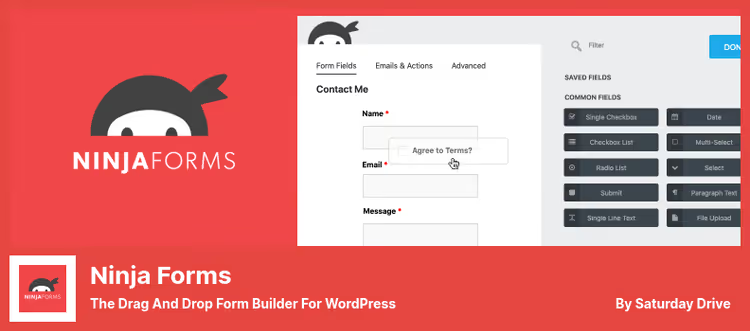
The main advantage of Ninja Forms, pay only for what you actually need. Unlike WPForms and Gravity Forms, where addons are bundled into packages, here you buy specific modules one by one. Only need Mailchimp integration? Pay $49/year. Need Stripe? Another addon for the same price. No overpaying for what you don't use.
The free core has no limits: unlimited forms, fields, and submissions. AJAX submission without page reload, ready templates, drag-and-drop. For simple contact forms and surveys the free core is more than enough.
Pros:
- Pay for addons one by one, don't pay for extras
- Free core with no limits on forms and submissions
- AJAX submission out of the box, no extra addons
- 28+ field types in the free version
Cons:
- Buying 4-5 addons brings the price close to WPForms and Gravity Forms
- Interface is slightly less polished than WPForms
- Some important features (layout, styling) require the Layout & Styles addon
Price: free core on WordPress.org, Plus, $59.40/year (3 sites, 16 addons), Pro, $119.40/year (20 sites, 28 addons), Elite, $299.40/year (unlimited, all addons).
🔗 Ninja Forms on WordPress.org🔗 Ninja Forms Pro
3. Gravity Forms
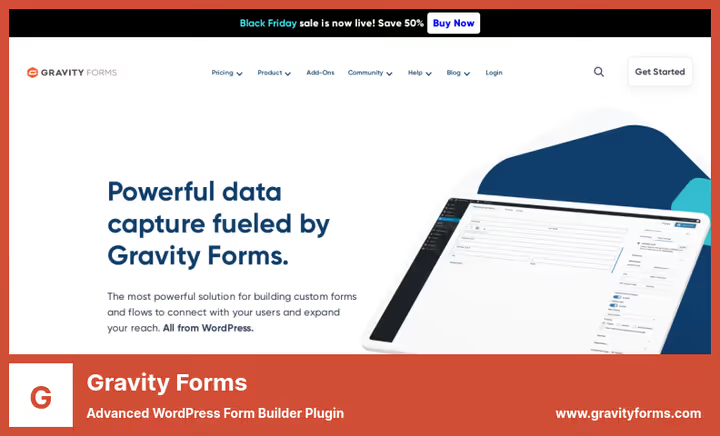
Gravity Forms, a market veteran and the gold standard for developers. There's no free version, and that's a deliberate choice: the product was built as premium from the start. What you get for $59/year: conditional logic of any nesting level, partial submission of incomplete forms, form scheduler by time, WordPress post creation directly from the form, seamless integration with Stripe, PayPal, Zapier, Slack, and dozens of other services.
The strongest side, addon ecosystem. 50+ official addons from Rocketgenius itself and hundreds from third parties. Need a form with approval chains via Gravity Flow, Salesforce connection, e-signature, file uploads to Dropbox, it's all there.
Pros:
- Most developed addon ecosystem among all WP form builders
- Conditional logic of any complexity out of the box
- WordPress post and page creation directly from form submission
- Excellent documentation and community
Cons:
- No free version, even for testing you need a license
- Steeper learning curve than WPForms
- Basic tier ($59/year), 1 site; for multiple sites the price grows quickly
Price: Basic, $59/year (1 site), Pro, $159/year (3 sites), Elite, $259/year (unlimited).
🔗 Gravity Forms on official site
4. Formidable Forms
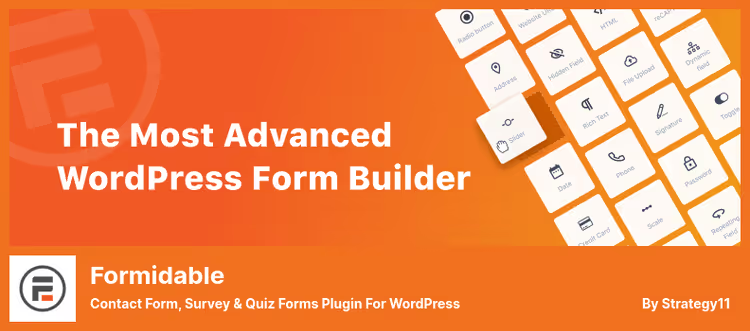
Formidable Forms goes beyond the usual form builder. It's more of an application builder on WordPress: you create not just a form, but a whole interface, with tables, calendars, charts, and listings on the frontend. Want to build a real estate catalog with an application form? Or a classifieds board with filtering? Formidable covers this scenario with built-in tools.
The key feature, Formidable Views: form data is displayed on the frontend as sortable tables, calendar grids, timeline feeds. This is something neither WPForms, Ninja Forms, nor Gravity Forms has in the base package.
Pros:
- Views, unique functionality for displaying data on the frontend
- Built-in calculators of any complexity
- AI form generation via ChatGPT (1500+ credits in Business tier)
- Quiz Maker and Surveys & Polls in tiers from Business
Cons:
- Interface is more complex than competitors, requires technical background
- Views, charts, and calendars are only available with Plus ($99.50/year)
- Basic tier ($39.50/year), only 1 site and minimal features
Price: free Lite version on WordPress.org, Basic, $39.50/year (1 site), Plus, $99.50/year (3 sites), Business, $199.50/year (7 sites), Elite, $299.50/year (unlimited).
🔗 Formidable Forms Lite on WordPress.org🔗 Formidable Forms Pro
5. Happyforms
The most underrated builder in the roundup. Happyforms builds forms right in the WordPress Customizer, you see the result in real time, without a separate preview screen. The product philosophy: one subscription, all features. No addons, no upsells. Conditional logic, multi-step forms, file uploads, electronic signature, PDF generation, Stripe payments, integrations with Mailchimp, ActiveCampaign, ConvertKit, everything included in Pro.
40,000+ active installs and a 4.4 rating on WordPress.org confirm: the product is active, with regular updates and solid support. The team is small, but responds quickly and without templates.
Pros:
- Everything included in the subscription, no addons or hidden fees
- Live preview in Customizer, see the form before publishing
- 50+ style control elements out of the box
- HoneyPot and reCaptcha in Pro tier
Cons:
- Fewer third-party integrations than Gravity Forms
- No conversational forms or AI generation (like WPForms and Formidable)
- Small development team, feature release pace is lower than competitors
Price: free version on WordPress.org, Pro, $53/year (1 site).
🔗 Happyforms on WordPress.org🔗 Happyforms Pro
6. Contact Form 7

Contact Form 7, a living WordPress legend. 10+ million active installs, and it's not marketing success, but the result of simplicity and reliability. The plugin doesn't try to be a form builder in the usual sense: there's no drag-and-drop, visual editor, or landing pages. Instead, a minimalist HTML form template that you fill with fields via shortcodes.
Despite the outdated look, CF7 works flawlessly: AJAX submission without reload, reCAPTCHA and Akismet against spam, REST API support. Hundreds of third-party extensions add everything not in the core: from saving submissions to the database (Flamingo plugin by the same author) to CRM integrations via hooks.
Pros:
- Completely free, now and always
- Minimal server load, faster than all competitors
- 10M+ installs, tested on any hosting and theme
- Huge community and thousands of ready recipes online
Cons:
- No visual editor, only HTML markup
- For storing submissions in the database you need a separate Flamingo plugin
- Outdated interface, looks like 2012
- Complex logic and calculations are not available without third-party extensions
Price: completely free.
🔗 Contact Form 7 on WordPress.org
If you prefer video format, here's a detailed breakdown with tests:
⁉️🤔 Frequently asked questions
How is Gravity Forms better than WPForms?
Gravity Formshas a richer addon ecosystem (50+ official and hundreds from third parties) and more flexible conditional logic. It's tailored for developers who need custom integration of forms with external systems. ButWPFormshas 2100+ ready templates and conversational forms, which Gravity Forms doesn't have even in Elite. Conclusion: Gravity Forms for complex integrations, WPForms for quick launch without a developer.
Can I get by with completely free plugins?
Yes, if you're covering the basic scenario "contact form + email notification".
Contact Form 7+Flamingofor saving submissions, free.Ninja Formswithout addons is also free and without limits. But as soon as you need payments, conditional logic, file uploads, CRM integration, you hit the paid version. In practice, most sites eventually outgrow the free bundle.
Which form builder loads the site the least?
Contact Form 7, undisputed leader in lightness: loads one script and one stylesheet, no React runtimes or heavy frameworks. Among commercial builders,Happyforms(live preview via Customizer, no extra JS on the frontend) andNinja Forms(AJAX submission without extra dependencies).WPFormsandGravity Formsload the server a bit more, but on the vast majority of hosts the difference is unnoticeable.
Do I need Gravity Forms if I'm not a developer?
More no than yes.
Gravity Formswas designed for developers: setting up complex logic, custom hooks, creating posts via form, integration with external APIs. Without a technical background you're using a small fraction of the capabilities while paying full price.WPFormsorNinja Formswill cover the same scenarios for a non-technical user with less time and money.
Is there any point in switching from Contact Form 7 to something paid?
Worth it if you spend more than 30 minutes a month setting up forms or losing leads.
WPFormsgives you a visual editor, templates, and CRM integrations that CF7 requires manual setup via hooks. For landing pages and commercial sites the difference in form conversion is noticeably higher thanks to conversational interface and field validation. But if you have one business card site with a contact form and everything works, don't switch.
Which form builder to install in 2026
The choice comes down to three questions. Budget is zero? Contact Form 7 + Flamingo. Budget exists, but you want simplicity? WPForms Pro: 2100+ templates, conversational forms, integrations with payment systems and CRM. Need maximum flexibility? Gravity Forms Elite: 50+ addons, custom logic, its own ecosystem.
If you're somewhere in the middle, Ninja Forms with buying only the addons you need or Happyforms with the "all-inclusive" approach for $53/year. And when the form grows into an application, Formidable Forms with Views and calculators.
Check what you have now. If the contact form is losing leads or doesn't integrate with your CRM, it's time to upgrade. Write in the comments which builder you chose and why: real experience is more valuable than any review.

A professional team of writers and editors specializing in creating quality content.