














🥇 10 best CRM plugins for WordPress 2026 (free and paid)
Keep your client database in Google Sheets, email campaigns in a separate service, and website inquiries in an inbox. Sounds familiar? Each tool requires its own account, its own payment, and manual synchronization. A good CRM plugin removes this fragmented setup and collects client data directly in the WordPress dashboard.
The real challenge is choosing a plugin for your specific task. One person needs a full funnel with email automation, another needs a simple contact list with reminders, and a third needs a bridge to an existing CRM system. In this review, we selected 10 active plugins that were updated in 2025-2026 and actually solve different tasks.
💡 Quick overview:
- HubSpot and FluentCRM provide a full cycle: lead capture, segmentation, email automation
- WP ERP combines CRM, HR management, and accounting in one plugin
- Jetpack CRM and WP Lead Builder are suitable for a free start without unnecessary complexity
- WP Fusion connects WordPress with any external CRM without data loss
- Groundhogg and vCita CRM solve niche tasks: funnels and service businesses
Plugin | Free version | Paid (from) | Best for |
|---|---|---|---|
HubSpot | yes | $45/mo | All-in-one |
WP ERP | yes | $9.99/mo | CRM + HR + accounting |
vCita CRM | no | subscription | Service business |
FluentCRM | yes | $129/year | Email automation |
Groundhogg | yes | from $240/year | Sales funnels |
Jetpack CRM | yes | from $11/mo | Small business |
Presspoint | no | on request | Enterprise |
Bitrix24 | yes | paid plans | Team collaboration |
WP Lead Builder | yes | free | Lead connector |
WP Fusion | yes | from $247/year | CRM integration |
1. HubSpot
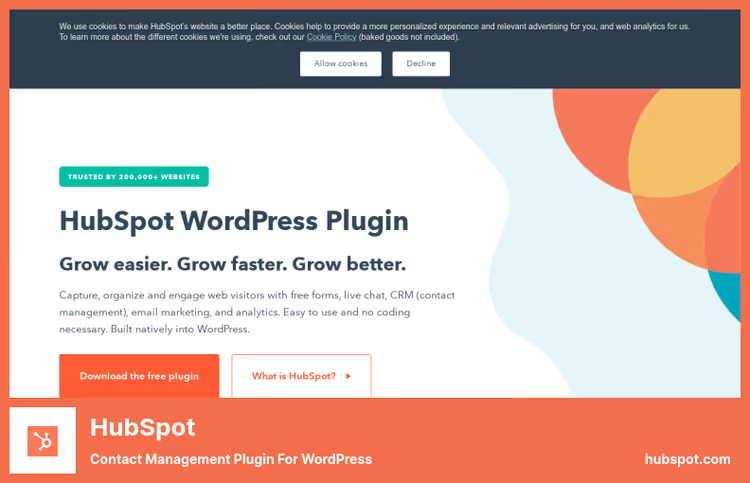
One of the most well-known CRM tools on the market, and it has a full-featured plugin for WordPress. The free version includes CRM, form builder, live chat, email marketing, and analytics with no contact limits.
Through the plugin, the site connects to HubSpot's free CRM: all form submissions (Gravity Forms, Ninja Forms, and others) automatically land in the database. According to Databox, 53% of surveyed marketers consider HubSpot's free CRM better than competing alternatives. Each contact gets a unified timeline: site pages they viewed, submissions, chat correspondence. In practice, one of the fastest CRMs to start with, setup takes just a few minutes.
- Pros: unlimited contacts in the free plan; form builder with auto-sync to CRM; live chat and chatbots; email marketing and automation tools
- Cons: advanced automation and reporting only in paid plans; price grows sharply when scaling
- Price: Free / Starter from $45/mo / Professional from $450/mo
- Download: 🔗 HubSpot for WordPress
2. WP ERP
WP ERP goes beyond regular CRM. This is a full business management system: CRM, HR management, and accounting in one plugin. The free version doesn't limit the number of records in any module.
The plugin is divided into three independent modules. The CRM module manages the client database, records interactions, and builds reports. The HR module manages employees across multiple offices. The accounting block includes balance sheet accounting and financial reporting. For small businesses, this eliminates the need to maintain three separate services. The plugin was updated in 2026 according to the wordpress.org/plugins/erp/ catalog.
- Pros: CRM, HR, and accounting in one workspace; notes for each client; email notifications with templates; payment acceptance in 40+ currencies (paid version)
- Cons: interface is overloaded for those who only need CRM; payment gateways only in Pro
- Price: Free (Lite) / Pro from $9.99/mo
- Download: 🔗 WP ERP on WordPress.org | 🔗 WP ERP Pro
3. vCita CRM
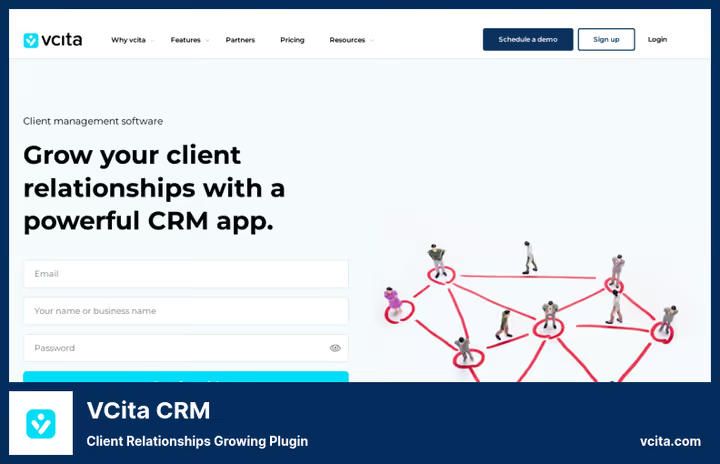
vCita is designed for service businesses: consulting, healthcare, legal practices, companies with a flow of appointment bookings. The plugin connects a WordPress site to the vCita platform and provides access to CRM, online booking, and a client portal.
The strong point is the client portal, where each client independently updates their profile, sends payment, and exchanges documents. This removes the burden from administrative tasks. The mobile app allows managing clients without being tied to a workstation. Active subscription to the vCita platform is required to operate.
- Pros: client portal with built-in payment and documents; auto-reminders and follow-up messages; mobile app for on-the-go management; payment analytics in the dashboard
- Cons: no free tier; WordPress plugin is only part of a paid platform
- Price: Subscription model, plans on vcita.com
- Download: 🔗 vCita CRM
4. FluentCRM

FluentCRM is one of the most actively developed CRM plugins for WordPress. The plugin combines contact management, email automation, and audience segmentation in one tool. The latest update was released in 2026 according to wordpress.org/plugins/fluent-crm/ catalog.
The free version includes basic CRM, segmentation with lists and tags, and one-time email campaigns. The paid version unlocks a visual email builder, complex funnels with delays and conditions, integrations with WooCommerce and Gravity Forms. Key difference from SaaS competitors: fixed price with no growth as your contact base increases. In our experience, setting up a basic email funnel requires no special technical skills.
- Pros: contact management with tags, lists, and custom fields; email automation with drip campaigns and triggers; self-hosted, all data on your server; price doesn't depend on database size
- Cons: free version without visual email editor; some integrations require paid extensions
- Price: Free (basic) / from $129/year (1 site) / $249/year (5 sites)
- Download: 🔗 FluentCRM on WordPress.org | 🔗 FluentCRM Pro
5. Groundhogg
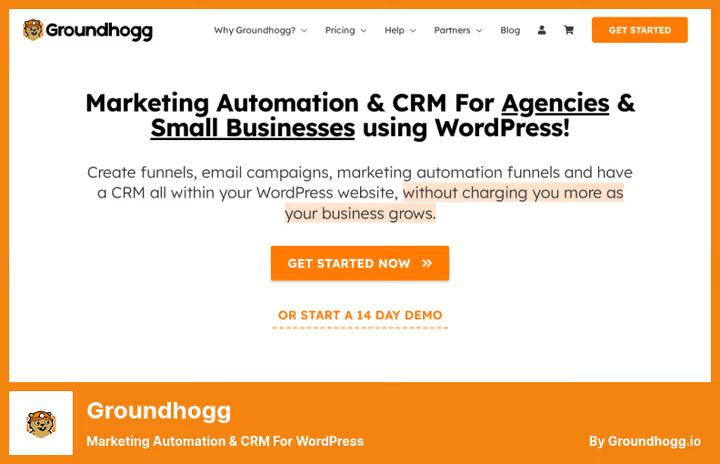
Groundhogg is designed specifically for WordPress: CRM with a focus on marketing automation and building sales funnels. The free version is available in the WordPress.org catalog and allows launching a basic funnel right from the start.
For more complex scenarios, conditional logic, payment collection, deep integrations, a paid license is needed. Groundhogg operates on a flat-rate model: price doesn't grow with the number of contacts, regardless of database size. Over 40 extensions connect the plugin to popular WordPress tools. All data is stored on the client's server, important for businesses that don't want to hand over their contact database to third-party clouds.
- Pros: visual funnel builder with ready-made templates; email marketing with unlimited storage; 40+ extensions for WooCommerce, Gravity Forms, LifterLMS; self-hosted data
- Cons: basic interface is visually inferior to SaaS competitors; complex funnels require a paid plan
- Price: Free (basic) / Pro from $240/year
- Download: 🔗 Groundhogg | 🔗 Groundhogg on WordPress.org
Watch the overview: the video covers 5 free CRM plugins for WordPress with real examples.
6. Jetpack CRM
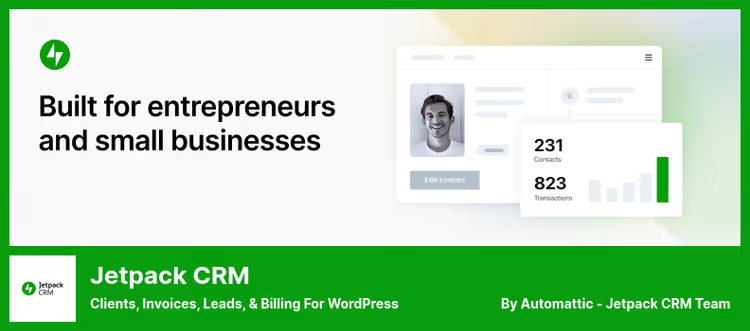
Jetpack CRM manages not only contacts but also the full financial cycle: invoices, transactions, quotes, and a client portal. All directly from the WordPress dashboard, without external accounts. The plugin was updated in 2026 according to the wordpress.org/plugins/zero-bs-crm/ catalog.
The free version includes contact management, basic activity logs, and a client portal. Paid extensions connect WooCommerce, Mailchimp, AWeber, and Stripe and PayPal payment gateways. In practice, one of the best options for freelancers and small agencies that need CRM with invoicing.
- Pros: contacts, leads, invoices, and transactions in one interface; client portal with invoice and file viewing; create quotes directly in WordPress; integrations with Stripe and PayPal
- Cons: advanced features only through paid addons; modular structure requires understanding what exactly you need
- Price: Free / Freelancer from $11/mo / Entrepreneur $199/year (all extensions)
- Download: 🔗 Jetpack CRM on WordPress.org
7. Presspoint
Presspoint occupies a separate niche: this is an enterprise solution with fully native WordPress integration. Not a cloud overlay, but a CRM that works inside the same installation as your site, users, and content.
The plugin combines CRM, eCommerce, memberships, email marketing, and extended customer profiles in one place. Query capabilities allow segmenting by any attributes and launching mass campaigns from the same interface. There is no public pricing, cost is agreed after a demo with the sales team.
- Pros: full native integration with WordPress (users, content, data); CRM, eCommerce, memberships, and email in one installation; extended customer profiles with content access restriction
- Cons: pricing is opaque; not suitable for small businesses and freelancers
- Price: Enterprise plans, cost on request after demo
- Download: 🔗 Presspoint CRM
8. Bitrix24
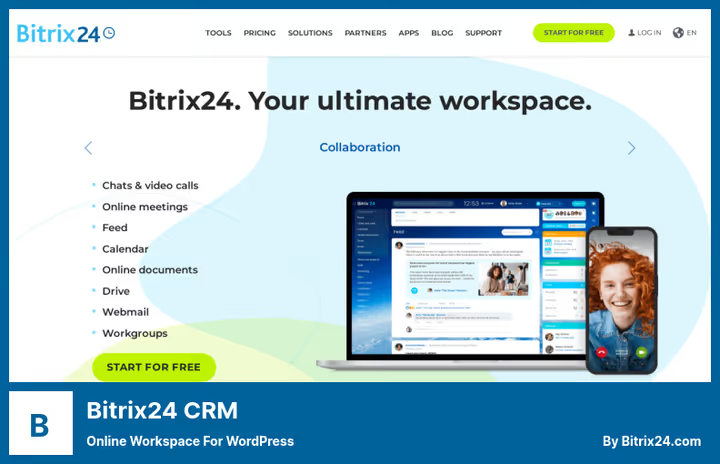
Bitrix24 is broader than just CRM: this is a corporate workspace with CRM, tasks, chats, video calls, and collaborative document editing. For WordPress, integration is provided through a contact capture form on the site.
Contacts are collected into the database directly from forms: fill manually or accept automatically through a conversion form. All correspondence with the client is stored in a separate thread. The free plan includes unlimited users and core CRM tools, attractive for teams that don't want to pay for each account.
- Pros: unlimited users in the free plan; correspondence history with each client; online chats, tasks, and documents in a unified space; form placement via shortcodes
- Cons: WordPress integration is limited to forms; platform is overloaded for those who only need CRM
- Price: Free plan / paid plans on bitrix24.com
- Download: 🔗 Bitrix24 CRM
9. WP Lead Builder for CRM
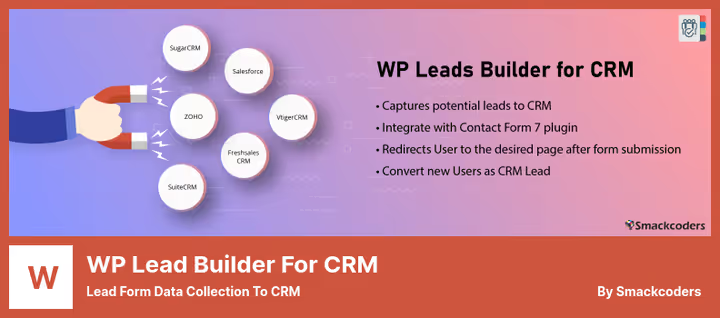
WP Lead Builder solves a specific task: automatically transfer data from WordPress contact forms to external CRM systems. This is not a full-featured CRM inside WordPress, but a connector for those already working with one of the popular platforms.
Integrations with Salesforce, SugarCRM, Freshsales, Vtiger, Zoho, and others are supported. Data from any form on the site is converted to the required format and sent automatically. Works with Contact Form 7, Gravity Forms, and most popular form plugins. The plugin was updated in 2026 according to the wordpress.org catalog.
- Pros: supports Salesforce, Zoho, SugarCRM, Freshsales, Vtiger; unlimited forms; auto-conversion of data to the required CRM format; completely free
- Cons: doesn't store contacts inside WordPress; only data transfer, no analytics or funnels
- Price: Free
- Download: 🔗 WP Lead Builder on WordPress.org
10. WP Fusion
WP Fusion doesn't replace CRM, but connects WordPress with the system you already use. AWeber, HubSpot, AgileCRM, GetResponse, Groundhogg, MailerLite, Zoho, Salesforce, the list of supported platforms includes several dozen systems.
The Lite version syncs contacts and WordPress user data with external CRM. The paid version adds content access restriction by tags: you can lock pages, posts, courses for specific audience segments without additional plugins. Excellent choice for those building memberships or funnels based on an existing CRM.
- Pros: sync WordPress users and custom fields with CRM; content restriction by tags and lists; supports 100+ platforms; auto-add new users to CRM
- Cons: high starting price; requires an already operating external CRM
- Price: Lite version free / Pro from $247/year (1 site) / Plus $427/year
- Download: 🔗 WP Fusion Lite on WordPress.org | 🔗 WP Fusion Pro
⁉️🤔 Frequently asked questions
What's the best free CRM plugin for WordPress?
HubSpot and Jetpack CRM offer the most complete free plans. HubSpot includes contact management, form builder, live chat, and email marketing with no contact limits. Jetpack CRM provides a client portal, invoices, and activity logs. Both are actively updated in 2026.
Is it worth using WordPress as a CRM?
Yes, if your business already runs on WordPress. WP ERP or Jetpack CRM provide full-featured CRM without a separate service. For large teams with serious analytics requirements, it's better to integrate an external platform through WP Fusion: data syncs automatically and nothing is lost.
What to choose between FluentCRM and Groundhogg?
FluentCRM is stronger in email design and marketing automation, starting from 129 dollars per year. Groundhogg is focused on complex funnels with conditional logic and has a broader extension ecosystem. Need email automation, FluentCRM. Need complex sales funnels, Groundhogg.
Are CRM plugins compatible with WooCommerce?
Most plugins in this review integrate with WooCommerce. Jetpack CRM has native integration with the store. FluentCRM and Groundhogg support connection through extensions. WP Fusion allows syncing WooCommerce customer data with any external CRM platform.
How to choose a CRM plugin for WordPress in 2026?
Define your main task: email automation and funnels, FluentCRM or Groundhogg; CRM plus HR and accounting, WP ERP; free start, Jetpack CRM or WP Lead Builder; integration with an already operating CRM system, WP Fusion; enterprise without compromises, Presspoint.
Which CRM plugin is right for your WordPress site?
There's no universal choice. The right plugin depends on your task.
Need a full cycle with email automation and funnels, go with FluentCRM or Groundhogg. Want to combine CRM, HR, and accounting in one place, WP ERP solves this without paying for three different services. For freelancers and agencies who need invoices and a client portal, the best free start is Jetpack CRM.
Already working with a specific CRM platform and want to connect your site to it, WP Fusion solves this most simply. For large businesses with non-standard data requirements, look at Presspoint.
Start with the free version of the plugin you like: all tools in this review allow testing core features without investment. Move to a paid plan only when tasks outgrow the free functionality.

A professional team of writers and editors specializing in creating quality content.