














🛒 13 best Elementor addons for WooCommerce 2026 (free and paid)
Elementor provides a visual editor, WooCommerce provides a store framework. But without specialized add-ons, product pages look like out-of-the-box templates, and customizing cart and checkout turns into code editing.
We've gathered 13 plugins that extend the Elementor + WooCommerce combination: store page builders, image protection, analytics, and payment tools. All plugins on the list are actively maintained and verified for compatibility.
💡 Quick overview:
- For designing store pages in Elementor: PowerPack Addons, ShopLentor, JetWooBuilder, Essential Addons.
- For extending WooCommerce functionality: Booster for WooCommerce, HubSpot CRM, WooCommerce Blocks.
- For payments, photo protection and analytics: YITH Watermark, WooCommerce Stripe, Google Analytics Integration, YITH Social Login.
Comparison of top Elementor + WooCommerce add-ons
Plugin | Price | For whom | Main feature |
|---|---|---|---|
PowerPack Addons | Free / from $49/year | Designers | 80+ widgets, SEO schemas |
ShopLentor | Free / Pro | Stores | 105+ WooCommerce widgets |
JetWooBuilder | Free / from $43/year | Advanced users | Grids and carousels for catalogs |
Essential Addons | Free / from $39.97/year | Beginners and pros | 2 million+ installs, 100+ elements |
YITH Wishlist | Free / $94.99/year | Retail | Wishlists + social sharing |
Booster | Free / $9.99/month | All-in-one | 100+ modules without separate plugins |
1. PowerPack Addons for Elementor
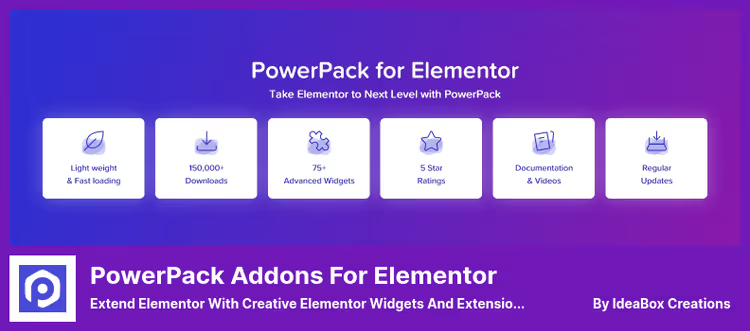
PowerPack Addons for Elementor from IdeaBox Creations adds 80+ widgets to the standard editor. Among them are widgets for WooCommerce: product grid, product card, add to cart button. The plugin is developed by the same authors behind PowerPack for Beaver Builder.
All widgets are responsive, with separate settings for desktop, tablet and phone. The plugin integrates with Contact Form 7, Ninja Forms and Gravity Forms directly through widgets. There are two SEO widgets (FAQ and How-To) for schema.org markup and a breadcrumbs widget compatible with popular SEO plugins.
- Pros: wide range of widgets, built-in SEO schemas and breadcrumbs, no conflicts with major SEO tools.
- Cons: Pro features require a separate subscription, WooCommerce widgets require additional configuration for specific themes.
- Price: Lite free, Pro from $49/year.
- Download: 🔗 PowerPack Lite on WordPress.org | 🔗 PowerPack Pro
2. ShopLentor (formerly WooLentor)
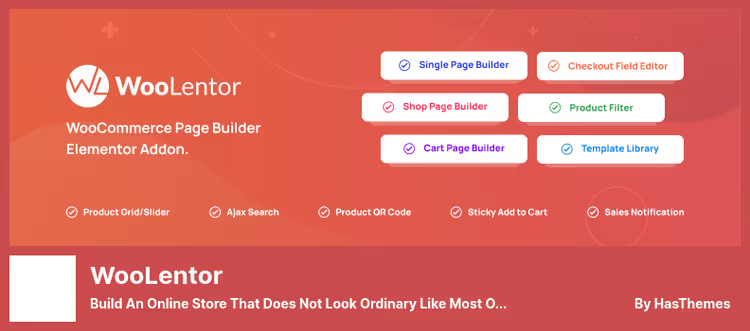
ShopLentor (formerly WooLentor) is specifically designed for creating WooCommerce pages in Elementor. According to WordPress.org, the plugin is installed on more than 100,000 sites. Includes 105+ widgets and ready-made templates for all key pages: product, cart, checkout, account, thank you page.
Checkout and cart pages can be fully customized without code. Ready-made templates speed up launching a new store. Pro license unlocks additional templates and extended widgets.
- Pros: 100,000+ installs, templates for all WooCommerce pages, full-featured free version.
- Cons: advanced templates only in Pro, some widgets limited in free version.
- Price: free + Pro (pricing on developer site).
- Download: 🔗 ShopLentor on WordPress.org | 🔗 ShopLentor Pro
3. JetWooBuilder for Elementor

JetWooBuilder from Crocoblock covers both individual product pages and archives (categories). Widgets work through drag-and-drop: drag an element and the plugin automatically pulls the necessary products or categories. Number of columns, query type and other parameters are configured visually.
Product grids and carousels differ in design from standard Elementor Pro widgets. To work, you need at least a few products with prices and thumbnails in the catalog.
- Pros: elements for archive pages and product cards, stylish grids and carousels, advanced sorting parameters.
- Cons: some features overlap with Elementor Pro, requires populated product cards to work correctly.
- Price: Lite free, Pro from $43/year.
- Download: 🔗 JetWooBuilder Lite on WordPress.org | 🔗 JetWooBuilder Pro
4. WooCommerce Blocks

WooCommerce Blocks from Automattic provides a set of ready-made blocks for displaying products. Starting with WooCommerce 7.0, the main part of the blocks is built into the WooCommerce core, separate plugin installation is needed for experimental features.
Blocks cover bestsellers, sale items, top-rated products and manual selections. Cart and checkout pages are implemented as standalone blocks with dark mode and shipping calculator. Note: the plugin works in the Gutenberg editor, not in Elementor.
- Pros: free, official WooCommerce extension, stable blocks already in core.
- Cons: designed for Gutenberg, not for Elementor, these blocks are not used in Elementor.
- Price: free.
- Download: 🔗 WooCommerce Blocks on WordPress.org
5. YITH WooCommerce Watermark
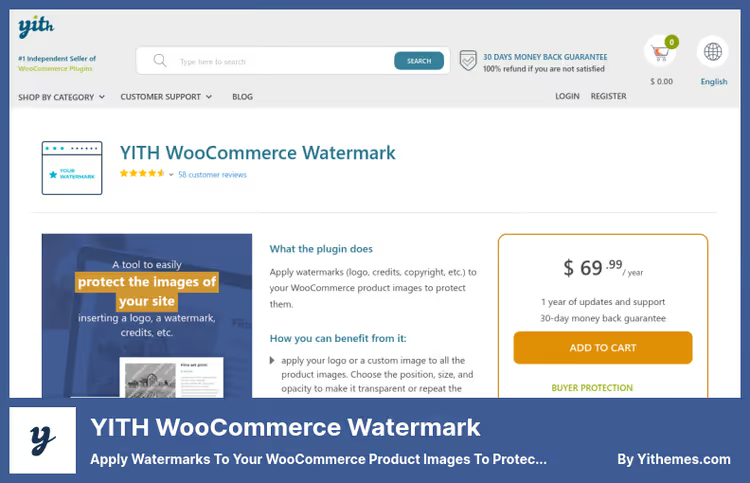
YITH WooCommerce Watermark protects product photos by applying a logo or text mark. This is especially relevant for stores with unique images and digital products.
For each watermark, you can configure position, size, color and transparency. You can apply multiple marks to one image. Text watermarks are created with font selection directly in settings. Application can be limited to specific product categories only. The plugin works with WPML.
- Pros: multiple marks per photo, flexible settings, WPML support, application by categories.
- Cons: no free version, bulk regeneration of marks takes time on large catalogs.
- Price: from $59.99/year.
- Download: 🔗 YITH WooCommerce Watermark
6. Essential Addons for Elementor

Essential Addons** for Elementor** from WPDeveloper is among the top three most popular add-ons: according to WordPress.org, the plugin has more than 2,000,000 active installs. Includes 100+ elements divided into seven categories: content, creative, dynamic, forms, marketing, educational and social media buttons. WooCommerce widgets cover product grid and parameter filtering.
The free version suits most users. Pro unlocks advanced templates and additional widgets.
- Pros: 2,000,000+ installs, wide selection of free widgets, regular updates and good documentation.
- Cons: without selective disabling of unused widgets the plugin can slow loading, Pro requires payment.
- Price: Lite free, Pro from $39.97/year.
- Download: 🔗 Essential Addons Lite on WordPress.org | 🔗 Essential Addons Pro
7. WooThumbs
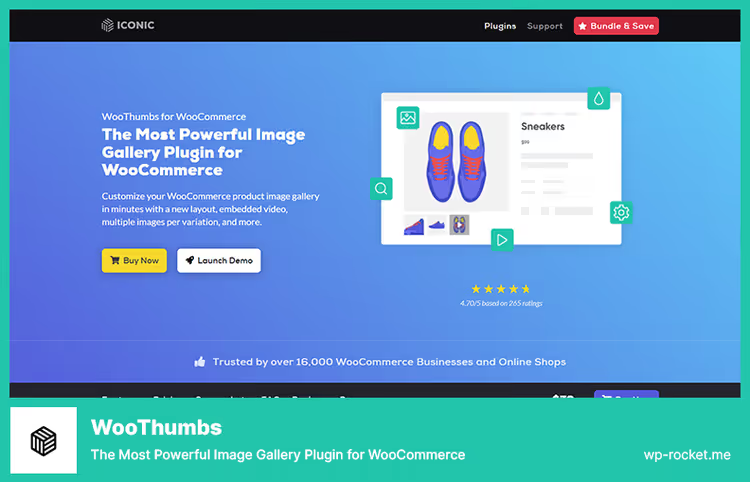
WooThumbs from Iconic replaces the standard WooCommerce gallery with an advanced one: horizontal scrolling, vertical, fade effect. Each product variation can have a separate set of photos. Mobile supports pinch-to-zoom. The gallery accepts videos from YouTube and Vimeo.
The plugin is compatible with WPML. Customers with visual impairments get access to all images within WCAG.
- Pros: multiple gallery modes, video in product card, variation support, mobile gestures.
- Cons: paid version only, with non-standard themes setup may require additional time.
- Price: paid plans on developer site.
- Download: 🔗 WooThumbs from Iconic
8. YITH WooCommerce Wishlist
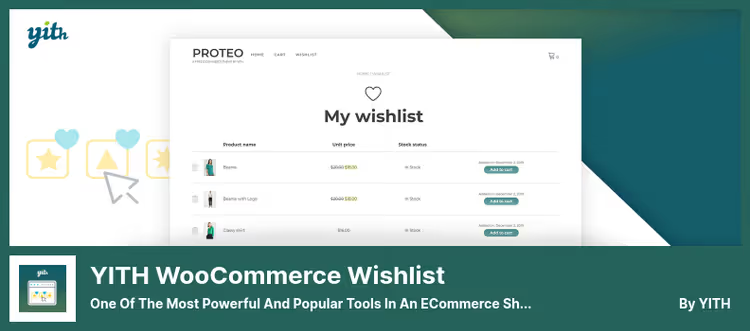
YITH WooCommerce Wishlist gives customers the ability to save products to a wishlist and share it on social networks. According to WordPress.org, the plugin has 900,000+ active installs. After installation, the plugin automatically creates a wishlist page. From the wishlist, the customer adds a product to cart with one click.
Convenient for stores with seasonal gifts: the customer creates a wishlist and sends the link to loved ones. Facebook, Twitter and other social networks are supported.
- Pros: 900,000+ installs, wishlist social sharing, integration via shortcode on any page.
- Cons: not all multivendor features implemented in free version, Pro expensive for a small store.
- Price: Free version on WordPress.org, Pro $94.99/year.
- Download: 🔗 YITH Wishlist on WordPress.org | 🔗 YITH Wishlist Pro
9. HubSpot for WooCommerce
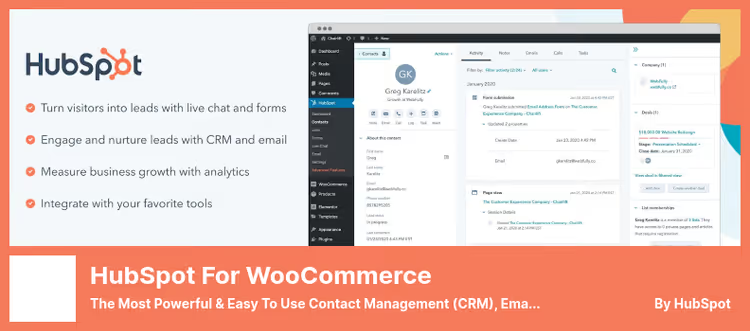
HubSpot for WooCommerce connects the store to the HubSpot CRM platform. Contacts and deals are synchronized automatically. Abandoned carts end up in the CRM and can trigger email sequences. The free version includes CRM dashboard, live chat and basic forms.
The tool suits stores that work with repeat purchases and base segmentation. Paid plans unlock marketing automation, extended funnel and priority support.
- Pros: powerful free CRM, live chat and chatbots, clear analytics dashboard.
- Cons: paid modules expensive, free version does not include phone support.
- Price: free CRM + paid plans from $15/month.
- Download: 🔗 HubSpot on WordPress.org | 🔗 HubSpot Pro
10. Booster for WooCommerce

Booster for WooCommerce combines 100+ extension modules in one plugin. Works on a modular principle: enable only what you need. Currencies (15 modules), checkout (10 modules), shipping (13 modules), payment gateways (10 modules) are configured independently.
PDF invoices are generated directly from WooCommerce using shortcode-based templates. For a small store, the free version is sufficient for a long time. Support works only through email.
- Pros: modular architecture, PDF invoices without a separate plugin, flexible shipping and payment setup.
- Cons: support only by email, according to user reviews the "minimum order" and "wholesale prices" modules are inferior to specialized plugins.
- Price: Free version + Pro $9.99/month.
- Download: 🔗 Booster Lite on WordPress.org | 🔗 Booster Pro
11. WooCommerce Stripe Payment Gateway
**WooCommerce **Stripe Payment Gateway allows accepting card payments directly on the store page without redirect. Apple Pay and Google Pay are supported. For European customers, Strong Customer Authentication (SCA) works in accordance with PSD2 requirements.
The plugin is part of the official WooCommerce ecosystem, updated and supported by the WooCommerce team. Refund and authorization management is available directly in the WooCommerce dashboard. The Stripe Radar system helps detect suspicious transactions.
- Pros: free, Apple Pay and Google Pay, Stripe Radar for fraud protection, refund management in admin.
- Cons: Stripe not available in all countries, Stripe percentage fee on top of transaction.
- Price: free.
- Download: 🔗 WooCommerce Stripe on WordPress.org
12. WooCommerce Google Analytics Integration
WooCommerce Google Analytics Integration links the store with Google Analytics to track eCommerce events: product views, add to cart, transactions, conversions. The plugin supports GA4 and displays sales data by products and categories. Setup does not require code editing in the theme.
The plugin works in parallel with Facebook Pixel and other trackers without conflicts. Complies with GDPR requirements.
- Pros: free, GA4 support, no code, GDPR compliance, parallel operation with other pixels.
- Cons: for advanced funnels and events, better to additionally use Google Tag Manager.
- Price: free.
- Download: 🔗 WooCommerce Google Analytics on WordPress.org
13. YITH WooCommerce Social Login
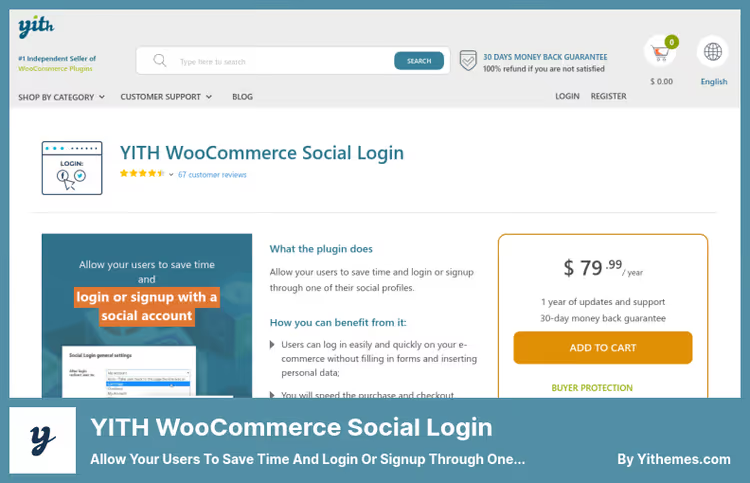
YITH WooCommerce Social Login adds social network login buttons to the store: Facebook, Google and others. According to Baymard Institute, about 23% of customers abandon cart when a site requires manual registration. Social login reduces this barrier.
Login buttons are placed on any page via shortcode. Data from social profiles is saved to the database for subsequent segmentation. WPML is supported and redirect to a custom page after authorization.
- Pros: multiple social networks, shortcode for custom placement, redirect after login, WPML compatibility.
- Cons: no free version, cost above average for a specialized plugin.
- Price: from $94.99/year.
- Download: 🔗 YITH WooCommerce Social Login
A short overview will help you navigate key add-ons for Elementor and WooCommerce faster.
⁉🤔 Frequently asked questions
Do these add-ons work with free Elementor or is Elementor Pro needed?
Most plugins on the list (PowerPack, ShopLentor, JetWooBuilder, Essential Addons) work with the free version of Elementor. Elementor Pro extends basic capabilities, but for specialized WooCommerce add-ons it is not mandatory.
How many Elementor add-ons can be installed simultaneously?
There are no technical limitations, but each active plugin adds load. Install only those add-ons whose widgets you actually use. In the settings of most plugins you can selectively disable unused widgets to reduce page load time.
Is a separate add-on needed if Elementor Pro is already purchased?
Elementor Pro includes WooCommerce widgets (product, cart, checkout), but their capabilities are limited. Plugins like ShopLentor or JetWooBuilder offer additional templates, grids and features that are not in standard Pro.
ShopLentor and WooLentor, are these different plugins?
No. WooLentor was renamed to ShopLentor, the slug on WordPress.org (
woolentor-addons) and functionality remained the same. If the plugin is already installed, update through the standard WordPress mechanism.
Is it necessary to test YITH plugins before installing on production?
Yes. YITH plugins are compatible with most themes that correctly use WooCommerce hooks. On non-standard or heavily customized themes, it is recommended to check on a staging site before launching on production.
Which add-on for Elementor + WooCommerce to choose?
If you need a store page builder, start with ShopLentor (free, 100,000+ installs) or Essential Addons (2 million+ installs). For stylish grids and catalogs, take JetWooBuilder. To extend store features without a collection of separate plugins, look at Booster. Free tools for payments and analytics are WooCommerce Stripe and Google Analytics Integration.
- If you need store page design without code, take ShopLentor or Essential Addons.
- If you need stylish product grids and carousels, take JetWooBuilder.
- If you need product photo protection, take YITH WooCommerce Watermark.
- If you need wishlists and social sharing, take YITH WooCommerce Wishlist.
- If you need extended store features all-in-one, take Booster for WooCommerce.
Have you tried one of these plugins? Write in the comments what you installed and how it works in practice.

A professional team of writers and editors specializing in creating quality content.