














🚀 8 best WordPress plugins for social media in 2026
Social media brings content sites a referral traffic volume comparable to search, in some niches up to a quarter of all visits. But a "share" button in WordPress isn't provided out of the box, and every visitor who liked an article simply closes the tab instead of sending the link to a colleague on Telegram or saving it to X bookmarks.
Choosing a social media plugin among half a hundred options in the catalog is an hour-long task, and installing three for different functions (sharing, counters, social login) and getting a style conflict is a scenario that every second site owner has gone through. We tested eight current solutions and collected those that work without conflicts and don't kill loading speed.
💡 Quick overview:
- Determine what you need: just "share" buttons, follower counters, or social login
- Compare positions in the table below, half of the unsuitable ones will be filtered out immediately
- Choose 1 plugin from the list for your task and install it through the WordPress admin panel in 2 minutes
Comparison table
Plugin | Free version | Networks for sharing | Social login | Counters | Pro price |
|---|---|---|---|---|---|
Social Snap | Yes (lite) | 30+ in Pro | Pro | In Pro | from $39/year |
Sassy Social Share | Yes | 100+ | No | Yes (selected) | $9.99/addon |
Ultimate Social Media Icons | Yes | 200+ | No | Yes | from $29/year |
AddToAny | Yes | 100+ | No | Yes | Free |
Social Warfare | Yes (lite) | 20+ in Pro | No | In Pro | from $29/year |
Super Socializer | Yes | 100+ | Yes (27 networks) | Yes | Free |
WP Social | Yes | 15 | Yes (9 networks) | Yes | from $49/year |
Simple Social Buttons | Yes | 8 | No | Yes | from $29/year |
1. Social Snap
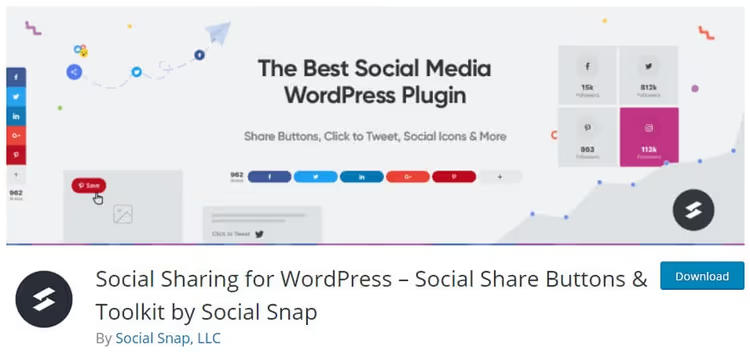
Social Snap provides the most complete set of tools among social WordPress plugins, from "share" buttons to auto-posting to social networks and content protection. The plugin loads SVG icons asynchronously without slowing down the site, and offers five placement locations: inside content, floating sidebar, sticky bar, on media files, and via shortcode.
The free version includes basic sharing with Facebook, X, LinkedIn, Mix, Email, Print, and Copy Link. Share counter is available only for Facebook. The Pro version unlocks 30+ networks, share counter recovery when changing domains, link shortening via Bitly, and add-ons: social login, auto-posting, "revival" of old posts, and Content Locker, blocking content until sharing.
Pros: asynchronous loading without affecting speed, counter recovery during migration, Click-to-Tweet with 6 styles, import/export settings. Cons: free version is heavily limited, counters only for Facebook, 30+ networks locked in Lite.
Price: free (Lite), Pro from $39/year.
🔗 Social Snap on WordPress.org | 🔗 Social Snap website
2. Sassy Social Share
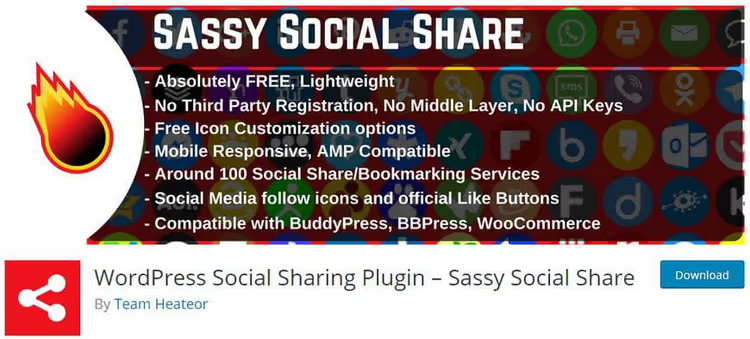
The lightest and simplest plugin in the selection, over 100 social networks and bookmark services in the free version, including ChatGPT, Grok, Perplexity, Claude, and Google AI. Icons are collected in vector SVG, load quickly, and don't require registration on third-party services.
Sassy Social Share doesn't store cookies and is fully GDPR compliant. Icon configuration is free: shape (round, square, rectangular), size from 16px, background and logo color. Shortcodes and widgets allow placing buttons anywhere, including WooCommerce products. Floating vertical panel is disabled for mobile. Share counters are supported for Buffer, Reddit, Pinterest, Odnoklassniki, Fintel, and VK.
Pros: 100+ networks free, AI platforms (ChatGPT, Grok, etc.) in the list, icon customization without restrictions, AMP compatibility. Cons: no counters for Facebook and X (only for selected networks), social login and comments in a separate plugin Super Socializer.
Price: free, paid addons, $9.99 each.
🔗 Sassy Social Share on WordPress.org
3. Social Media Share Buttons & Social Sharing Icons (Ultimate)
Plugin from Inisev (formerly known as Ultimately Social) with 200+ platforms, one of the oldest in the WordPress catalog. 16 icon designs with animation (automatic shuffling, hover effects), floating placement, and sticky panel.
Convenient step-by-step setup wizard: network selection, action assignment, design, animation, counters. Email subscription and pop-up windows with a subscription call are possible. The Pro version adds Snapchat, WhatsApp, Telegram, Discord, GitHub, Spotify, Twitch, and dozens of other platforms, plus precise positioning control through margins.
Pros: 200+ networks, 16 designs, step-by-step wizard without technical knowledge, pop-up with subscription call. Cons: basic networks in free version, counters require CURL on server, Twitter counters no longer work (globally).
Price: free, Pro from $29/year.
🔗 Ultimate Social Media Icons on WordPress.org
4. AddToAny Share Buttons

WordPress catalog veteran since 2006 with over 18 million installations. AddToAny stands out with a universal menu: the visitor sees exactly those services they actually use, and on mobile the plugin offers a choice between the native app and the mobile version of the social network.
The plugin is completely free, without registrations and accounts. Supports standard buttons, floating panels, counters, follow buttons for Instagram, YouTube, Discord, Snapchat, as well as image sharing buttons. Integration with Google Analytics for click tracking. Asynchronous loading doesn't block content rendering. The only plugin in the selection with ready AMP support out of the box.
Pros: 18M+ installations, no paid versions and accounts, universal menu selects services for the user, AMP out of the box. Cons: icons look minimalist (fewer "designer" presets), no social login.
Price: completely free.
🔗 AddToAny on WordPress.org | 🔗 AddToAny website
5. Social Warfare

Social Warfare stands out with its emphasis on aesthetics and performance. Buttons are styled in modern flat designs, with customizable colors for site branding. The plugin automatically inserts the post title into tweets and customizes Open Graph metadata to control how the post looks on social networks.
The Pro version adds "Click to Tweet" with quotes, Pinterest-optimized images (separate image specifically for Pin), counter recovery, and a popular posts widget. Buttons load without blocking rendering, and the built-in counter cache reduces external API requests.
Pros: premium button design out of the box, separate images for Pinterest, Click to Tweet with customizable quotes. Cons: free version is limited (8 basic networks, no counters), Pro requires annual subscription.
Price: free (Lite), Pro from $29/year.
🔗 Social Warfare on WordPress.org | 🔗 Warfare Plugins website
6. Super Socializer
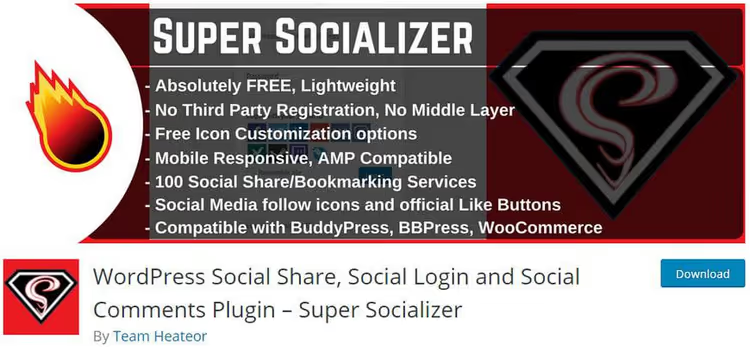
The only plugin in the selection that combines social sharing, social login, and social comments (Facebook Comments and Disqus) in one solution. Created by the same Heateor team as Sassy Social Share, but positioned as an "all-in-one" combine.
Supports 27 networks for login: Facebook, Google, LinkedIn, X, VK, GitHub, Spotify, Twitch, Discord, Steam, and others. Profile data is synchronized with WordPress and WooCommerce, avatar is pulled from social network. For BuddyPress and bbPress, ready integration. Counters work for X, Buffer, Reddit, Pinterest, Odnoklassniki, Fintel, and VK. Fully compatible with PHP 8 and AMP.
Pros: three functions in one (sharing + login + comments), 27 networks for login, synchronization with WooCommerce and BuddyPress, completely free. Cons: the Heateor team recommends using Sassy Social Share separately for sharing and Heateor Social Login for login (Super Socializer has an older codebase), fewer updates.
Price: completely free.
🔗 Super Socializer on WordPress.org
7. WP Social
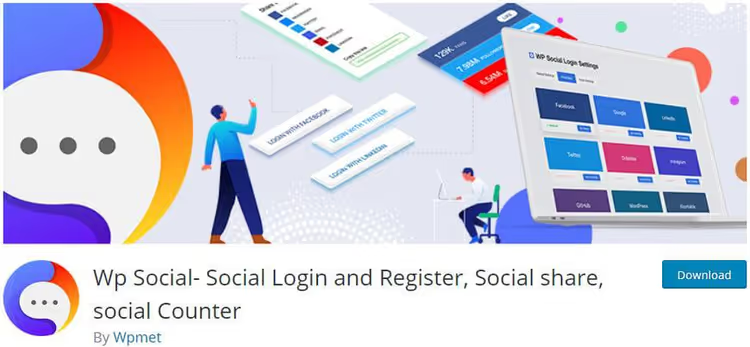
WP Social from Wpmet (team known for ElementsKit and MetForm plugins), the second "combine" in the list: social sharing, social login, and follower counter. Eight login providers (Facebook, Google, X, LinkedIn, Dribbble, GitHub, WordPress, VK) and 15 platforms for sharing.
Login configuration is flexible: custom redirect URLs after login and logout, editable text on buttons, enable/disable for specific pages. For counters, 15+ hover effects and styles (flat, rounded, metro) are available. All functions are managed through a single admin panel with the ability to disable unnecessary modules. GDPR compliance is stated.
Pros: single admin panel for three functions, custom redirects, disabling unnecessary modules, 300,000+ users of other Wpmet products. Cons: fewer networks for sharing than competitors (15), some styles locked behind Pro.
Price: free, Pro from $49/year.
8. Simple Social Buttons
Maximum simple to configure plugin with 40,000+ active installations. Supports 8 networks: Facebook, WhatsApp, Viber, X, Reddit, LinkedIn, Pinterest, and Telegram. Buttons can be placed before and after content, on the sidebar, in pop-ups, fly-in panels, and directly on images (for Pinterest/WhatsApp).
The Pro version adds color customization, pop-up on exit intent, and buttons on top of images. The plugin is compatible with NextGEN Gallery and has a separate block for Gutenberg. Regularly updated: version 6.2.1 from March 2026 added protection against CSRF attacks and nonce verification.
Pros: exceptionally simple interface, Telegram and Viber in the base, compatibility with NextGEN Gallery, 13 languages including Ukrainian. Cons: only 8 networks in free version (fewest in the selection), color customization in Pro.
Price: free, Pro from $29/year.
🔗 Simple Social Buttons on WordPress.org
⁉️🤔 Frequently asked questions
Do I need a social media plugin for SEO?
Directly, "share" buttons don't affect positions in Google search results, social signals aren't among ranking factors. There is an indirect effect: the more shares, the higher the reach, and the higher the reach, the greater the likelihood of getting backlinks from other sites. In addition, social sharing speeds up indexing of new content, search bots visit pages with social traffic more often.
Do social plugins slow down the site?
Most old plugins load external Facebook and X scripts synchronously, blocking rendering for 300-800 ms. Modern plugins from this selection (Social Snap, Sassy Social Share, AddToAny) use asynchronous loading and SVG icons with a total weight of less than 15 KB. If speed is critical, choose a plugin with SVG icons and without external API requests until user interaction.
Can I restore share counters after moving to HTTPS or changing domains?
Yes, but not all plugins can do this. Social Snap and Social Warfare (Pro) store old counters and restore them when changing URLs. AddToAny and Sassy Social Share use current data from social network APIs for the new URL. Twitter/X no longer provides public counters since 2015, and Facebook since 2023 (Count API closed), so counters for these networks are available only through the plugins' own mechanisms.
What to choose: separate plugins for sharing and social login or a combine?
For a typical blog or news site, Sassy Social Share (sharing) + a separate login plugin (for example, free Nextend Social Login) is enough. Combines Super Socializer and WP Social are justified when all three functions are needed at once and compatibility with BuddyPress, bbPress, or WooCommerce is critical. The minus of combines is that updates are less frequent and a conflict in one module breaks the rest.
What to install in 2026: final breakdown
After testing and comparing eight plugins, the picture is clear. If you need only sharing without extra code, take Sassy Social Share (100+ networks free) or AddToAny (18M installations, everything free). For a full-featured social machine with auto-posting and counter recovery, Social Snap Pro. Need social login and comments in one package, Super Socializer will cover everything without a penny of expense. And if the priority is design and visuals, Social Warfare with separate Pinterest images and flat icons is unmatched.
Install one plugin from the list today, and every second reader who liked an article will stop leaving silently.

A professional team of writers and editors specializing in creating quality content.