














💸 12 proven ways to make money with WordPress in 2026
Earning from WordPress is neither a fantasy nor the privilege of the chosen few. Over the past two years, WordPress's share among all websites has grown to 43% (W3Techs), and demand for services around the ecosystem, from copywriting to custom plugins, has only intensified. The problem is different: the list of opportunities is so broad that beginners get lost. Where to start? What requires code, and what simply requires the willingness to work?
Below are 12 working directions, from the lowest barrier to entry to specialized services with high tickets. Each method has been proven in practice.
💡 Quick overview:
- WordPress, the largest CMS ecosystem: clients seek authors, configurators, and developers daily.
- Barrier to entry varies: freelance writing is accessible without code; plugin/theme development is for PHP developers.
- First orders can realistically be obtained through marketplaces, your own blog, and word of mouth.
- A combination of 2-3 directions (blog + SEO services) yields more than betting on a single thing.
1. Freelance writer (content creation)

The most accessible entry: keyboard, internet, and the ability to articulate thoughts. Owners of blogs, e-commerce stores, and corporate portals on WordPress readily outsource writing.
The main asset is your portfolio. Five or six texts on your own blog give you a chance to respond to a vacancy. Search channels: marketplaces (Upwork), job boards (ProBlogger Jobs), and direct emails to editors.
Rates vary greatly. At the start, tens of dollars per article, after six months of regular work, hundreds for the same volume in commercial niches (finance, SaaS). Large platforms order "long reads" with budgets from several hundred to a thousand dollars.
2. Create and monetize a blog
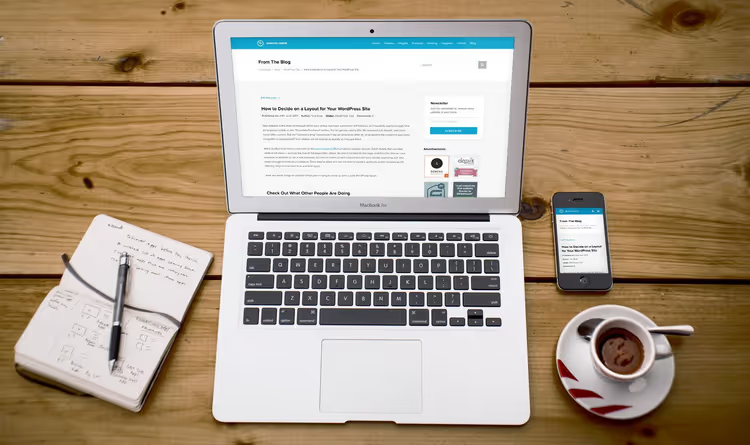
Your own blog is the classic passive income. You invest time once (a post), and traffic and money flow for years. The formula: domain + hosting + WordPress + content solving the reader's problem. Detailed launch breakdown is in our step-by-step guide.
How a blog makes money:
- Affiliate marketing. Register with CPA networks (CJ Affiliate, ShareASale) or product affiliate programs, insert links where they're organic.
- Display advertising. Connect Google AdSense or sell placements directly through BuySellAds. At 10,000+ visitors per month, move to premium exchanges (Mediavine, Raptive).
- Sponsored posts. Brands pay for reviews. Add an "Advertising" page with contacts, requests come in at traffic from several thousand visits per month. Transparent labeling is mandatory.
Niche blogs monetize faster: the audience is already warm, click conversion is higher.
3. WordPress courses

The online education market has crossed the two-hundred-billion mark, and WordPress courses are a stable niche. People pay for structure: assembling scattered knowledge into a step-by-step program, from "installed a theme" to "configured a store."
There are two routes:
- Third-party platform. Udemy lets you upload a course and set a price. Platform commission varies from a few to tens of percent. Barrier to entry is minimal: record 2-3 hours of video, upload.
- Your own site. Full control over pricing. WordPress + membership plugin (MemberPress, Restrict Content Pro) puts materials behind a paywall. More details in the online course creation guide.
Successful niches: WordPress for beginners, WooCommerce, SEO optimization, Gutenberg development. Price tag ranges from tens to a couple hundred dollars.
4. E-commerce and dropshipping

An online store on WordPress is one plugin and one evening of setup. WooCommerce holds around 36% of all e-commerce sites worldwide (BuiltWith) and is completely free. We covered the step-by-step launch in a separate guide on creating an online store with WooCommerce and WordPress.
What to sell:
- Physical products. Niche products with your own margins (handmade, local brands, hobby goods).
- Digital products. Templates, checklists, photo licenses, Lightroom presets. Zero marginal cost per copy and automatic delivery.
- Dropshipping. WooCommerce + AliExpress plugin (DSers) makes launching a weekend matter. Details in our material on dropshipping business with WordPress.
Key advantage of WooCommerce over SaaS builders: you own the data and pay no commission on turnover (only to the payment gateway).
5. Blog setup service

Not everyone wants to deal with hosting, domains, and theme installation. Thousands of people are ready to pay for a turnkey blog launch, as long as they don't have to dig into DNS and phpMyAdmin.
Entry-level service: WordPress installation on client's hosting, theme upload, adding 3-5 essential plugins (SEO, caching, security, backup), basic page setup. This fetches from one hundred to several hundred dollars.
To increase average ticket, work with package tiers:
- Basic (installation + theme + plugins).
- Standard (+ SEO plugin setup, breadcrumbs, contact form).
- Premium (+ homepage design tailored to client tasks, analytics, speed optimization).
Where to get clients: your own blog with case studies, forums, local entrepreneur groups. If you target a narrow segment ("blog setup for fitness trainers"), competition drops dramatically, and pricing rises. Good starting move: do free launches for 2-3 blogs in exchange for a review and portfolio case.
6. Website maintenance

One-time site launch is half the job. Then routine begins: core, plugin, and theme updates, backups, security monitoring, database cleanup. Most site owners don't do this until something breaks.
A monthly maintenance package includes core and plugin updates (with preliminary backup), regular backups, uptime monitoring, spam cleanup, and a monthly report. For automation, MainWP or ManageWP fit (free for unlimited sites): update dozens of sites from one panel. Scales by hiring an assistant.
7. SEO and marketing services

WordPress is search-engine friendly out of the box, but making top 10 requires manual work. Site owners pay those who know how to move positions.
Service set for getting started:
- Technical SEO audit. Load speed (Core Web Vitals), broken links, page duplicates, mobile version. Tools: Google Search Console, Screaming Frog, PageSpeed Insights.
- On-page optimization. Title, description, headings, alt texts, internal linking, schema markup (Rank Math / Yoast SEO).
- Local SEO. Google Business Profile, NAP consistency, local keywords.
Average ticket for a WordPress SEO specialist ranges from several hundred dollars for an audit and regular monthly retainer for support. The topic is covered more deeply in our WordPress SEO optimization guide.
8. Security consulting and solutions

WordPress sites are target number one for bots simply due to market share. Thousands of brute-force attempts are recorded daily, and vulnerabilities in unpatched plugins are exploited within 48 hours of CVE publication.
As a service, WordPress security includes: firewall setup (Wordfence / Solid Security), two-factor authentication, automatic backups, plugin vulnerability audit, HTTPS migration. Incident response costs multiples more than prevention, so clients order audits and security setup preemptively.
9. WordPress plugin development
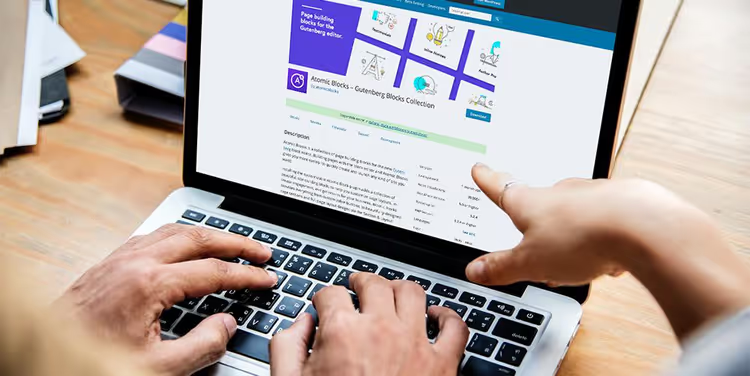
The highest barrier to entry and the highest earning ceiling. If you know PHP and understand WordPress hooks, you face a market of tens of thousands of active installations ready to pay for premium functionality.
Three business models:
- Custom freelance development. Client needs specific functionality. Orders through Upwork, Codeable, WordPress Jobs.
- Freemium plugin on WordPress.org. Free version attracts installations, some users upgrade to paid tier.
- Your own store. Selling plugin through your site + affiliate program. No third-party commissions, but marketing is on you.
Niche where demand doesn't drop: WooCommerce integrations with local payment gateways and CIS country delivery services, custom page builder widgets, performance optimization for specific cases.
To start you need: knowledge of WordPress Coding Standards, understanding of WordPress REST API, modern PHP, and at least one published (even free) plugin on wordpress.org, this replaces portfolio.
10. WordPress theme development
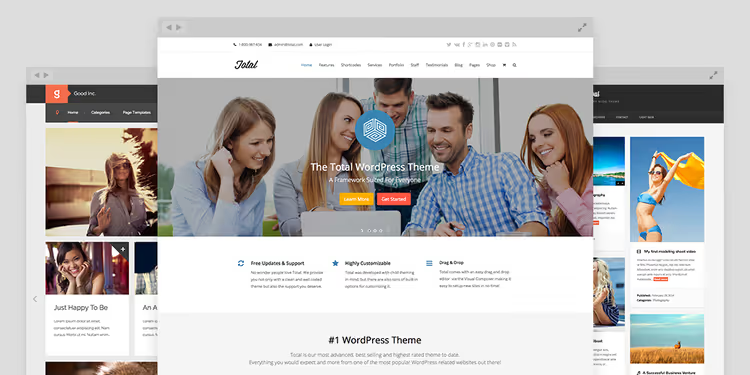
If plugins extend functionality, themes determine appearance. You can sell through ThemeForest (finished product, upload and forget, but high commission), your own store (no commission, marketing on you), or custom development for a client.
2026 dictates Full Site Editing (FSE): theme on block editor with theme.json is valued higher than classic. For beginners, master child themes as first service: low ticket, minimal risk, case accumulation.
11. Theme customization
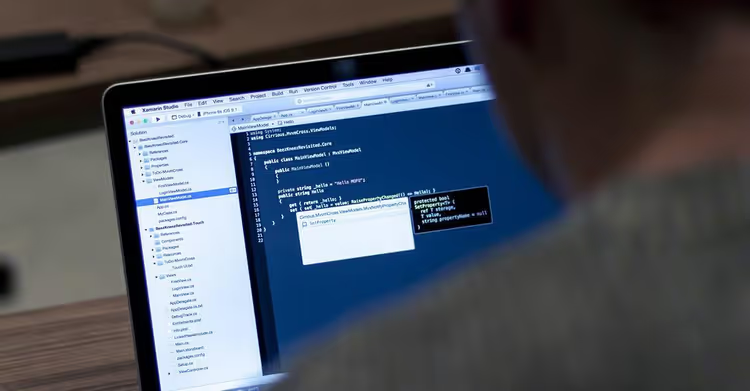
Between developing a theme from scratch and simple template selection is the golden mean. Client bought a theme, but it "doesn't look like the demo." Need to adjust colors to brand, build homepage, tweak fonts, add widgets.
Theme customization is a service with excellent effort-to-ticket ratio. In most cases, CSS knowledge, basic PHP (for functions.php), and ability to read specific theme documentation are enough.
Typical tasks: branding (logo, colors, fonts), homepage layout per demo content, WooCommerce template tweaking, mobile version adaptation, custom post types.
Price tag ranges from one hundred to several hundred dollars per project with 1-2 day time investment. Works well in local business niche: restaurants and barbershops need a site "like competitor's but in our colors."
12. WordPress design services

The boundary between "theme customizer" and "WordPress designer" runs along depth of elaboration. Customizer takes ready theme and customizes it. Designer starts with Figma and creates visual concept, then implements through page builder (Elementor, Bricks Builder) or FSE blocks.
In-demand formats: redesign of outdated sites, landing page for product, brand package + site (flagship product with ticket from fifteen hundred). Toolkit: Elementor Pro or Gutenberg + Kadence blocks, plus Figma (free).
Tip for starting: do free redesign for 2-3 local businesses in exchange for case, mandatory with "before/after" format.
⁉️🤔 Frequently asked questions
How much do people realistically earn from WordPress in 2026?
The range is enormous, from tens of dollars for first article to thousands per month for developers with established client base. Key factor is niche and consistency. Freelance writer in SaaS with 3 regular clients makes several thousand stably. More important is choosing 1-2 directions and not spreading yourself thin.
Do you need to know how to program to earn from WordPress?
No. Six of twelve methods (writing, blogging, courses, blog setup, maintenance, SEO) require no line of code. For theme customization and design, CSS and page builders suffice. PHP and JavaScript are mandatory only at plugin and theme development from scratch level.
Where to start right today if experience is zero?
Launch a blog on cheap hosting. Write 3 articles for portfolio. Register on Upwork. Respond to 5-10 "entry level" vacancies. First order is more important than month of theory, after it comes review and process understanding.
Which method gives fastest result?
Blog setup, first money in 2-4 weeks. Freelance writing, 1-2 weeks to first order. Slowest start is your own blog: first AdSense receipts come in several months. But blog gives most predictable passive income.
Is it mandatory to register sole proprietorship/individual entrepreneur for earning from WordPress?
Depends on jurisdiction. In CIS with regular income from several hundred dollars per month, yes (tax authorities track receipts). For one-off projects many start without registration, but with stable flow self-employment or sole proprietorship pays off with peace of mind.
Which WordPress earning method to choose in 2026
Twelve directions don't mean twelve scattered roads. Combination of two or three related services strengthens each: blog + SEO audit, plugin development + support, design + theme customization.
Main takeaway: WordPress lets you earn not those who "wait for passive income," but those who chose direction and methodically do first 10-20 projects. After this, word of mouth and portfolio work themselves.
If just looking around, start with your own blog. It's both training ground and showcase and asset. And when blog gets on its feet, come back to the list for second specialization.

A professional team of writers and editors specializing in creating quality content.